


Access rights setup wizard for Creatio
Overview
Product overview
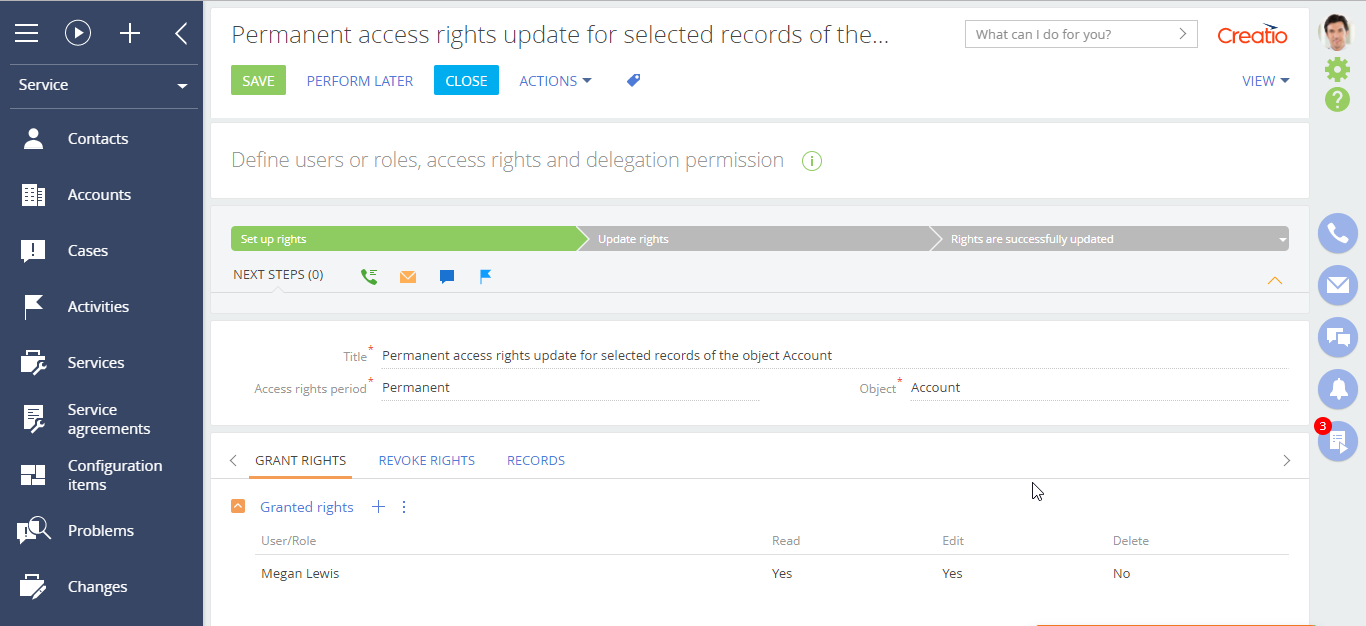
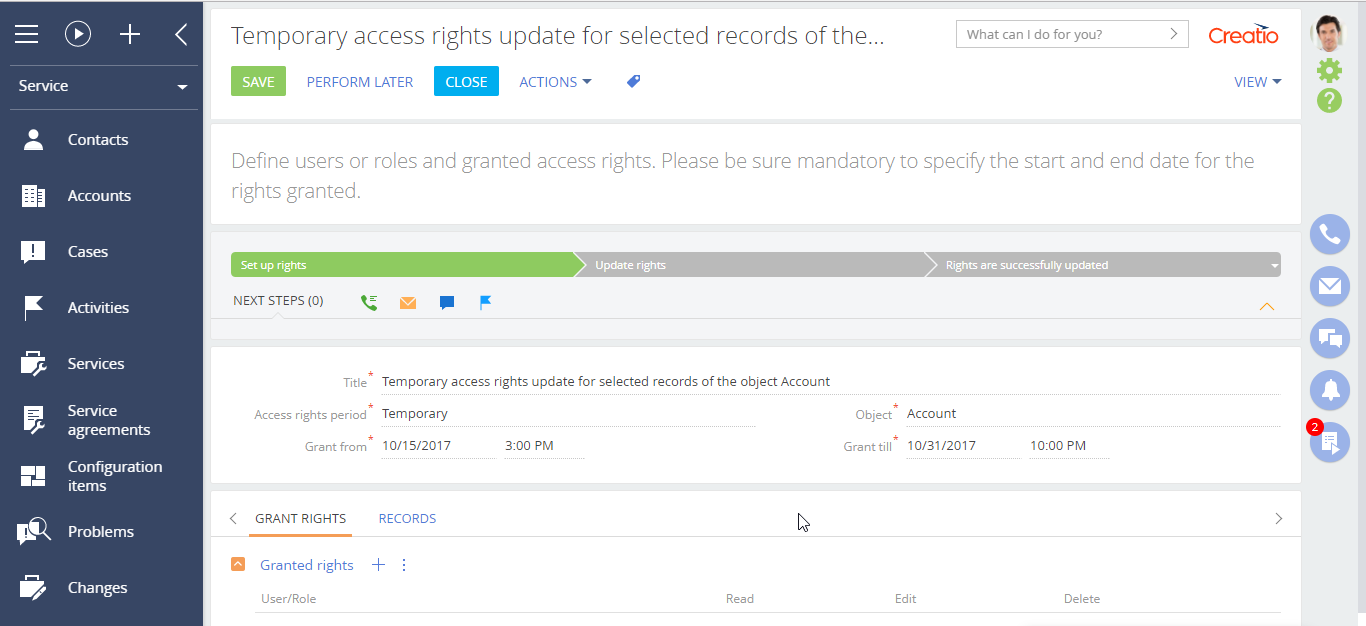
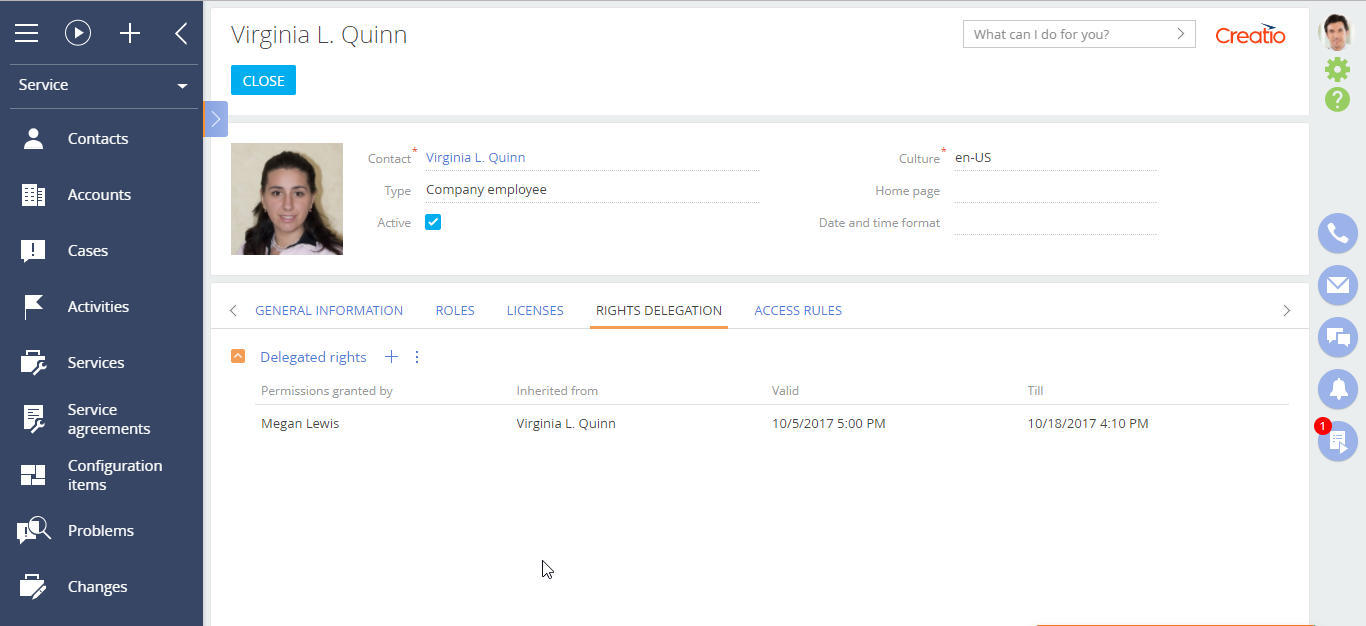
Access rights setup wizard for Creatio simplifies routine operations of access rights granting, changing, delegating.
Use cases:
The add-on will be useful for companies that change access rights to various entries in the system quite often and need a good tool for quick and easy modification.
Key Features
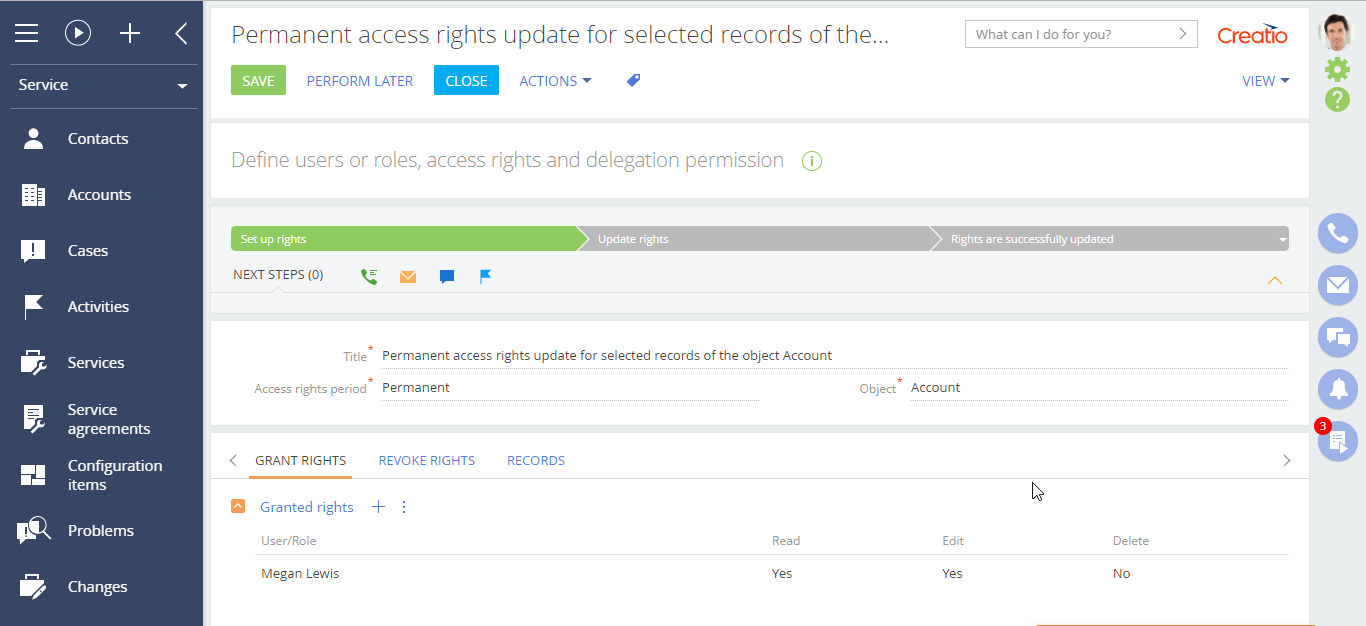
Bulk rights updates for records
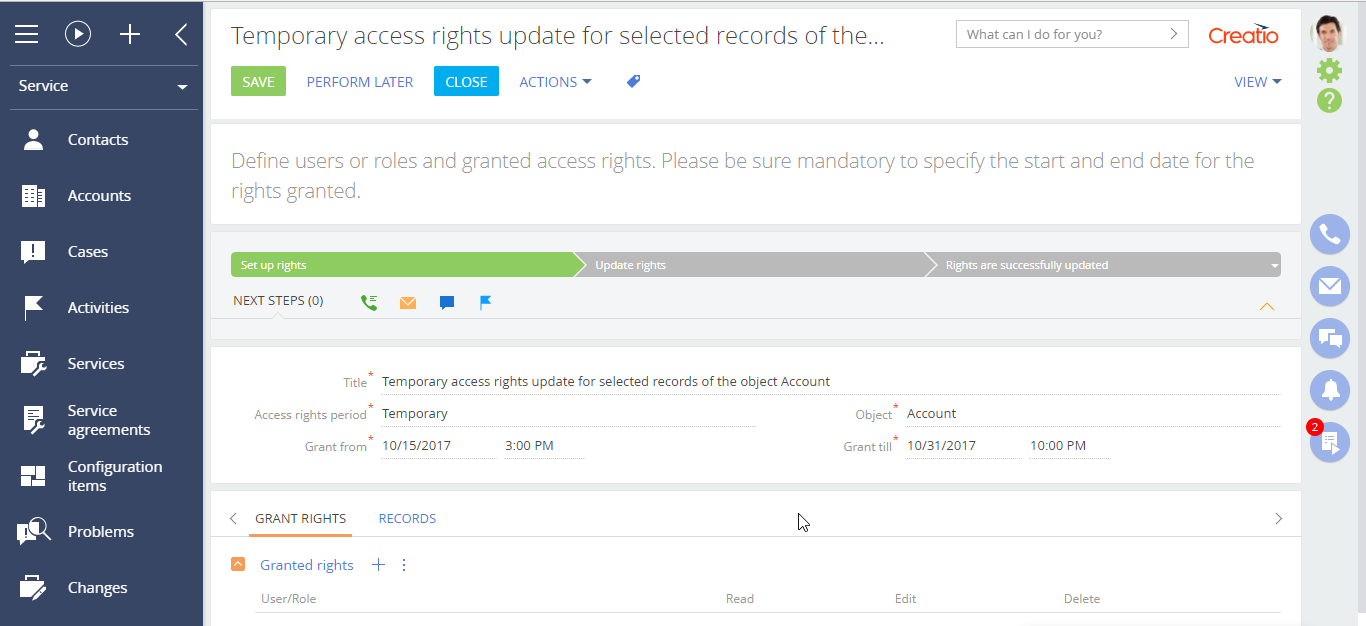
Temporary access grants for records
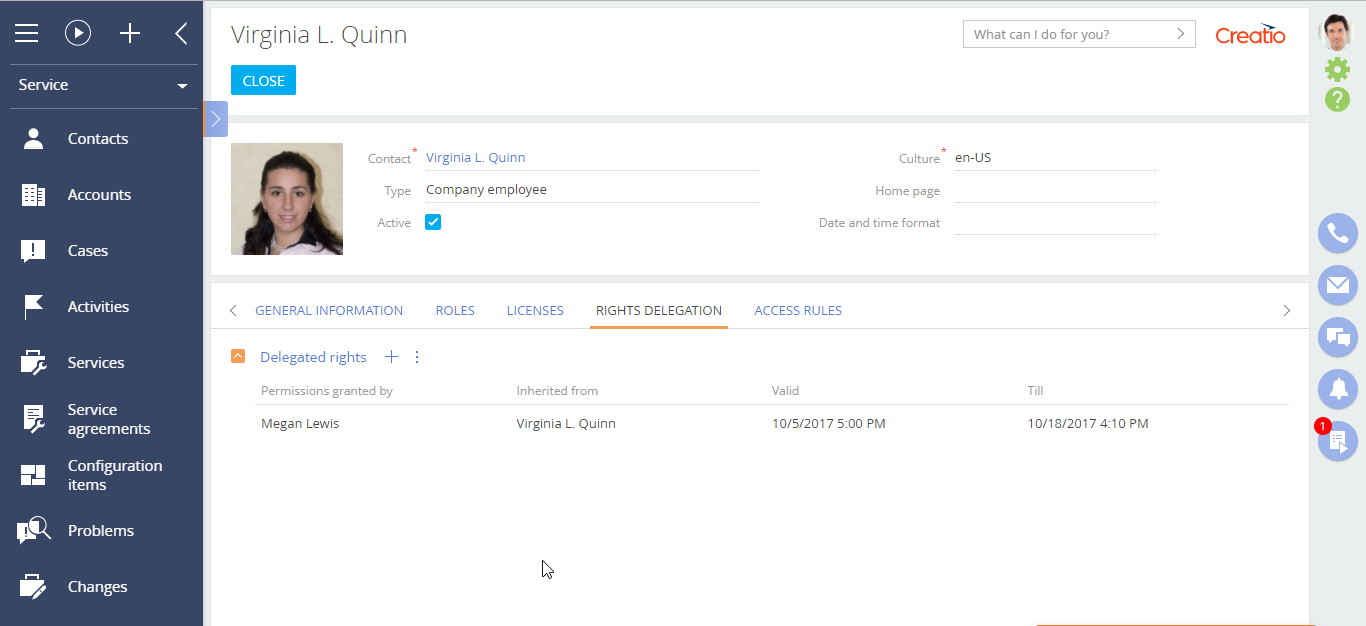
Temporary rights delegation between users
Pricing
Terms and Conditions
Support
Thank you for choosing to use our Marketplace app. We appreciate your interest and want to provide you with important information about our support policy.
Please note that this app is provided "AS-IS" without any warranties, and at this time, we do not offer official support service level agreements (SLAs). While we are committed to improving the app and providing assistance when possible, we may not be able to provide dedicated support for individual users.
We understand that this may be disappointing, and we apologize for any inconvenience this may cause. We encourage you to refer to our documentation and to participate in Creatio Community for assistance.
Thank you for your understanding and for choosing to use our app. We hope that you will continue to enjoy the benefits of the app despite this limitation.
Installation
Resources
Data sharing
- By installing or downloading the App, you confirm that you agree with sharing your account data (name, email, phone, company and country) with the App Developer as their End User.
- The App Developer will process your data under their privacy policy.
Versions
Versions history
Manual app installation
- Open the needed app → the Packages tab - download the Markeplace app files.
- Click in the top right → Application Hub
- Click New application. This opens a window.
- Select Install from file and click Select in the window that opens.
- Click Select file on the page of the Marketplace App Installation Wizard and specify the app file path.