

Adaptive Kanban for Creatio
Create reusable Kanban boards on Creatio Freedom UI with configurable stages, swimlanes, cards, WIP limits, drag-and-drop, list view, search, quick filters, and responsive board-width controls.
Overview

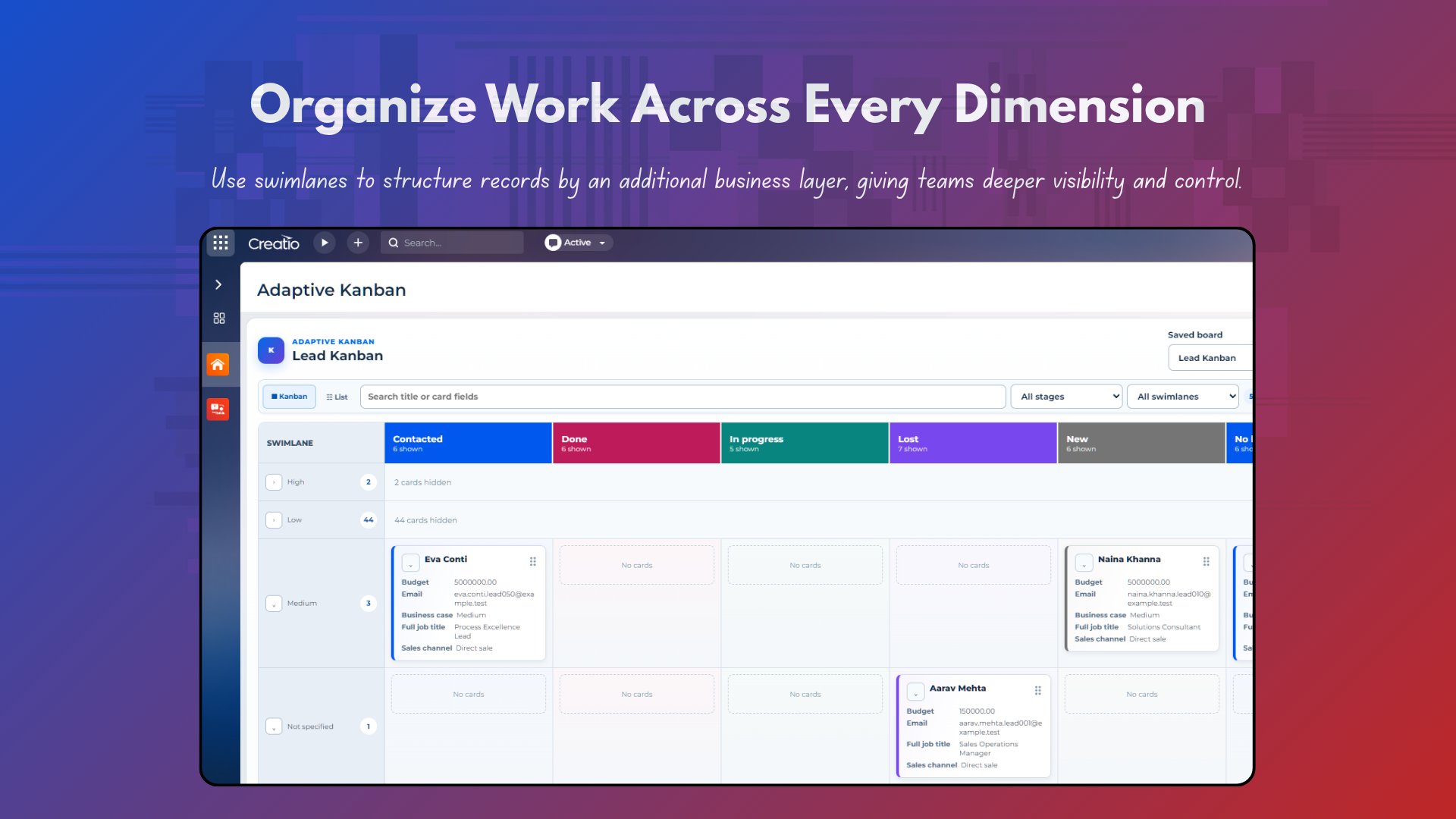
Product overview
Product description
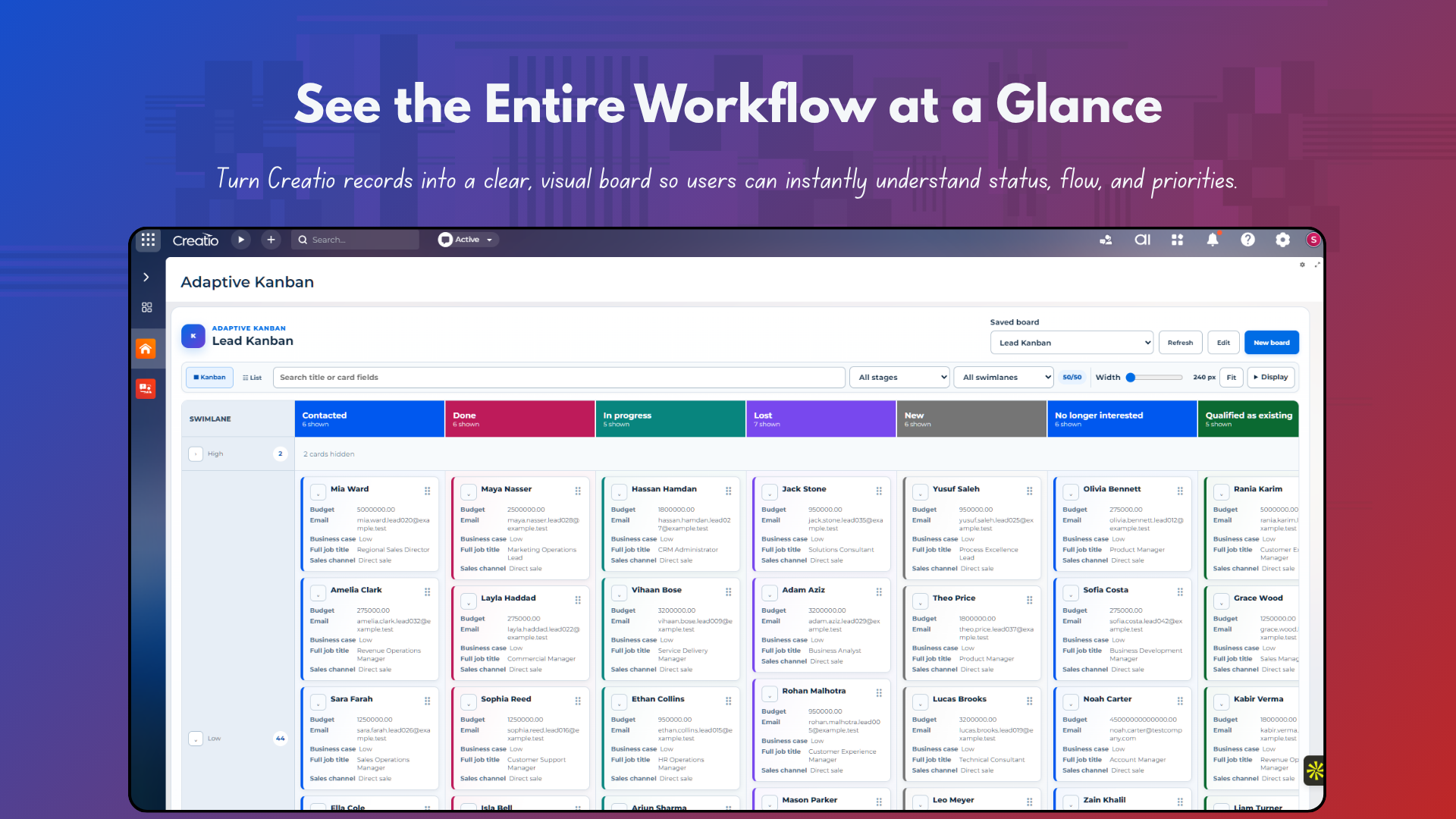
Adaptive Kanban for Creatio adds reusable Kanban boards to Freedom UI pages so teams can organize Creatio records visually and move work through configured stages. It is designed for Creatio administrators and business teams that need flexible, permission-aware boards for standard or custom objects without developing a separate page for every use case.
Key Features
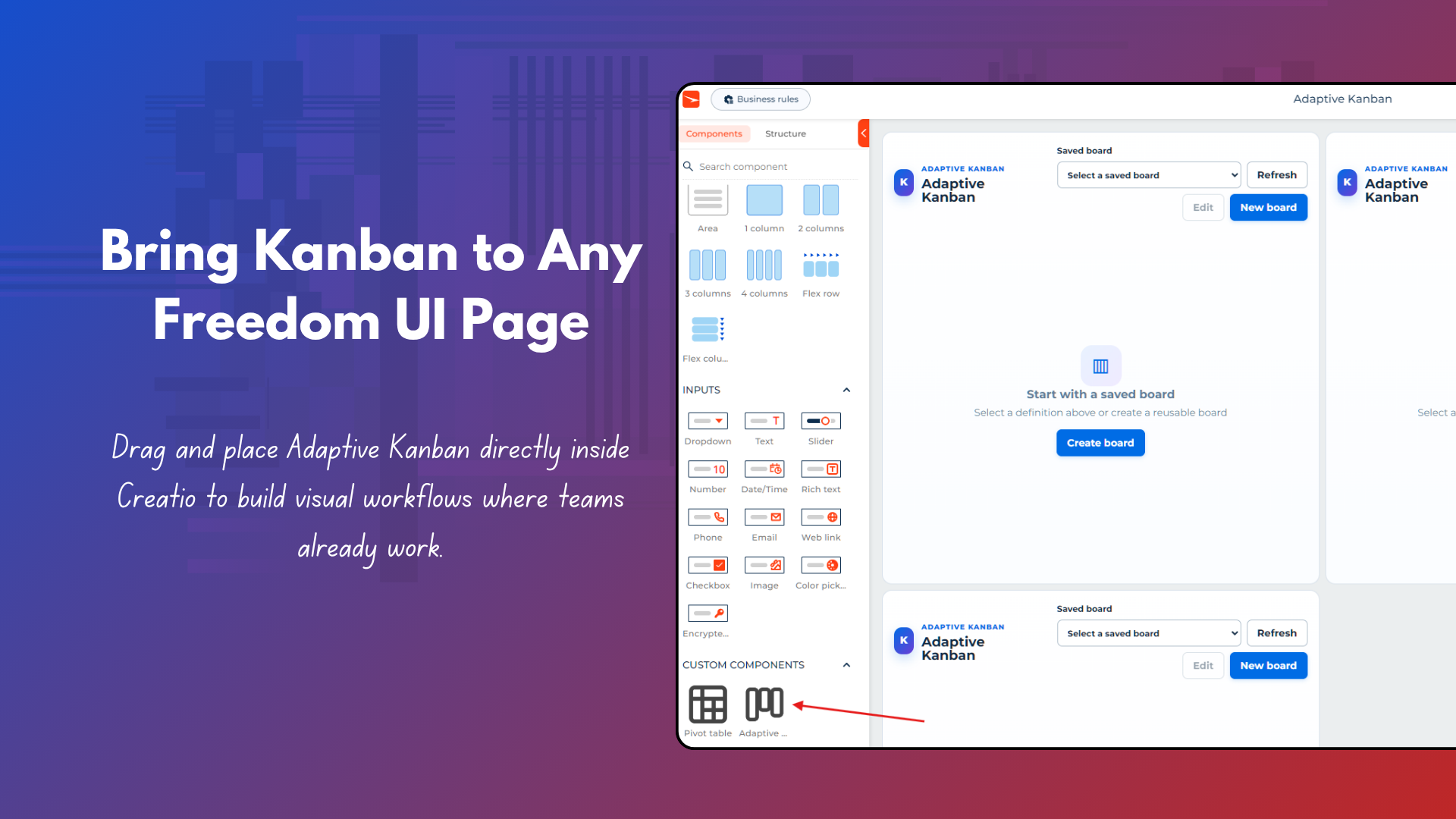
Freedom UI Kanban component
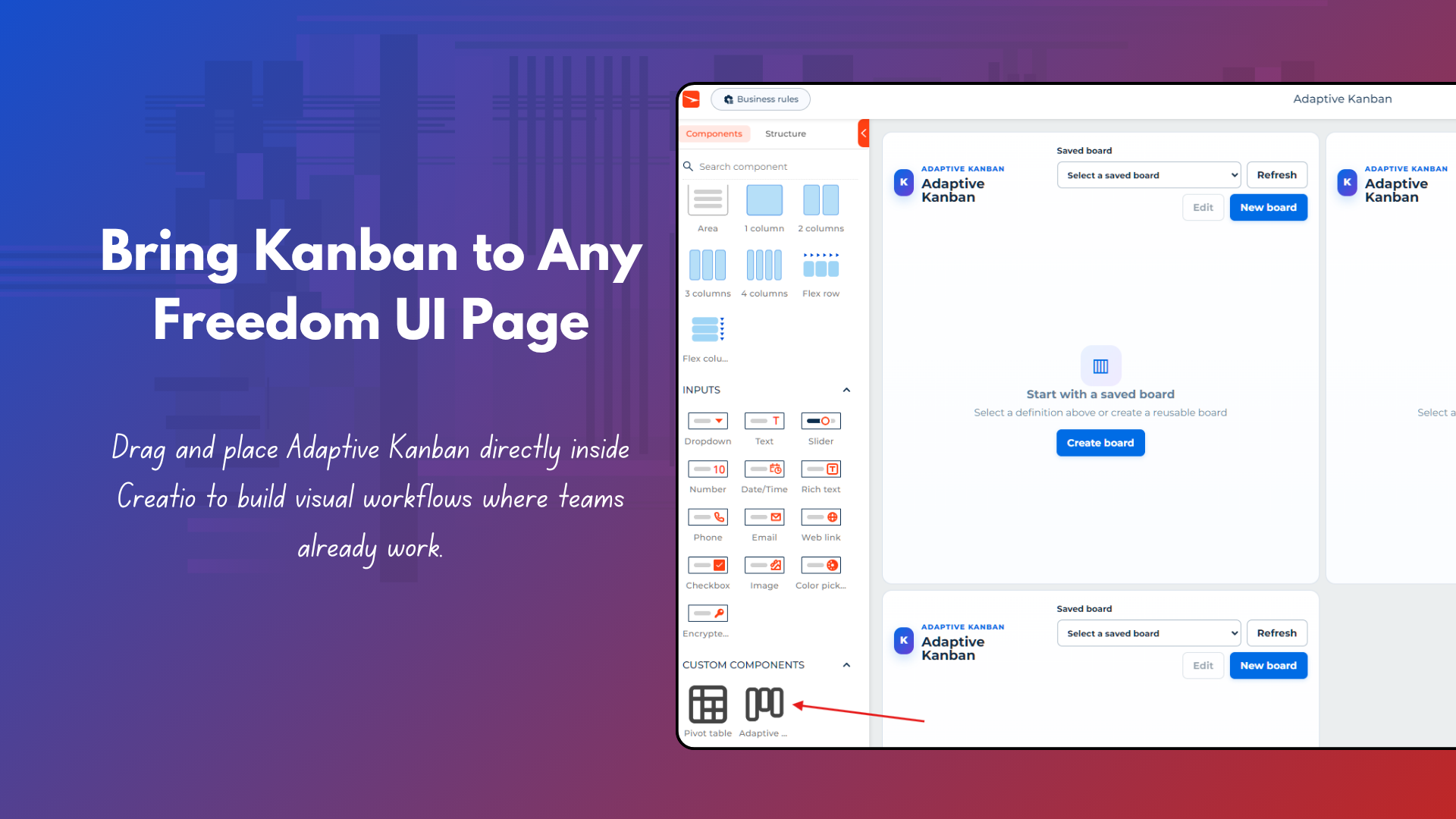
Place Adaptive Kanban from Custom components on a Freedom UI page and use multiple component instances where needed.
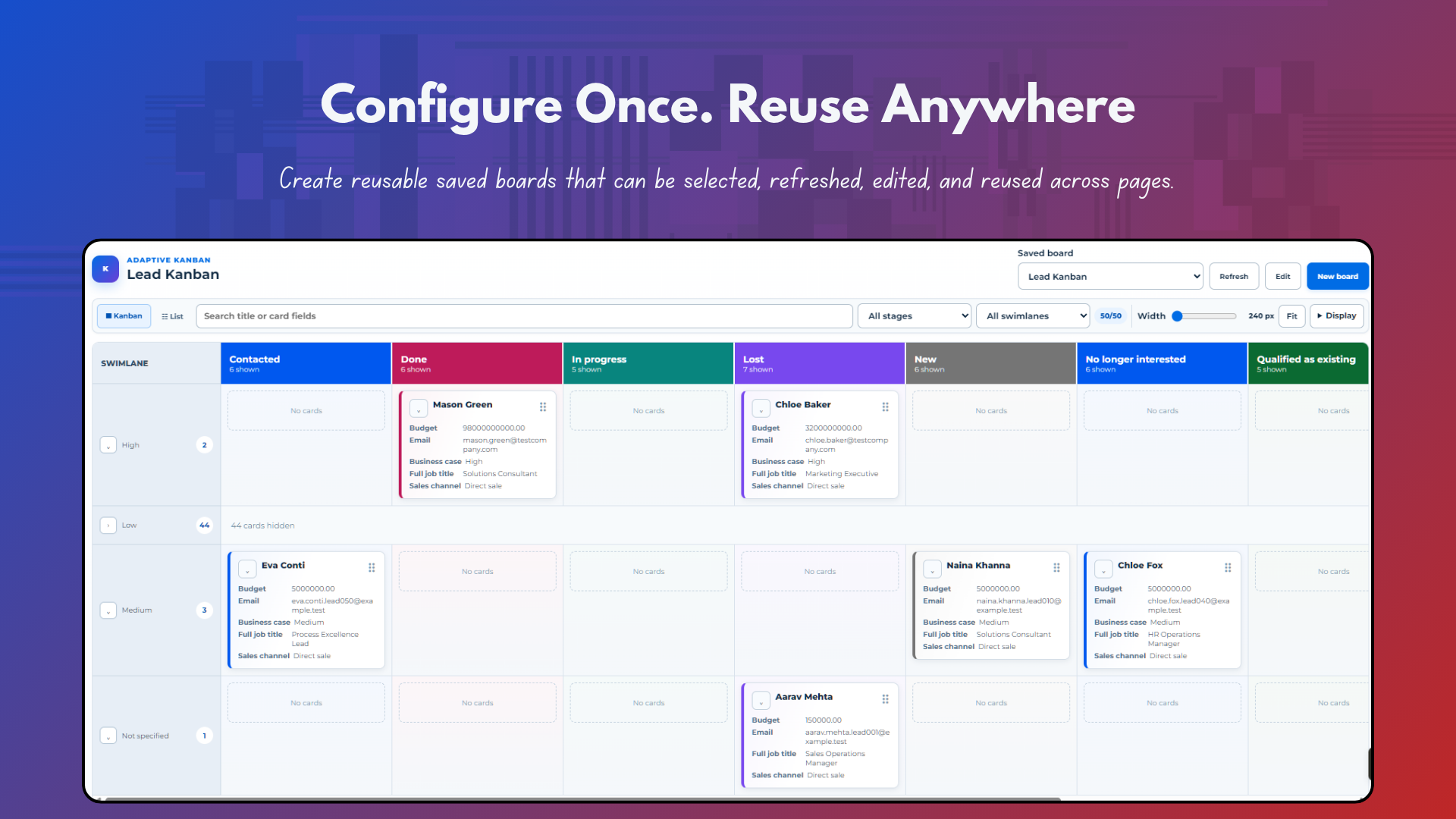
Reusable saved boards
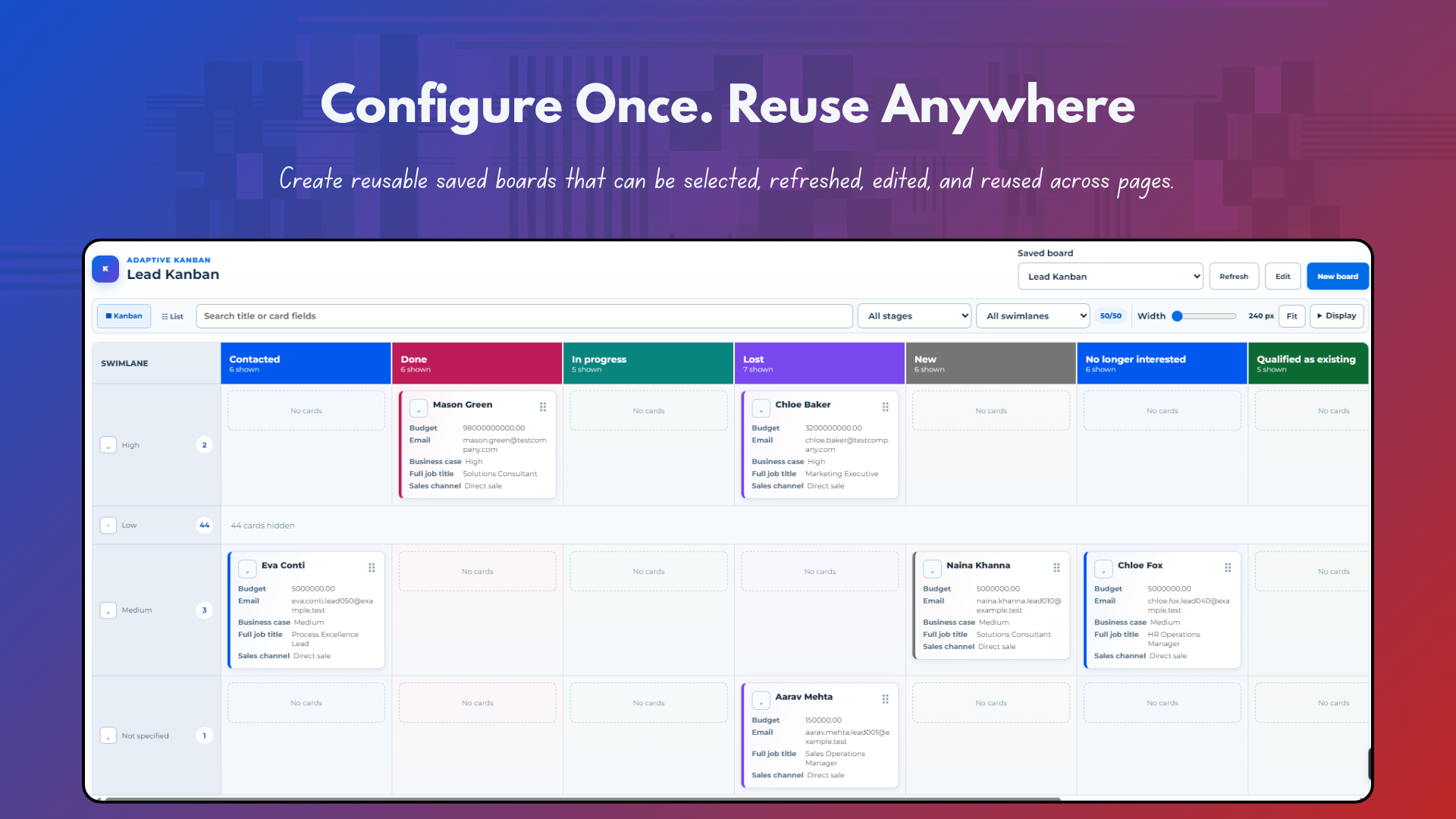
Create board definitions with friendly names, select them from Saved board, refresh them, edit them, and reuse them across page placements.
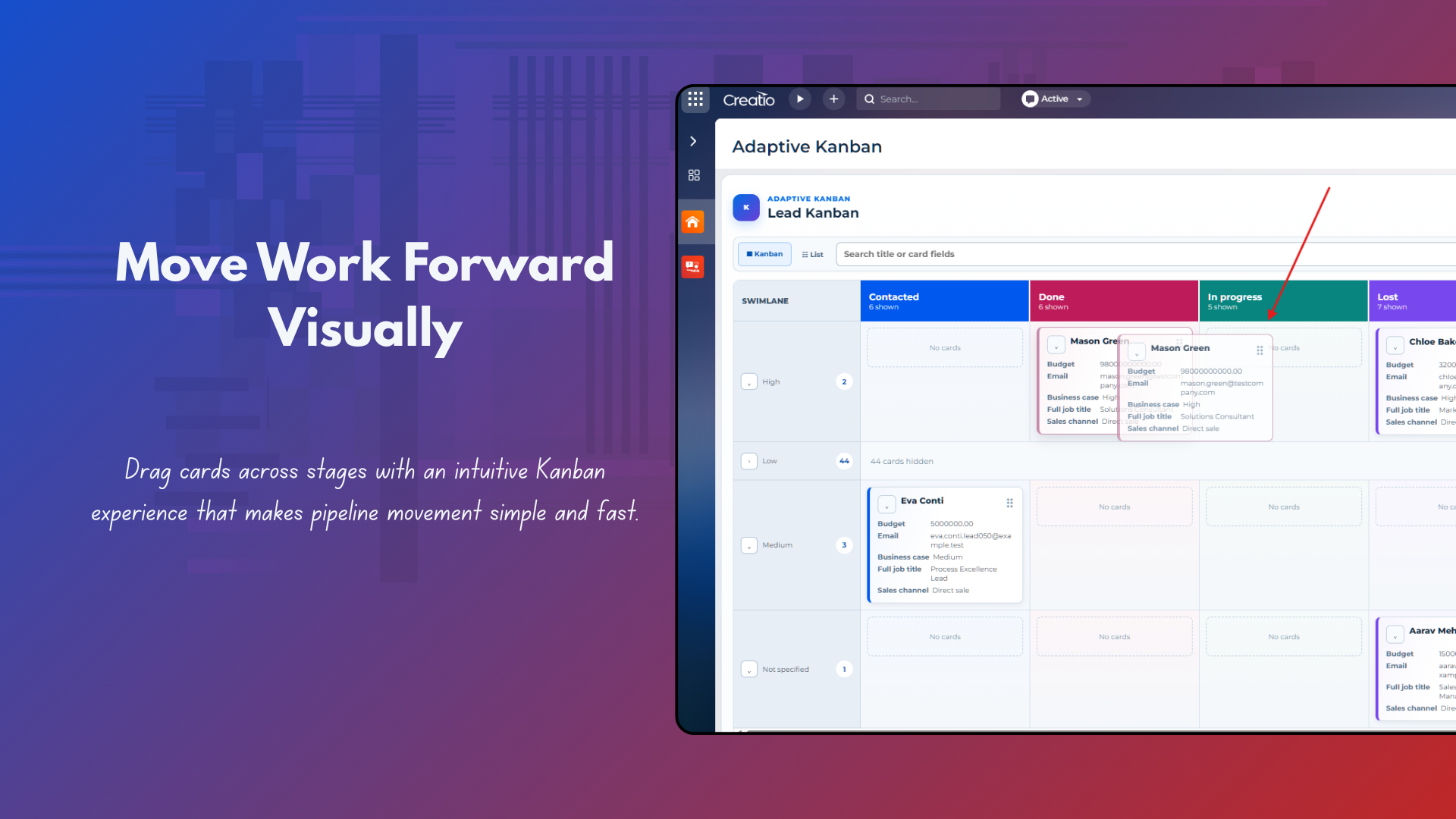
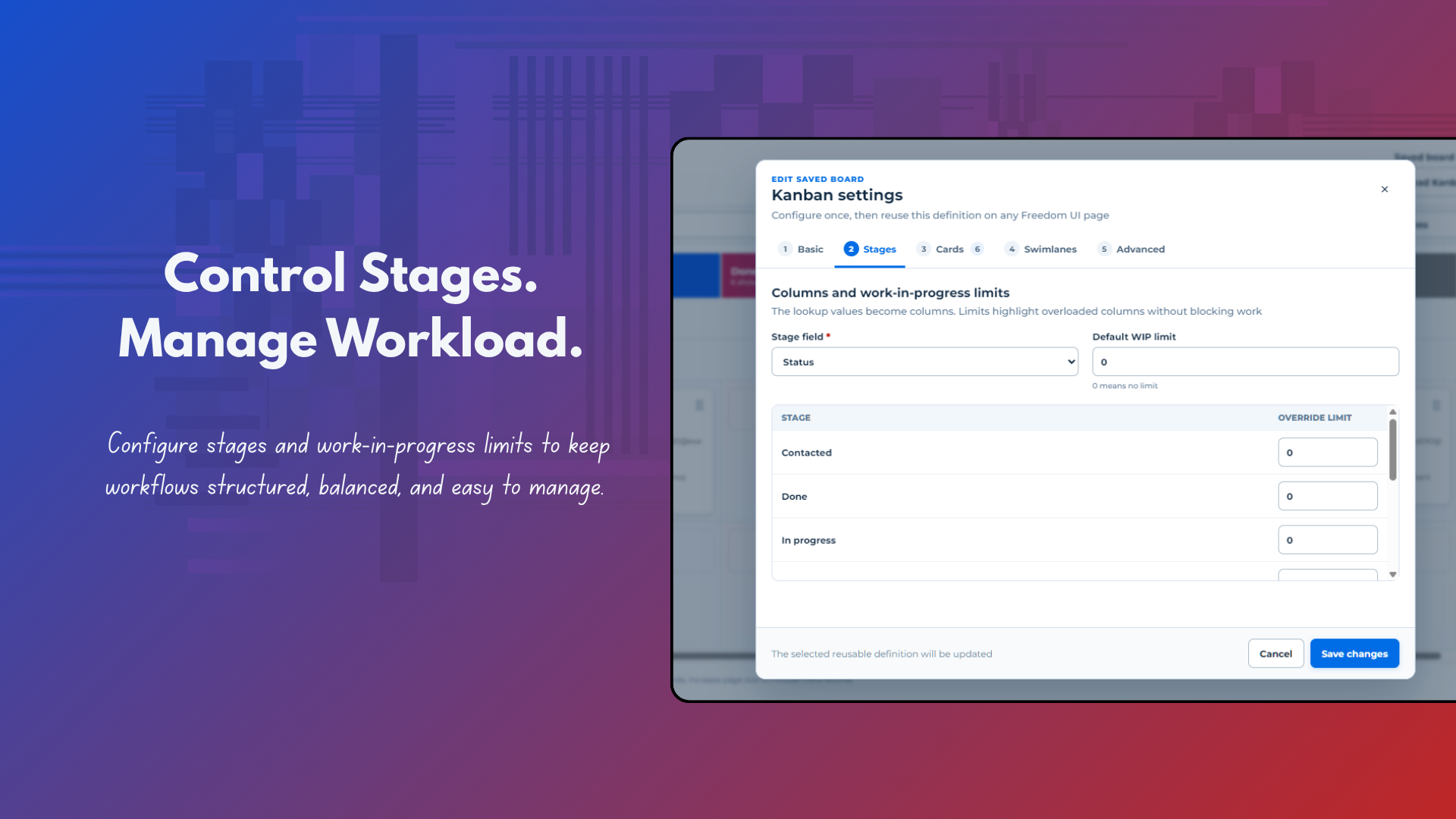
Configurable stages and WIP
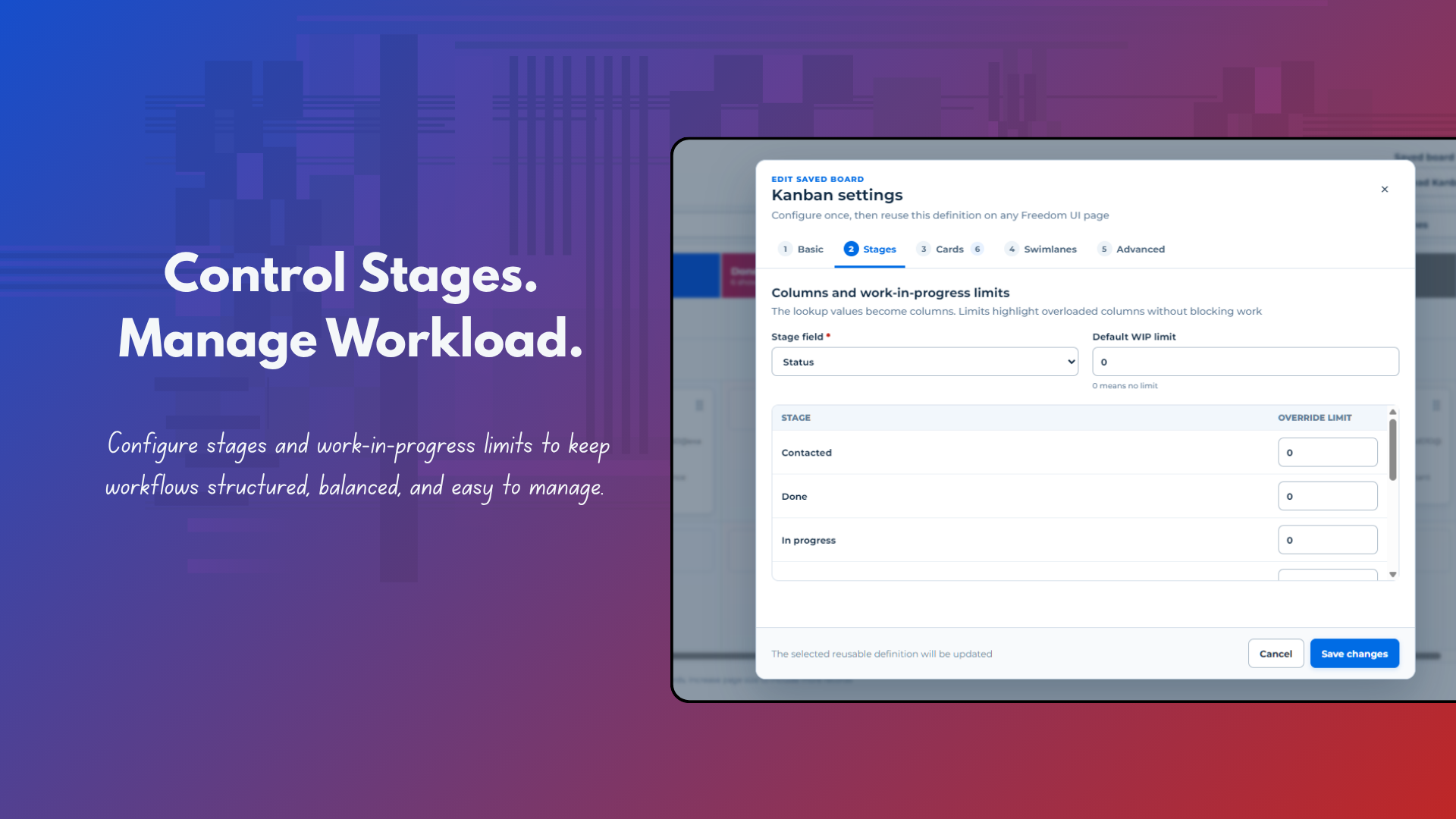
Choose the field that becomes Kanban columns, set a default WIP limit, and override the limit for individual stages.
Configurable card content
Define which record fields are presented on cards so the board exposes the information users need while working in context
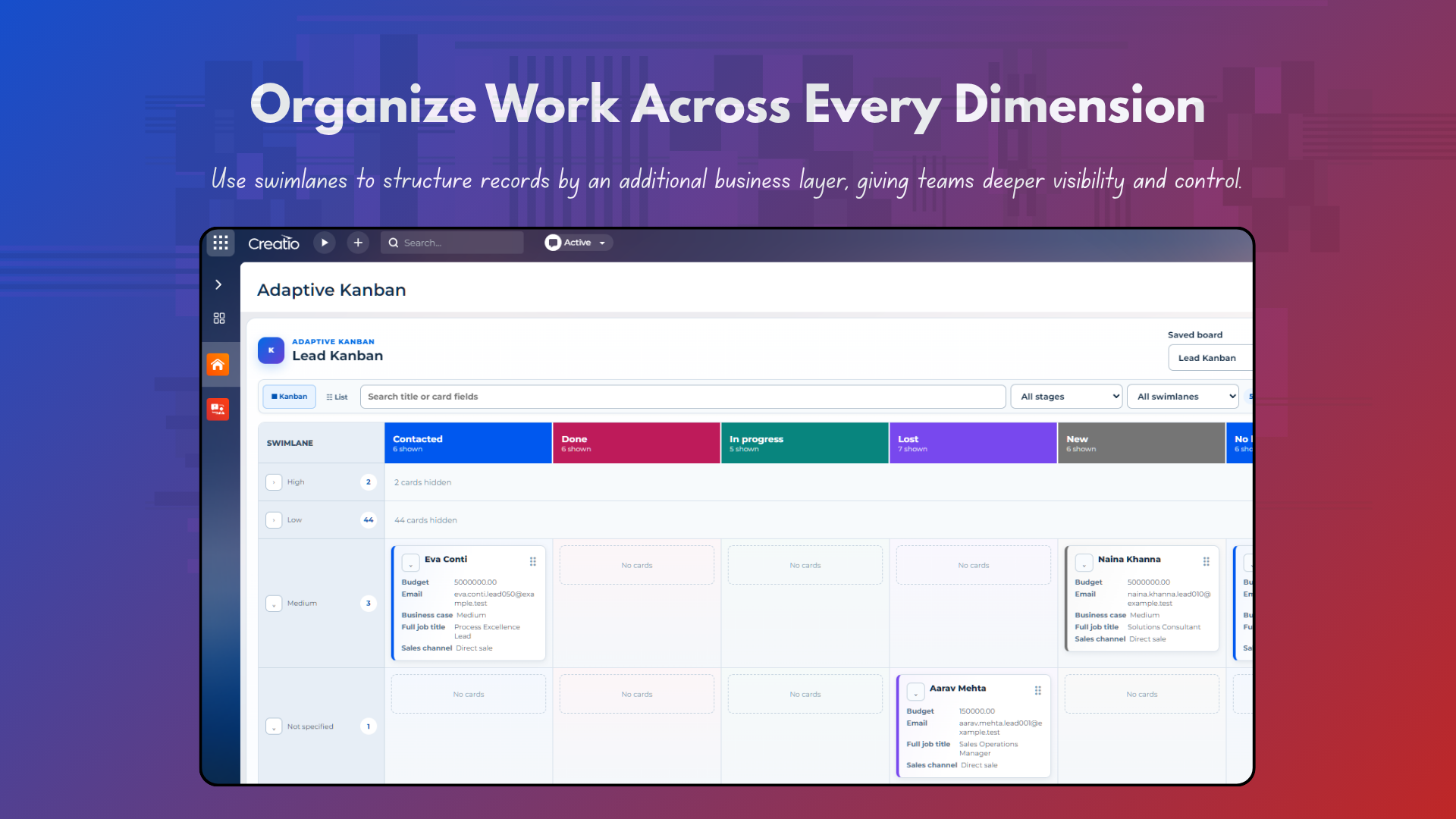
Swimlanes with collapse controls
Group records into swimlanes, collapse or expand groups, and display hidden-card counts when a swimlane is collapsed.
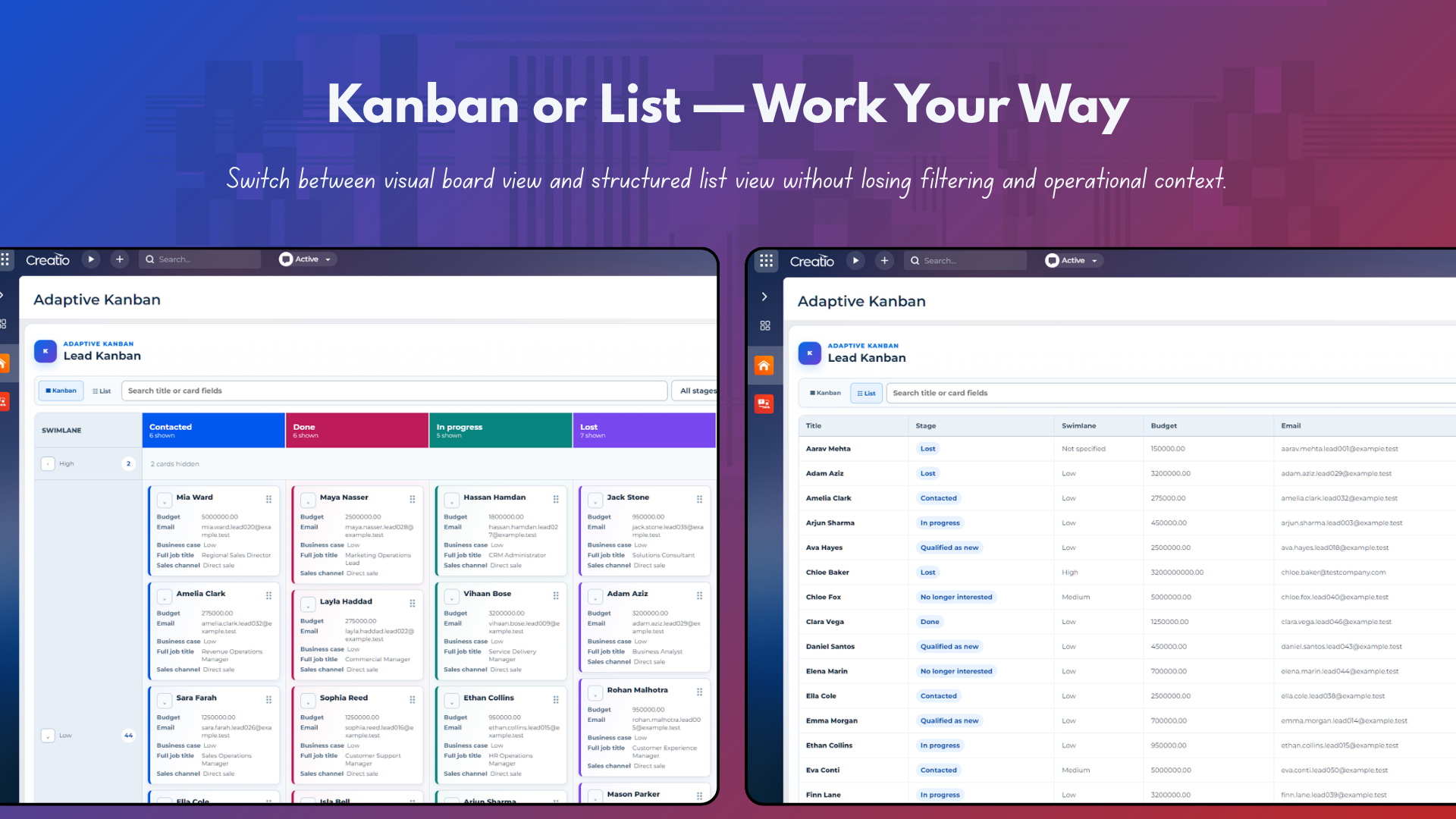
Kanban and List work modes
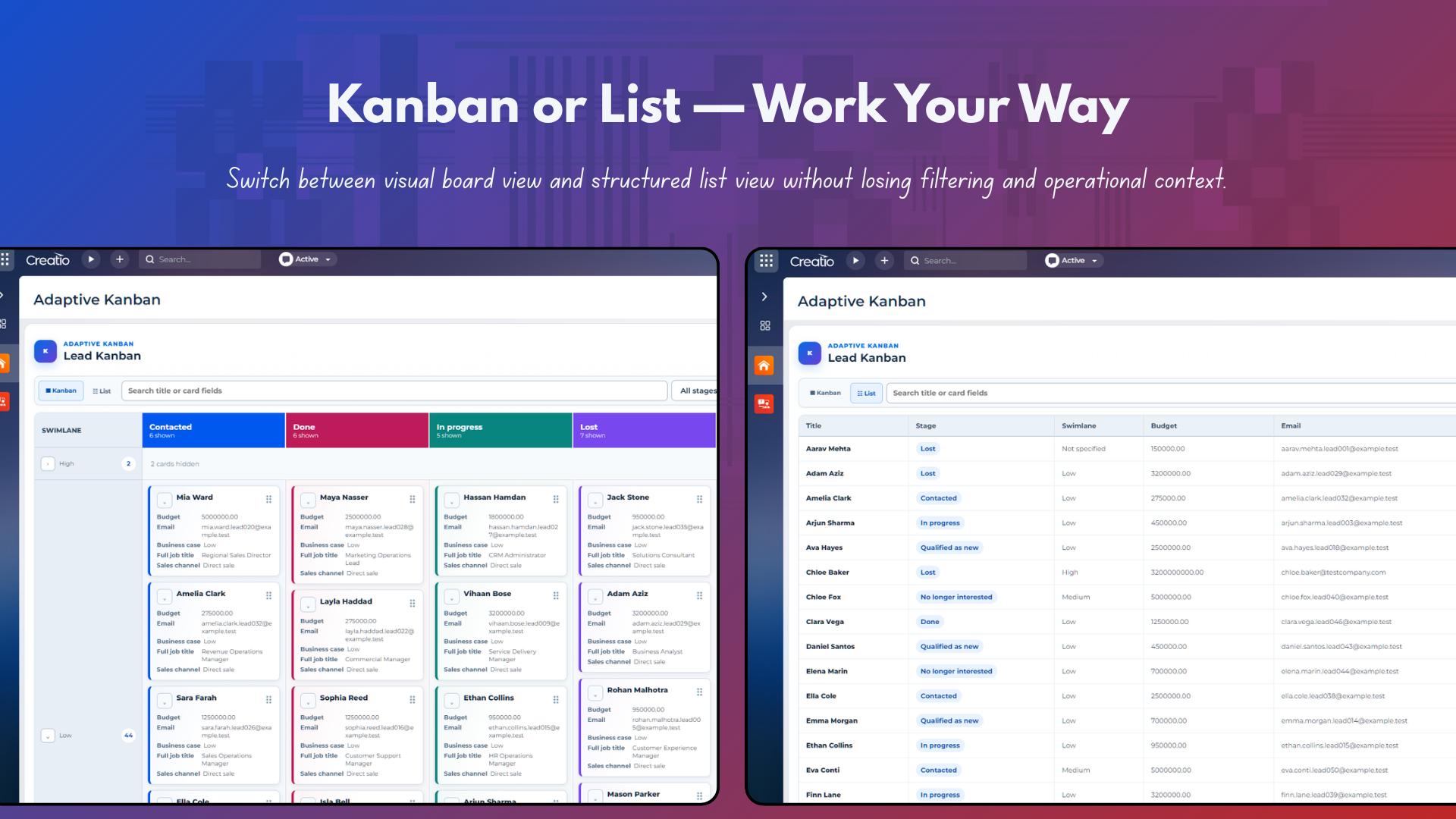
Switch between a visual Kanban board and a tabular List view, while retaining stage/swimlane context and board-level controls.
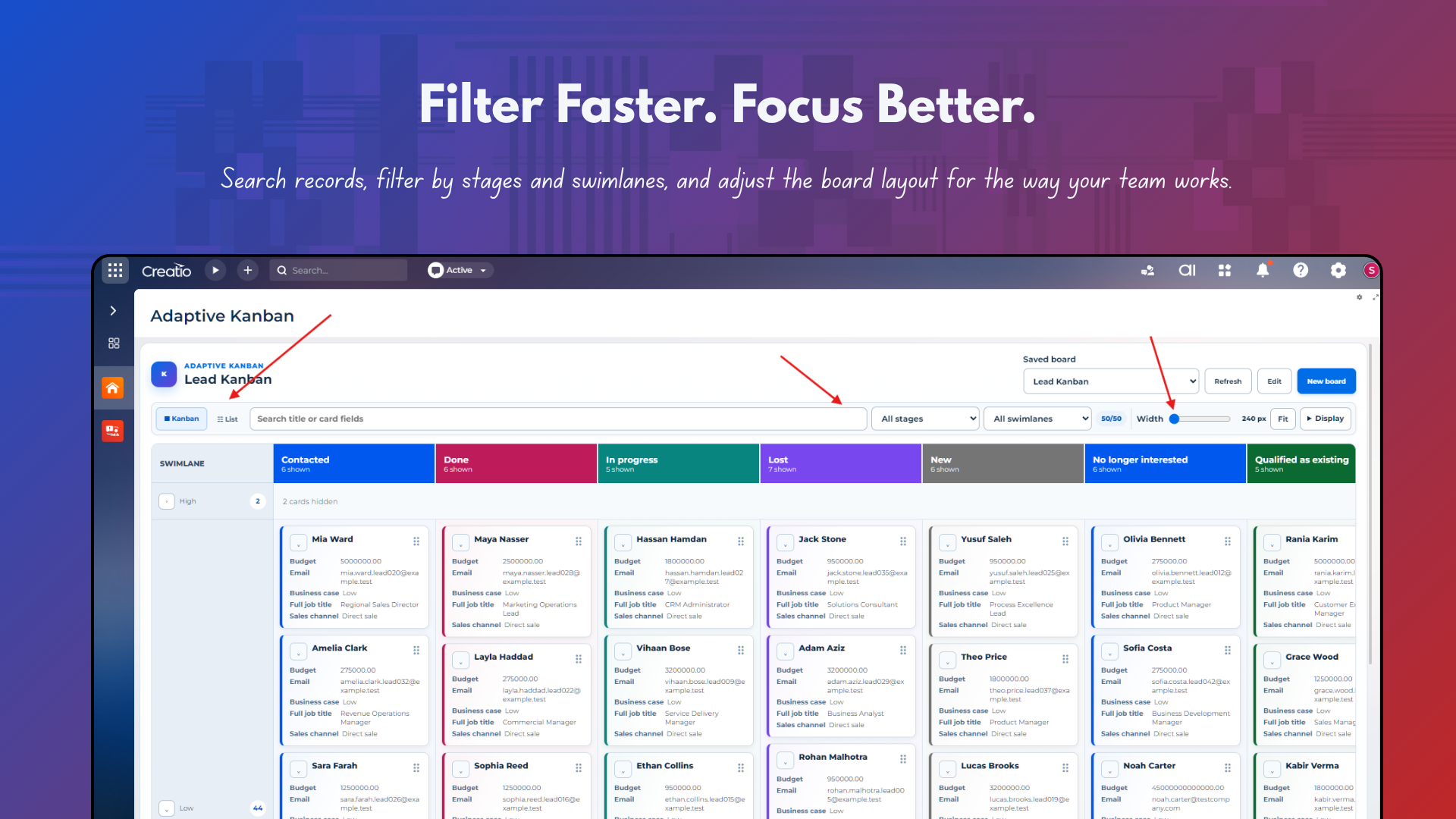
Search, filters, drag&drop, & responsive width
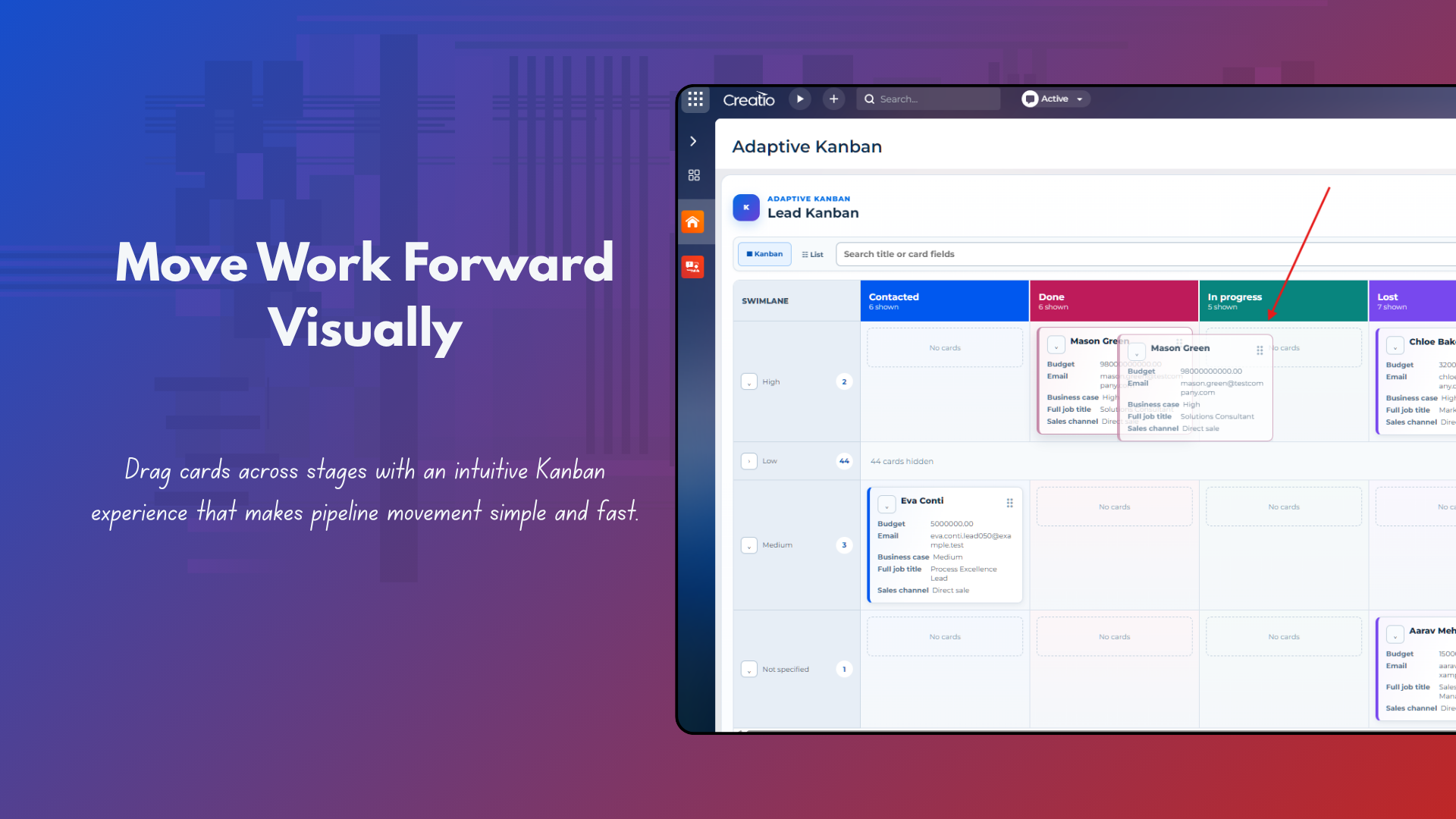
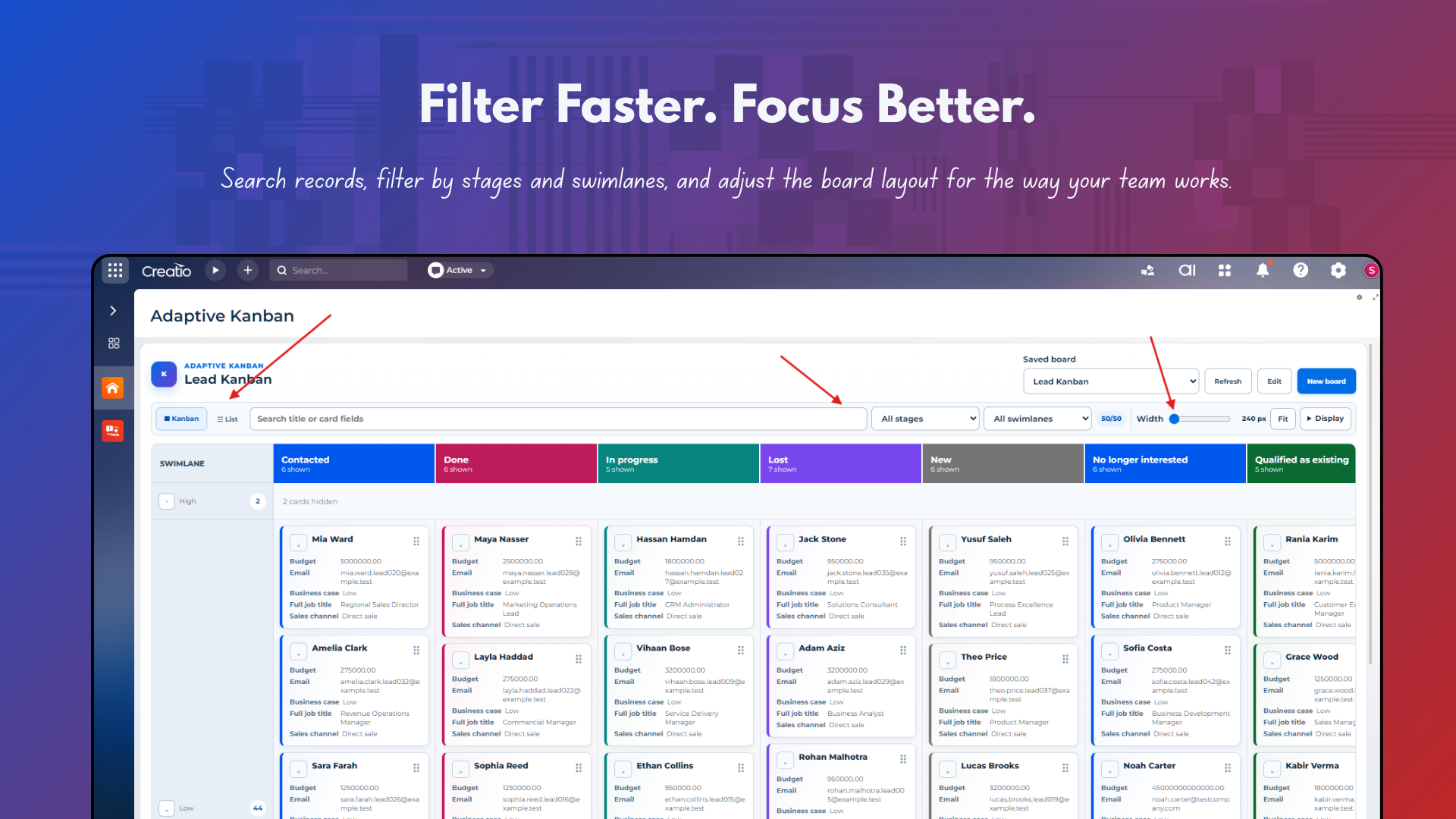
Search loaded card fields, filter by stage or swimlane, adjust column width or fit mode, and move cards between displayed stages with drag-and-drop interaction.
Pricing
Monthly
Annual
Standard
Free
Custom workflow design, data remediation, bespoke card behavior, Creatio customization, and third-party integration work are scoped separately.
Terms and Conditions
By installing this product you agree to terms and conditions outlined in the license agreement.
Support
Support is available for this application
Technical support is available by email. Include the Creatio version, application version, affected page, reproduction steps, and screenshots or browser console output where available.
Installation
Setup guide
Install the application through Creatio Application management and wait for the installation to complete. Open the Adaptive Kanban workplace or add the component to a supported Freedom UI page, then select New board to create a reusable board definition. No manual server restart is required for a normal installation. After upgrading an existing installation, perform a browser hard refresh only if the previous client bundle remains cached. Sign out and back in only if newly installed workplace navigation is not visible because navigation is cached for the current session.
Data sharing
- By installing or downloading the App, you confirm that you agree with sharing your account data (name, email, phone, company and country) with the App Developer as their End User.
- The App Developer will process your data under their privacy policy.
Versions
Versions history
Version
Compatibility
Release date
1.6.1
8.3.4 and up
Release summary
|
Initial Marketplace release of Adaptive Kanban for Creatio introduces reusable saved boards, configurable stage columns and WIP limits, configurable card fields, swimlanes, drag-and-drop Kanban interaction, List view, search and quick filters, board-width/Fit controls, and reusable Freedom UI page placements. |
Manual app installation
- Open the needed app → the Packages tab - download the Markeplace app files.
- Click in the top right → Application Hub
- Click New application. This opens a window.
- Select Install from file and click Select in the window that opens.
- Click Select file on the page of the Marketplace App Installation Wizard and specify the app file path.