


Apollo.io connector for Creatio
Overview

Product overview
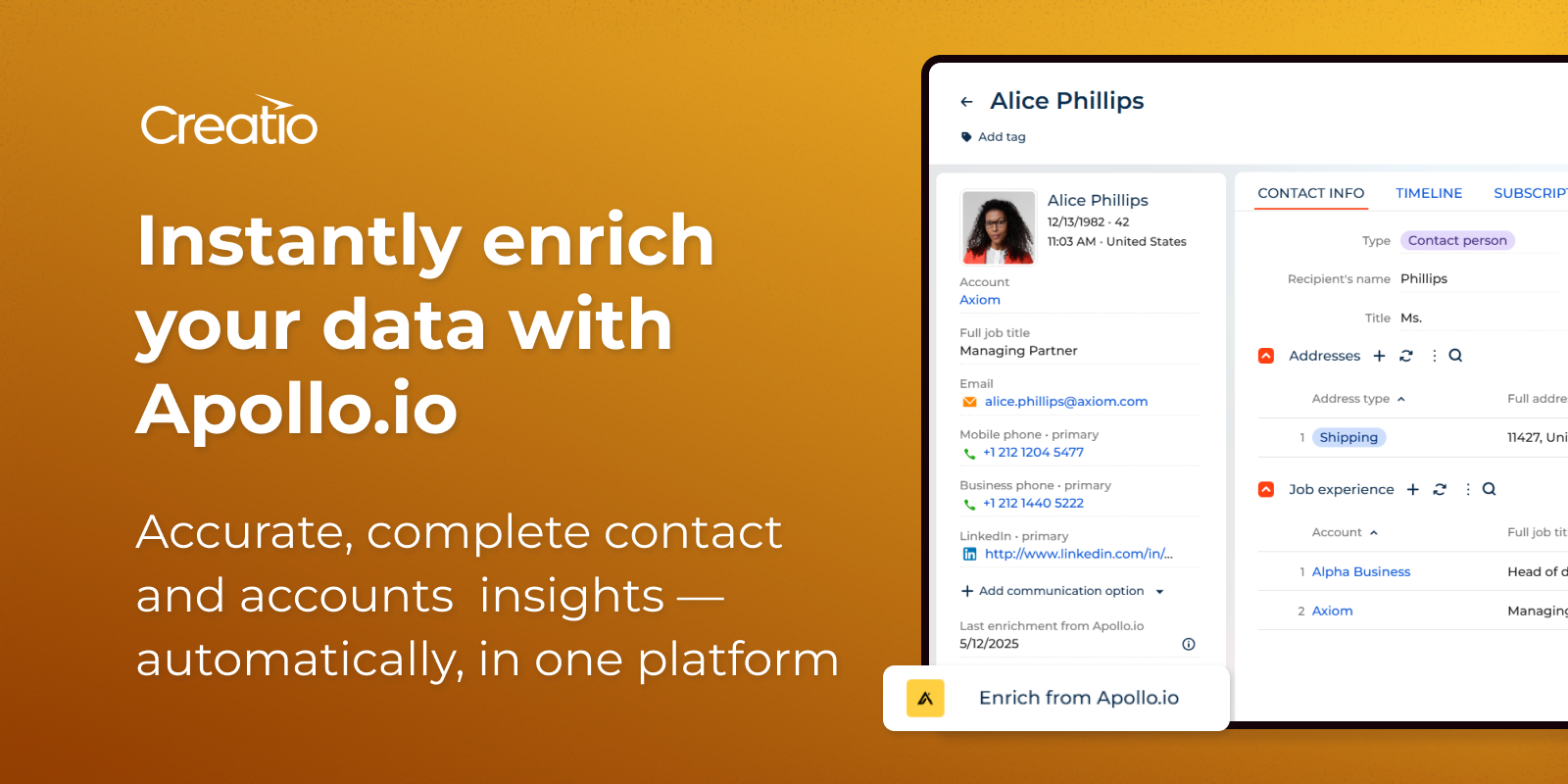
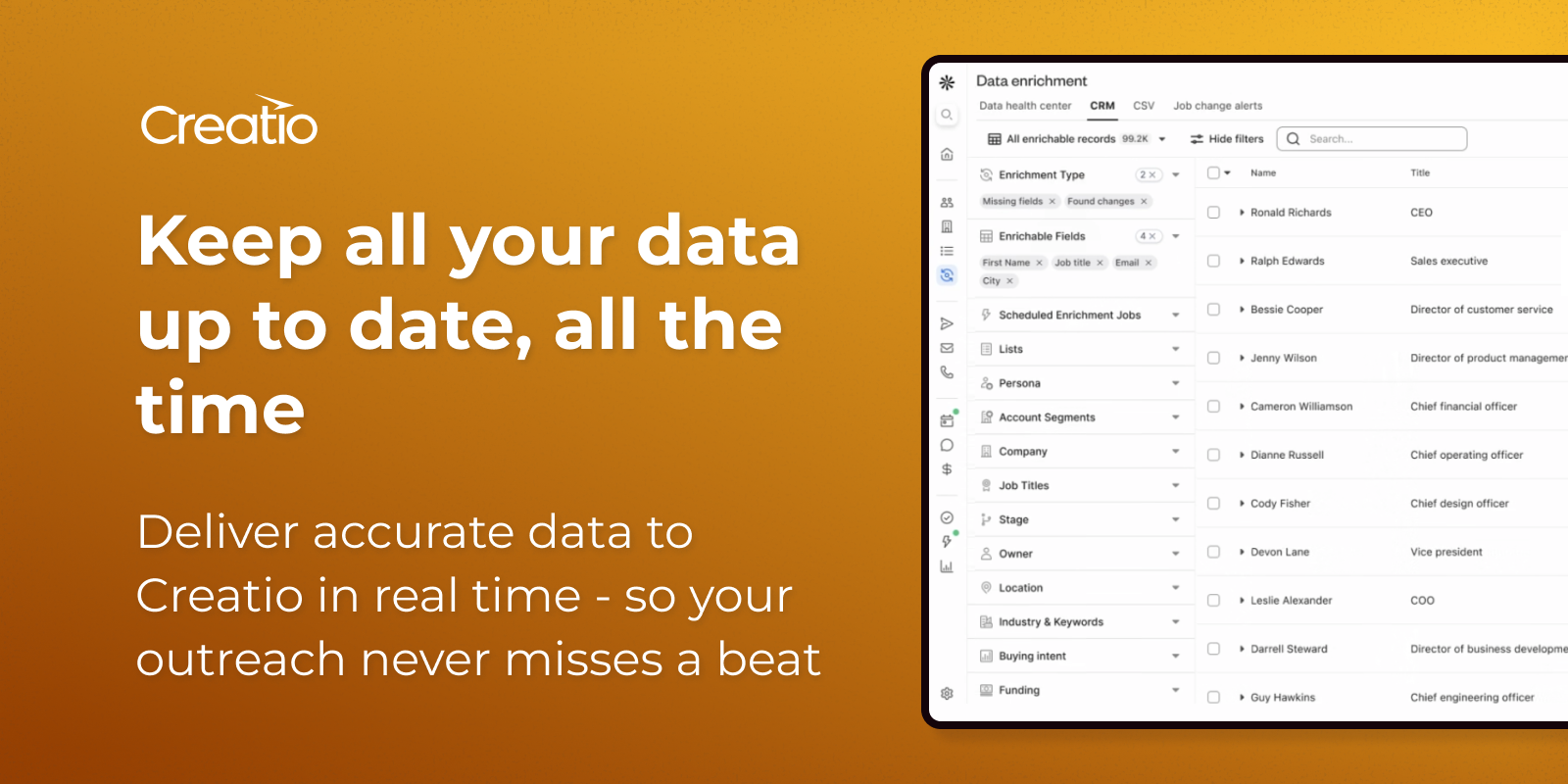
Apollo.io connector for Creatio ensures the accuracy, completeness, and consistency of your contact and account records, enabling you to better understand your customers.
Use cases:
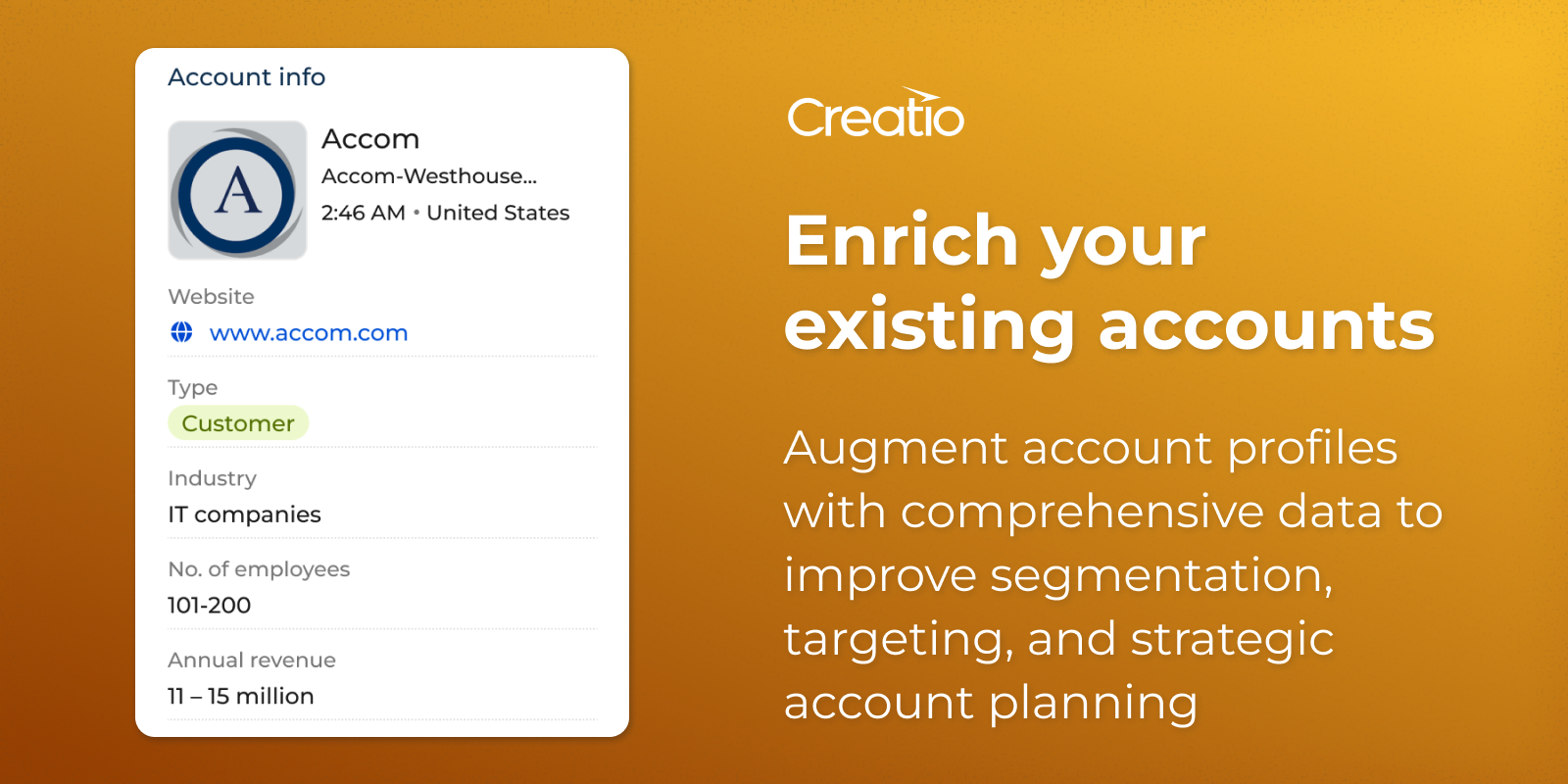
- Incorporate crucial demographic and firmographic data, such as revenue, location, and various other data points, into both new and existing records.
- Maintain consistency by standardizing the flow of information from Apollo.io into Creatio.
- Reduce bounce rates due to incorrect email addresses.
- Effortlessly import Apollo.io data into Creatio, saving time on data entry and eliminating the need for platform switching.
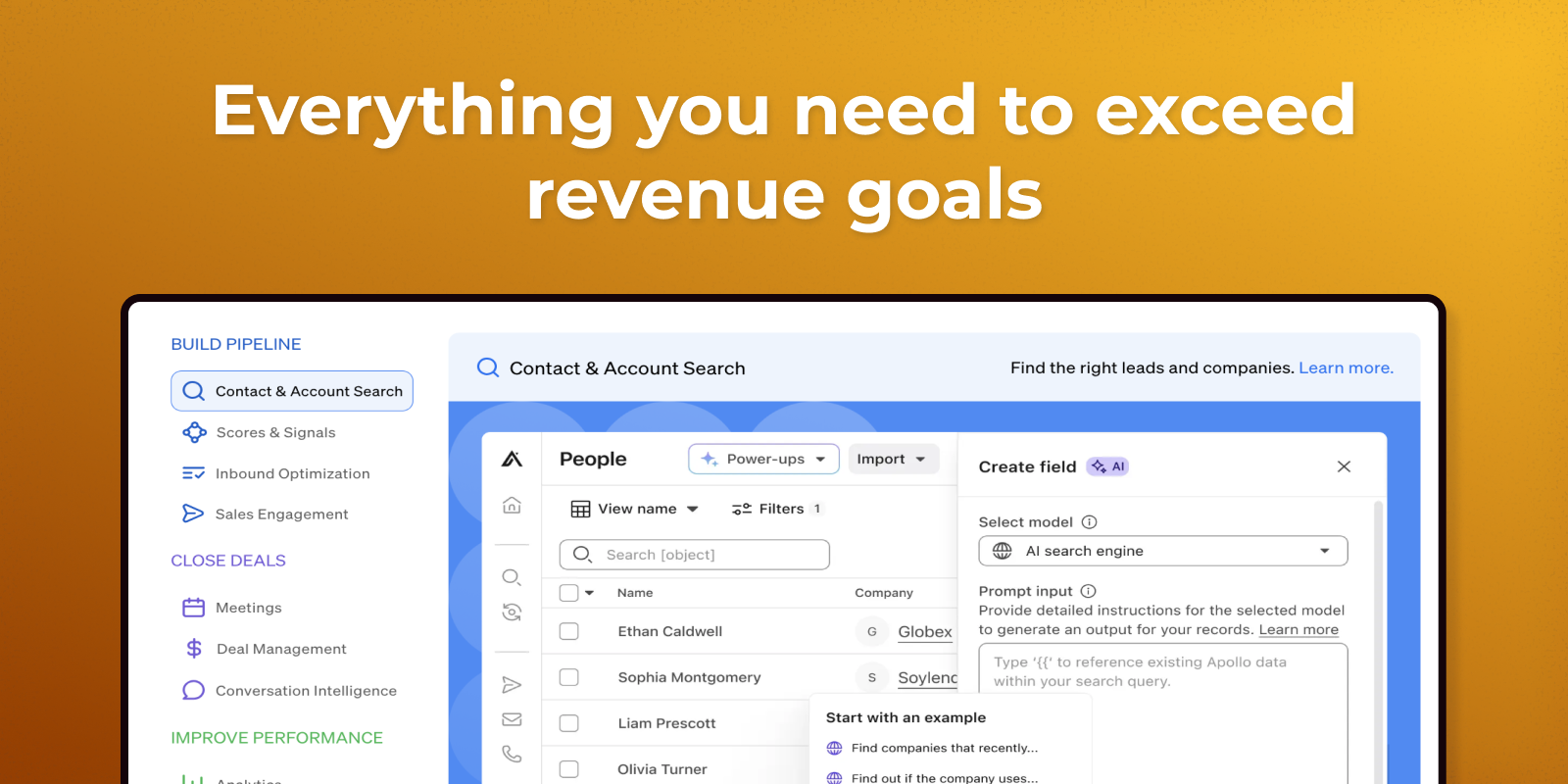
- Empower sellers with one platform for seamless access to sales records, business-specific data, and Apollo.io's premium contact details.
- Support sales targeting with clean territory management.
Notes:
-
To use this connector, you need an active Apollo.io subscription.
Key Features
Enrich Your Accounts
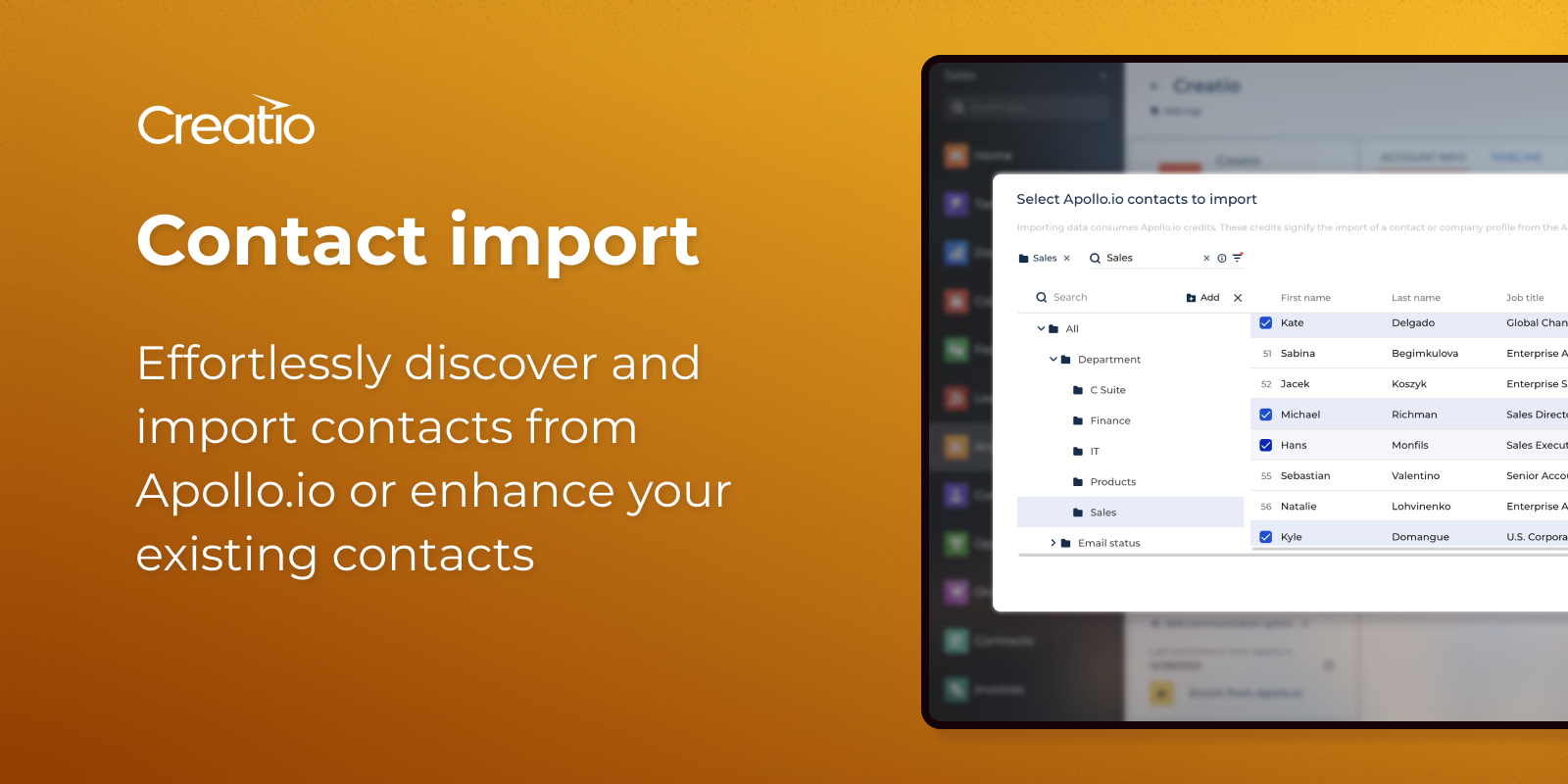
Contact import
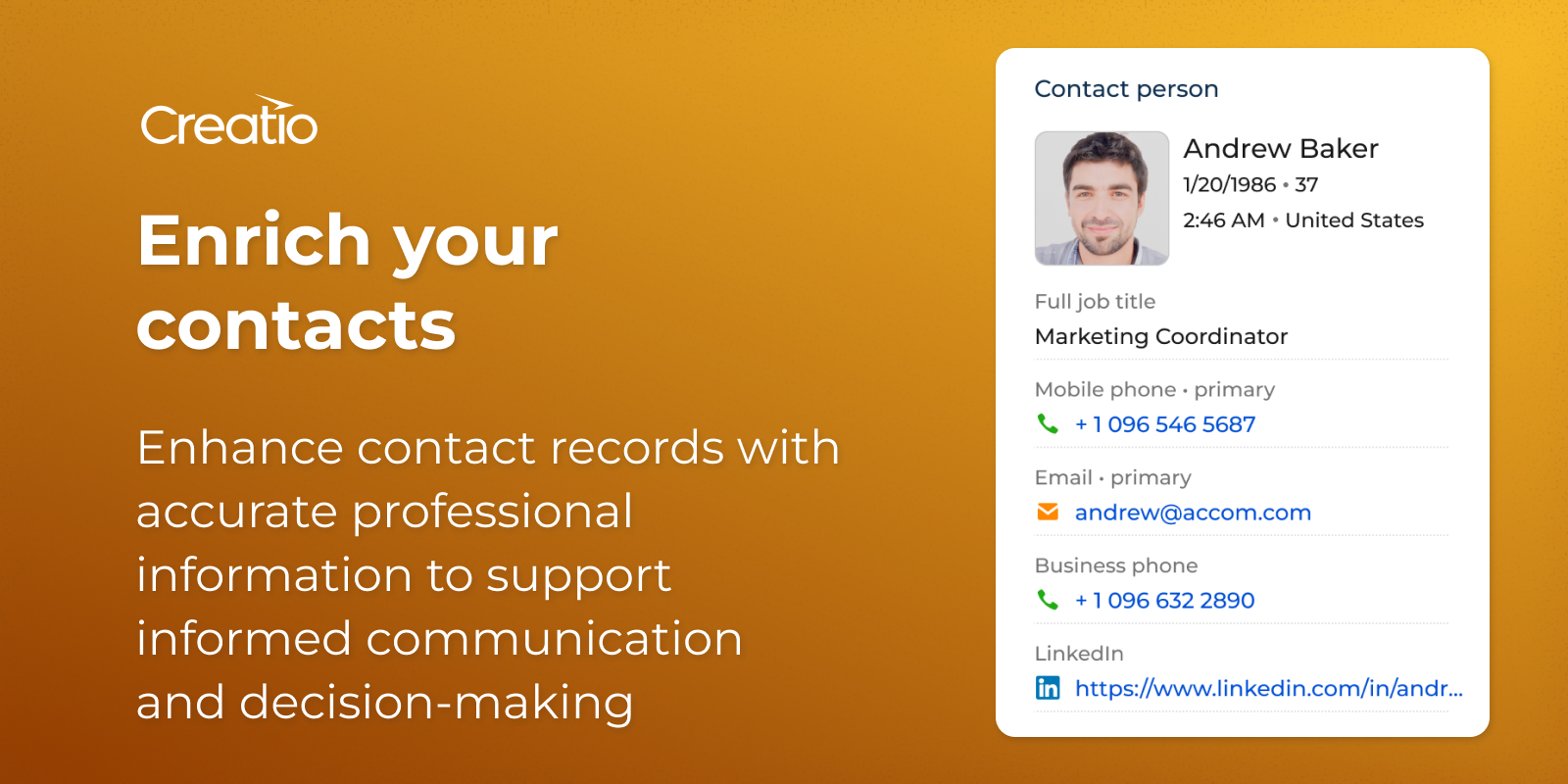
Enrich Your Contacts
Pricing
Terms and Conditions
Support
Support is provided by the developer within the “Basic”, “Business” and “Premium” packages. Detailed information about the support packages and the support terms can be found on the Creatio website.
Installation
Resources
Data sharing
- By installing or downloading the App, you confirm that you agree with sharing your account data (name, email, phone, company and country) with the App Developer as their End User.
- The App Developer will process your data under their privacy policy.
Versions
Versions history
Supports Apollo's new search API (/api/v1/mixed_people/api_search), which replaces the deprecated /v1/mixed_people/search endpoint.
What changed:
-
Last name handling — The search popup now correctly displays contact last names using Apollo's new obfuscated format, with a fallback when the full last name is unavailable.
-
New column: Last Refreshed — A new "Last Refreshed" date column has been added to the search dialog, showing when Apollo last updated the contact record.
-
Removed unsupported columns — Columns no longer returned by Apollo's new API have been removed from the search dialog: Department, Management Level, Email Status, Has Email, Has Phone, and Last Employment Start Date.
Minor updates
Minor updates
Manual app installation
- Open the needed app → the Packages tab - download the Markeplace app files.
- Click in the top right → Application Hub
- Click New application. This opens a window.
- Select Install from file and click Select in the window that opens.
- Click Select file on the page of the Marketplace App Installation Wizard and specify the app file path.
Compatibility notes
Customer 360° must be installed before installing our application.