


Autenti connector for Creatio
Send documents from Creatio to Autenti, trigger e-signature for participants, and track status - without leaving Creatio.
Overview
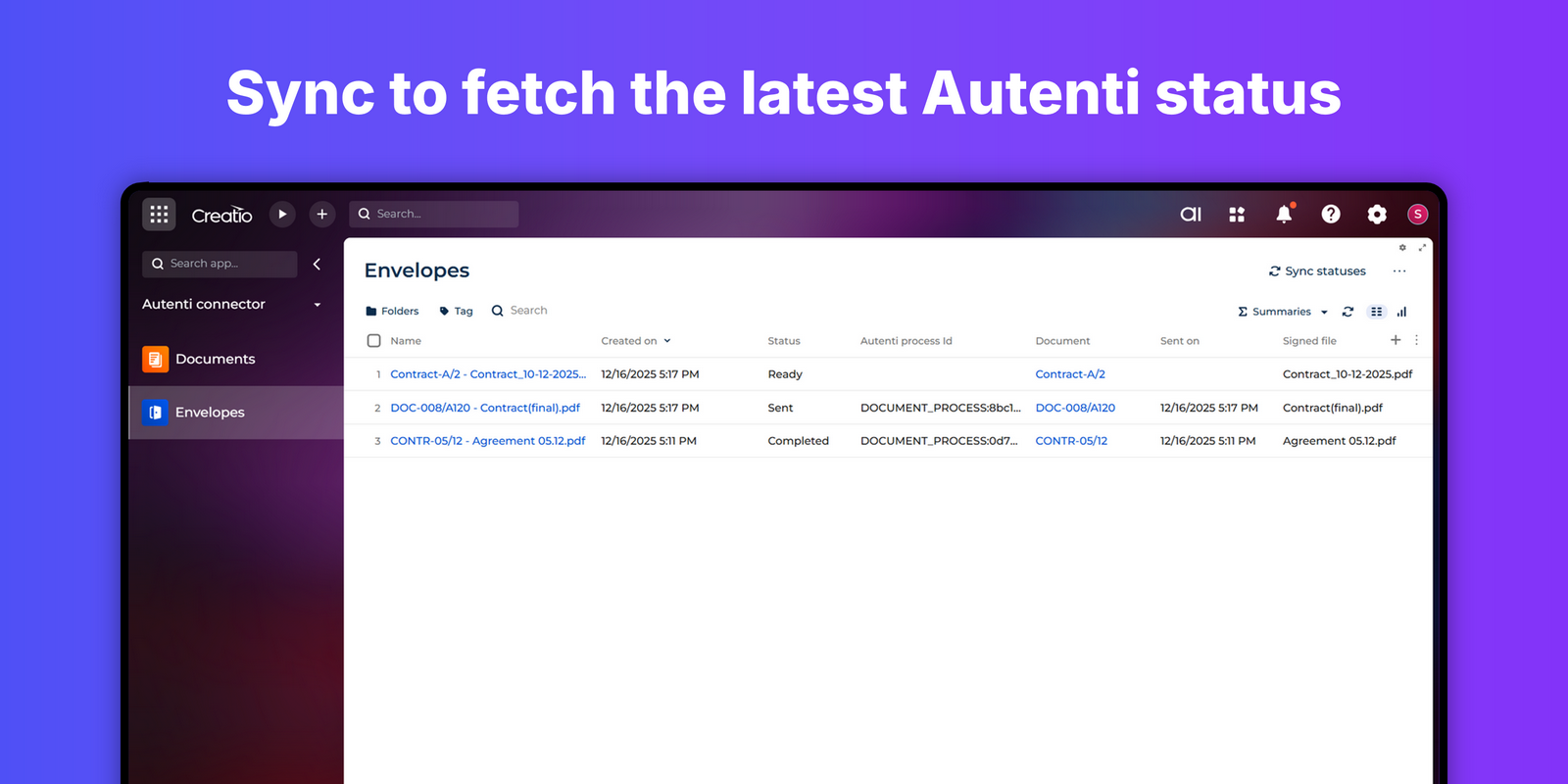
Product overview
Product description
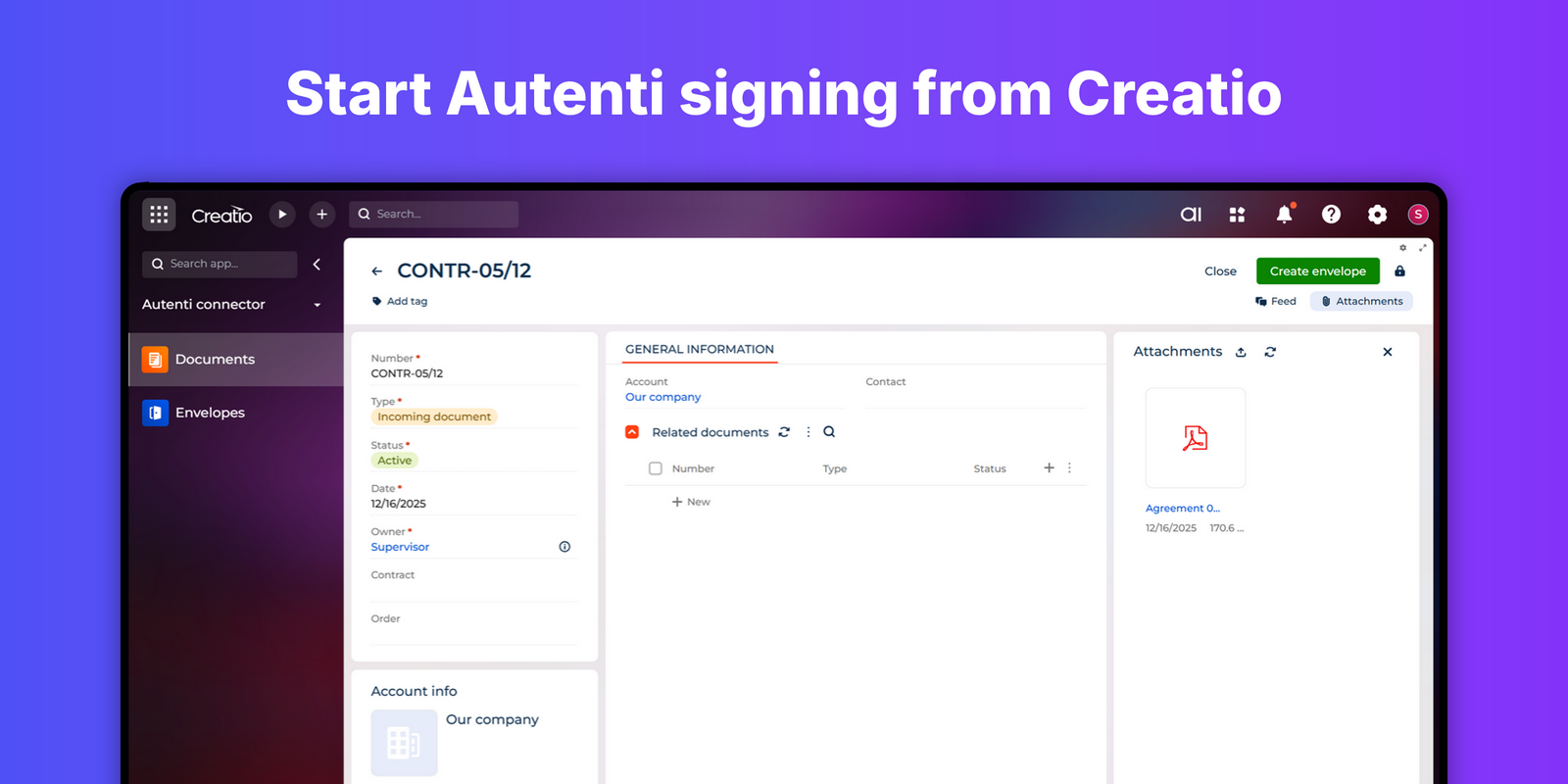
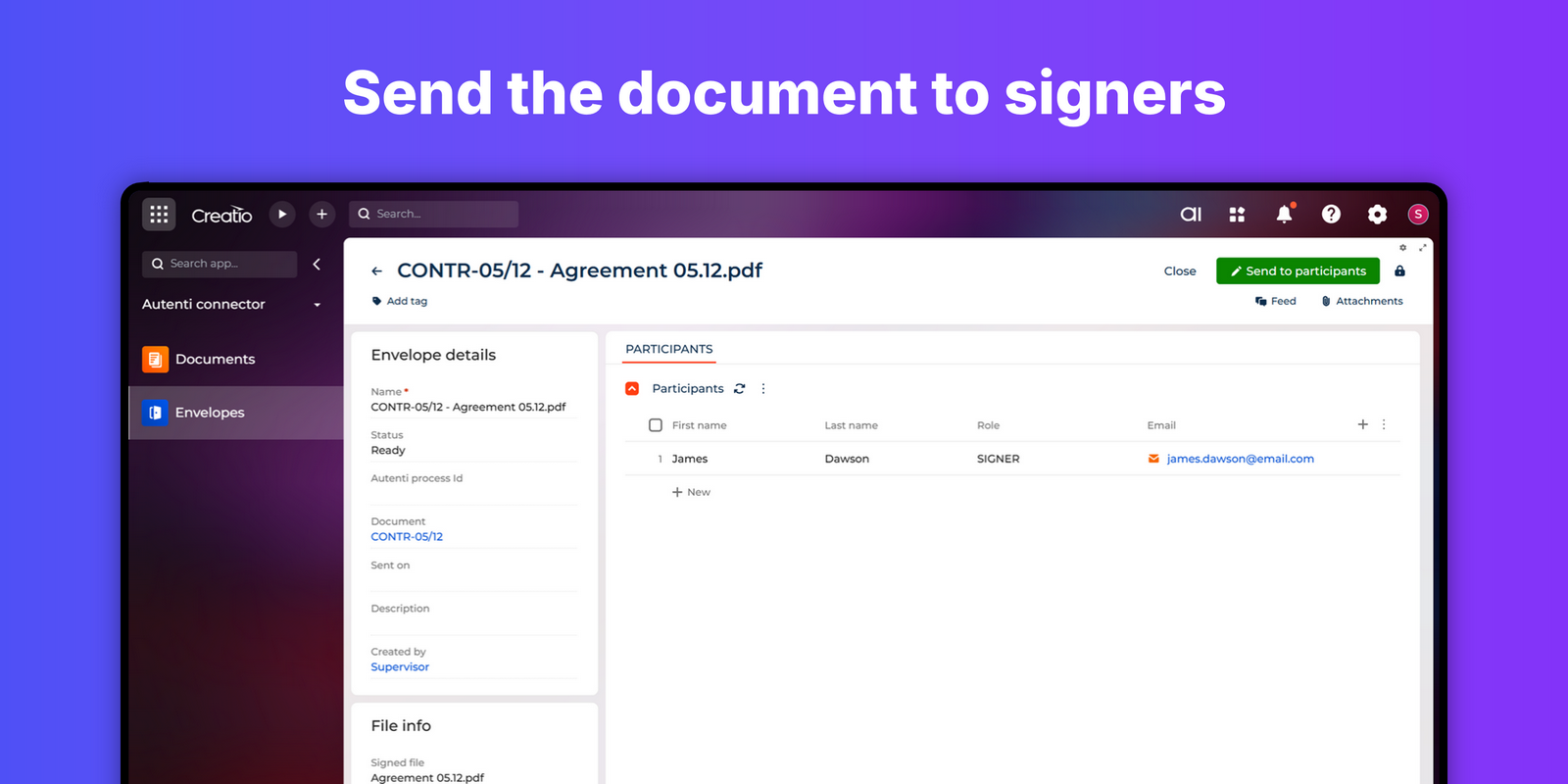
Accelerate approvals and close deals faster with the Autenti connector for Creatio. This connector lets you send documents to Autenti directly from Creatio, enter the signer details, launch the signing process, and monitor progress. When a document is completed, the signature status is stored back on the source document record - so Sales, Legal, Procurement, HR, and Service teams keep full visibility and control in one place. Use it for contracts and amendments, NDAs, quotes and orders, statements of work, supplier onboarding, HR forms, and more.
Value for your team:
- Close faster: Cut turnaround from days to hours by removing manual steps and app-switching.
- Reduce errors: Send documents directly from Creatio to eliminate retyping and mismatches.
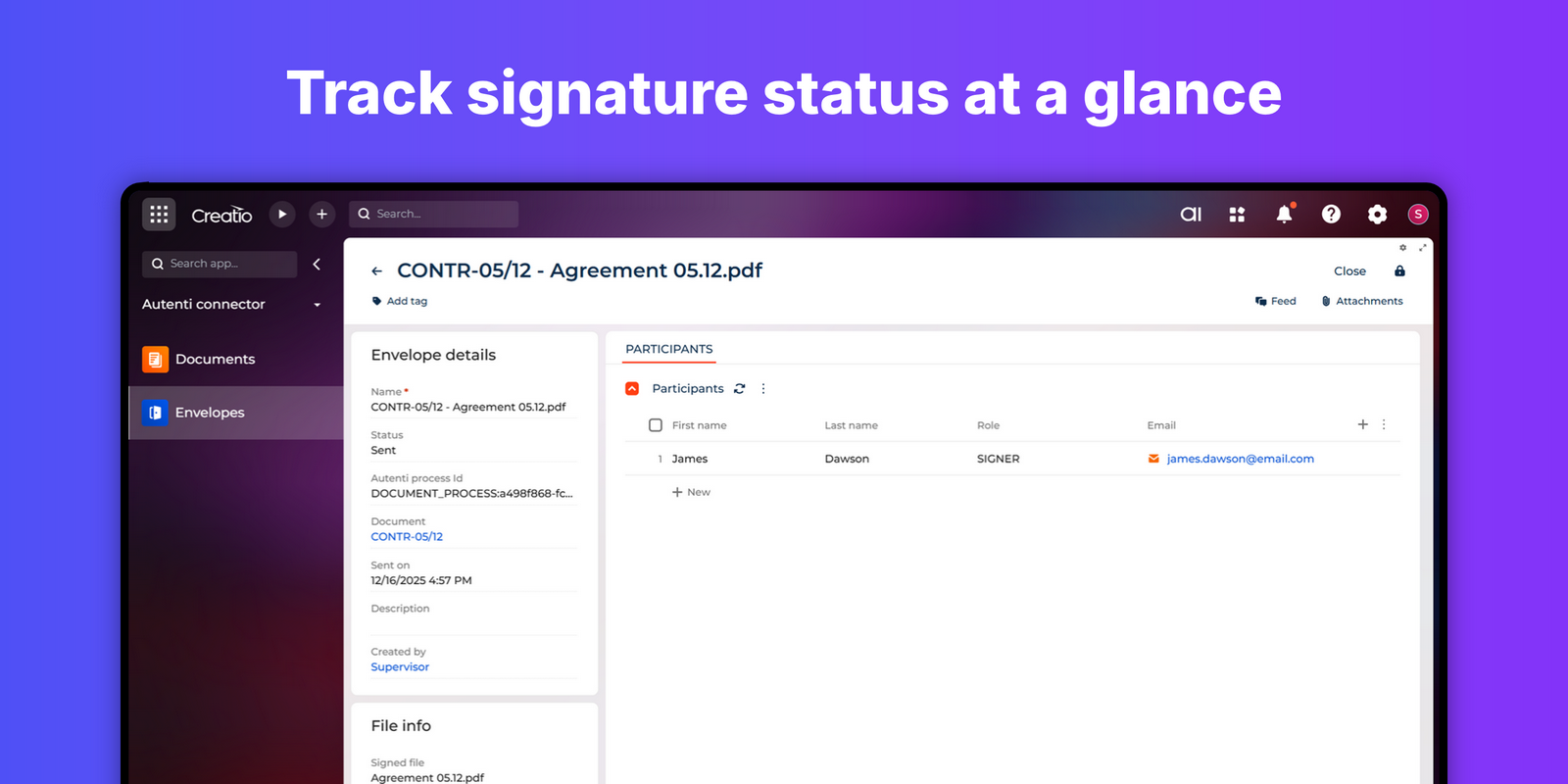
- Improve visibility: Track status in Creatio without chasing email threads.
Key Features
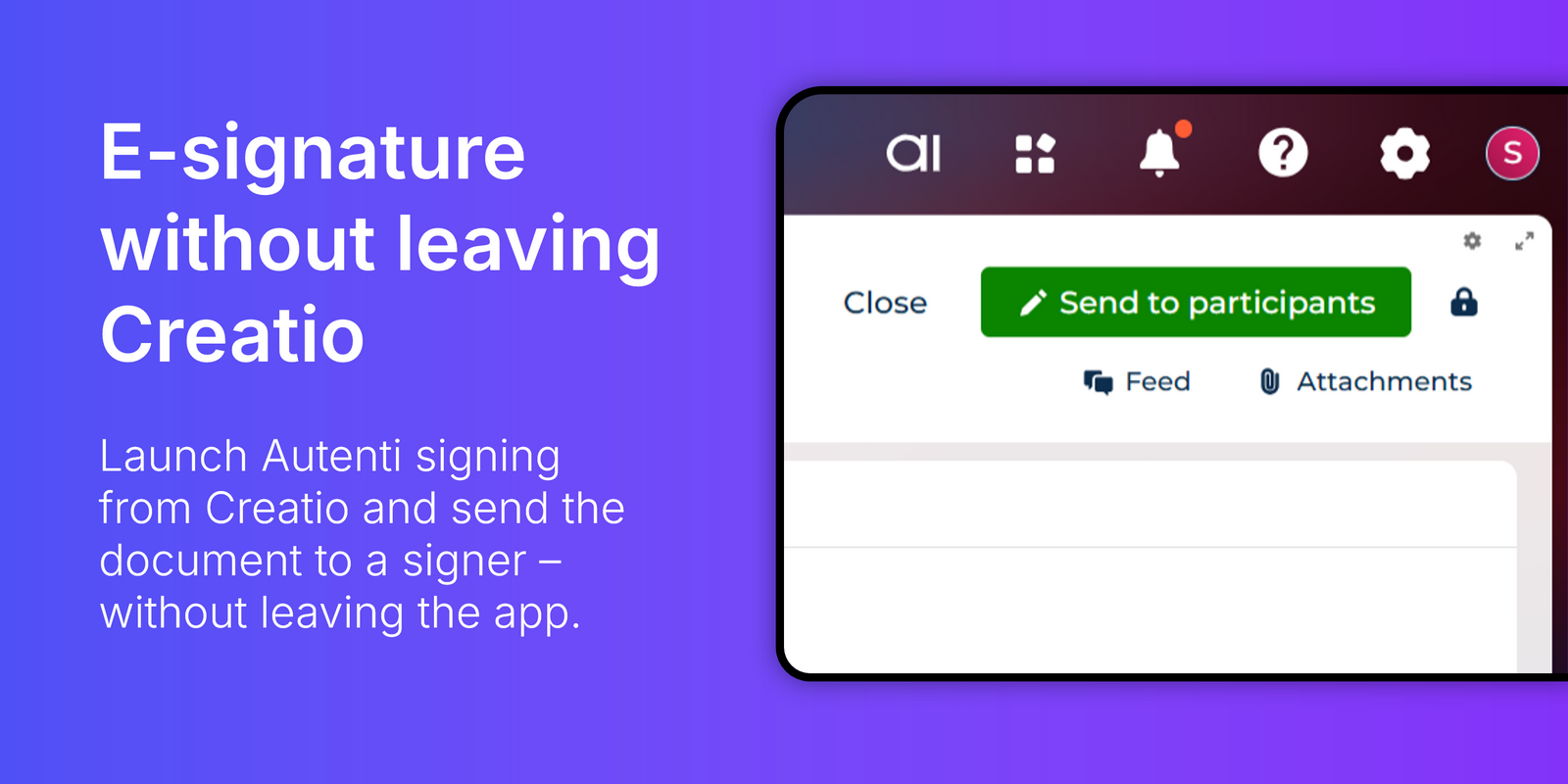
E-signature without leaving Creatio
Launch Autenti signing from the Documents section in Creatio and send the document to a signer - without leaving the app.
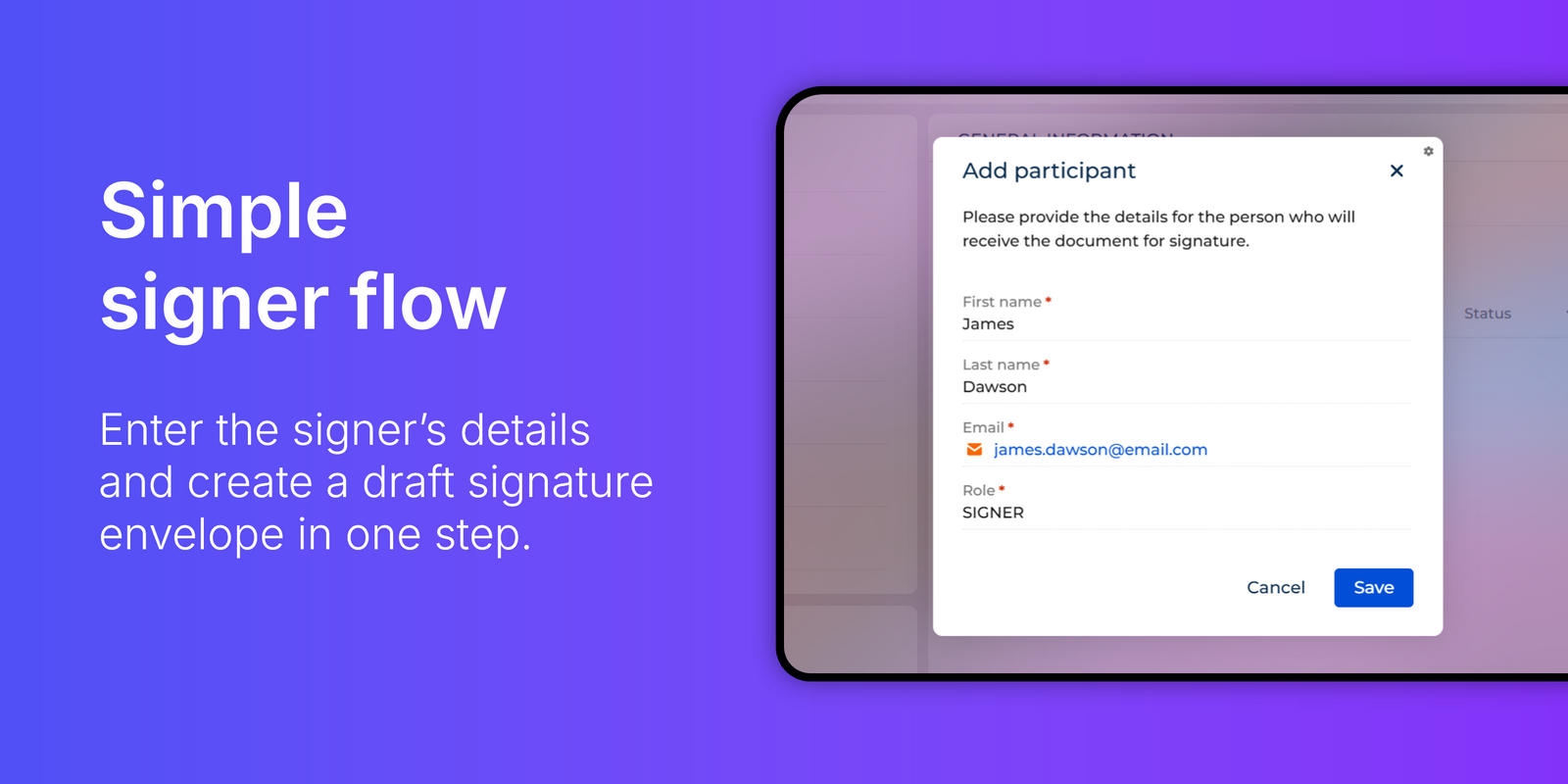
Simple signer flow
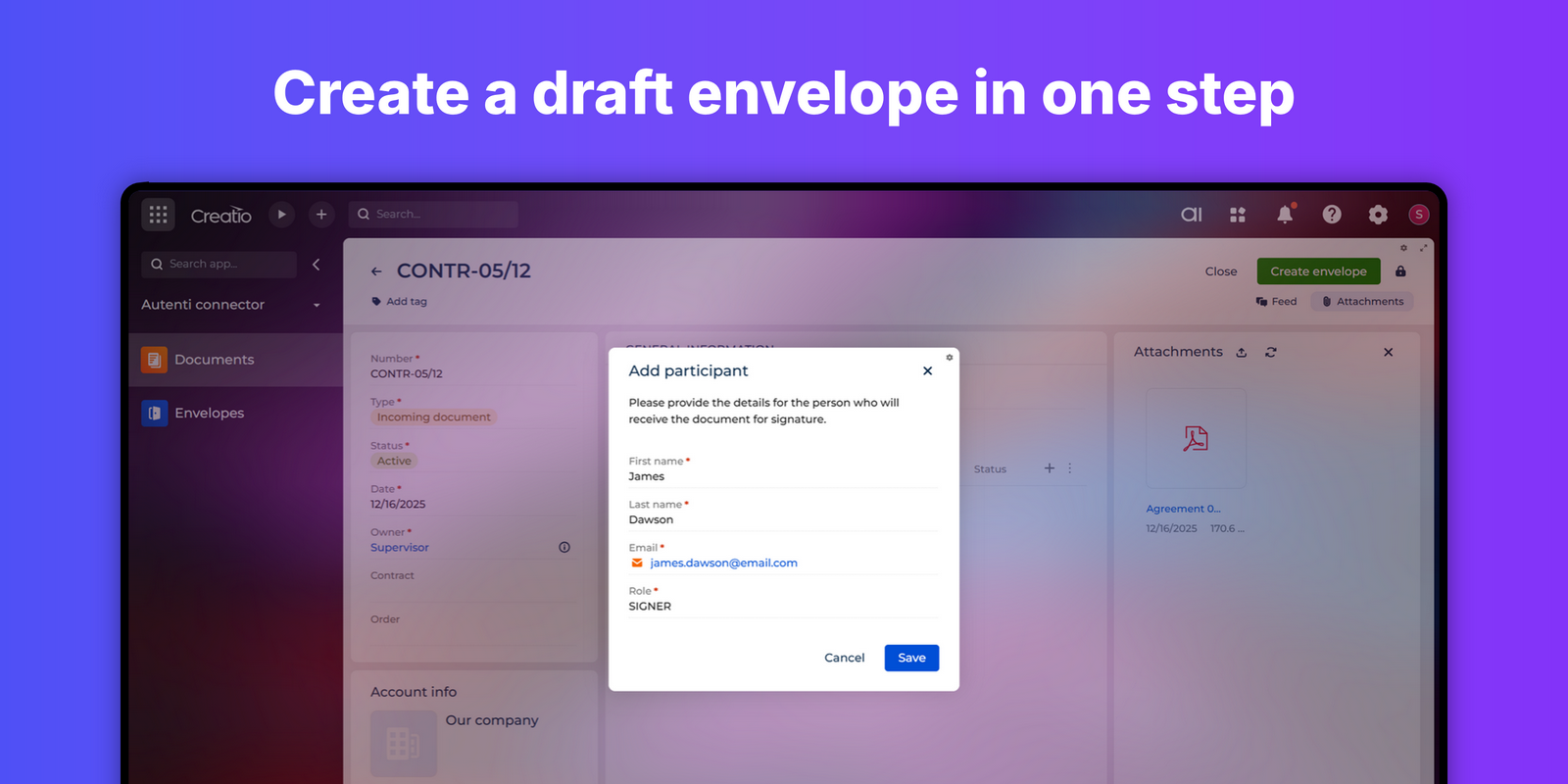
Enter the signer’s details and create a draft signature envelope in one step.
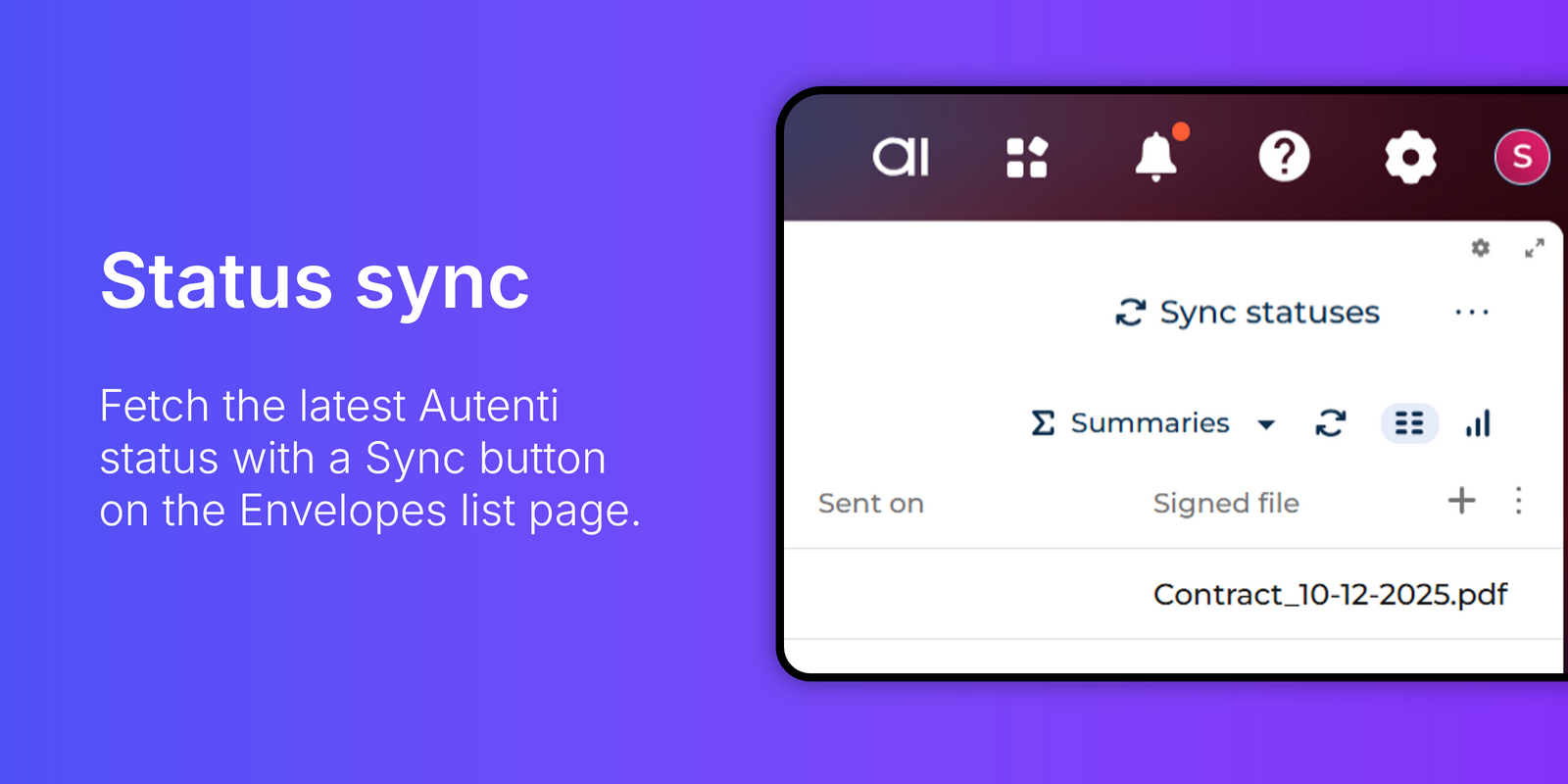
Status sync
Fetch the latest Autenti status with a Sync button on the Envelopes list page.
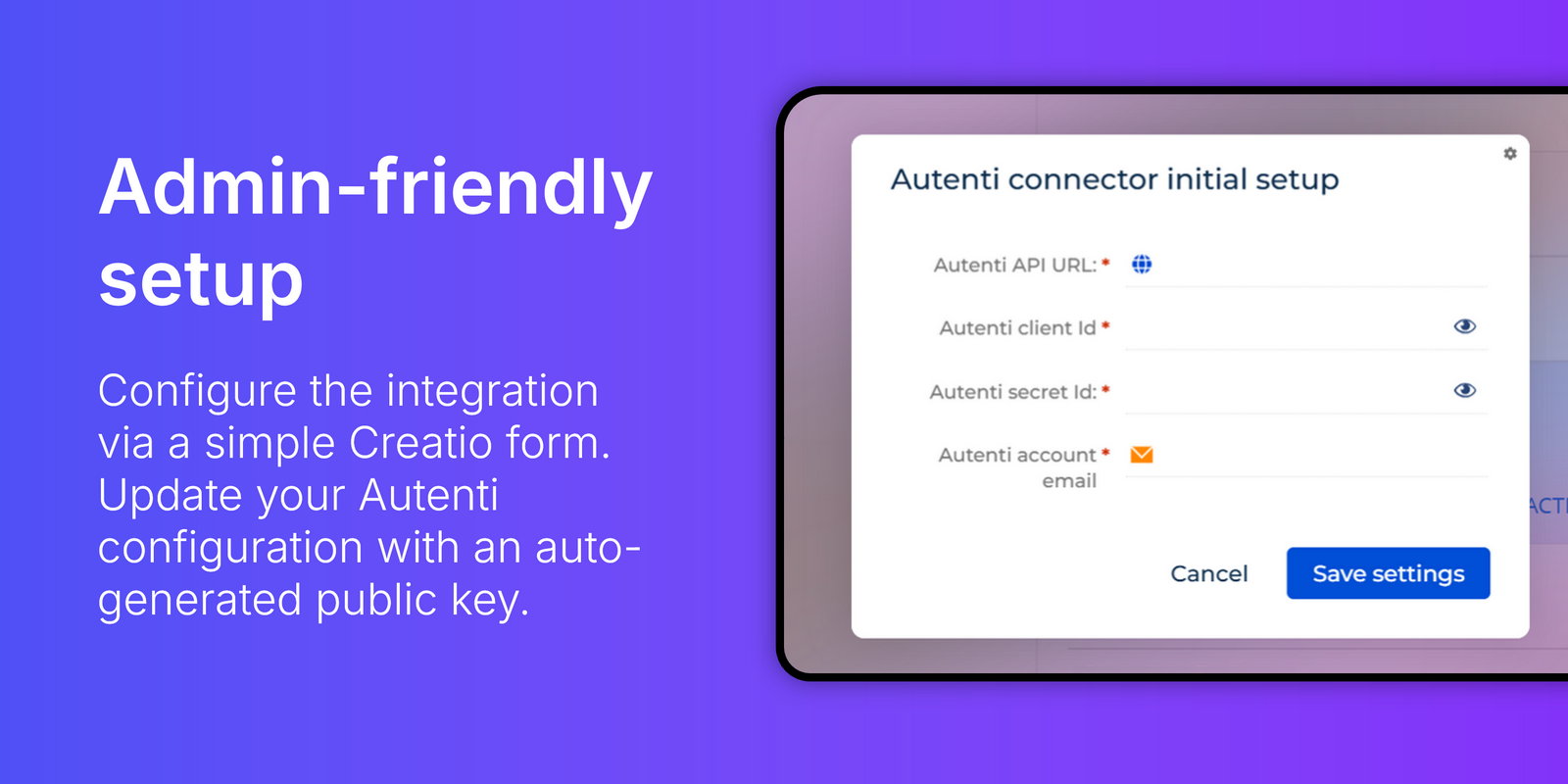
Admin-friendly setup
Configure the integration via a simple Creatio form. Update your Autenti configuration with an auto-generated public key.
Pricing
Monthly
Annual
Standard
Free
Terms and Conditions
By installing this product you agree to terms and conditions outlined in the license agreement.
Support
Support is available for this application
To keep this listing free of charge, support is provided only by email.
Installation
Data sharing
- By installing or downloading the App, you confirm that you agree with sharing your account data (name, email, phone, company and country) with the App Developer as their End User.
- The App Developer will process your data under their privacy policy.
Versions
Versions history
Version
Compatibility
Release date
1.0.0
8.3.0 and up
Manual app installation
- Open the needed app → the Packages tab - download the Markeplace app files.
- Click in the top right → Application Hub
- Click New application. This opens a window.
- Select Install from file and click Select in the window that opens.
- Click Select file on the page of the Marketplace App Installation Wizard and specify the app file path.
Compatibility notes