


BOM Comparisons for Creatio
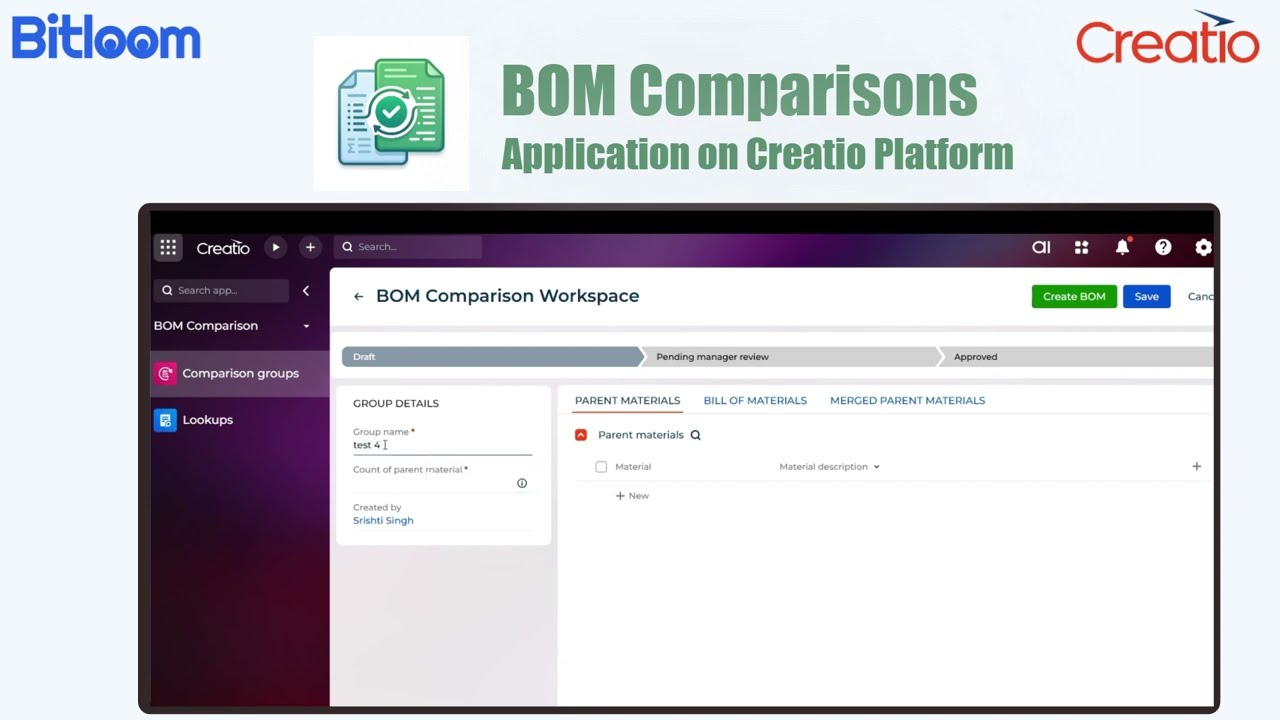
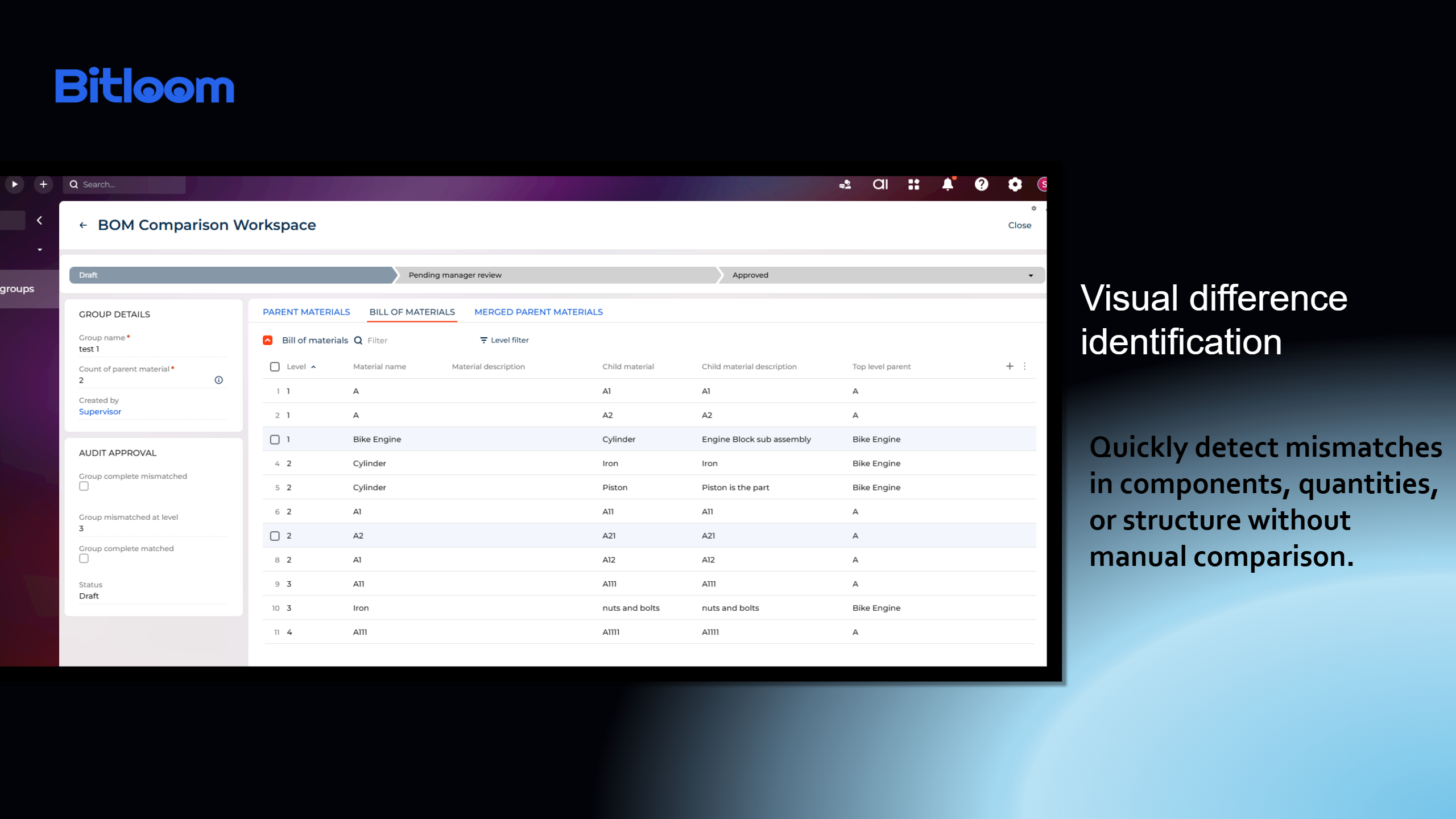
BOM Comparisons for Creatio helps teams compare BOMs of similar products. Analyze parent materials, review BOM structures by level, and audit matches or differences to identify duplicate materials, inconsistencies, and optimization opportunities.
Overview
Product overview
Product description
BOM Comparisons for Creatio enables manufacturing and operations teams to compare Bills of Materials (BOM) across similar products, identify duplicate materials, detect structural inconsistencies, and streamline material consolidation. The application supports multi-level BOM analysis, audit-driven comparison outcomes, approval workflows, automated merged parent material creation, and stakeholder notifications, helping organizations improve master data quality and BOM governance.
Use Cases
- Detect duplicate materials across products and assemblies
- Validate BOM consistency across product variants
- Identify hierarchy-level structural discrepancies
- Support material consolidation through controlled approval workflows
- Improve engineering change and master data management processes
- Maintain standardized BOM structures across product lines
Benefits
- Faster multi-level BOM analysis
- Improved material master data quality
- Reduced duplicate materials and inventory complexity
- Controlled approval-based material consolidation
- Automated stakeholder notifications and audit traceability
- Enhanced operational visibility and BOM governance
Key Features
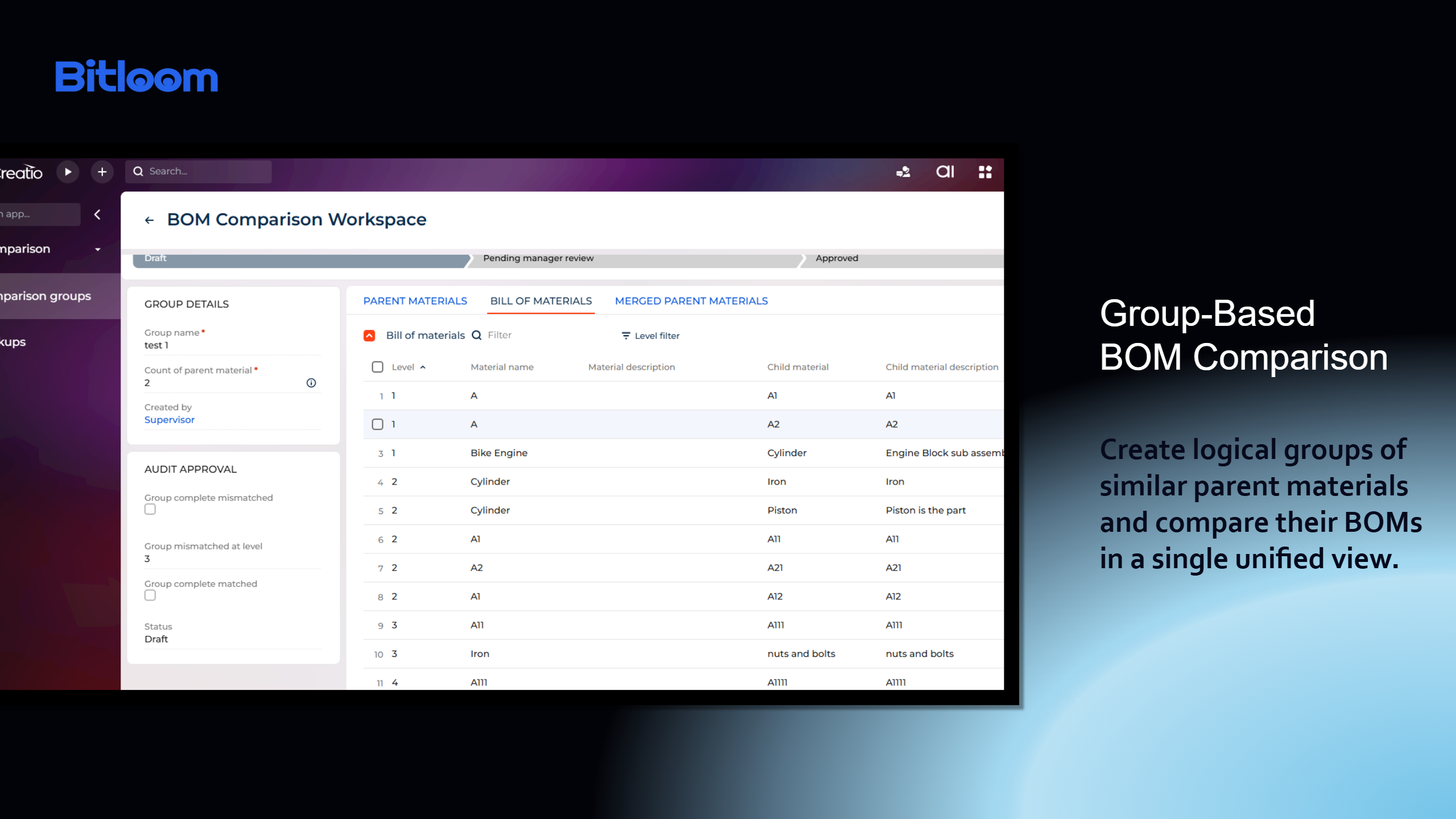
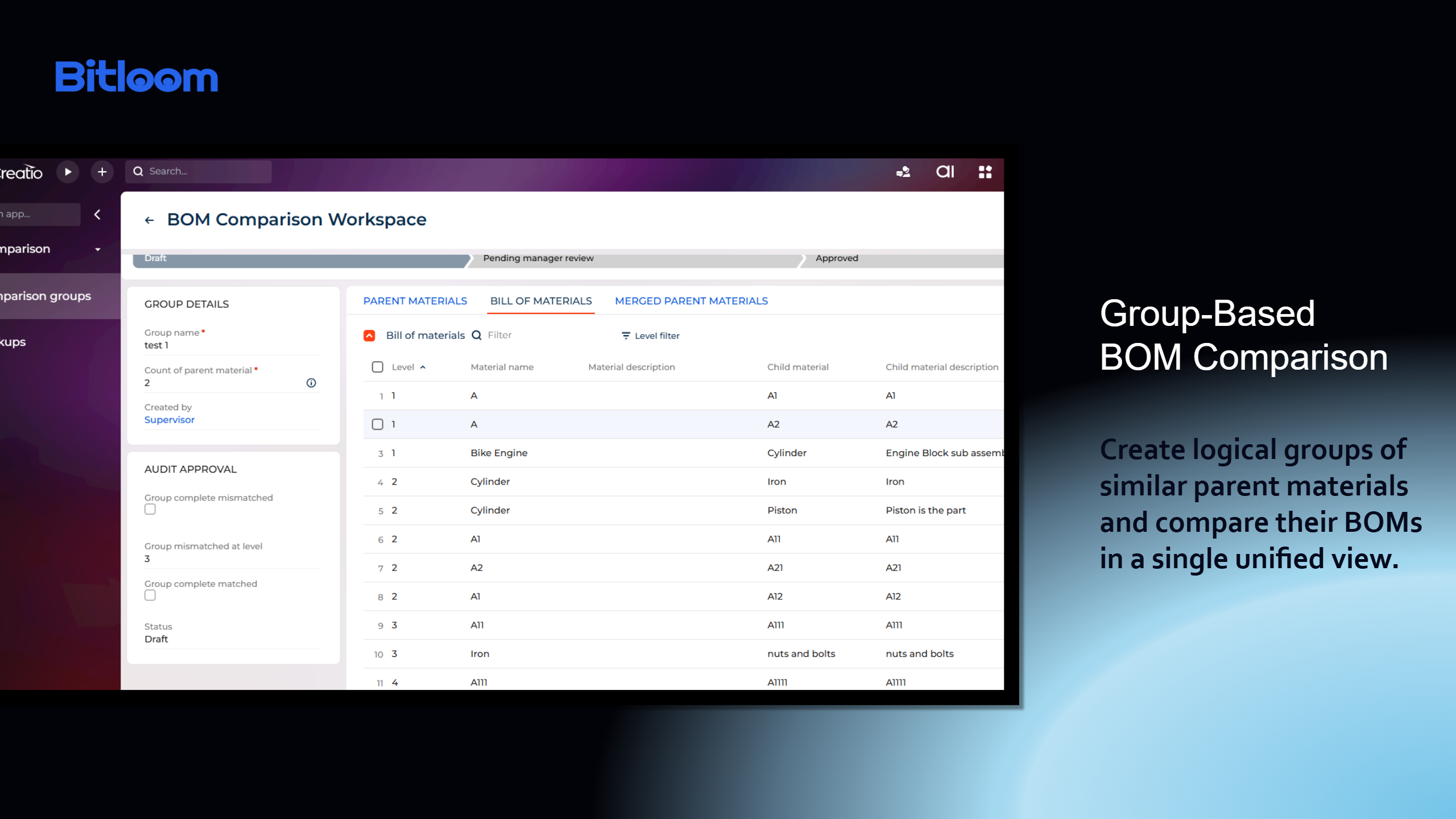
Group-Based BOM Comparison
Create logical groups of similar parent materials and compare their BOMs in a single unified view.
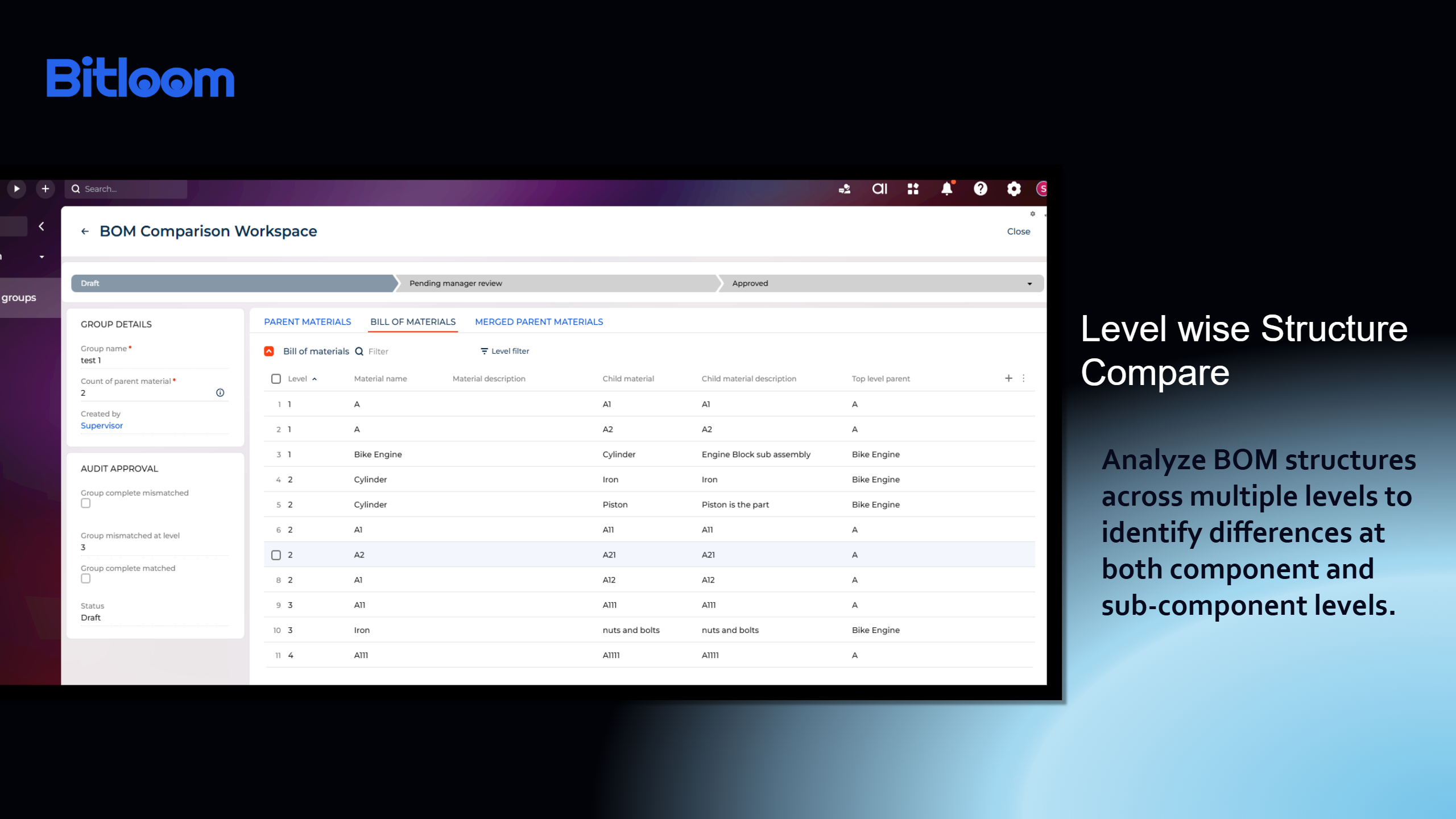
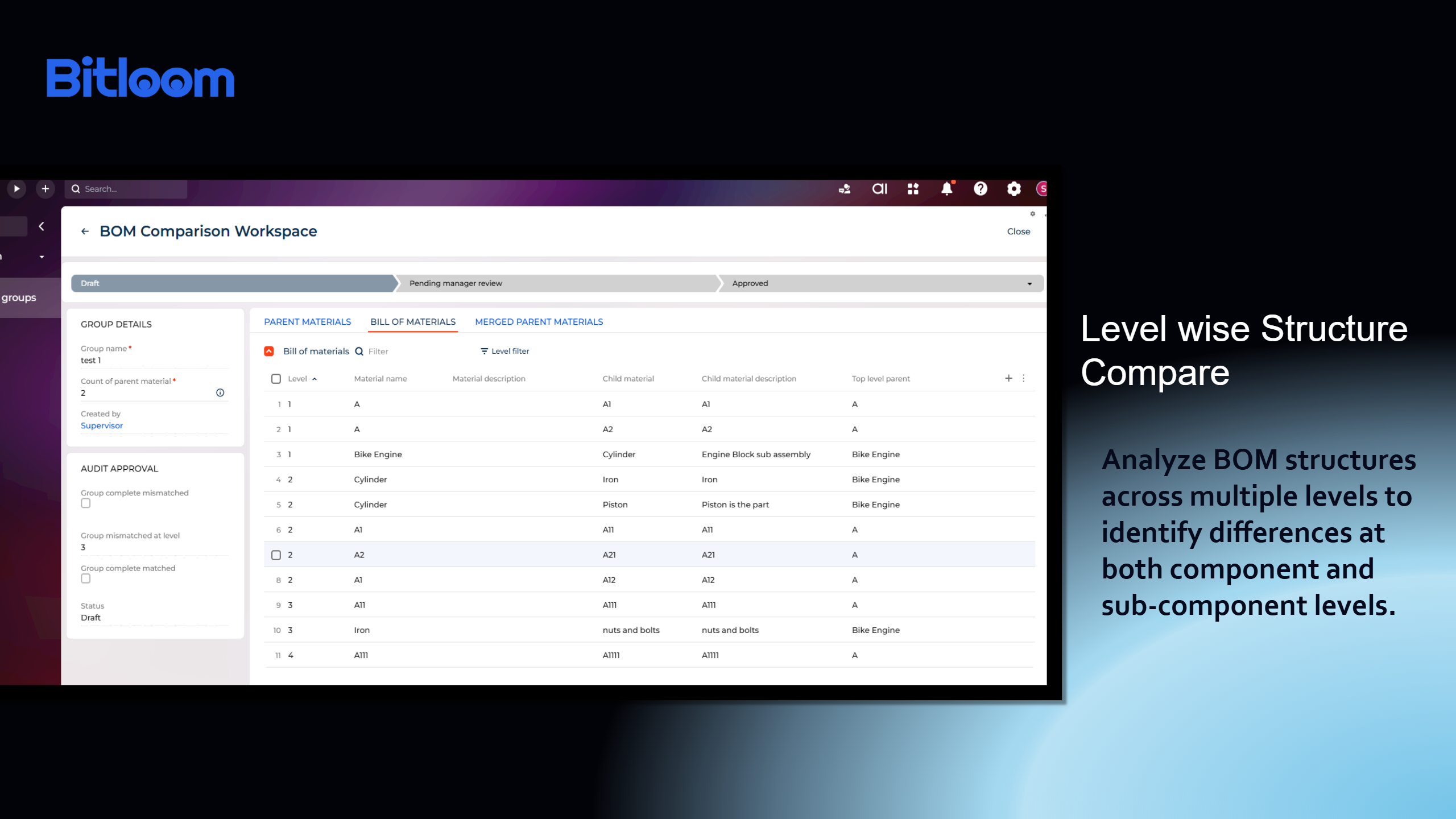
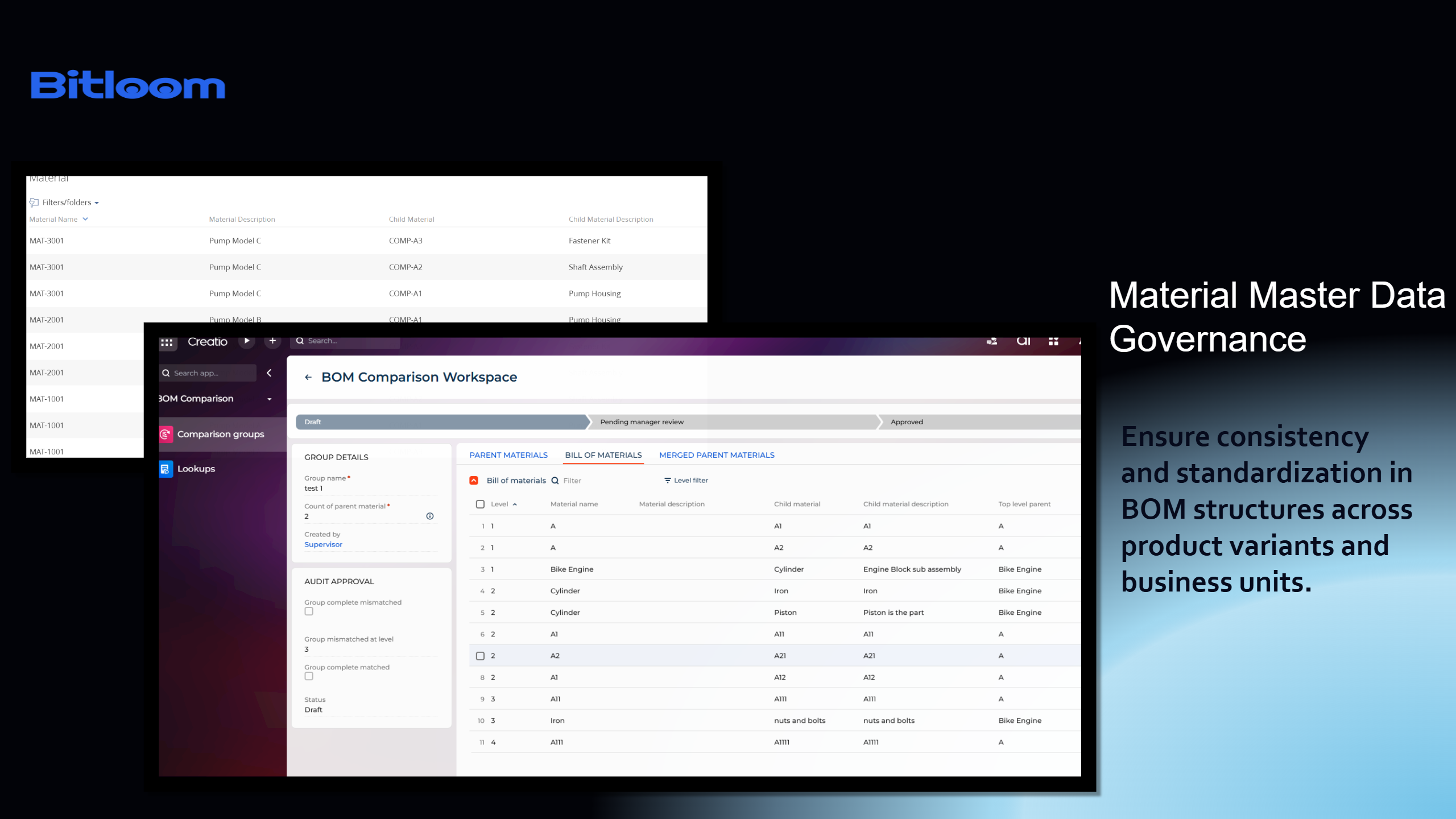
Level-Wise BOM Structure Comparison
Analyze BOM structures across multiple levels to identify differences at both component and sub-component levels.
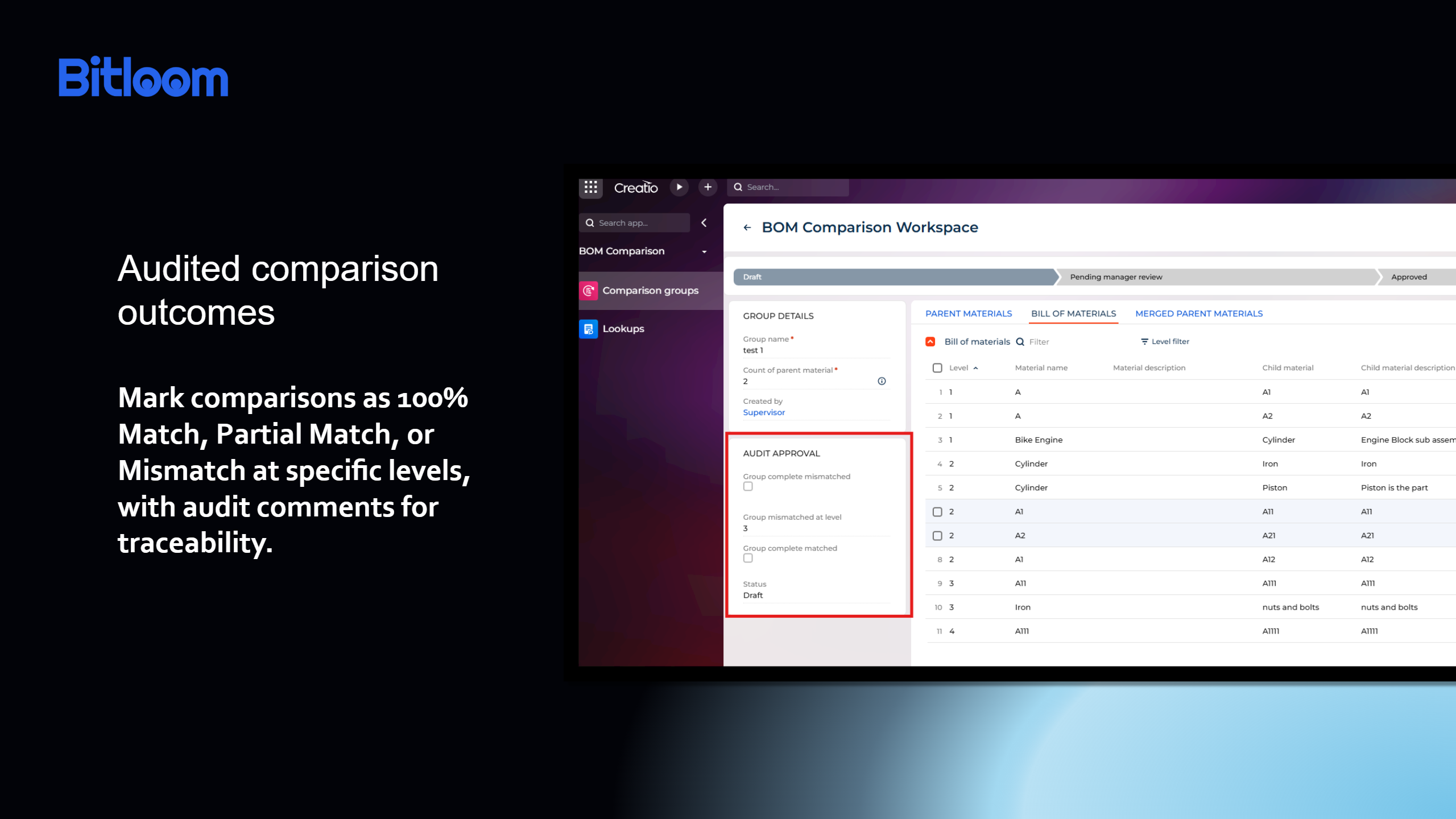
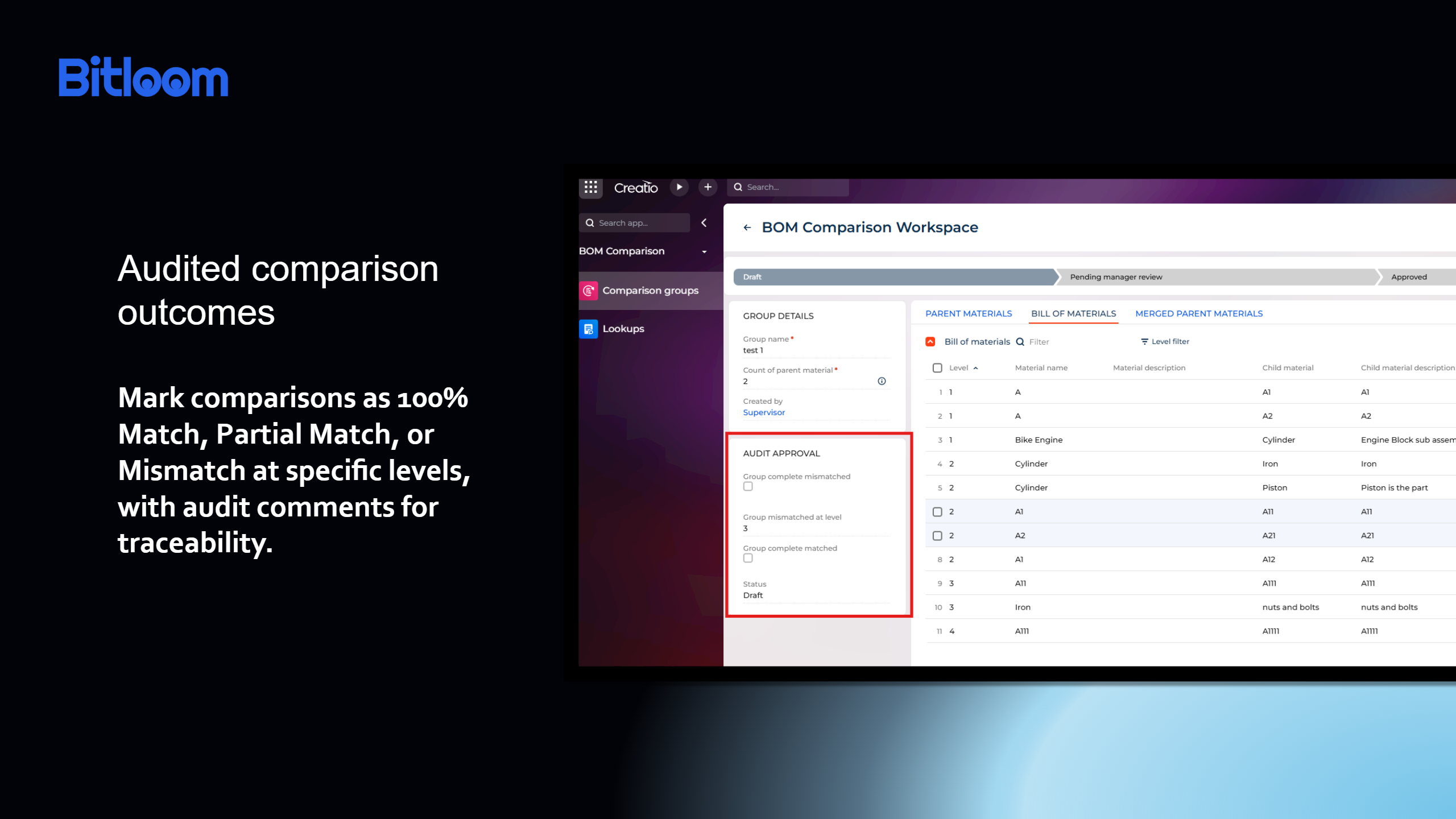
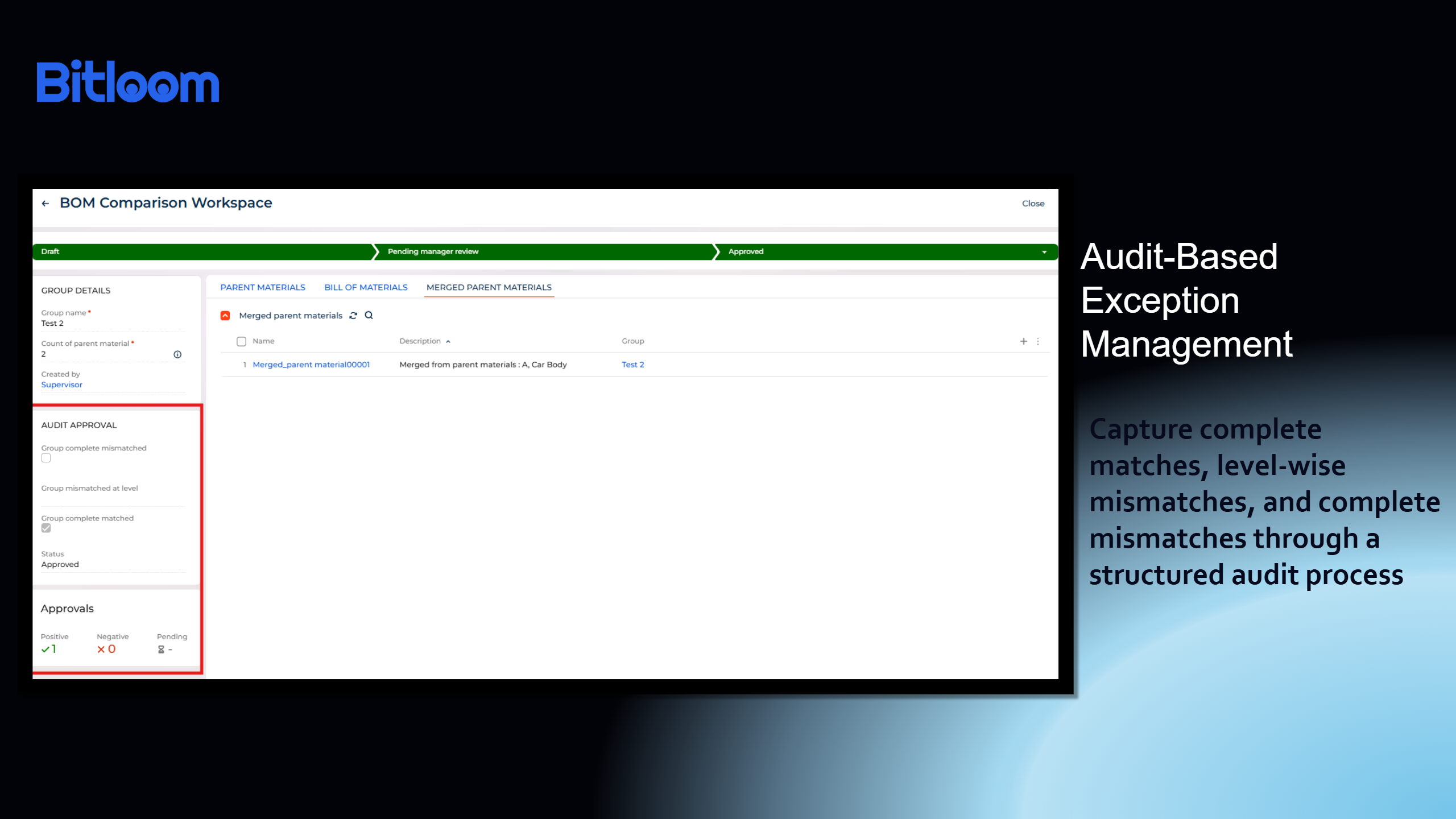
Audited Comparison Outcomes
Classify comparison results as Complete Match, Partial Match, or Complete Mismatch for improved traceability and governance.
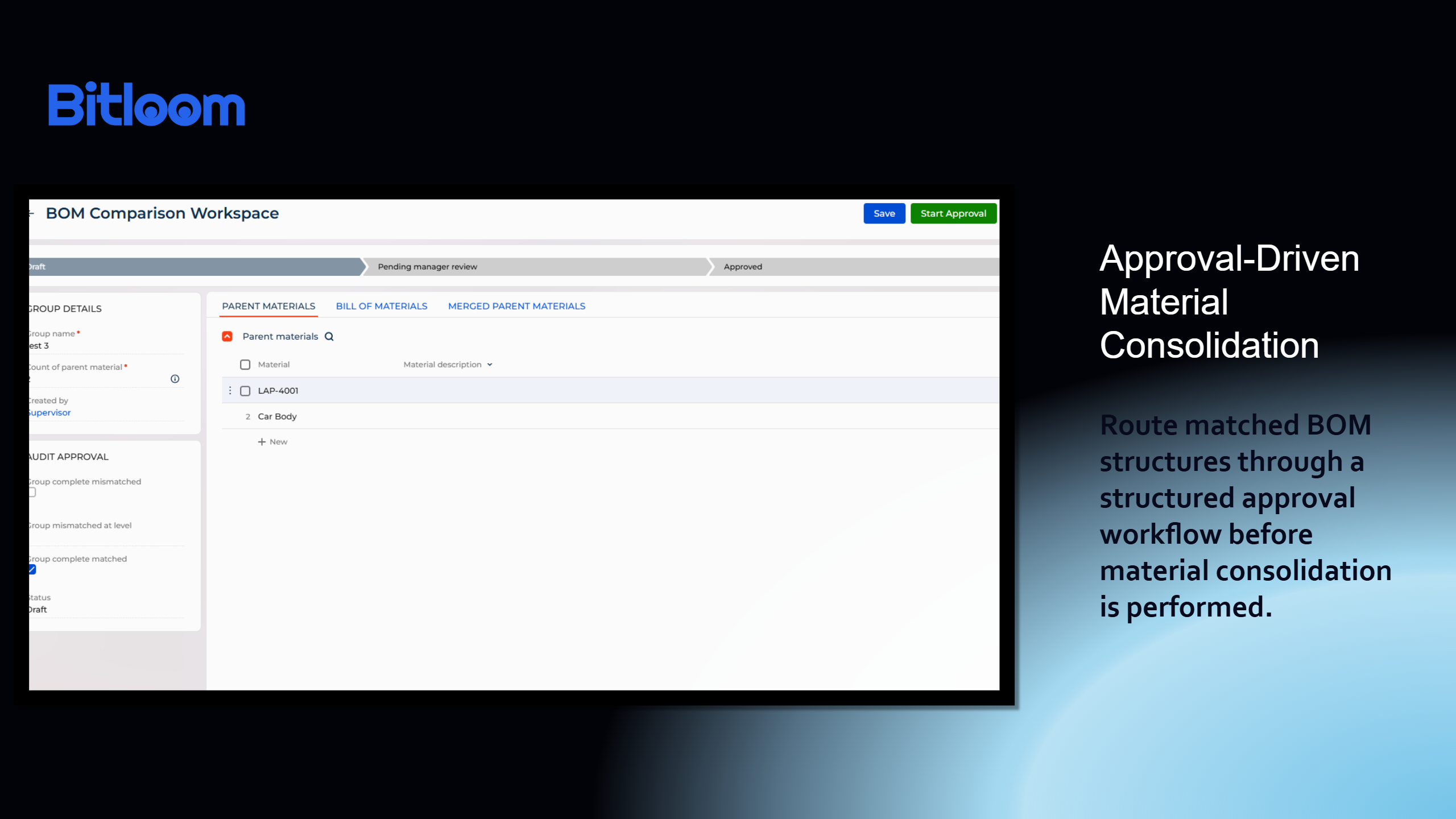
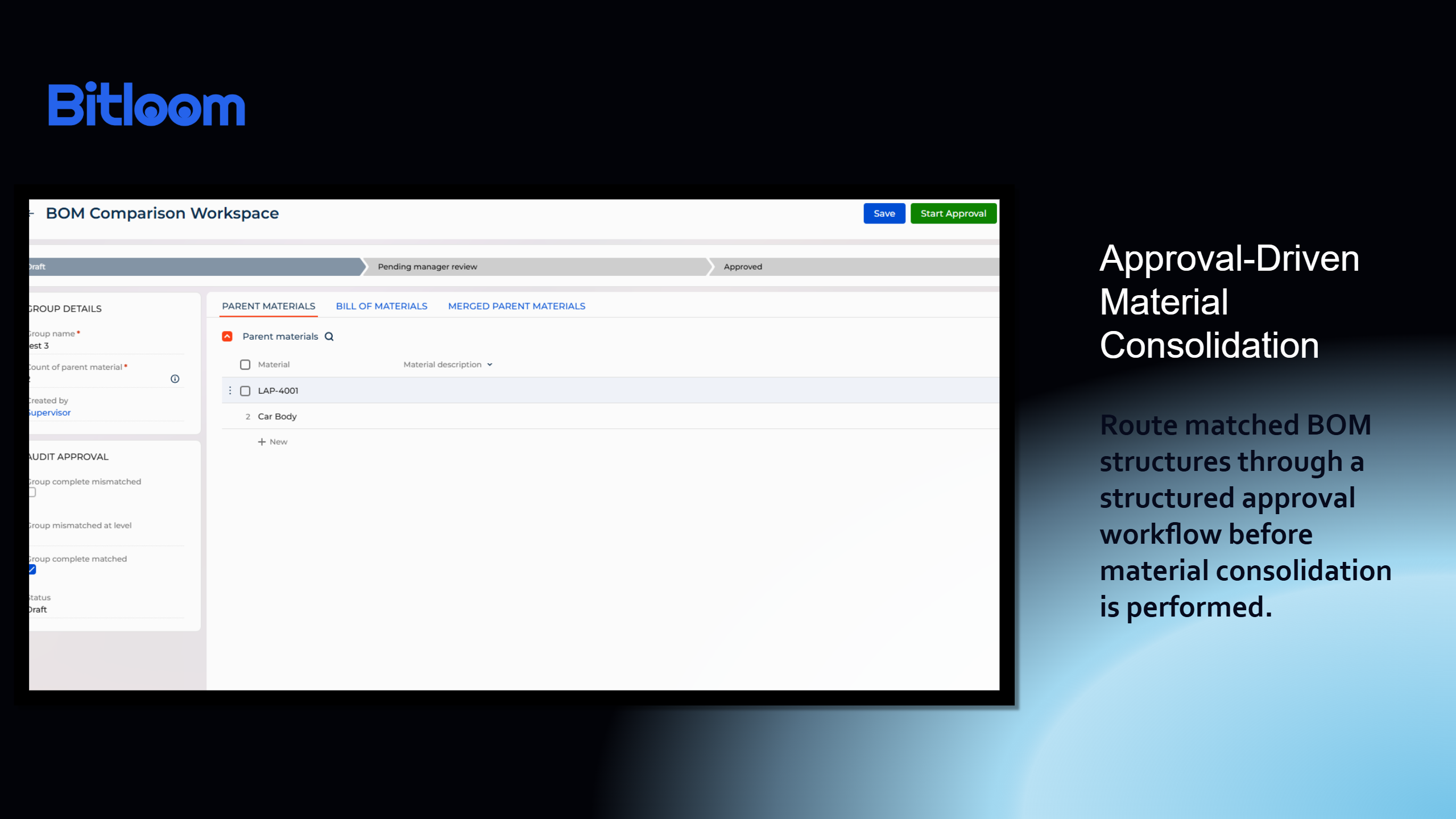
Approval-Driven Material Consolidation
Route matched BOM structures through a controlled approval workflow before material consolidation is performed.
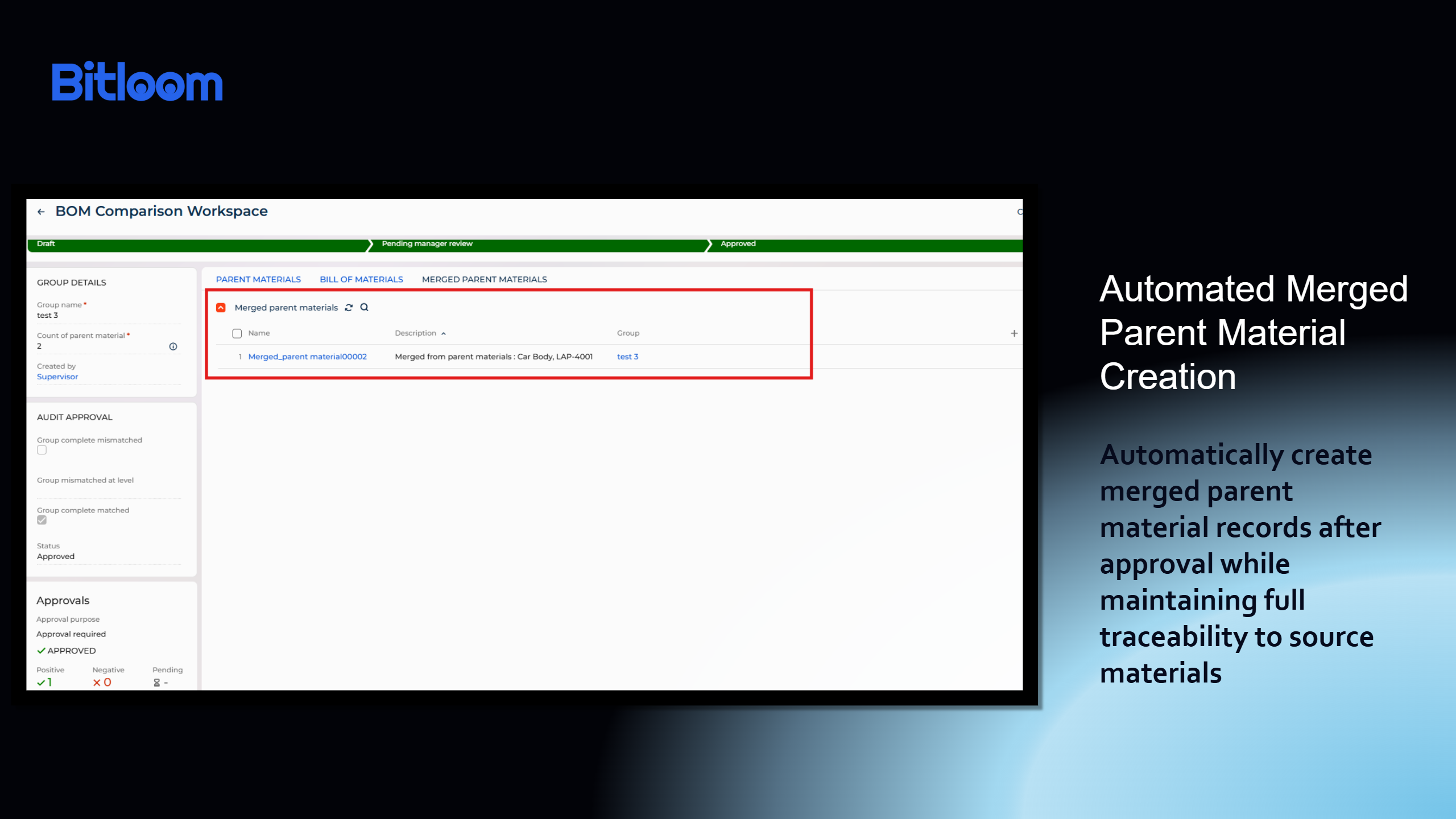
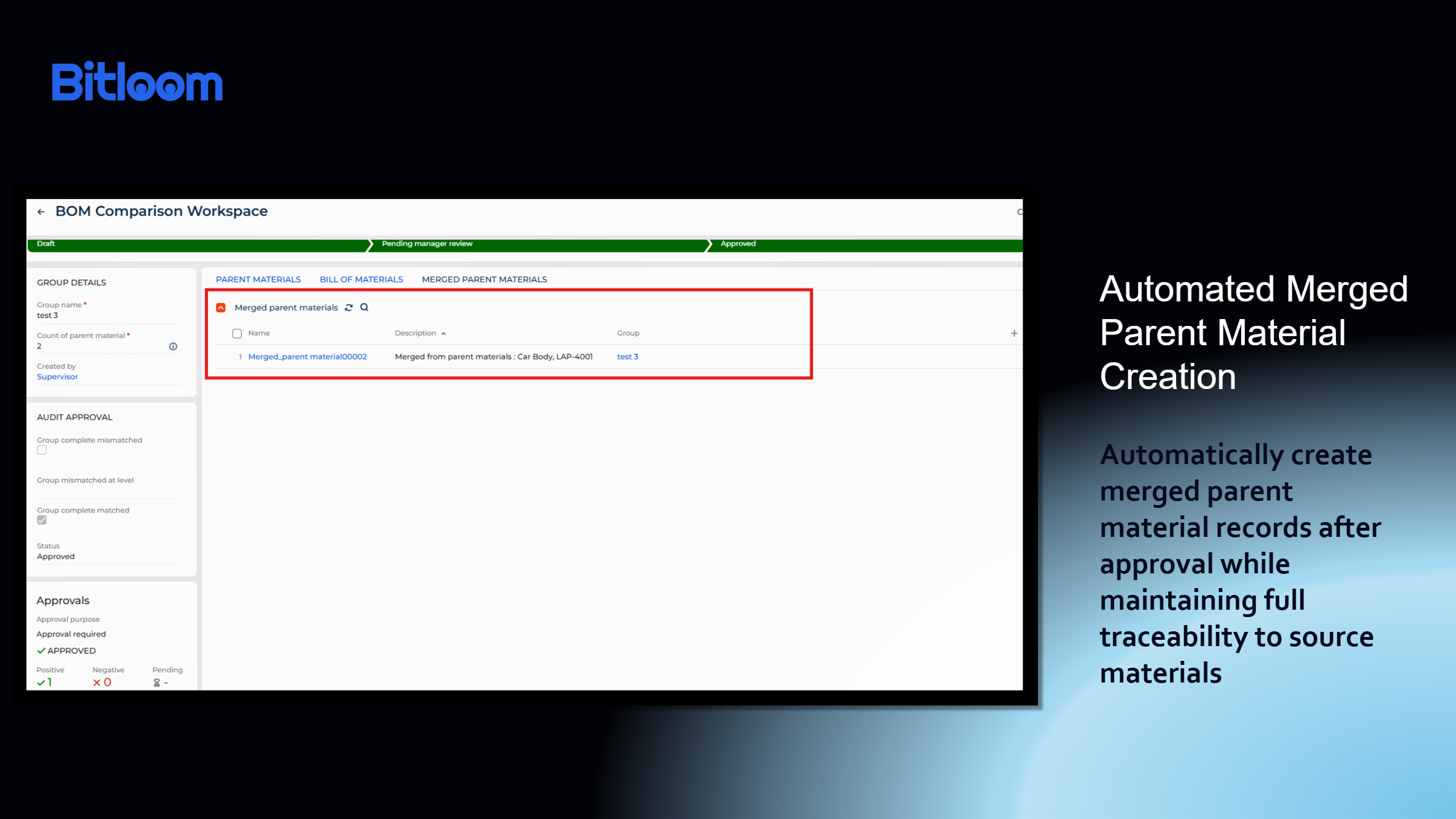
Automated Merged Parent Material Creation
Automatically generate merged parent material records after approval while maintaining complete traceability to source materials.
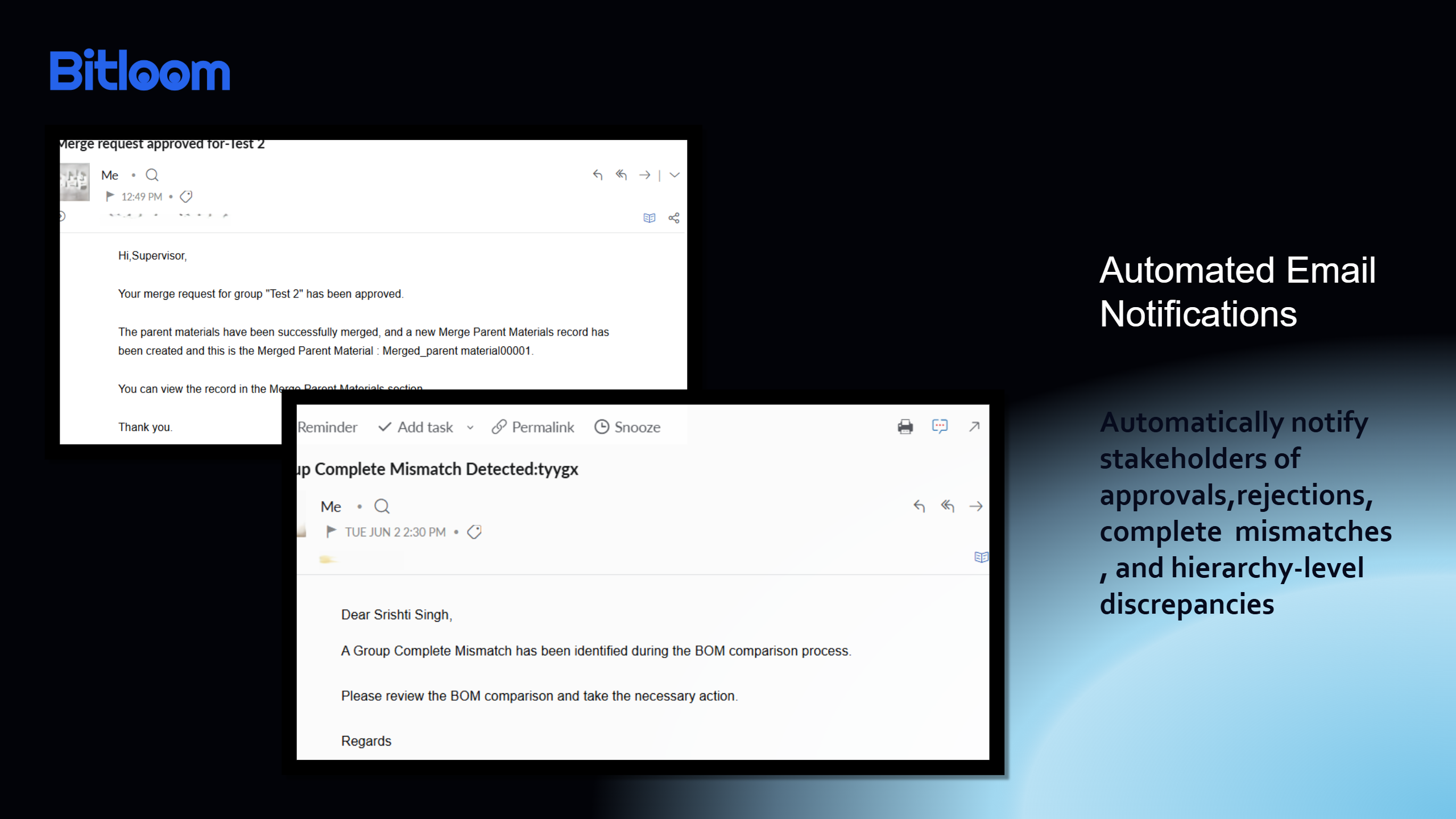
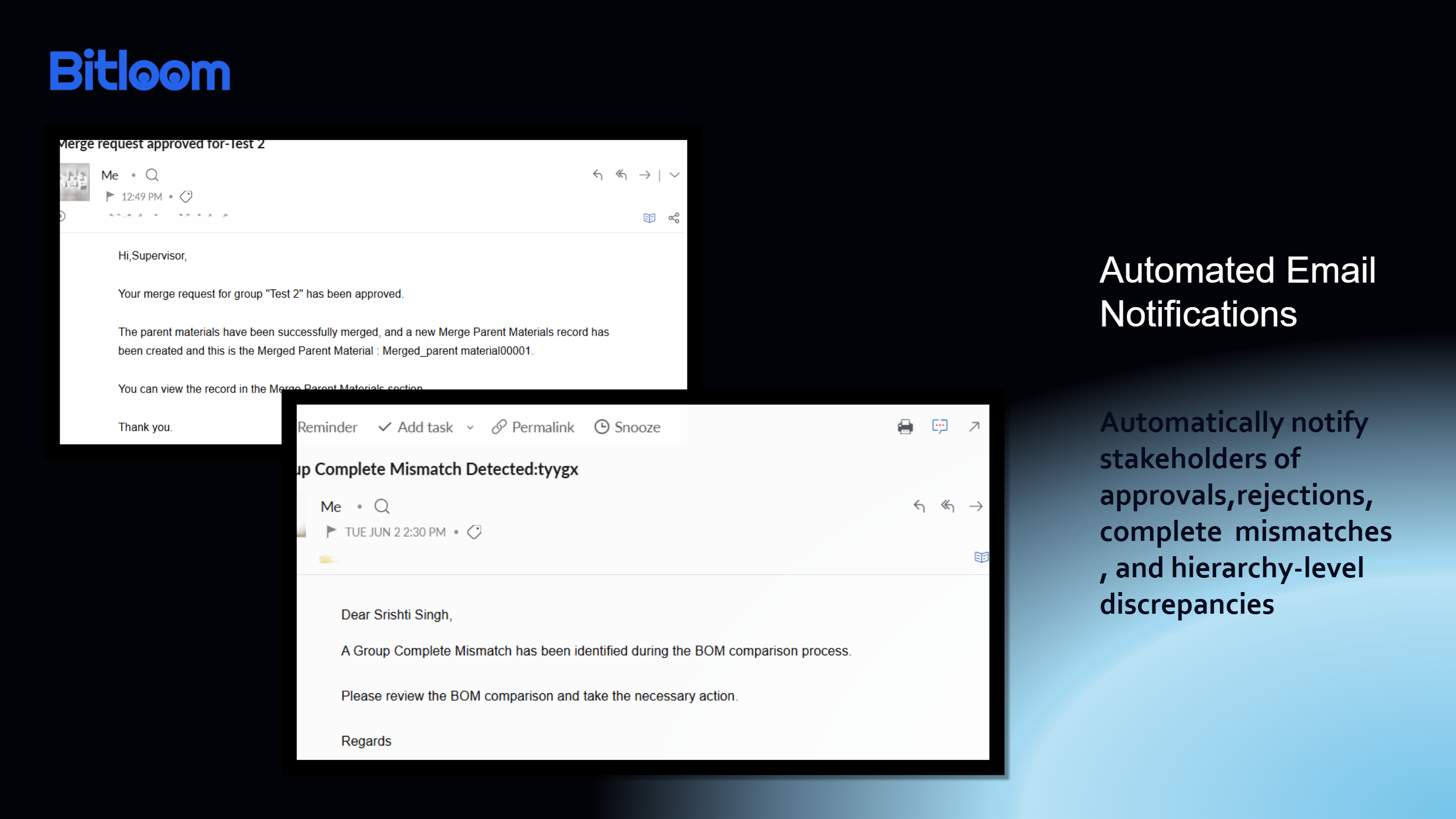
Automated Email Notifications
Automatically notify stakeholders of approvals, rejections, complete mismatches, and hierarchy-level discrepancies.
Pricing
Monthly
Annual
Standard
$
5.00 user / month
billed annually
From 5 users
Terms and Conditions
By installing this product you agree to terms and conditions outlined in the license agreement.
Support
Support is available for this application
Support is provided by the developer within the “Basic” and “Business” packages. Detailed information about the support packages and the support terms can be found on the Creatio website.
Installation
Setup guide
Configure BOM Comparisons for Creatio by setting up lookups (Levels & Materials), importing material data, creating a group, selecting parent materials, and generating BOMs for comparison - refer to the detailed user guide for step-by-step instructions.
Resources
Data sharing
- By installing or downloading the App, you confirm that you agree with sharing your account data (name, email, phone, company and country) with the App Developer as their End User.
- The App Developer will process your data under their privacy policy.
Versions
Versions history
Version
Compatibility
Release date
2.0.0
8.3.2 and up
Release summary
This release introduces an enhanced BOM governance and consolidation framework, extending BOM Comparisons beyond structural analysis into a controlled approval-driven process. Key enhancements include automated approval workflows with manager review, status tracking across the comparison lifecycle, and automatic creation of Merged Parent Material records upon approval. The release also adds intelligent email notifications for approval outcomes, complete mismatches, and level-specific discrepancies, ensuring timely stakeholder communication. These improvements strengthen auditability, streamline material consolidation decisions, and provide greater control over master data quality management.
1.0.0
8.3.2 and up
Release summary
First release of BOM Comparisons for Creatio enabling group-based BOM comparison, multi-level analysis, mismatch detection, and audit tracking for improved material data accuracy.
Manual app installation
- Open the needed app → the Packages tab - download the Markeplace app files.
- Click in the top right → Application Hub
- Click New application. This opens a window.
- Select Install from file and click Select in the window that opens.
- Click Select file on the page of the Marketplace App Installation Wizard and specify the app file path.