


ComplyTrack AML and KYC Compliance Management for Creatio
ComplyTrack centralises client data, automates due diligence workflows, and ensures transparent AML, KYC, and compliance incident management within Creatio.
Overview
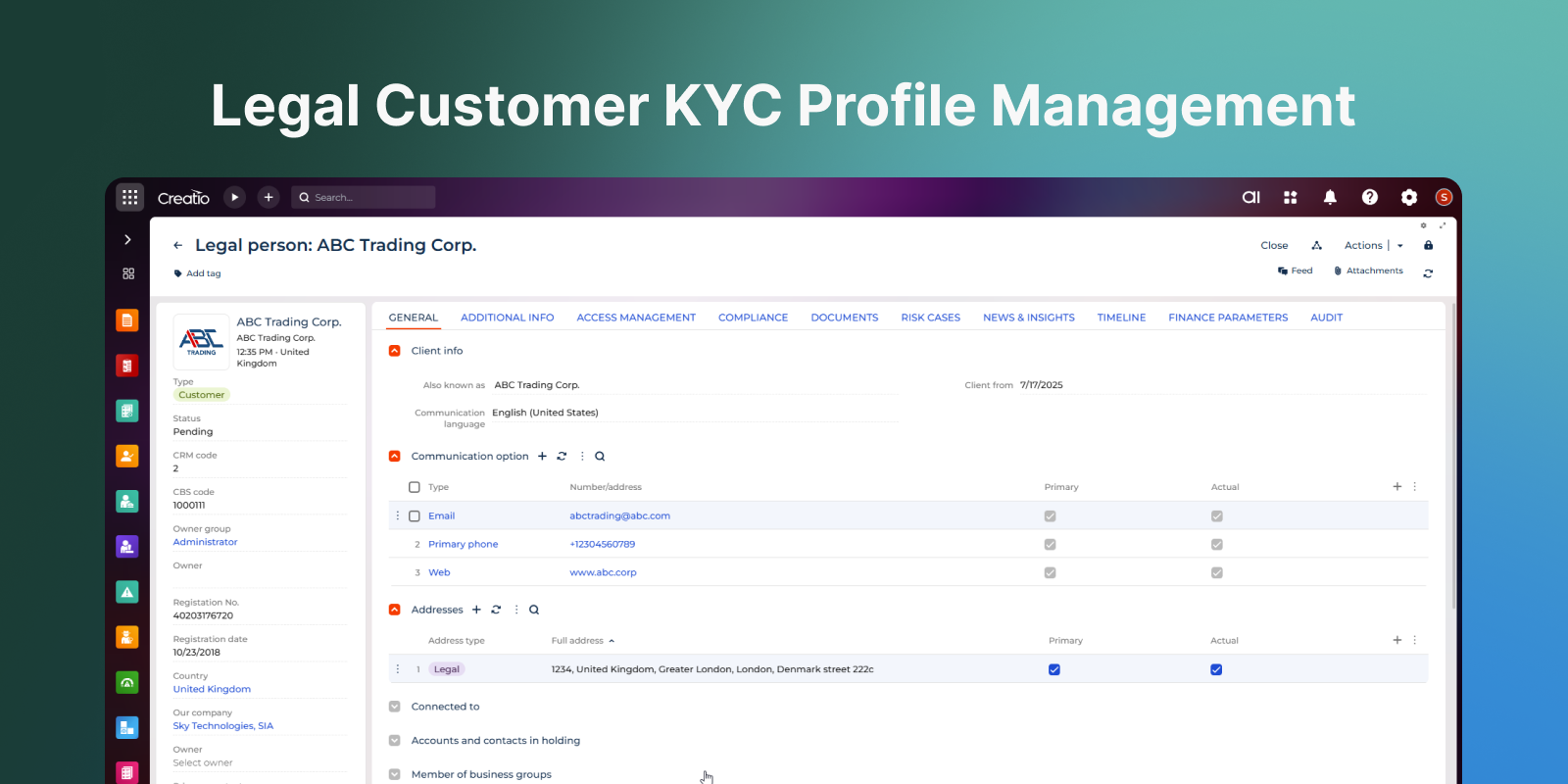
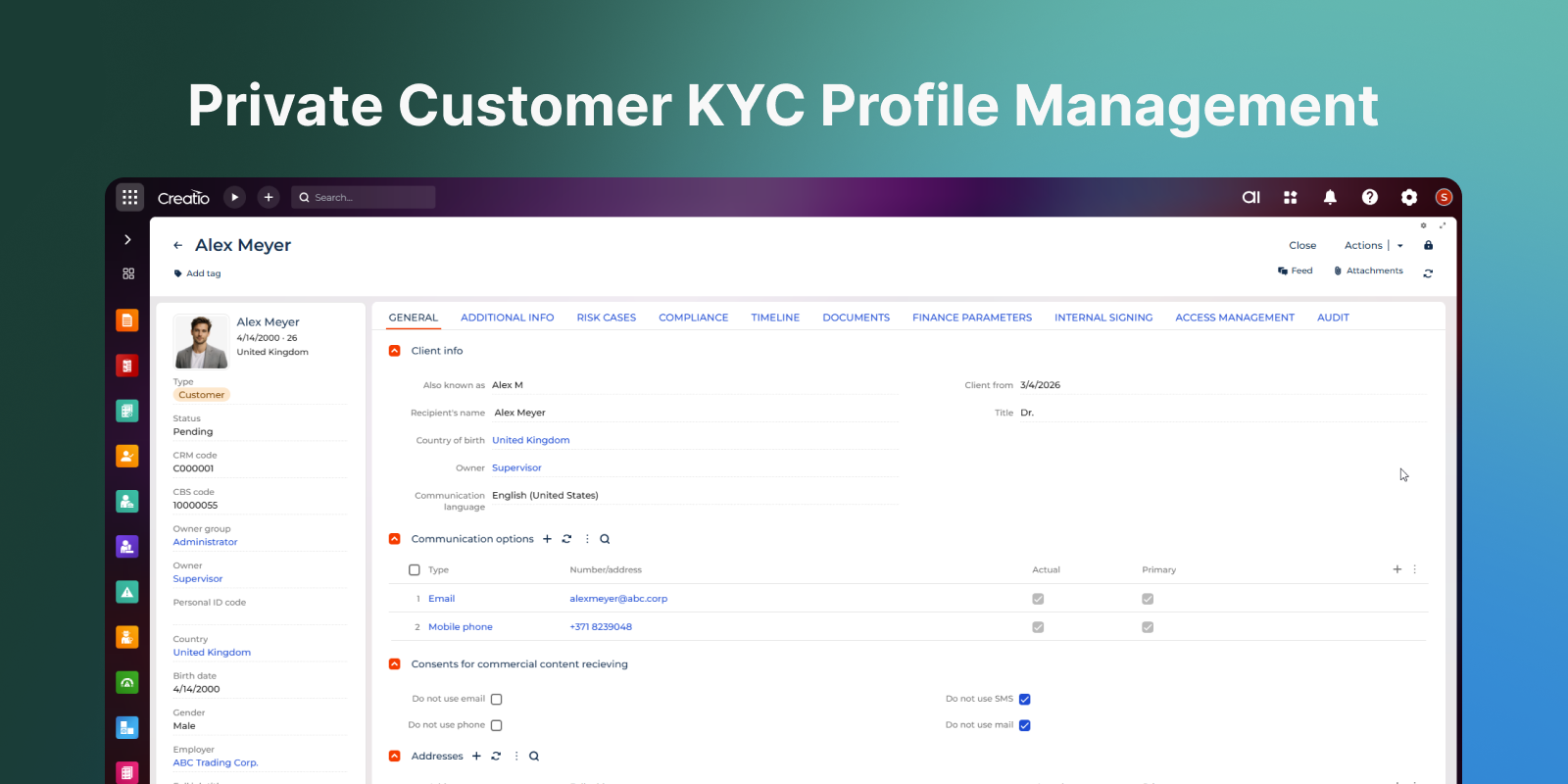
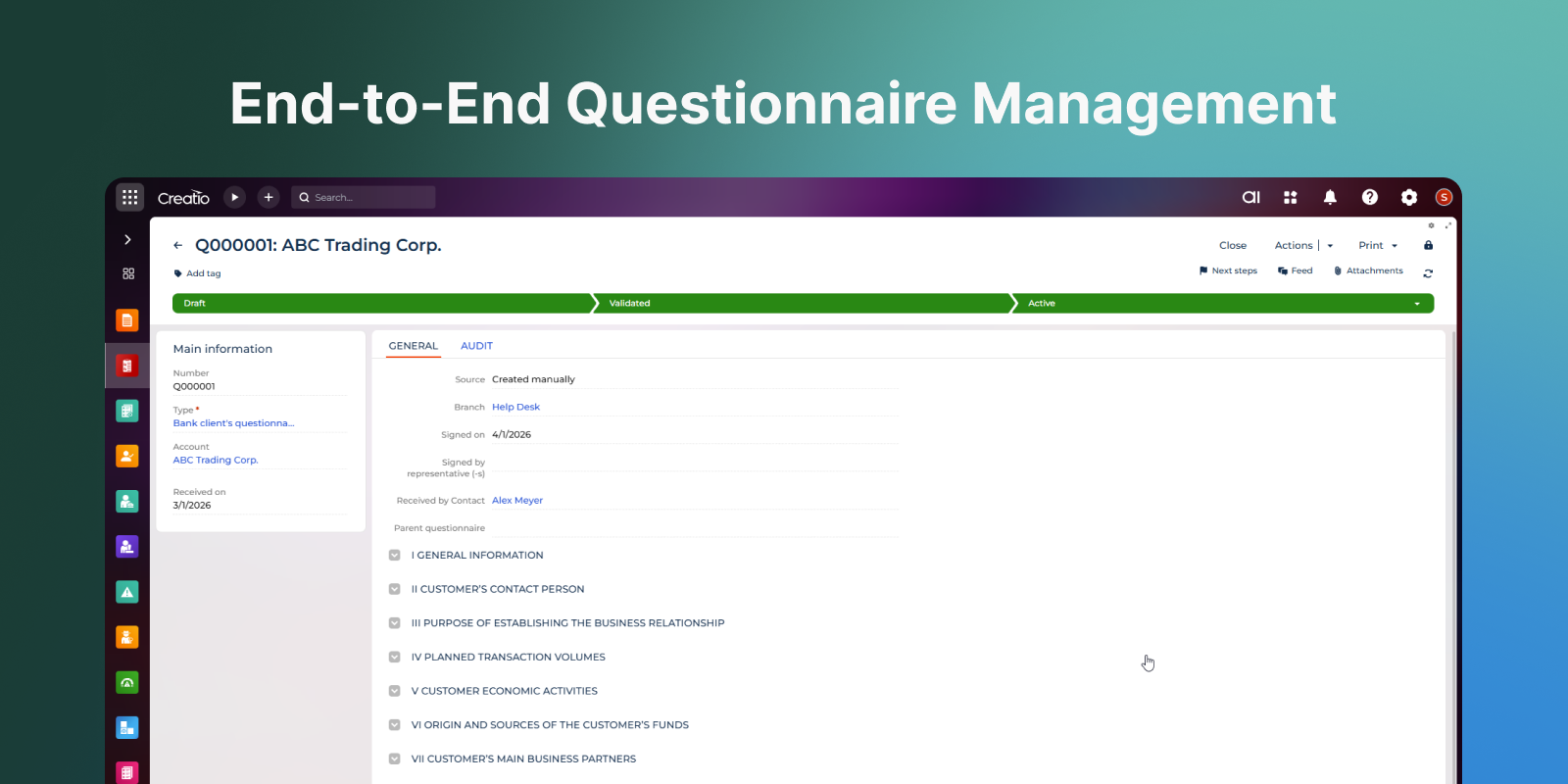
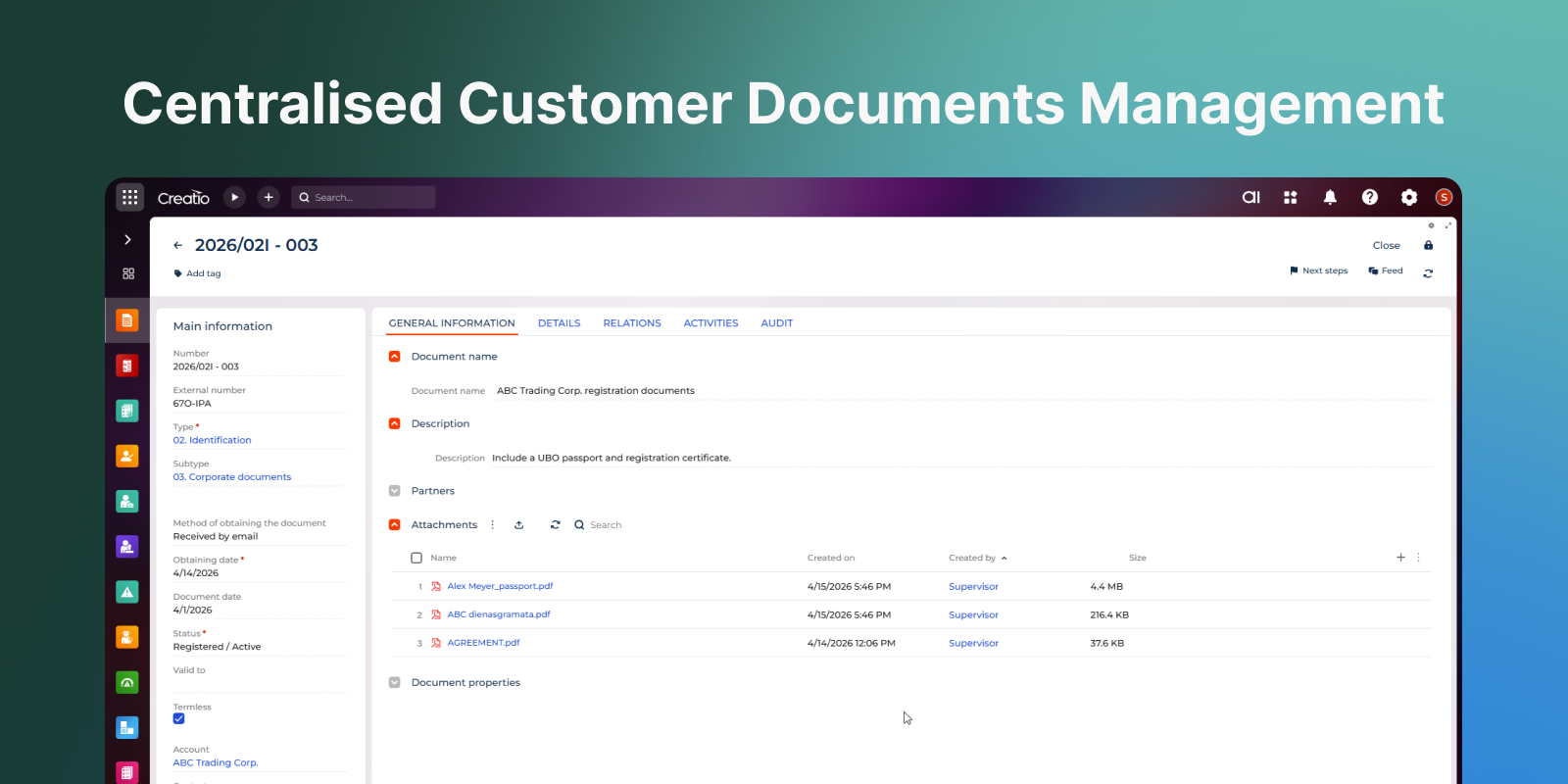
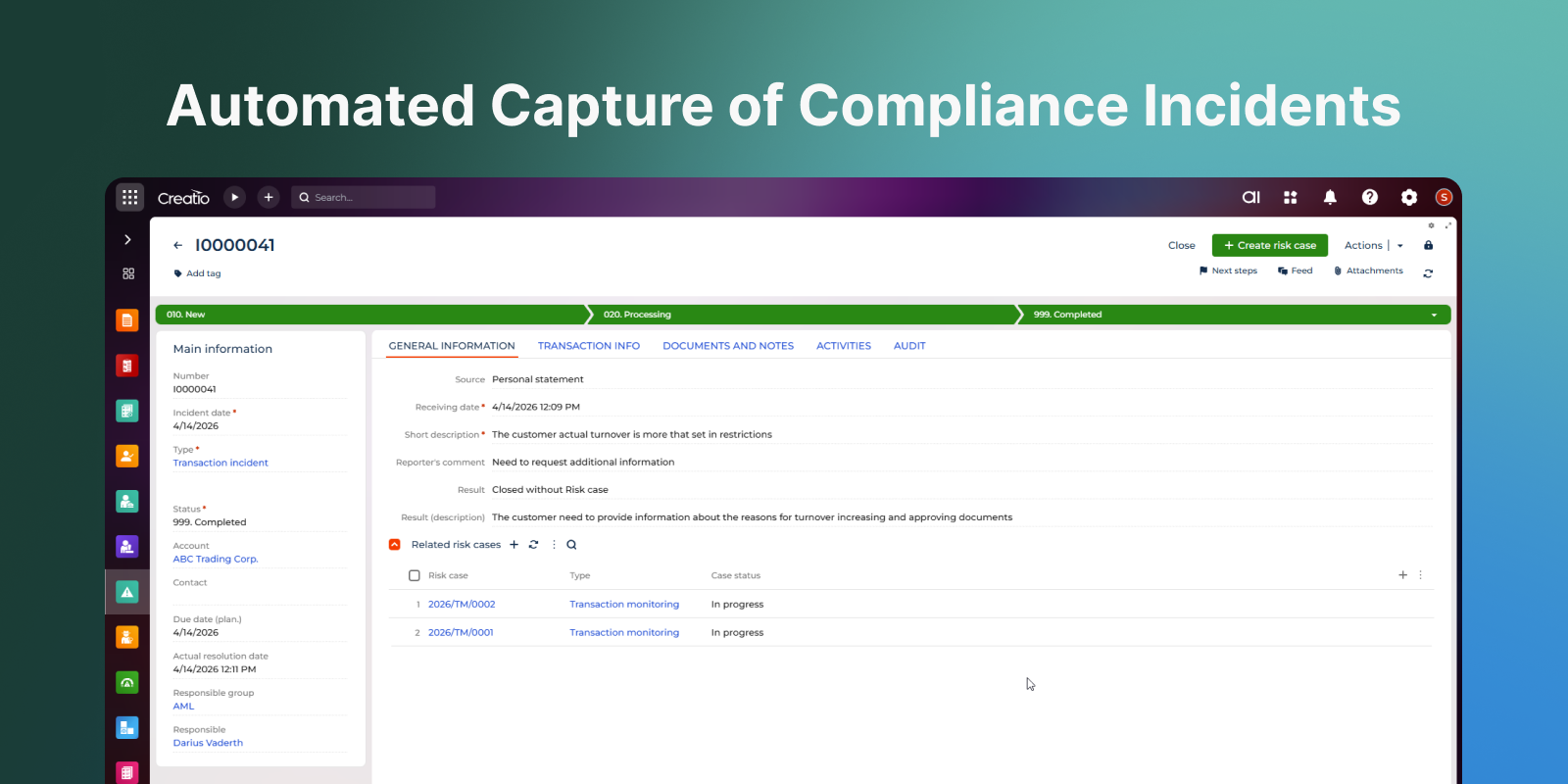
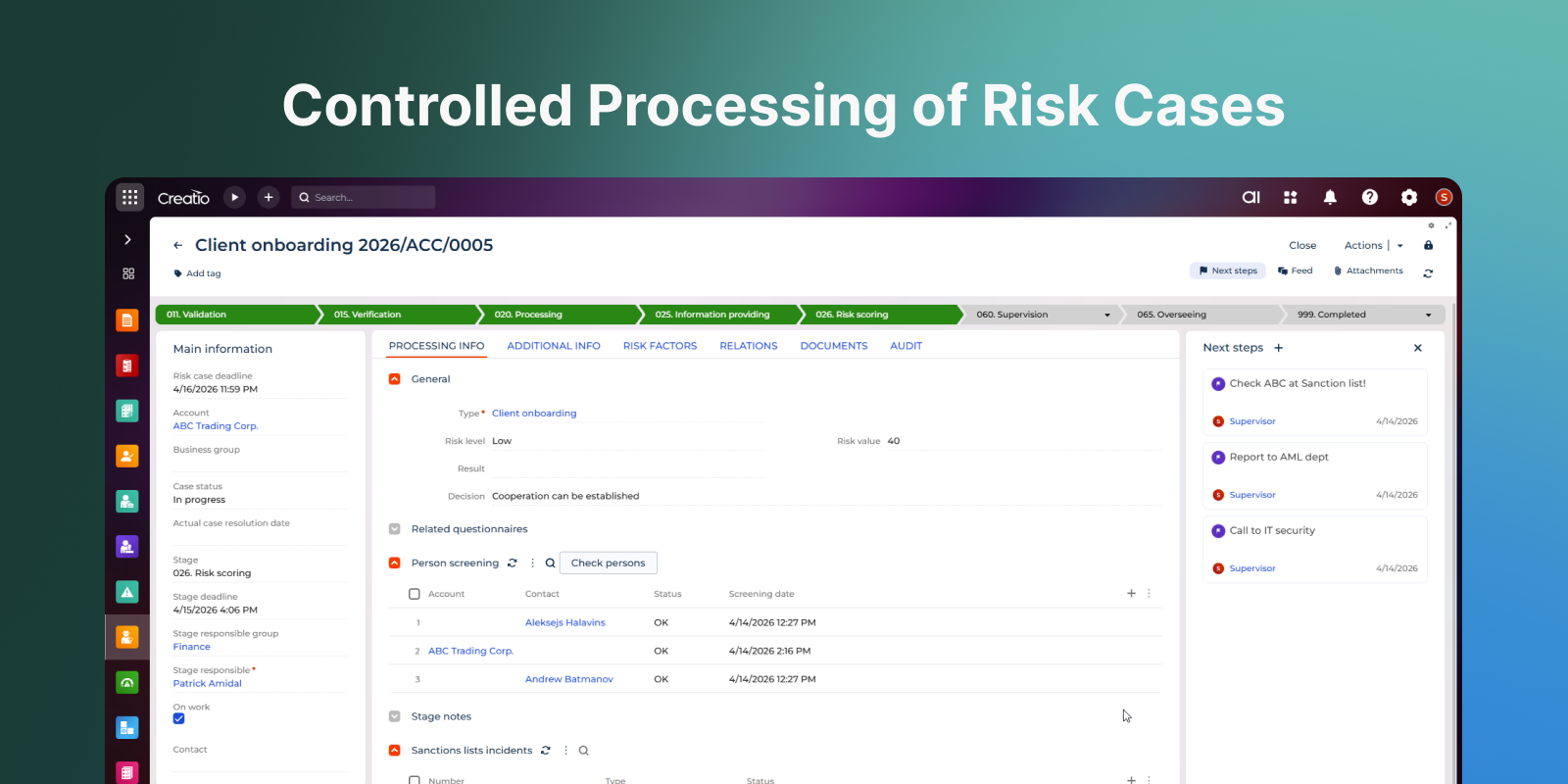
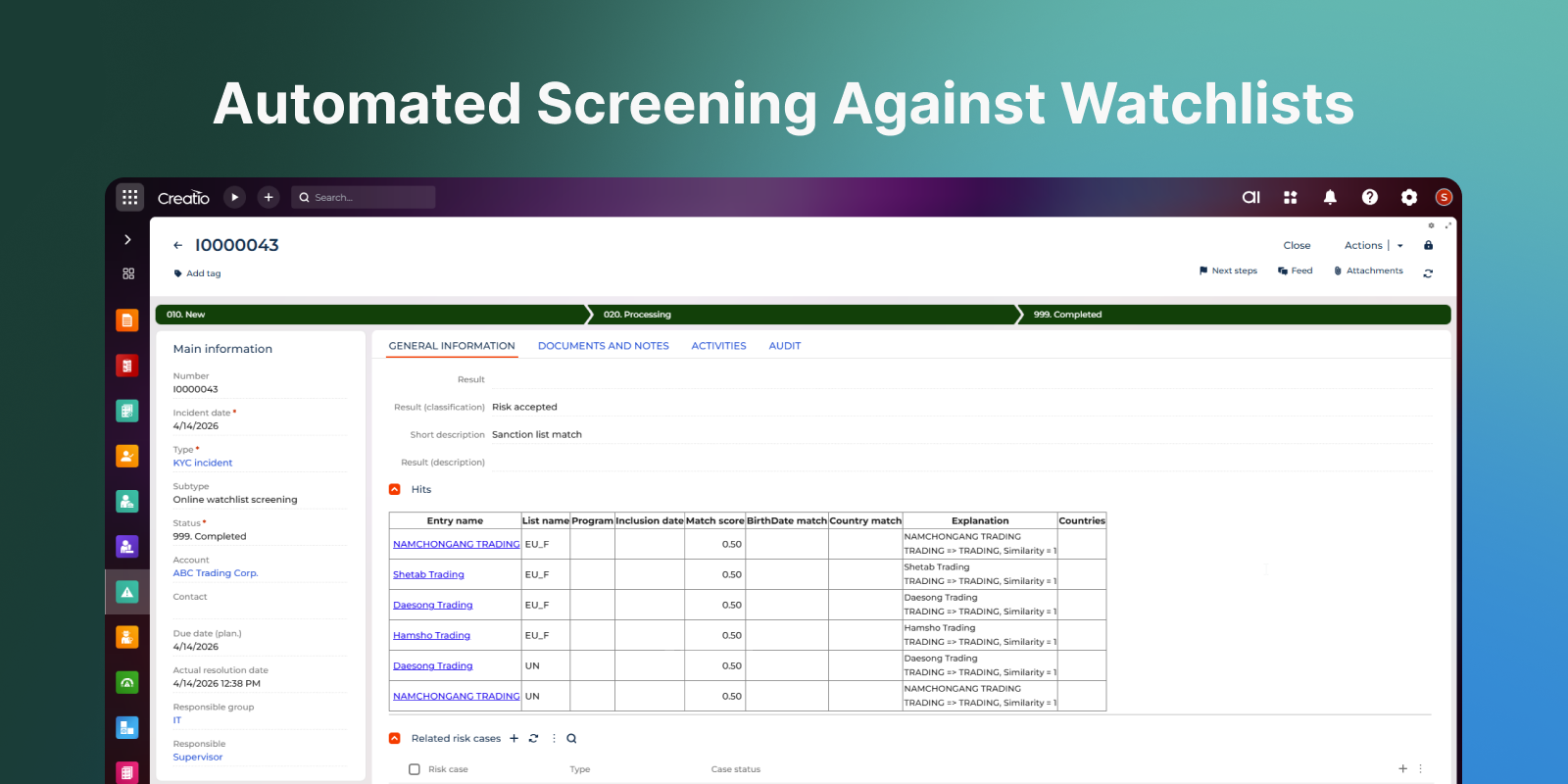
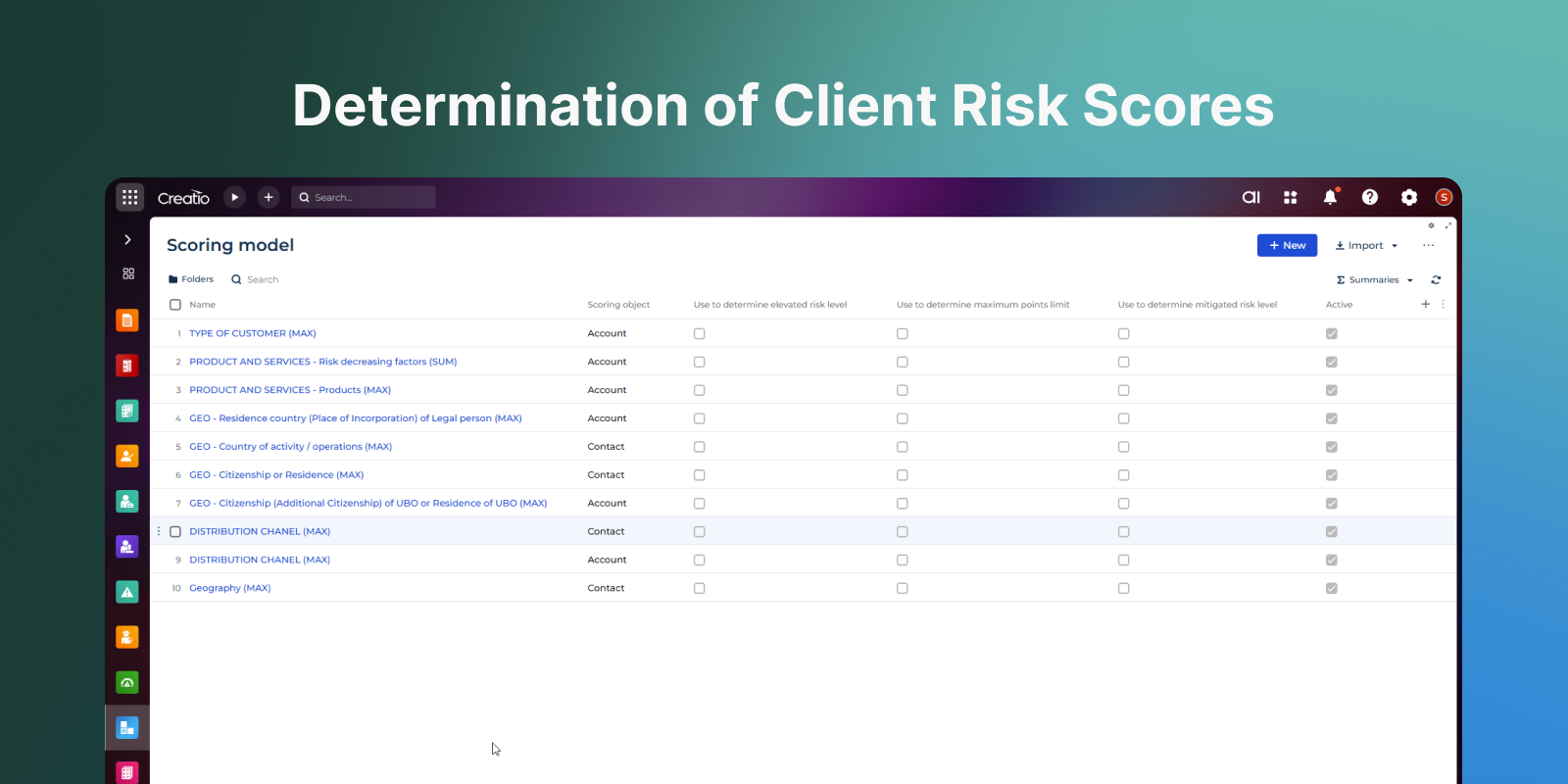
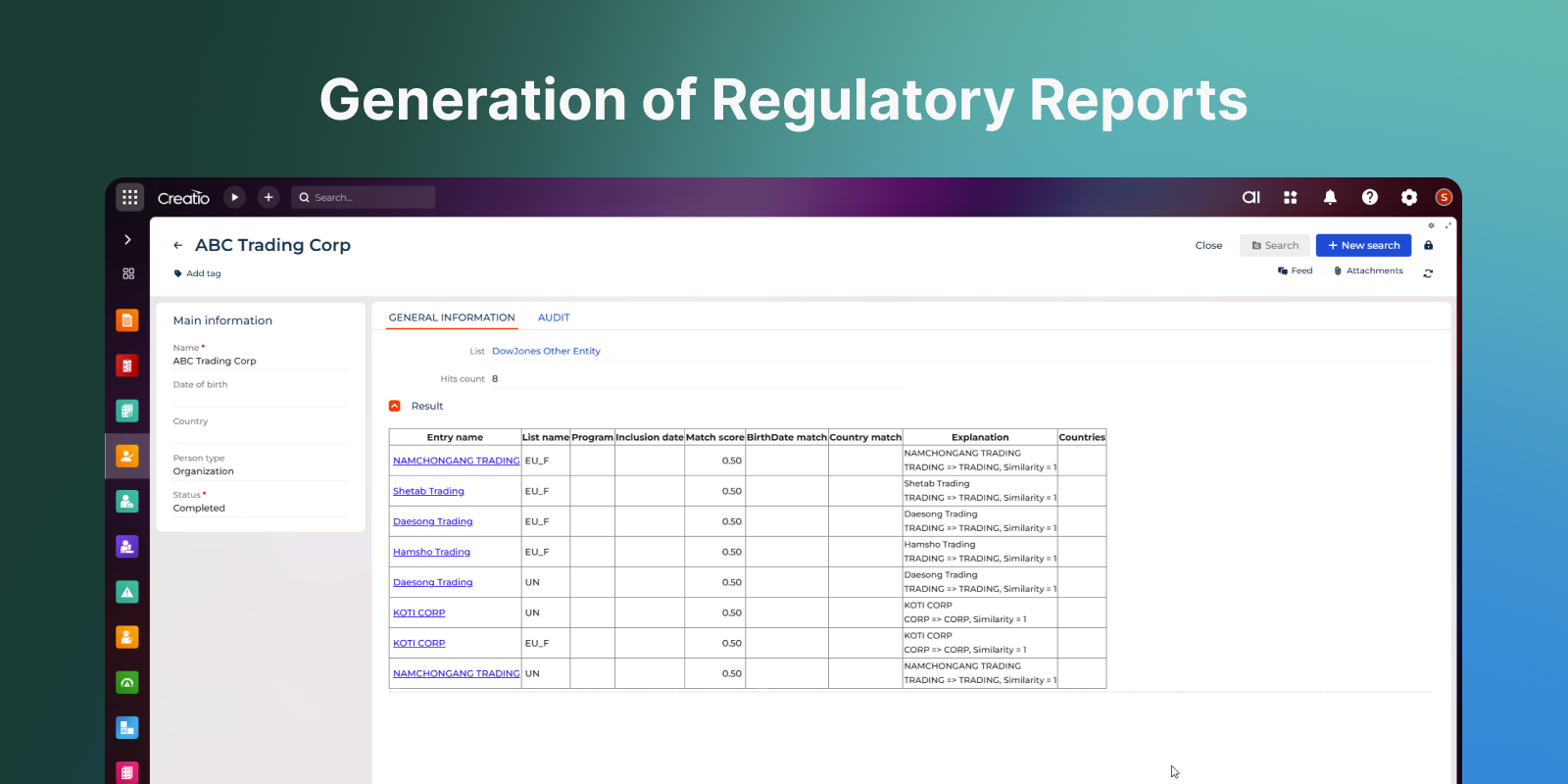
Product overview
ComplyTrack is an AML and KYC compliance management solution that streamlines regulatory workflows by centralising client data, automating due diligence and other processes, and ensuring transparency in incident management and regulatory reporting. Highly configurable and adaptable to internal policies and regulatory requirements, ComplyTrack helps organisations minimise compliance risks efficiently and effectively.
Use cases
Anti-Money Laundering (AML) and Counter-Terrorism / Proliferation Financing
Automates monitoring, incident handling, and investigation workflows to help prevent financial crimes.
Compliance Incident Management
Provides a full set of information for each case and ensures controlled decision-making to minimise risks.
Regulatory Compliance
Enables automated alignment with legal frameworks, industry benchmarks, and internal policies.
Flexible Risk Management
Tailors processes and risk models to meet specific business needs and evolving regulatory expectations.
Integration and Automation
Seamlessly connects with other Creatio objects – processes, persons, and documents – for highly automated compliance operations.
Key Features
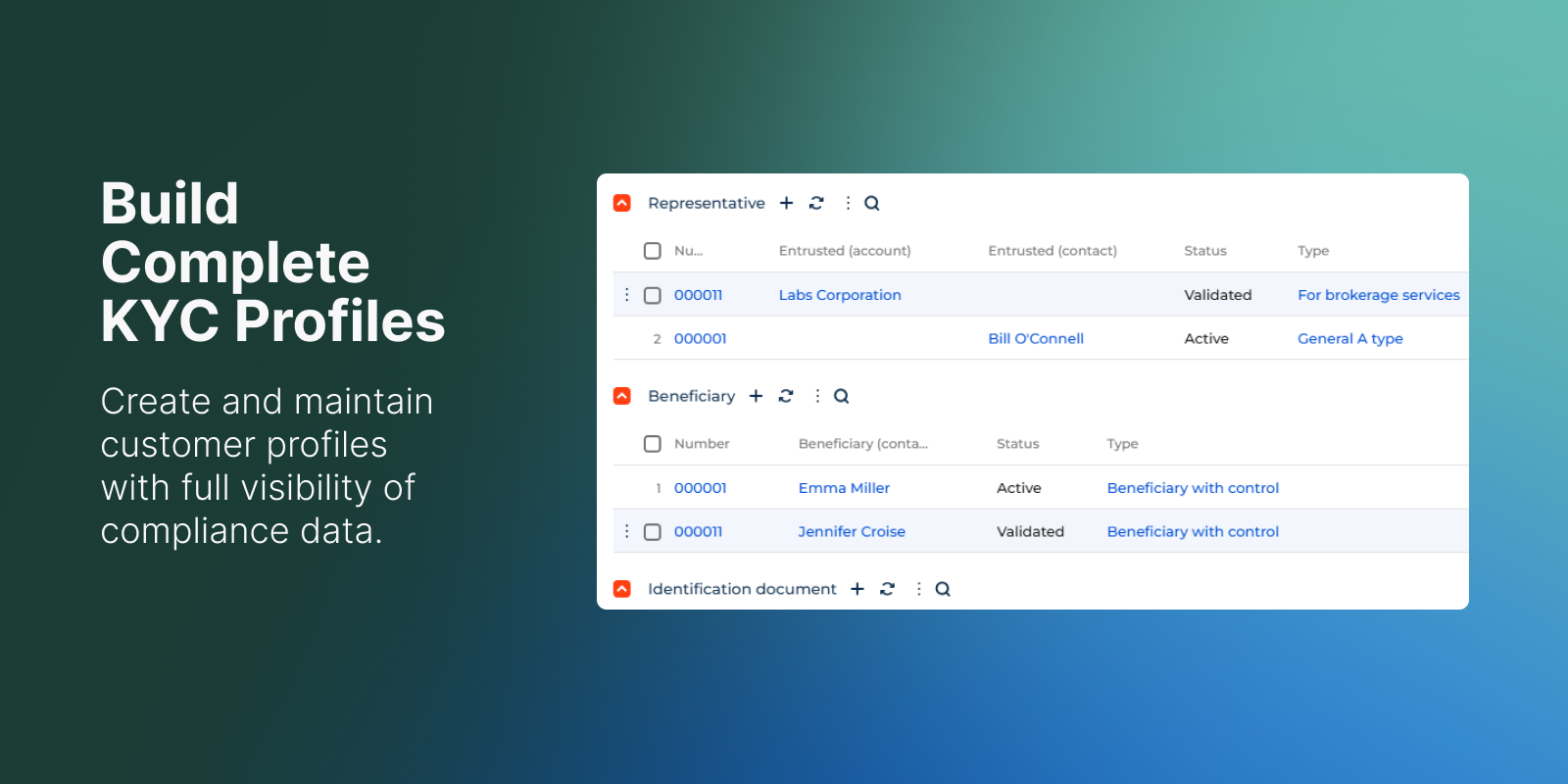
Build Complete KYC Profiles
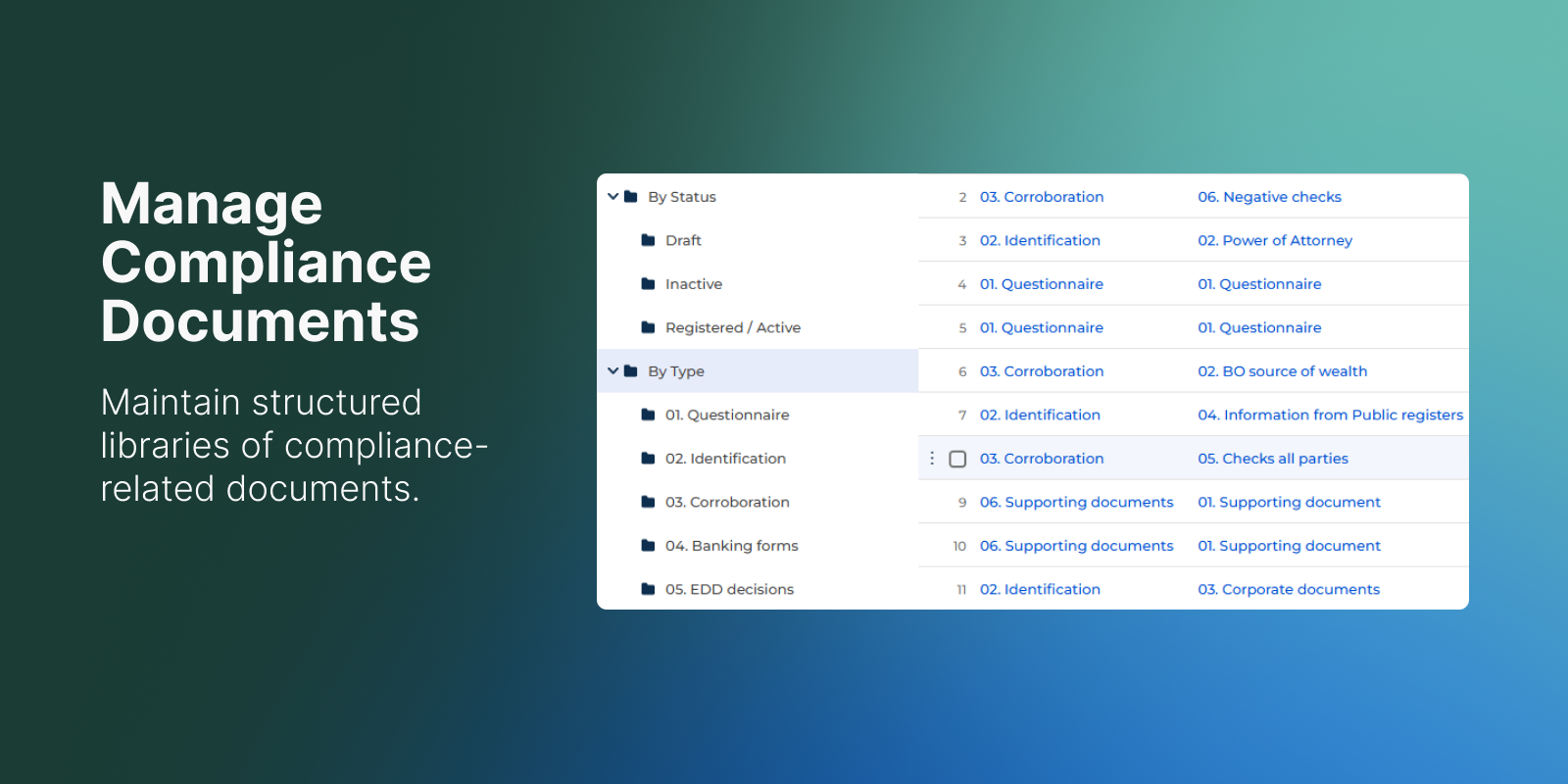
Manage Compliance Documents
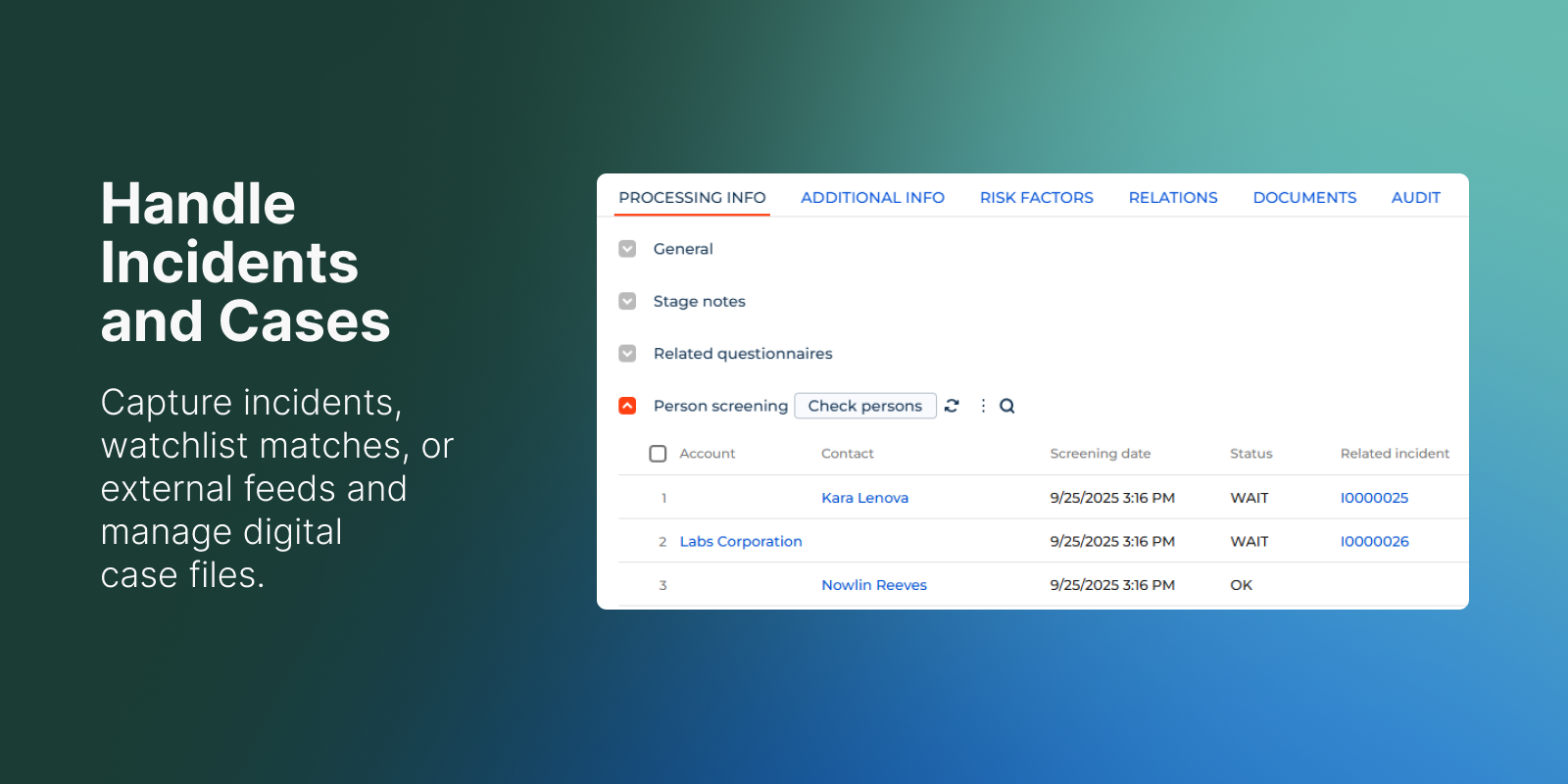
Handle Incidents and Cases
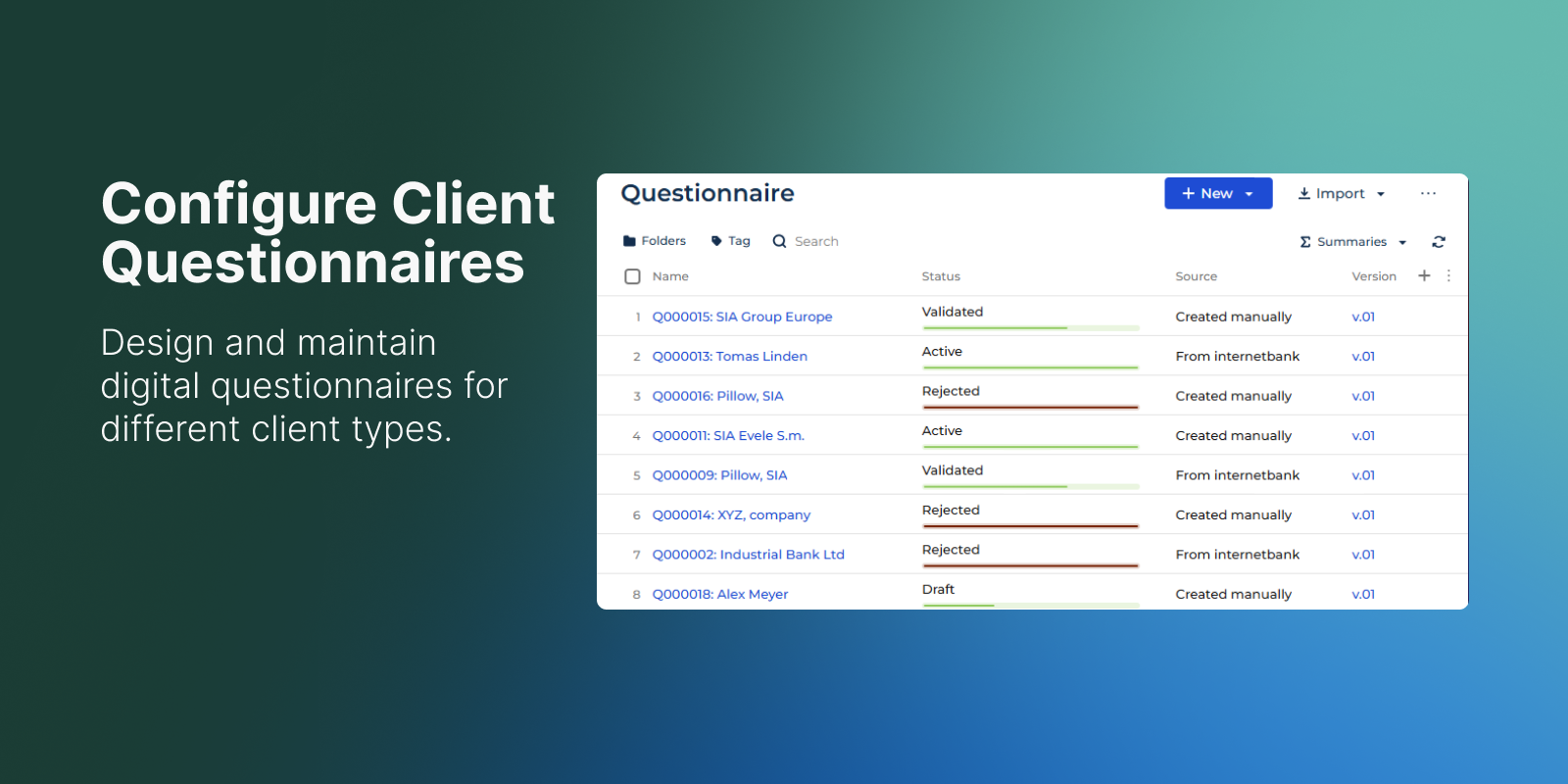
Configure Client Questionnaires
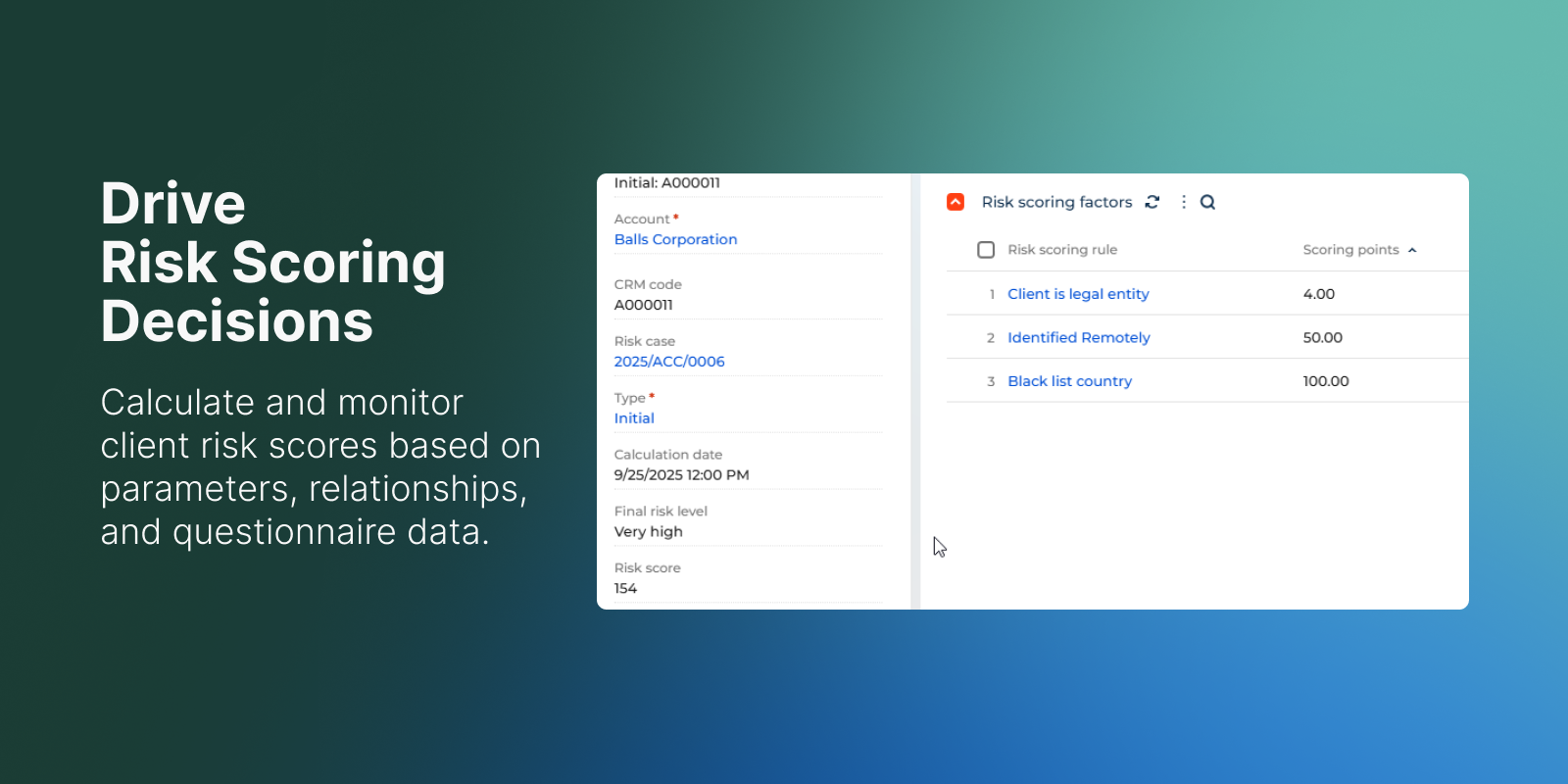
Drive Risk Scoring Decisions
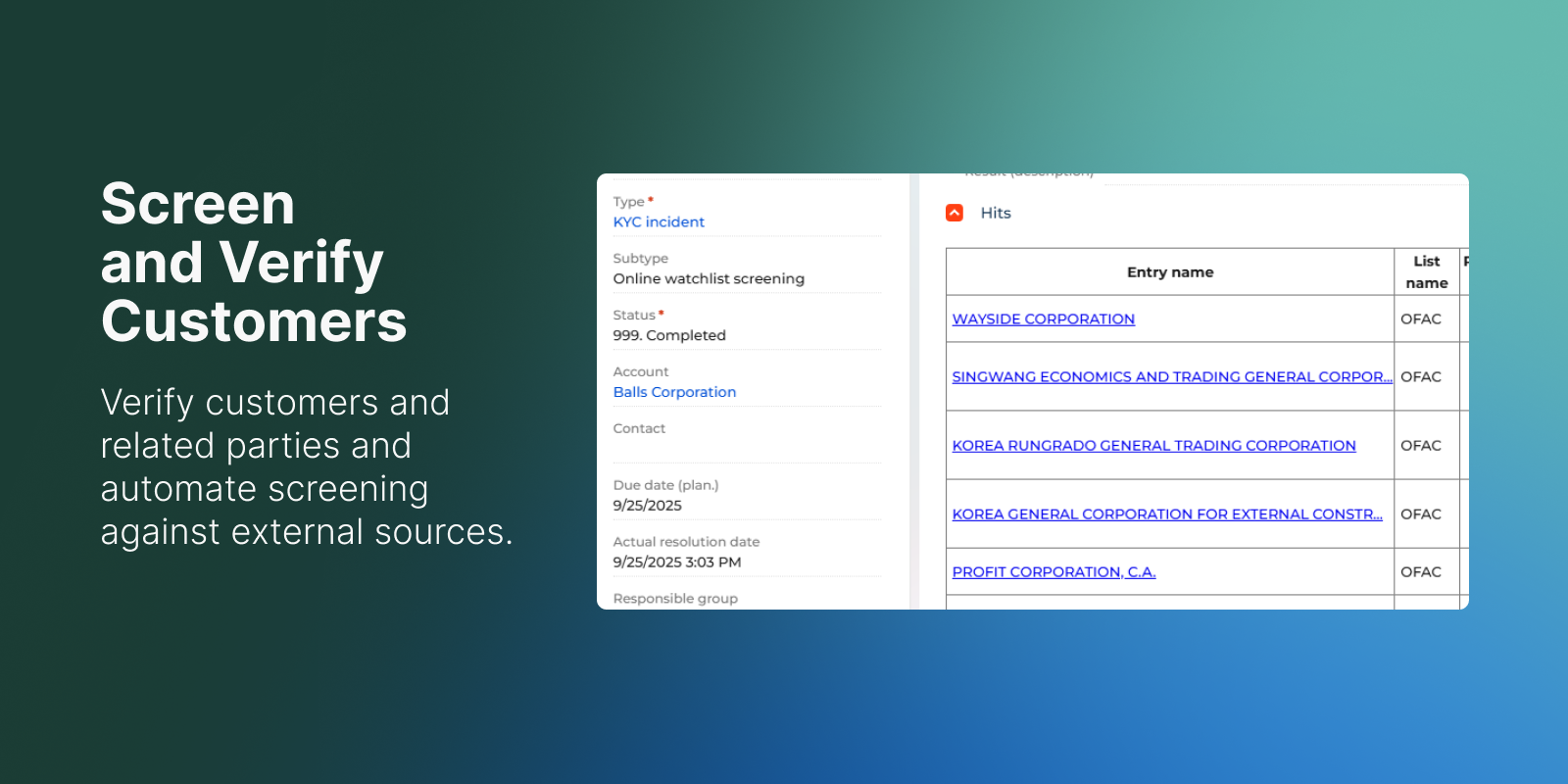
Screen and Verify Customers
Pricing
Terms and Conditions
Support
Support is provided by the developer within the “Basic” and “Business” packages. Detailed information about the support packages and the support terms can be found on the Creatio website.
Installation
Setup guide
For installation and setup, please contact the solution developer Confero Technologies or your personal manager at Creatio.
After installation please generate source code and update database structure for all File schemas in the environment.
Data sharing
- By installing or downloading the App, you confirm that you agree with sharing your account data (name, email, phone, company and country) with the App Developer as their End User.
- The App Developer will process your data under their privacy policy.
Versions
Versions history
- A group of related clients/persons (holding), calculated based on the relationships with the specified depth.
- Mechanism of customizable universal validations.
- Activation of beneficiary and representative connections through risk-case.
- Mechanism of customizable business rules for automatic creation of incidents or risk-cases.
- Automatic client onboarding mode depending on the results of scoring and screening.
- Containerization (moving to Kubernetes) of the internal screening service (working mode without the Siron KYC product) to increase the efficiency of multithreading.
- Mechanism of notification rules based on the occurrence of terms or changes in field values.
- Risk scoring has added the ability to create models for limiting the level of risk or setting a minimum level of risk.
- REST API for client cards (in addition to standard integration methods with the Creatio platform)
- Transaction verification process by product codes to identify dual-use goods.
- Added details for accounting of licenses and audit of PEP statuses
- Improvement of risk-case term control mechanism, creation of automatic print forms in the case
- Extended partner card, added the ability to create a connection from the partner card.
- Expanded search conditions by lists (sanctions, etc.). Added a section for searching for persons online with the possibility of printing the verification result and saving the result in the person's documents.
Manual app installation
- Open the needed app → the Packages tab - download the Markeplace app files.
- Click in the top right → Application Hub
- Click New application. This opens a window.
- Select Install from file and click Select in the window that opens.
- Click Select file on the page of the Marketplace App Installation Wizard and specify the app file path.
Compatibility notes
The solution requires additional microservice deployed in Kubernetes cluster.