Configure Price Quote
Coming soon
Configure Price Quote (CPQ) lets sales teams quote configurable products natively in Creatio — one flow from opportunity to branded quote to order, with catalog-based products and bundles and pricing from configurable price lists.

Overview

Product overview

Product description

Creatio Configure Price Quote solution makes quoting a native part of Creatio's CRM — for businesses that need quoting to be fast, consistent, and repeatable. There's no third-party CPQ to license, integrate, or keep in sync. One flow carries the deal: the rep creates a quote from the opportunity, and the order is created from the quote.

Reps build a quote straight from the product catalog — products, bundles, quantities, options. Pricing is calculated on the quote itself, driven by configurable price lists where discounts and pricing rules are set in advance, so every quote reflects the pricing the business approved rather than whatever a spreadsheet says. The finished quote becomes a branded document and goes to the customer by email — no manual assembly, no re-keying.

Catalog, pricing, and approval rules are all set up with Creatio's no-code tools. When pricing policy or the product line changes, the business changes it — without a developer or a release cycle.

Key Features
Flexible Product Structure
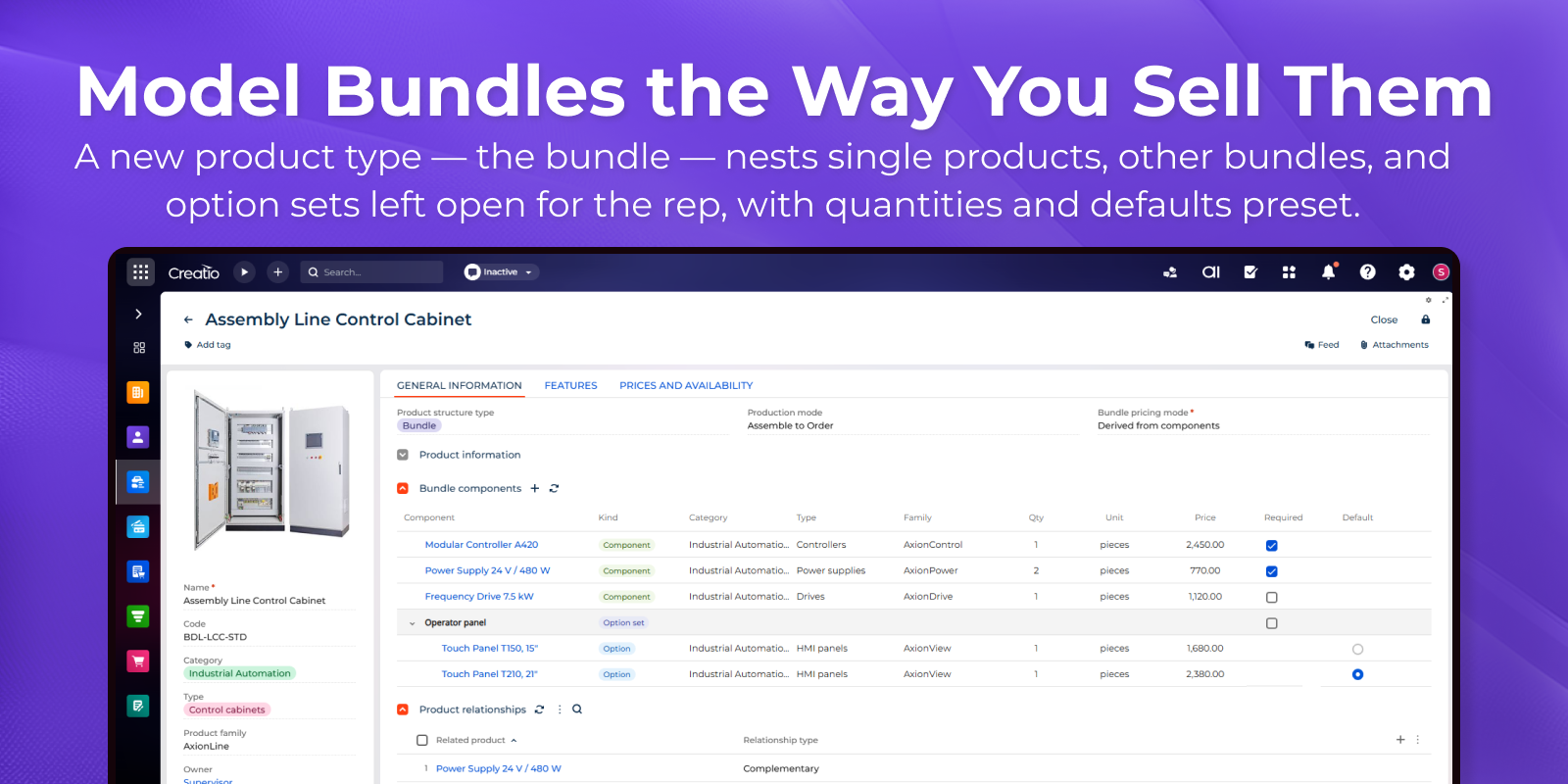
A product can be a single item or a bundle — and a bundle can hold single products, other bundles, and option sets that stay open for the rep to choose from later. Quantities and defaults are preset on the bundle, and bundle pricing is either derived from its components or set at the bundle level — so reps configure only what actually varies deal to deal.

Price Lists & Discount Rules

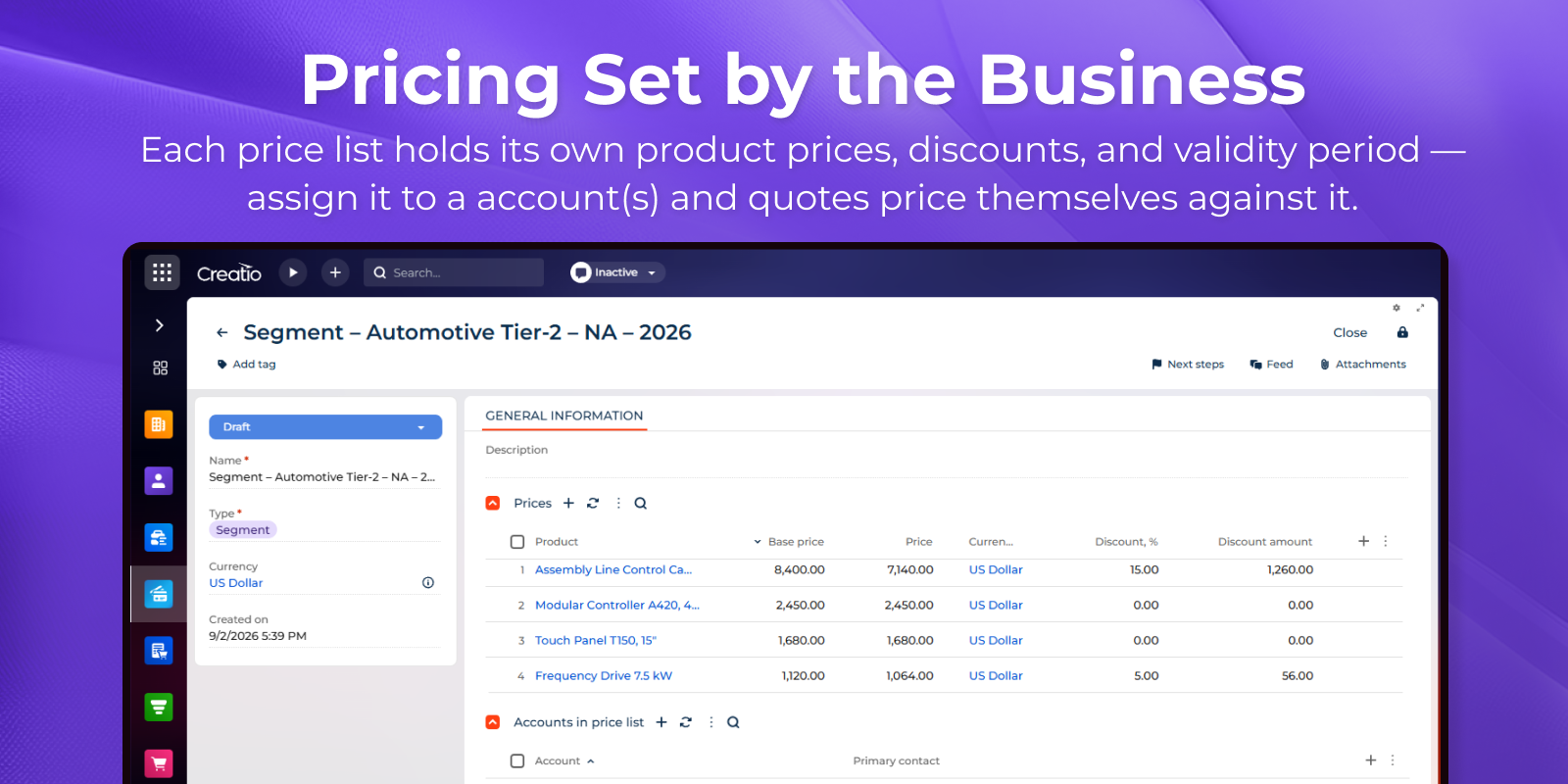
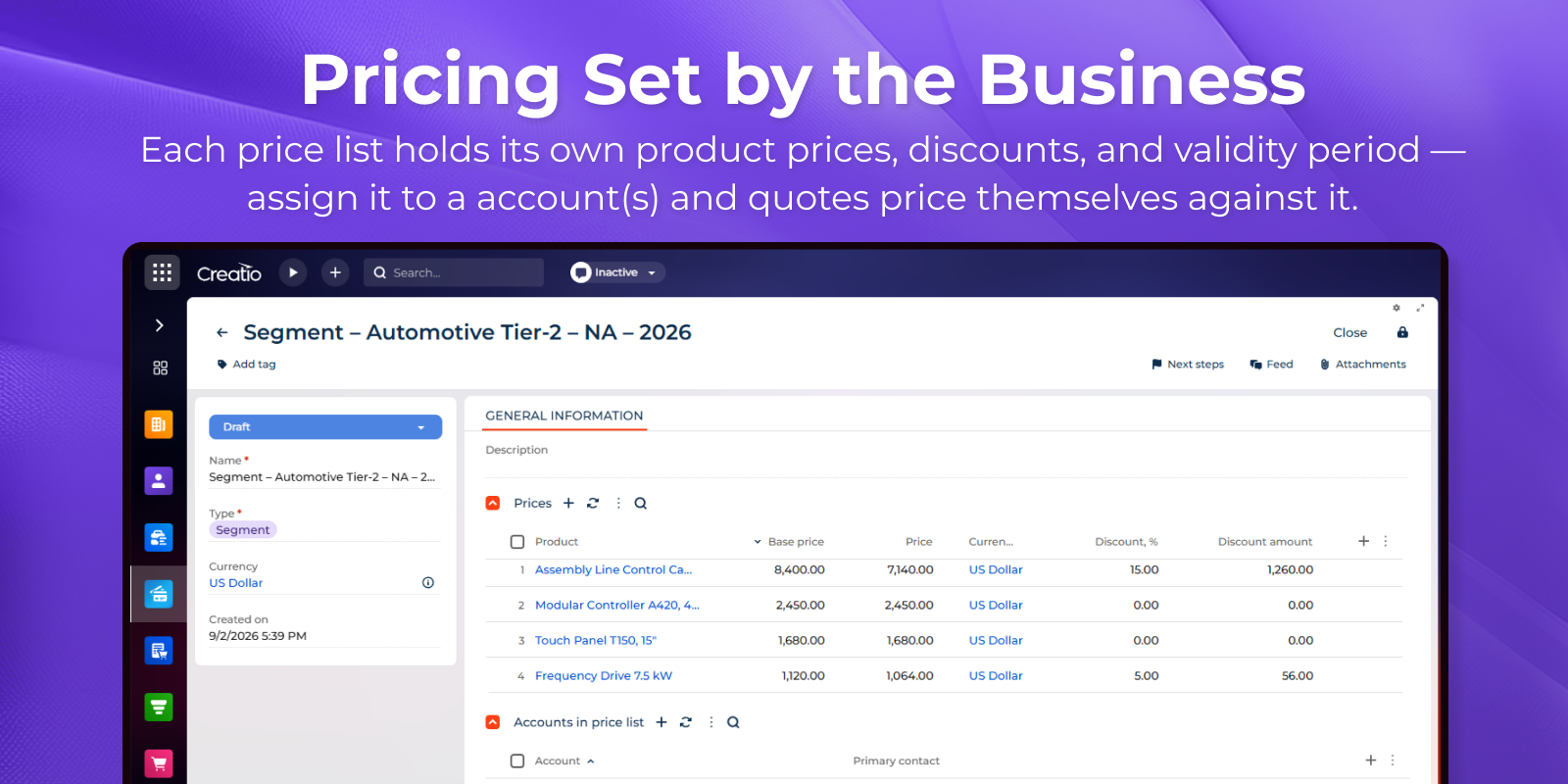
Prices, discounts, and pricing rules live in price lists — base, partner, program, or segment-specific — each with its own validity period. A quote resolves the applicable price list per line automatically, so a rep never works from an outdated sheet and the pricing policy stays where the business can change it.

Select and Configure

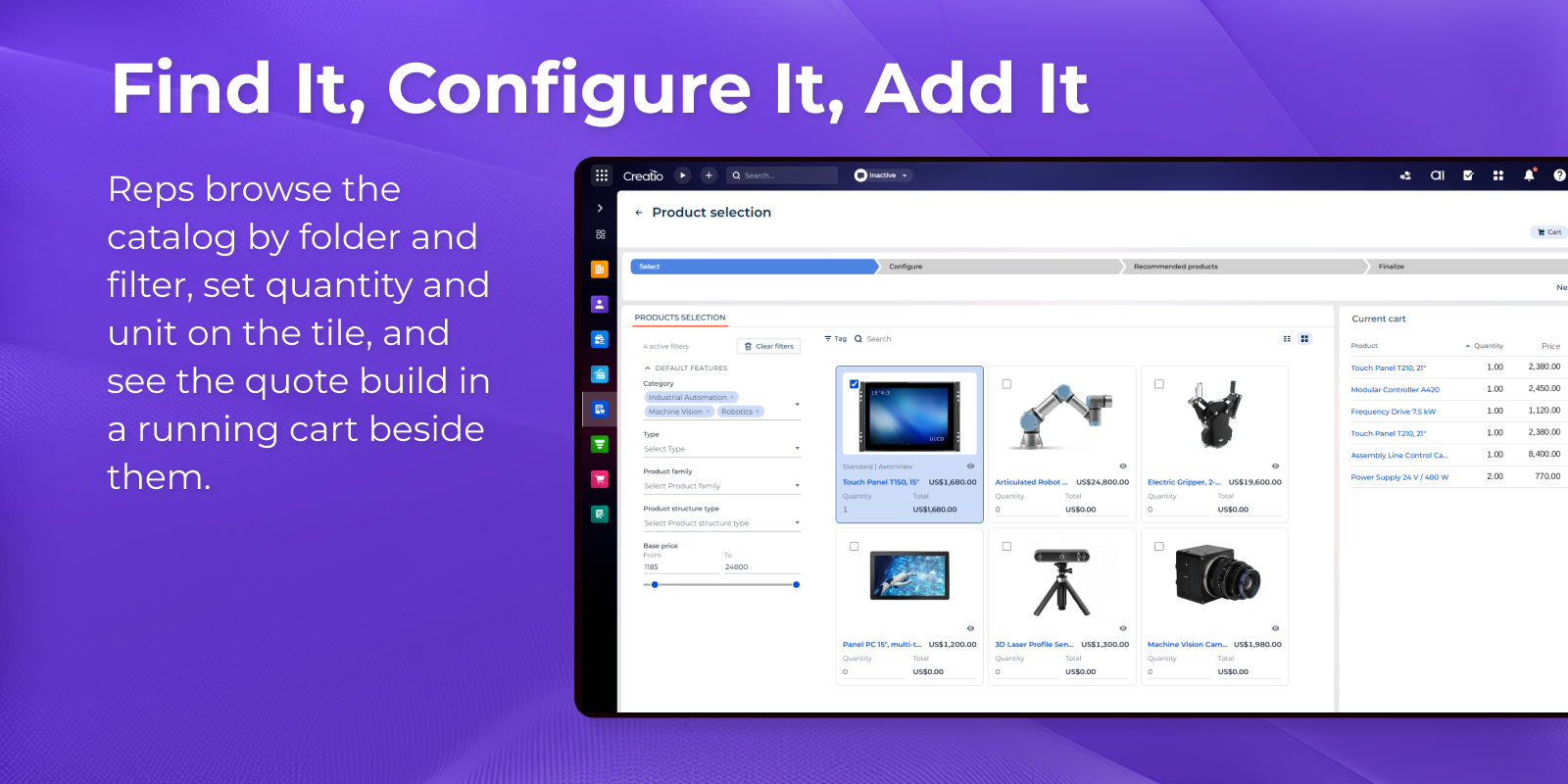
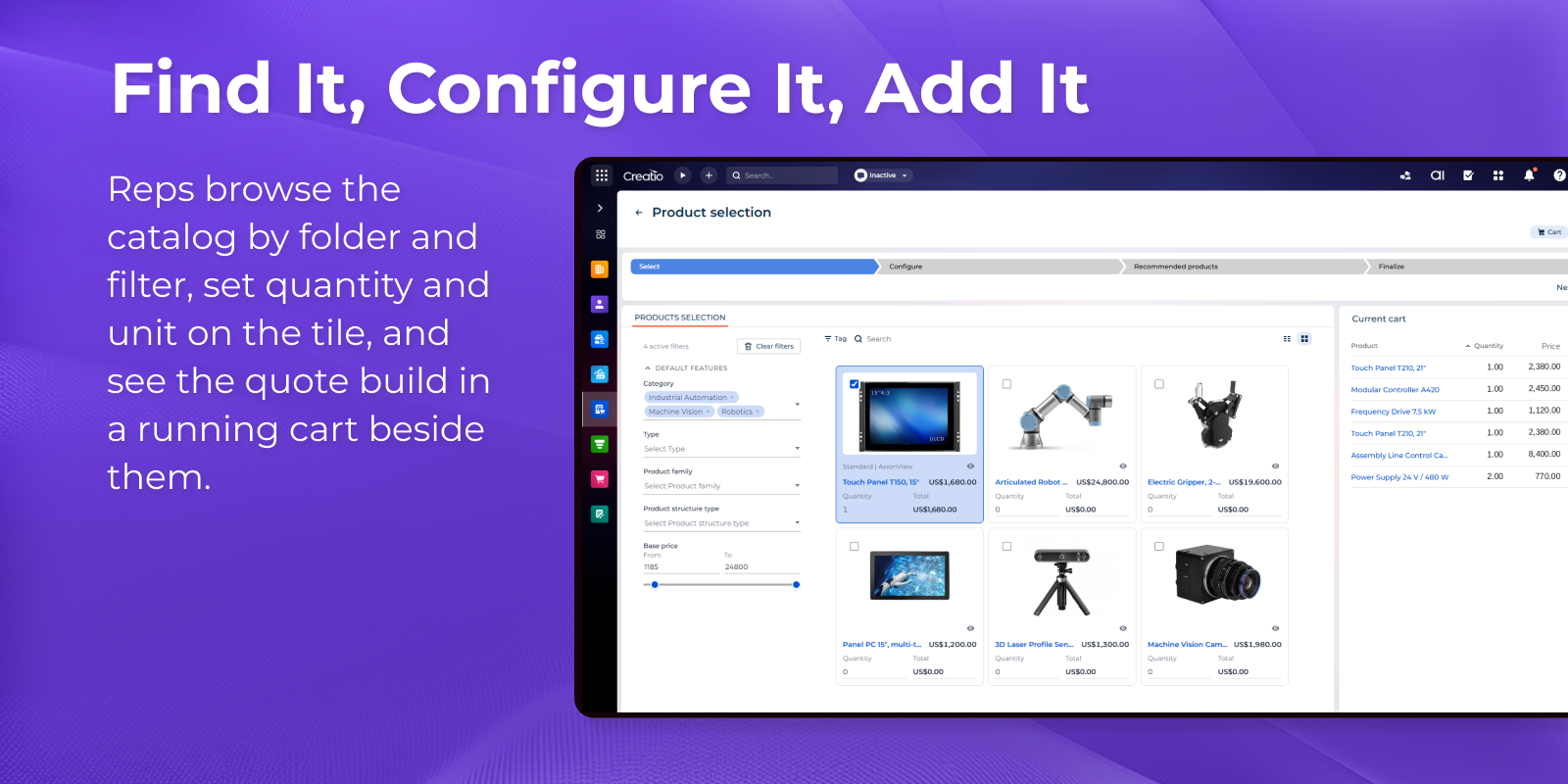
A Select-and-Configure flow lets reps browse the catalog by category and narrow it by product attributes, add products and bundles to a running quote cart, and set quantities and bundle options before moving on to pricing.

Line-Level Price Breakdown

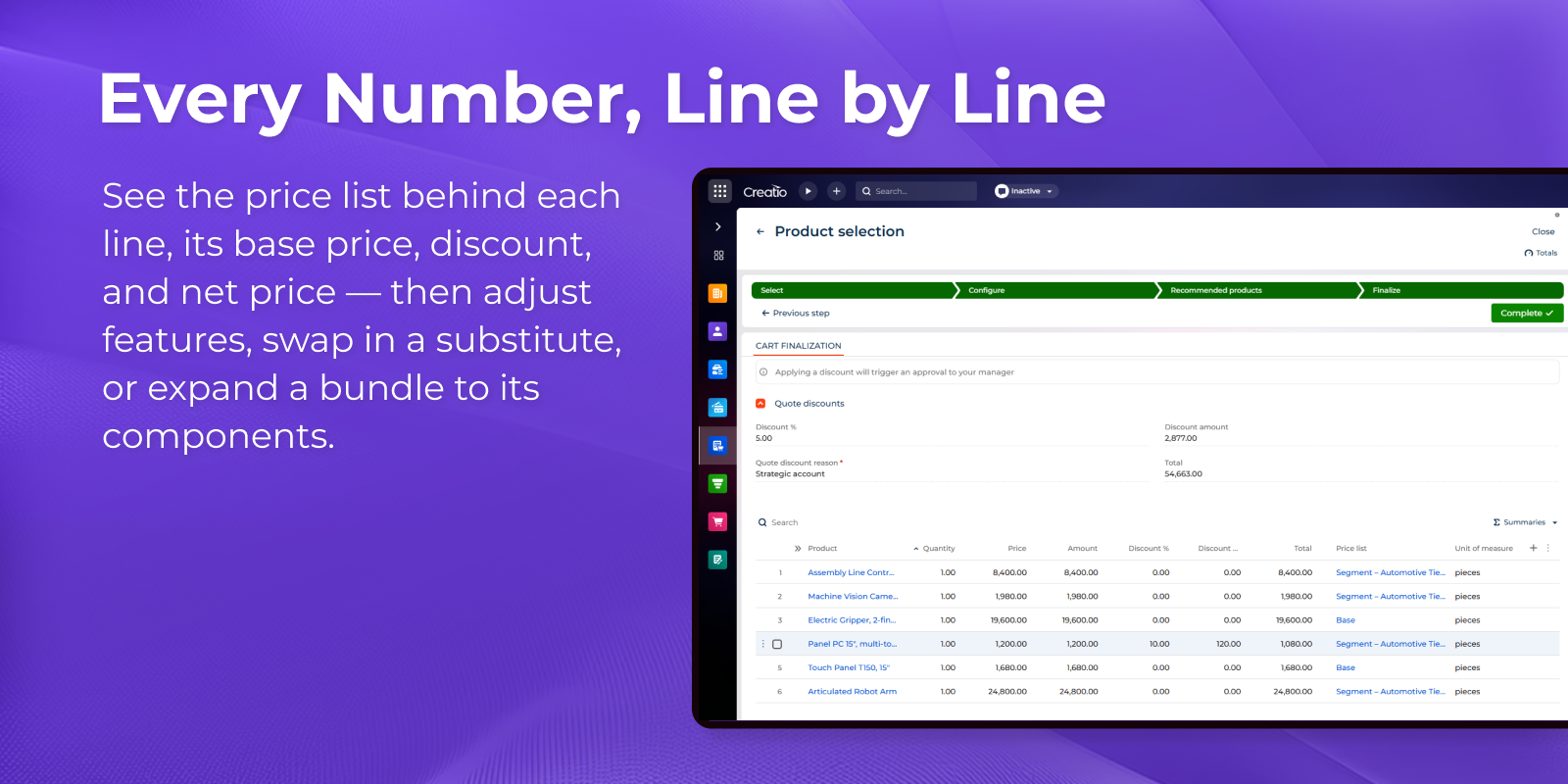
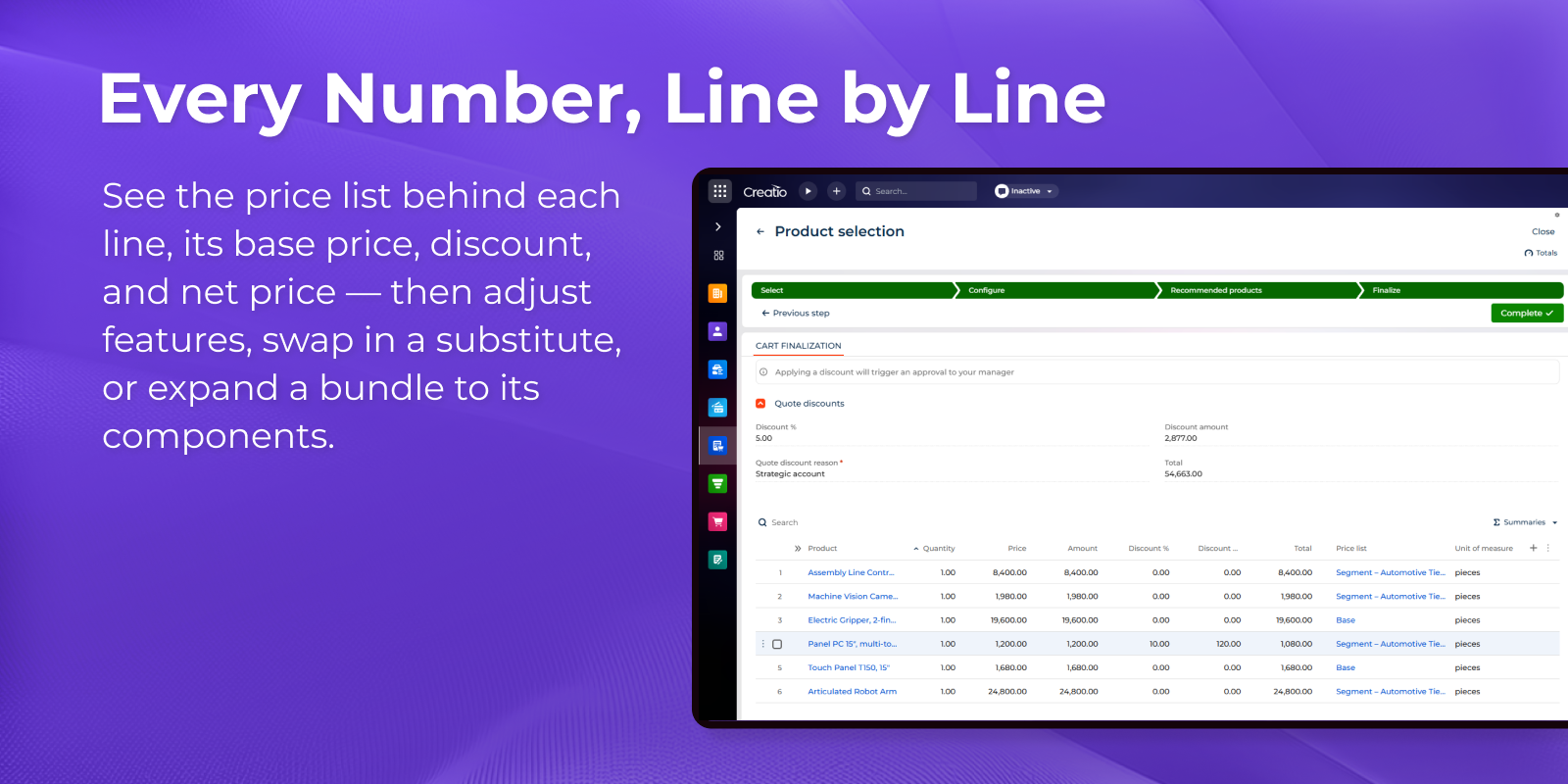
The quote summary shows every line with its source price list, base price, unit net price, discount, and net price, and bundles expand to reveal the components inside them. From any line the rep can configure the product's features or swap it for a substitute product without leaving the summary. A quote-level discount applies across lines, with count and running total always in view.

Branded Quote Document

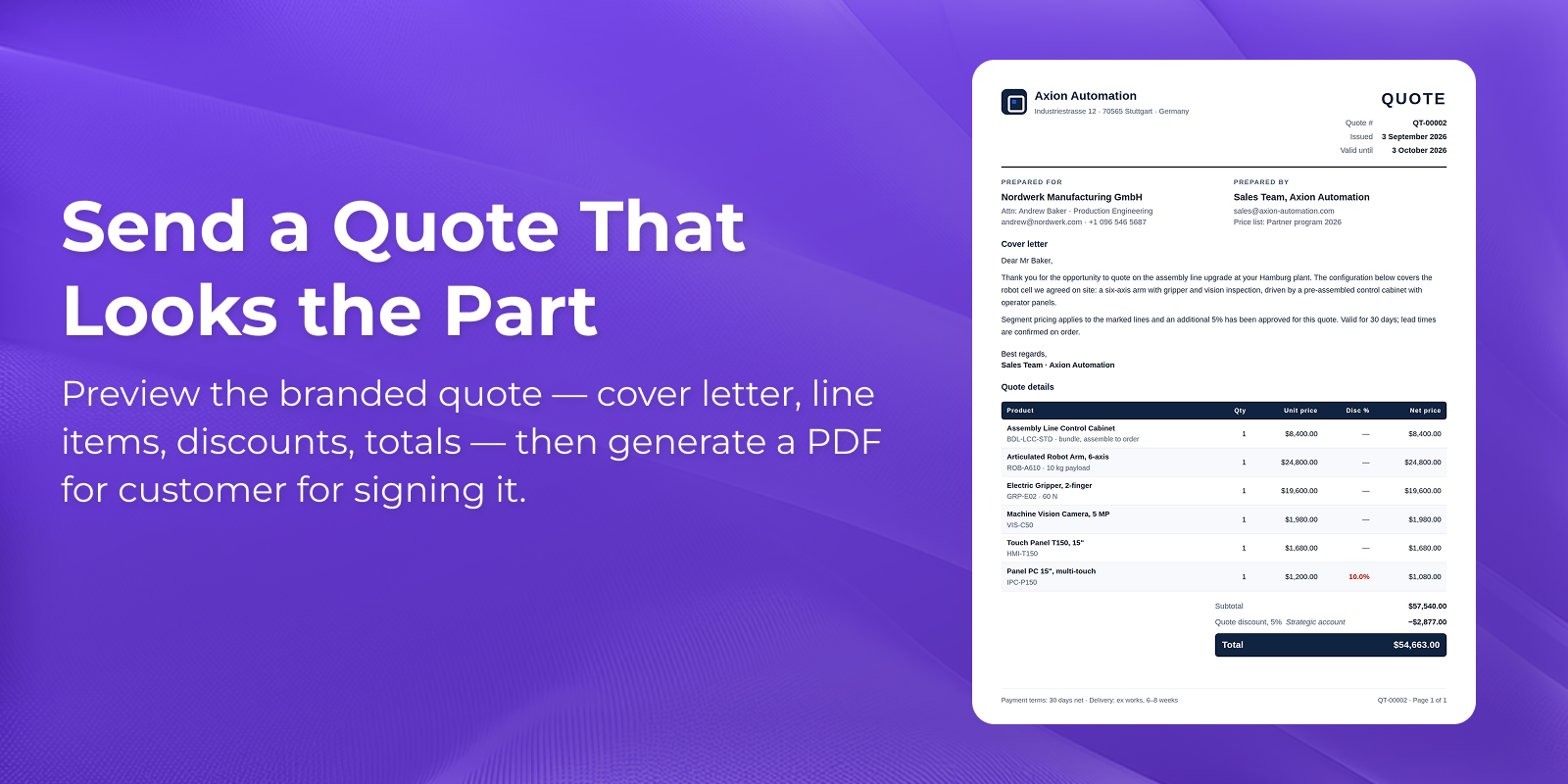
Generates a branded quote document from the configured quote: cover letter, itemized products with quantities, discounts, and net prices. The rep previews it in place, then produces a PDF or shares it with the customer.

Guided Selling Agent

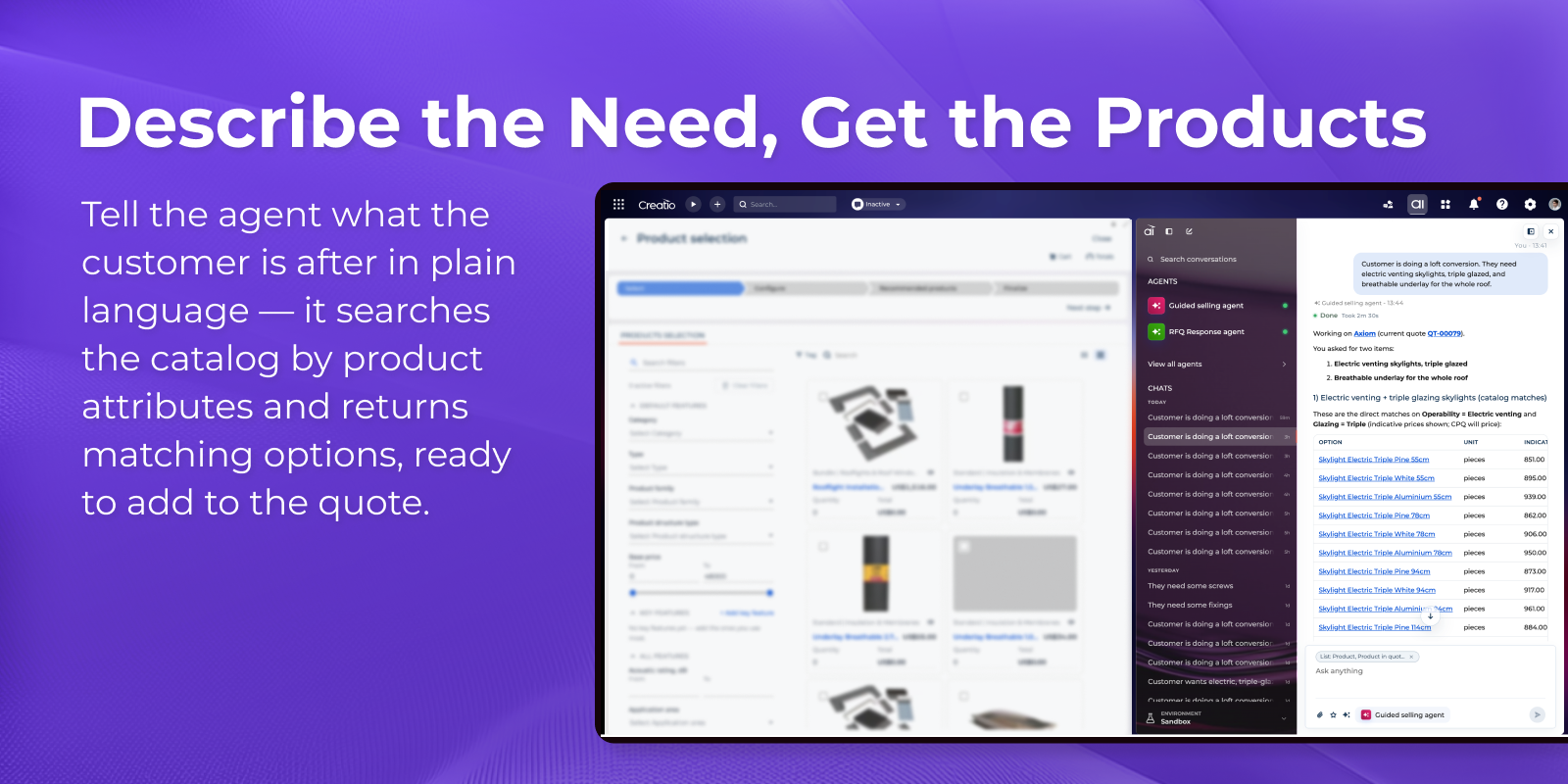
A guided selling agent works alongside the quote: the rep describes the customer's requirement in plain language, and the agent turns it into product attributes, searches the catalog, and comes back with matching options and the reasoning behind them. The rep reviews, swaps, and adds lines in the same conversation, while CPQ handles the pricing.

Categories

Categories

UI Framework

UI Framework
Freedom UI

Type

Type
Application

Price

Price
Paid

Compatible with Creatio

Version
10.1

Release information