


Contact Center
 Trending
Overview
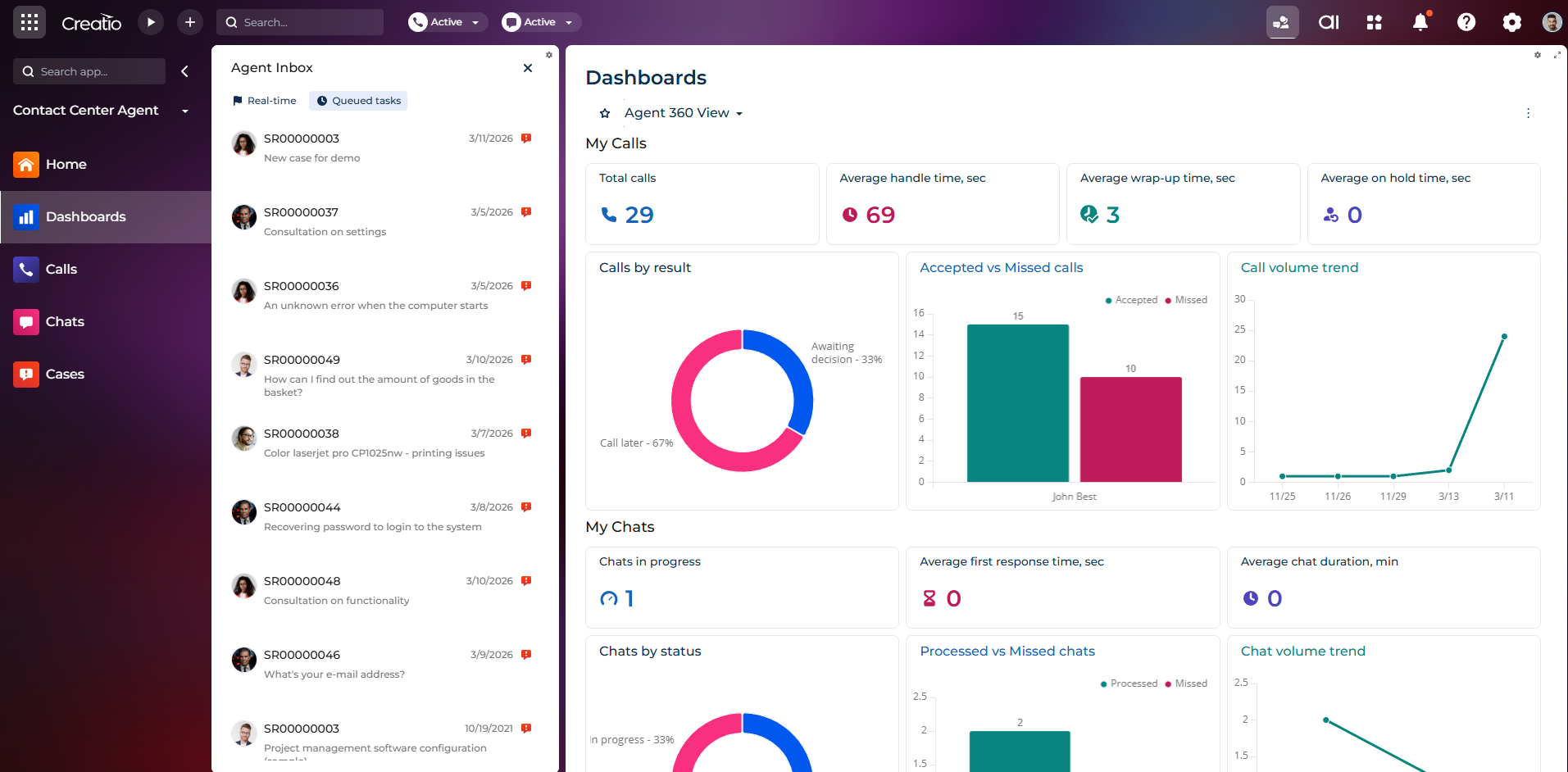
Product overview
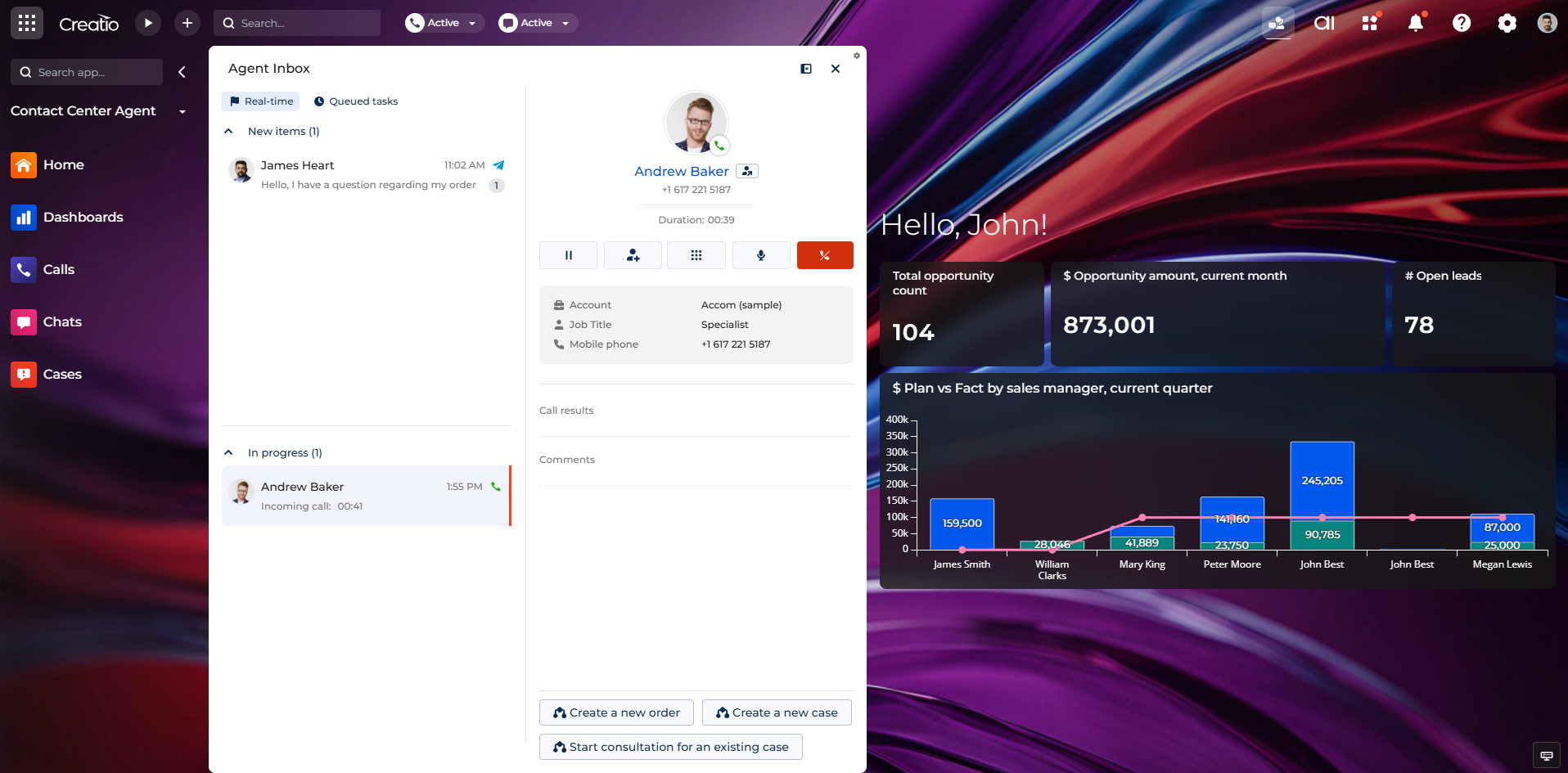
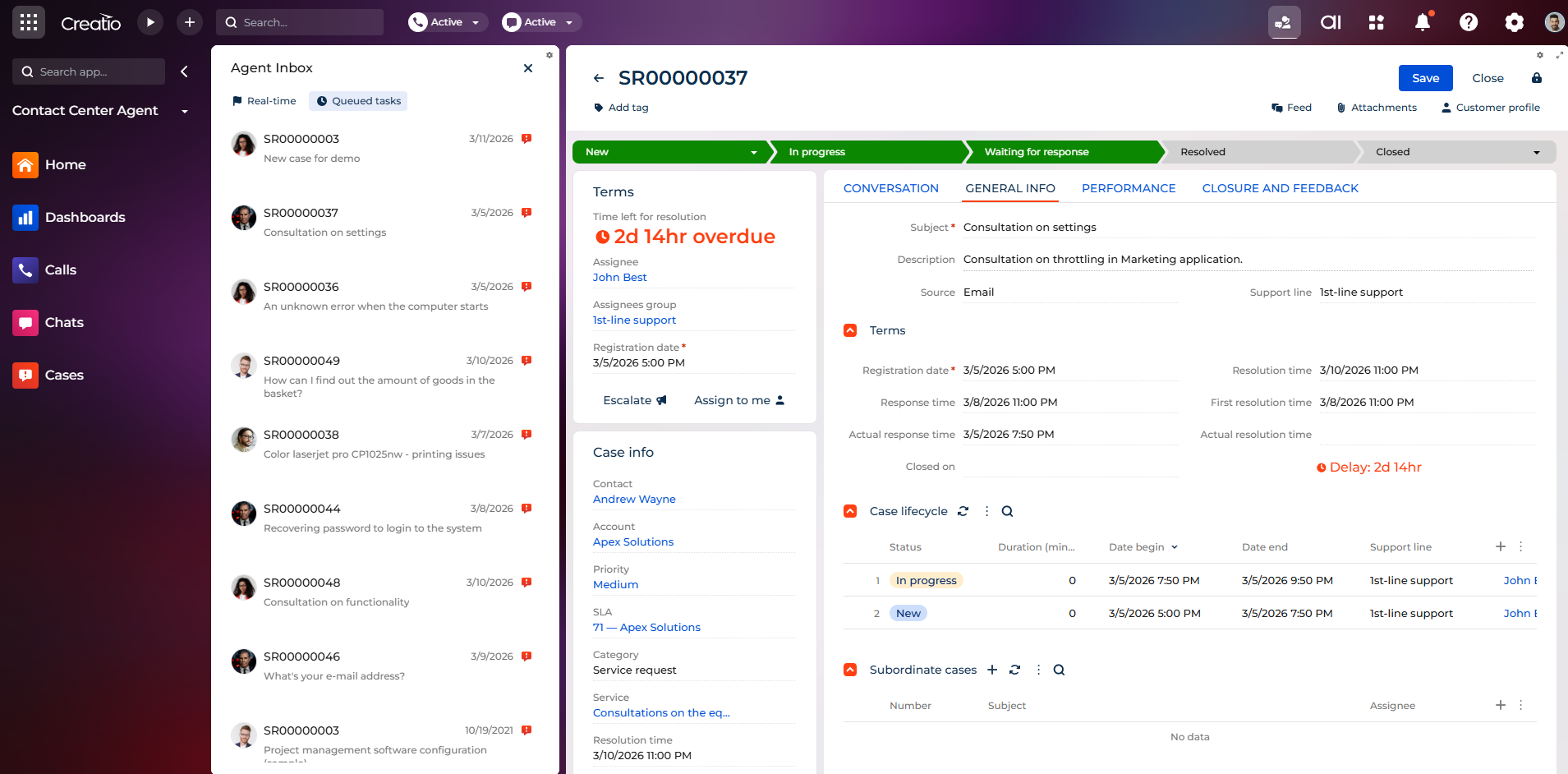
Contact Center app provides a modern, omnichannel workspace for contact center teams that streamlines agent interactions, work distribution, and performance monitoring. It unifies calls, chats, cases, and tasks in a single inbox, automatically routes work through queues, and provides role-based workspaces with real-time insights for agents and supervisors to manage daily operations efficiently.
Use cases:
-
Handle customer calls, chats, and service requests from a unified agent inbox that prioritizes live and offline work.
-
Automatically distribute cases, orders, or other records to agents using configurable queues and routing rules.
-
Manage voice conversations and digital chats using modern call and chat interfaces with built-in wrap-up functionality.
-
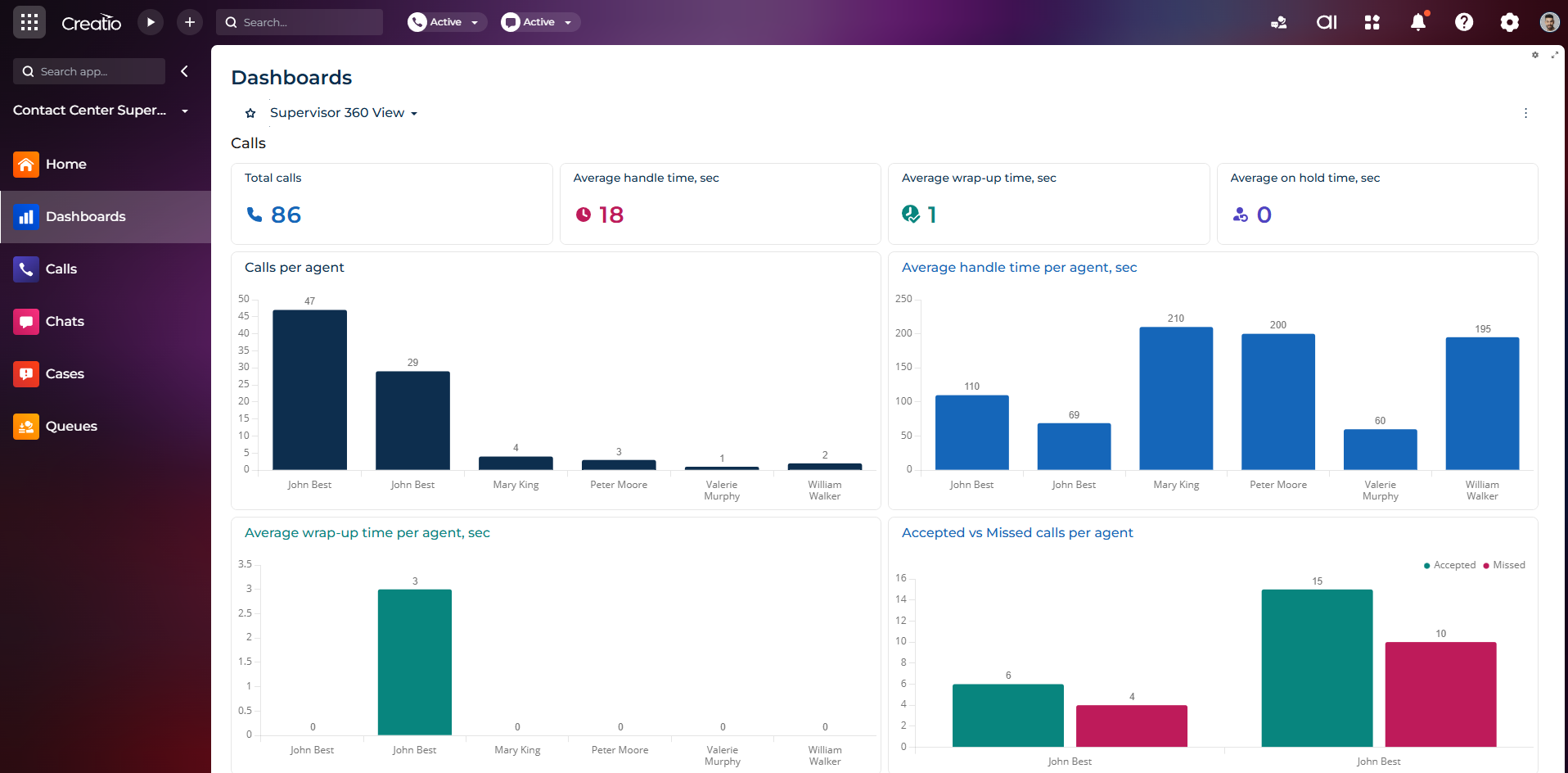
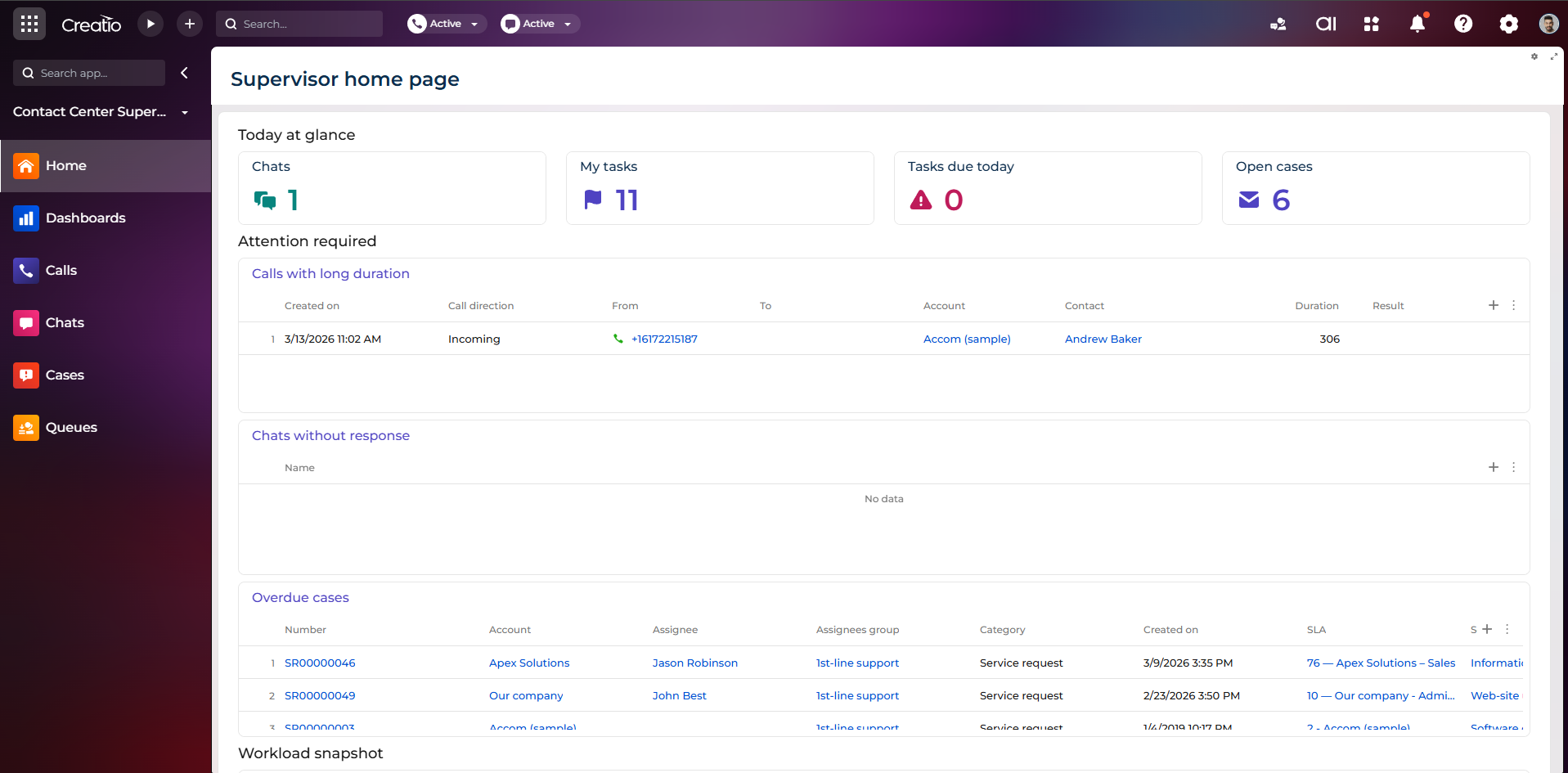
Monitor agent productivity, workloads, and key performance indicators through role-based dashboards and workspaces.
-
Track team activity, queue performance, and operational metrics in real time to support proactive supervision.
-
Control agent availability across communication channels with flexible status management for telephony and chat.
-
Improve service efficiency with AI-powered insights that analyze active calls and provide contextual information to agents.
Key Features
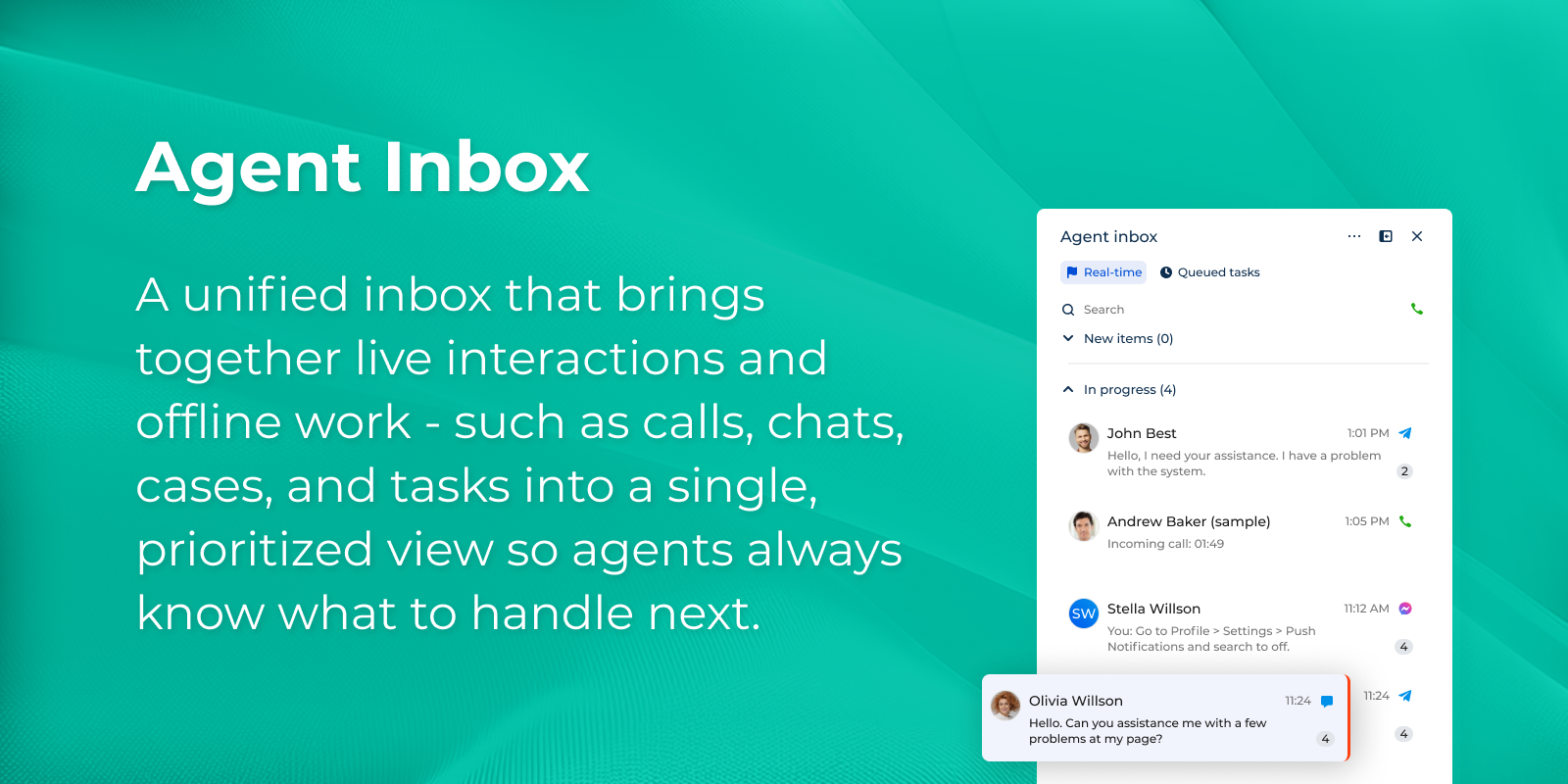
Agent Inbox
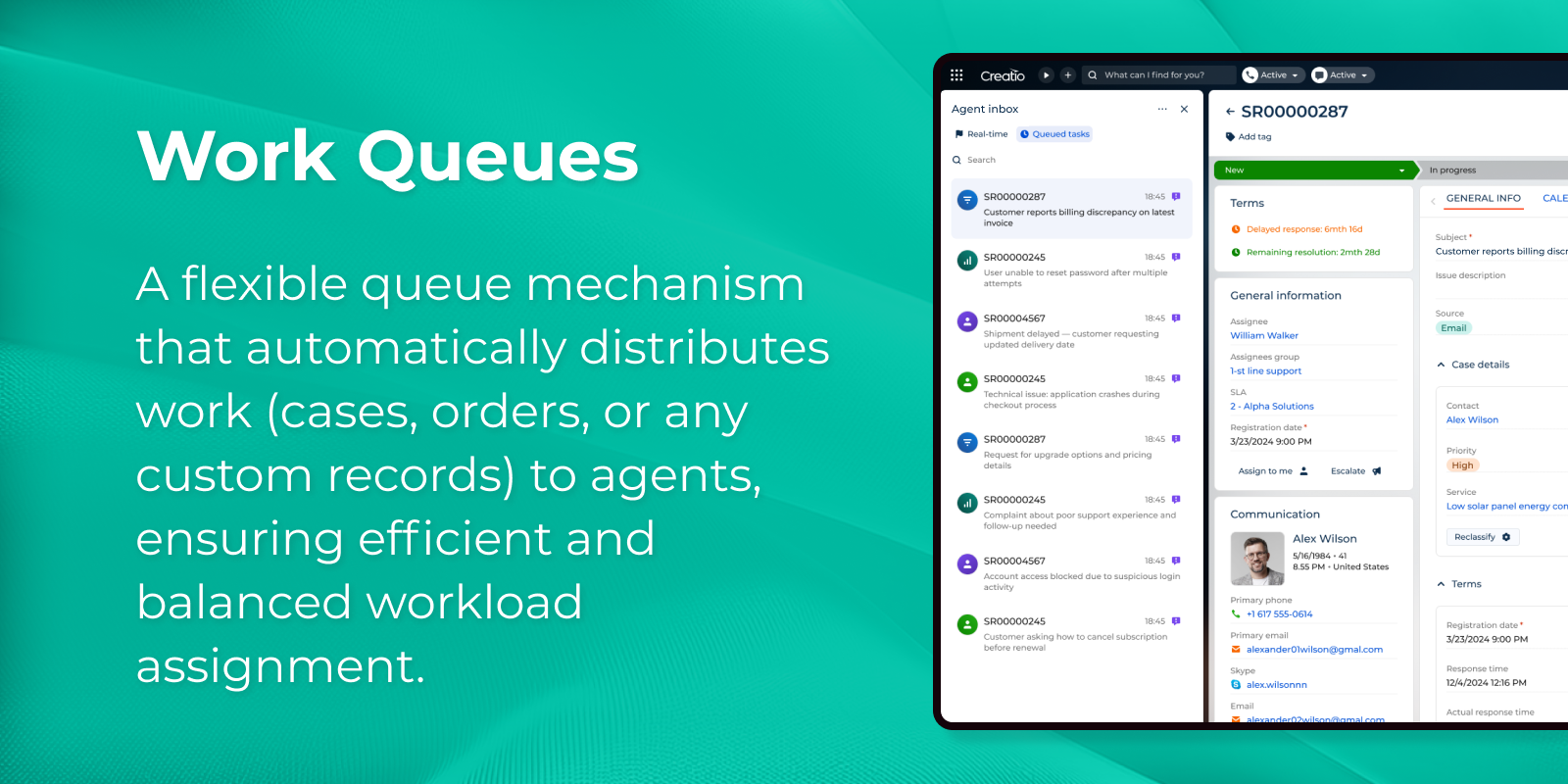
Work Queues
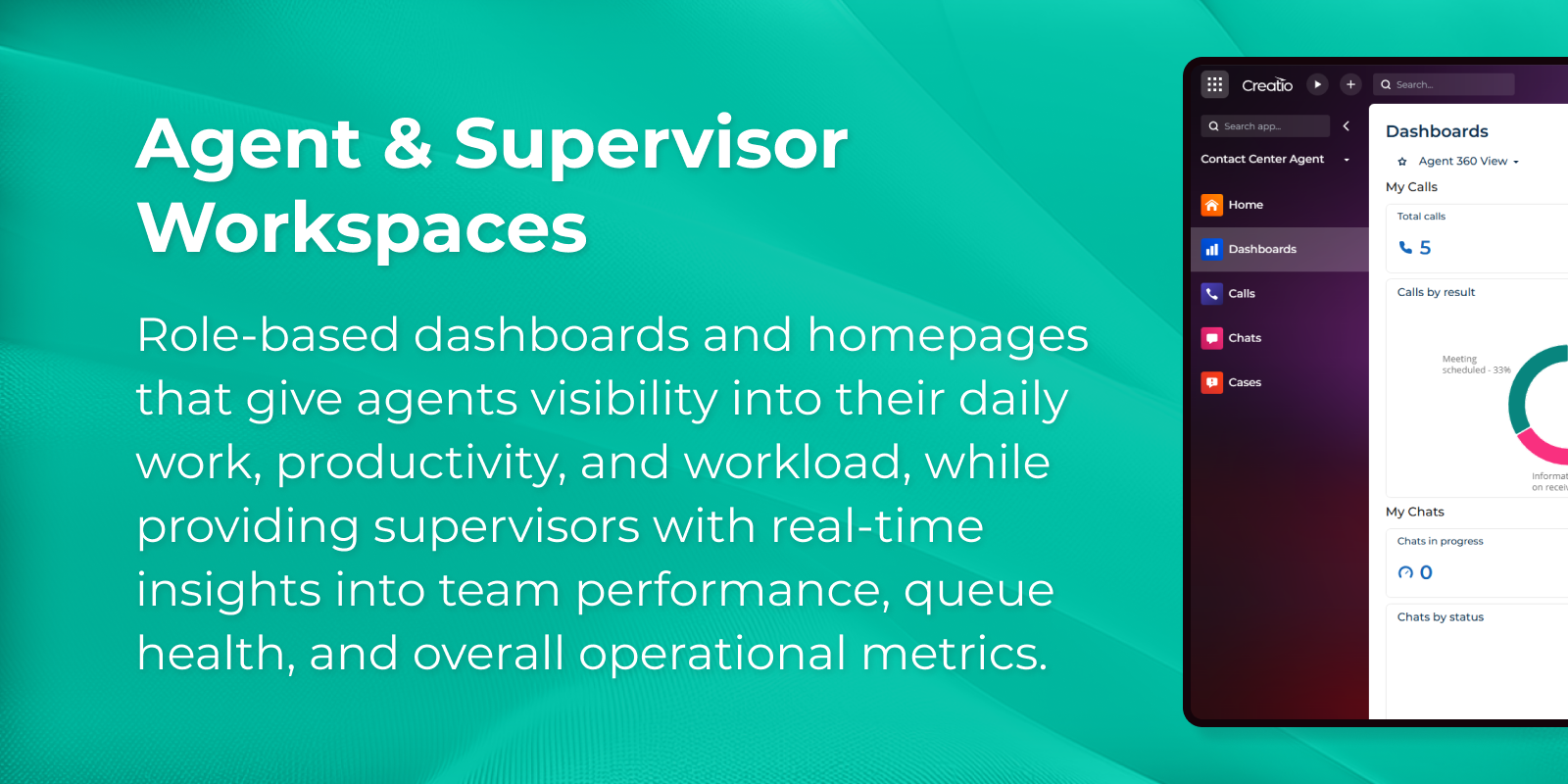
Agent and Supervisor Workplaces
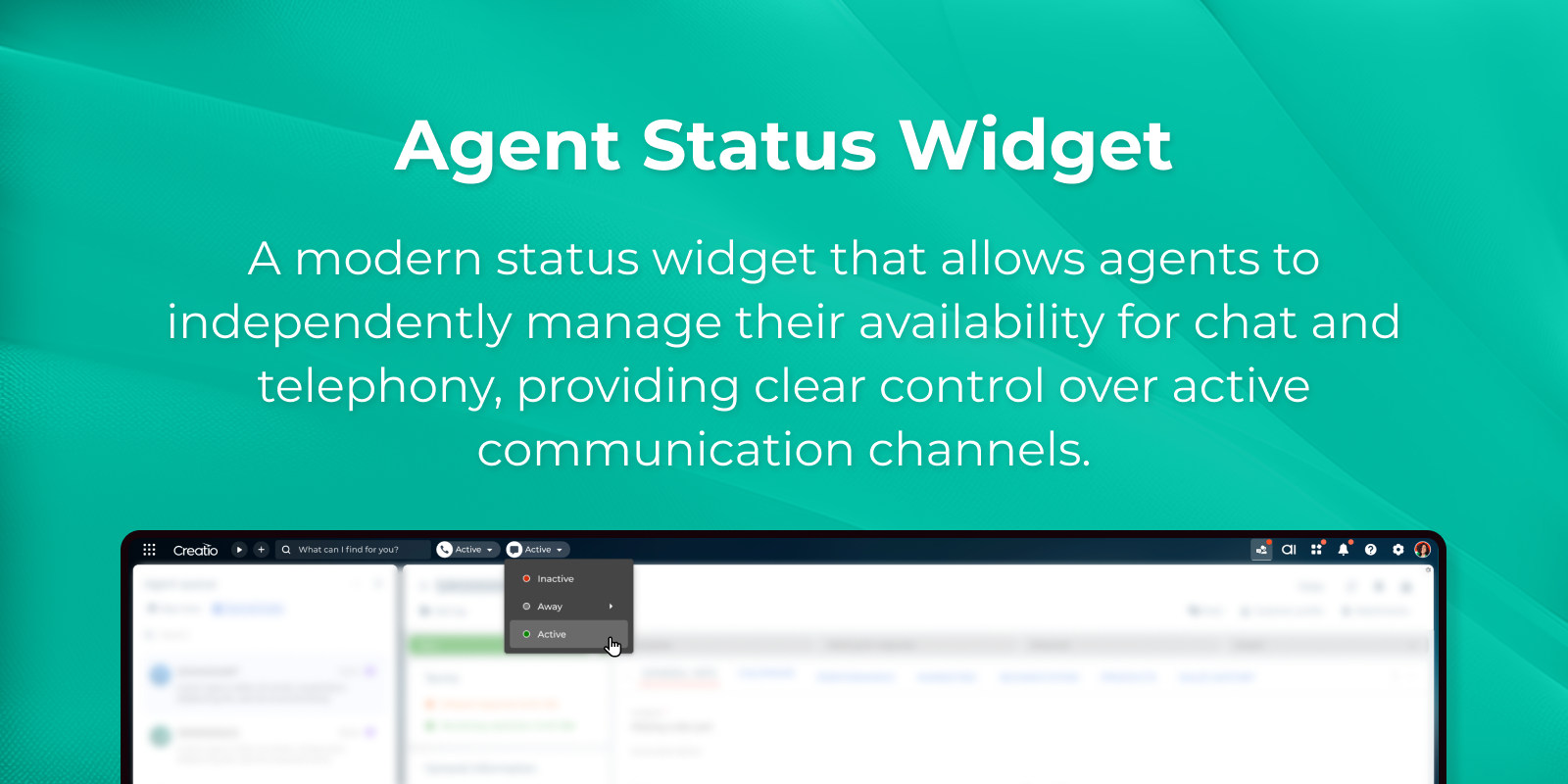
Agent Status Widget
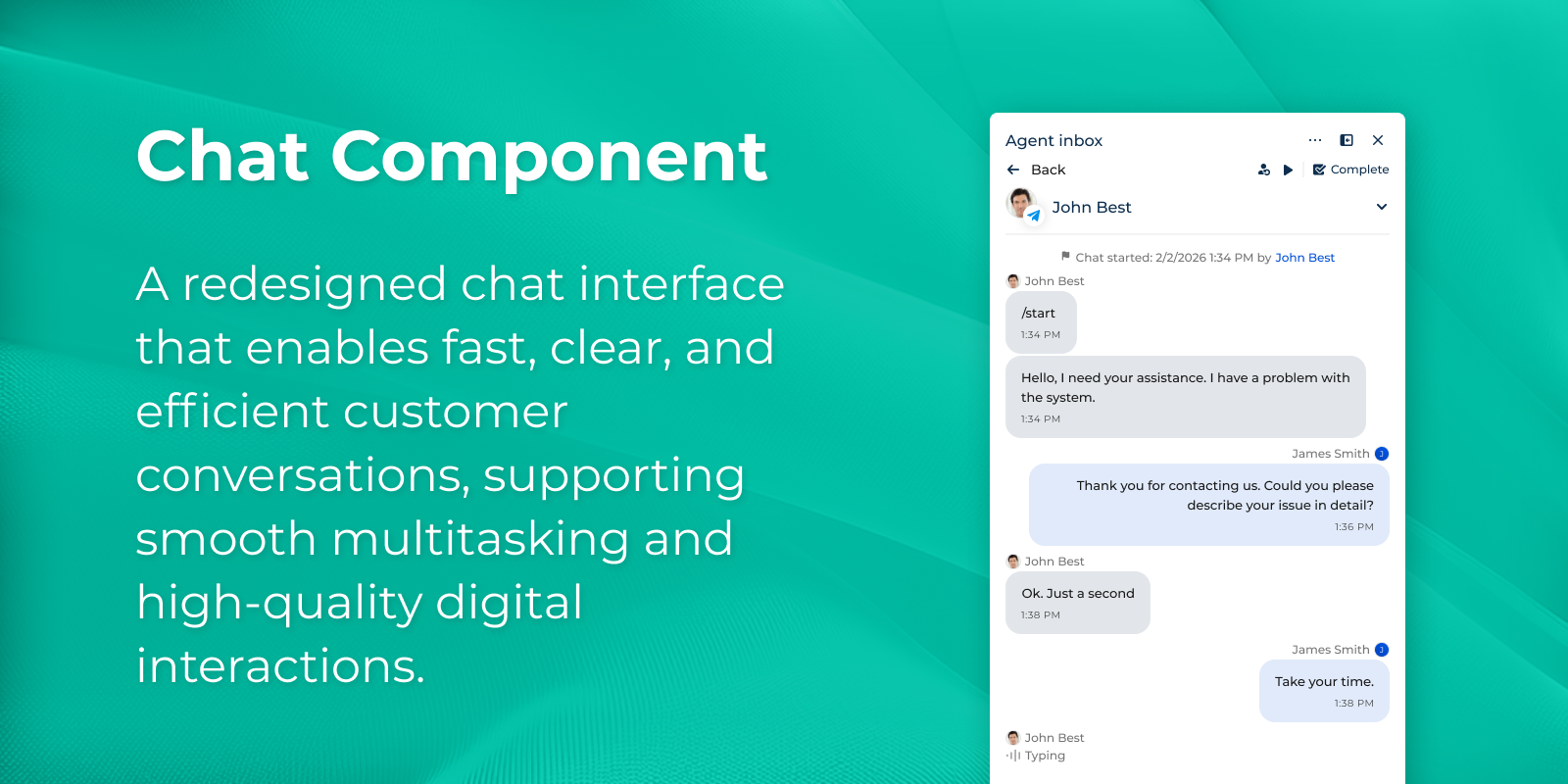
Chat Component
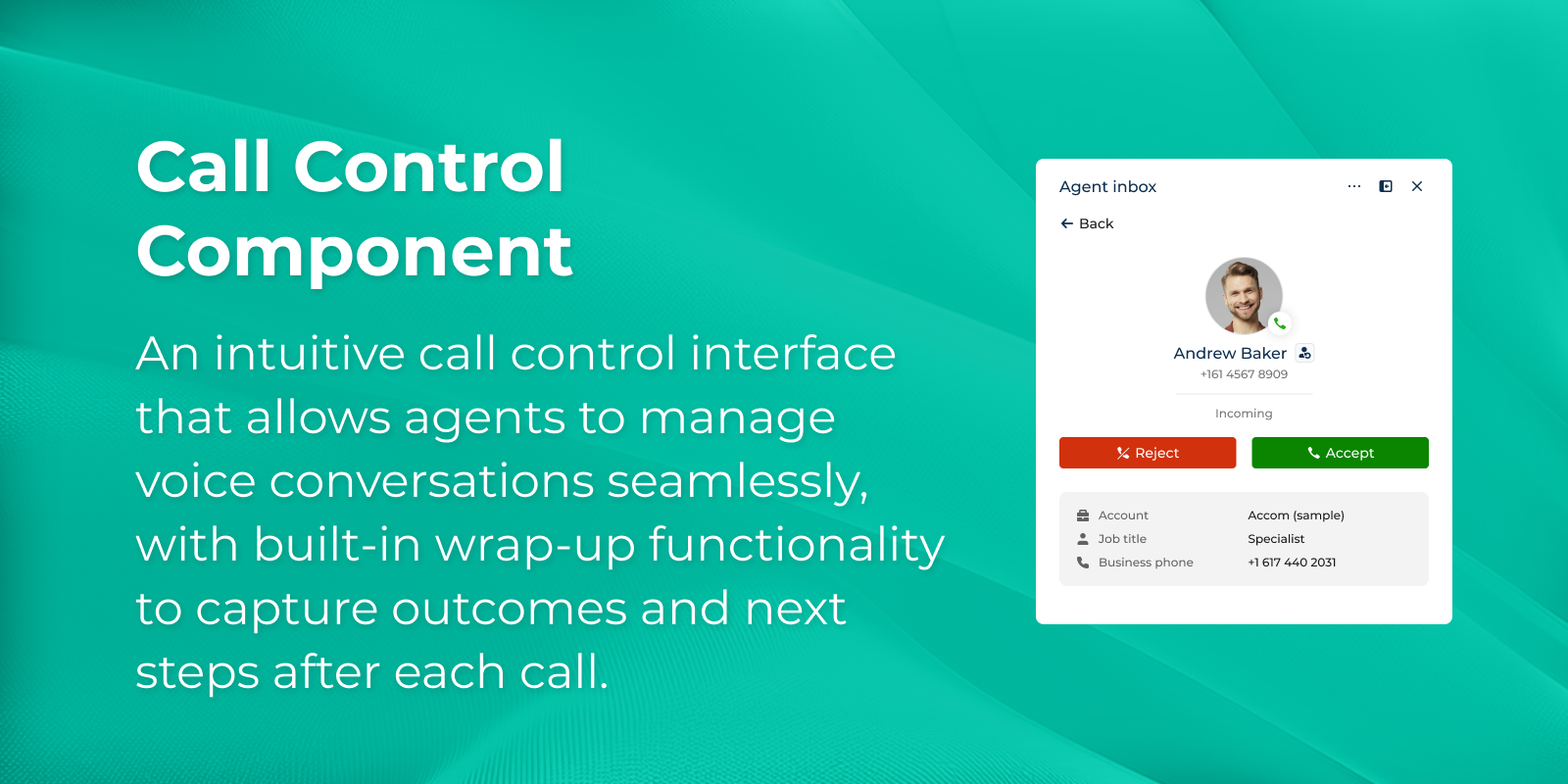
Call Control Component

Creatio.ai Call Insights
Pricing
Terms and Conditions
Support
Installation
Resources
Data sharing
- By installing or downloading the App, you confirm that you agree with sharing your account data (name, email, phone, company and country) with the App Developer as their End User.
- The App Developer will process your data under their privacy policy.
Versions
Versions history
Manual app installation
- Open the needed app → the Packages tab - download the Markeplace app files.
- Click in the top right → Application Hub
- Click New application. This opens a window.
- Select Install from file and click Select in the window that opens.
- Click Select file on the page of the Marketplace App Installation Wizard and specify the app file path.
The app is available as part of the Sales and Service products at no additional cost on top of the product license. For detailed information on the Creatio pricing, please refer to Pricing.