


CPQ for Creatio
 Trending
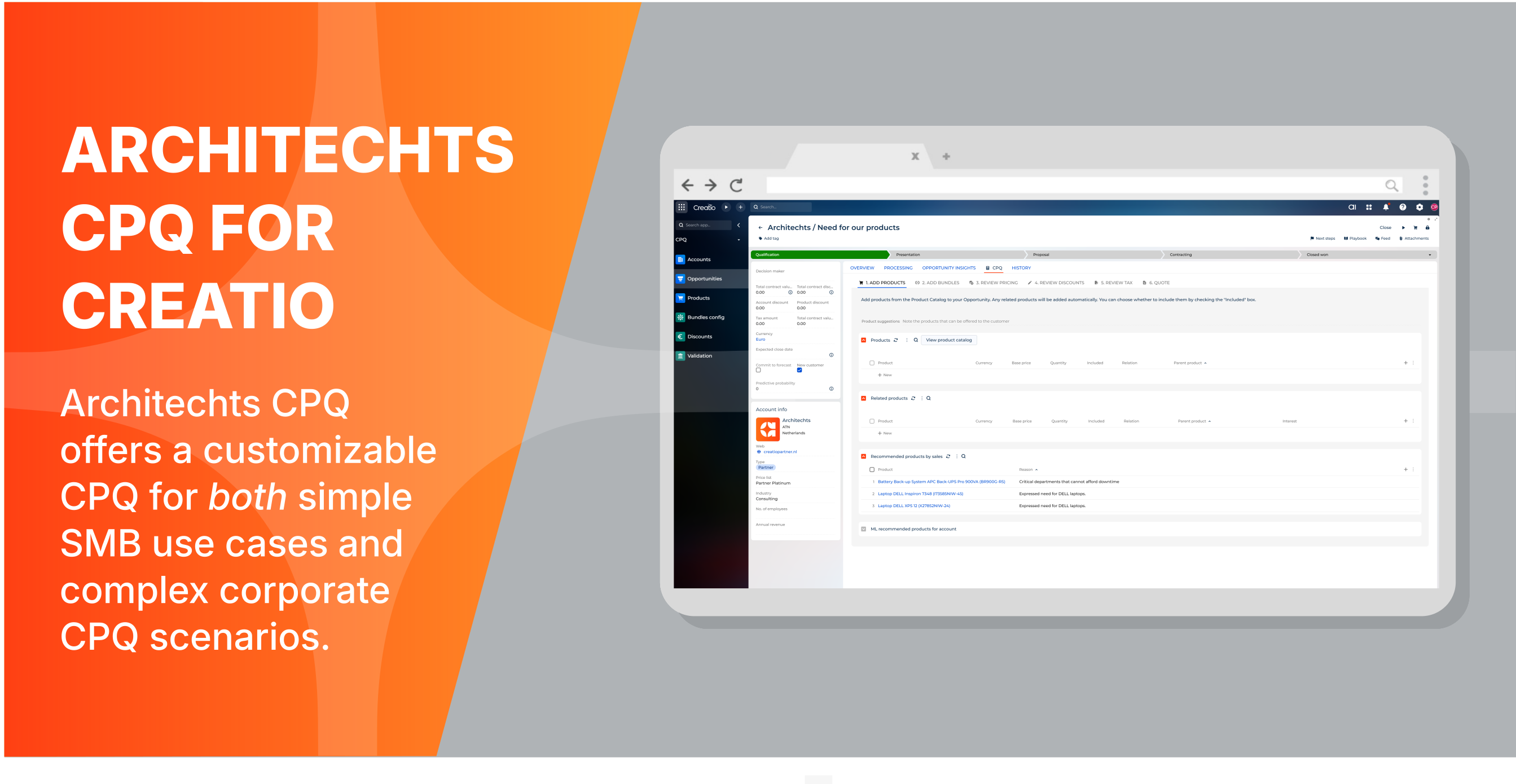
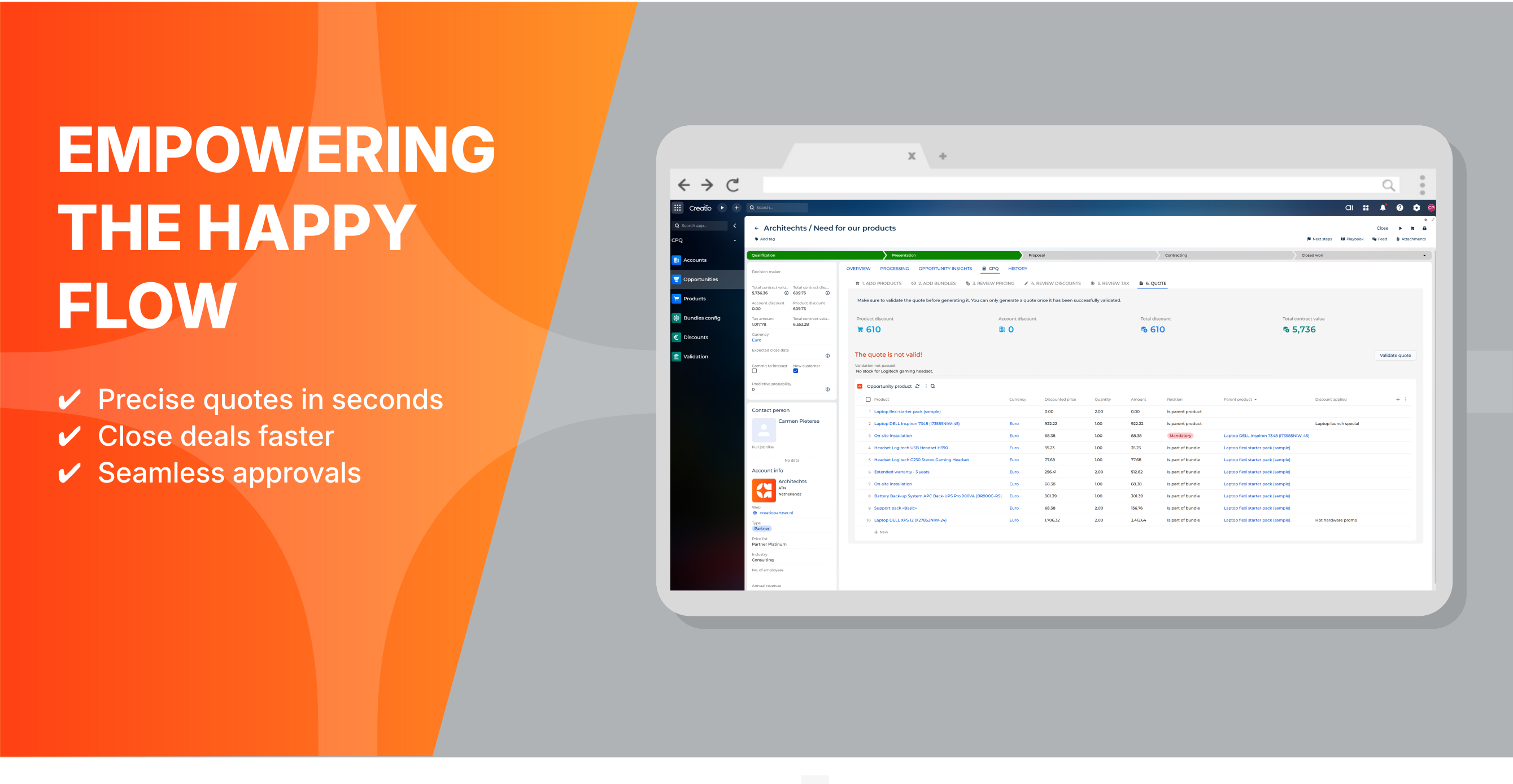
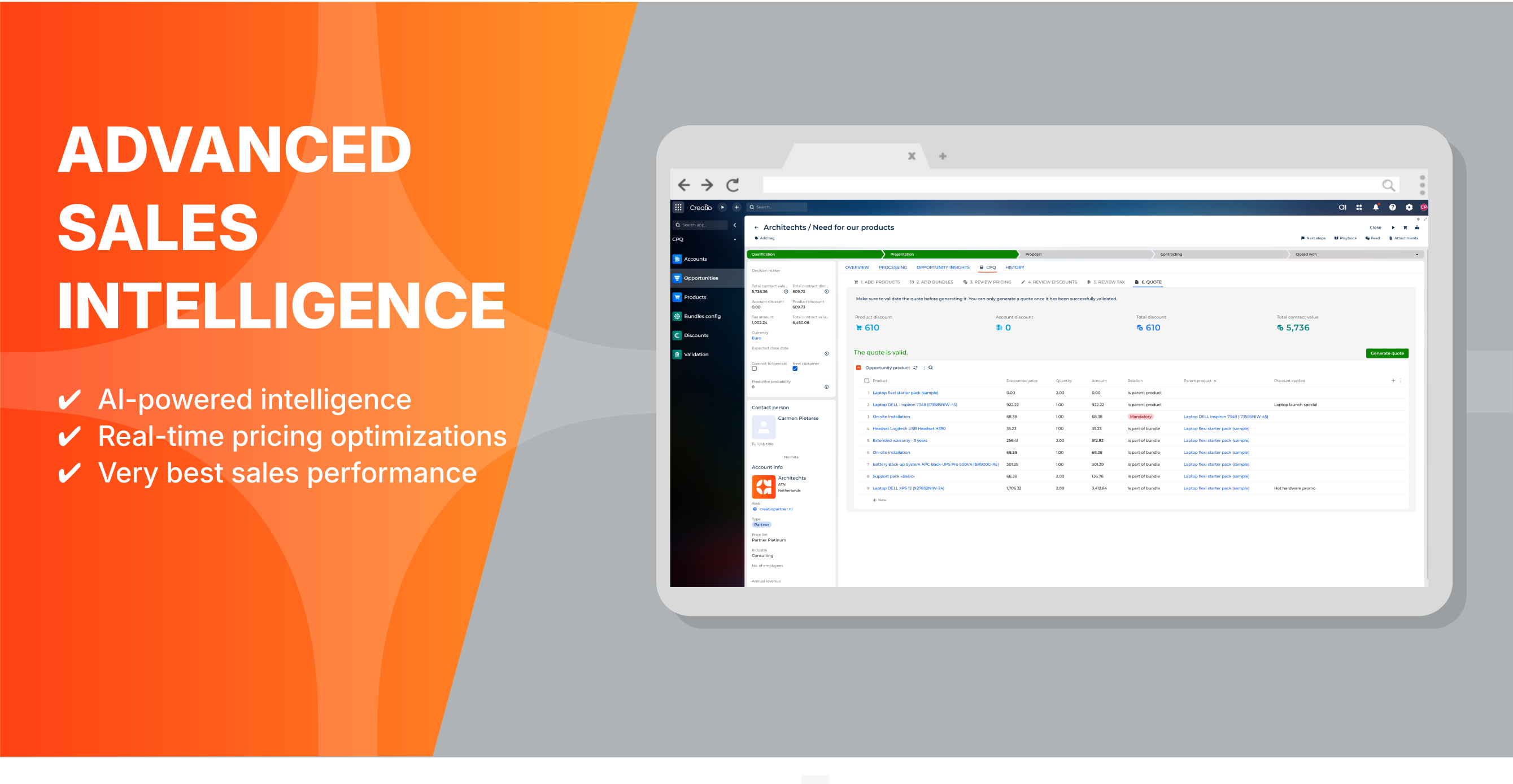
CPQ is an advanced sales tool that automates and guides you through the quoting process, empowering your sales team to easily assemble complex and accurate quotes while ensuring consistency with pricing strategies.
Overview
Product overview
Product description
CPQ (Configure, Price, Quote) integrates with Creatio CRM to streamline sales processes, ensuring accurate pricing/quotes, and personalized solutions.
This boosts sales efficiency, streamlines operations, enhances customer satisfaction, and drives profitable growth with seamless automation.
This boosts sales efficiency, streamlines operations, enhances customer satisfaction, and drives profitable growth with seamless automation.
Key Features
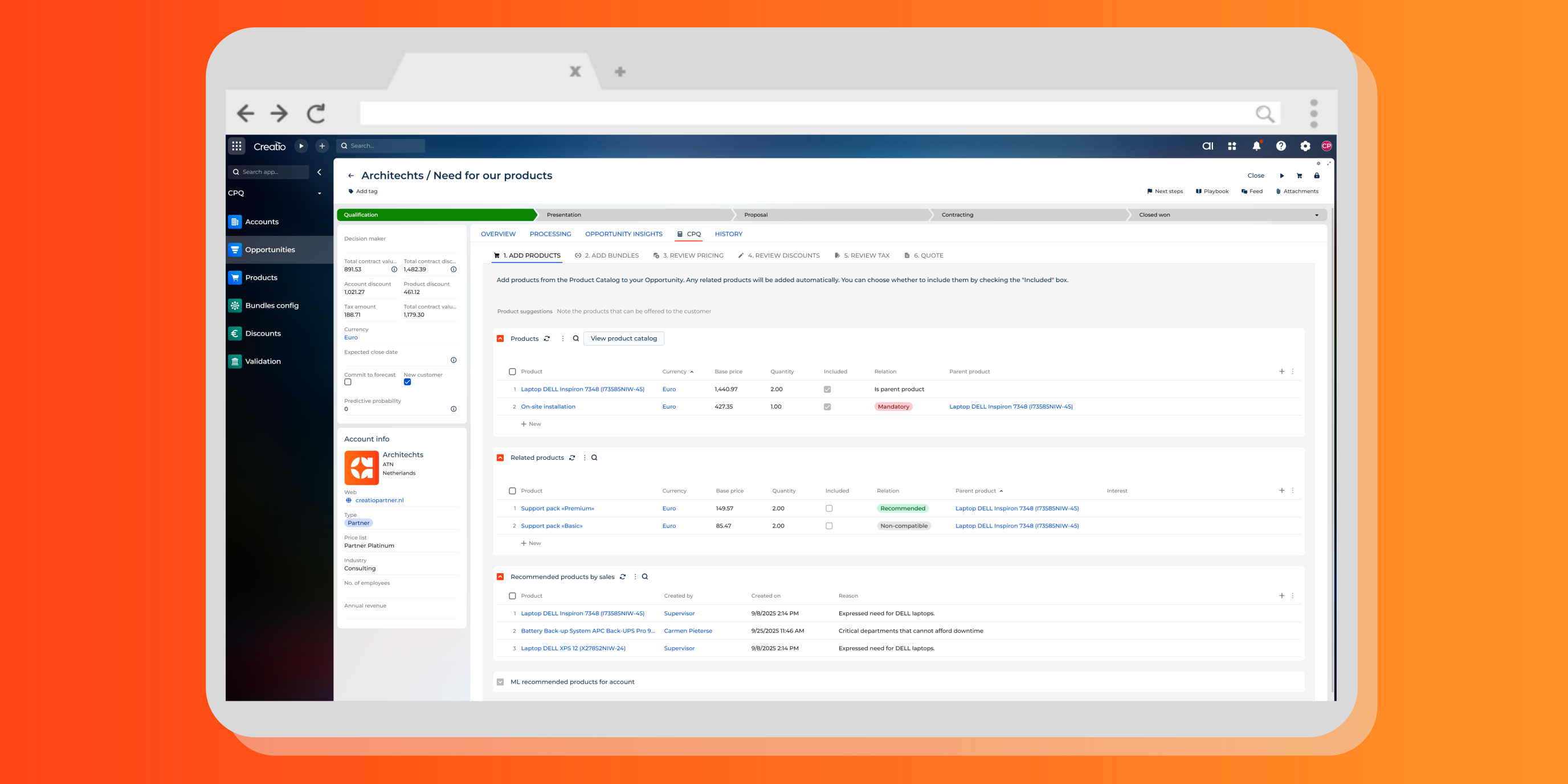
Advanced product configurations
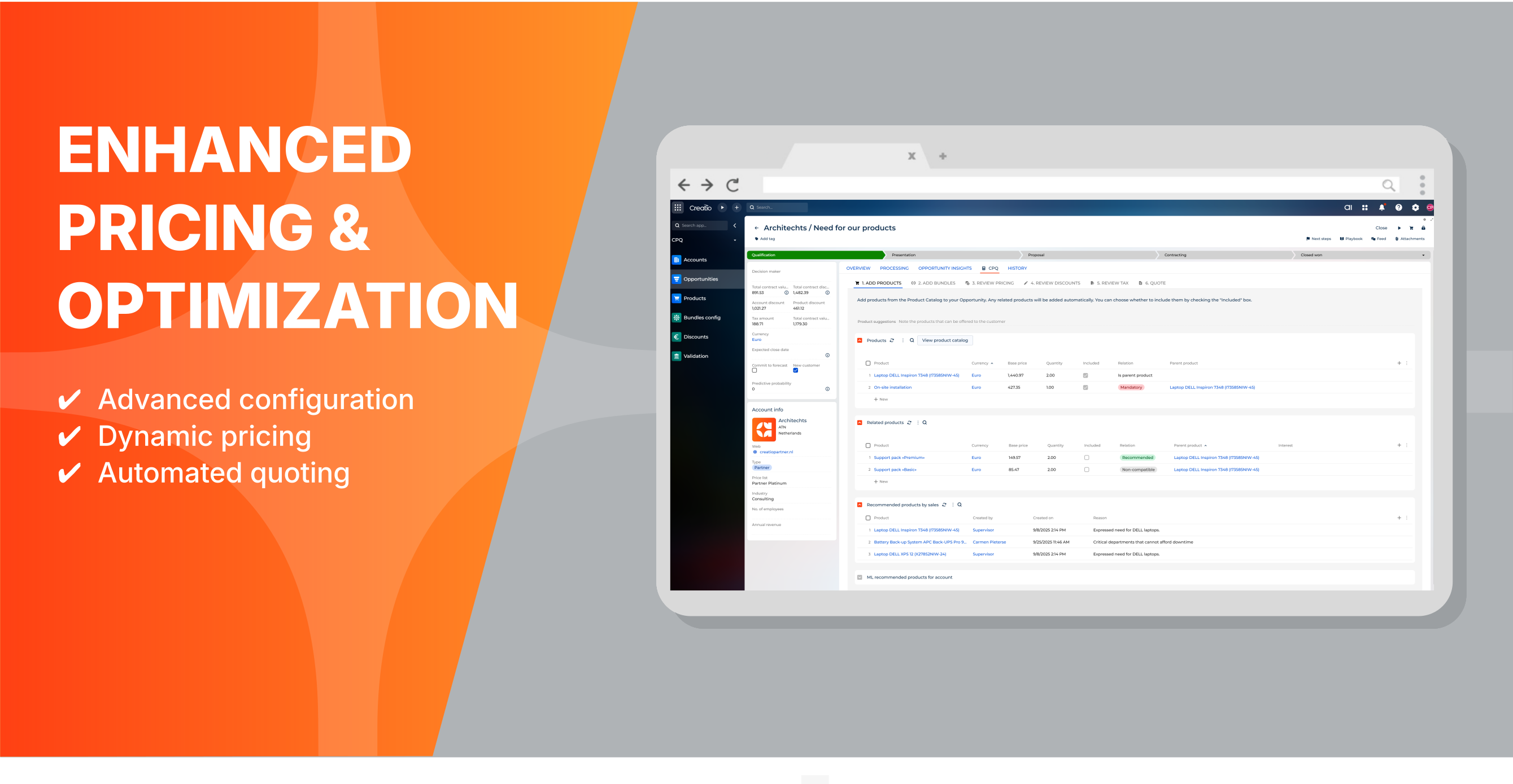
Smarter selling with auto-added related items and built-in rules for mandatory, recommended, and non-compatible products.
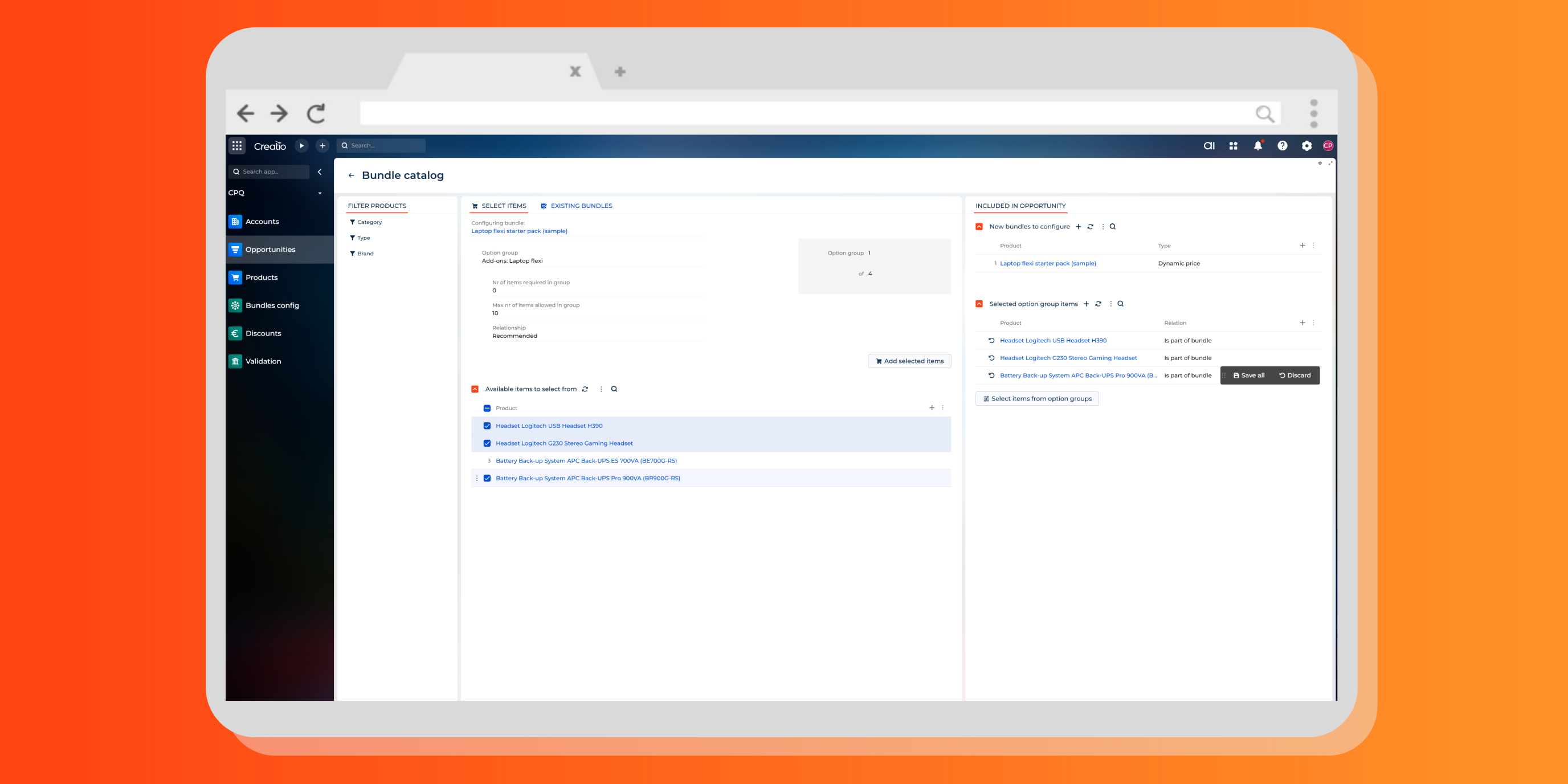
Product bundle configurations
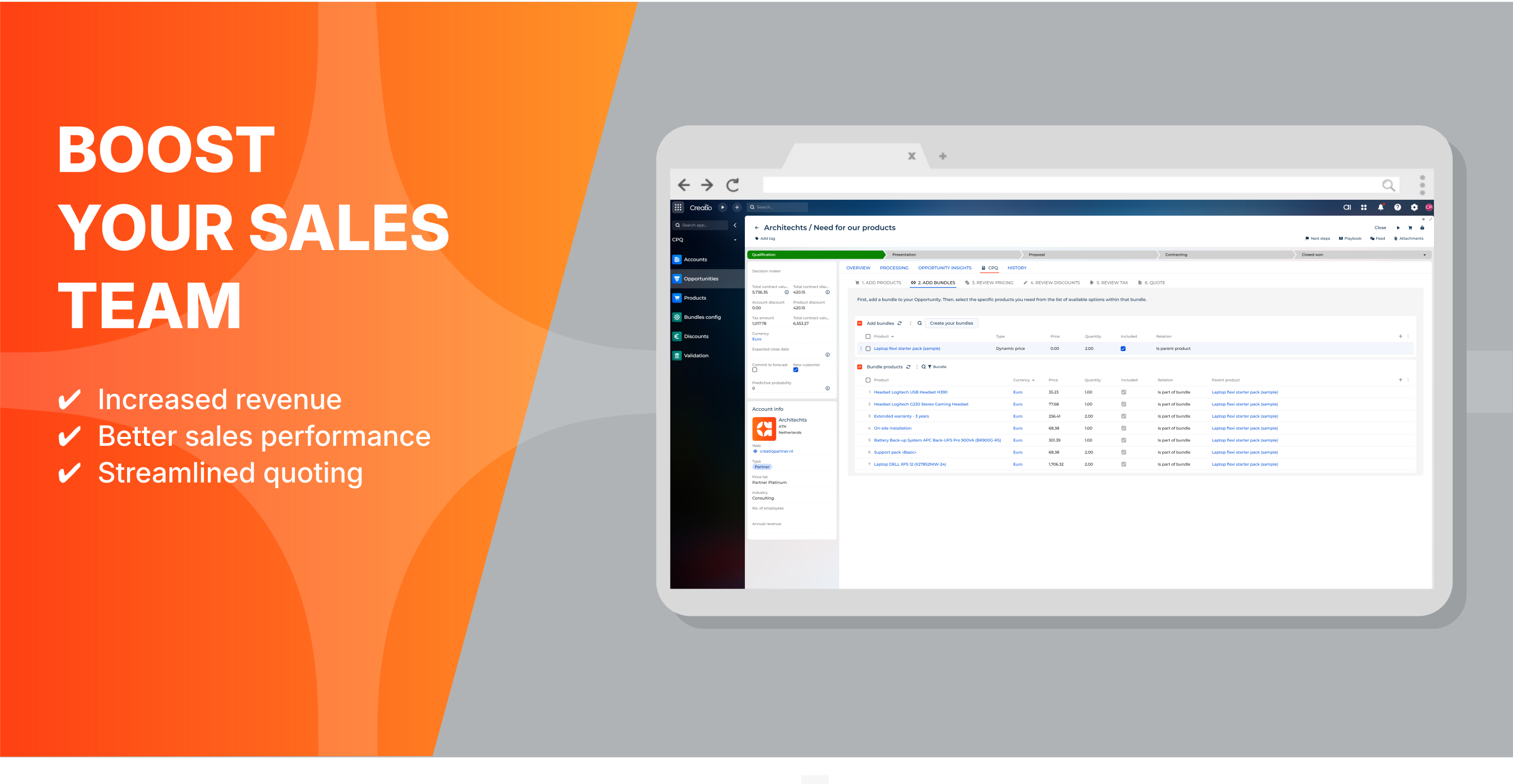
Easily build fixed-price or dynamic bundles. Group and present products in flexible sets that empower customers to create tailored bundles while maximizing upsell opportunities.
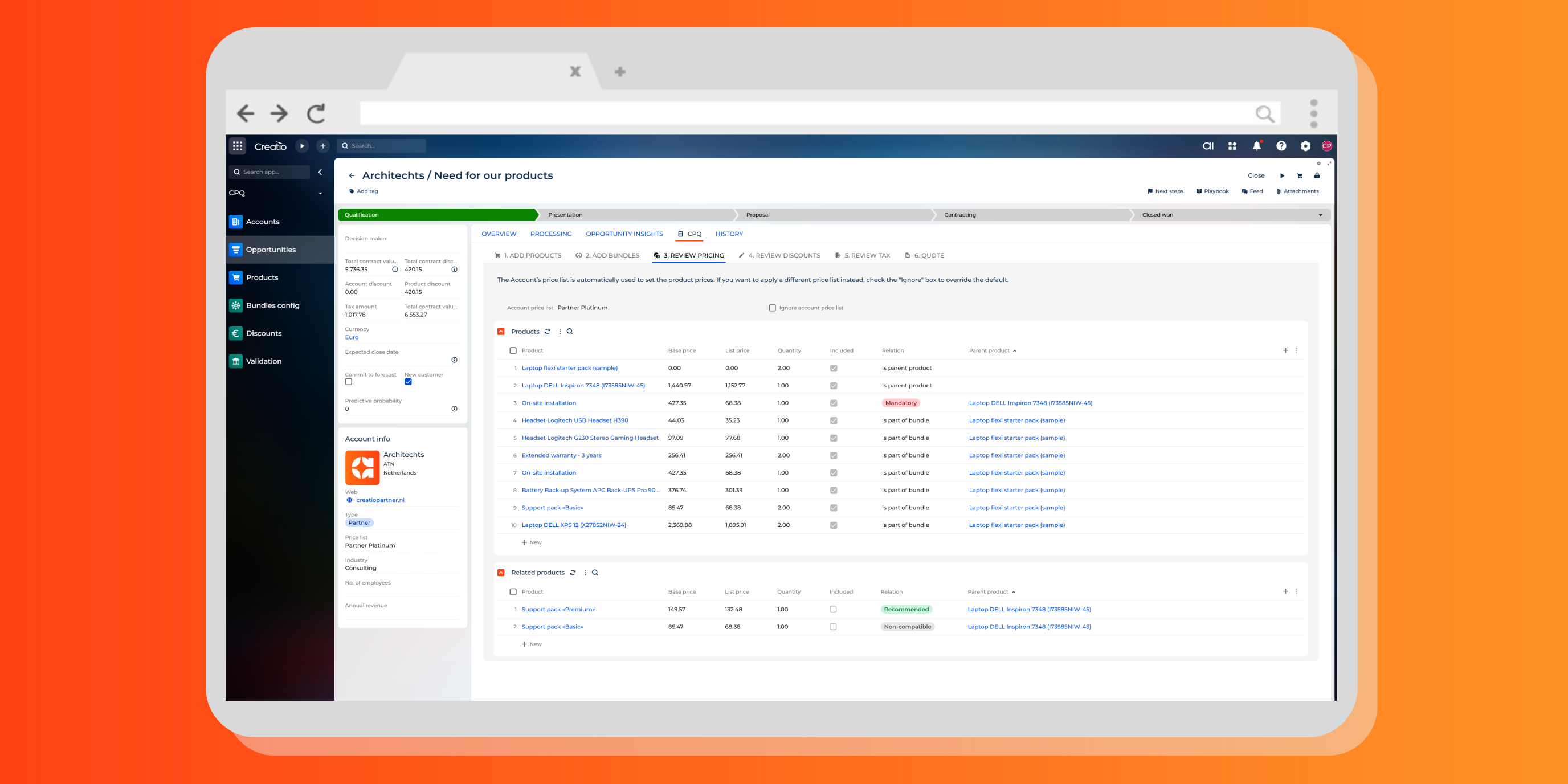
Rule based pricing
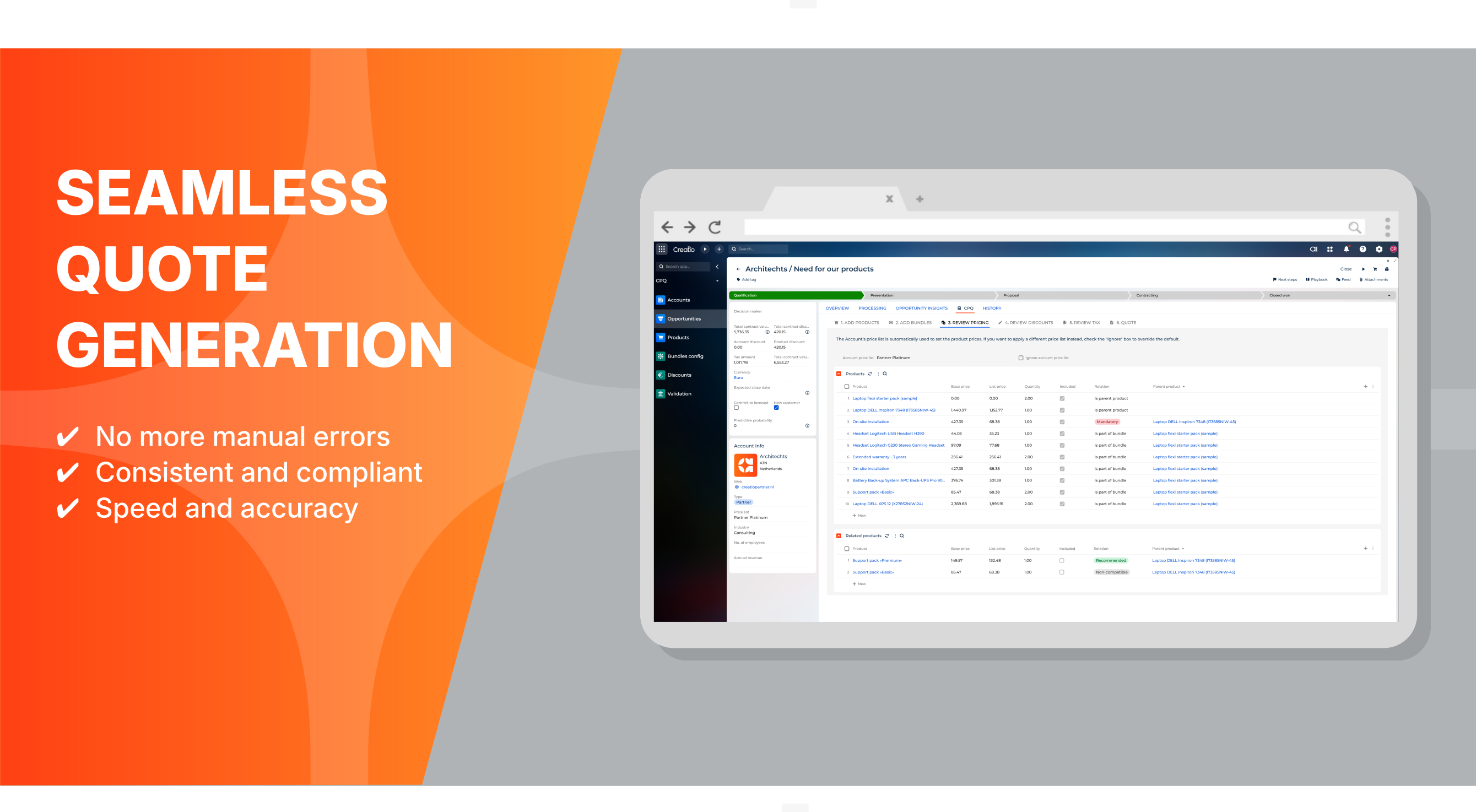
Seamlessly connect customers to standard price lists with automatic application to every quote.
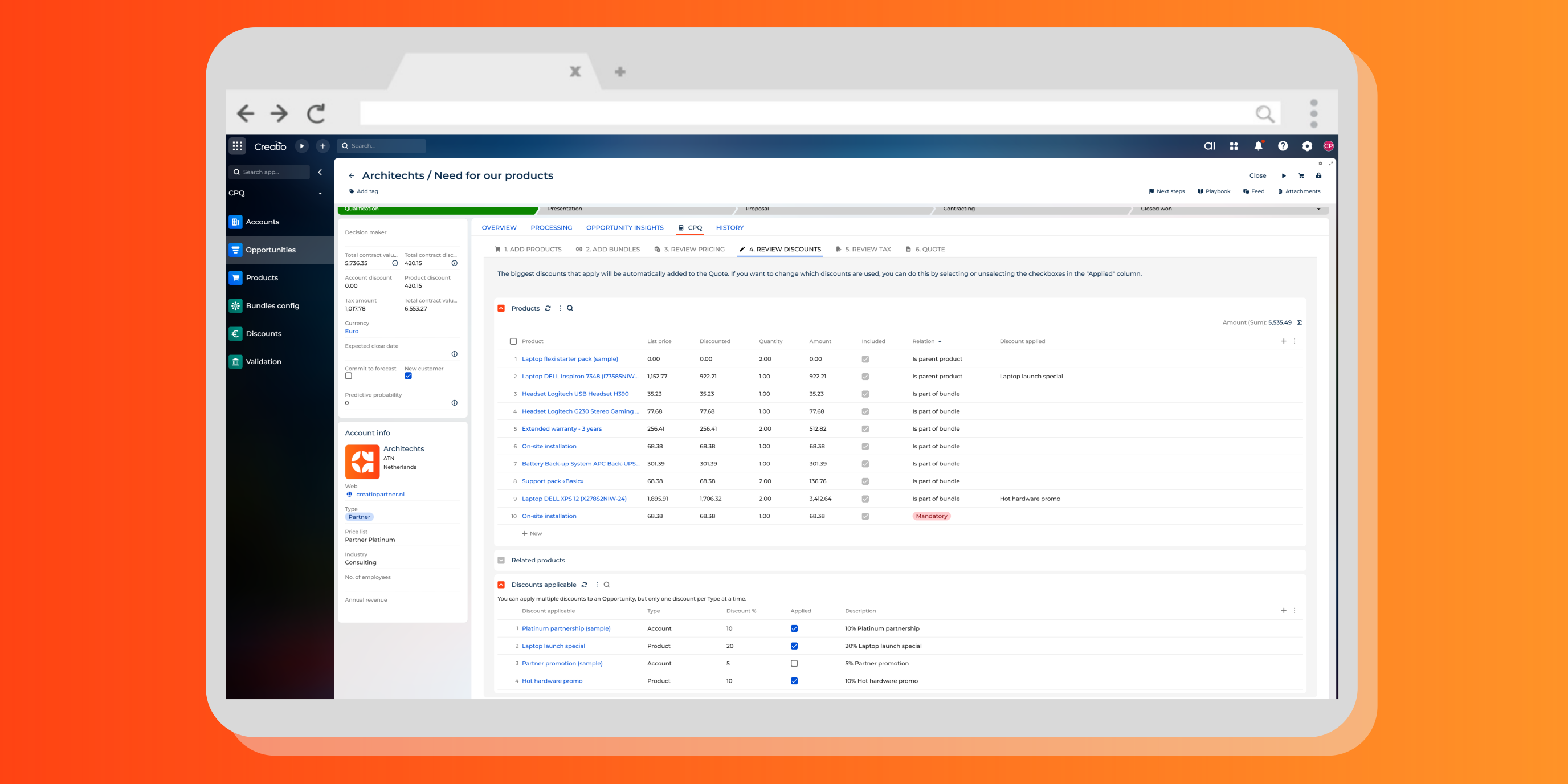
Rule based discounting
Instantly view products with discounts automatically applied, and toggle them on or off with a single click.
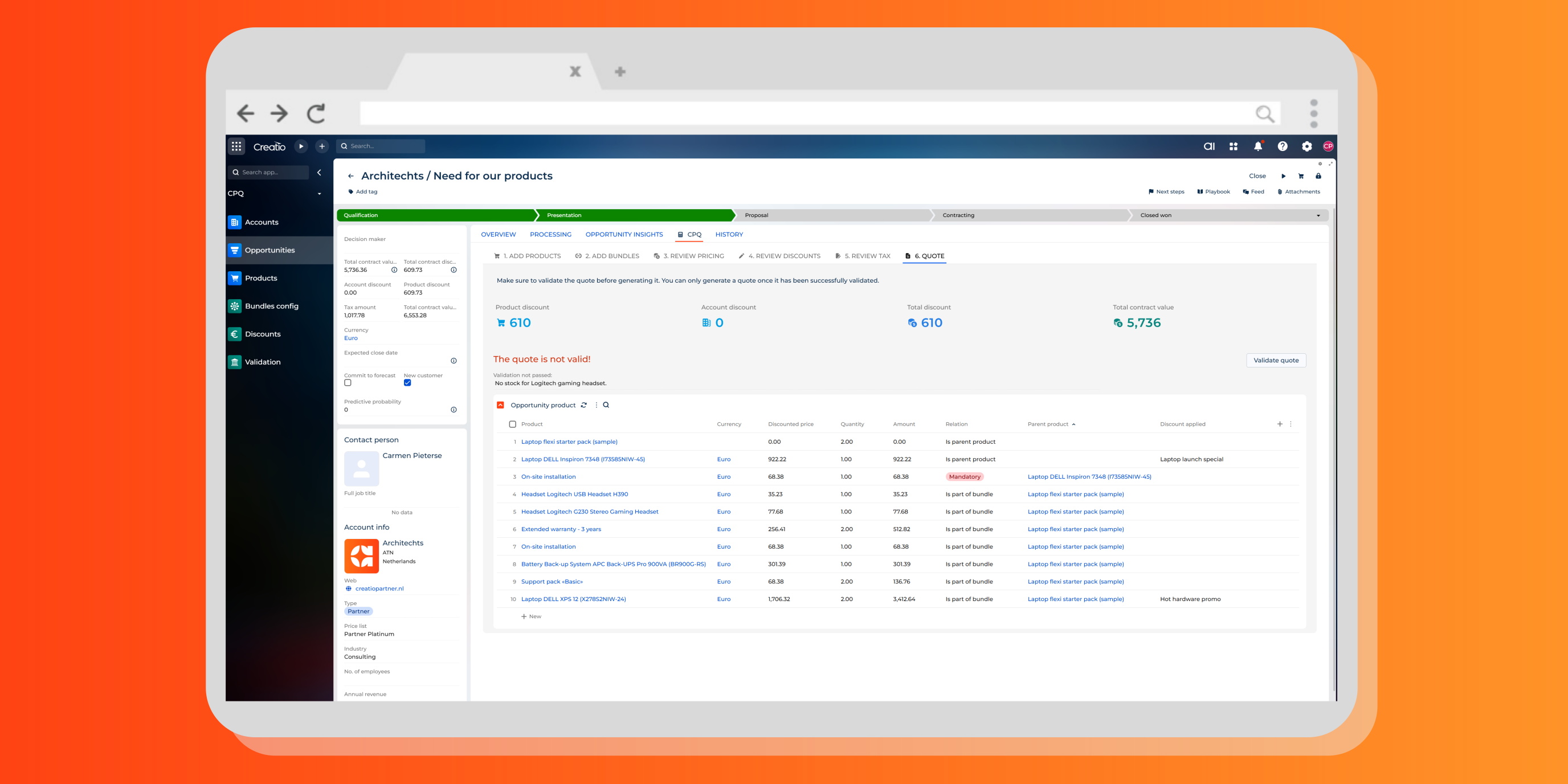
Quote validation
Guarantee accuracy by validating product quantities, discount levels, and quote totals against company standards.
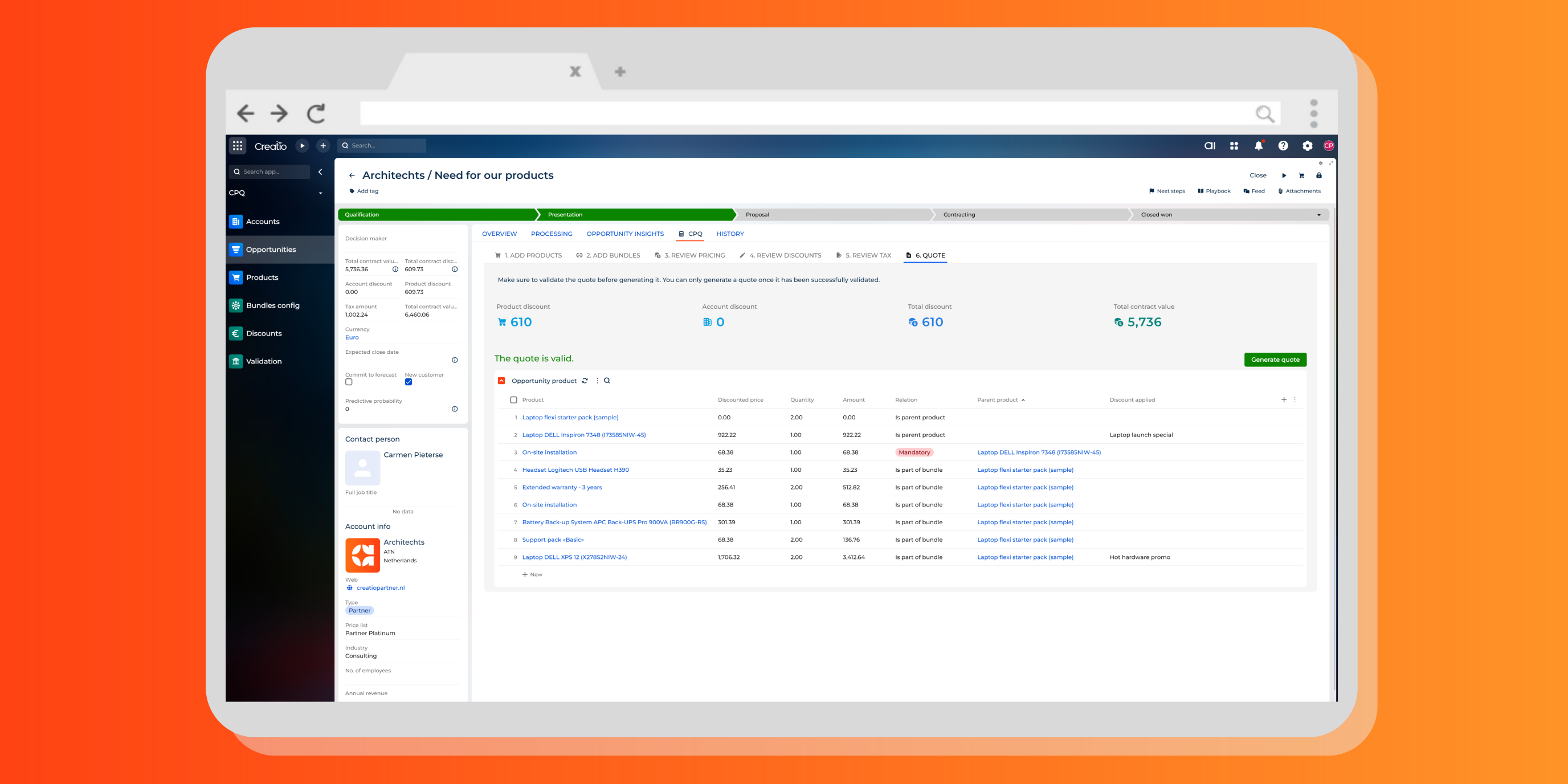
Generate validated quote
Only error-free, fully compliant quotes make it out the door!
Pricing
Monthly
Annual
Standard
$
25.00 user / month
billed annually
From 10 users
Terms and Conditions
By installing this product you agree to terms and conditions outlined in the license agreement.
Support
Support is available for this application
Support is provided by the developer within the “Basic” and “Business” packages. Detailed information about the support packages and the support terms can be found on the Creatio website.
Installation
Setup guide
Book a demo to see our CPQ solution in action. We’ll showcase the key functionalities and demonstrate how they apply directly to your business scenarios. You’ll receive the quick-start guide and full documentation after the session to help you get started right away.
Data sharing
- By installing or downloading the App, you confirm that you agree with sharing your account data (name, email, phone, company and country) with the App Developer as their End User.
- The App Developer will process your data under their privacy policy.
Versions
Versions history
Version
Compatibility
Release date
1.1.0
8.2.2 and up
Release summary
First release.
1.0.0
8.2.2 and up
Release summary
- product configuration rules: mandatory add-ons, optional add-ons, non-compatible add-ons
- product bundles: wizard to add all minimal add-ons required for bundle
- pricing rules: correct price list selection, lineair/non-lineair add-ons volume
- overruling price list and pricing
- discount rules: volume based, product based, category based, customer specific
- quote validation rules: volume validations, discount validations
- product bundles: wizard to add all minimal add-ons required for bundle
- pricing rules: correct price list selection, lineair/non-lineair add-ons volume
- overruling price list and pricing
- discount rules: volume based, product based, category based, customer specific
- quote validation rules: volume validations, discount validations
Manual app installation
- Open the needed app → the Packages tab - download the Markeplace app files.
- Click in the top right → Application Hub
- Click New application. This opens a window.
- Select Install from file and click Select in the window that opens.
- Click Select file on the page of the Marketplace App Installation Wizard and specify the app file path.