


Creatio AI Application Development Toolkit
 Trending
Overview
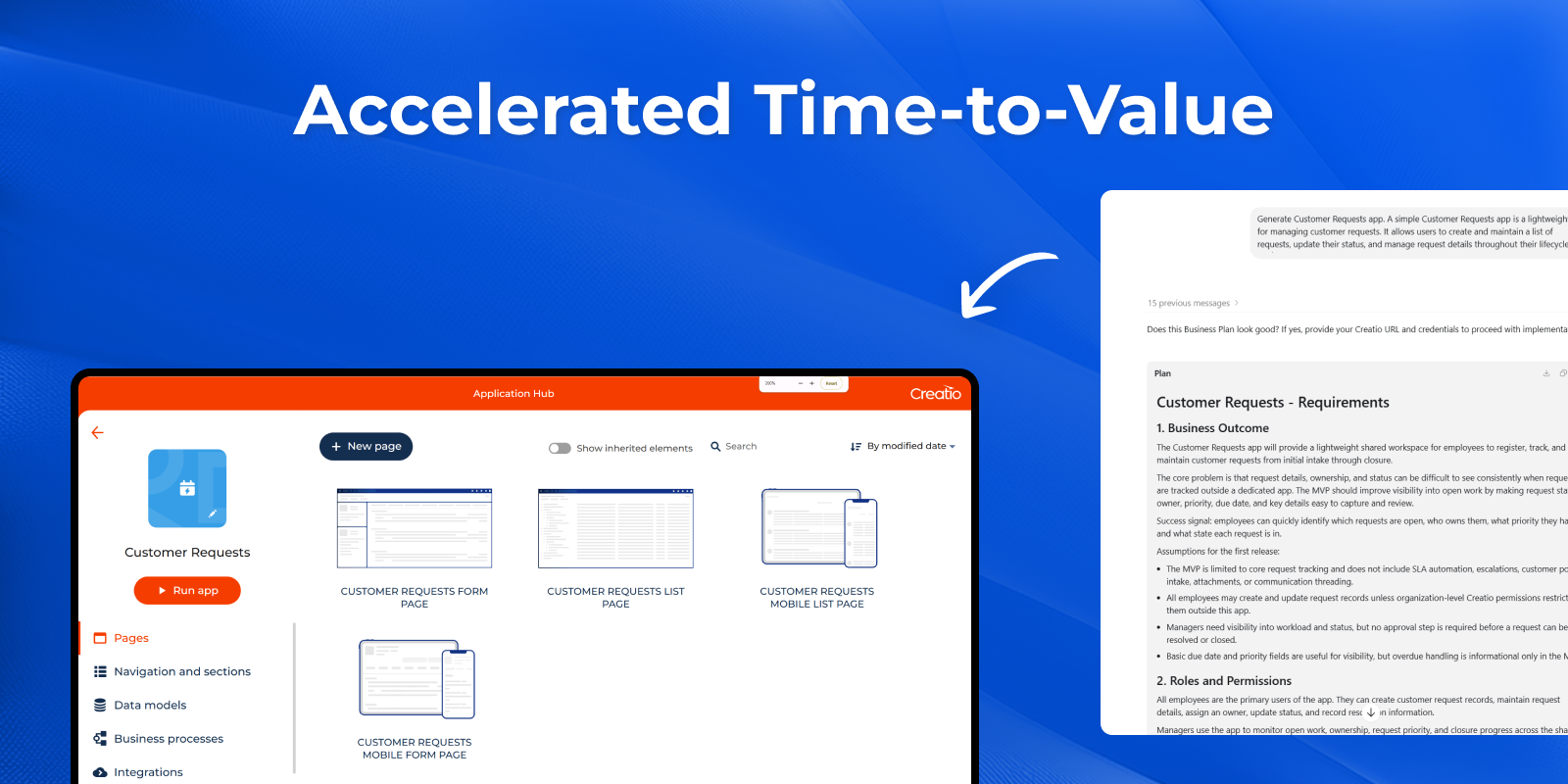
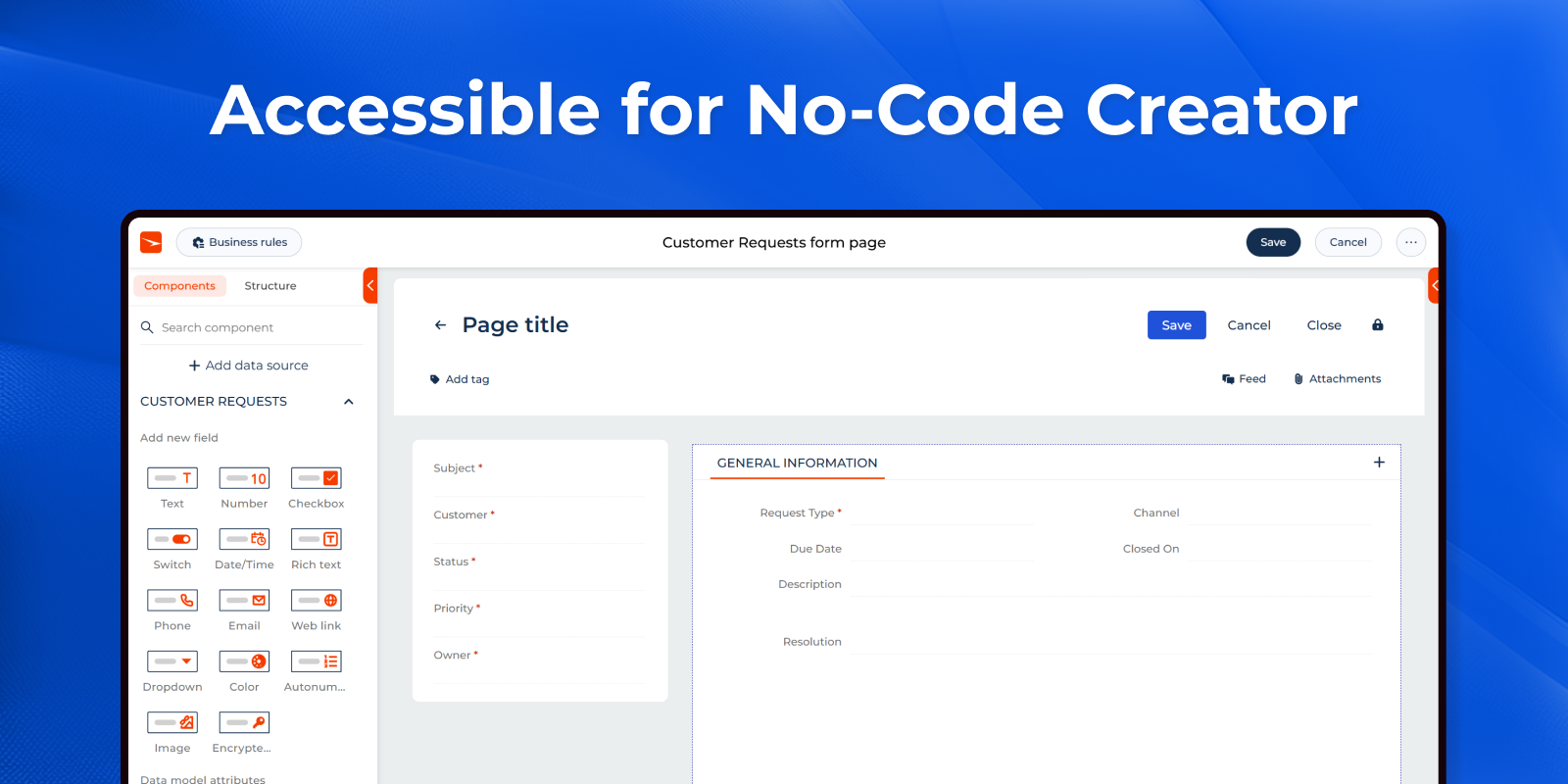
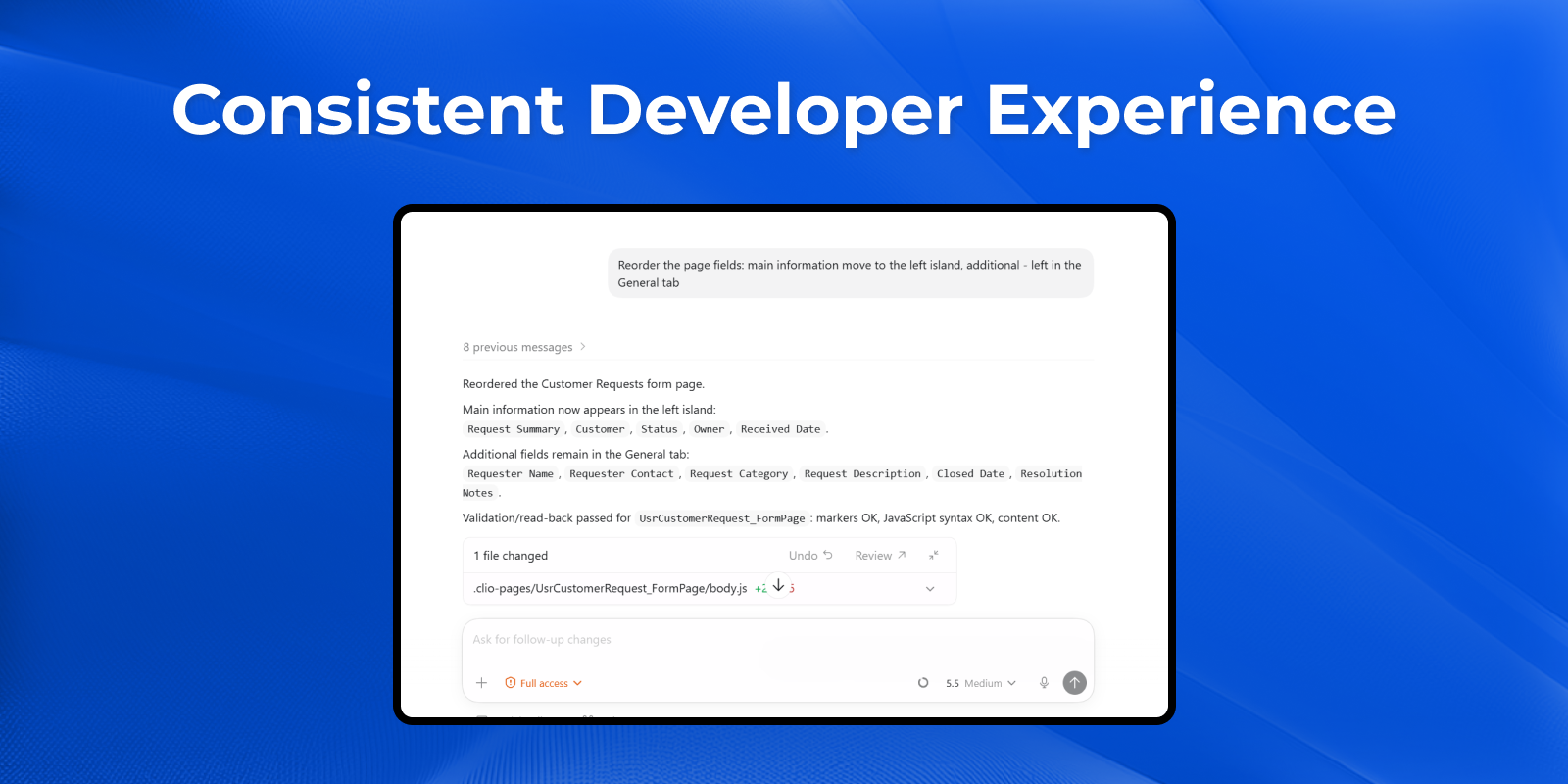
Product overview
The Creatio AI App Development Toolkit enables both no-code creators and developers to design and deliver applications in Creatio using AI-powered coding agents such as Claude Code, Codex, GitHub Copilot, and similar tools.
The toolkit provides structured instructions, MCP tools, and guided workflows that allow AI-powered coding agents to generate applications, configure components, and support users throughout the development process. Instead of manual coding effort, users collaborate with AI to define requirements, refine logic, and automate implementation.
By combining AI assistance with a standardized development approach, the toolkit:
-
Accelerates application delivery
-
Reduces manual configuration and coding effort
-
Improves consistency and quality of outputs
It effectively bridges the gap between concept and execution—making app development accessible to non-technical users while significantly increasing productivity for experienced developers.
What You Can Build with Coding Agents
Full Application Generation
Create complete, ready-to-use applications in Creatio—from initial idea to working solution.
Section Setup & Management
Add new sections or modify existing ones across applications with minimal effort.
Data Model Design
Define and update objects, fields, and relationships that power your application.
Web and Mobile Page Development
Design and configure application and mobile pages within supported use cases.
Business Rules
Apply basic business rules to automate UI behavior.
Business Processes
Generate business processes to automate work end-to-end (limited capabilities in Beta).
Migrate section from Classic to Freedom UI
Migrate Classic UI layout and business rules to Freedom UI (limited capabilities in Beta).
Analytics
Build desktops, homepages, dashboards and charts from plain-language requests, without manual setup.
Branding & Theming
Generate themes, swap logos, and manage background to match your brand in minutes.
Validation & Custom Logic
Apply validation rules and extend application behavior with custom logic.
Data Binding Configuration
Set up and update data relationships, lookups, and records without manual configuration.
From idea to application—guided and accelerated by AI at every step.
Key Features
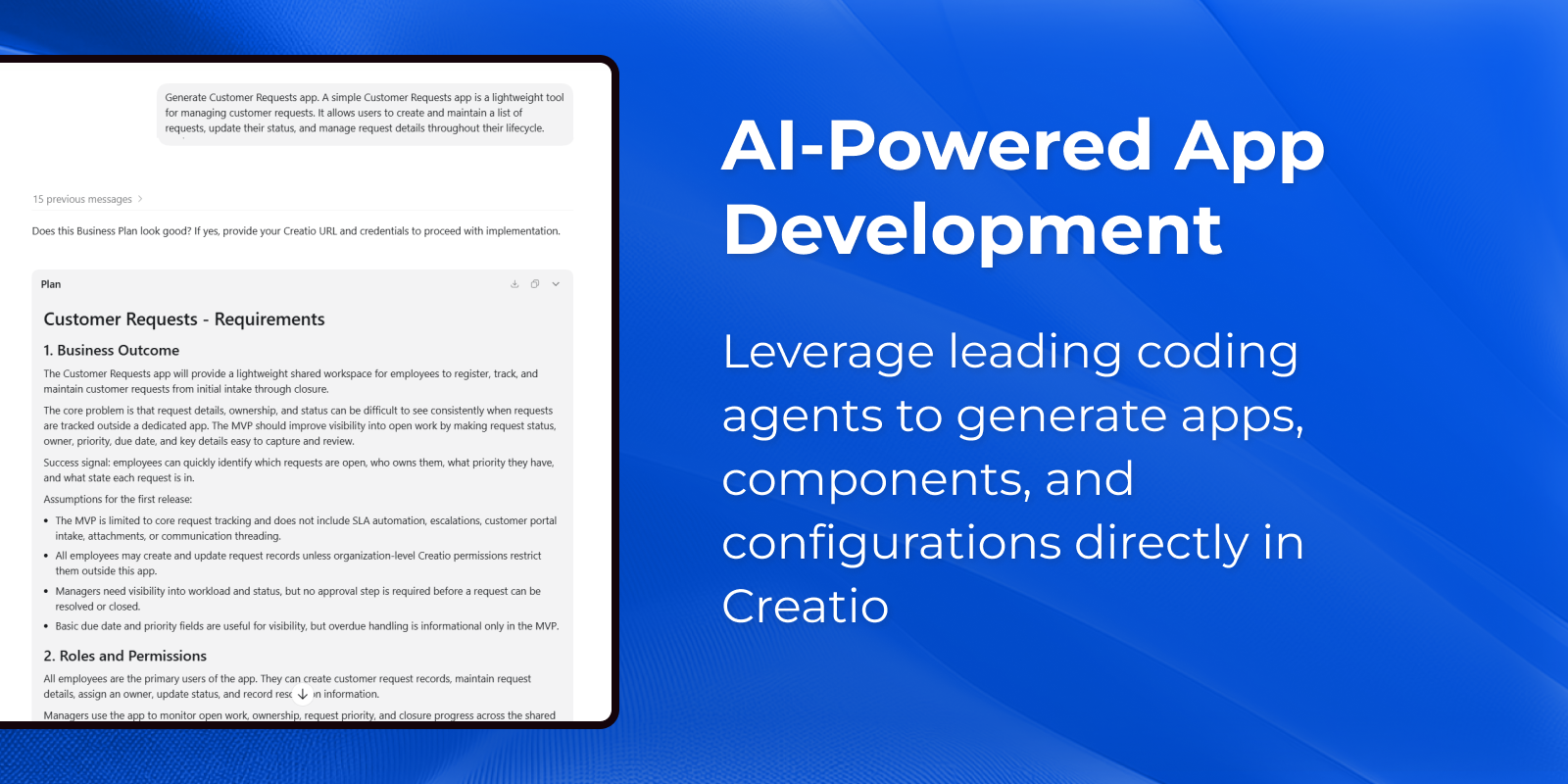
AI-Powered App Development
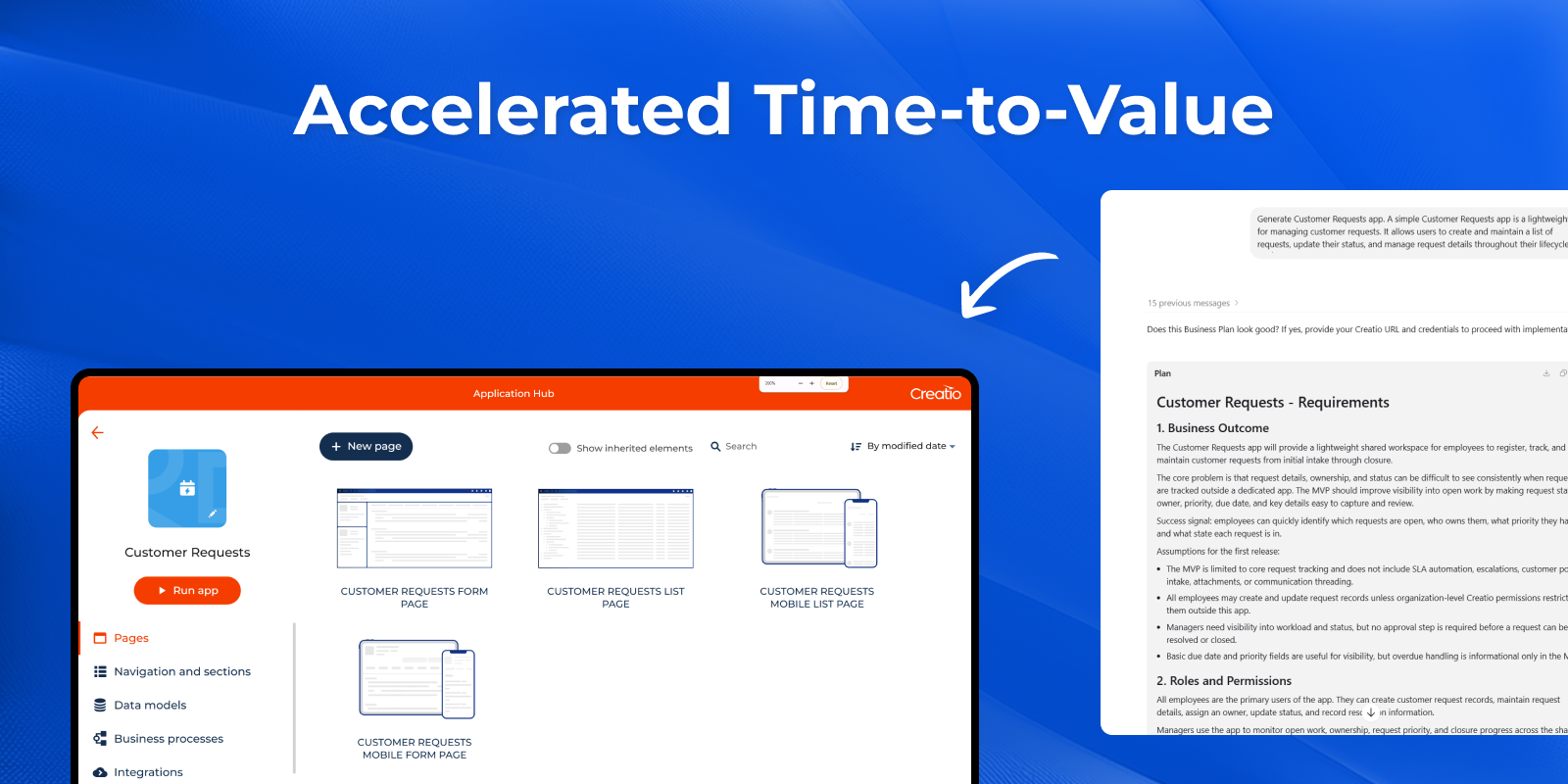
Accelerated Time-to-Value
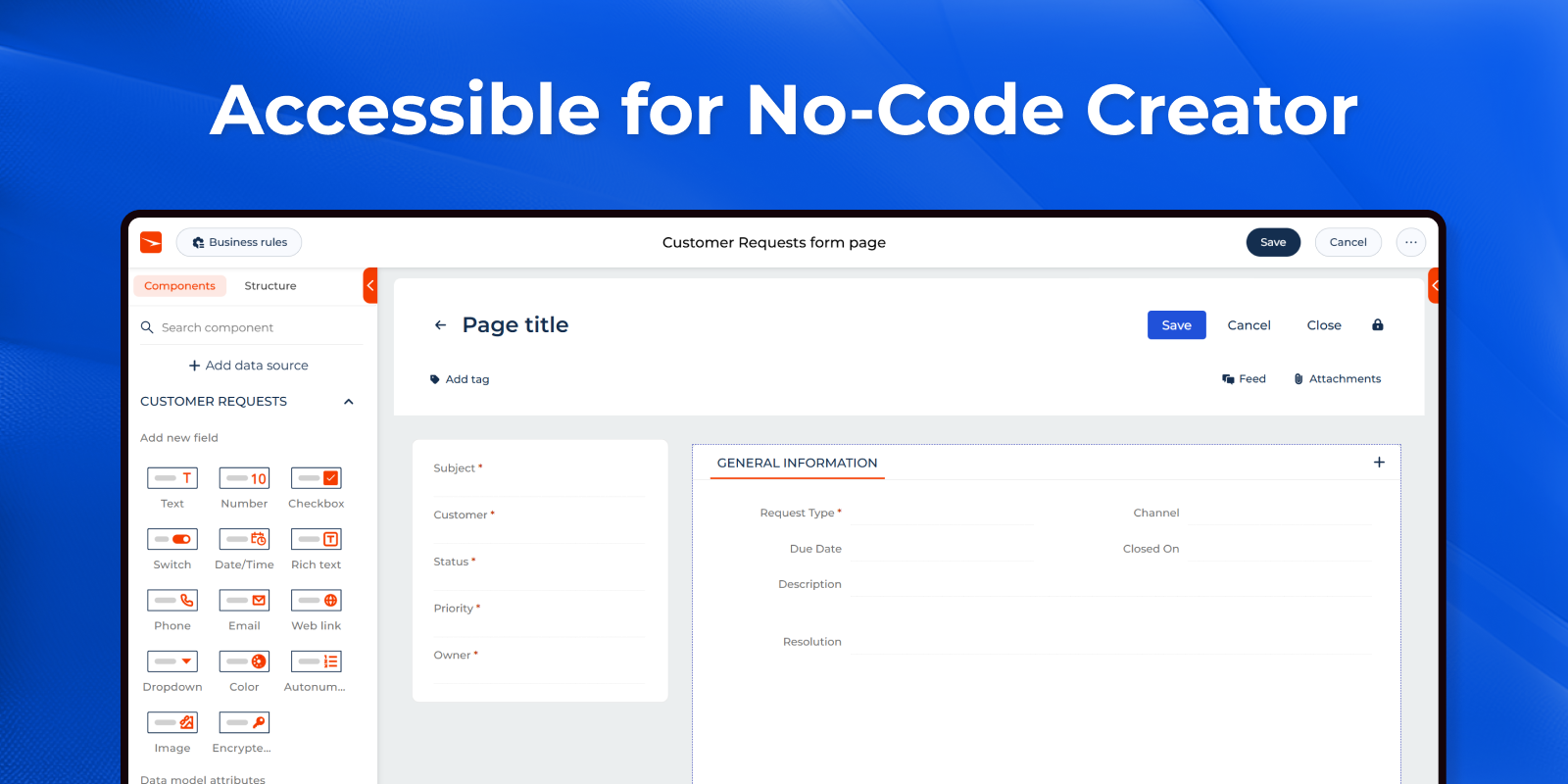
Accessible for No-Code Creators
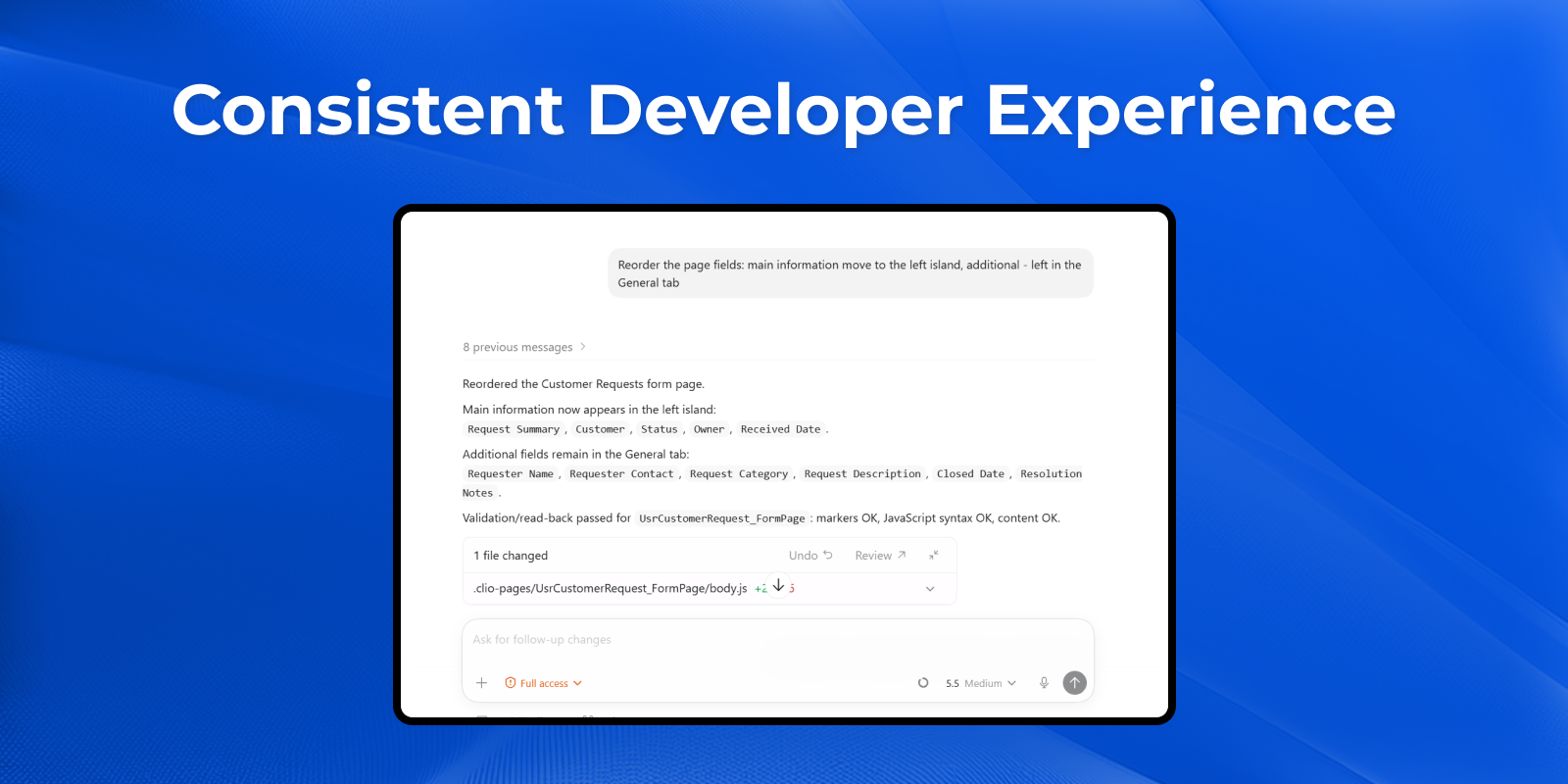
Consistent Developer Experience
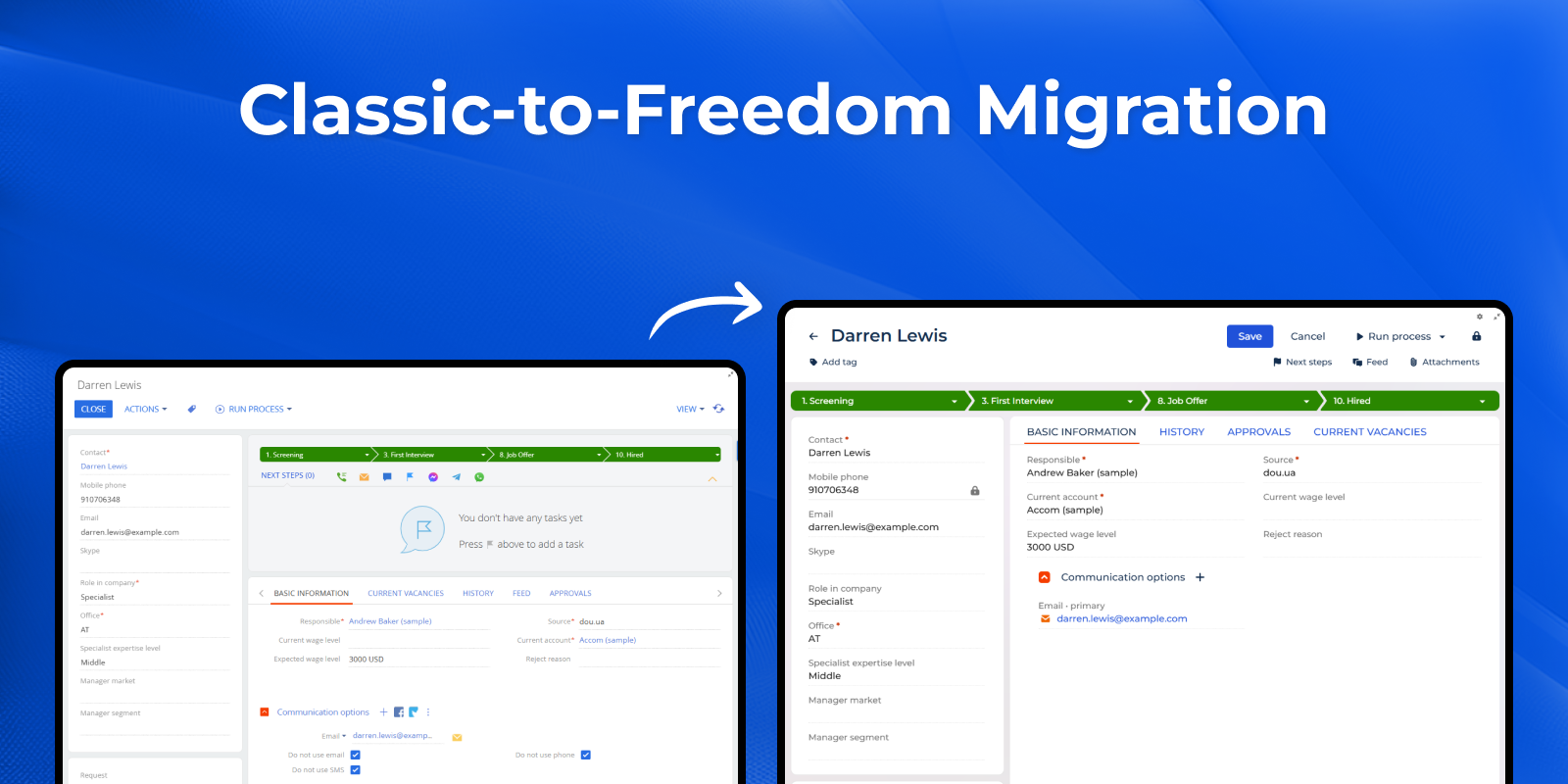
Classic-to-Freedom Migration
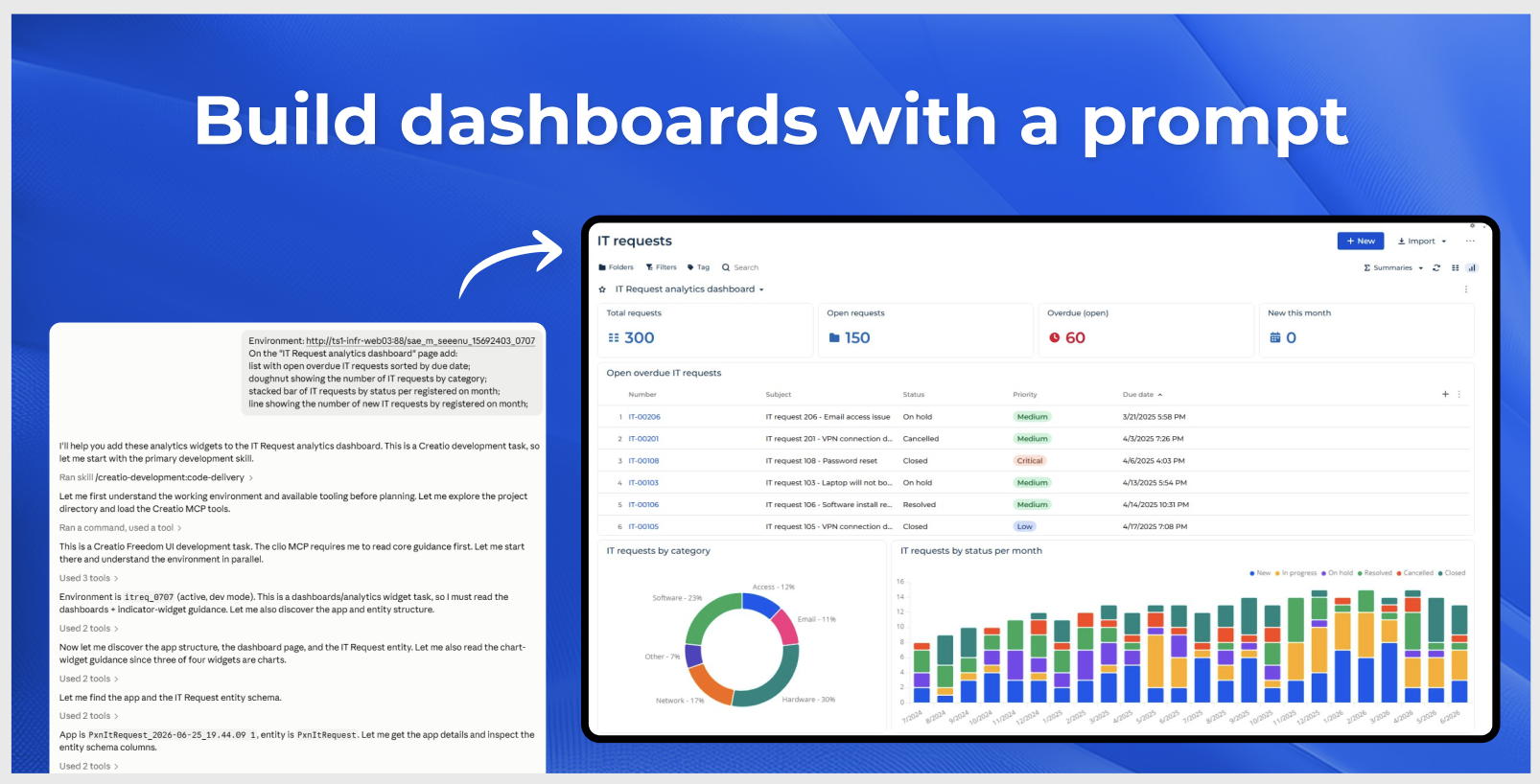
AI-Powered Analytics Creation
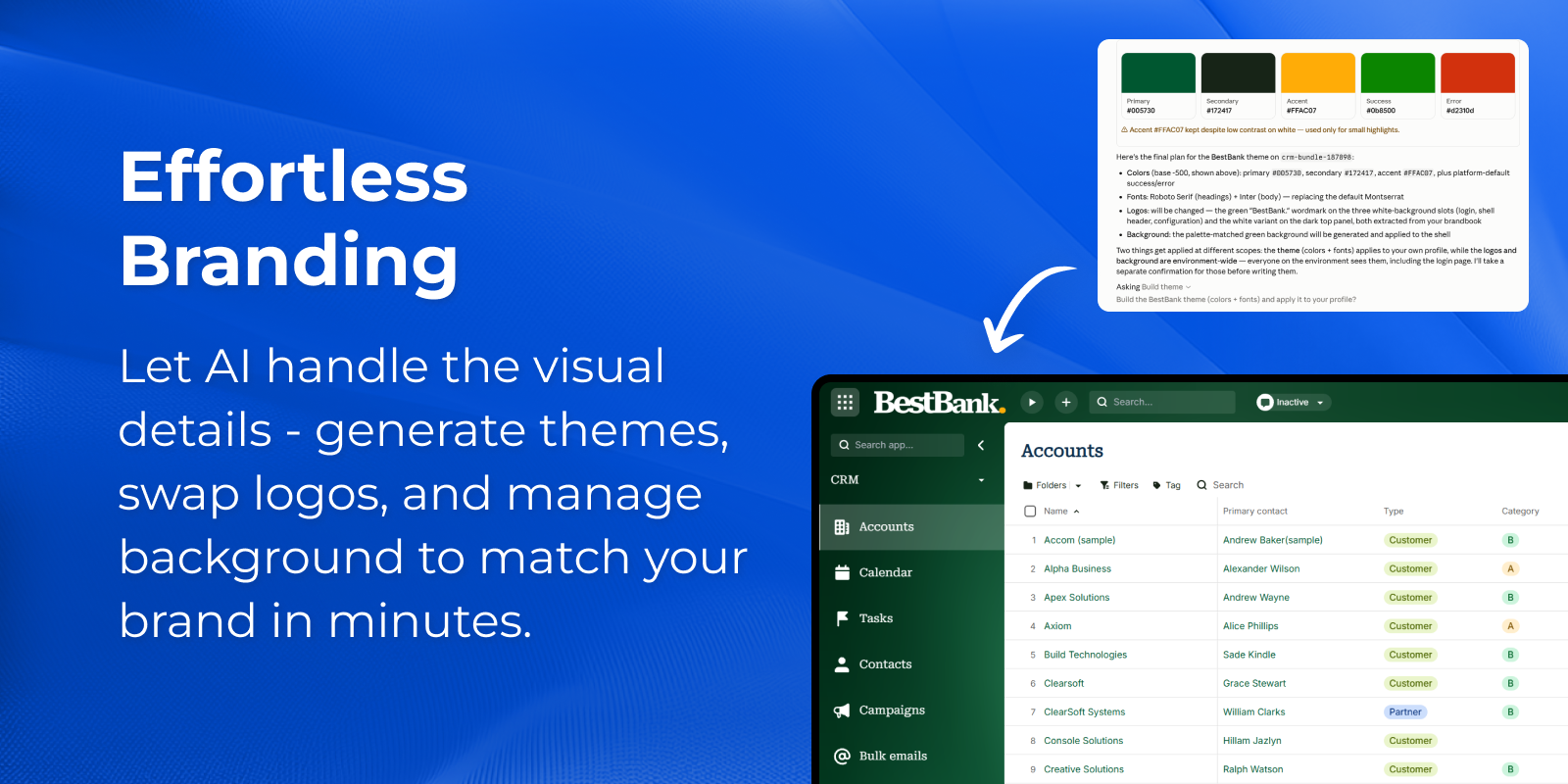
Effortless Branding
Pricing
Terms and Conditions
Support
Installation
Setup guide
Set up the Creatio AI App Development Toolkit
To start using the Creatio AI App Development Toolkit and develop applications in Creatio with coding agents, you need to complete several additional setup steps:
-
Install Clio and .Net 10 SDK
Ensure Clio and .Net 10 SDK is installed on your machine, as it is required to work with the toolkit.
-
Prepare instructions toolkit
Download or create the instruction toolkit that will be used by your coding agent.
-
Install a coding agent (Claude Code, Codex, GitHub Copilot, etc.)
Install the coding agent you plan to work with, if it is not already available.
-
Open the agent workspace
After installation, open the coding agent from the folder that contains the prepared instructions.
To simplify and streamline this process, we provide a setup installer that guides you through all required steps. The installer verifies dependencies, assists with installing and configuring the necessary tools, and prepares or updates your local workspace, so you can quickly start working with coding agents in Creatio.
Prerequisites
Before setup, complete the following:
-
Click to the INSTALL button to download and unpack the Creatio AI App Development Toolkit installer
High-level overview
The setup wizard runs three mandatory steps:
-
Required tools — verifies the ".NET 10 SDK", "Python 3" and "Clio" are installed and up to date.
-
Install plugin — installing the plugin with required skill.
-
Completion — opens the prepared workspace in Codex, Claude, VS Code, or Terminal.
Data sharing
- By installing or downloading the App, you confirm that you agree with sharing your account data (name, email, phone, company and country) with the App Developer as their End User.
- The App Developer will process your data under their privacy policy.
Versions
Versions history
- Added the ability to work in any project folder using the Creatio skill.
- Added the ability to create and edit mobile pages.
- Added support for creating all types of business rules.
Manual app installation
- Open the needed app → the Packages tab - download the Markeplace app files.
- Click in the top right → Application Hub
- Click New application. This opens a window.
- Select Install from file and click Select in the window that opens.
- Click Select file on the page of the Marketplace App Installation Wizard and specify the app file path.
Compatibility notes
The Creatio AI App Development Toolkit is compatible with Creatio version 8.3.0 and later.
Recommended configurations:
Agents:
GitHub Copilot:
GPT-5.4 or newer
Claude Sonnet 4.6 or newer
Claude Opus 4.6+