


Dashboards Migrator
Overview
Product overview
Key Features
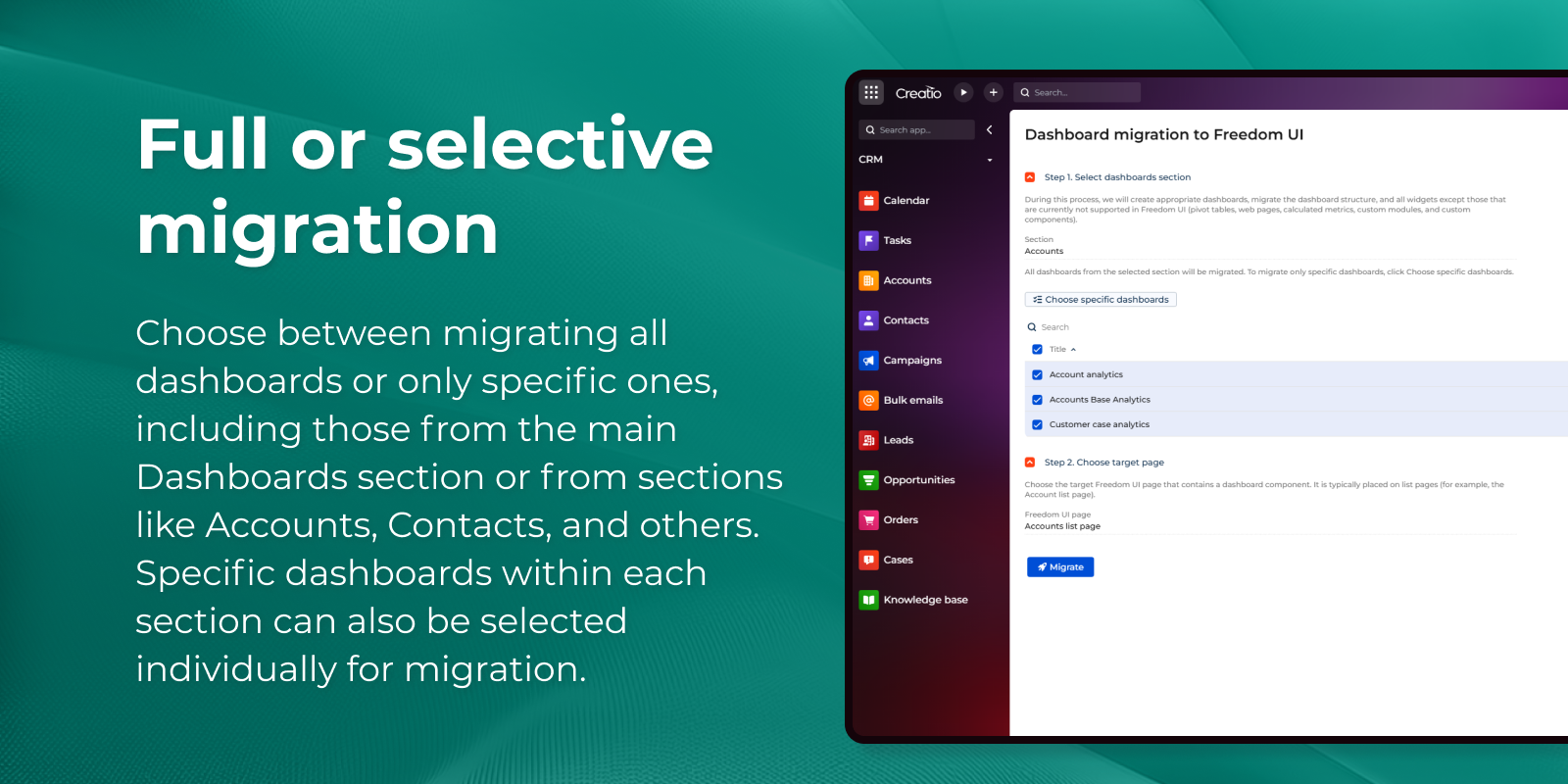
Full or selective migration
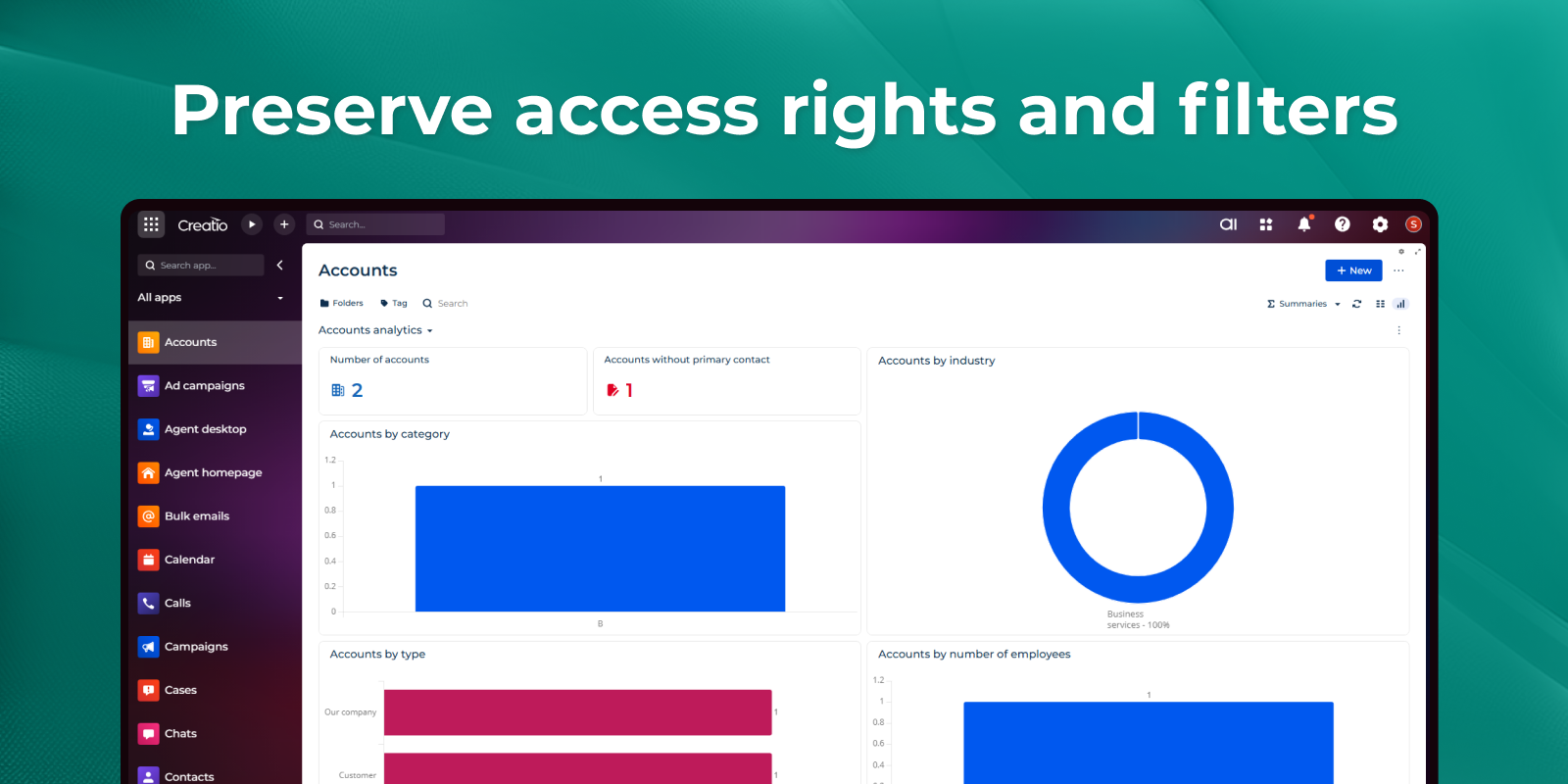
Preserve access rights and filters
Pricing
Terms and Conditions
Support
The Support is provided by Creatio following the package you have purchased for your Subscription Services. Detailed information about the support packages and the support terms is stated in your Master Agreement (available at Creatio website).
Installation
Setup guide
After installing the application, follow these steps to migrate dashboards from Classic UI to Freedom UI:
-
Open Settings
In the Admin area, open Dashboards migration from Classic UI to Freedom UI. -
Select the Source Section
Choose the section from which you want to migrate dashboards.
By default, all dashboards are selected, but you can select specific dashboards if needed. -
Choose the Target Page
Select the page that contains the Dashboard component where the dashboards will be migrated. -
Run Migration
Click Migrate.
After a short processing time, the selected dashboards will be migrated to the target page.
Data sharing
- By installing or downloading the App, you confirm that you agree with sharing your account data (name, email, phone, company and country) with the App Developer as their End User.
- The App Developer will process your data under their privacy policy.
Versions
Versions history
- Pivot tables: Classic UI pivot tables are now migrated to the Freedom UI pivot widget, including rows, columns, aggregates, calculated columns with arithmetic formulas, and date grouping. Requires Creatio 10.1 or later.
- Card widgets: widgets placed on record pages are now migrated as well.
- Save to package: the migration page has a new "Save to package" option with a package selector. Migrated dashboards are saved into the chosen package together with their access rights, so they can be transferred to other environments.
- More reliable rights migration: if access rights cannot be copied or bound, the migrated dashboard is kept and marked as partially migrated, and the migration log explains the reason.
- The technical stack-trace column in the migration log is now available to administrators.
- Other logging improvements.
Added a set of fixes in this release:
- Charts with empty axis names no longer throw an error after migration.
- Dashboards created in a non-primary language now migrate with their full widget configuration, instead of coming over with empty settings.
- Dashboards containing a calculated metric now open correctly in the Dashboard Designer.
Manual app installation
- Open the needed app → the Packages tab - download the Markeplace app files.
- Click in the top right → Application Hub
- Click New application. This opens a window.
- Select Install from file and click Select in the window that opens.
- Click Select file on the page of the Marketplace App Installation Wizard and specify the app file path.