


Dialong Chatbots for Creatio
Overview
Product overview
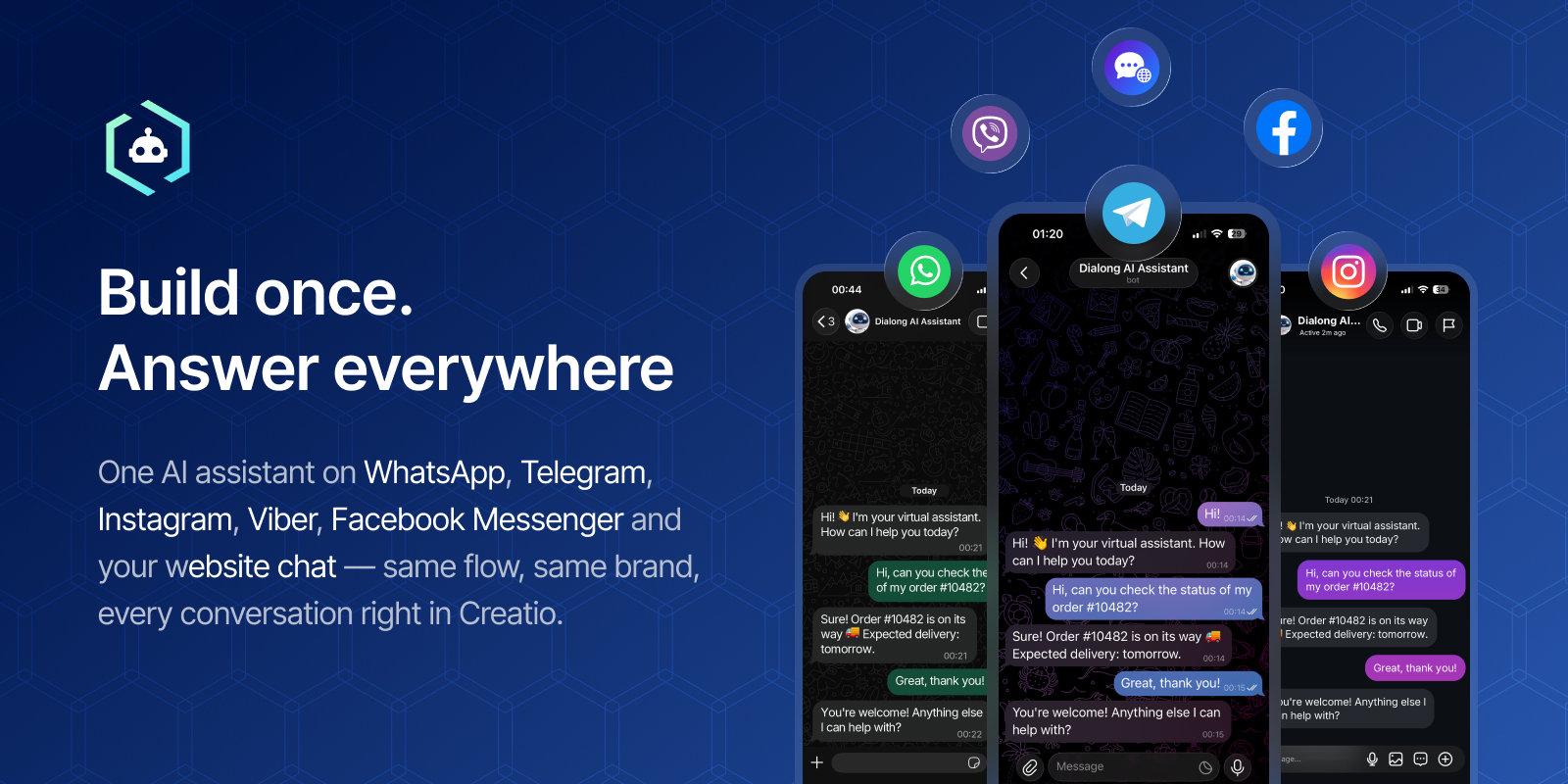
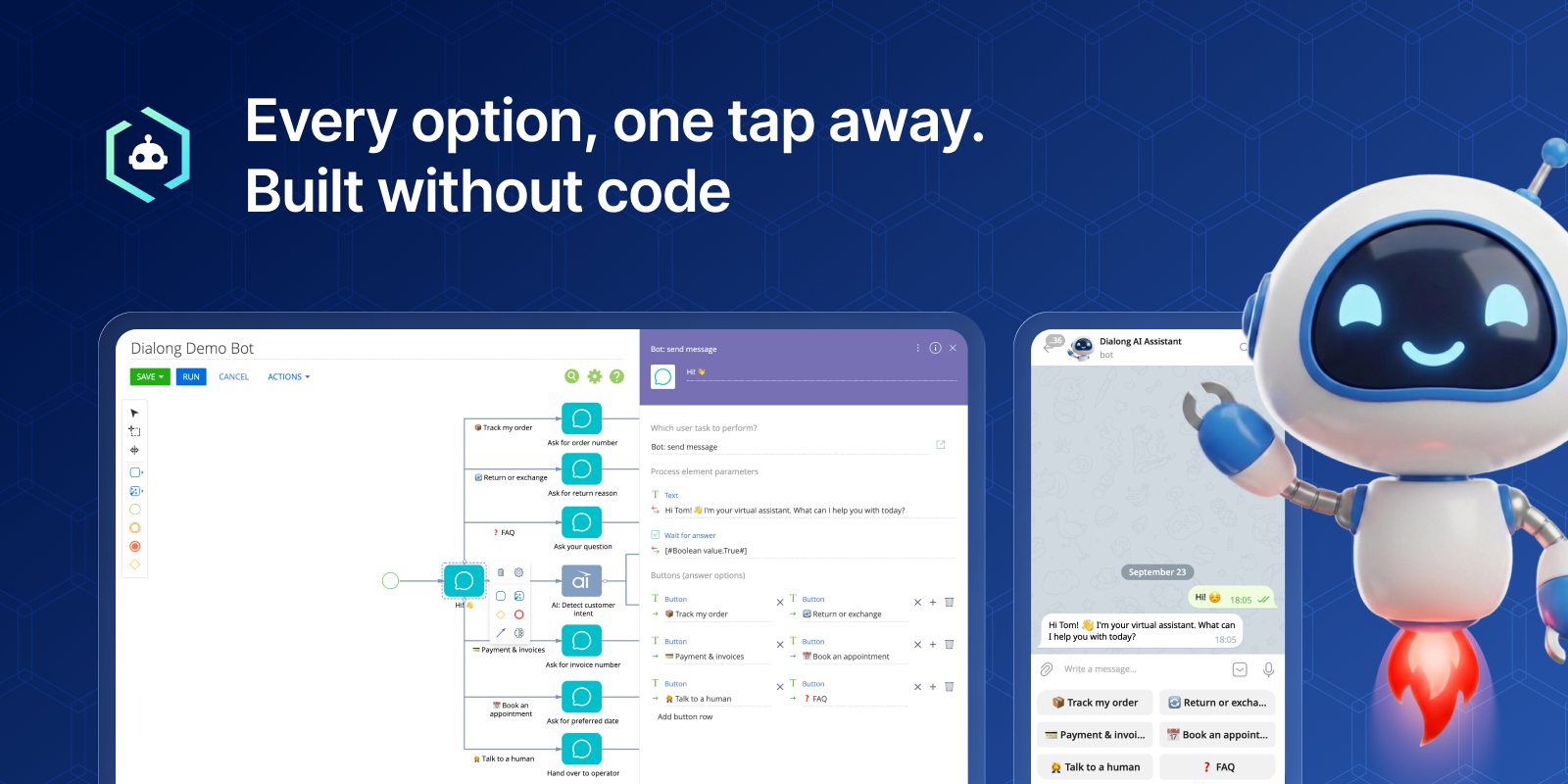
Dialong Chatbots brings automation into Dialong Chats for Creatio — combine rule-based flows and AI in one bot, built directly in Creatio's own process designer. No code, no separate builder to learn.
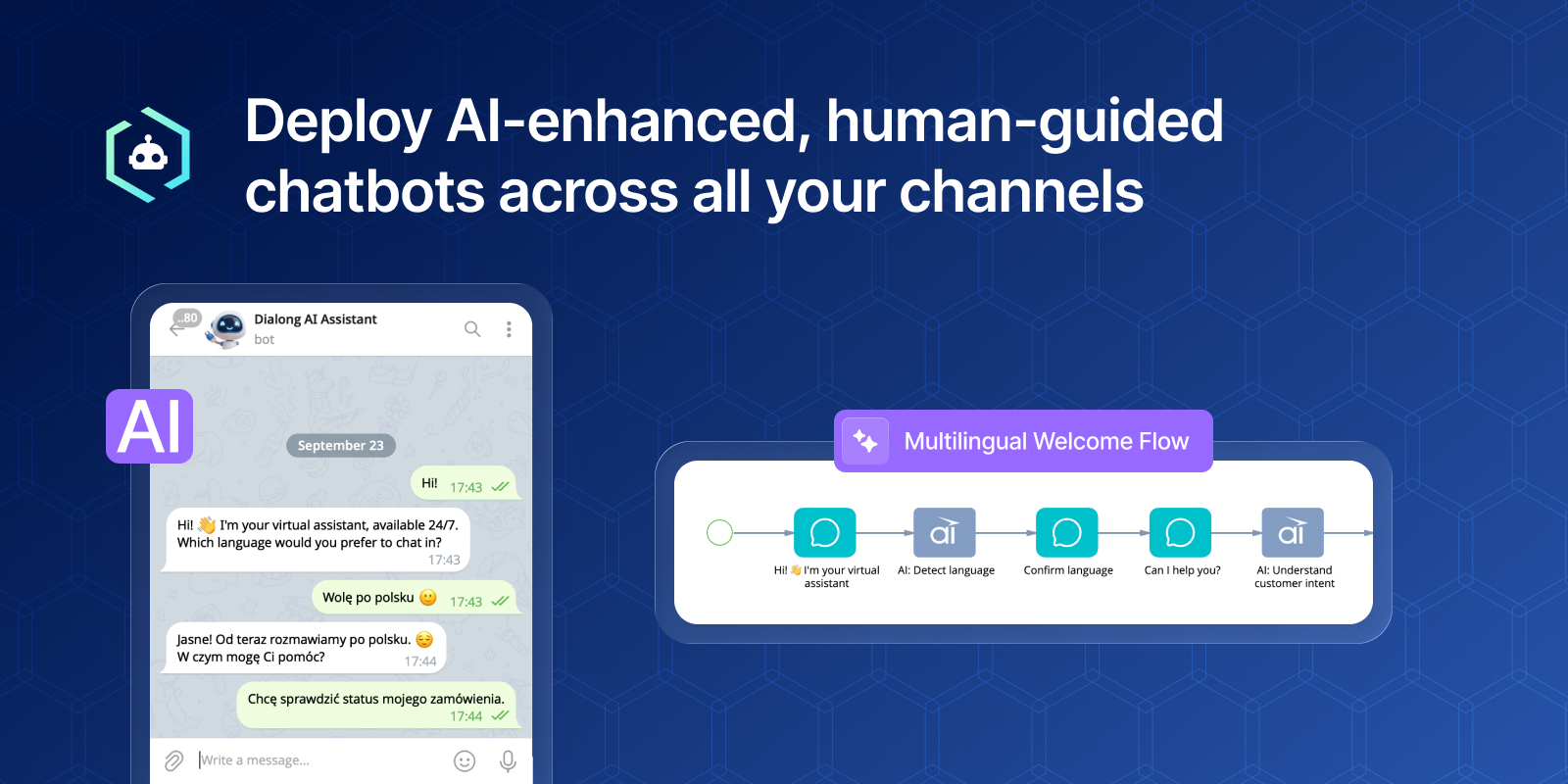
Your bot answers instantly, in the customer's own language, across every messenger channel — and hands off to your team with full context the moment a conversation needs a human touch.
Use cases:
- Customer service automation: resolve routine inquiries 24/7, reduce first-line workload;
- Sales and lead management: capture and qualify inbound leads around the clock;
- Intelligent triage and routing: identify the intent, collect key details up front and pass the conversation to the right team with full context;
- Feedback and data collection: surveys, satisfaction scores and structured data captured in conversation;
- Customer self-service: order, case and request status, account details;
- Proactive communication: confirmations, reminders and status updates delivered in the channel the customer already uses;
- and more.
Notes:
Available for all channels supported by Dialong Chats: Telegram, WhatsApp, Viber, Facebook Messenger, Instagram, and Webchat.
The use cases above are examples of scenarios that customers can build and configure themselves in Creatio business process designer according to their needs. The solution includes a sample "Hello World Bot" process as a starting point, but it does not ship with preconfigured business processes for each scenario.
Key Features
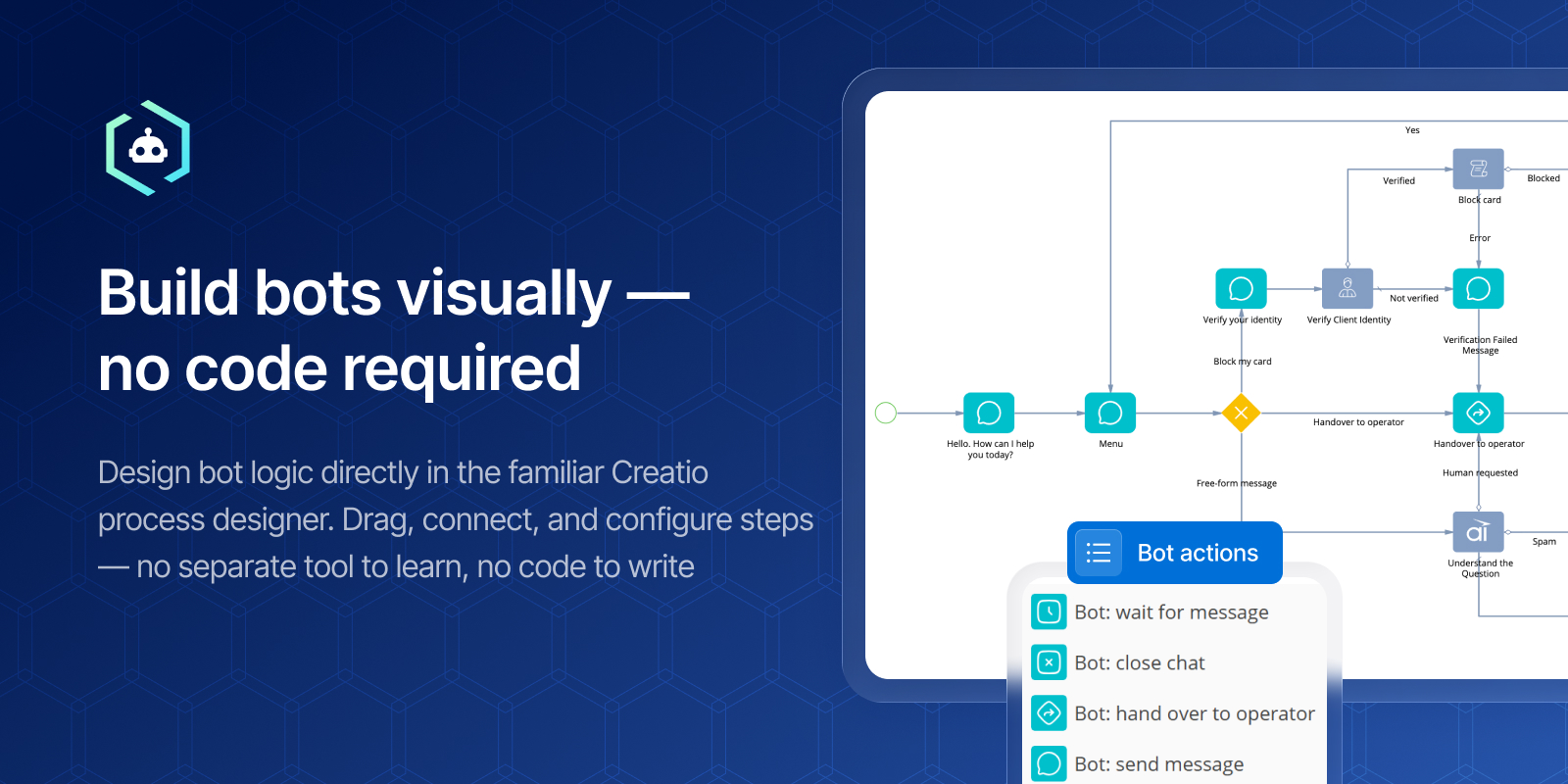
Build bots visually — no code required
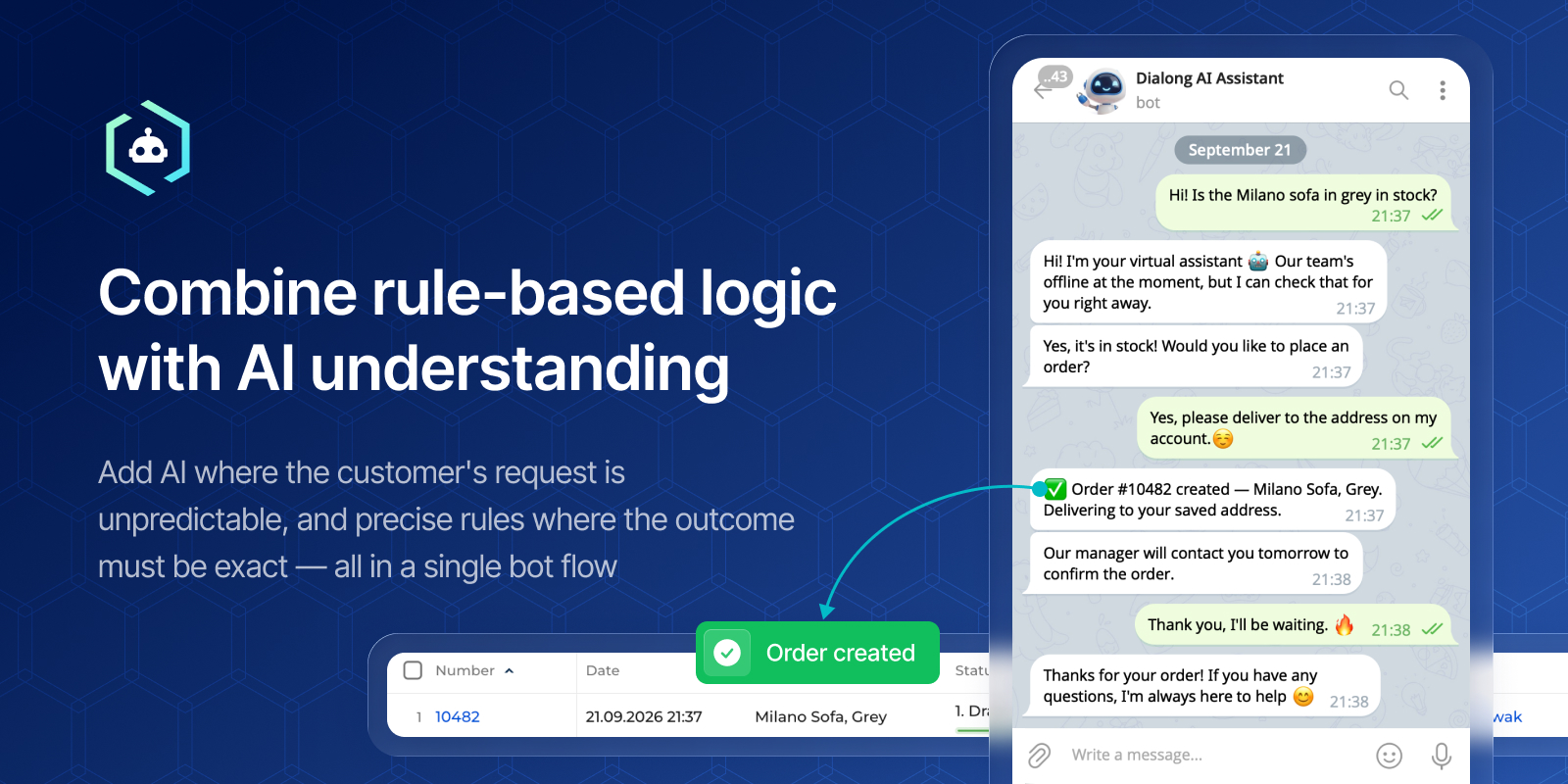
Combine rule-based logic with AI understanding
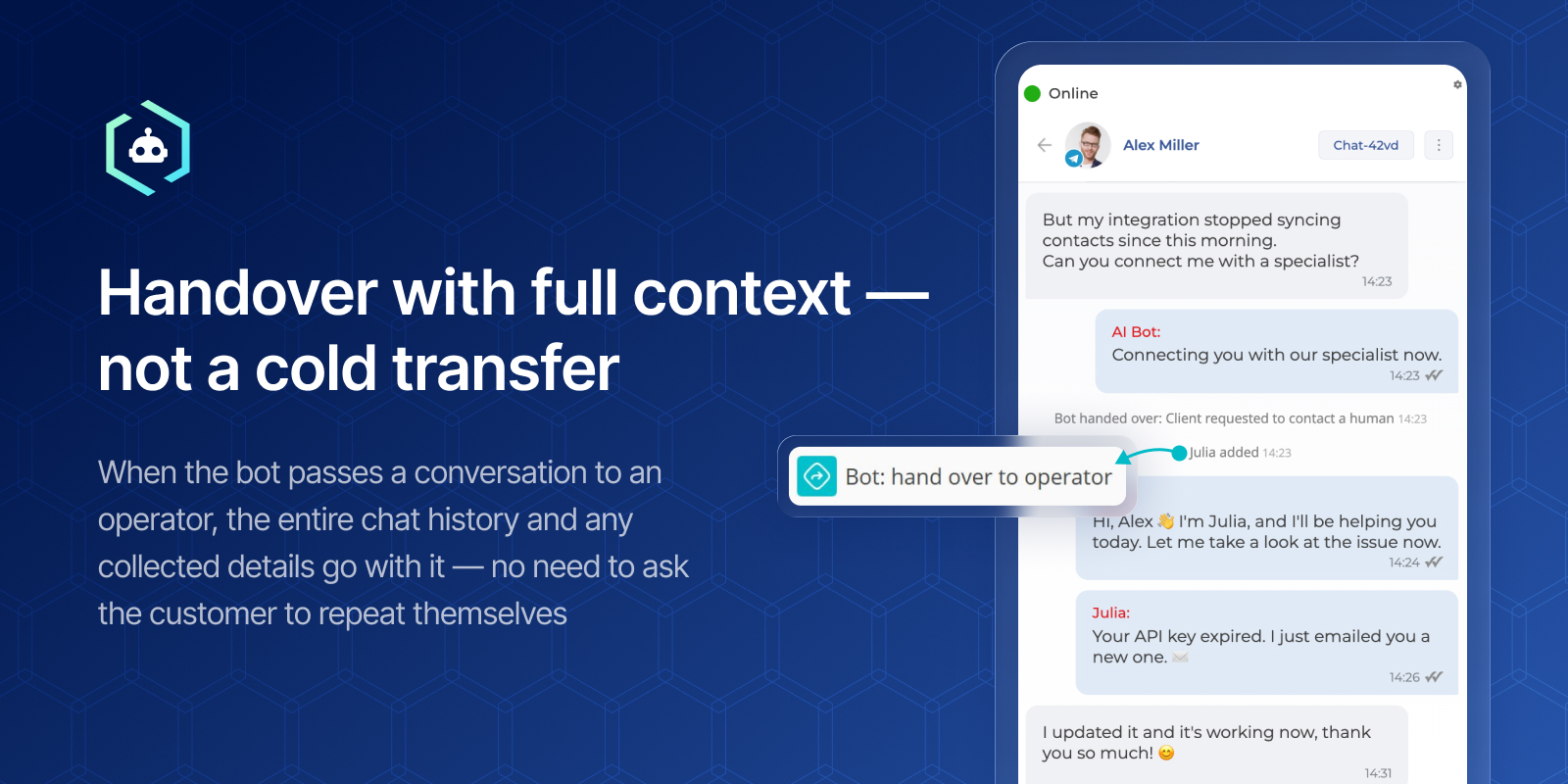
Handover with full context — not a cold transfer

See how much the bot actually handle
Pricing
- At least one Dialong Chats for Creatio license is required to configure the app.
- This price is for one chatbot — one business process connected to the bot.
- Can be used in any channels — Telegram, WhatsApp, Viber, Facebook Messenger, Instagram and Webchat.
- Handing off chats from chatbots to operators requires Dialong Chats for Creatio license.
Terms and Conditions
Support
Installation
Setup guide
Data sharing
- By installing or downloading the App, you confirm that you agree with sharing your account data (name, email, phone, company and country) with the App Developer as their End User.
- The App Developer will process your data under their privacy policy.
Versions
Versions history
Manual app installation
- Open the needed app → the Packages tab - download the Markeplace app files.
- Click in the top right → Application Hub
- Click New application. This opens a window.
- Select Install from file and click Select in the window that opens.
- Click Select file on the page of the Marketplace App Installation Wizard and specify the app file path.