


Dialong Chats for Creatio
Overview
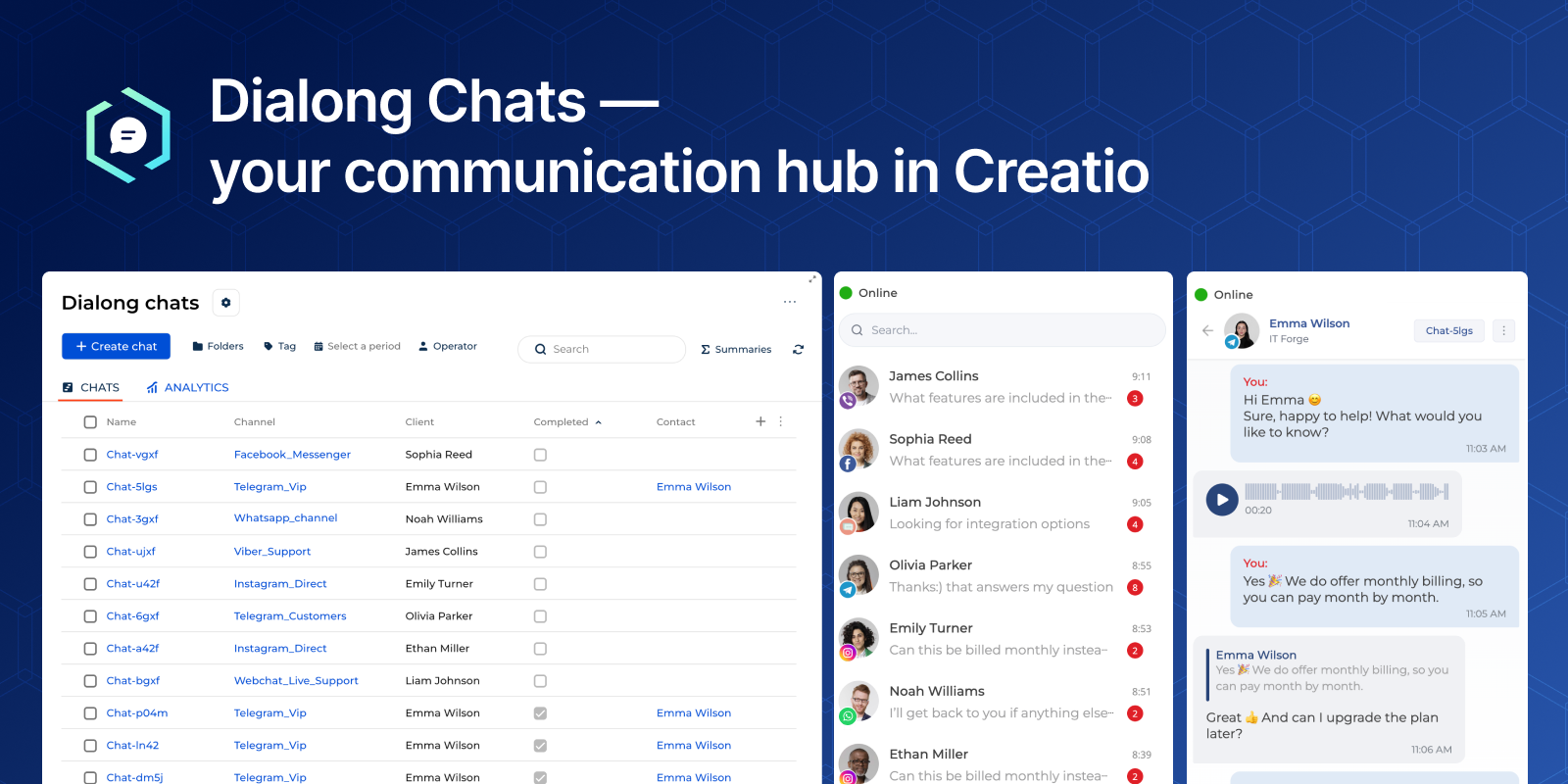
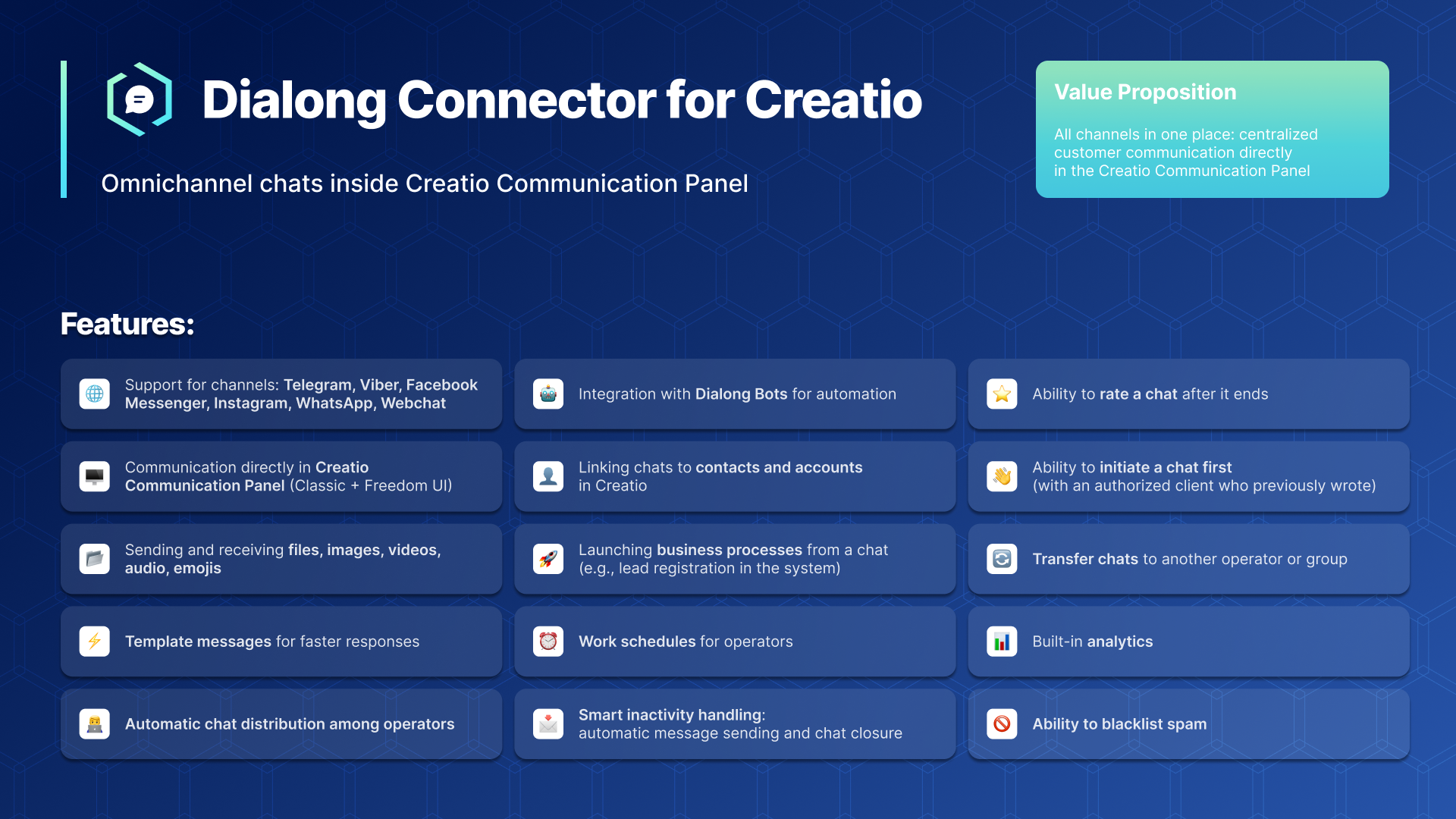
Product overview
Dialong Chats for Creatio allows you to communicate with customers who contact you via messengers, social networks, or your website directly from the Creatio communication panel.
Use cases:
Sales
- Engage leads, respond instantly, and close deals faster — all inside Creatio.
Marketing
- Run campaigns, manage inquiries, and keep communication consistent across channels.
E-commerce
- Support customers in real time and simplify the buying journey.
IT Support
- Resolve issues quickly through customers’ preferred messaging platforms.
Education
- Stay connected with students and staff through fast, direct communication.
Financial Services
- Deliver secure, responsive support and strengthen customer trust.
Any Customer-Facing Team
- Perfect for any business where customer communication matters — from startups to enterprises.
Supported communication channels:
- Telegram
- Viber
- Facebook Messenger
- Webchat
Key Features
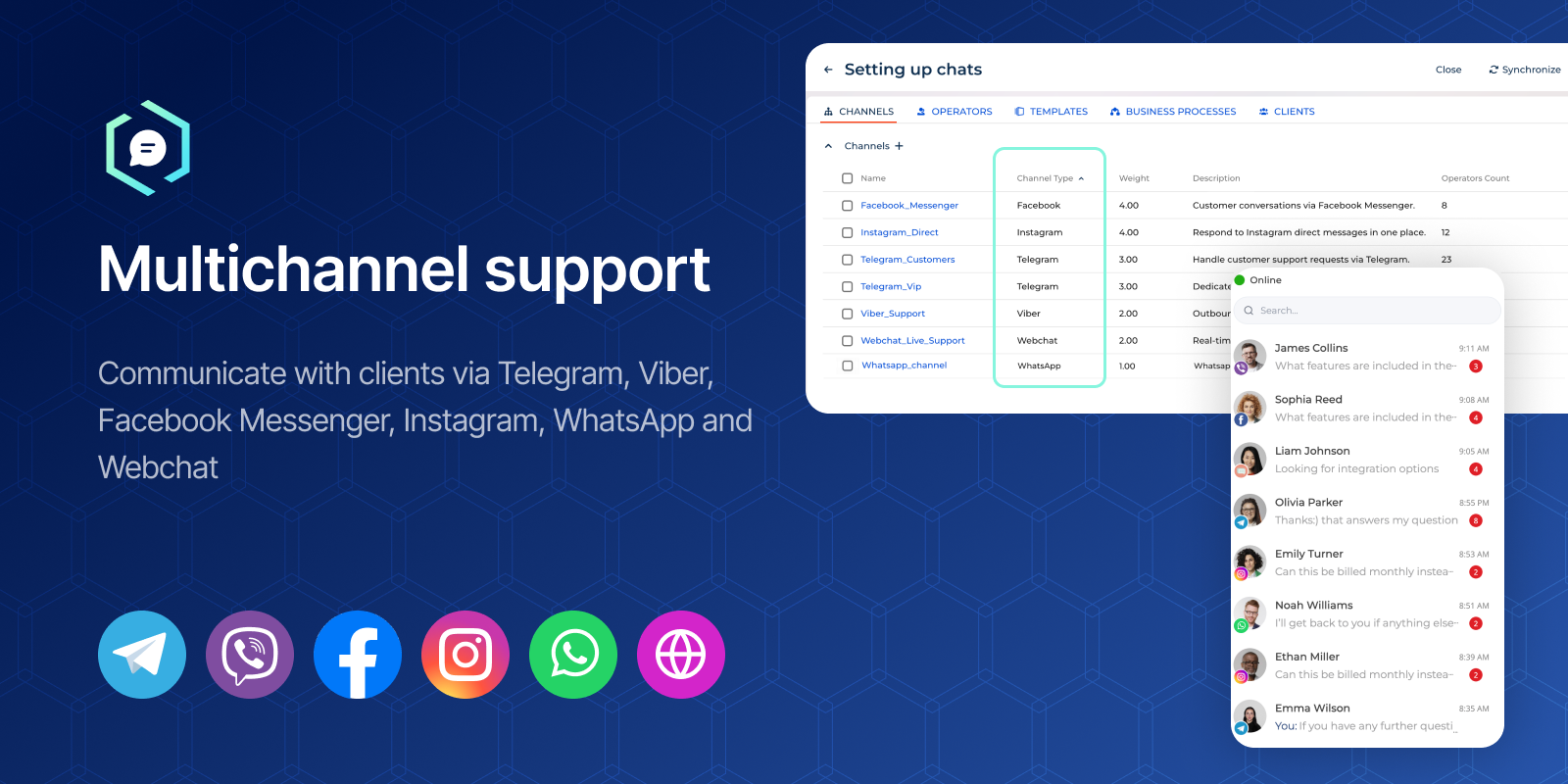
Multichannel support
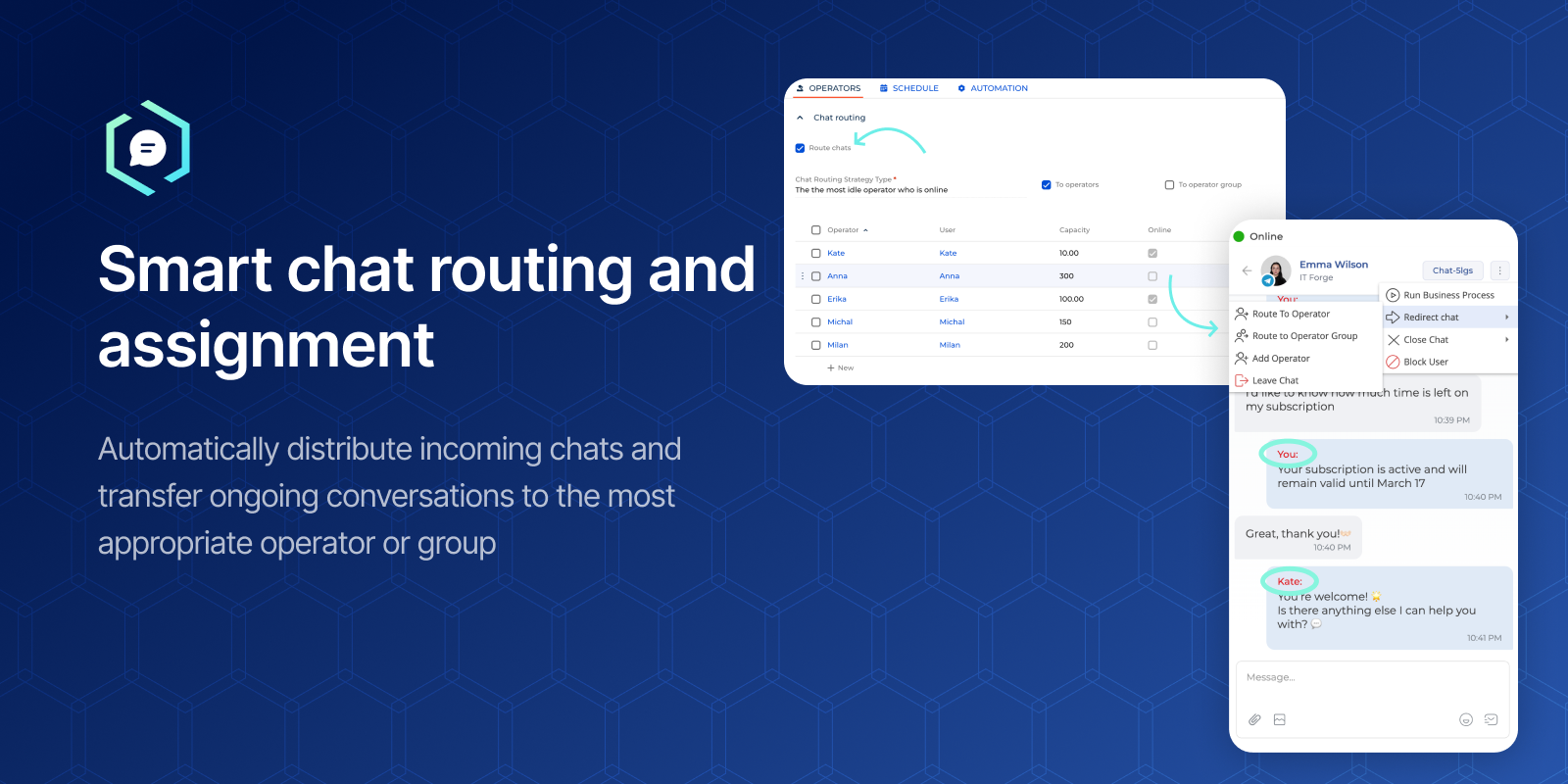
Smart chat routing and assignment
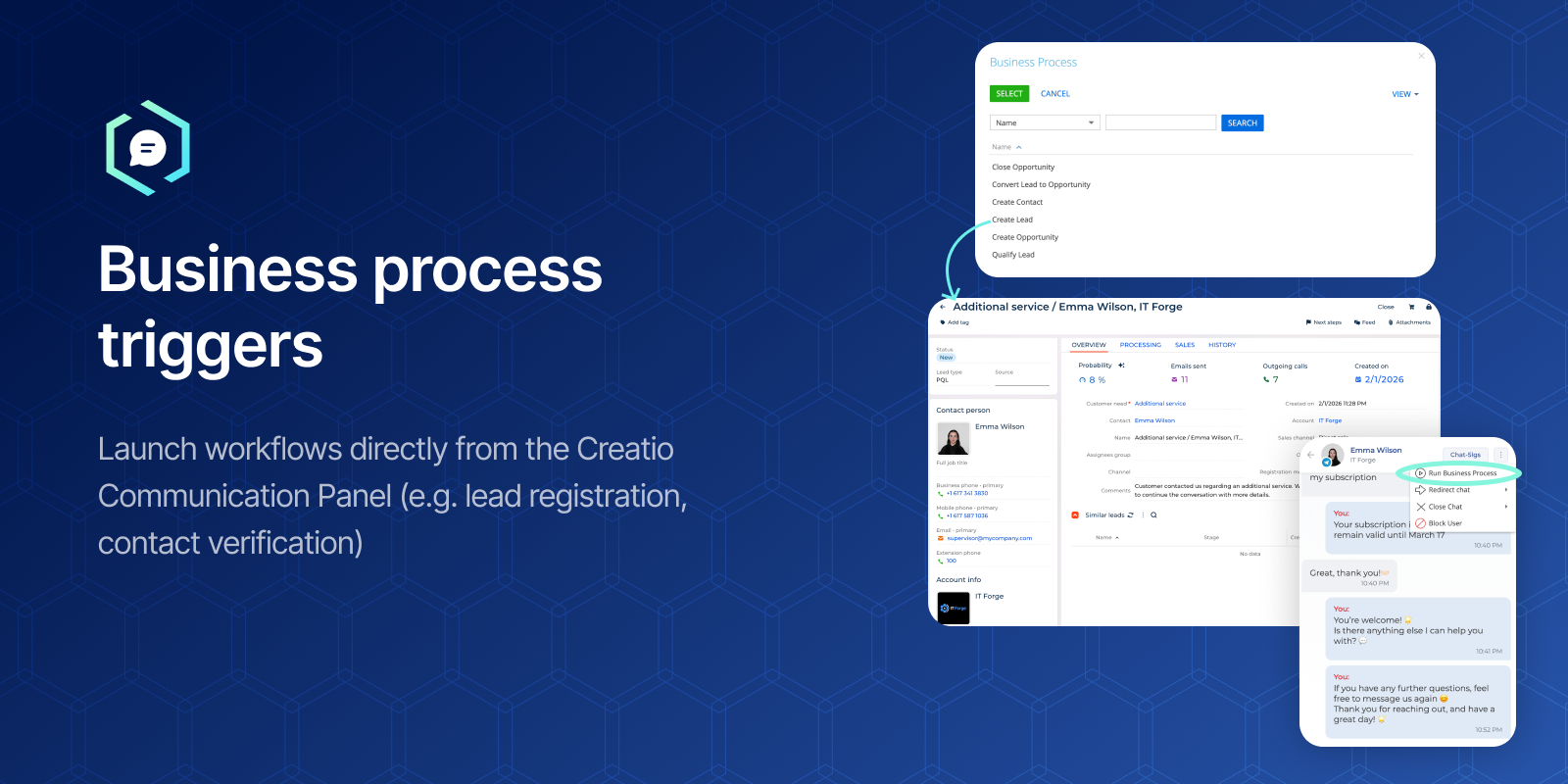
Business process triggers
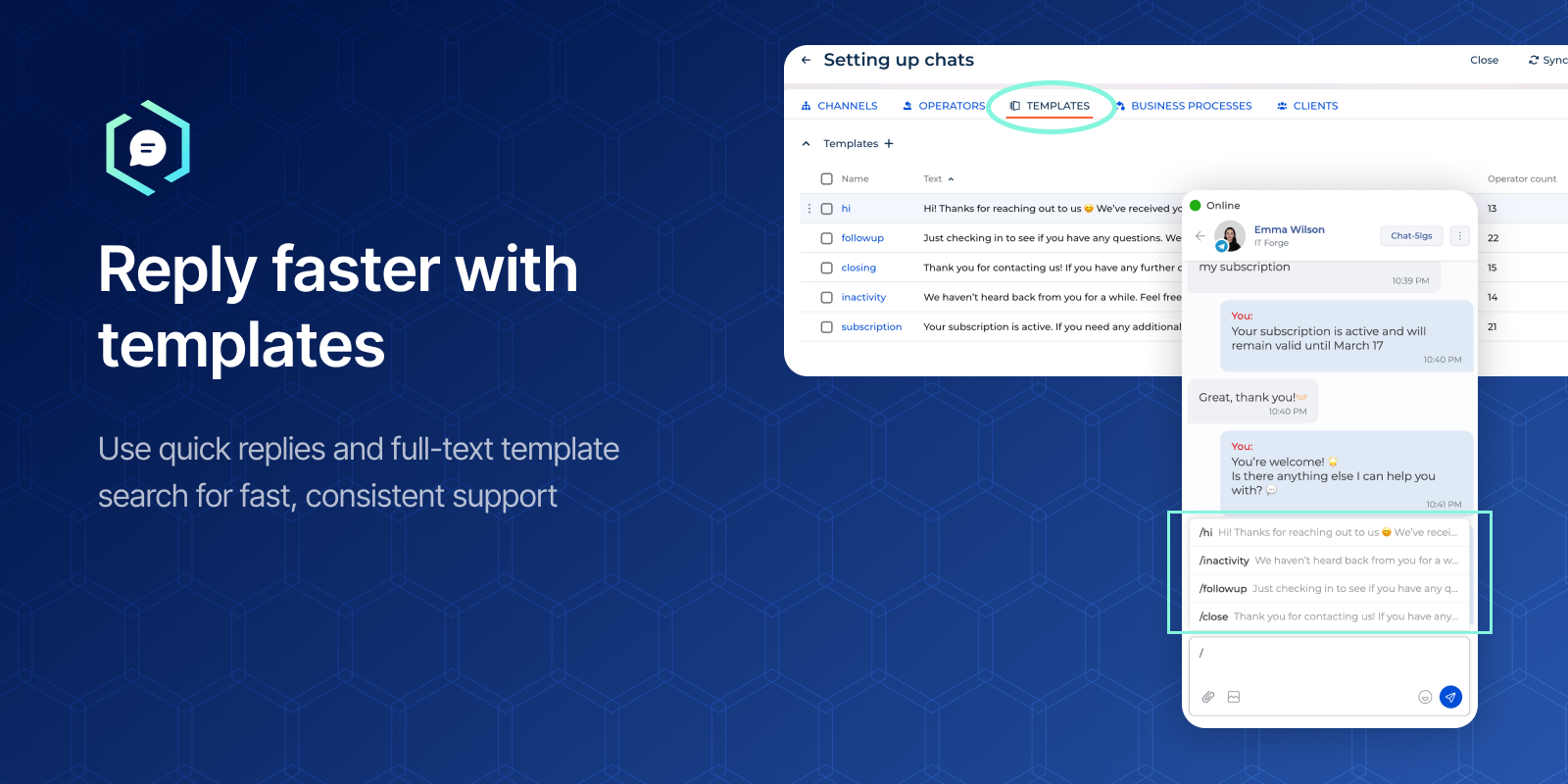
Reply faster with templates
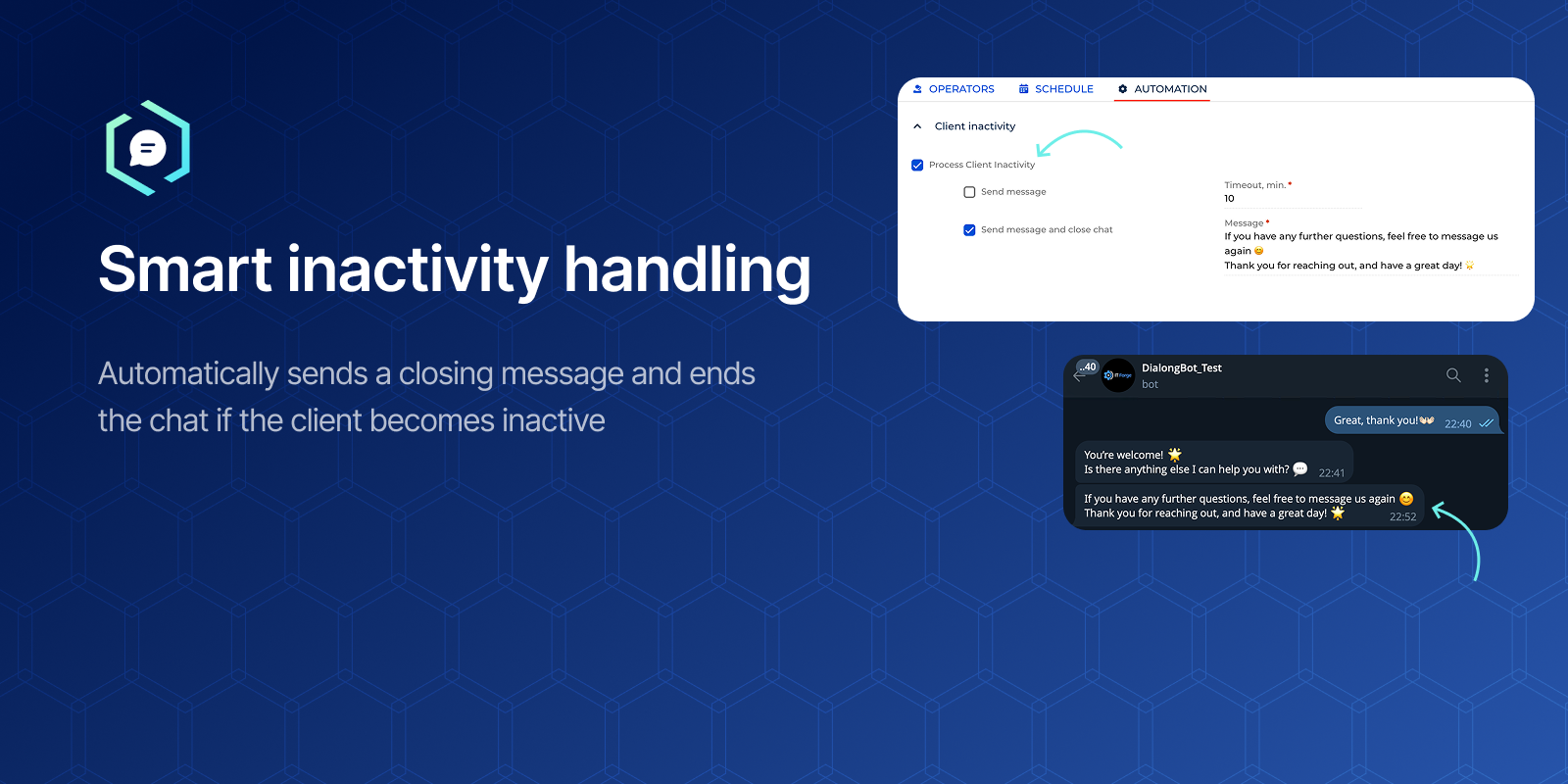
Smart inactivity handling
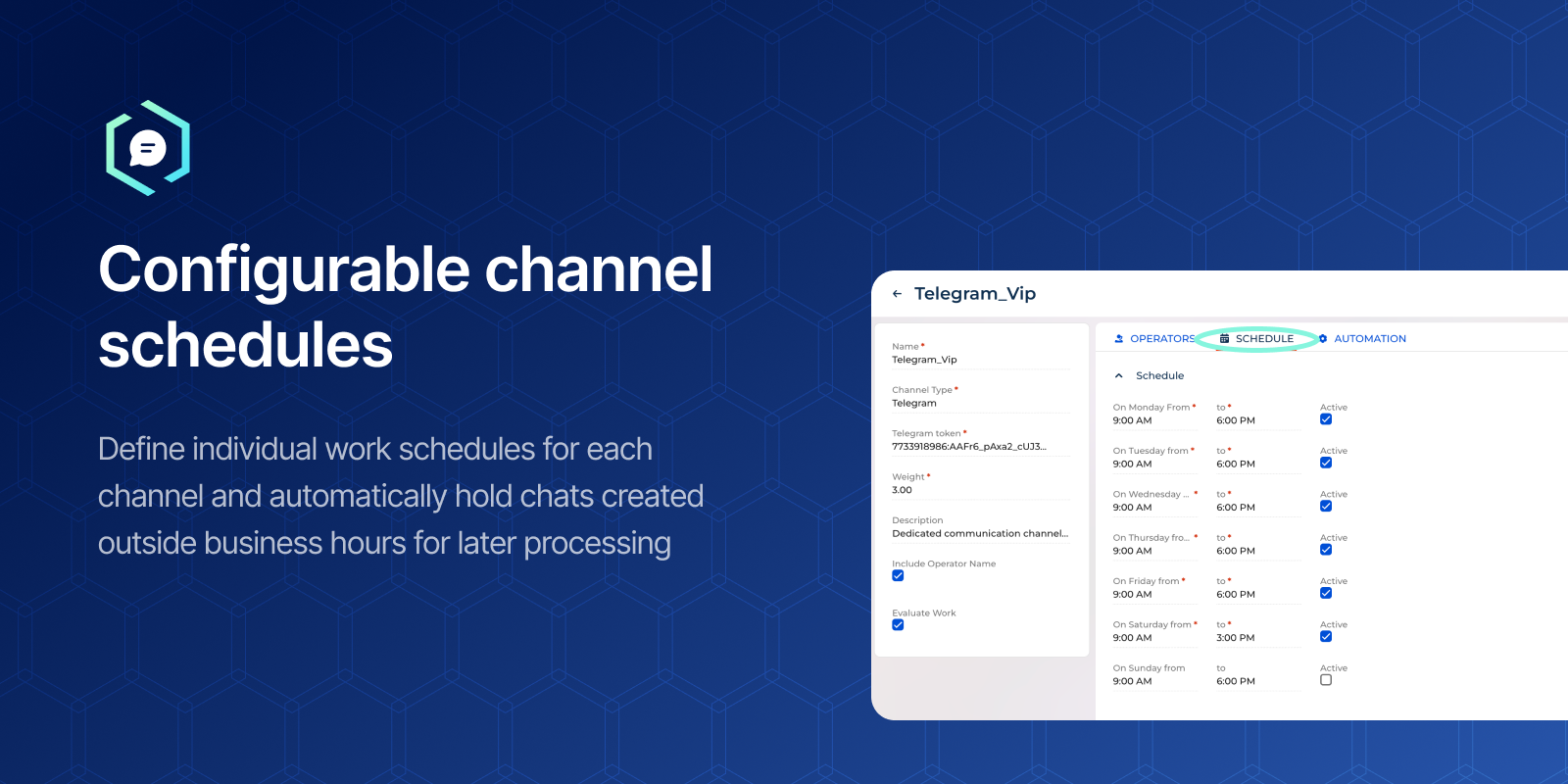
Configurable channel schedules
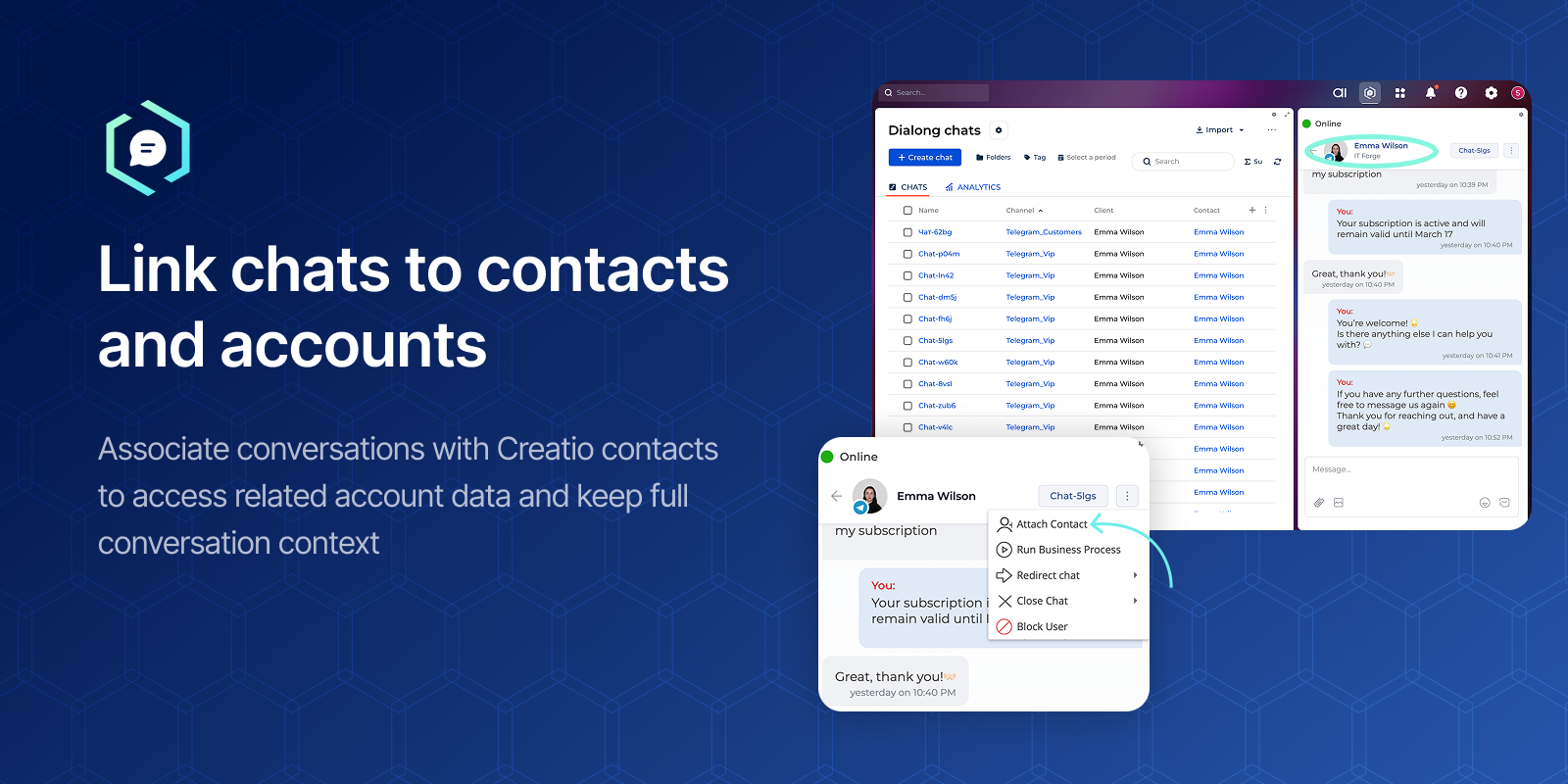
Link chats to contacts and accounts
Pricing
-
All features included
-
Unlimited communication channels
-
One operator license is assigned to one user
- Unlimited number of operators within one Creatio environment.
- Includes all features of the Standard plan.
• The license is OPTIONAL
• Dialong services are deployed in your IT infrastructure
• Traffic between Creatio and Dialong stays within your corporate network
• Operator licenses are not included
• Initial deployment is quoted separately
Terms and Conditions
Support
Installation
Setup guide
Follow the guide to set up the app.
Resources
Data sharing
- By installing or downloading the App, you confirm that you agree with sharing your account data (name, email, phone, company and country) with the App Developer as their End User.
- The App Developer will process your data under their privacy policy.
Versions
Versions history
On-site deployment:
• New option to deploy Dialong services within your own IT infrastructure.
• Traffic between Creatio and Dialong stays in your corporate network, with no third-party cloud in between.
• Available with the optional On-site deployment license.
AI features (require Creatio.ai):
• AI chat topic: generated automatically during the conversation and shown in the chat panel and on the chat page.
• AI chat summary when the chat is closed.
• AI reply suggestions for operators right in the message input.
• AI evaluation of customer satisfaction level, shown on the chat page and in the chat list.
• The AI package is now installed as part of Dialong Chats.
Web chat:
• Operator messages sent while the visitor is offline are delivered when the visitor returns.
• Message send status for visitors; attached files appear in the chat instantly while uploading.
• The widget works only on the domain registered for the channel.
• The website can pass its own visitor ID to keep the conversation linked to a signed-in user.
• The widget loads up to 7 times faster.
• Automatic reconnection and reliable message sending after a connection loss.
• Fixed emoji picker, fonts, file sizes, non-ASCII file names and message timestamps.
Dialong services:
• Antivirus scanning of files received from customers; infected files are blocked.
• Faster processing of incoming messages.
• Re-registering a channel now correctly replaces the previous one.
• Service updates without downtime.
• Security hardening: protected messenger authorization flow, tokens removed from logs, stricter upload file format checks.
Licensing:
• Operator licenses are checked when an operator is created or assigned to another user.
• One Creatio user can be linked to only one operator.
Fixes and improvements:
• Fixed chat close time and last message time shifted by the user's time zone offset.
• Fixed duplicate notifications and double notification sound.
• Fixed emoji display in chats.
• Improved stability: HTTP timeouts, thread safety, fail-safe logging, cleaner application startup.
- Full Freedom UI support
- WhatsApp and Instagram channel support
- WhatsApp templates feature
- Sent, Delivered, and Read message statuses
- Added Webchat configurator for customizing widget styles and behavior before publishing
-
Introduced smart client inactivity handling with automatic message sending and chat closure
-
Enabled proactive messaging to initiate chats with authorized clients
-
Expanded file sharing capabilities, including videos, voice messages, documents, and images
-
Improved chat routing and operator group collaboration
-
Enhanced analytics for operator performance and conversation quality
-
Improved overall performance and stability
-
Fixed minor bugs and system issues
-
Updated to an operator-based licensing model
Manual app installation
- Open the needed app → the Packages tab - download the Markeplace app files.
- Click in the top right → Application Hub
- Click New application. This opens a window.
- Select Install from file and click Select in the window that opens.
- Click Select file on the page of the Marketplace App Installation Wizard and specify the app file path.
The Standard per-user plan and the Unlimited plan are mutually exclusive. Only one of them can be purchased per subscription.
The cost of additional application customizations is determined on a case-by-case basis.
With the 14-day trial, you receive the Dialong Chats Subscription for the full trial period — with access to all features included.