


Dimex for Creatio
 Bestsellers
Schedule your data import to and export from Creatio through CSV Files (Local, SFTP, …) or connection to any SQL Server database
Overview

Product overview
Product description
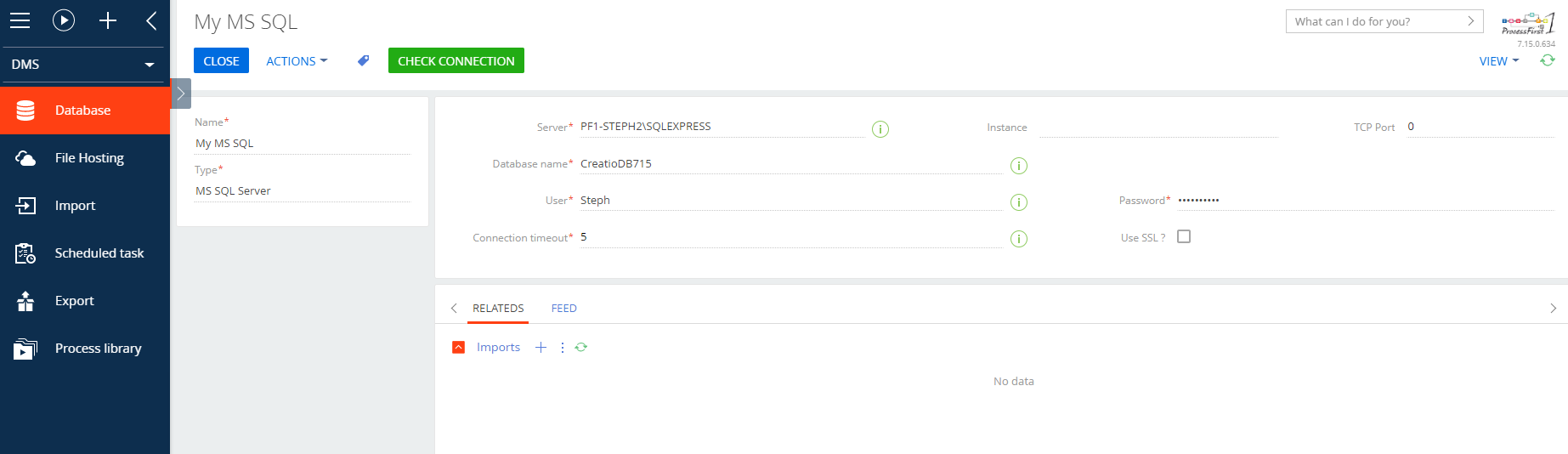
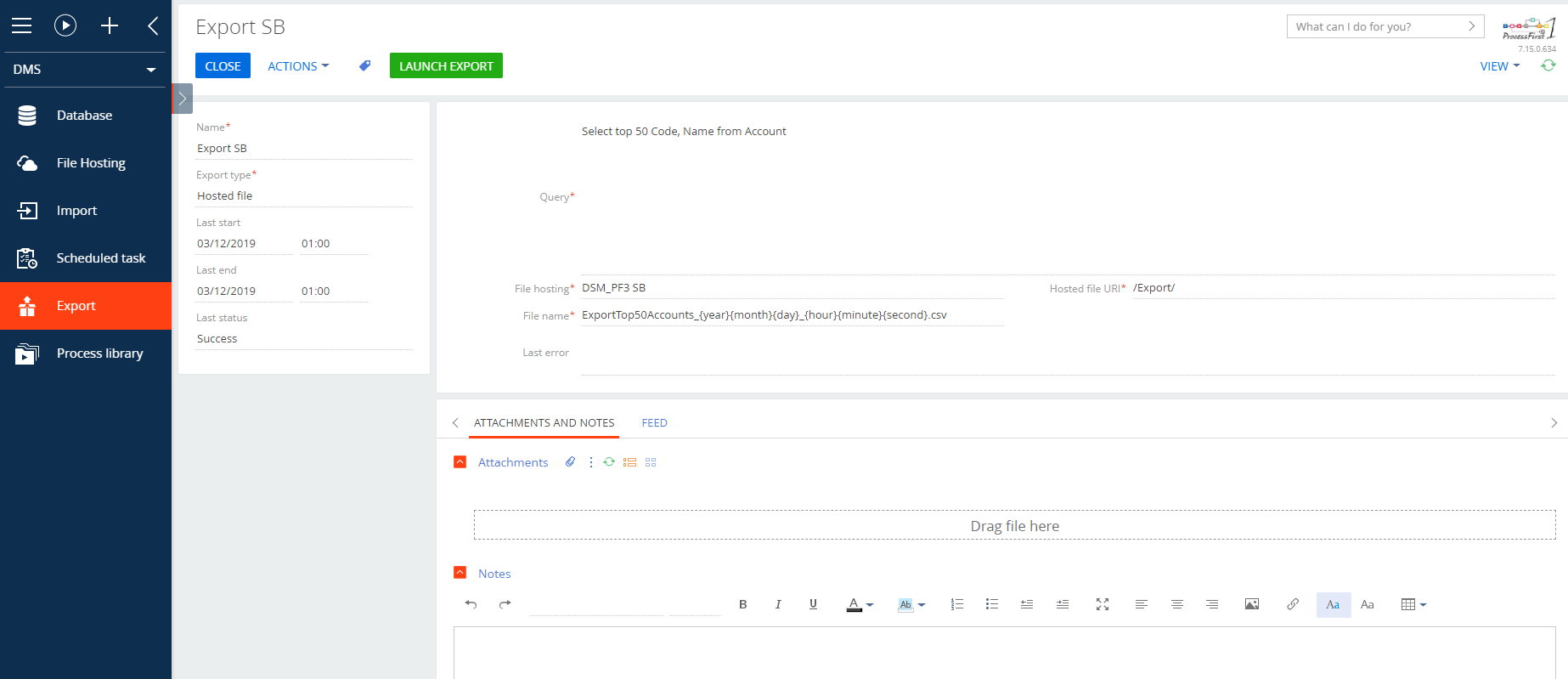
Data Import-Export for Creatio (Dimex) enables you to manage and schedule your import and export data. The data source can be CSV Files or a connection to any SQL Server database.
Import Features:
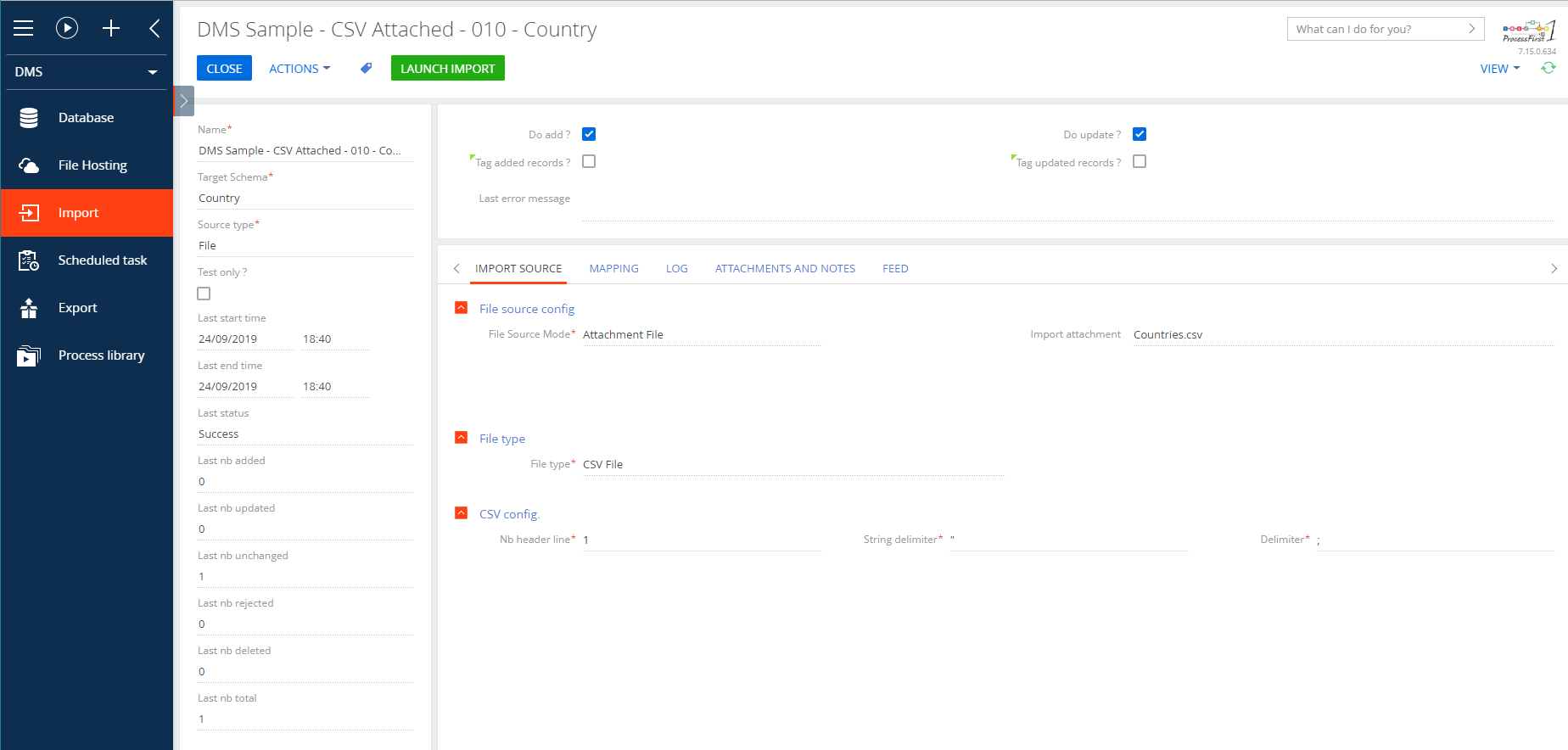
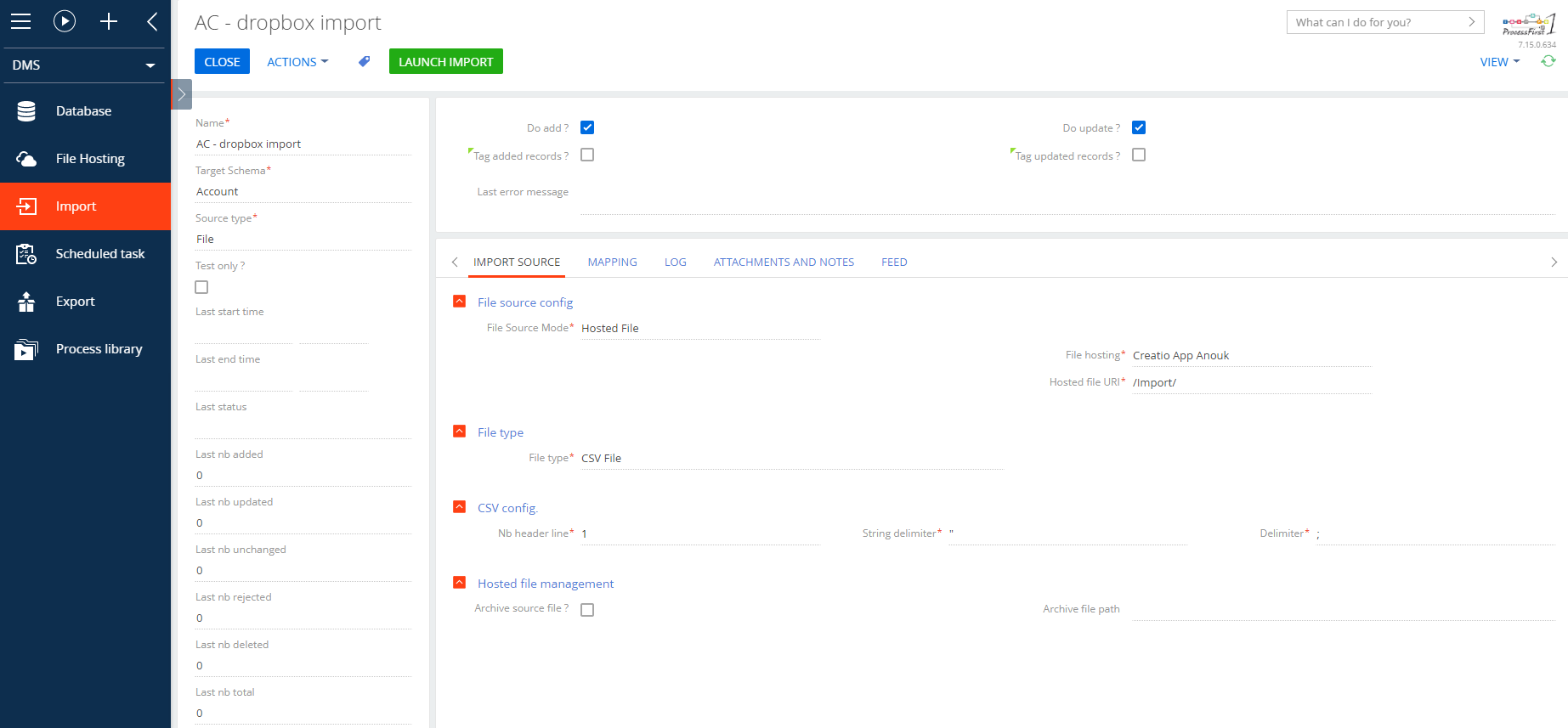
- Import mode: select “Do add”, “Do update” or both modes to import your data to Creatio
- “Do update” will update only relevant records, keeping the rest of the data safe
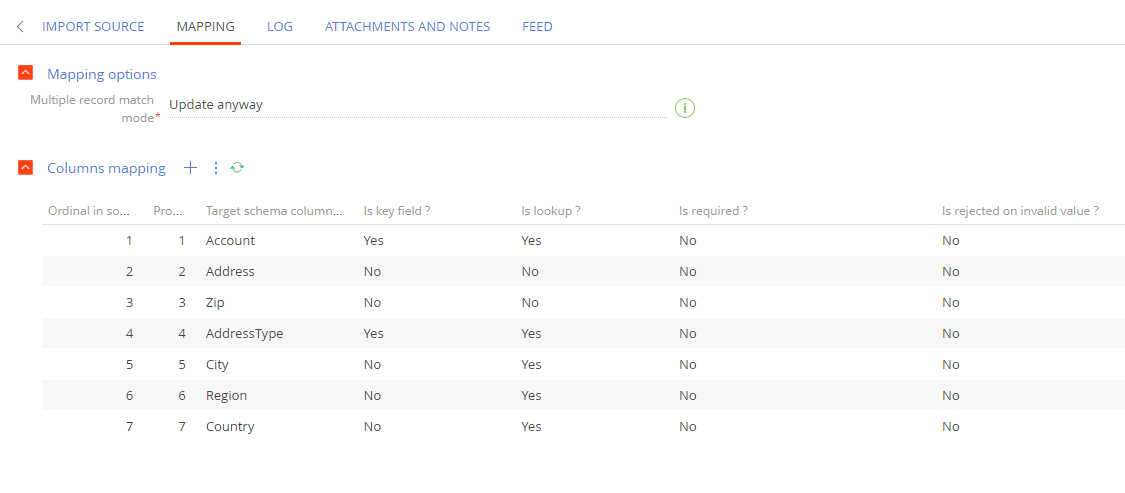
- “Is required” mode: verify the data upload by marking the target information as required, and the system will reject import if the necessary data is missing
- “Test mode”: choose this mode to see the import results before applying modifications to the data
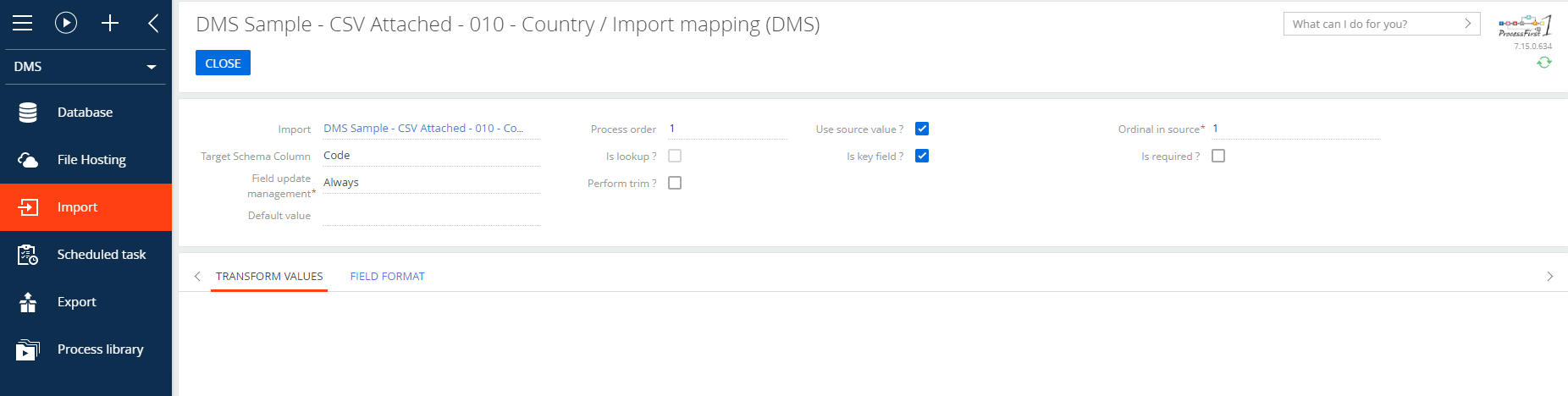
- Transform values: transform your data while uploading to match your database requirements
- Set “Default value” if the data source does not contain necessary information and apply rules for its filling
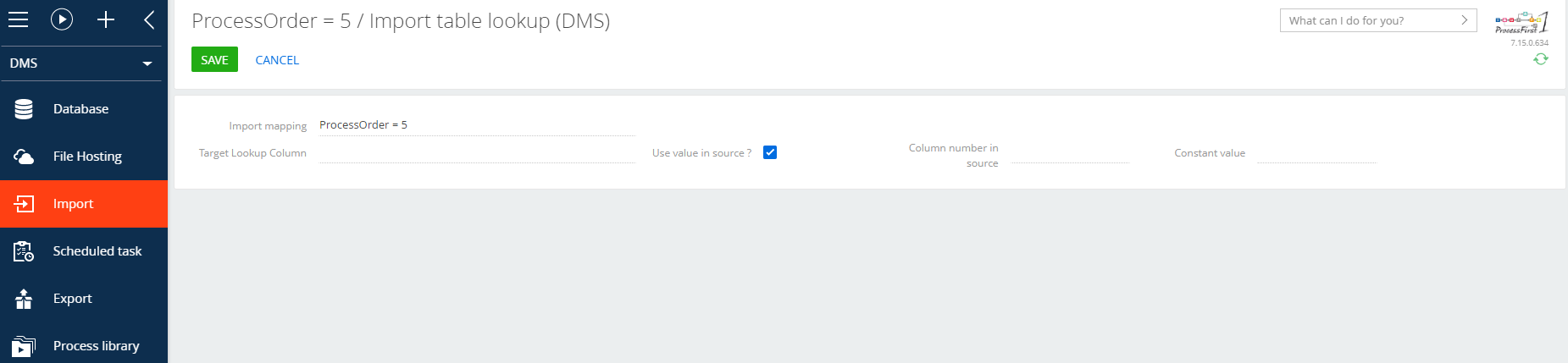
- Lookup management: retrieve matching lookup identifier based upon fields of the lookup
- Field Format: choose date or decimal format to match the imported data
Scheduling Features:
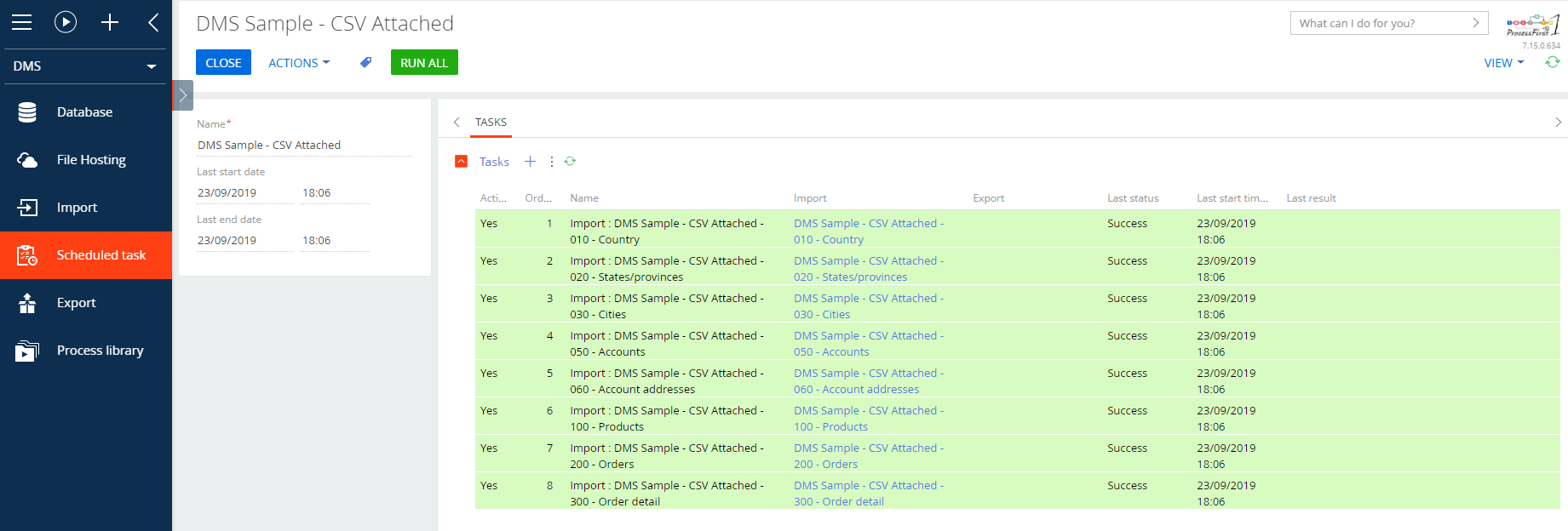
The scheduling module allows to plan the import sessions flexibly:
- Every x minute(s)
- Every x hour(s)
- Every x day(s) at a specific time
- Every weekday at a specific time
- Weekly at a specific time with a specific day selection
- Monthly with a fixed day (e.g. the 5th of every x month(s))
- Monthly with a variable day (e.g. the 4th Thursday of every x month(s))
- Yearly with fixed and variable days
Key Features
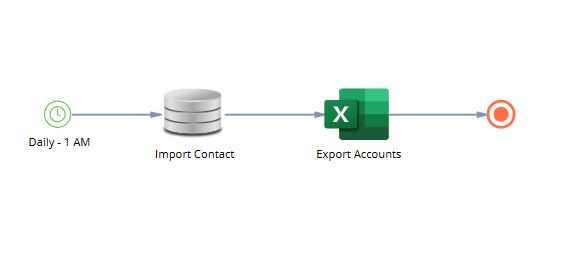
Advanced import export scheduling
Plan automated imports and exports with versatile schedules: run every X minutes or hours, daily at a set time, on weekdays, weekly with selected days, monthly by fixed or variable dates, and yearly, all with time zone control.
Pricing
Monthly
Annual
Standard
$
210.00 / month
billed annually
Terms and Conditions
By installing this product you agree to terms and conditions outlined in the license agreement.
Support
Support is available for this application
Support is provided by the developer within the “Basic” and “Business” packages. Detailed information about the support packages and the support terms can be found on the Creatio website.
Installation
Resources
Data sharing
- By installing or downloading the App, you confirm that you agree with sharing your account data (name, email, phone, company and country) with the App Developer as their End User.
- The App Developer will process your data under their privacy policy.
Versions
Versions history
Manual app installation
- Open the needed app → the Packages tab - download the Markeplace app files.
- Click in the top right → Application Hub
- Click New application. This opens a window.
- Select Install from file and click Select in the window that opens.
- Click Select file on the page of the Marketplace App Installation Wizard and specify the app file path.