


Document Tools for Creatio
 Trending
Creatio component integrated with Office 365 OneDrive that displays record attachments, offers an embedded document viewer, enables ZIP downloads, converts Word files to PDF, and merges Word documents using Microsoft Graph.
Overview
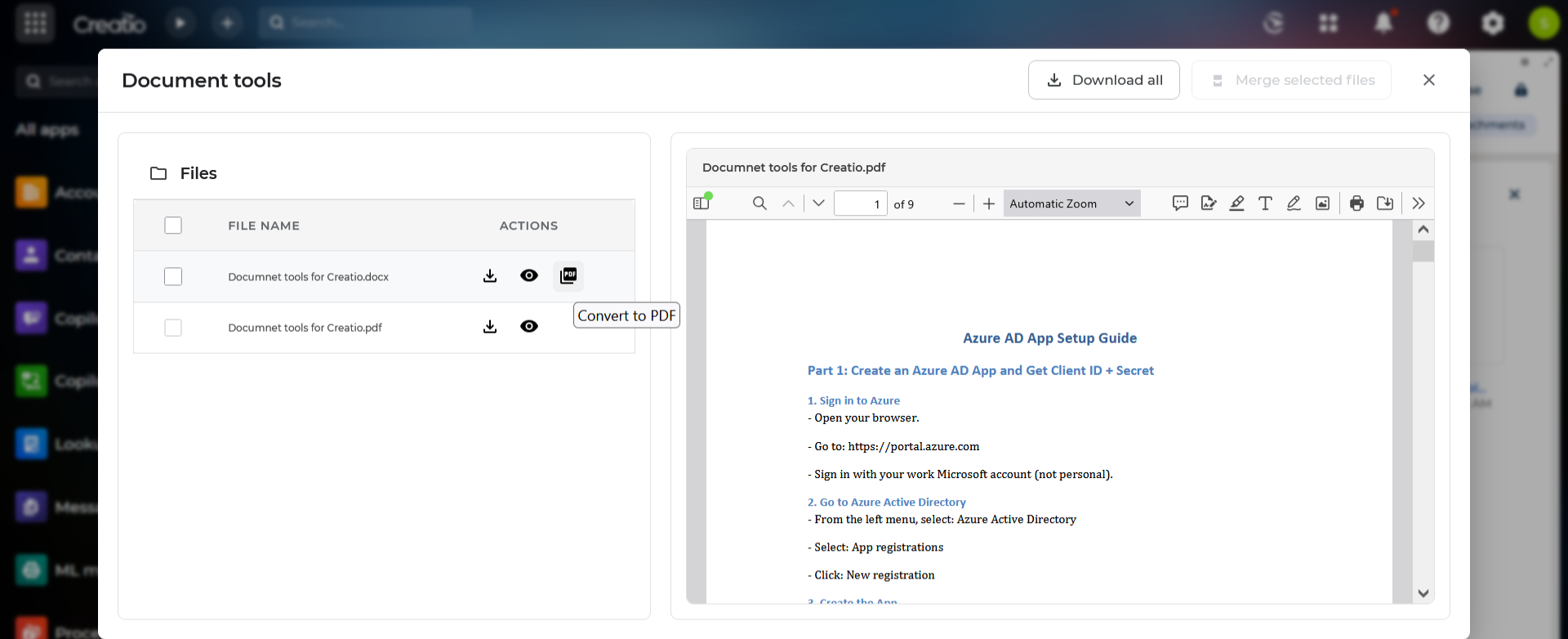
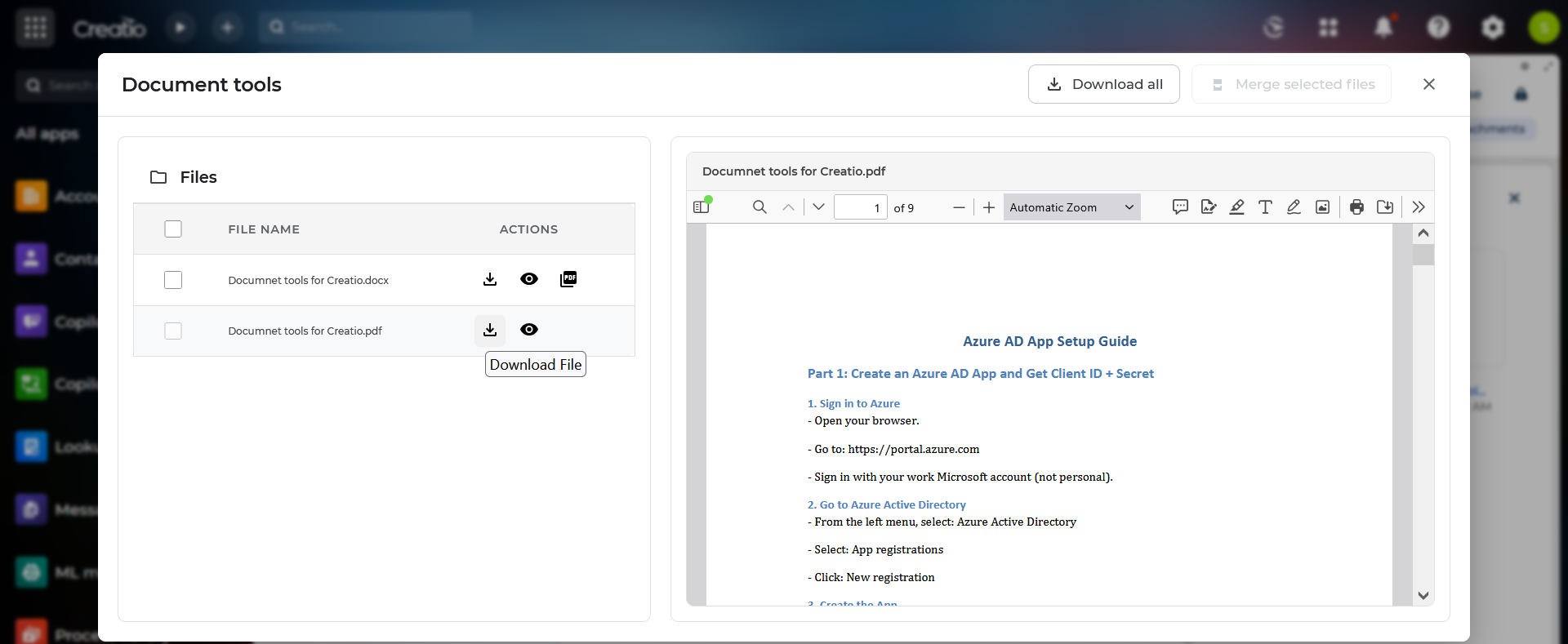
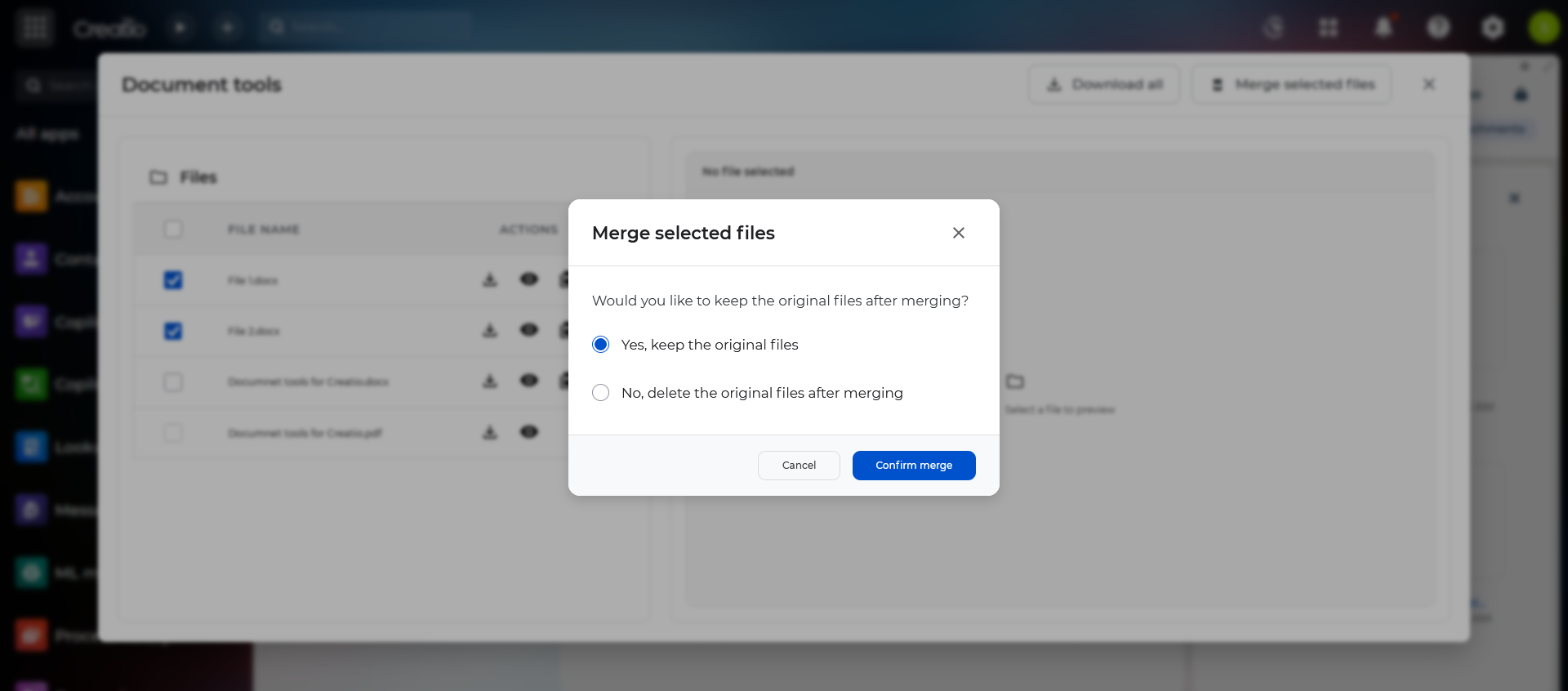
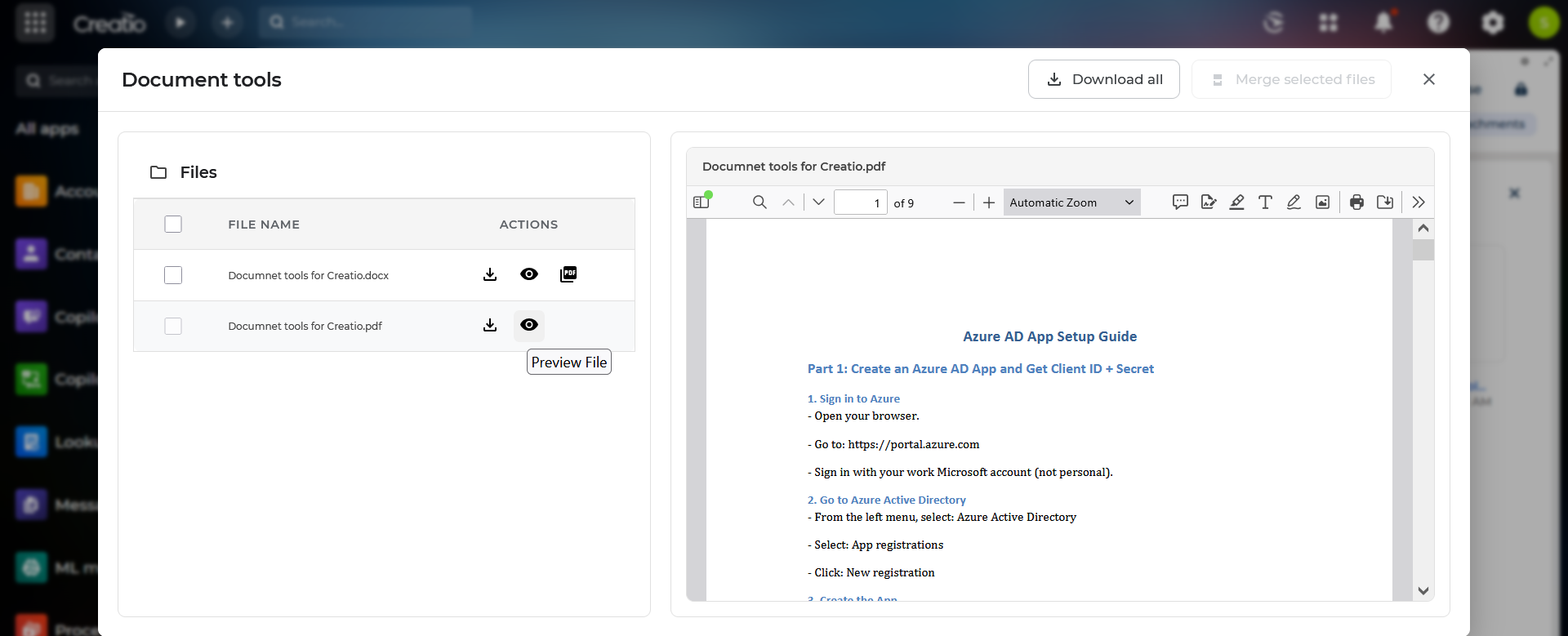
Product overview
Product description
Document Tools for Creatio is a custom component designed to enhance document handling and collaboration inside the Creatio platform by seamlessly integrating with Office 365 OneDrive through Microsoft Graph API.
This component provides users with a unified and intuitive interface for managing attachments related to any Creatio record. Leveraging Microsoft’s document processing capabilities, it offers built-in file viewing, conversion, and merging tools - eliminating the need for external applications and improving productivity across business processes.
This component provides users with a unified and intuitive interface for managing attachments related to any Creatio record. Leveraging Microsoft’s document processing capabilities, it offers built-in file viewing, conversion, and merging tools - eliminating the need for external applications and improving productivity across business processes.
Key Features
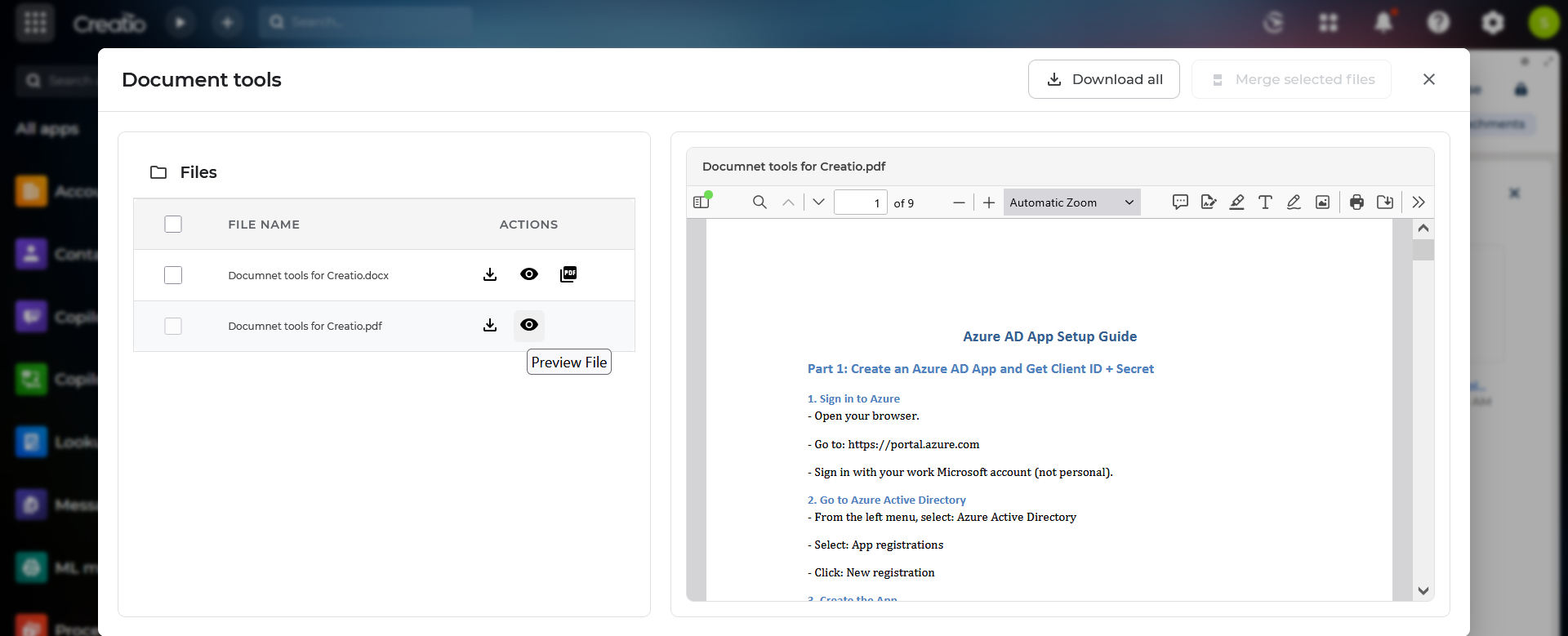
Embedded File Viewer
Integrated viewer for:
• PDF documents
• Images (PNG, JPG, JPEG, etc.)
• Microsoft Word (DOCX) files
Enables users to preview attachments directly inside Creatio without downloading.
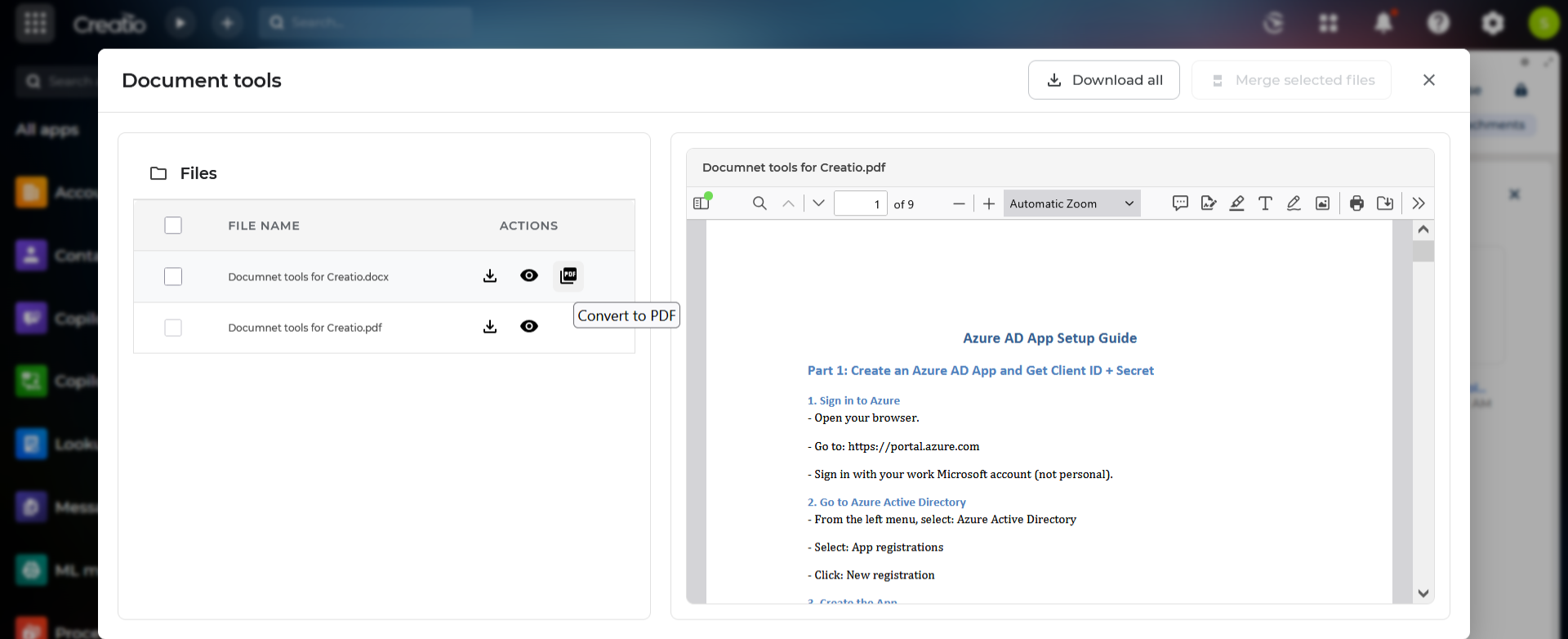
Unified Attachment List
• Displays all attachments linked to the selected Creatio record.
• Supports file previews, metadata display (size, type, uploaded by, uploaded on), and quick actions.
• Automatically syncs with OneDrive folders via Microsoft Graph.
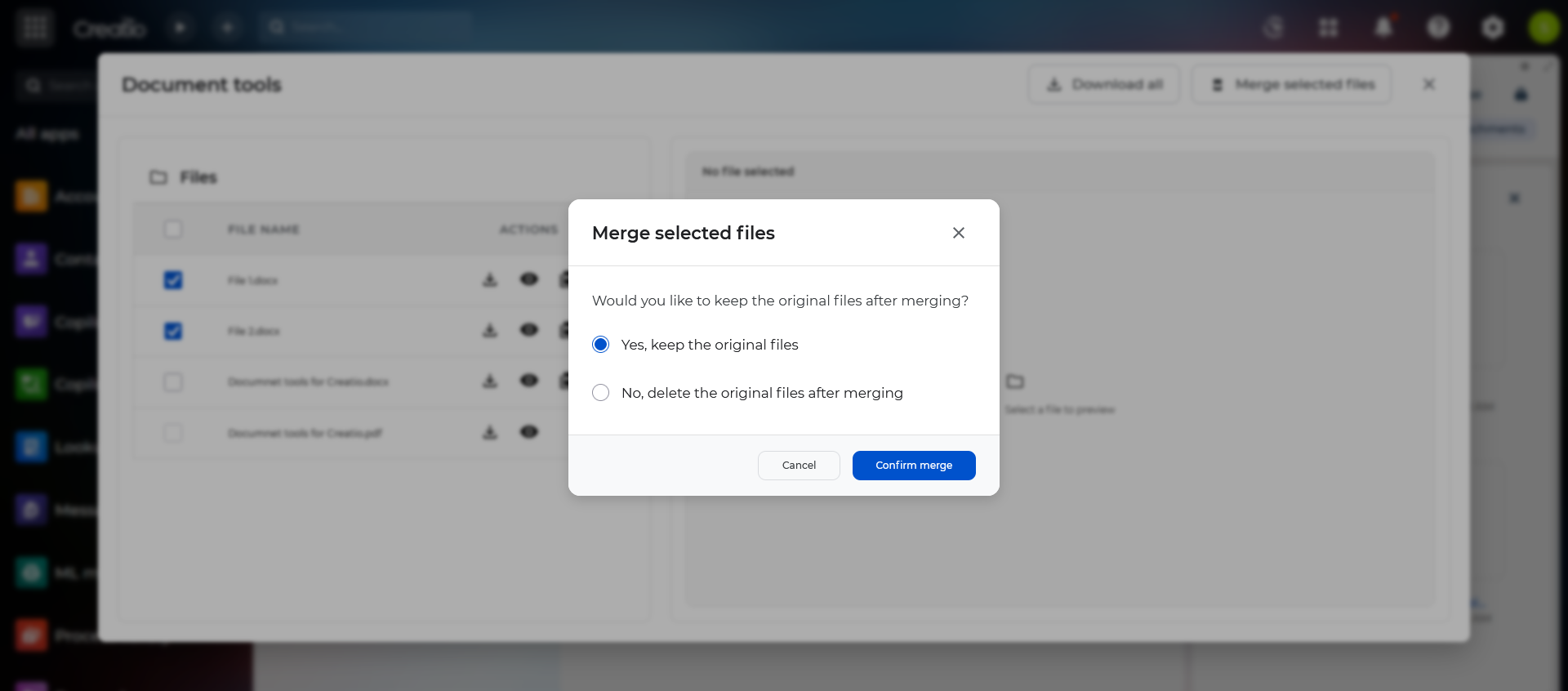
Merge Multiple Word Documents
• Allows users to select two (or more) Word files and merge them into a single consolidated DOCX document.
• Utilizes Microsoft Graph capabilities for document assembly and maintains the formatting of combined files.
• Automatically attaches the merged file to the record.
Pricing
Monthly
Annual
Standard
$
125.00 / month
billed annually
This tool uses Microsoft office 365 OneDrive and MS Graph to perform MS word to Pdf conversion and MS word viewing inside the tool viewer. Other functionalities will work without MS Office 365 license dependency.
Terms and Conditions
By installing this product you agree to terms and conditions outlined in the license agreement.
Support
Support is available for this application
Support is provided by the developer within the “Basic”, “Business” and “Premium“ packages. Detailed information about the support packages and the support terms can be found on the Creatio website.
Installation
Data sharing
- By installing or downloading the App, you confirm that you agree with sharing your account data (name, email, phone, company and country) with the App Developer as their End User.
- The App Developer will process your data under their privacy policy.
Versions
Versions history
Version
Compatibility
Release date
1.0.1
8.3.1 and up
Release summary
Initial release
1.0.0
8.3.1 and up
Release summary
Initial release.
Manual app installation
- Open the needed app → the Packages tab - download the Markeplace app files.
- Click in the top right → Application Hub
- Click New application. This opens a window.
- Select Install from file and click Select in the window that opens.
- Click Select file on the page of the Marketplace App Installation Wizard and specify the app file path.