

Emizentech Xero connector for Creatio
Overview
Product overview
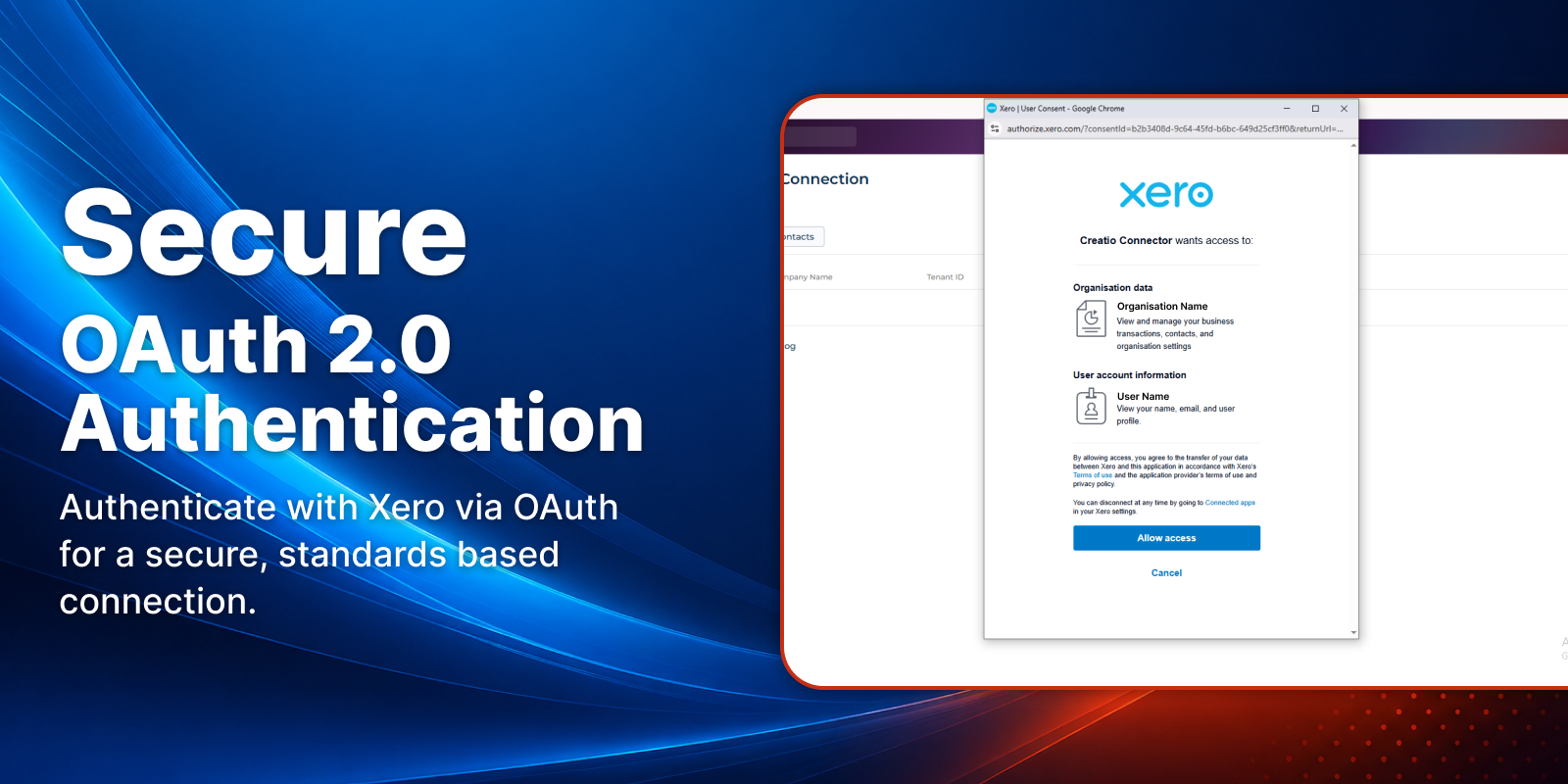
Xero Connector for Creatio enables secure and seamless integration between Creatio and Xero using OAuth 2.0 authentication. The application allows users to connect their Xero organization and synchronize key financial and business data directly within Creatio.
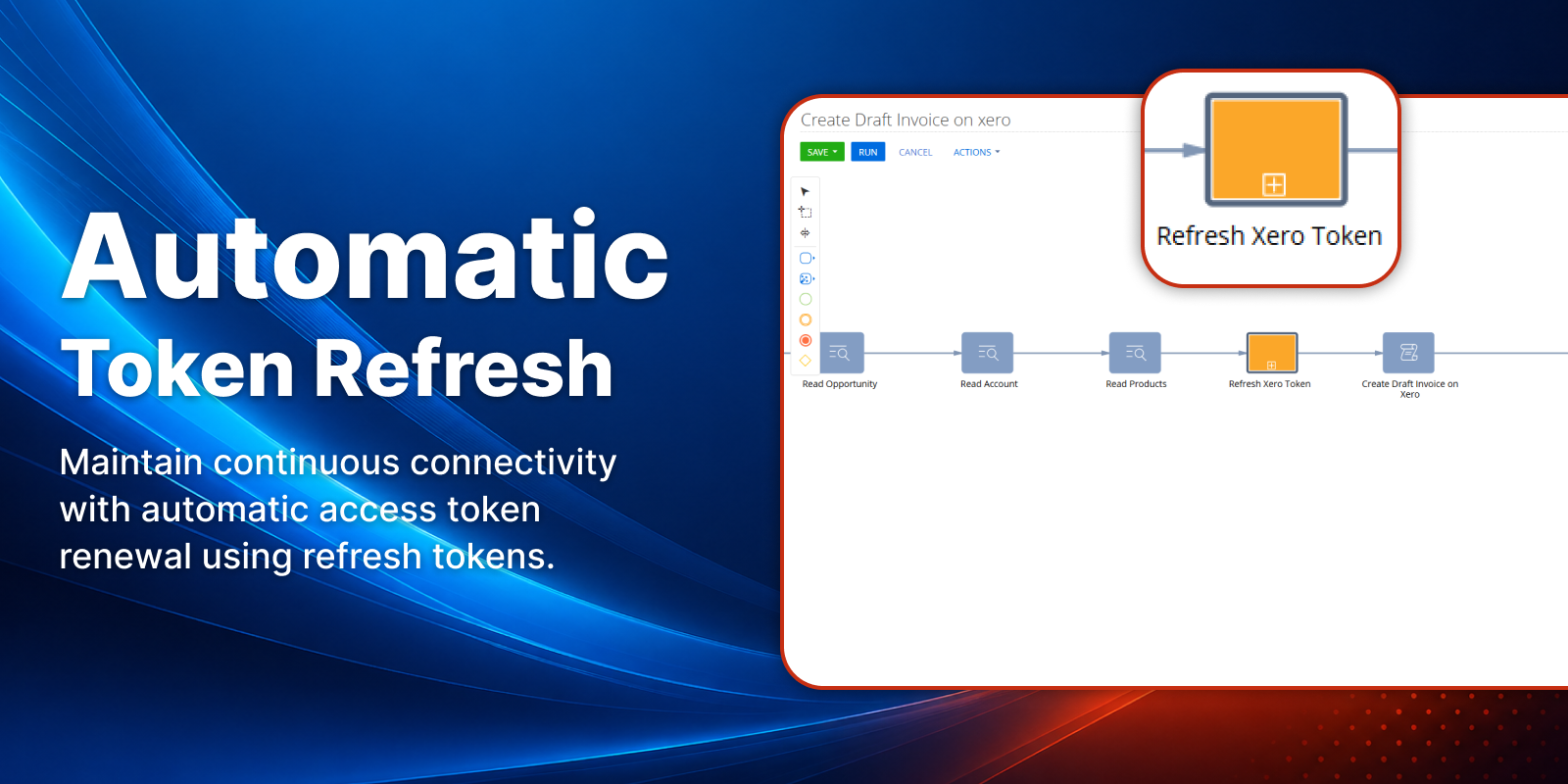
The connector provides a simple configuration interface where users can enter their Xero application credentials and establish a connection in a few clicks. Once connected, the system securely stores access and refresh tokens and automatically manages token renewal to ensure uninterrupted API communication.
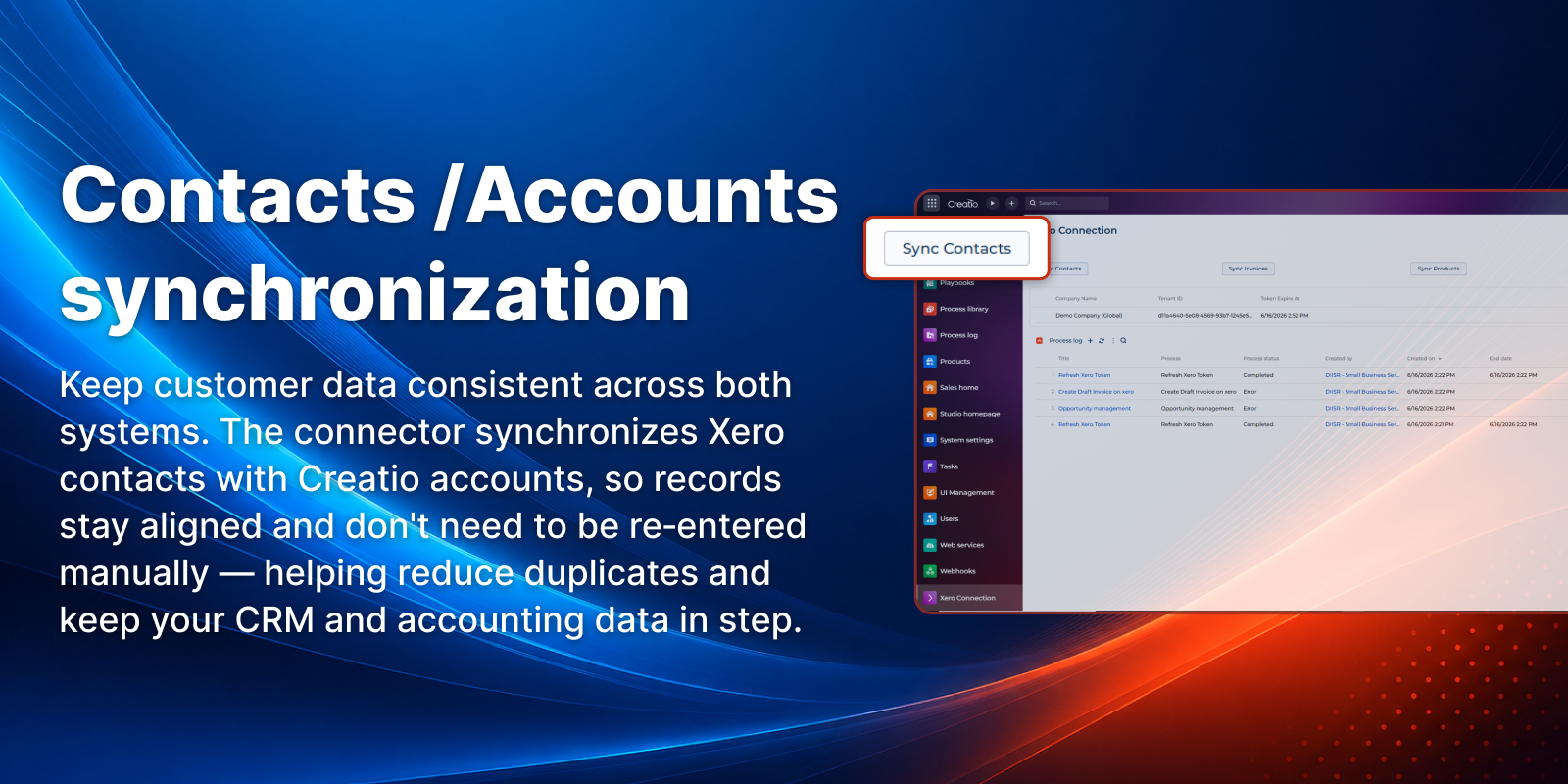
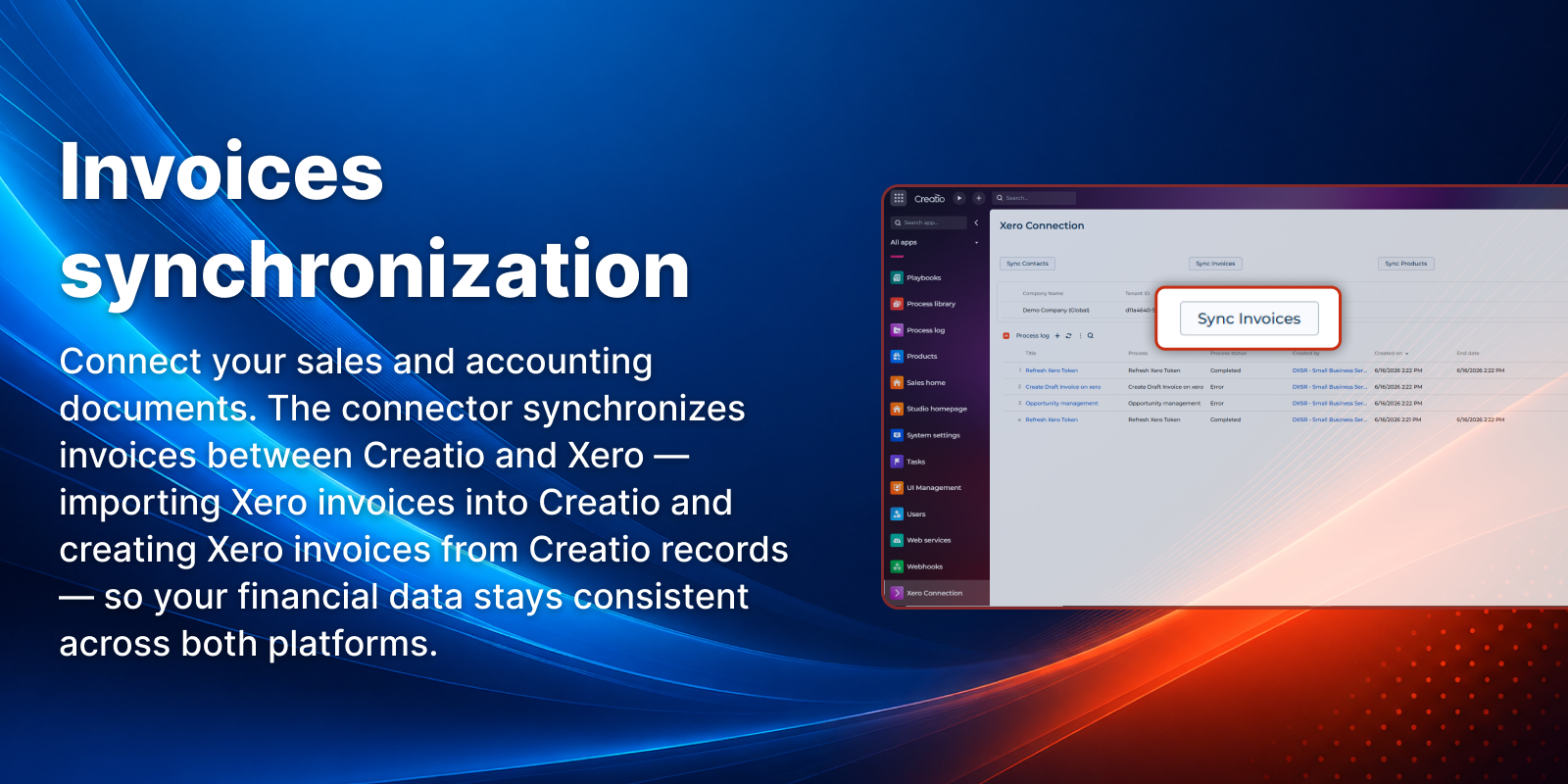
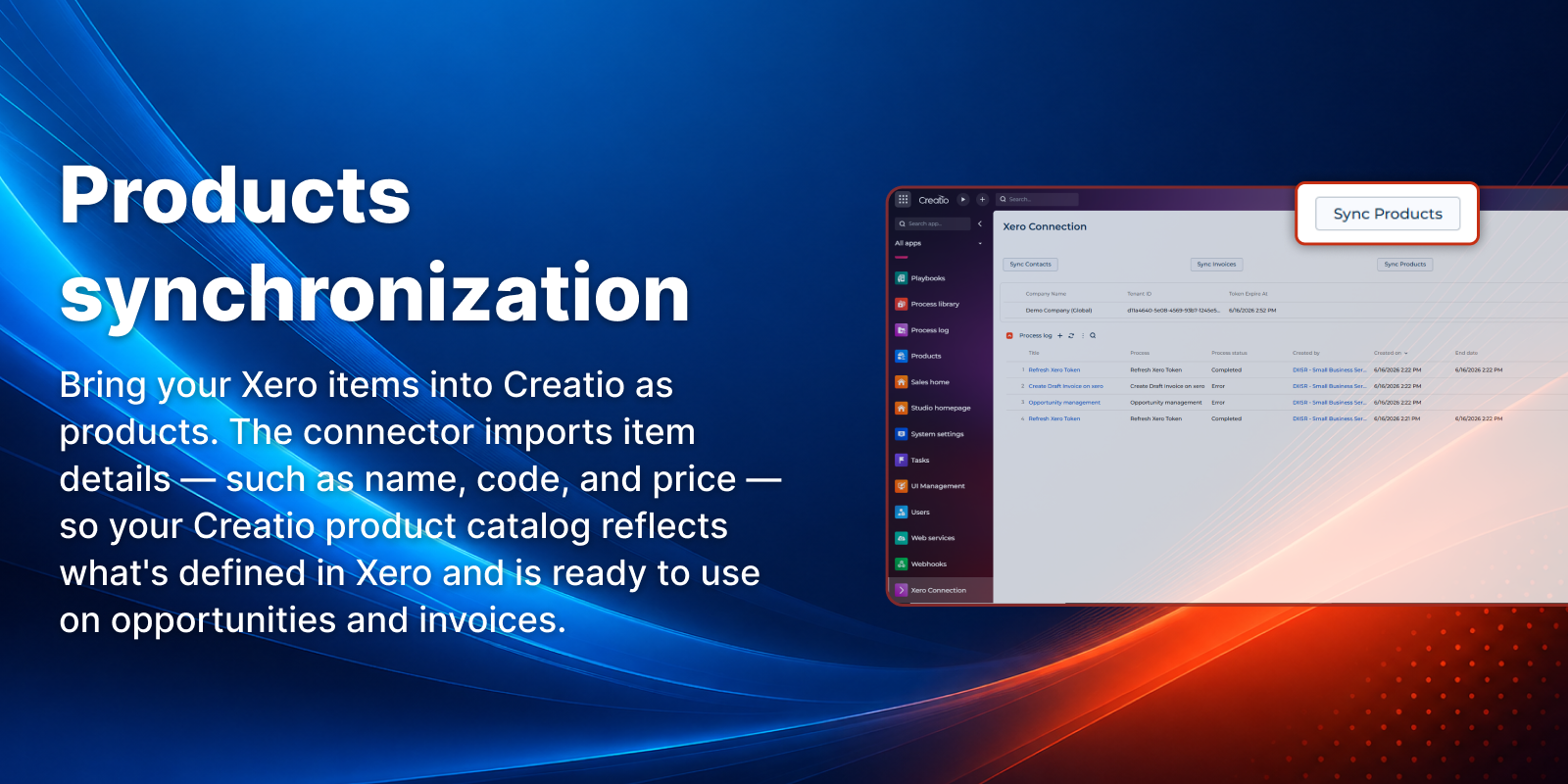
The application supports synchronization of Xero Contacts into Creatio Accounts, ensuring alignment between CRM and accounting records for legal entities. In addition, it enables synchronization of Xero Products and Invoices, allowing organizations to maintain consistent customer, product, and financial data across both systems.
The connector supports real-time account synchronization by automatically creating a corresponding Contact in Xero whenever a new Account is created in Creatio. This ensures that customer information remains consistent across CRM and accounting platforms without requiring manual data entry.
To improve collaboration between sales and finance teams, the connector can automatically create draft invoices in both Creatio and Xero when an Opportunity reaches the Closed Won stage. This ensures that accounting teams are informed as early as possible and can begin invoice review and processing without waiting for manual handoffs, helping maintain alignment between sales and finance operations.
The connector includes a real-time connection status indicator (Connected / Not Connected) and built-in error handling for improved reliability and transparency.
Designed following Creatio development best practices, this connector ensures secure data handling, scalability, and ease of use. It is suitable for organizations looking to streamline financial workflows, improve data consistency, automate invoice creation processes, and maintain seamless integration between Creatio and Xero.
Key Features
OAuth 2 Secure Authentication
Automatic Token Refresh
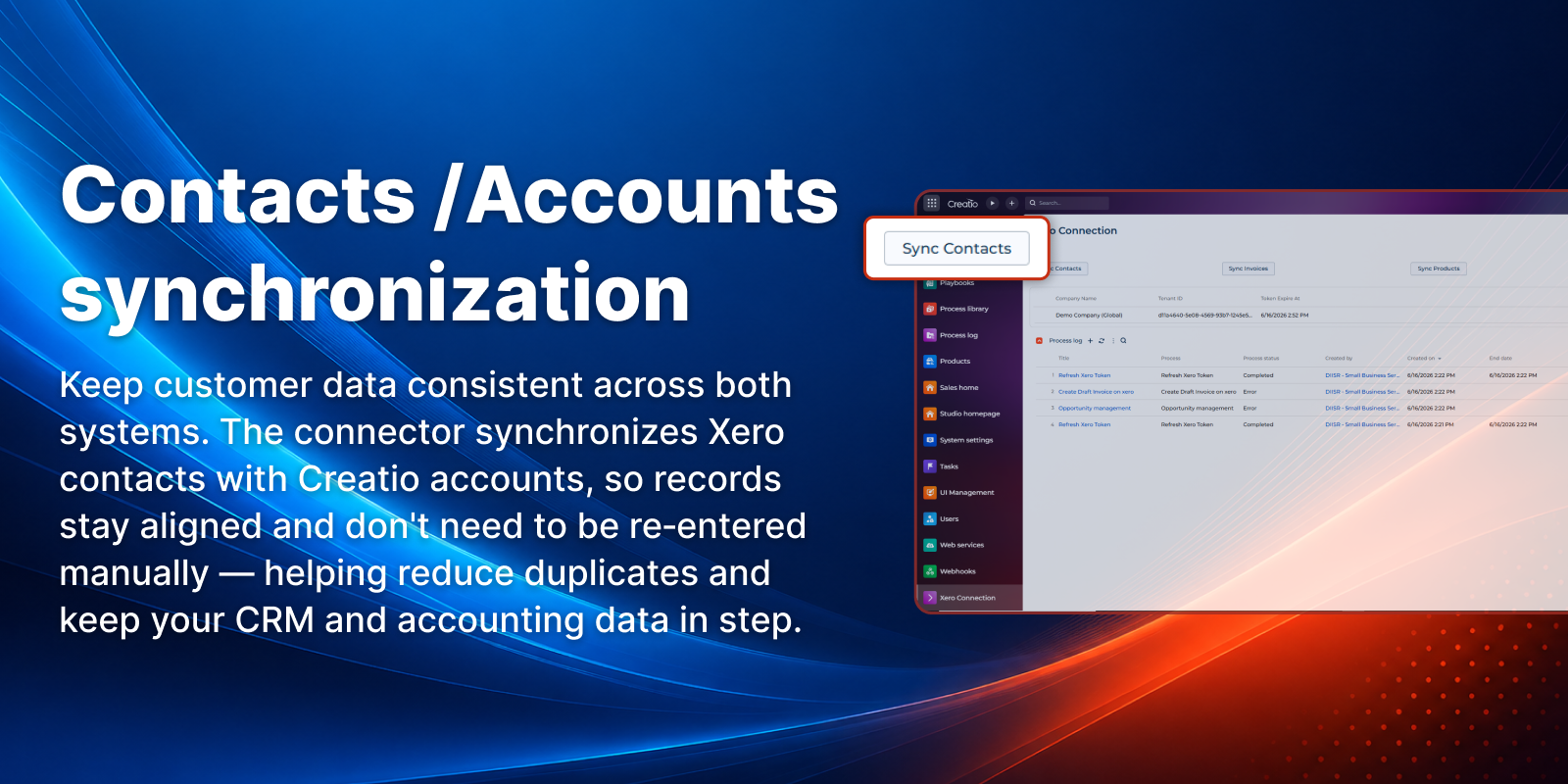
Contacts / Accounts synchronization
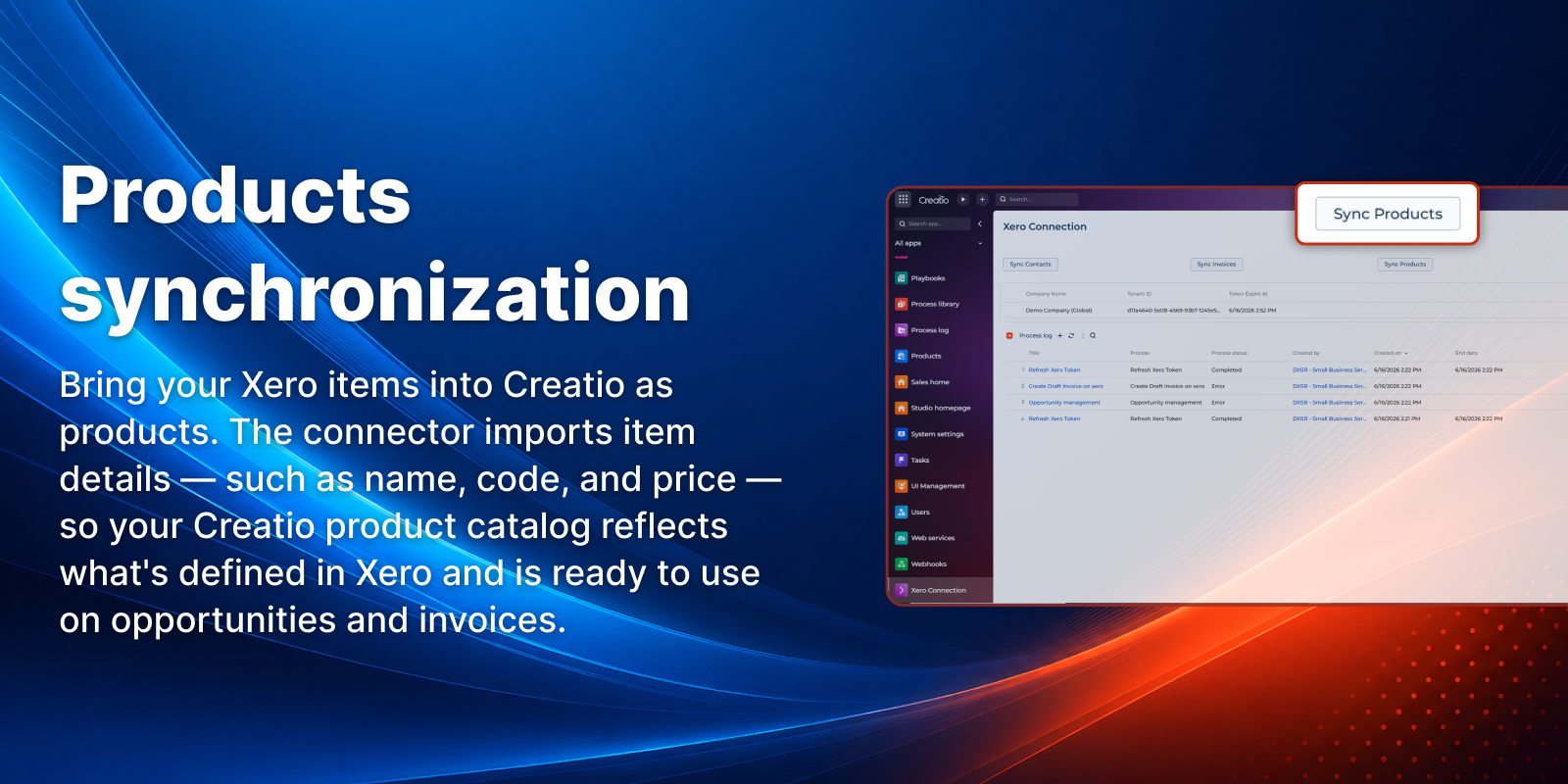
Products synchronization
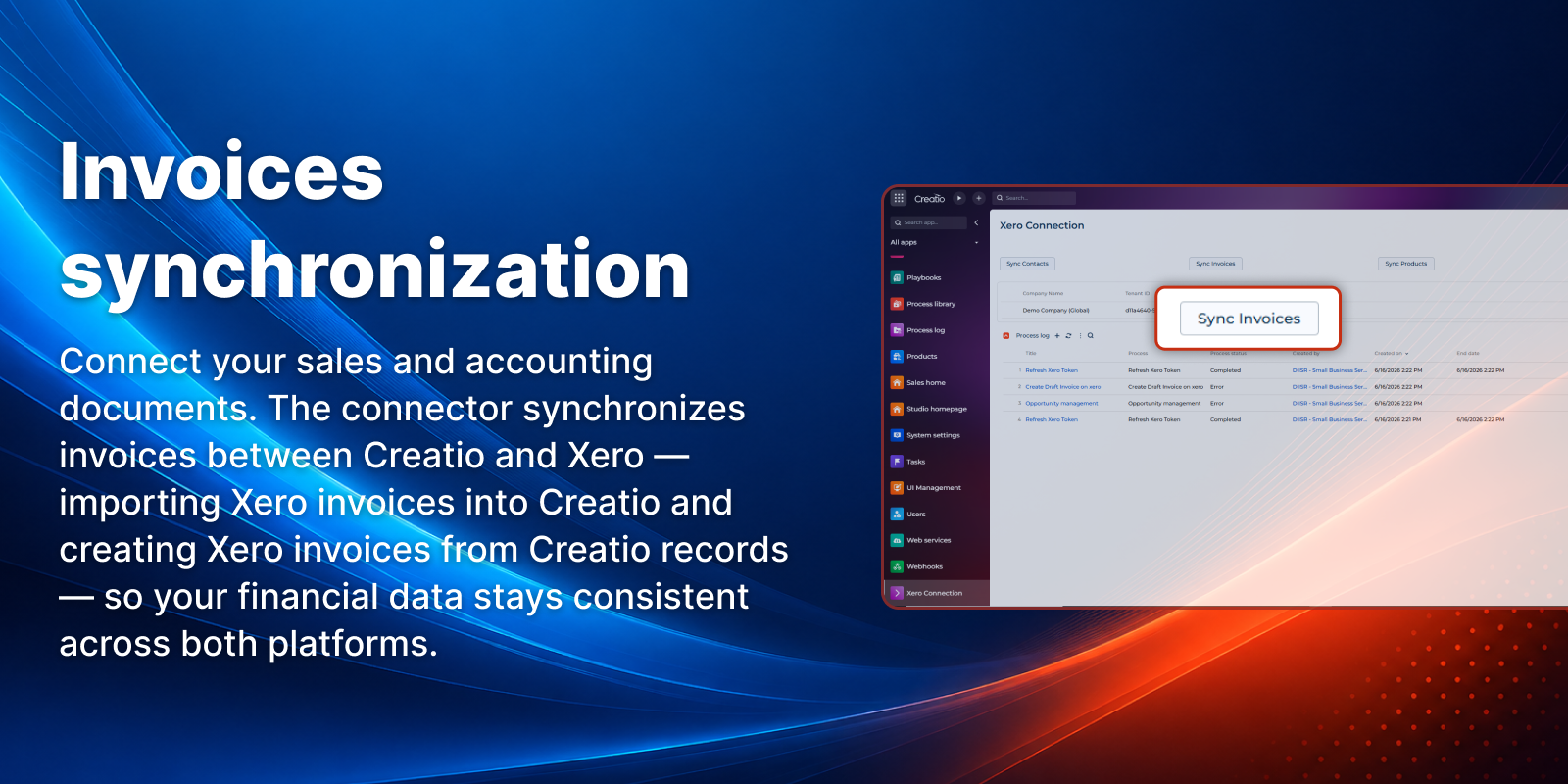
Invoices synchronization
Pricing
Terms and Conditions
Support
Installation
Setup guide
Step 1 — Install the connector
Install the Xero Connector from the Creatio Marketplace into your environment.
Step 2 — Connect to Xero
Open the Xero Connection app and click Connect. A window opens to the Xero sign-in page. Log in and grant the requested permissions. You're redirected back automatically and your Xero organisation appears as connected.
Step 3 — Sync your data
Use the sync actions — Sync Contacts (Xero Contacts into Creatio Accounts), Sync Products, Sync Invoices — to import data from Xero into Creatio. Where supported, records created in Creatio (e.g., Accounts, draft invoices) are pushed to Xero automatically.
Data sharing
- By installing or downloading the App, you confirm that you agree with sharing your account data (name, email, phone, company and country) with the App Developer as their End User.
- The App Developer will process your data under their privacy policy.
Versions
Versions history
Manual app installation
- Open the needed app → the Packages tab - download the Markeplace app files.
- Click in the top right → Application Hub
- Click New application. This opens a window.
- Select Install from file and click Select in the window that opens.
- Click Select file on the page of the Marketplace App Installation Wizard and specify the app file path.