


Experceo Integration Agent for Creatio
AI inside
 Trending
A smart integration agent that lets Creatio users access external systems via API, retrieve and summarize data, and receive real-time insights directly inside Creatio, without switching applications.
Overview
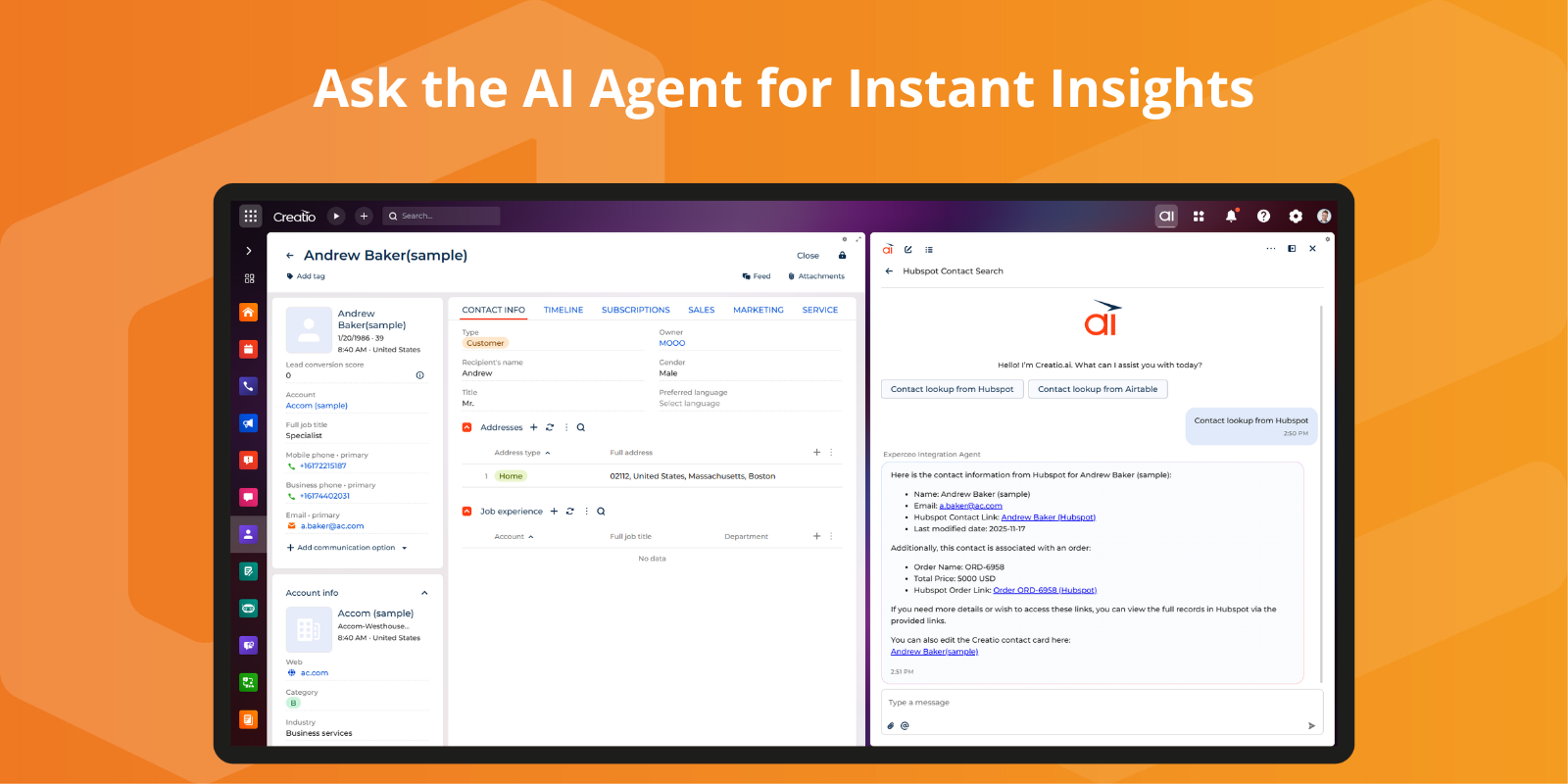

Product overview
Product description
Experceo Integration Agent for Creatio is a powerful AI-enhanced integration layer that connects your Creatio environment with external systems through secure APIs. The agent fetches relevant data on demand, analyzes it, and presents insights in a user-friendly interface, allowing your team to work faster and make better decisions without leaving Creatio.
Designed for sales, service, operations, and technical teams, the Integration Agent eliminates manual lookups and context switching. Users can query external applications, validate records, check statuses, retrieve documents, summarize complex information, and even receive recommended next steps, all within the Creatio workspace.
Whether you need quick visibility into ERP, accounting, logistics, HR, support, or custom systems, the Experceo Integration Agent becomes your intelligent assistant. It simplifies integration complexity, automates data retrieval tasks, improves response times, and enhances the overall user experience.
Designed for sales, service, operations, and technical teams, the Integration Agent eliminates manual lookups and context switching. Users can query external applications, validate records, check statuses, retrieve documents, summarize complex information, and even receive recommended next steps, all within the Creatio workspace.
Whether you need quick visibility into ERP, accounting, logistics, HR, support, or custom systems, the Experceo Integration Agent becomes your intelligent assistant. It simplifies integration complexity, automates data retrieval tasks, improves response times, and enhances the overall user experience.
Key Features
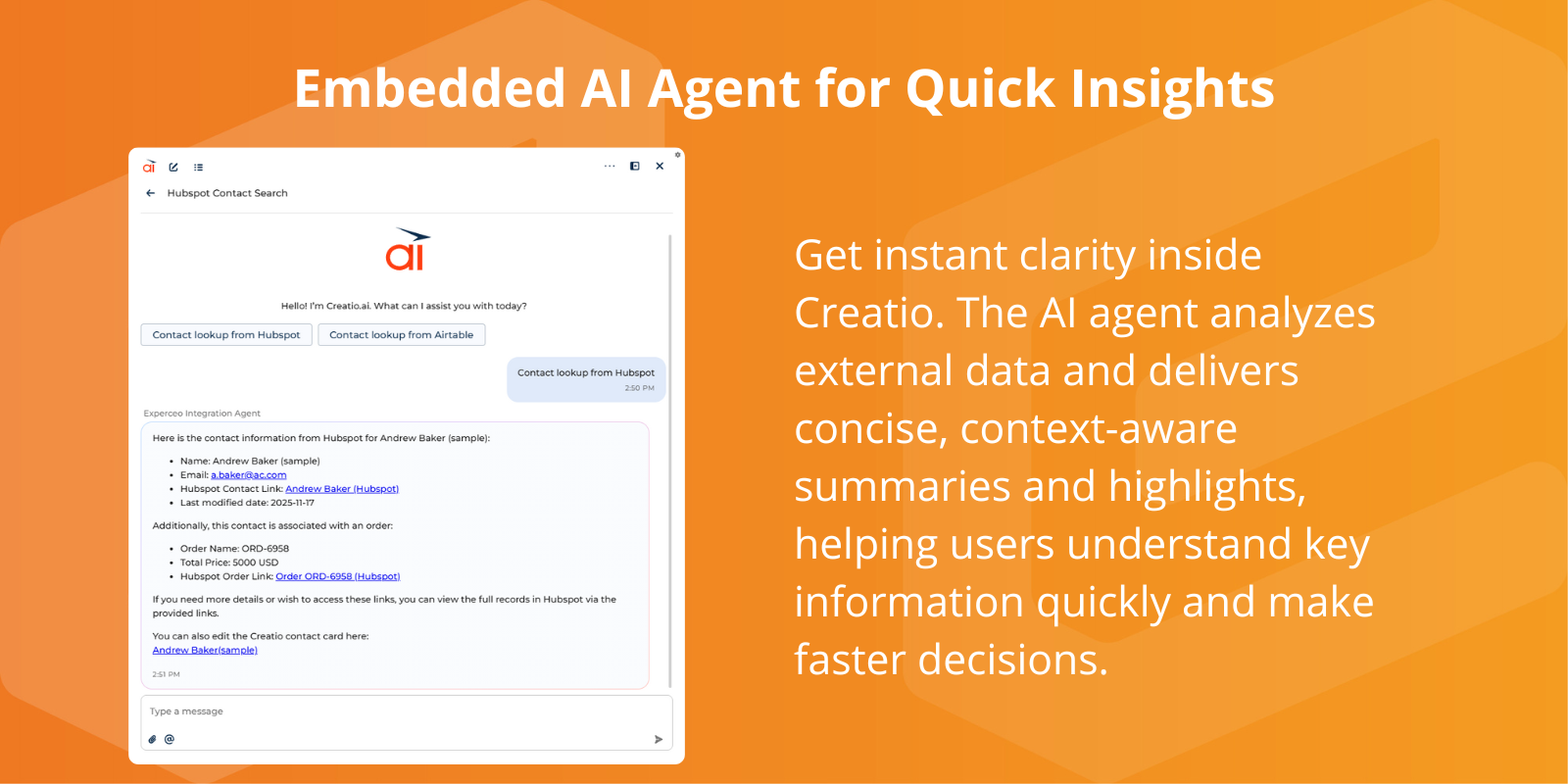
Embedded AI Agent for Quick Insights
Get instant clarity inside Creatio. The AI agent analyzes external data and delivers concise, context-aware summaries and highlights, helping users understand key information quickly and make faster decisions.
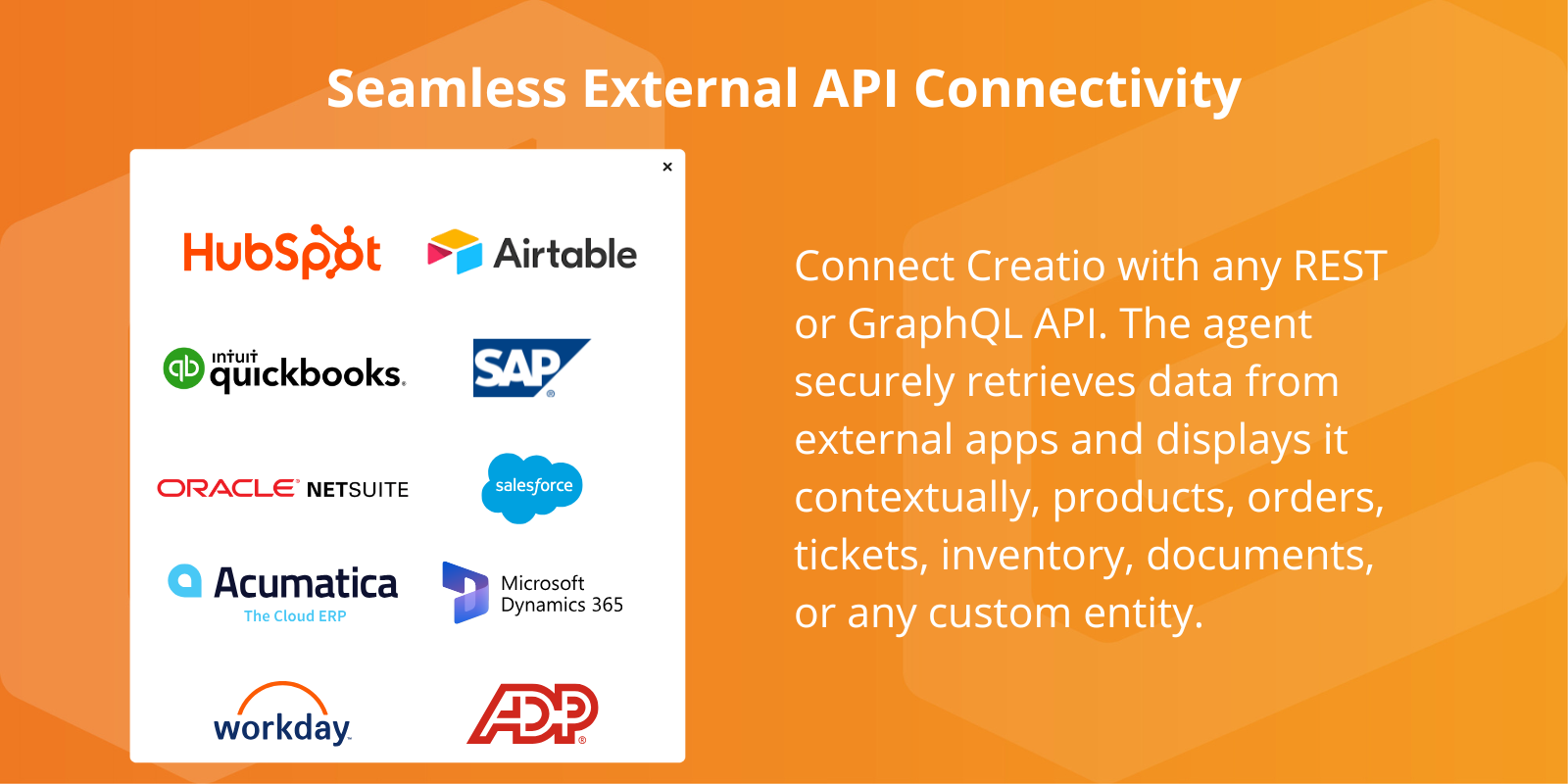
Seamless External API Connectivity
Connect Creatio with any API. The agent securely retrieves data from external apps and displays it contextually, products, orders, tickets, inventory, documents, or any custom entity.
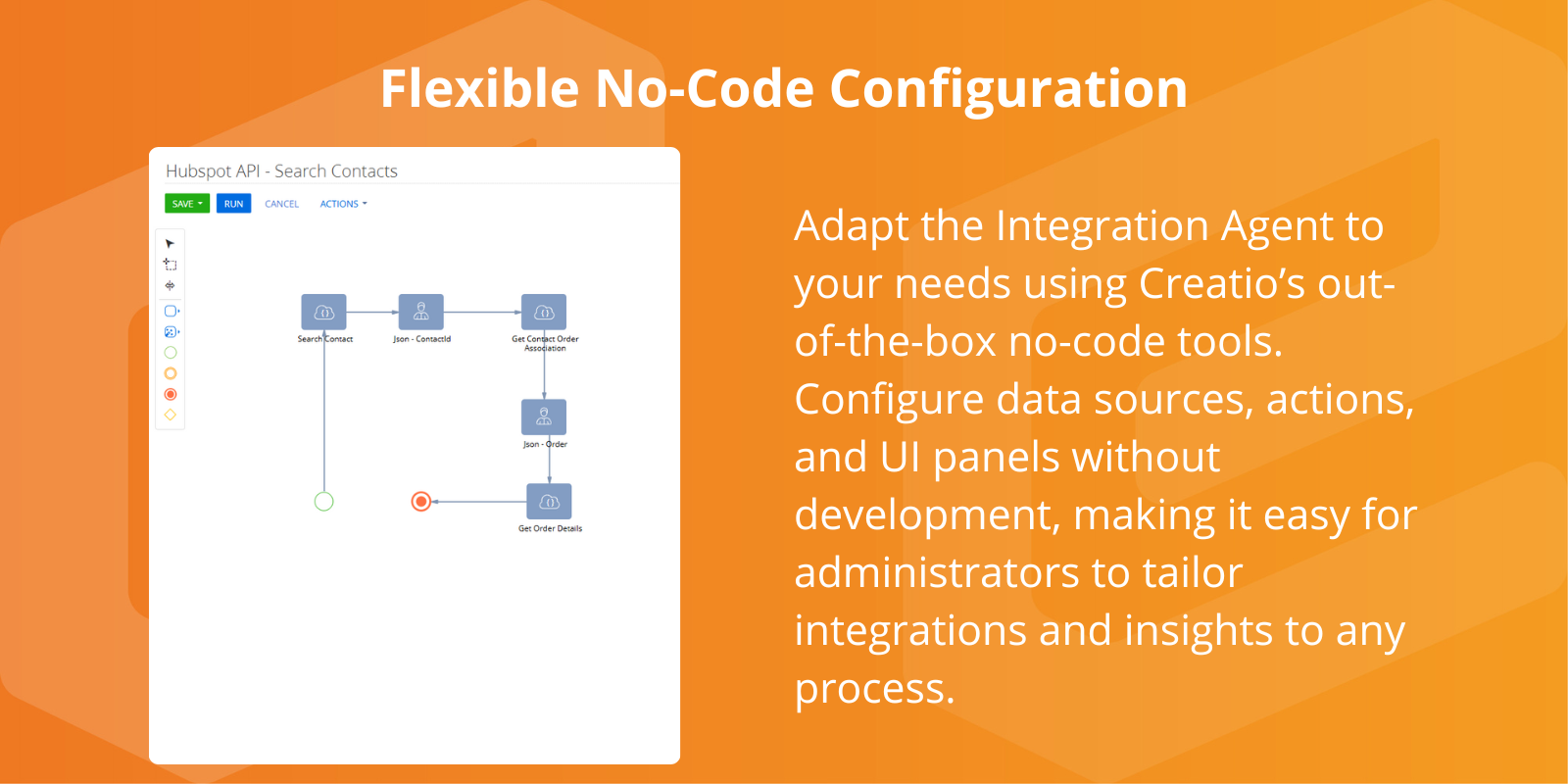
Flexible No-Code Configuration
Adapt the Integration Agent to your needs using Creatio’s out-of-the-box no-code tools. Configure data sources, actions, and UI panels without development, making it easy for administrators to tailor integrations and insights to any process.
Pricing
Monthly
Annual
Standard
$
1,000.00 / month
billed annually
Terms and Conditions
By installing this product you agree to terms and conditions outlined in the license agreement.
Support
Support is available for this application
Support is provided by the developer within the “Basic” and “Business” packages. Detailed information about the support packages and the support terms can be found on the Creatio website.
Installation
Setup guide
The Experceo Integration Agent installs easily through the Creatio Application Hub.
After installation, Experceo guides you through connecting your external systems, configuring API access, and tuning the AI agent for optimal insights.
Our team assists with the initial integration, data mapping, and LLM prompt optimization to ensure the agent works smoothly with your processes.
Once configured, the AI Agent can be added to any Creatio page for instant, context-aware insights.
After installation, Experceo guides you through connecting your external systems, configuring API access, and tuning the AI agent for optimal insights.
Our team assists with the initial integration, data mapping, and LLM prompt optimization to ensure the agent works smoothly with your processes.
Once configured, the AI Agent can be added to any Creatio page for instant, context-aware insights.
Data sharing
- By installing or downloading the App, you confirm that you agree with sharing your account data (name, email, phone, company and country) with the App Developer as their End User.
- The App Developer will process your data under their privacy policy.
Versions
Versions history
Version
Compatibility
Release date
1.0.0
8.3.0 and up
Release summary
Initial Version
Manual app installation
- Open the needed app → the Packages tab - download the Markeplace app files.
- Click in the top right → Application Hub
- Click New application. This opens a window.
- Select Install from file and click Select in the window that opens.
- Click Select file on the page of the Marketplace App Installation Wizard and specify the app file path.