


Field Service Manager for Creatio
Overview
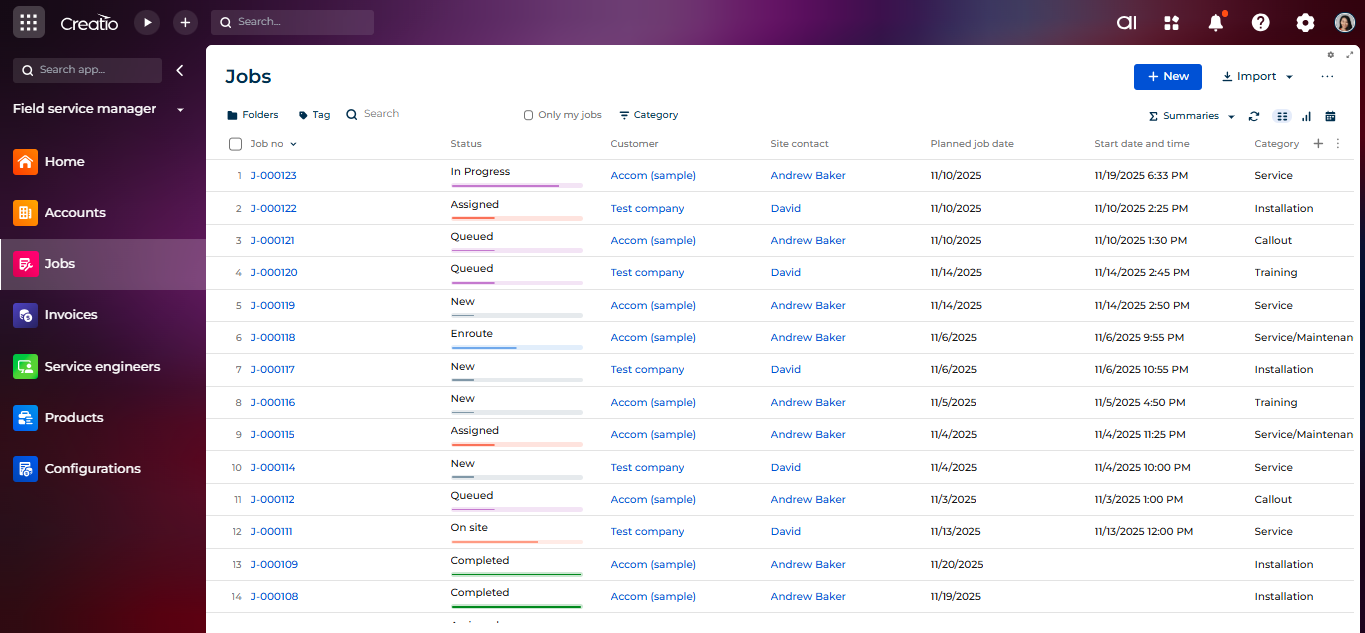
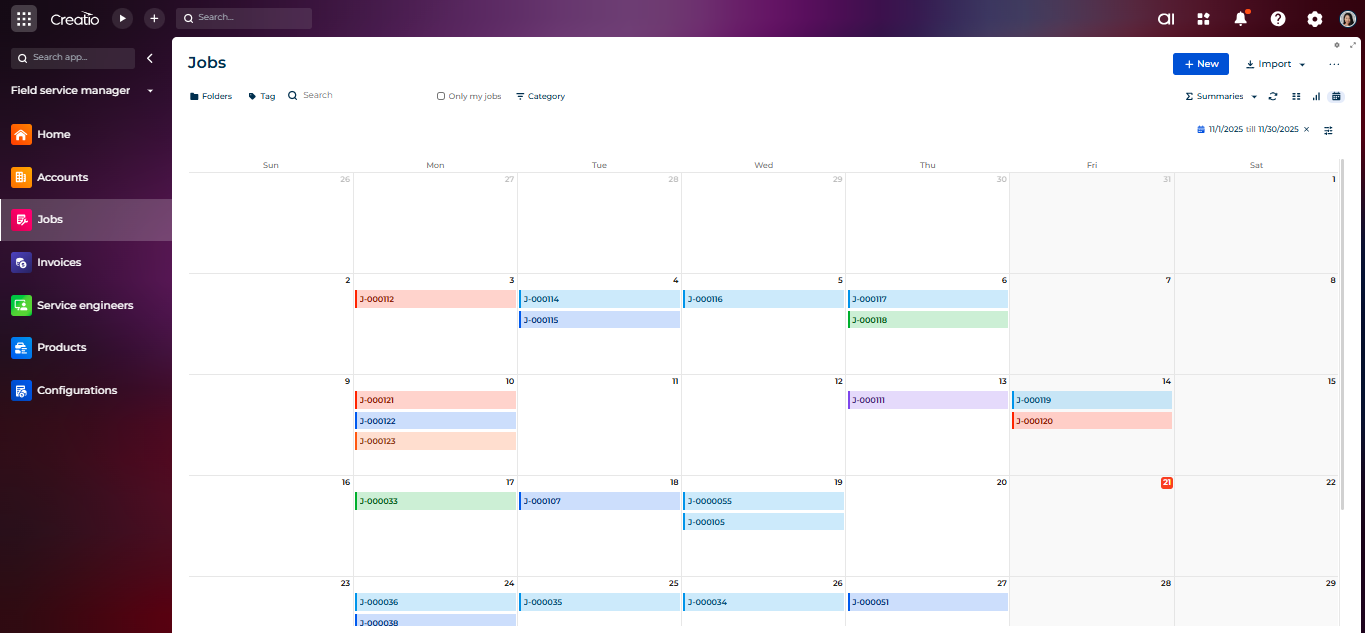
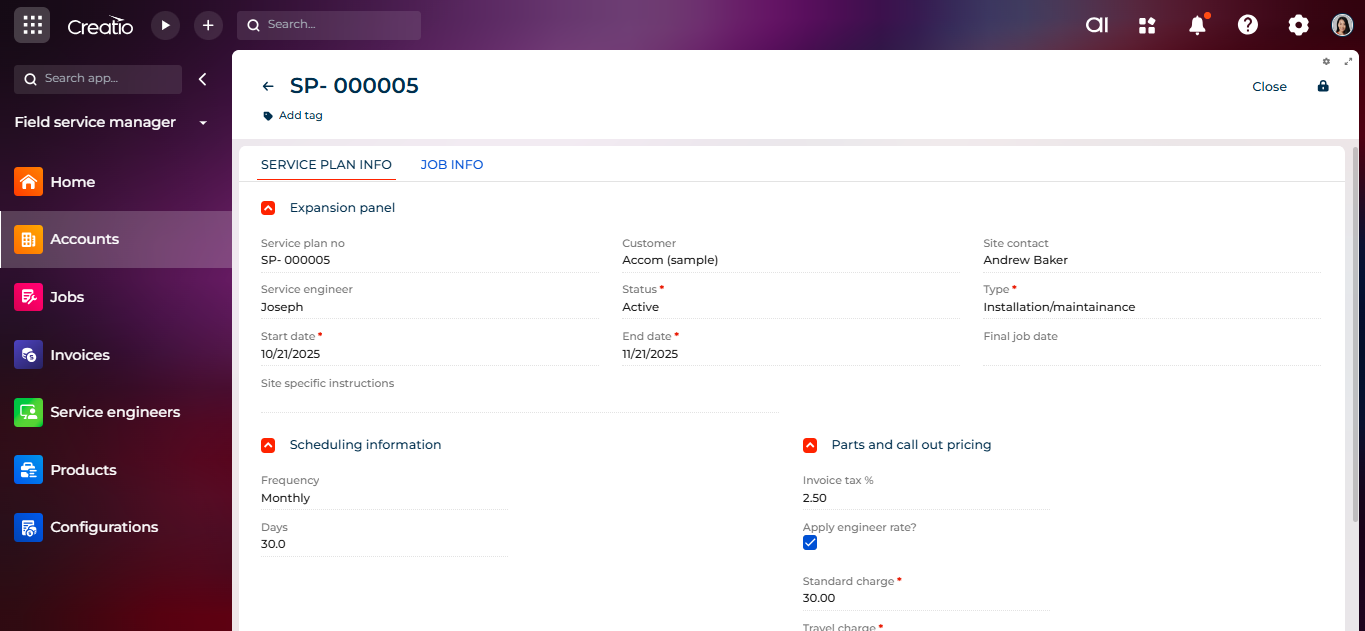
Product overview
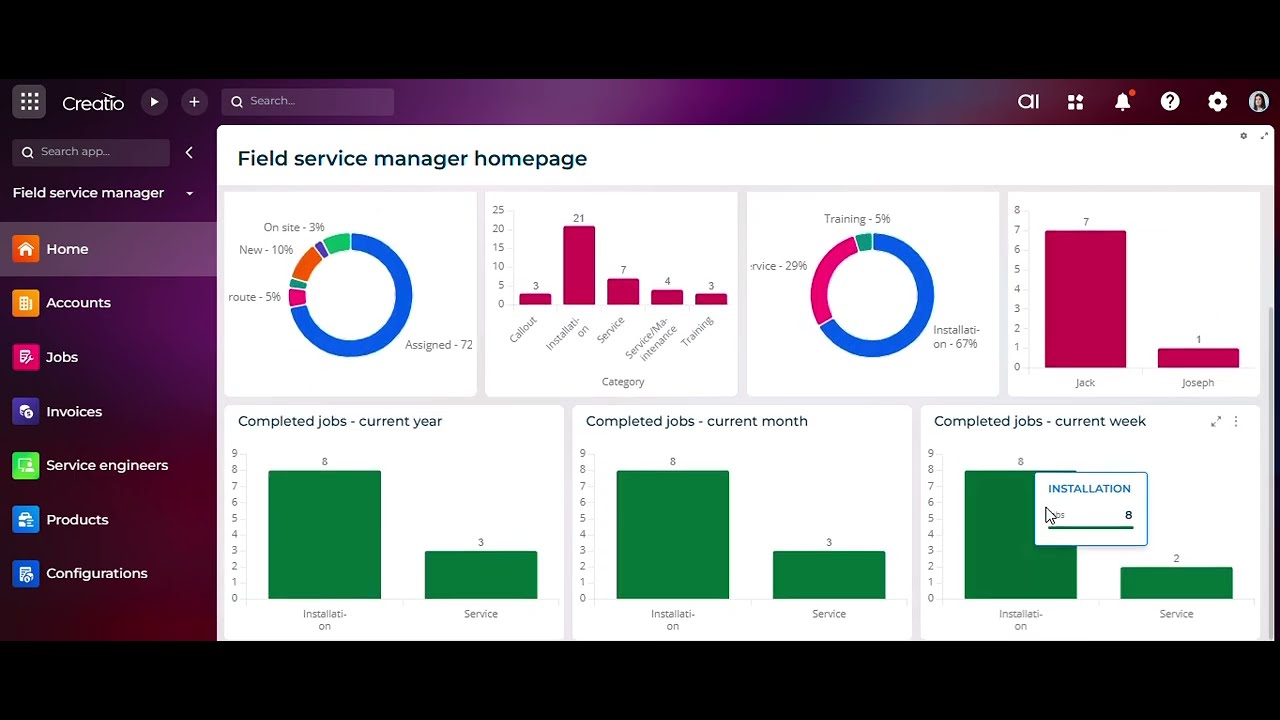
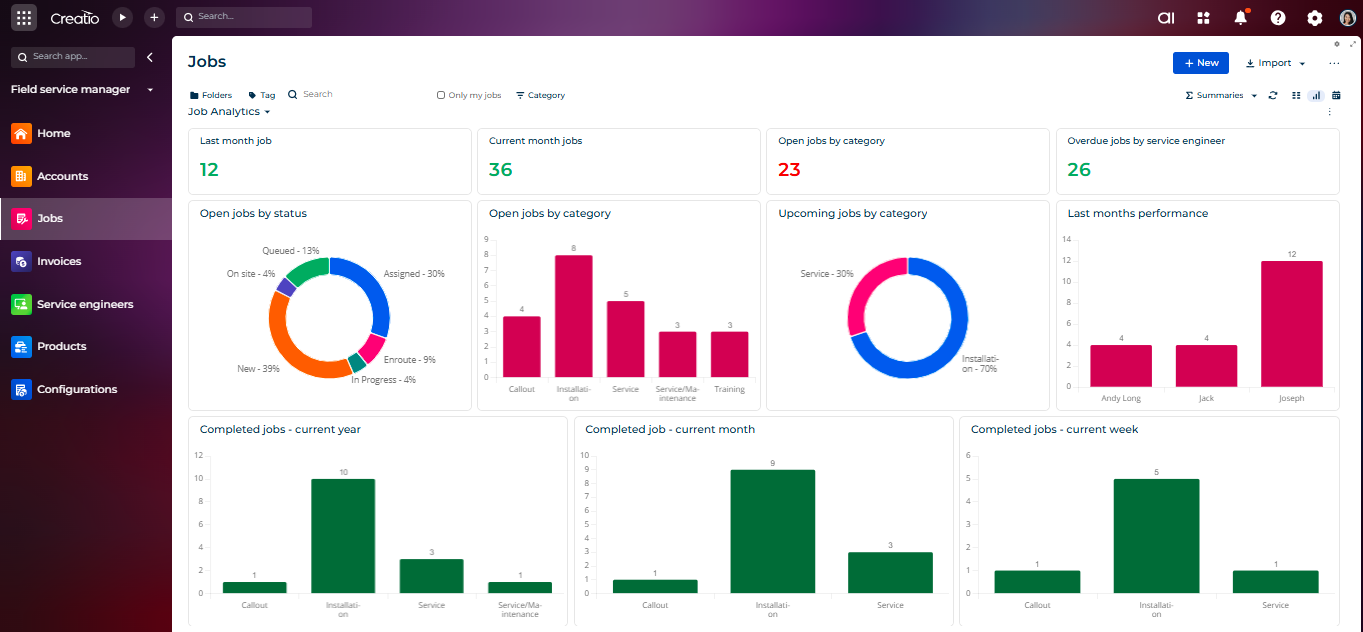
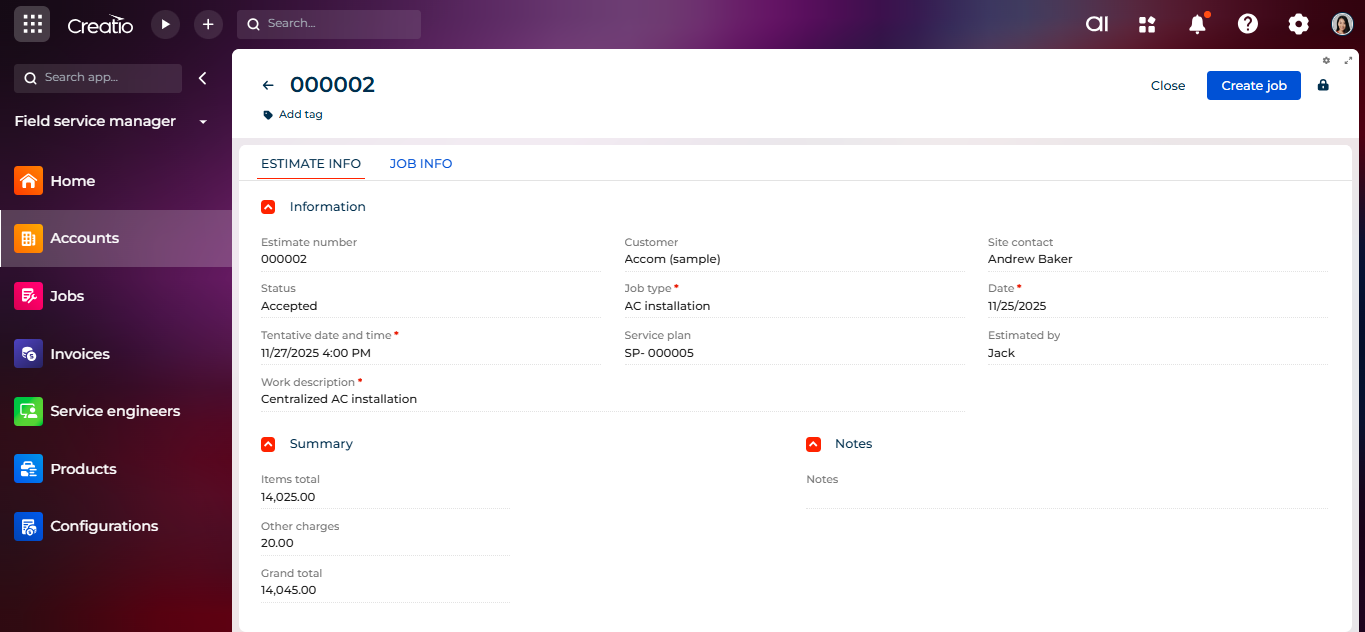
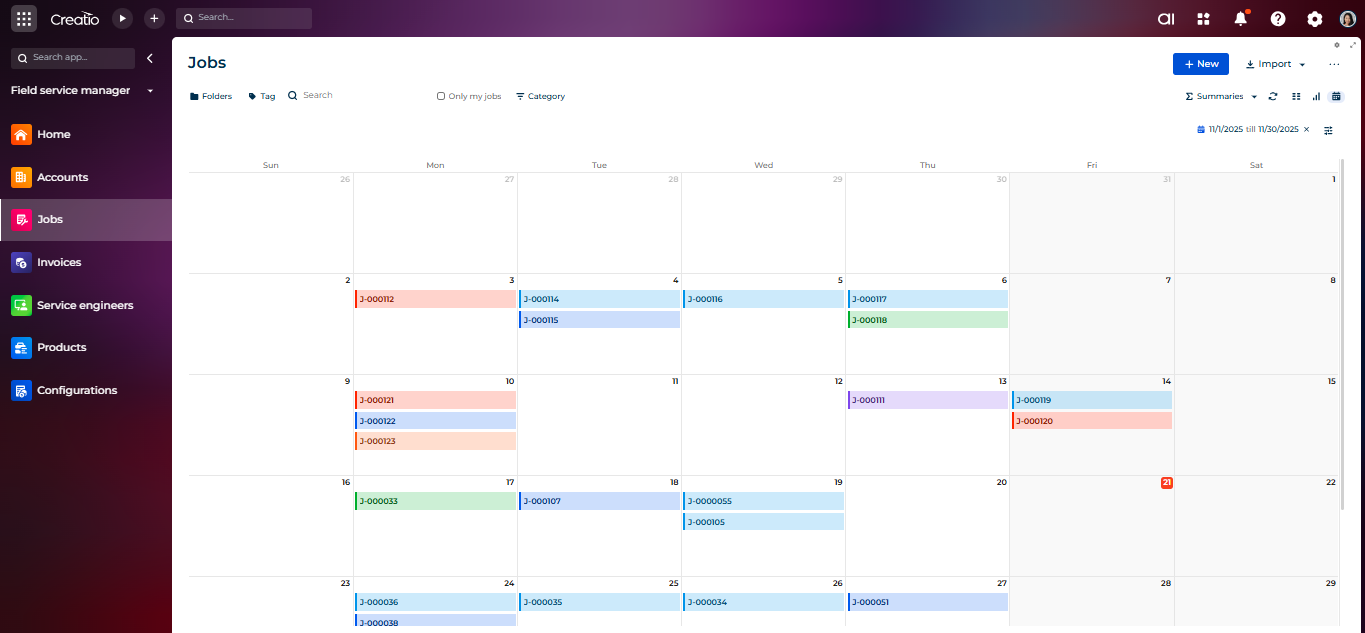
Field Service Manager is a comprehensive platform designed to streamline and manage your organization’s entire service lifecycle. The application helps teams efficiently plan and schedule service tasks, create accurate estimates, assign and monitor field engineers, track job progress in real time, and generate invoices as soon as work is completed.
By centralizing every service-related activity, Field Service Manager provides clear operational visibility, strengthens communication across departments, and ensures faster, more reliable service delivery. It automates routine processes, reduces administrative effort, and enables teams to stay accountable and productive.
Ideal for organizations looking to bring structure and efficiency to their field operations, Field Service Manager helps you manage resources effectively, maintain service quality, and deliver consistent, high-value customer experiences from initial request to final invoicing.
Use Cases
- HVAC & Plumbing Services - Scheduling emergency repairs, preventive maintenance visits, and managing seasonal demand spikes with automated dispatching
- Telecommunications - Coordinating installation appointments, service calls, and infrastructure maintenance across large geographic areas.
- Medical Equipment Service - Managing compliance requirements, tracking equipment maintenance histories, and ensuring rapid response for critical healthcare equipment.
- Utility Services - Dispatching crews for meter readings, repairs, or installations while tracking work orders and asset information in real-time.
- Property Management & Facilities - Coordinating maintenance requests across multiple properties, managing vendor relationships, and tracking service history for assets.
Key Features
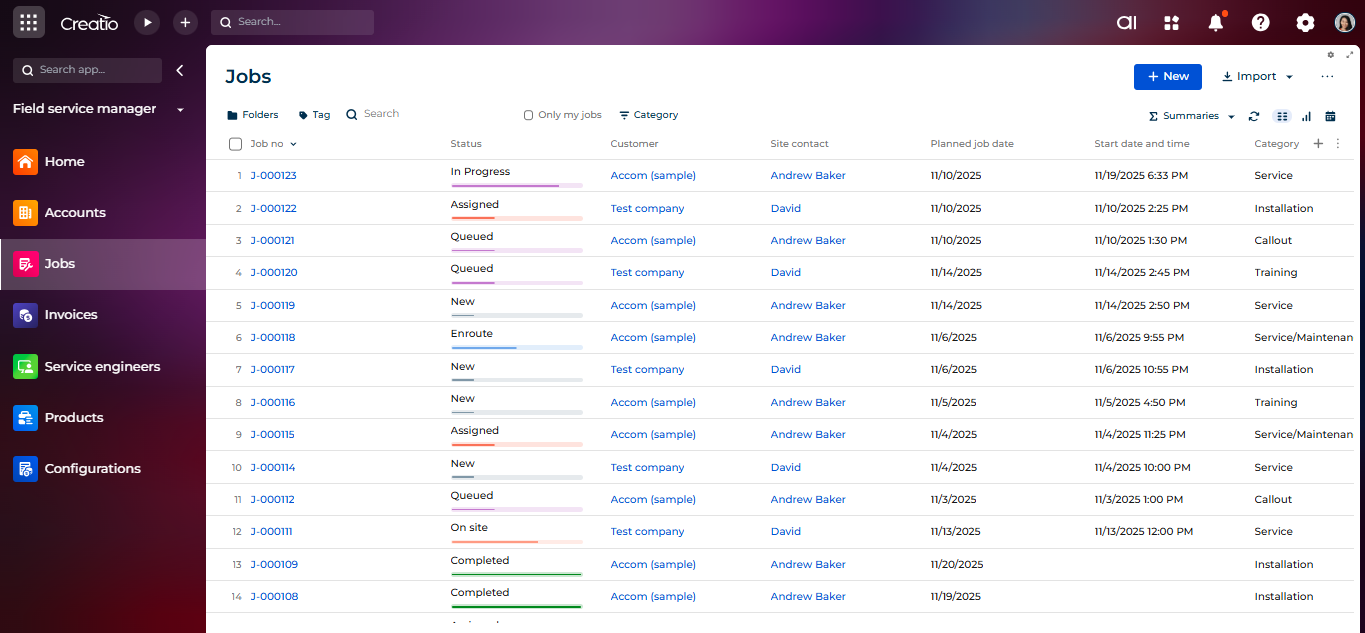
Job Planning
Resource and Schedule Management
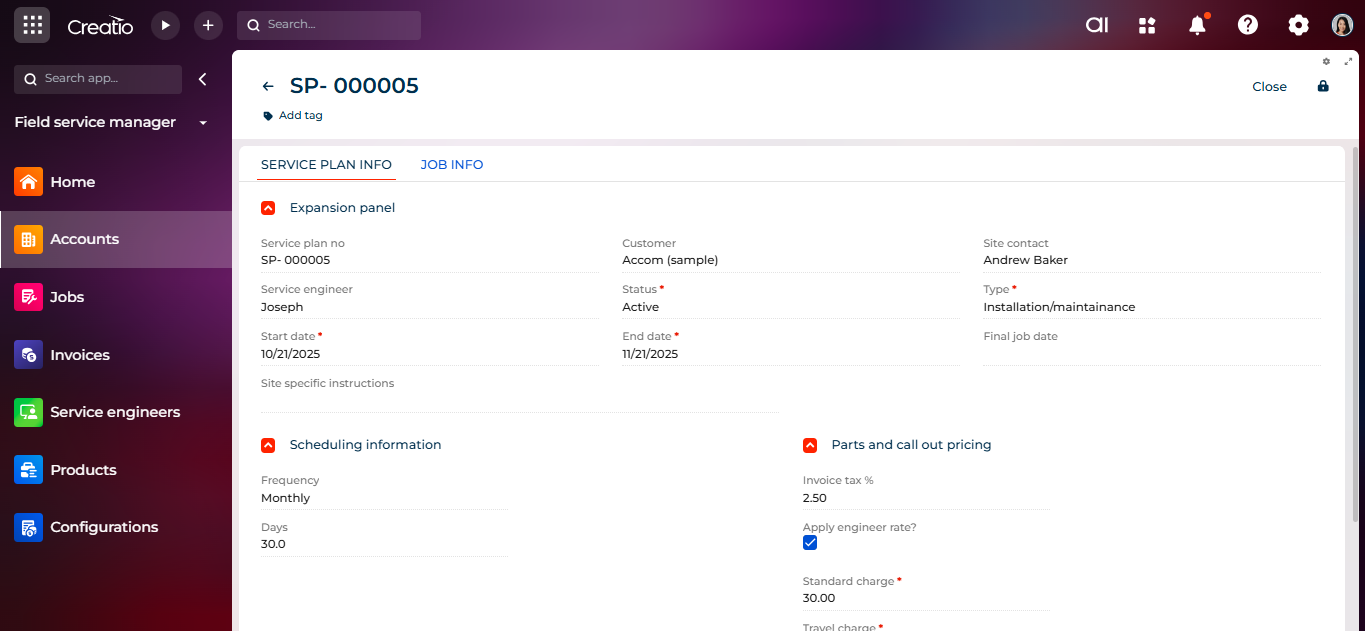
Service Planning
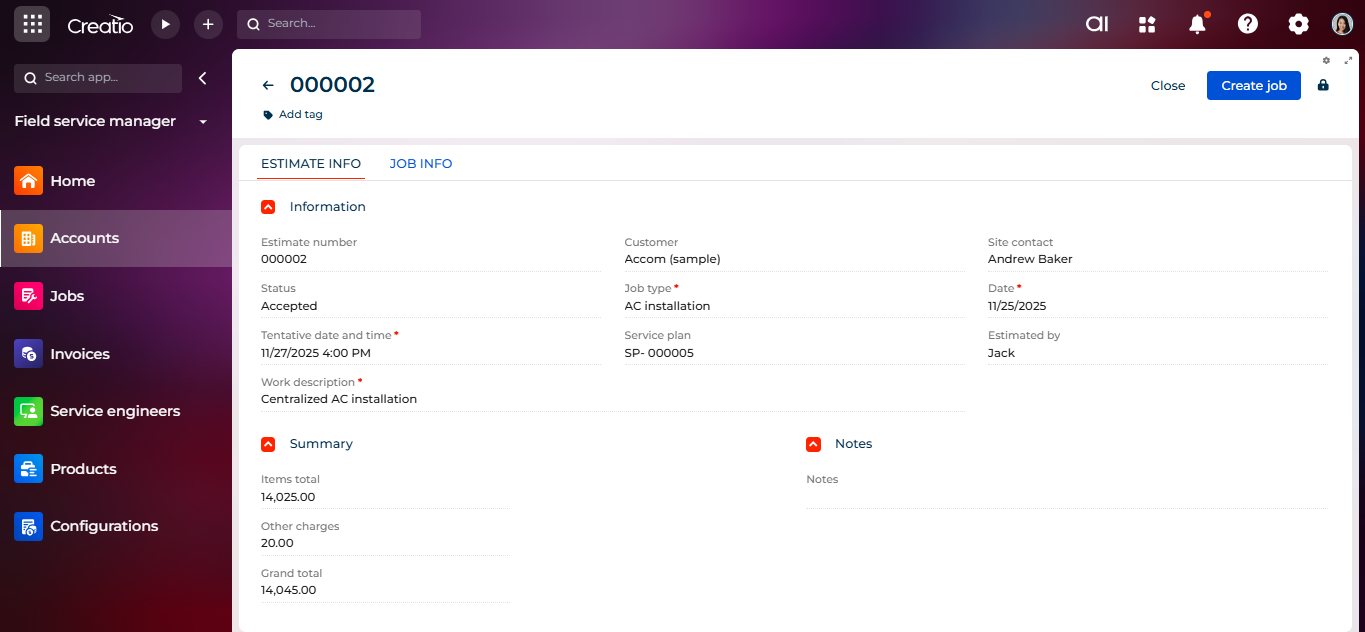
Estimates & Invoicing
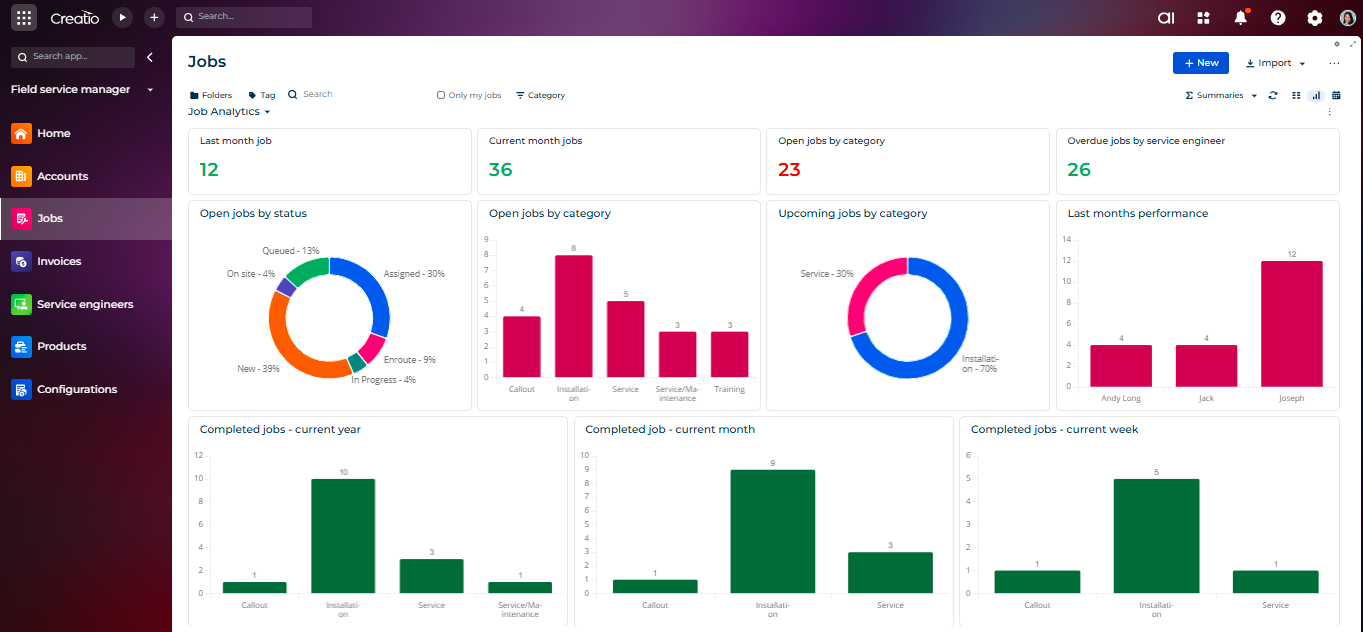
Dashboards & Analytics
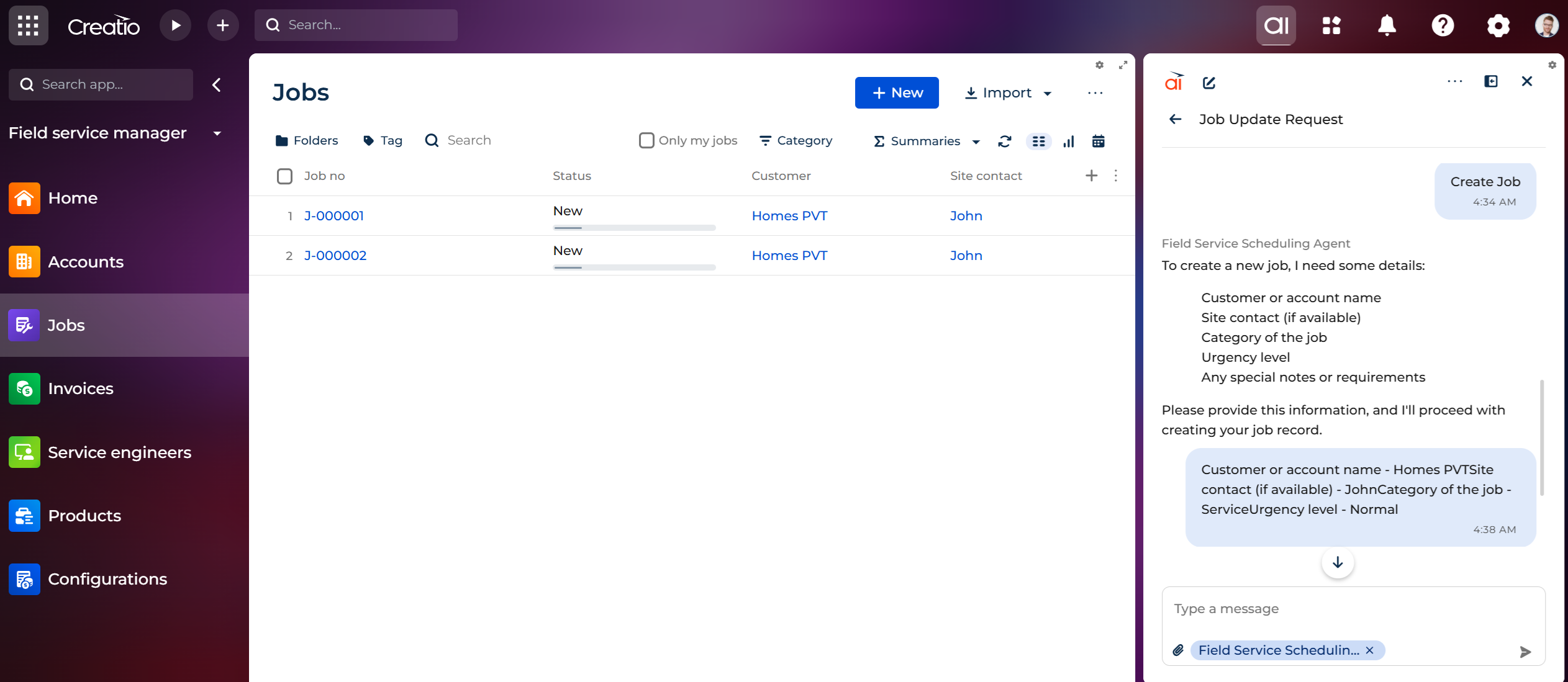
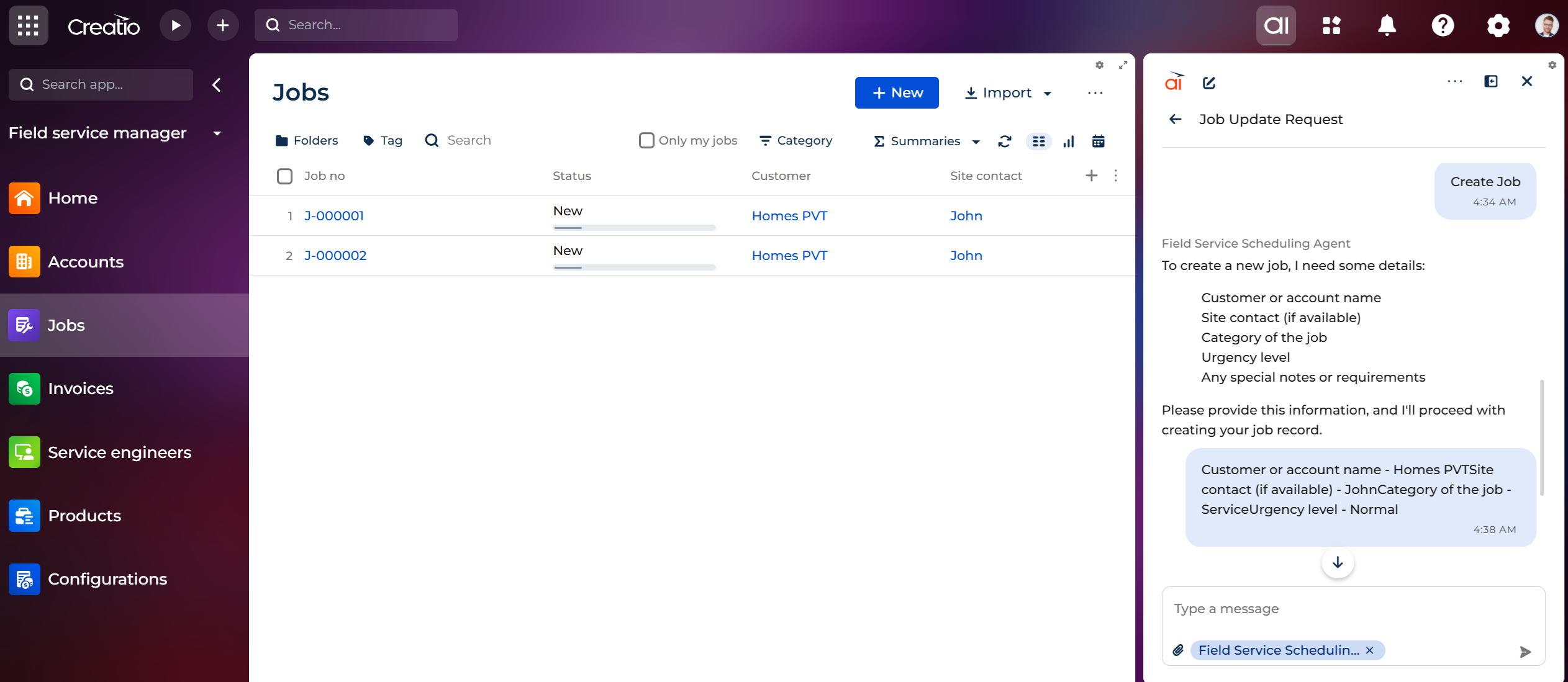
Field Service Scheduling Agent
Pricing
Terms and Conditions
Support
Installation
Setup guide
Resources
Data sharing
- By installing or downloading the App, you confirm that you agree with sharing your account data (name, email, phone, company and country) with the App Developer as their End User.
- The App Developer will process your data under their privacy policy.
Versions
Versions history
We have added a new Creatio AI Agent: Field Service Scheduling Agent
This agent helps users to:
- Create jobs
- Summarize job details
- Suggest planned dates
- Recommend suitable service engineers
Manual app installation
- Open the needed app → the Packages tab - download the Markeplace app files.
- Click in the top right → Application Hub
- Click New application. This opens a window.
- Select Install from file and click Select in the window that opens.
- Click Select file on the page of the Marketplace App Installation Wizard and specify the app file path.