


FormGenie AI for Creatio
AI inside
FormGenie AI integrates with Creatio to streamline document‑driven processes by automatically turning incoming files into structured data and updating CRM/ERP records.
Overview
Product overview
Product description
The solution is designed to streamline document-driven workflows and can be applied across multiple industries and departments. Its main focus areas include:
- Industries: Financial services, insurance, healthcare, legal, manufacturing, and any industry where document management and data extraction are critical.
- Company Departments: Finance, HR, Legal, Operations, Procurement, and Customer Service – any team that handles contracts, invoices, reports, or other structured/unstructured documents.
- Automating data extraction from documents (e.g., invoices, forms, agreements)
- Updating CRM or ERP records automatically based on extracted data
- Reducing manual data entry errors and improving workflow efficiency
- Supporting audit and compliance processes by maintaining accurate records
Key Features
About FormGenie AI
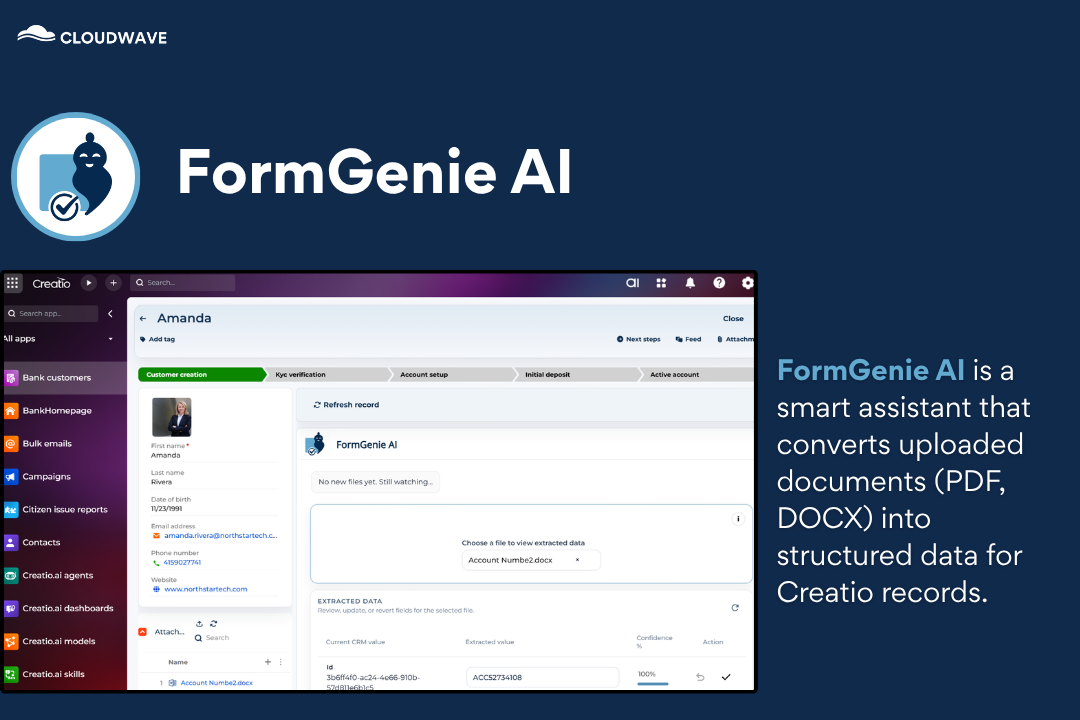
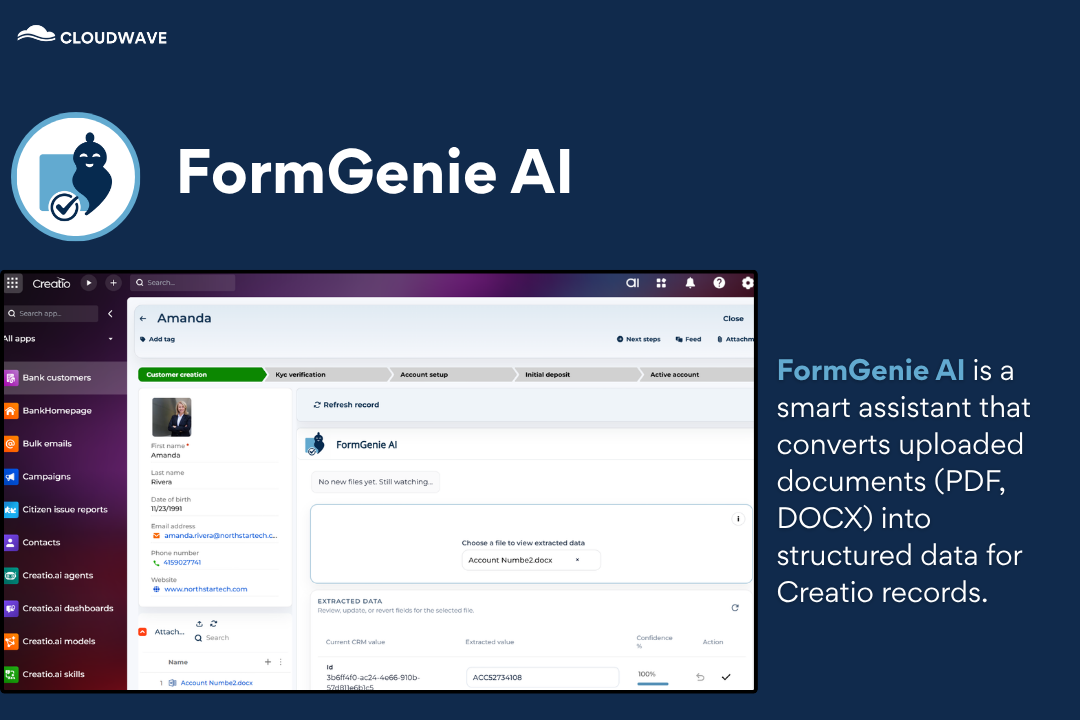
FormGenie AI is a smart assistant that converts uploaded documents (PDF, DOCX) into structured data for Creatio records.
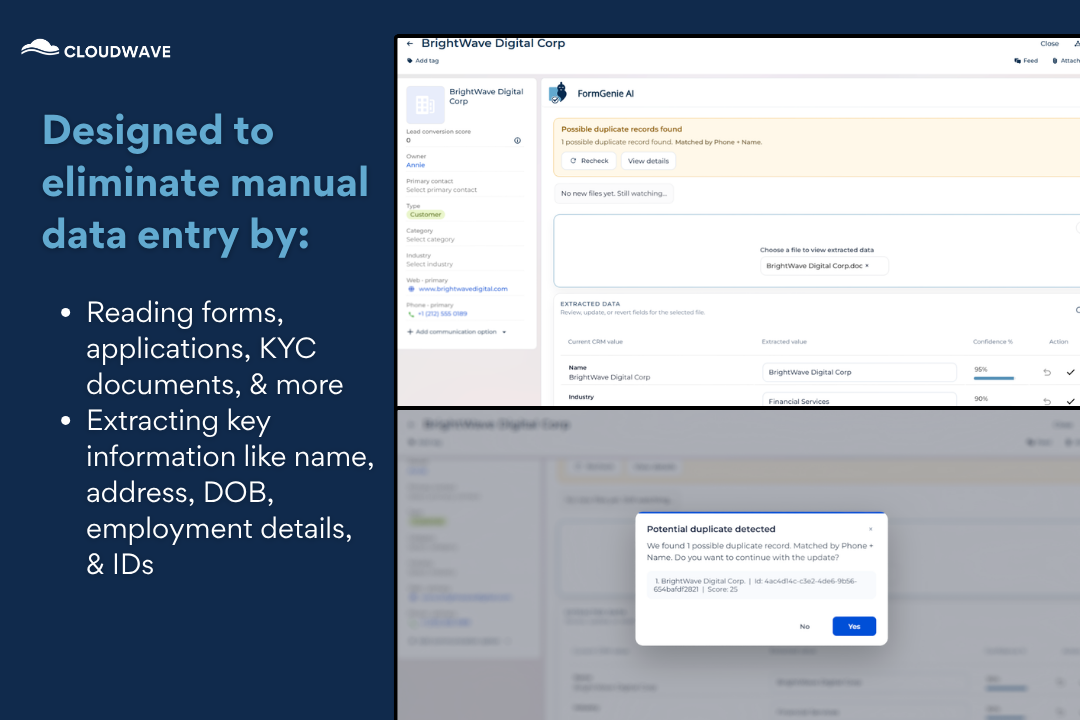
Goal of FormGenie AI
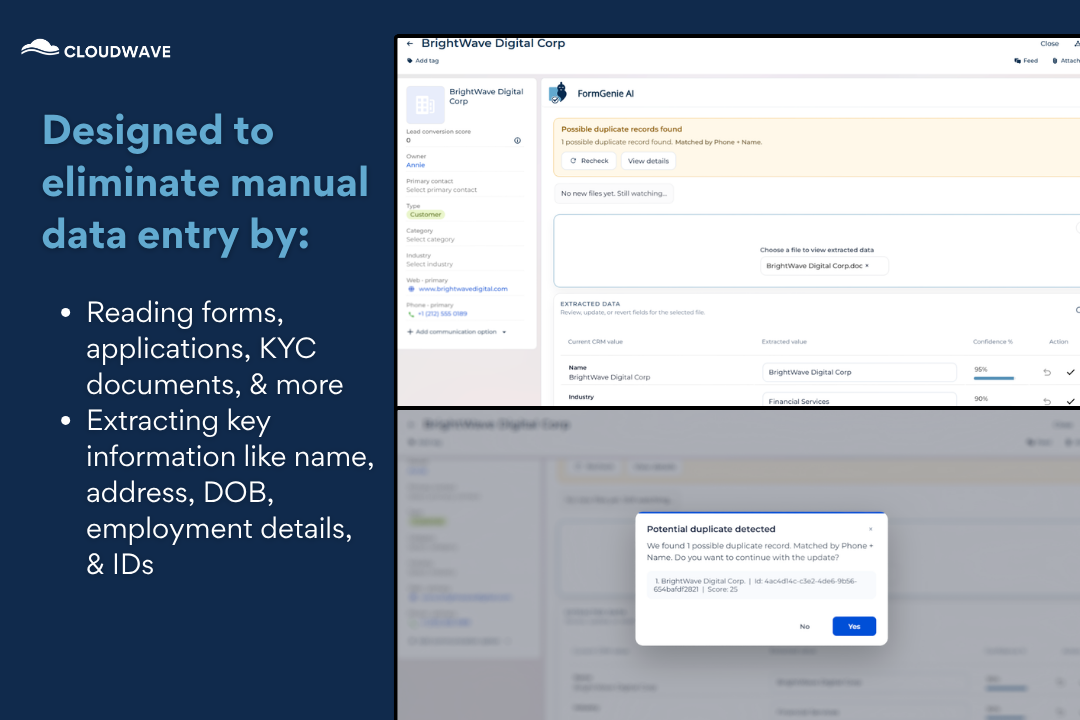
Designed to eliminate manual data entry by:
-Reading forms, applications, KYC documents, & more
-Extracting key information like name, address, DOB, employment details, & IDs
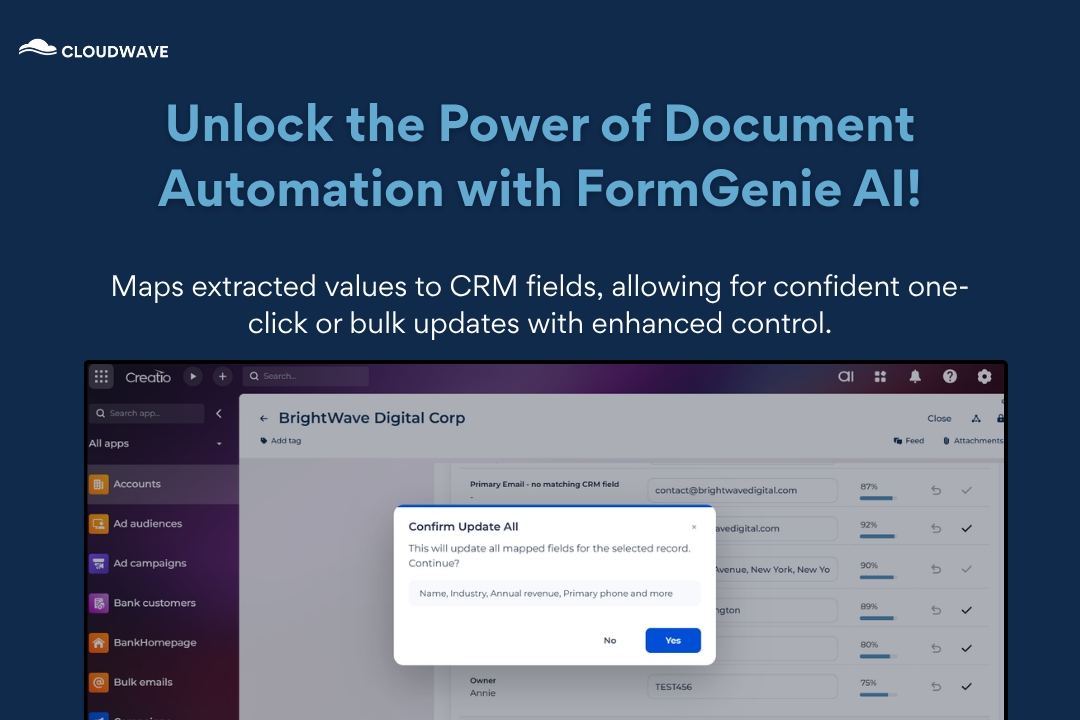
Mapping Data with FormGenie AI
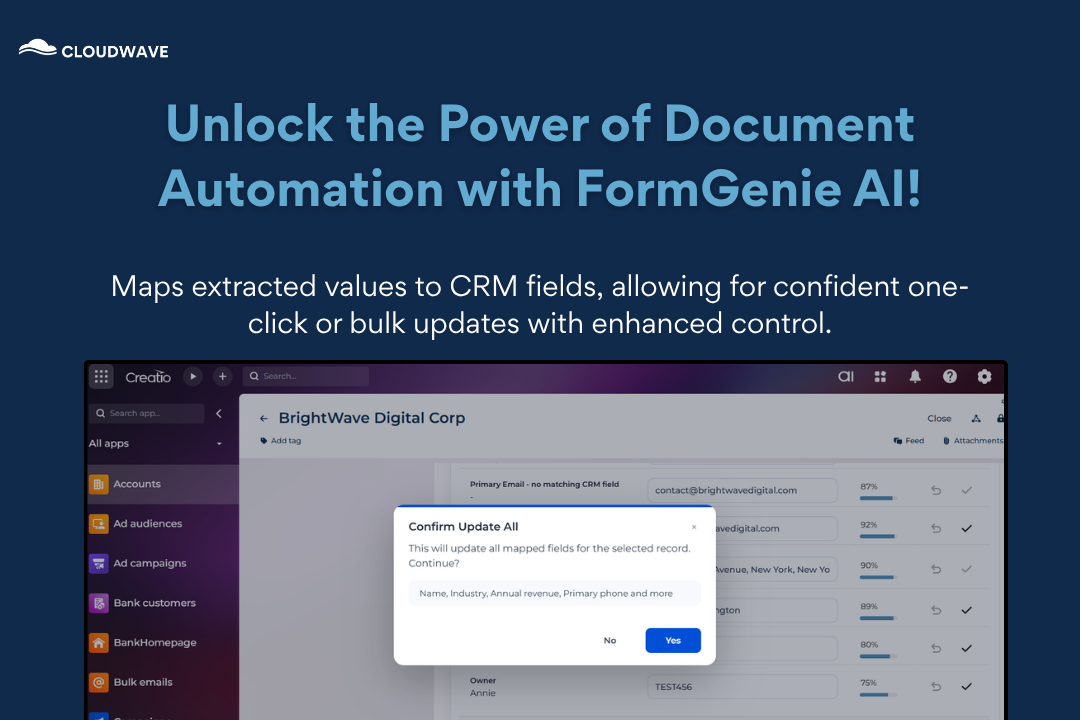
Unleash the Power of Document Automation with FormGenie AI! FormGenie AI maps extracted values to CRM fields and enables one-click or bulk updates with confidence-driven control.
Pricing
Monthly
Annual
Standard
Free
Terms and Conditions
By installing this product you agree to terms and conditions outlined in the license agreement.
Support
Support is available for this application
To keep this listing free of charge, support is provided only by email.
Installation
Data sharing
- By installing or downloading the App, you confirm that you agree with sharing your account data (name, email, phone, company and country) with the App Developer as their End User.
- The App Developer will process your data under their privacy policy.
Versions
Versions history
Version
Compatibility
Release date
1.0.0
8.3.1
Manual app installation
- Open the needed app → the Packages tab - download the Markeplace app files.
- Click in the top right → Application Hub
- Click New application. This opens a window.
- Select Install from file and click Select in the window that opens.
- Click Select file on the page of the Marketplace App Installation Wizard and specify the app file path.