


GUMU Sage Intacct Integration
Overview
Product overview
GUMU Sage Intacct Integration is a bi-directional integration solution designed to seamlessly connect Creatio with Sage Intacct ERP, enabling organizations to maintain a single, consistent view of customers, financials, and operational data across both platforms.
The integration eliminates manual data entry and reduces data inconsistencies by ensuring that key business information flows smoothly between Creatio and Sage Intacct in real time or on a scheduled basis. Sales, finance, and operations teams can work more efficiently with accurate, up-to-date data, improving collaboration and accelerating business processes.
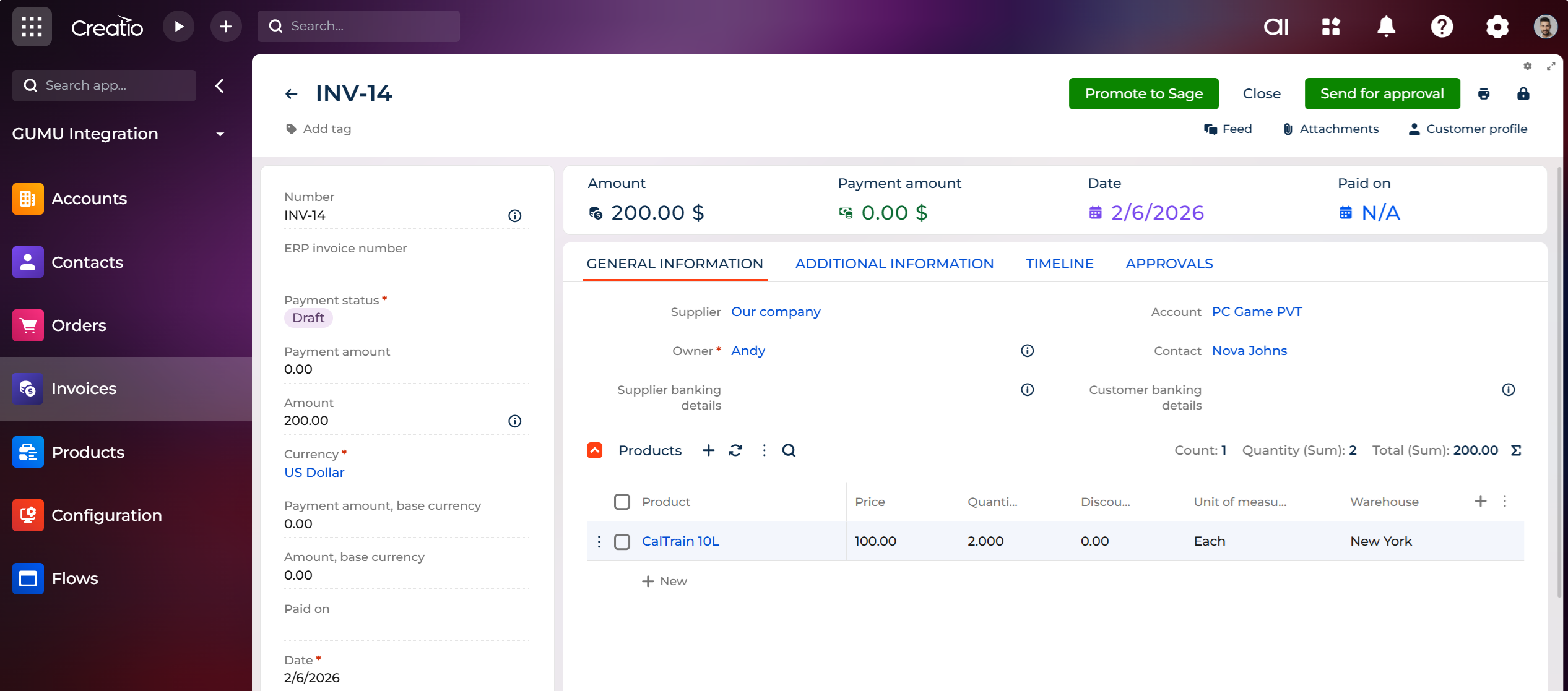
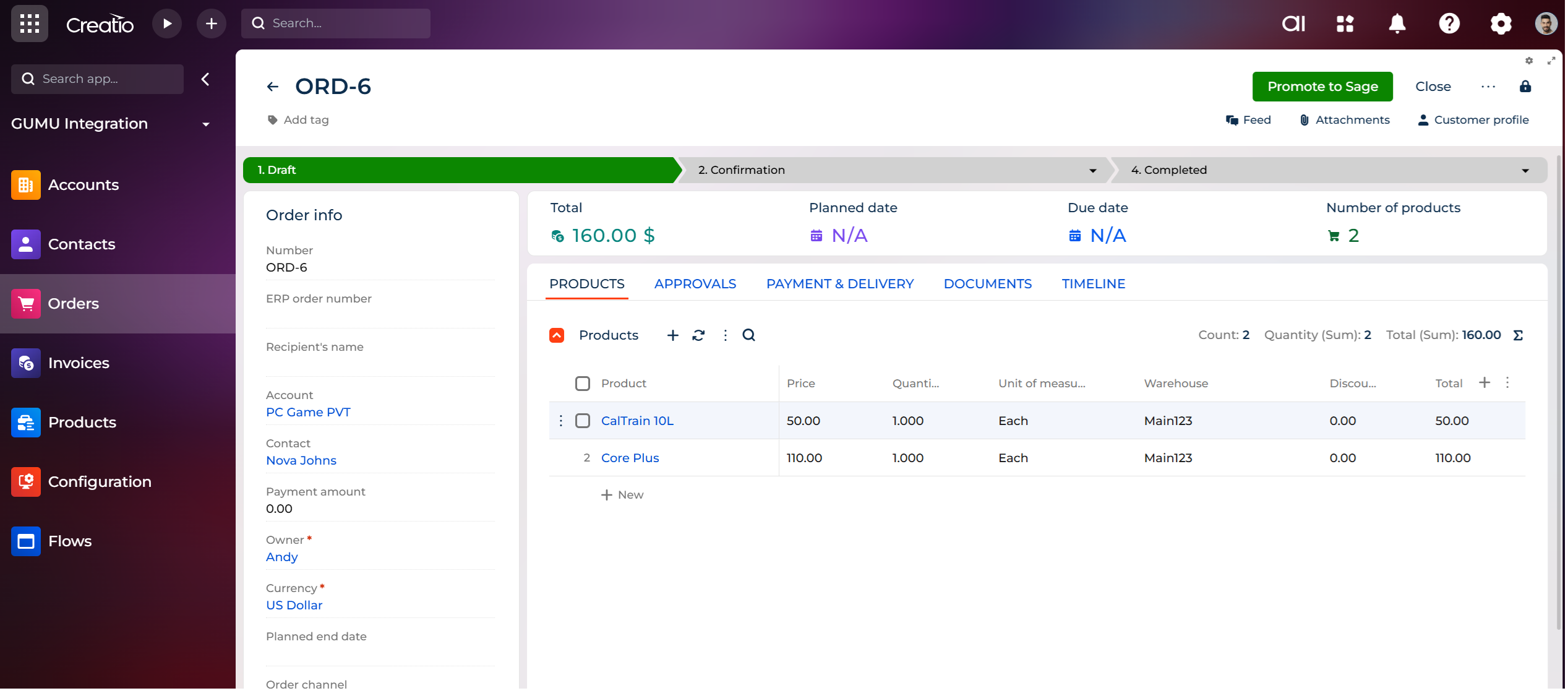
By synchronizing Creatio and Sage Intacct ERP systems, businesses gain visibility into customer accounts, orders, and invoices while keeping financial data aligned with Creatio. This integration supports organizations in streamlining order-to-cash processes, improving data accuracy, and managing operational workflows.
Use Cases
-
Sales teams can access up-to-date customer and order information from Sage Intacct directly within Creatio to make informed decisions and close deals faster.
-
Finance teams benefit from the accurate and timely transfer of orders and invoices from Creatio to Sage Intacct, reducing reconciliation efforts and errors.
-
Operations teams can maintain consistent account and contact data across both systems, ensuring smooth cross-departmental workflows.
Key Features
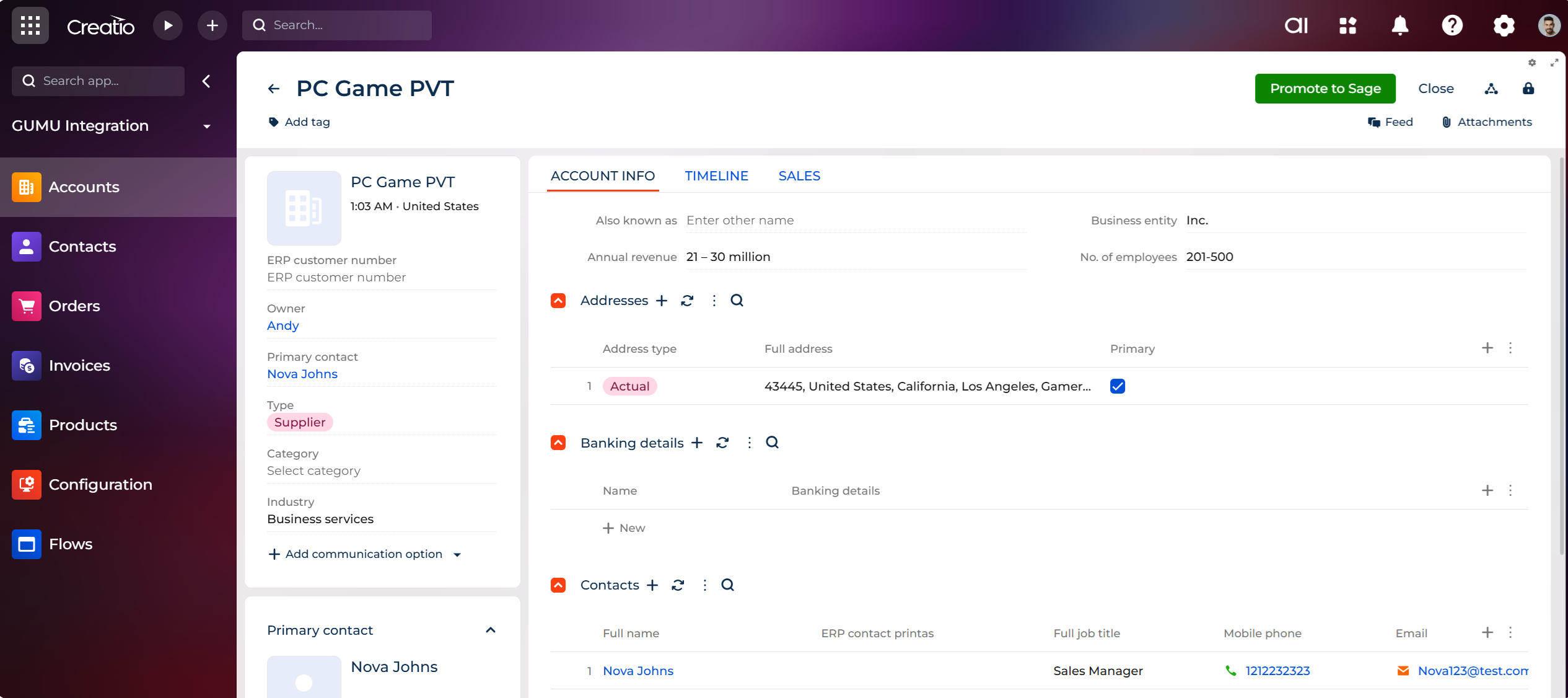
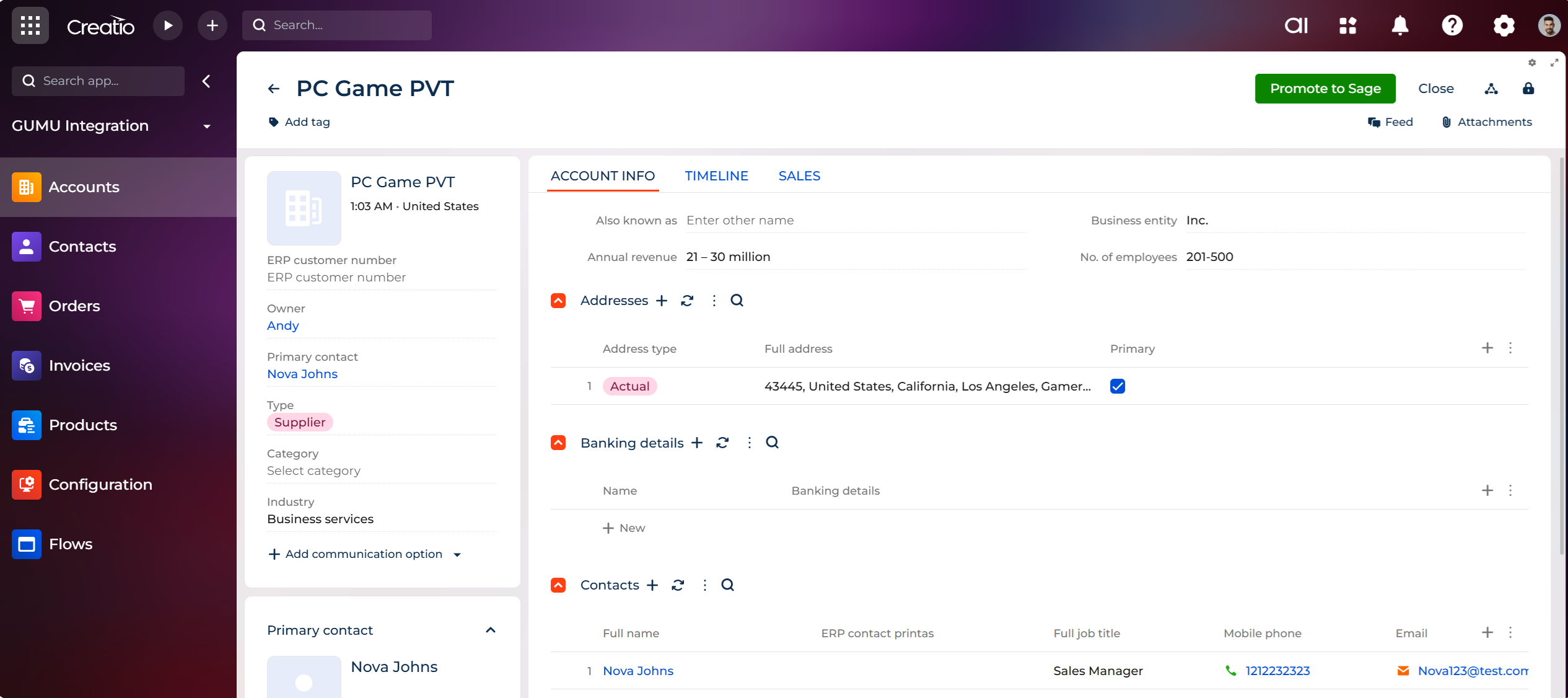
Account promotion from Creatio to Sage Intacct
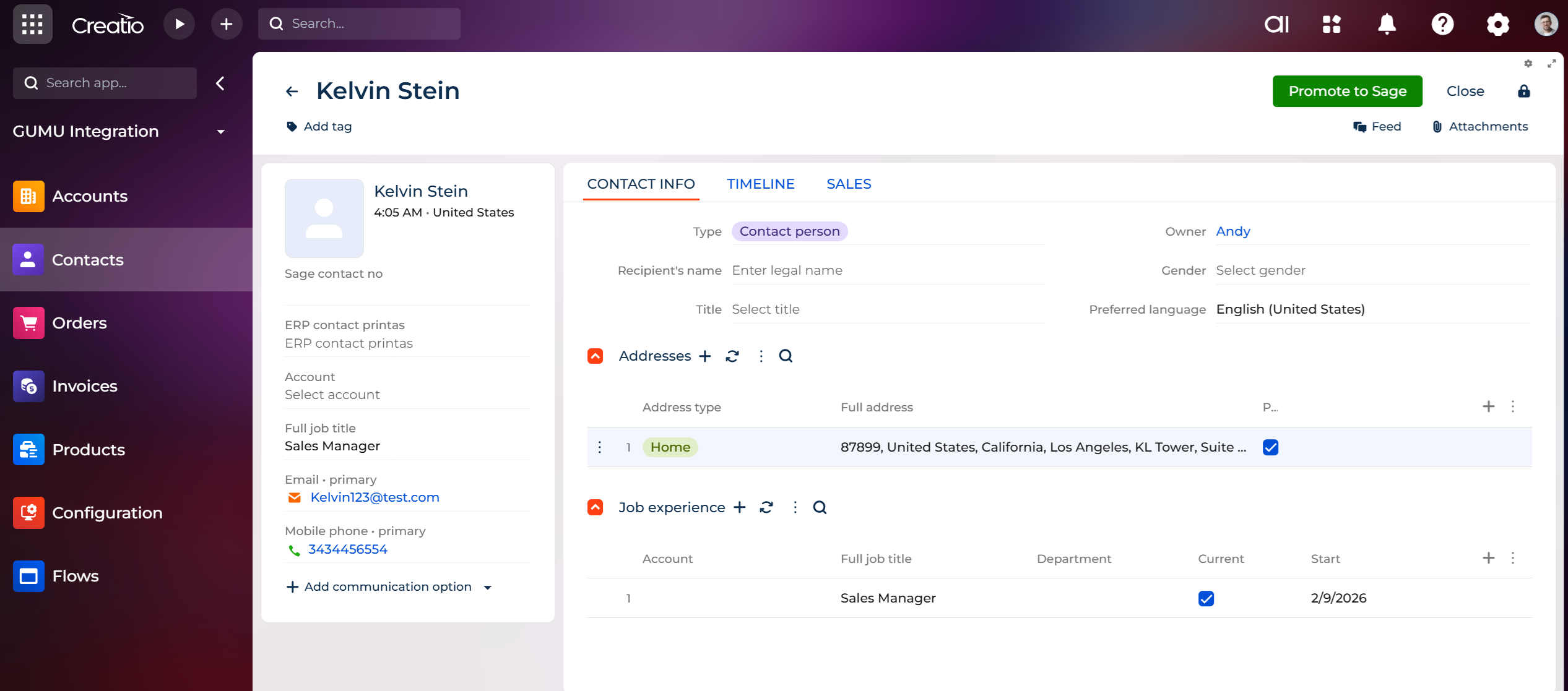
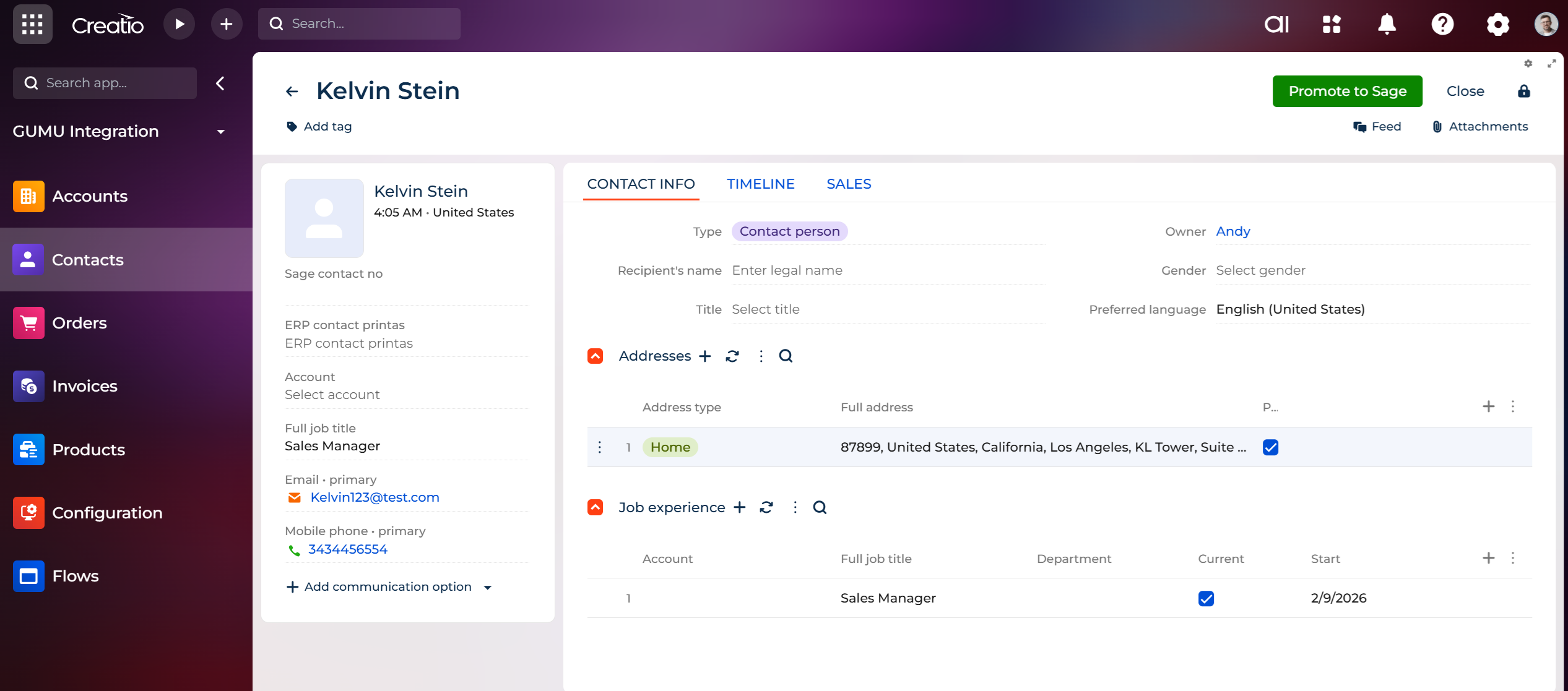
Contact promotion from Creatio to Sage Intacct
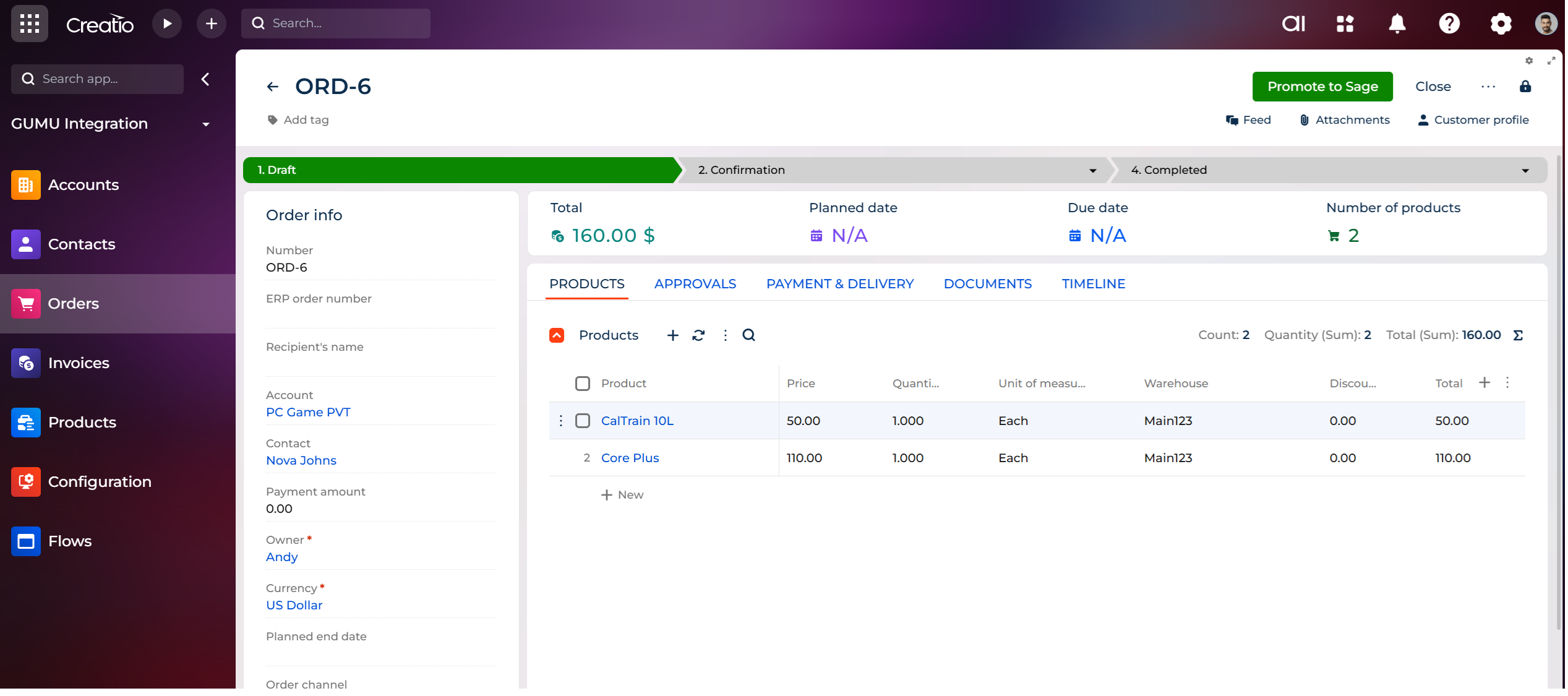
Order promotion from Creatio to Sage Intacct
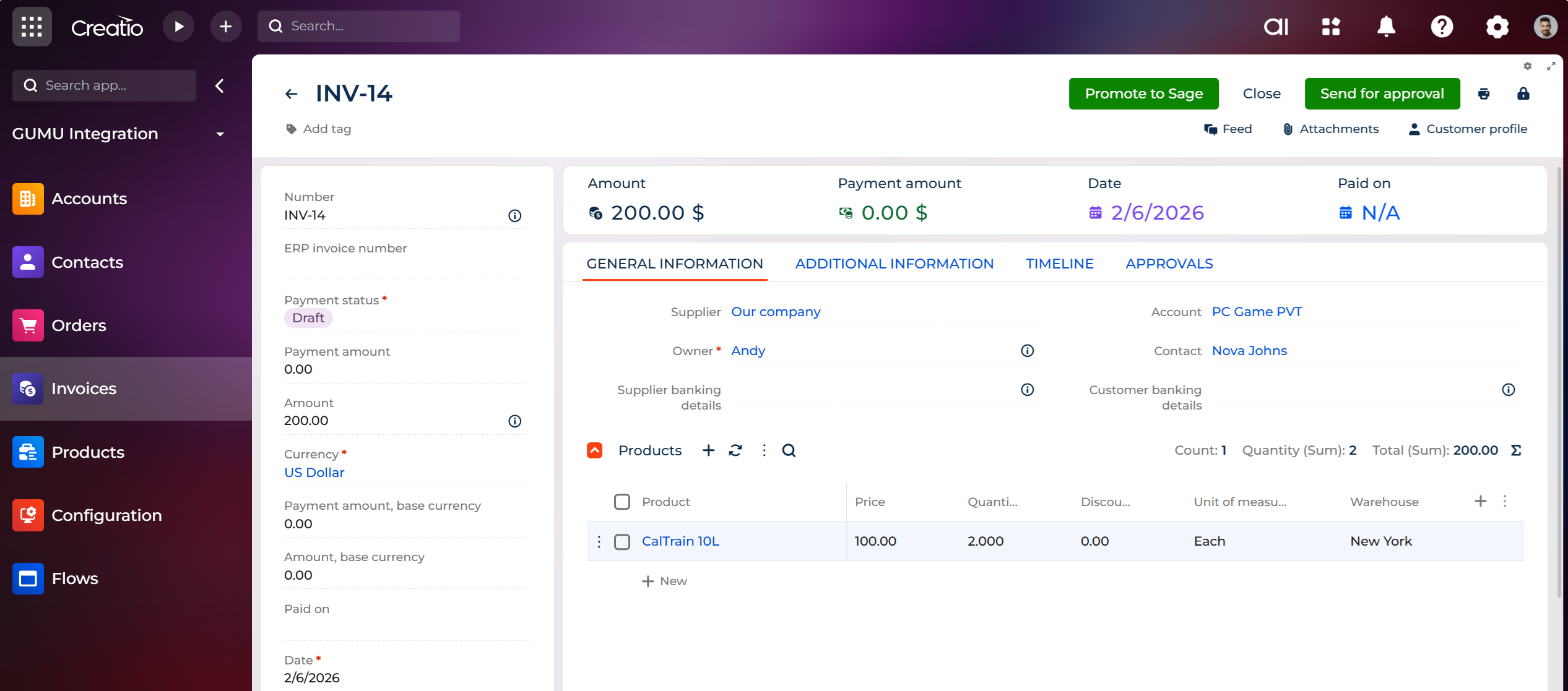
Invoice promotion from Creatio to Sage Intacct
Pricing
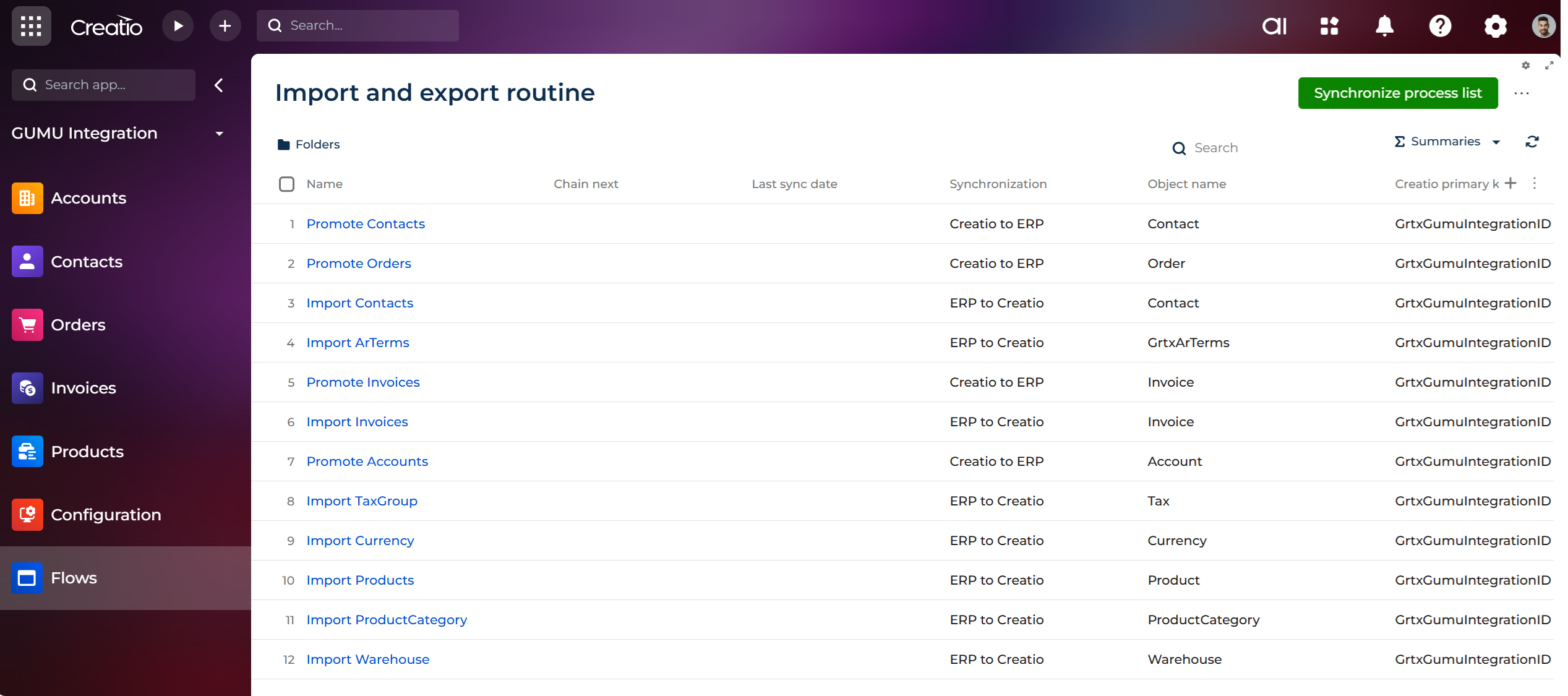
- Quickly set up and import data from Sage Intacct, including Accounts, Contacts, Orders, and Invoices.
- Automatically syncs new records from Sage Intacct and updates data into Creatio.
Third-party solution. The listed price includes the external subscription. Purchase and payment are processed via Creatio.
Terms and Conditions
Support
-
Availability: Monday to Friday, 10:00 AM – 6:00 PM IST (excluding public holidays in India)
-
Initial response time: Within 1 business day
-
Support channel: Email us at creatio@greytrix.com
-
Scope: Installation assistance, configuration support, and bug fixes related to the app
-
Exclusions: Customization and third-party integrations (available as paid services).
Installation
Data sharing
- By installing or downloading the App, you confirm that you agree with sharing your account data (name, email, phone, company and country) with the App Developer as their End User.
- The App Developer will process your data under their privacy policy.
Versions
Versions history
- Introduced a Subtotal panel on the Order screen to provide better visibility of Sage Intacct subtotal details.
- Fixed minor bugs and improved overall stability.
Initial release
Manual app installation
- Open the needed app → the Packages tab - download the Markeplace app files.
- Click in the top right → Application Hub
- Click New application. This opens a window.
- Select Install from file and click Select in the window that opens.
- Click Select file on the page of the Marketplace App Installation Wizard and specify the app file path.