

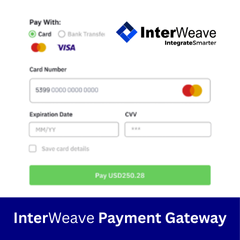
InterWeave Payment Gateway
Overview

Product overview
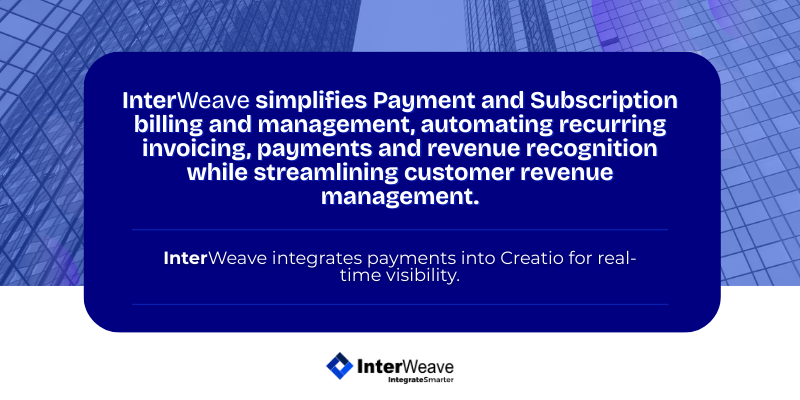
The solution supports multiple billing models that can be used independently or in combination to meet diverse business needs. These include real-time authorization with accept or decline responses, scheduled payments that automatically process remaining balances, and recurring billing options for subscription or payment-plan scenarios. Automated Recurring Billing (ARB) supports standard subscription cycles, while Custom Recurring Billing (CRB) enables flexible schedules tailored to unique billing requirements. All payment activity is surfaced directly within Creatio, ensuring visibility and control across the full payment lifecycle.
InterWeave Payment Gateway integrates Creatio with a wide range of leading payment processors, including Run Payments, Fiserv (CardPointe), Authorize.Net, Chase Paymenttech, First Data, PayPal, Cybersource, Vanco, and many others. The platform manages secure transaction routing over the internet, similar to a traditional point-of-sale terminal, but optimized for card-not-present and online payment scenarios. Built-in workflows, security controls, and monitoring ensure fast, reliable, and secure transaction processing, with the gateway operating continuously to support 24/7 payment acceptance and settlement.
Key Features
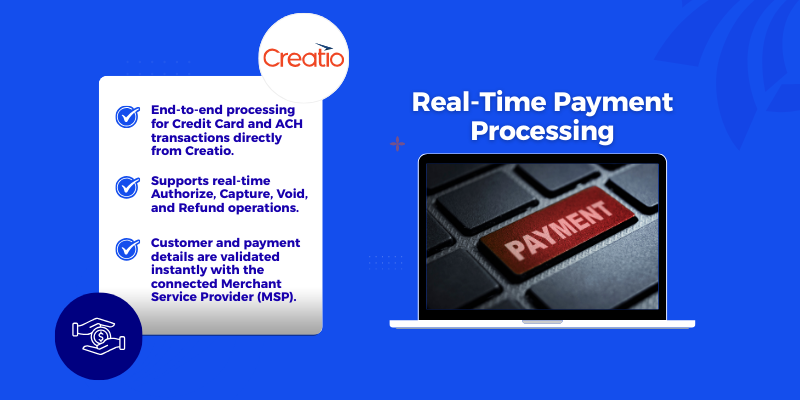
Real-Time Payment Processing
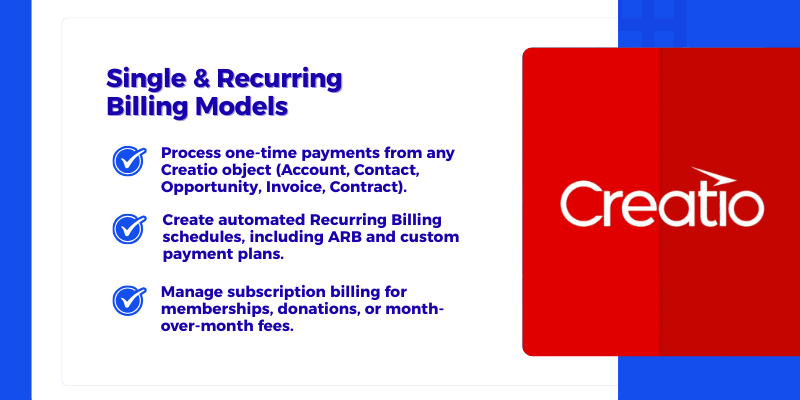
Single & Recurring Billing Models
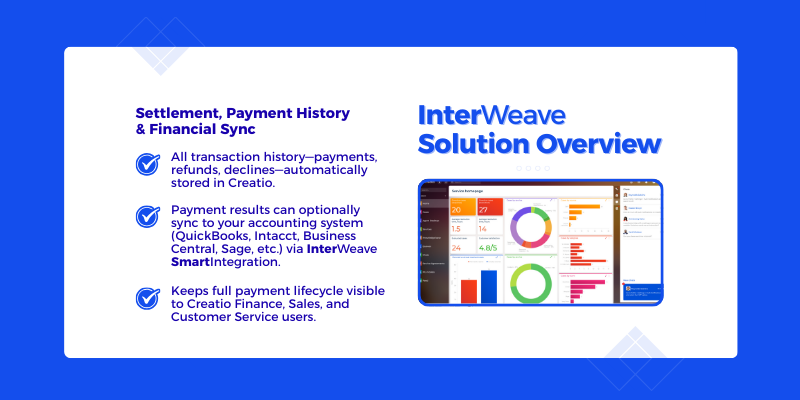
InterWeave Payment Solution Overview
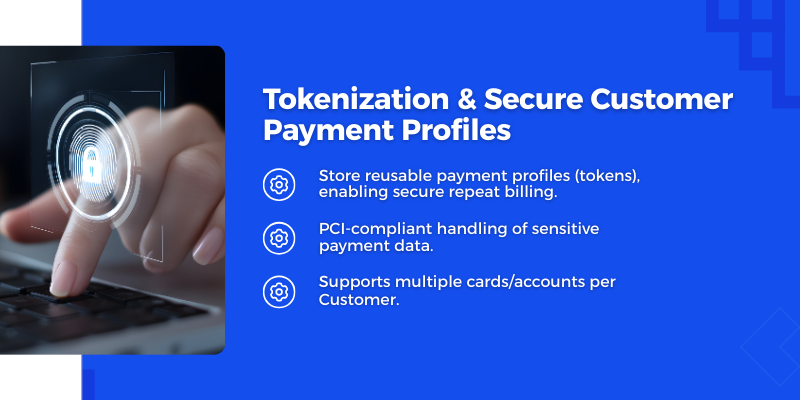
Tokenization & Secure Customer Payment Profiles
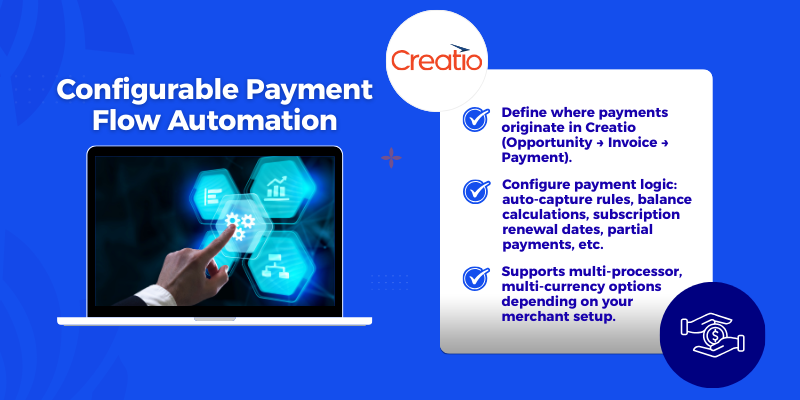
Configurable Payment Flow Automation
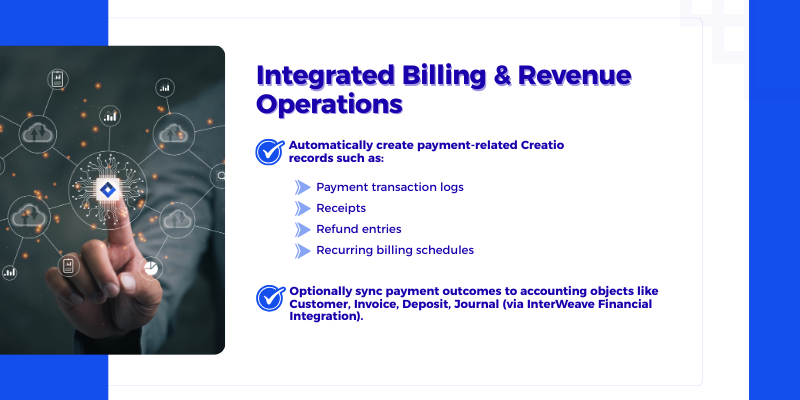
Integrated Billig & Revenue Operations
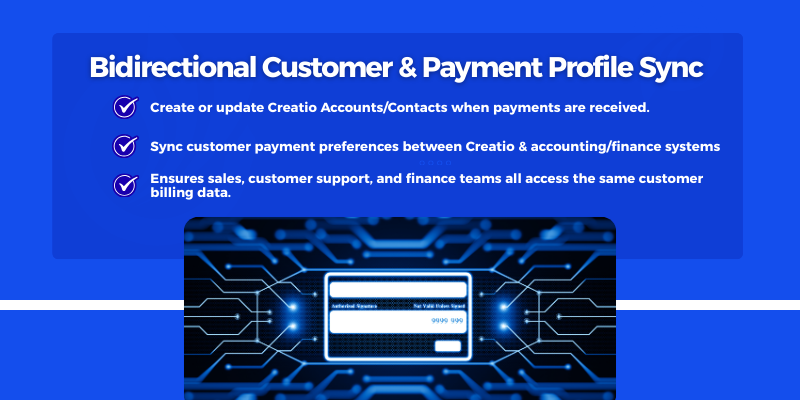
Bidirectional Customer & Payment Profile Sync
Pricing
Third-party solution. The listed price includes the external subscription. Purchase and payment are processed via Creatio.
Terms and Conditions
Support
Additional Support and Training options are available. For more information, go to - InterWeave SmartSupport | InterWeave SmartSolutions.
Installation
Setup guide
Installation & Setup
To ensure a smooth onboarding experience, InterWeave provides a clear, user-friendly setup process for configuring your integration after installation. Follow the steps below to get started:
1. Begin with the Quick Start Guide
After installation, open the Quick Start Setup Guide, which walks you through the initial configuration in a simple, easy-to-follow format. This overview helps you understand required settings before diving into detailed steps.
2. Follow the Step-by-Step Configuration Process
The setup is broken into sequential steps inside the InterWeave Customer Portal and Integration Manager Console. Each step includes direct links to full documentation for deeper learning.
Typical steps include:
- Connecting Creatio and your MSP
- Selecting integration objects
- Mapping fields
- Defining sync direction and schedules
- Running your first test sync
3. Clearly Labeled Setup Stages
Each stage of setup is clearly labeled—Connection Setup, Object Selection, Field Mapping, Workflow Configuration, and Activation—making the process intuitive even for first-time users.
4. Visual Setup Assistance
Screenshots, short video clips, and annotated UI highlights are included to guide users through each screen of the Integration Manager Console. These visuals make the setup easier to understand and reduce onboarding time.
5. Tested, Validated, and Supported
The full installation process is thoroughly tested to ensure smooth operation across all supported environments. Troubleshooting tips and FAQs are included to address common setup questions, along with suggested resolutions.
Please do contact InterWeave for approaches and estimates for implementation that are specific to your own organization's circumstances.
Data sharing
- By installing or downloading the App, you confirm that you agree with sharing your account data (name, email, phone, company and country) with the App Developer as their End User.
- The App Developer will process your data under their privacy policy.
Versions
Versions history
-
Bi-directional payment data synchronization between Creatio and supported payment gateways, enabling automated processing and visibility of payments, refunds, settlements, and transaction statuses directly within Creatio.
-
Expanded payment object support in higher editions, including payment methods, tokens, subscriptions, recurring billing events, refunds, chargebacks, and settlement batches available in Enterprise and Ultimate editions.
-
Enhanced field mapping and extensibility, allowing standard and custom Creatio objects to be mapped to gateway-specific payment fields, metadata, and transaction attributes for tailored payment workflows.
-
Advanced payment workflows and automation, including real-time authorization, capture, refund triggers, recurring billing events, and webhook-driven updates from payment gateways back into Creatio.
-
Configurable, scalable integration architecture supporting uni- or bi-directional flows, real-time or scheduled processing, duplicate detection, idempotency controls, and secure API connectivity.
-
Support for multiple gateways and payment methods, including credit cards, ACH, digital wallets, and alternative payment types, with centralized management through Creatio.
-
Enterprise-grade security and compliance, including tokenization, PCI-aligned design, role-based access controls, audit logging, and secure credential management.
-
Master system and payment ownership rules, enabling organizations to define Creatio as the system of engagement while the payment gateway remains the system of record for transaction execution and settlement.
Manual app installation
- Open the needed app → the Packages tab - download the Markeplace app files.
- Click in the top right → Application Hub
- Click New application. This opens a window.
- Select Install from file and click Select in the window that opens.
- Click Select file on the page of the Marketplace App Installation Wizard and specify the app file path.
Configuration, Training and initial support are separate from License. See Pre-Configured Integration Solutions | InterWeave Smart Tracks / InterWeave SmartTracks Payment Processing for details.