

InterWeave QuickBooks Integration
Overview
Product overview
Each Edition provides a powerful set of advanced configuration options and features, enabling organizations to choose the package that best matches their operational requirements and budget. Real-time data synchronization, customizable workflows, multi-directional integration support, and prebuilt logic are only the beginning of what SmartTracks delivers. Each Edition scales with your business, offering increasing depth, flexibility, and automation as you move up.
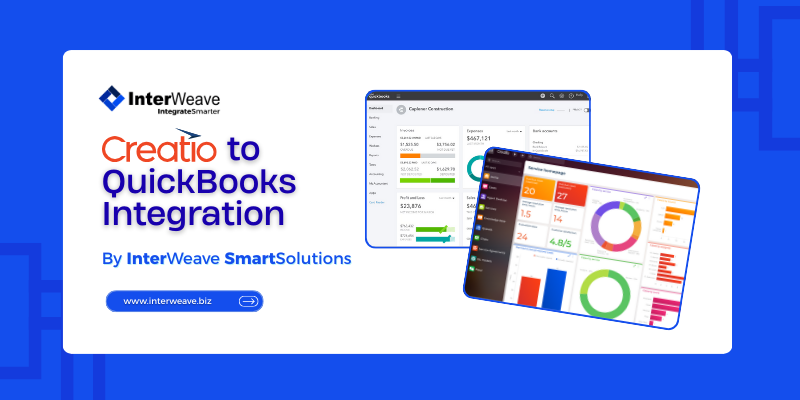
With InterWeave SmartTracks, you can configure a fully customized integration experience that connects all key QuickBooks objects—Customers, Vendors, Contacts, Sales Orders, Sales Receipts, Invoices, Estimates, Jobs, Items, and more—with both standard and custom Creatio objects such as Accounts, Contacts, Opportunities, Orders, Invoices, Products, and Cases. This enables a unified data environment where CRM and financial systems operate seamlessly together, eliminating manual entry and ensuring consistent, accurate information across the organization.
The integration is powered by the InterWeave SmartSolutions Platform and is managed through the Integration Manager Console—a user-friendly interface that allows administrators to control how, when, and what data synchronizes. You can define schedules, trigger real-time updates, adjust mappings, modify sync directions, and manage workflows without writing a single line of code. The result is a flexible, scalable, and fully configurable integration framework designed to grow with your business.
Key Features
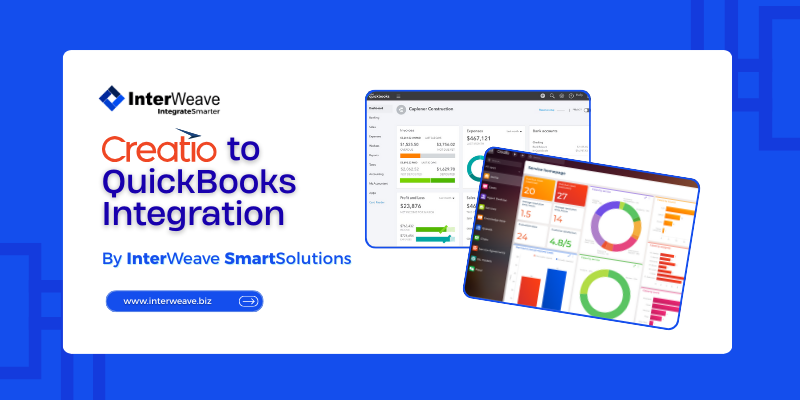
Creatio to QuickBooks Integration
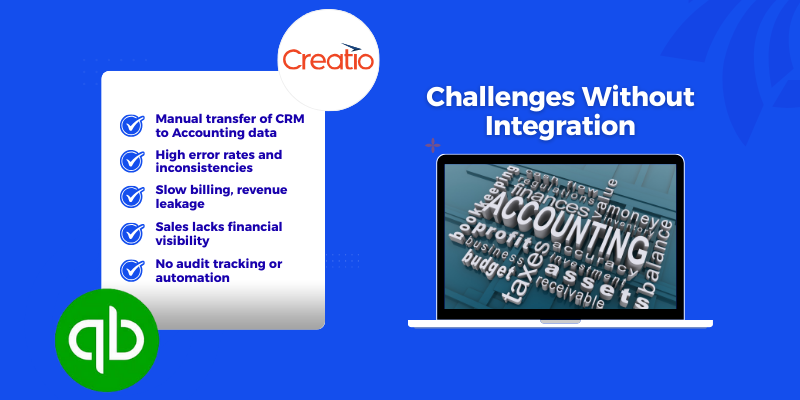
Challenges without Integration
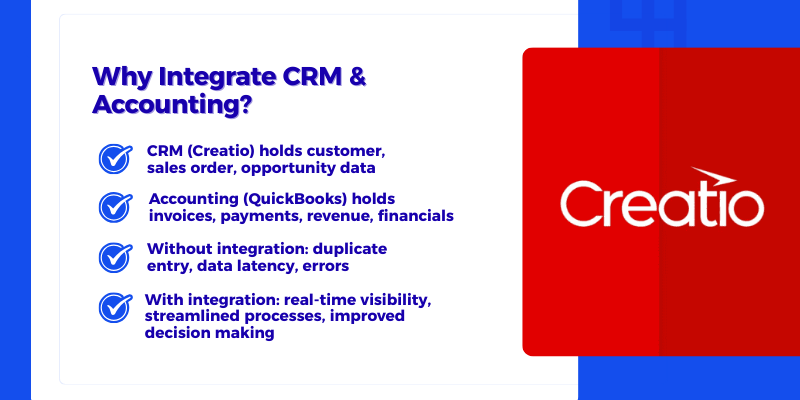
Why Integration CRM & Accounting
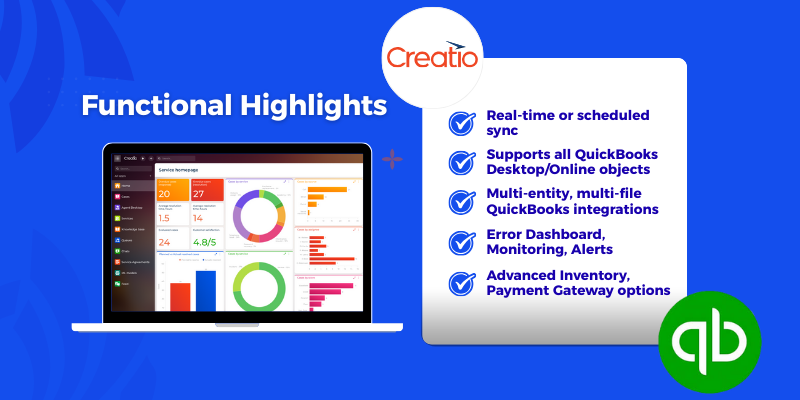
Functional Highlights
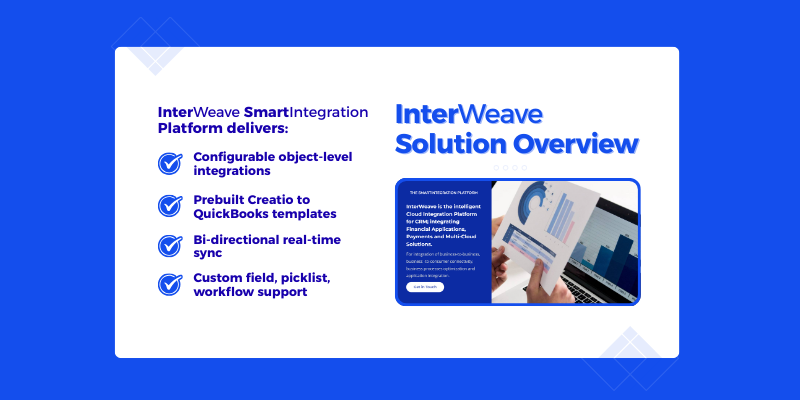
InterWeave Solutions Overview
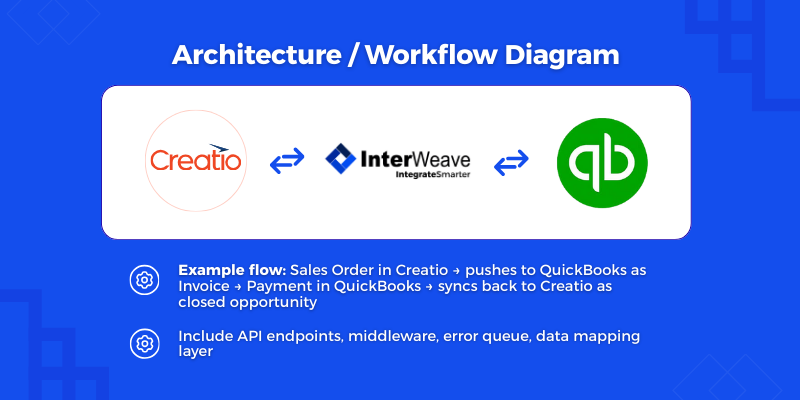
Architecture / Workflow Diagram
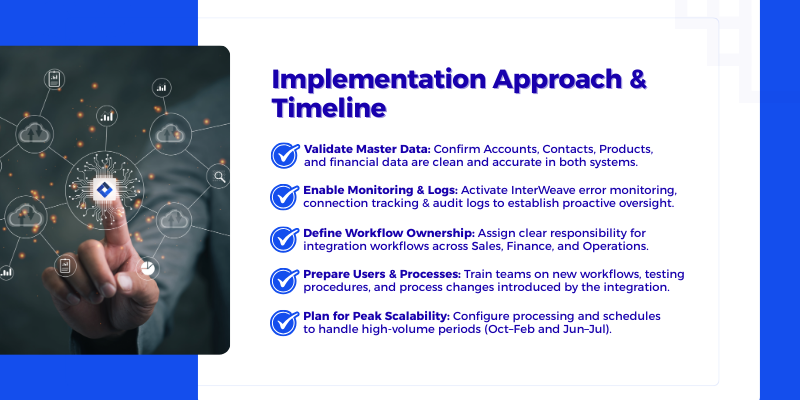
Implementation Approach & Timeline
Pricing
Third-party solution. The listed price includes the external subscription. Purchase and payment are processed via Creatio.
- The InterWeave Creatio to QuickBooks Solution is offered as a subscription-based integration compatible with supported QuickBooks Desktop and QuickBooks Online environments. Pricing includes access to the InterWeave SmartSolutions platform, preconfigured QuickBooks connectors, configurable data mappings, workflow automation, monitoring, and ongoing platform maintenance.
- An active Creatio license and a supported QuickBooks license are required to use this integration. Implementation, configuration, data migration, and any custom workflow or financial logic services are not included in the subscription price and are scoped separately based on integration complexity, data volumes, and business requirements.
- Creatio licensing fees are not included in the listed pricing. QuickBooks licensing, hosting, and any third-party service costs are billed directly by the respective providers.
- Configuration, training, and initial support services are not included with the license subscription. For more information, please refer to Salesforce to QuickBooks Desktop SmartTracks - The SmartIntegration Platform
Terms and Conditions
Support
Support Availability
InterWeave provides full customer support for all Creatio–QuickBooks Solutions during the following hours: Monday–Friday, 9:00 AM–6:00 PM Eastern Time (ET) Support is not available on U.S. federal holidays.
Response Times
-
Standard Support: Initial response within 1 business day
-
Priority Support (active implementation): Initial response within 4 business hours
-
Critical Issues (system down): Immediate triage and response within 1 hour
How to Access Support Customers may reach InterWeave Support through any of the following channels:
-
Email: support@interweave.biz
-
Phone: 800-671-8592 x3
-
Submit a Ticket: https://interweave.freshdesk.com/support/home
-
Knowledge Base & Documentation: Accessible via https://academy.interweave.biz/
Training & Additional Services InterWeave offers onboarding, training, and support packages tailored to customer needs.
Installation
Setup guide
Installation & Setup
To ensure a smooth onboarding experience, InterWeave provides a clear, user-friendly setup process for configuring your integration after installation. Follow the steps below to get started:
1. Begin with the Quick Start Guide
After installation, open the Quick Start Setup Guide, which walks you through the initial configuration in a simple, easy-to-follow format. This overview helps you understand required settings before diving into detailed steps.
2. Follow the Step-by-Step Configuration Process
The setup is broken into sequential steps inside the InterWeave Customer Portal and Integration Manager Console. Each step includes direct links to full documentation for deeper learning.
Typical steps include:
-
Connecting Creatio and QuickBooks
-
Selecting integration objects
-
Mapping fields
-
Defining sync direction and schedules
-
Running your first test sync
3. Clearly Labeled Setup Stages
Each stage of setup is clearly labeled—Connection Setup, Object Selection, Field Mapping, Workflow Configuration, and Activation—making the process intuitive even for first-time users.
4. Visual Setup Assistance
Screenshots, short video clips, and annotated UI highlights are included to guide users through each screen of the Integration Manager Console. These visuals make the setup easier to understand and reduce onboarding time.
5. Tested, Validated, and Supported
The full installation process is thoroughly tested to ensure smooth operation across all supported environments (Desktop, Online, Multi-Company). Troubleshooting tips and FAQs are included to address common setup questions, along with suggested resolutions.
Please do contact InterWeave for approaches and estimates for implementation that are specific to your own organization's circumstances.
Data sharing
- By installing or downloading the App, you confirm that you agree with sharing your account data (name, email, phone, company and country) with the App Developer as their End User.
- The App Developer will process your data under their privacy policy.
Versions
Versions history
Here’s a summary of what’s new or notable in the Creatio to QuickBooks Solution (especially in recent editions like Enterprise and Ultimate) and the integration in general:
Key enhancements and new capabilities:
-
Bi-directional AR/AP synchronization between Creatio and QuickBooks, enabling automated transfer of sales and financial transactions (invoices, payments, bills, etc.).
-
Expanded financial object support in higher editions: CRM Objects to Accounts, Journal Entries, and Time Tracking are included in the Ultimate Edition.
-
Extended mapping and custom field support, allowing more flexible and tailored integration of Creatio and QuickBooks data models.
-
New payment and commerce features such as custom payment portals, payment gateways, and eCommerce/inventory integration in the Ultimate Edition.
-
Configurable, scalable integration platform that supports uni- or bi-directional workflows, conflict detection and resolution (duplicate checks), and secure API connections.
-
Enterprise-level support for multi-entity and hosted QuickBooks environments with secure connectivity and role-based access controls.
-
Master system rule logic to determine authoritative data sources (e.g., CRM for customer records, QuickBooks for financials) and prevent duplicates.
These new and enhanced features reflect an enhanced approach to data synchronization for a comprehensive automation of financial processes and deeper integration between sales/CRM and accounting workflows.
Manual app installation
- Open the needed app → the Packages tab - download the Markeplace app files.
- Click in the top right → Application Hub
- Click New application. This opens a window.
- Select Install from file and click Select in the window that opens.
- Click Select file on the page of the Marketplace App Installation Wizard and specify the app file path.
Reviews
Featured In
CBC now benefits from a fully integrated, no-code CRM ecosystem that improves operational efficiency, ensures data accuracy, and supports compliance with healthcare standards. By automating financial processes and unifying workflows, the organization can focus on delivering high-quality behavioral health services at scale.