


InterWeave Sage Intacct Integration
Overview
Product overview
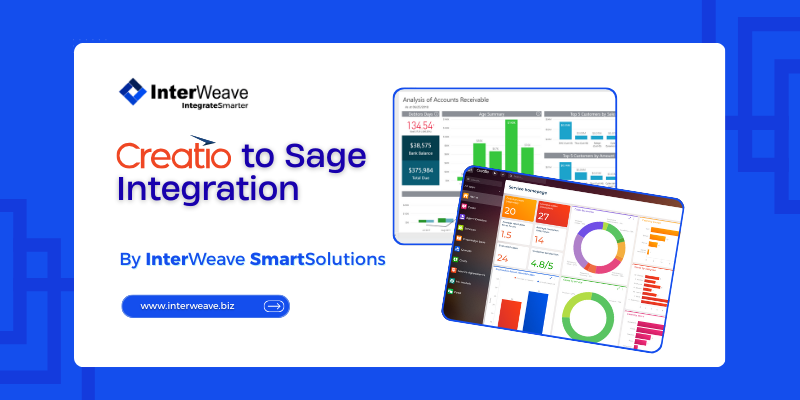
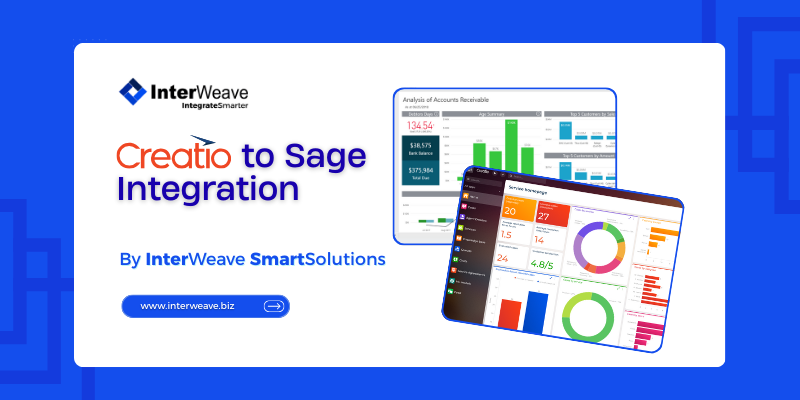
InterWeave Sage Intacct Integration uses a configurable, API-driven connector to synchronize data between the Creatio CRM and Sage Intacct financial system. It supports uni-directional or bi-directional workflows at the object level so that records such as customers/accounts, contacts, orders, invoices, payments, products, and other financial objects are created or updated consistently across both systems.
The solution maps standard and custom fields and includes built-in error handling, monitoring, and configurable business logic to enforce data integrity between CRM and ERP platforms. It can be tailored to customer needs through configurable tracks and integration mappings. The approach aims to automate repetitive processes and provide a seamless data flow between front-office (sales/CRM) and back-office (accounting/ERP) systems.
Business Benefits:
- Automated Financial Workflows
By automating the synchronization of opportunities, invoices, payments, and billing between Creatio and Sage Intacct, organizations eliminate manual re-entry, reduce human error, and speed up key processes such as sales-to-cash cycles. This reduces operational costs and accelerates revenue recognition. - Data Consistency and Accuracy
Integrated systems ensure that customer, order, and payment information is current and consistent in both CRM and accounting systems, improving reporting accuracy and reducing discrepancies. - Improved Cross-Department Visibility
Sales, finance, and service teams gain access to a unified view of customer and financial data, enabling better coordination, faster decision-making, and enhanced customer service. - Reduced Manual Effort and Risk
Eliminating duplicate data entry and manual handoffs reduces administrative workload and the risk of costly errors, freeing staff to focus on strategic tasks rather than transactional work. - Enhanced Operational Efficiency
End-to-end process automation between CRM and ERP reduces cycle times for order fulfillment, billing, and collections, improving overall operational throughput and scalability. - Scalability and Flexibility
The configurable integration platform enables businesses to adapt workflows, add objects, and expand functionality as needs evolve without heavy custom development.
Key Features
Creatio to Sage Integration
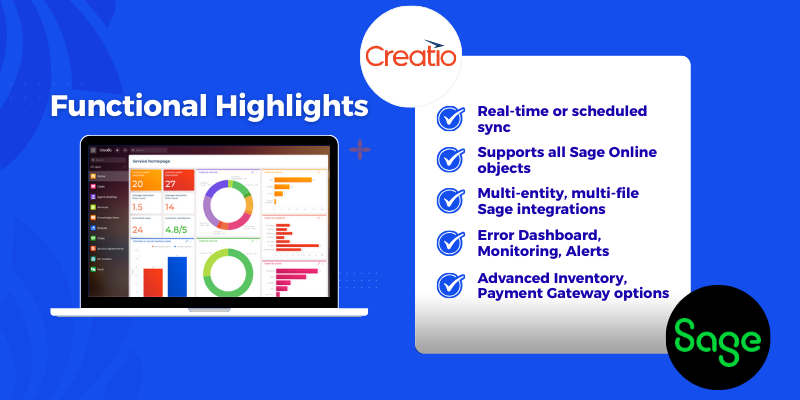
Creatio to Sage Functional Highlights
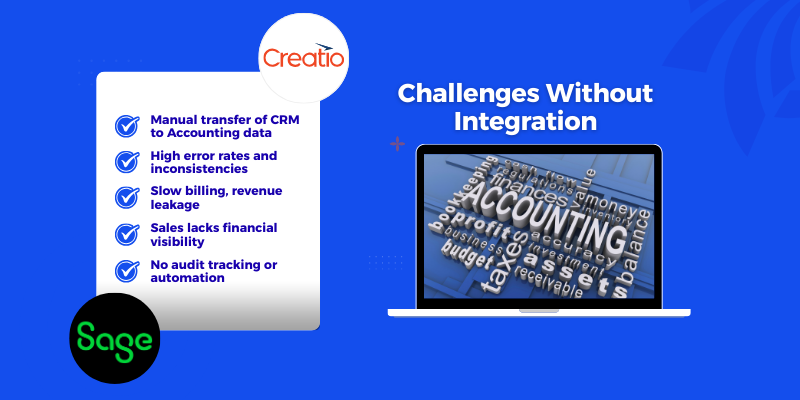
Challenges Without Integration
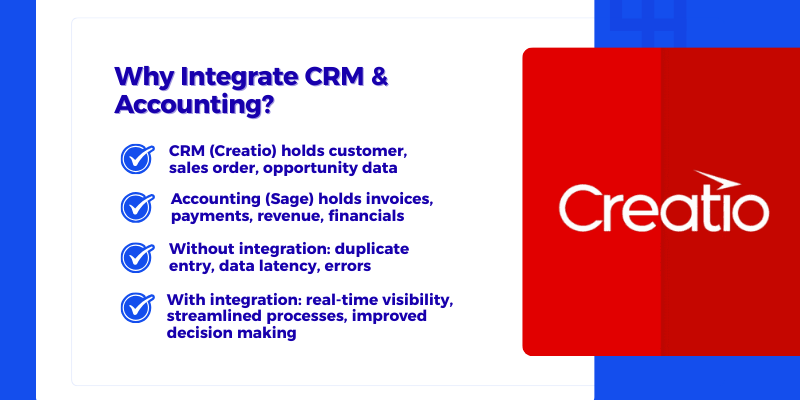
Why Integrate CRM & Accounting?
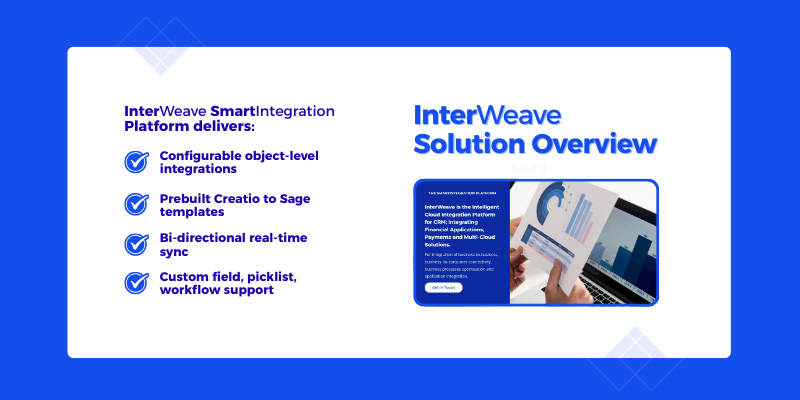
InterWeave Solution Overview
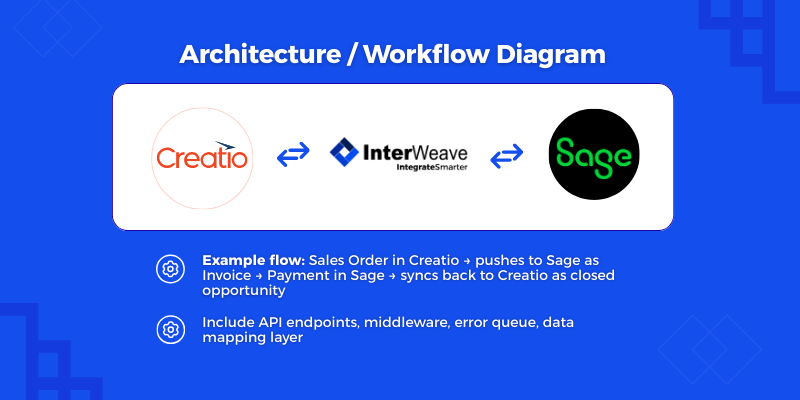
Architecture / Workflow Diagram
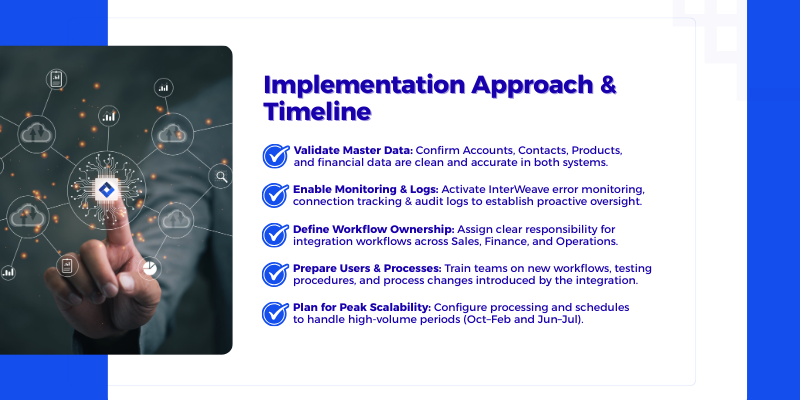
Implementation Approach & Timeline
Pricing
Third-party solution. The listed price includes the external subscription. Purchase and payment are processed via Creatio.
Terms and Conditions
Support
The InterWeave Creatio to Sage Solution is an enterprise-grade integration designed to support a wide range of financial workflows, including AR/AP automation, invoicing, payments, and multi-entity accounting. Because implementation scope varies significantly by Sage edition, company structure, and financial processes, implementation estimates are provided on a case-by-case basis. Please contact InterWeave to discuss implementation approaches, timelines, and pricing tailored to your organization’s specific needs. Additional Support and Training options are available. For more information, go to - InterWeave SmartSupport | InterWeave SmartSolutions.
Installation
Setup guide
Creatio to Sage Intacct – Installation & Setup
To ensure a smooth onboarding experience, InterWeave provides a guided, user-friendly setup process for configuring your Creatio to Sage Intacct integration.
1. Start with the Quick Start Guide
After installation, open the Quick Start Setup Guide for a clear overview of required settings and initial configuration steps.
2. Follow the Step-by-Step Configuration
Setup is completed through the InterWeave Customer Portal and Integration Manager Console, with each step linking to detailed documentation. Typical steps include:
-
Connecting Creatio and Sage Intacct
-
Selecting integration objects
-
Mapping fields and dimensions
-
Defining sync direction and schedules
-
Running initial test synchronizations
3. Clearly Defined Setup Stages
Each phase is labeled—Connection Setup, Object Selection, Field Mapping, Workflow Configuration, and Activation—making the process intuitive for all users.
4. Visual Setup Guidance
Screenshots, short videos, and annotated UI elements guide users through each configuration screen, reducing onboarding time and errors.
5. Tested, Validated, and Supported
The integration is fully tested across supported environments. Troubleshooting tips, FAQs, and support resources are provided to address common setup questions.
For implementation approaches and estimates tailored to your organization, please contact InterWeave directly.
Resources
Data sharing
- By installing or downloading the App, you confirm that you agree with sharing your account data (name, email, phone, company and country) with the App Developer as their End User.
- The App Developer will process your data under their privacy policy.
Versions
Versions history
General SmartTracks Enhancements
-
The SmartTracks program provides pre-configured CRM-to-financial integration solutions that streamline invoicing, payments, AR/AP workflows, and revenue recognition with real-time data sync and customizable workflows.
Professional Edition Highlights
-
Bi-directional synchronization covering Accounts Receivable and Accounts Payable transactions between Creatio and Sage Intacct.
-
Standard CRM objects automatically mapped to financial objects (e.g., customers, orders, invoices, payments, bills, vendor credits, deposits, checks).
-
Connection and error monitoring with log viewer and automated notifications.
Enterprise Edition Additions (Beyond Professional)
-
Adds multi-currency support, composable price books, and the ability to integrate with multiple company files.
-
Multi-cloud and multiple-node integration support, enabling broader integration scenarios.
-
Integration with multiple financial applications alongside Sage Intacct.
Ultimate Edition Enhancements (Beyond Enterprise)
-
New CRM object mappings such as Chart of Accounts (COA), Journal Entries, and Time Tracking.
-
Extended custom mapping support for more tailored integrations.
-
Additional commerce and payment features including payment gateways, custom payment portals, eCommerce gateways, and inventory management integration.
In summary, what’s new in this Sage Intacct integration is the progression from standard AR/AP syncing in the Professional Edition to enterprise-grade multi-entity and multi-cloud support, and finally to enhanced financial object mapping and payment/commerce capabilities in the Ultimate Edition.
Manual app installation
- Open the needed app → the Packages tab - download the Markeplace app files.
- Click in the top right → Application Hub
- Click New application. This opens a window.
- Select Install from file and click Select in the window that opens.
- Click Select file on the page of the Marketplace App Installation Wizard and specify the app file path.
Configuration, Training and initial Support is separate from License. For more info, go to Service Charges.