KYCScreen Customer Screening for Creatio

Not rated
KYCScreen enables organisations to screen customers and related parties against sanctions and watchlists, supporting consistent and efficient KYC compliance within Creatio.

Overview

Product overview

Product description

KYCScreen is a customer screening solution designed to support KYC and sanctions compliance by enabling both regular and on-demand screening of customers and related persons against watchlists. It automates recurring checks, supports real-time verification using configurable search criteria, and centralises all screening results, including match details, statuses, and history. The system generates and manages alerts for potential matches, supporting structured investigation and decision-making, while maintaining full traceability of screening activities to ensure transparency, consistency, and regulatory compliance.

The solution supports screening against official free sanctions lists (OFAC, EU, UK, and UN), as well as paid watchlists from providers such as Dow Jones, LexisNexis, and Refinitiv, including PEP and adverse media data.

Use cases:

Customer Onboarding Compliance
Screen new customers and related parties during onboarding to identify risks early and ensure compliance before activation.

Ongoing Customer Monitoring
Continuously screen existing customer and related parties to detect changes in risk profiles and respond to updates in sanctions and watchlists.

On-Demand Screening
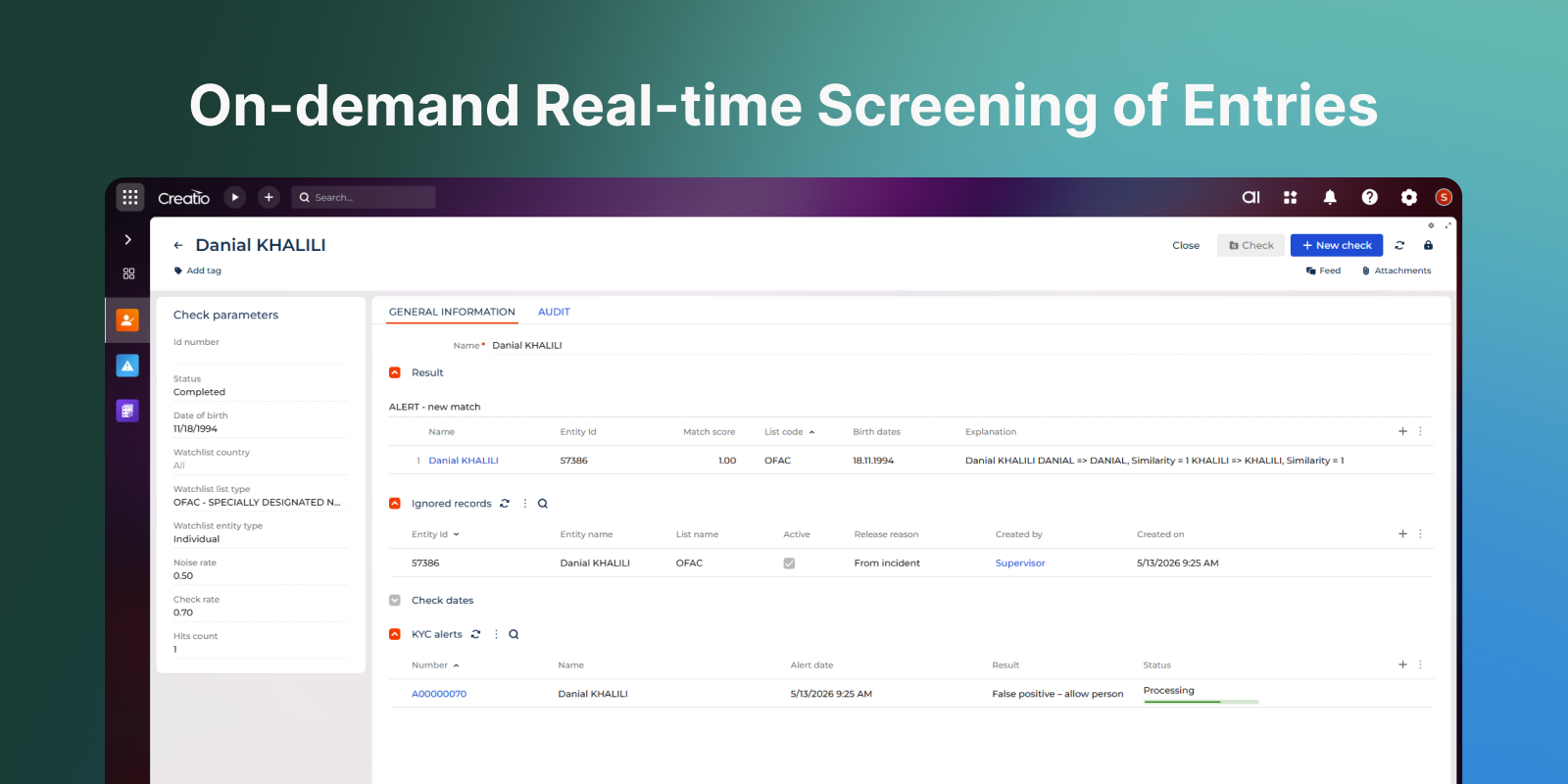
Perform online screening at any time using flexible search criteria to verify customers and related parties as part of any analysis.

Event-Based Screening
Trigger additional screening during key events such as profile updates or high-risk activities to maintain up-to-date compliance.

Alert Review and Decision-Making
Enable compliance teams to efficiently assess potential matches, apply consistent decisions, and maintain clear audit trails.

Key Features
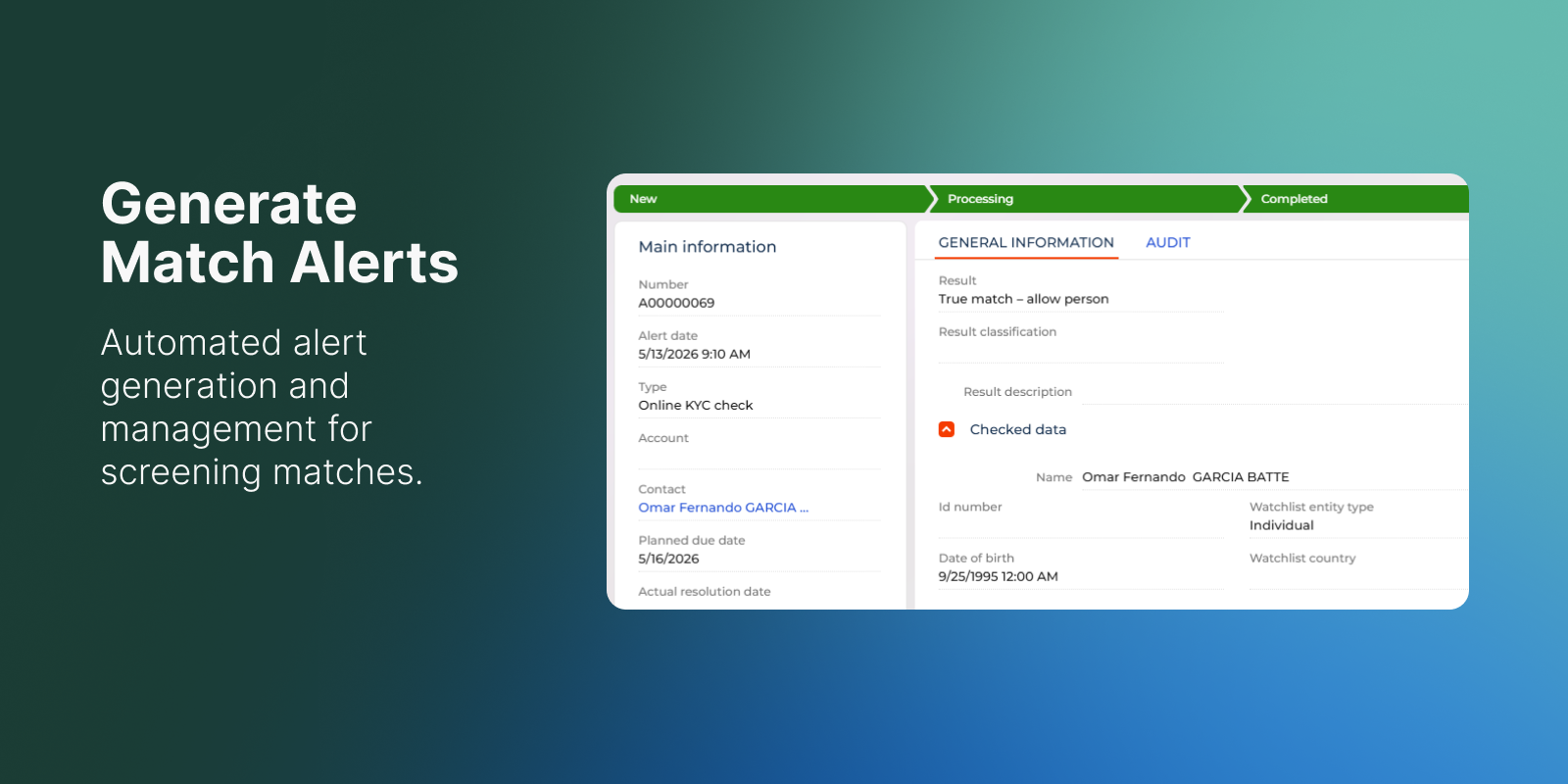
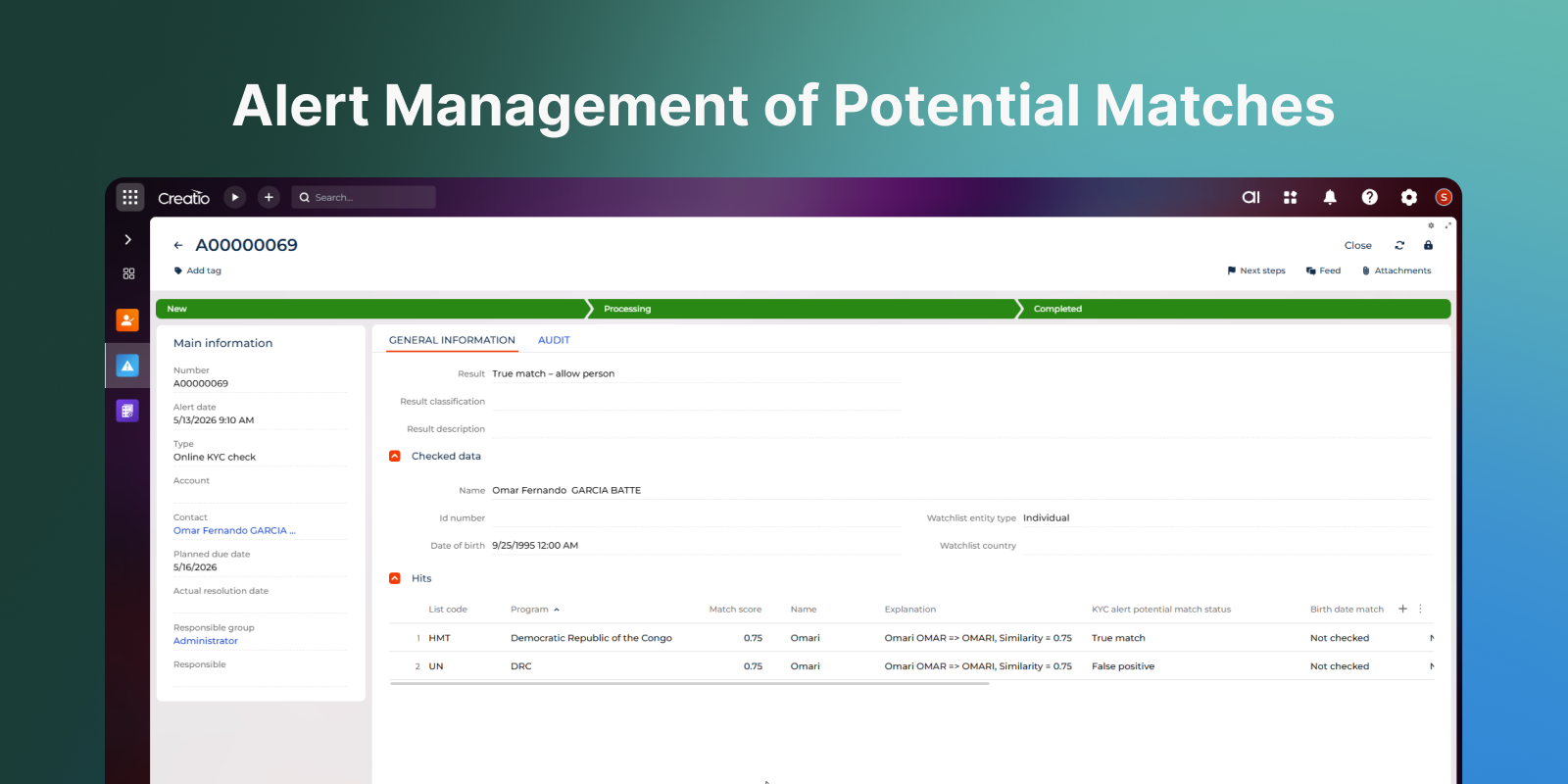
Generate Match Alerts
Automatically generate alerts when potential matches are detected. Route alerts through workflows for investigation and resolution. Display detailed match information, including scoring and supporting attributes. Allow users to define and apply configurable resolution outcomes such as false positive, true match, or block.

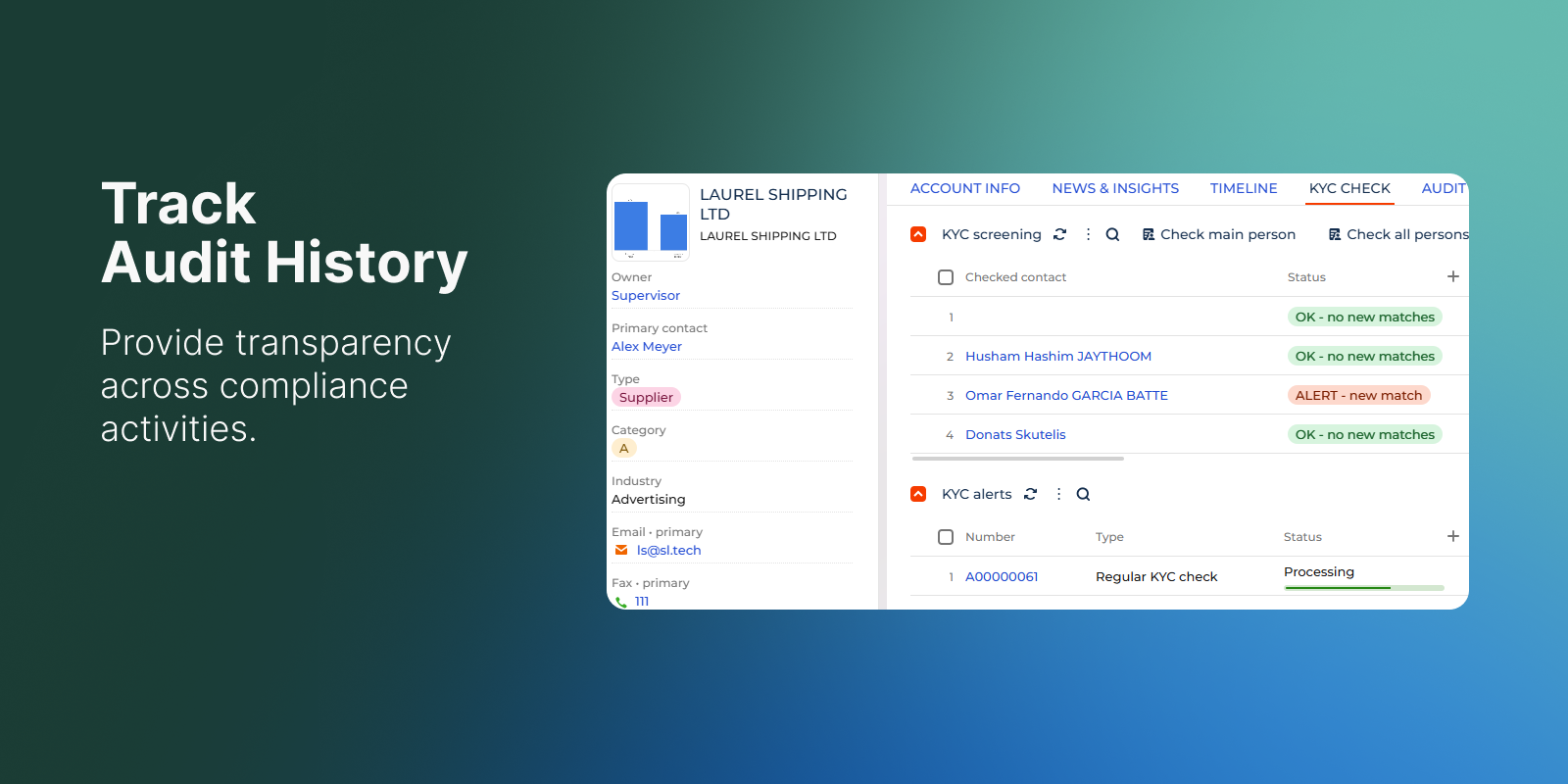
Track Audit History

Record all screening activities and actions. Track changes, decisions, and processing history for full transparency. Ensure that all compliance operations are traceable for internal review and regulatory audits. Provide easy access to historical data for analysis and reporting.

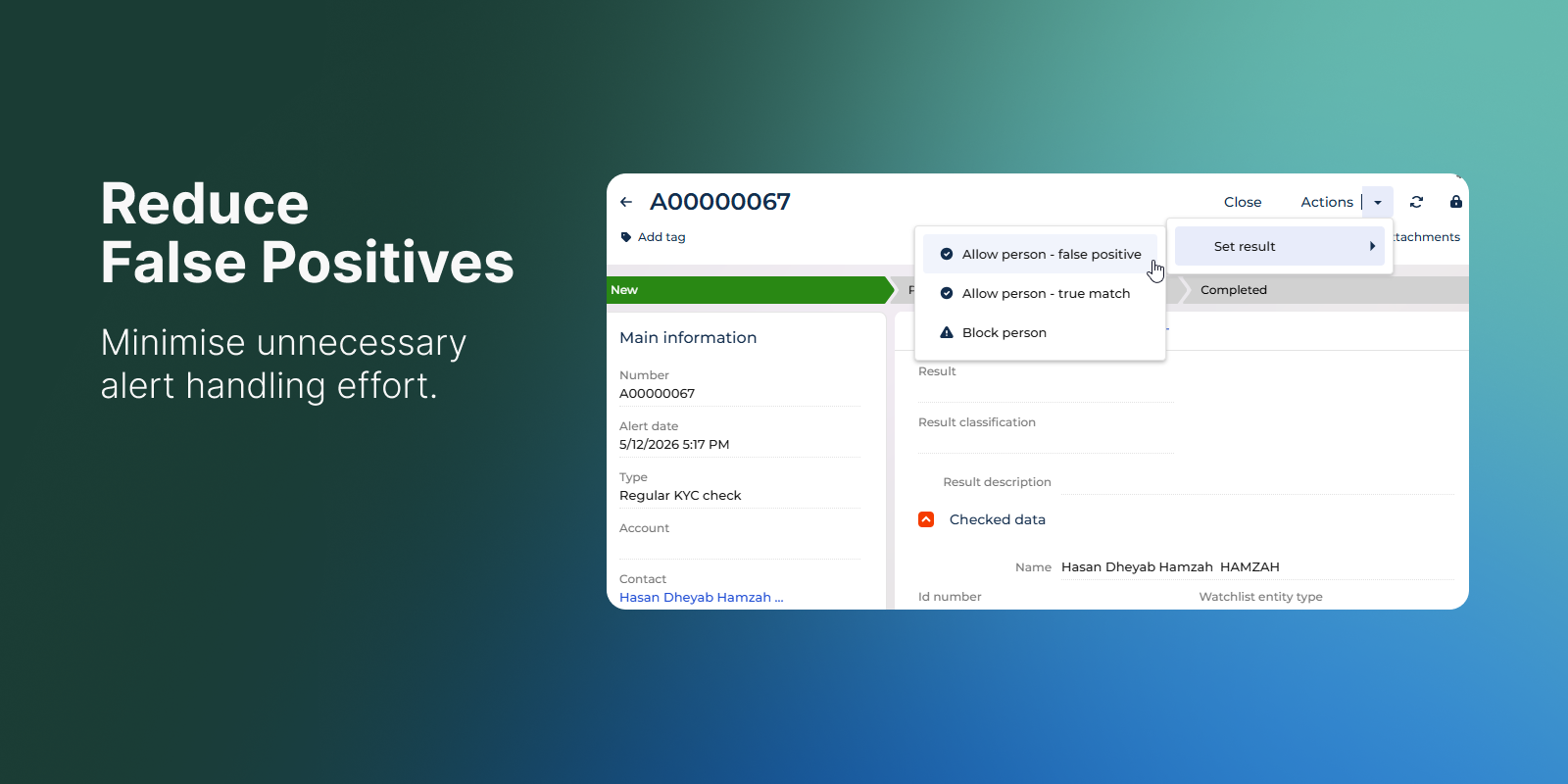
Reduce False Positives

Mark matches as false positives during review. Exclude ignored entries from future screenings. Apply configurable tuning settings to optimise matching logic and minimise false positives. Continuously improve screening accuracy through feedback loops.

Run On-Demand Screening

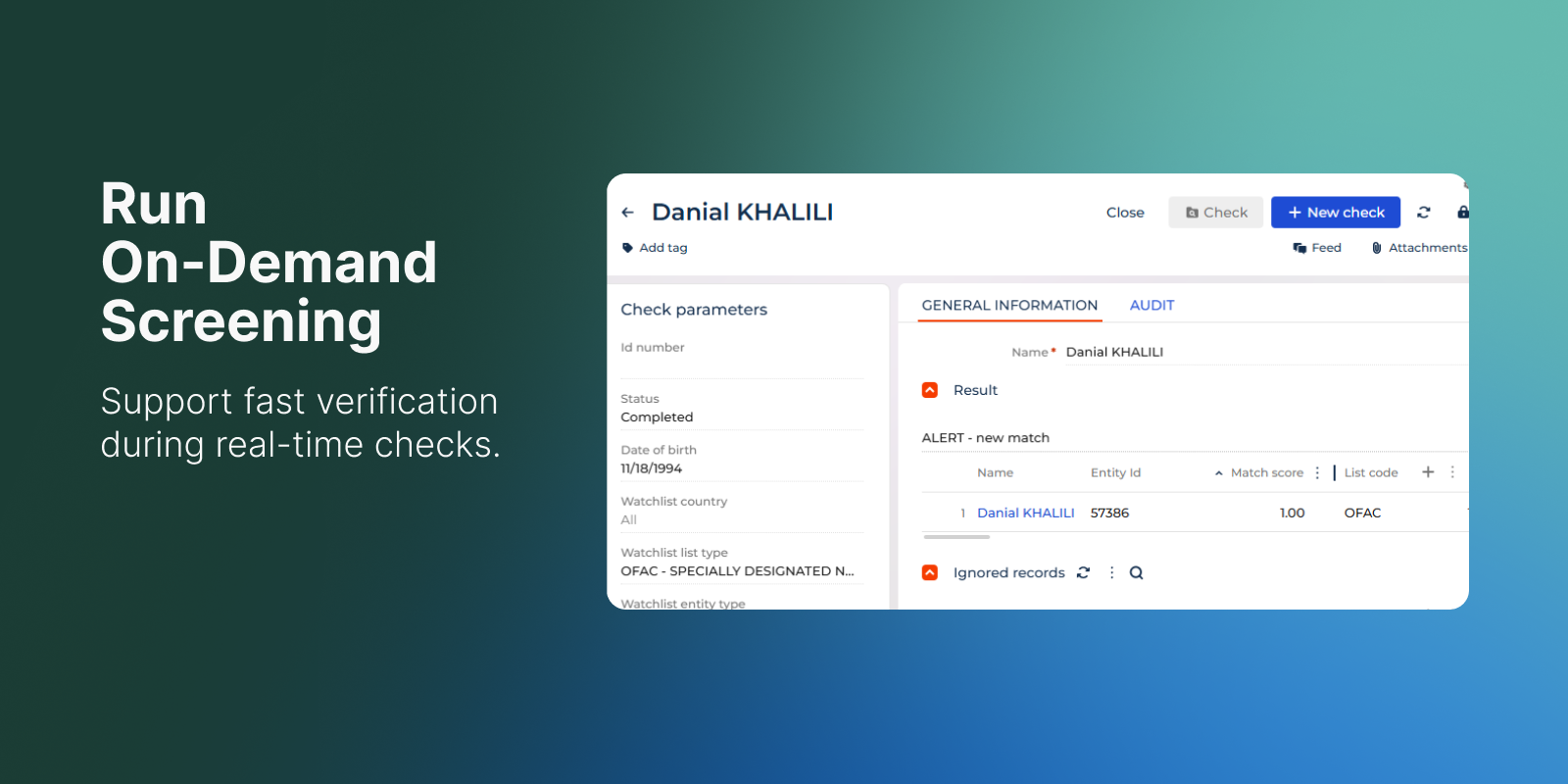
Perform real-time screening of entries using flexible search criteria such as name, date of birth, country, and person type. Adjust and repeat screening requests. Provide immediate visibility of match results and hit counts. Enable export of screening results for reporting, documentation, and audit purposes.

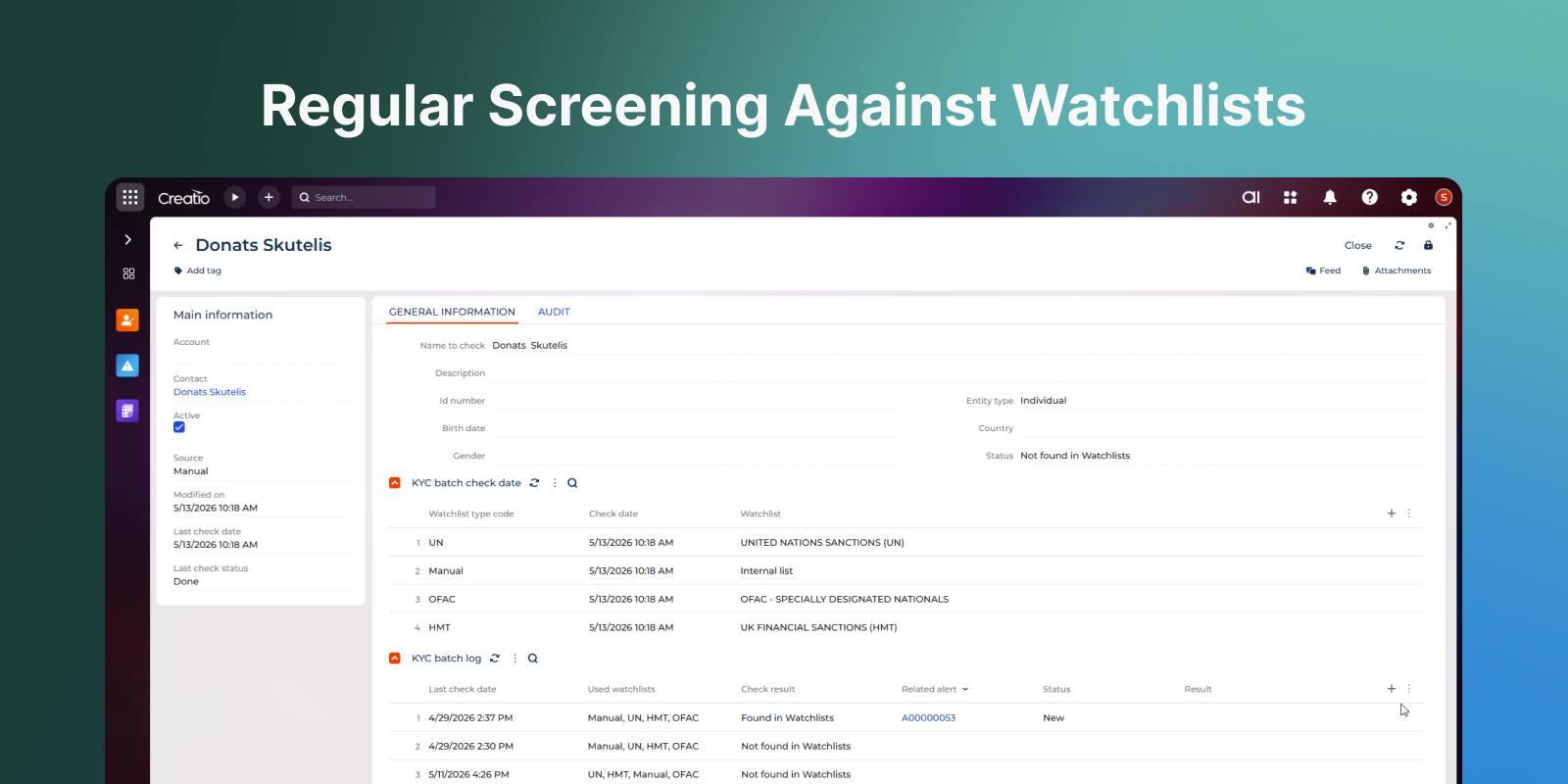
Automate Regular Screening

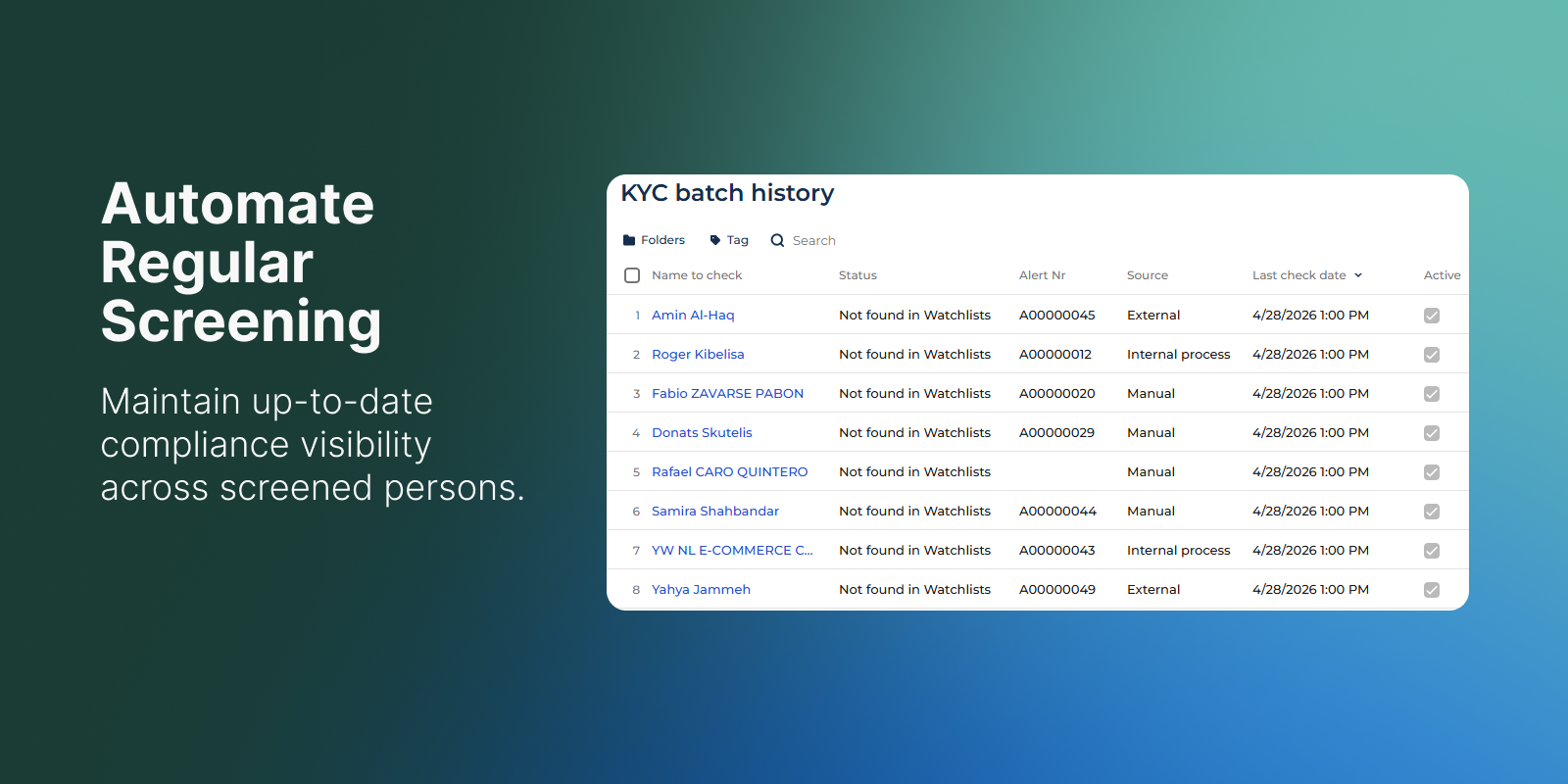
Automate regular screening of persons against sanctions and watchlists to ensure continuous compliance monitoring. Maintain a centralised register with current screening status. Track full screening history, including previous matches and actions taken. Support both manual and automated inclusion of persons into regular checks.

Review Screening Status

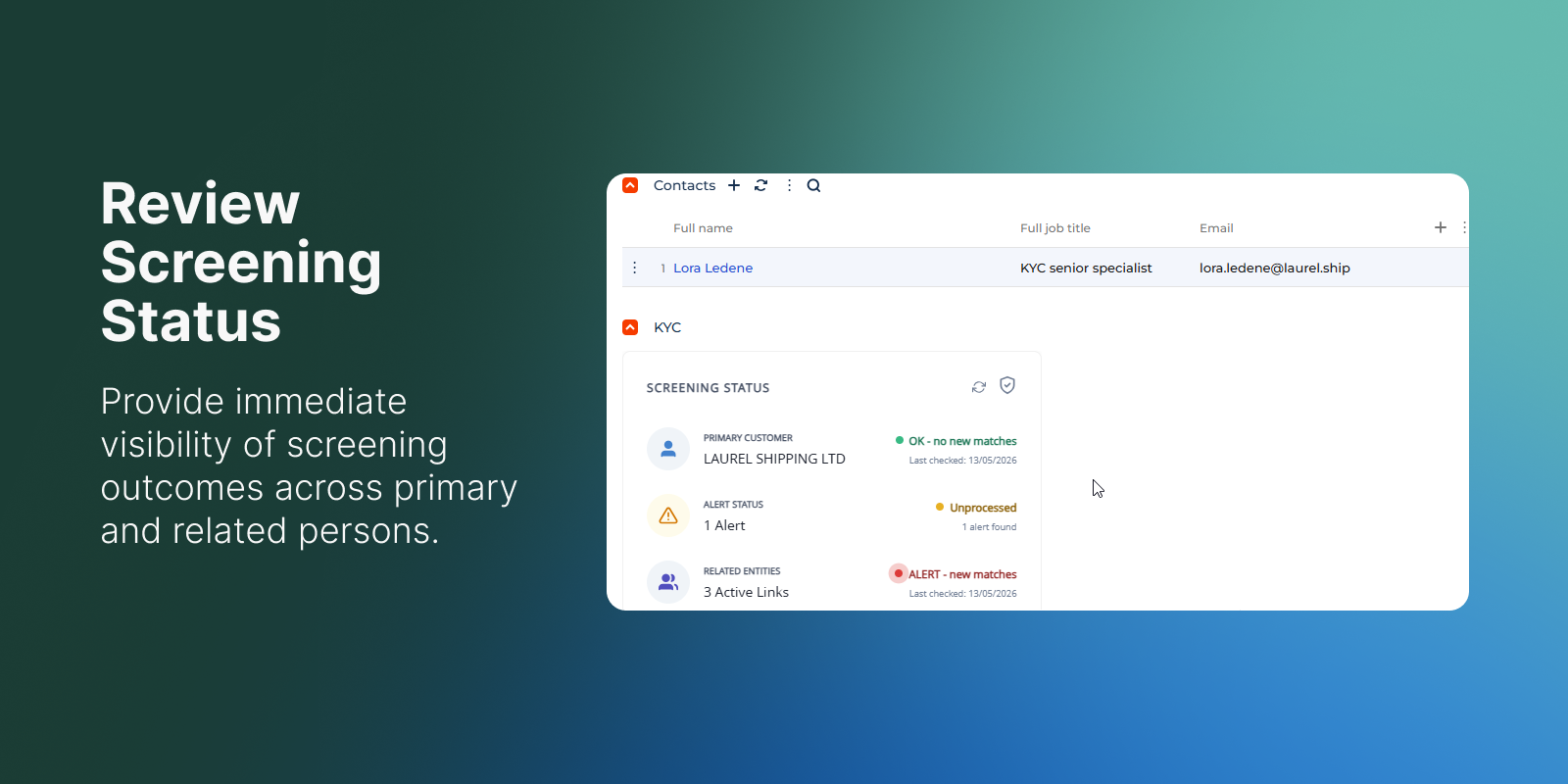
Display the latest screening result for the selected customer in a dedicated interface element. Present separate status indicators for the main profile and linked person. Show recent check dates and current screening outcomes in one consolidated view. Support faster review of screening coverage across connected entities.

Categories

UI Framework

UI Framework
Freedom UI

Type

Type
Application

Price

Price
Paid

Compatible with Creatio

Version
8.3.0 and up

Release information

Launched:
Updated:

Pricing

Monthly
Annual
Standard
$ 350.00 / month
billed annually

Terms and Conditions

By installing this product you agree to terms and conditions outlined in the license agreement.

Support

Support is available for this application
Support is provided by the developer within the “Basic” and “Business” packages. Detailed information about the support packages and the support terms can be found on the Creatio website.

Installation

Setup guide

For installation and setup, please contact the solution developer Confero Technologies or your personal manager at Creatio. Find detailed info about the app setup in Admin Manual.

Compatibility notes

Compatibility notes
The solution requires additional microservice deployed in Kubernetes cluster.

Product compatibility

UI Framework

Freedom UI

Deployment Options

Cloud
On-site

DBMS

PostgreSQL
MS SQL

Platform

.NET Framework

Compatible with Creatio

8.3.0 and up

Versions

Versions history

Version
Compatibility
Release date
1.0.0
8.3.0 and up
May 19, 2026
Release summary
Initial release

Manual app installation

  1. Open the needed app → the Packages tab - download the Markeplace app files.
  2. Click in the top right → Application Hub
  3. Click New application. This opens a window.
  4. Select Install from file and click Select in the window that opens.
  5. Click Select file on the page of the Marketplace App Installation Wizard and specify the app file path.

Reviews