

Landingi
Overview

Product overview
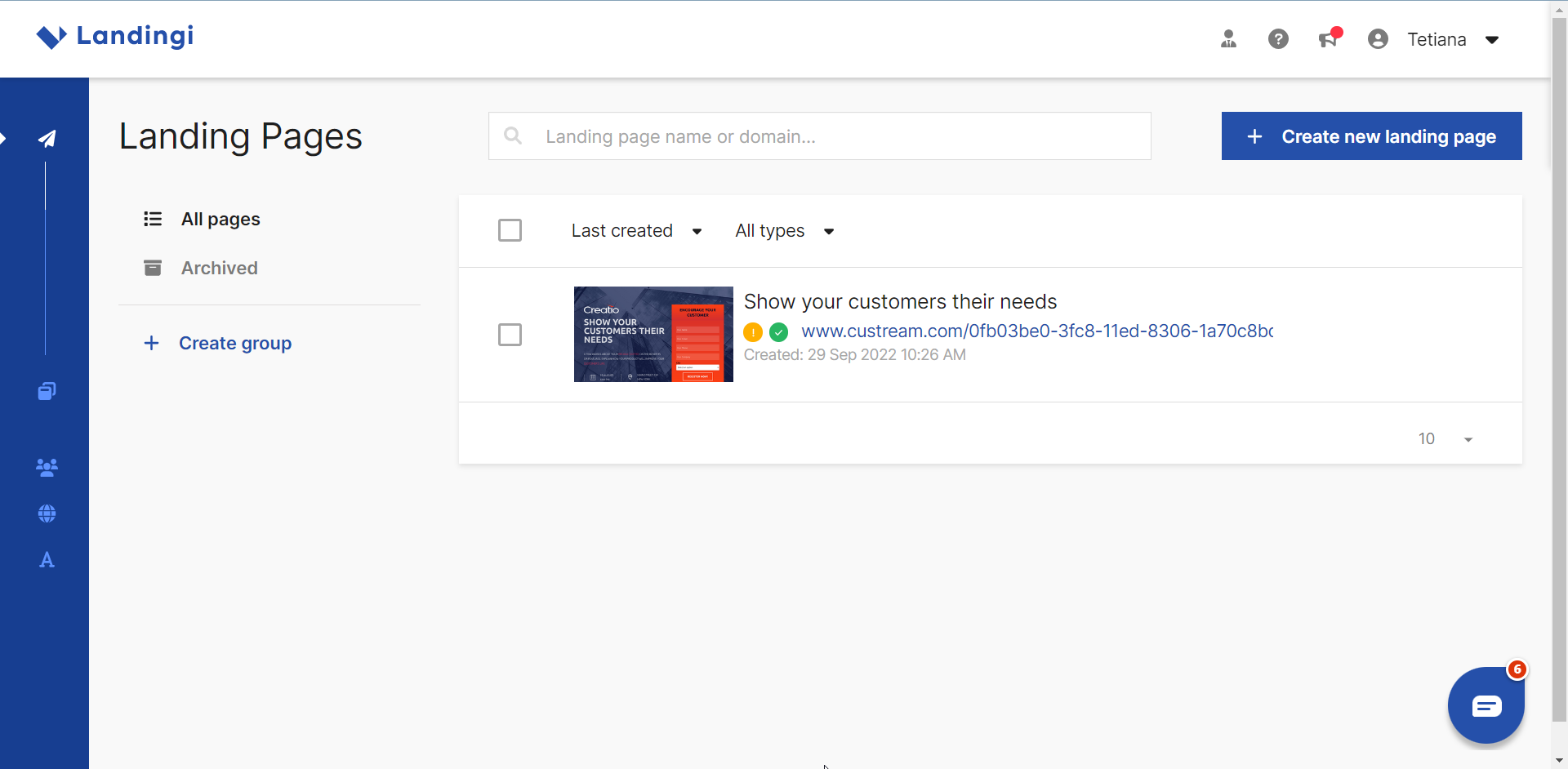
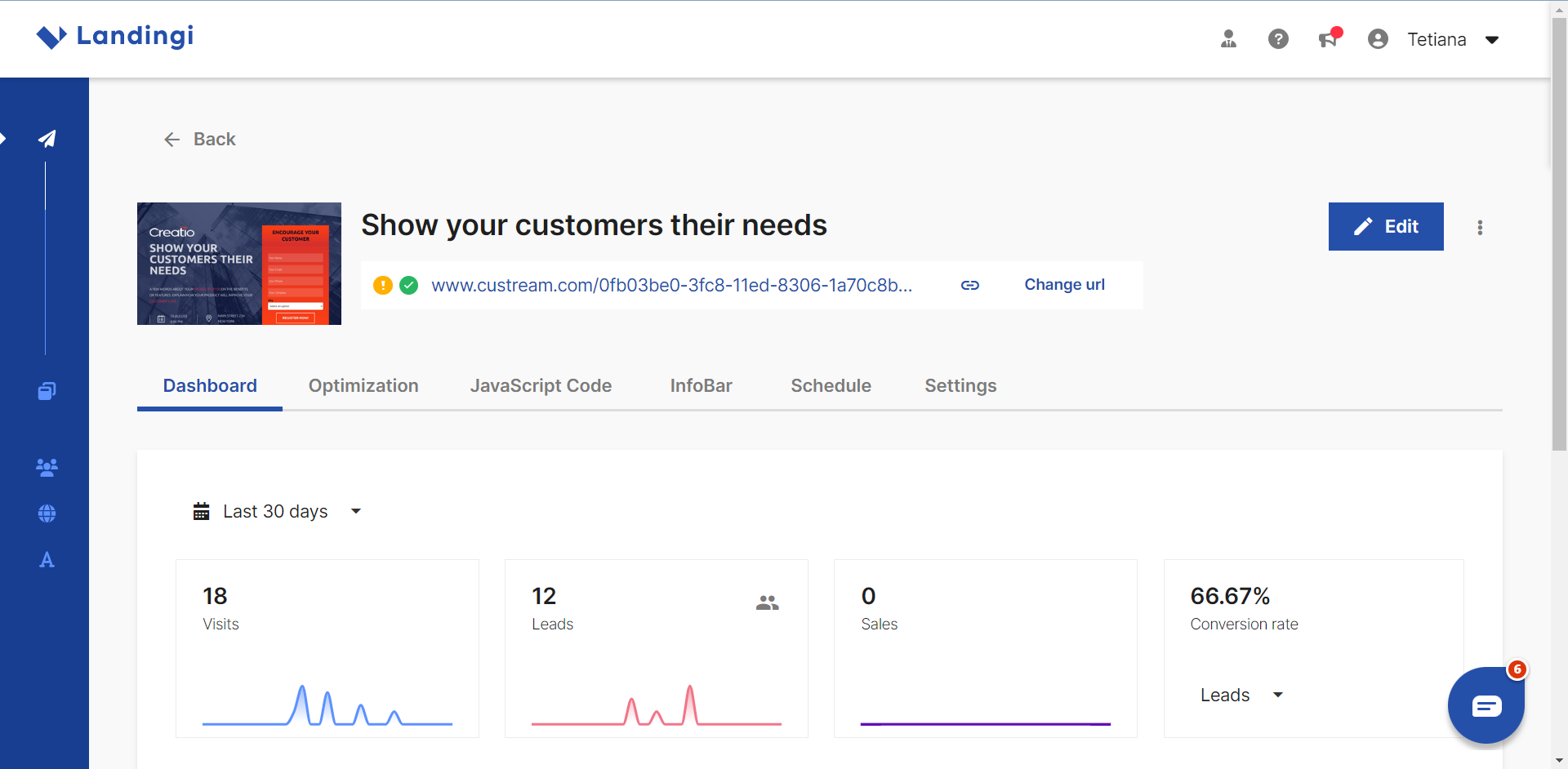
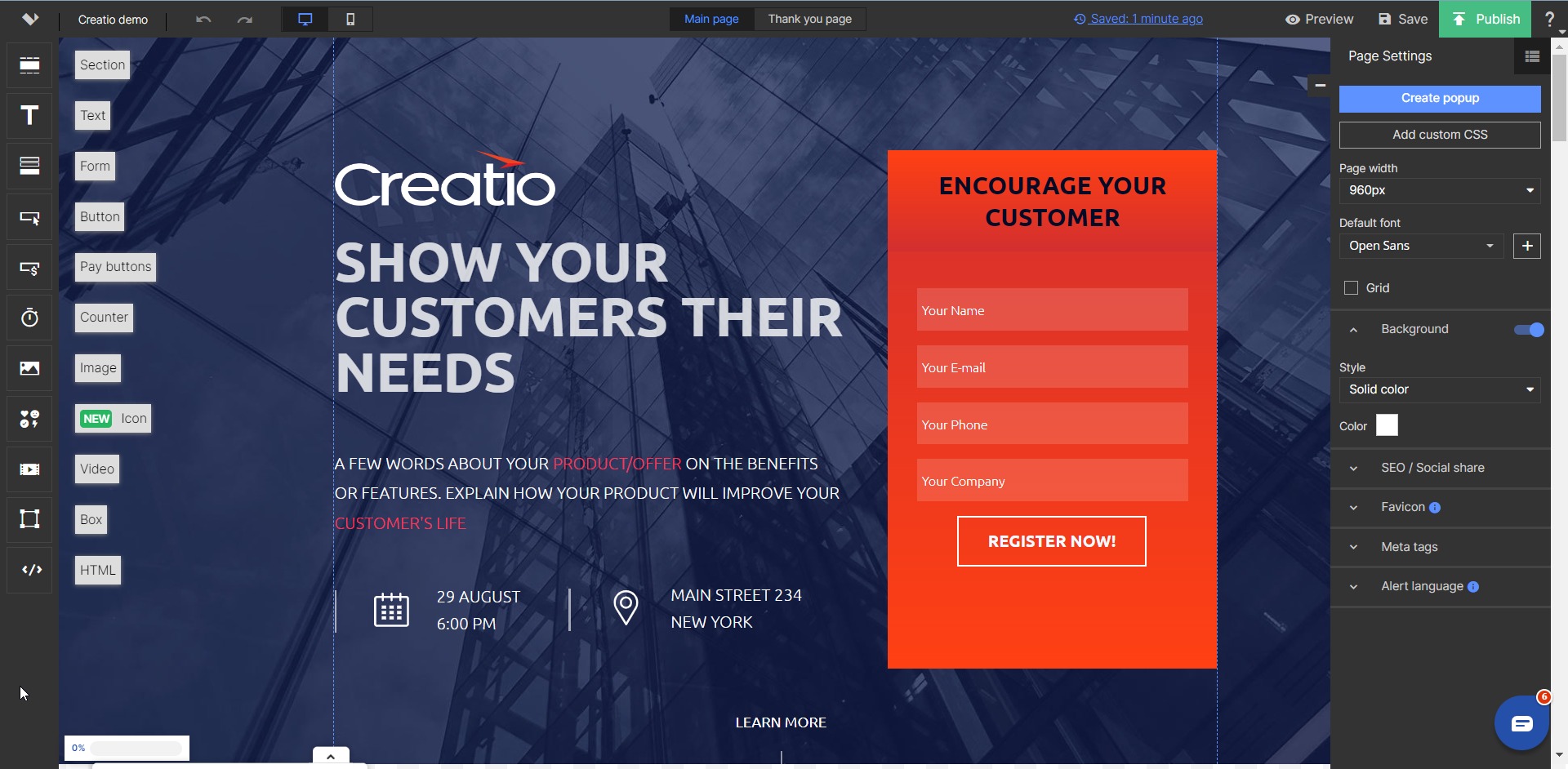
Landingi is an AI-powered Landing Page Platform that helps businesses create, personalize, optimize, and scale landing pages without coding.
Designed for marketing teams, agencies, and enterprises, Landingi provides a centralized environment for running landing page campaigns: from creating individual pages to managing large-scale, personalized campaigns across markets, products, and customer segments.
The platform helps organizations reduce the time and technical resources required to launch campaigns, maintain brand and content consistency across large numbers of pages, and improve conversion performance through experimentation and behavioral analytics. Teams can work independently of developers while retaining the flexibility to integrate landing pages with their existing marketing, analytics, and CRM ecosystem.
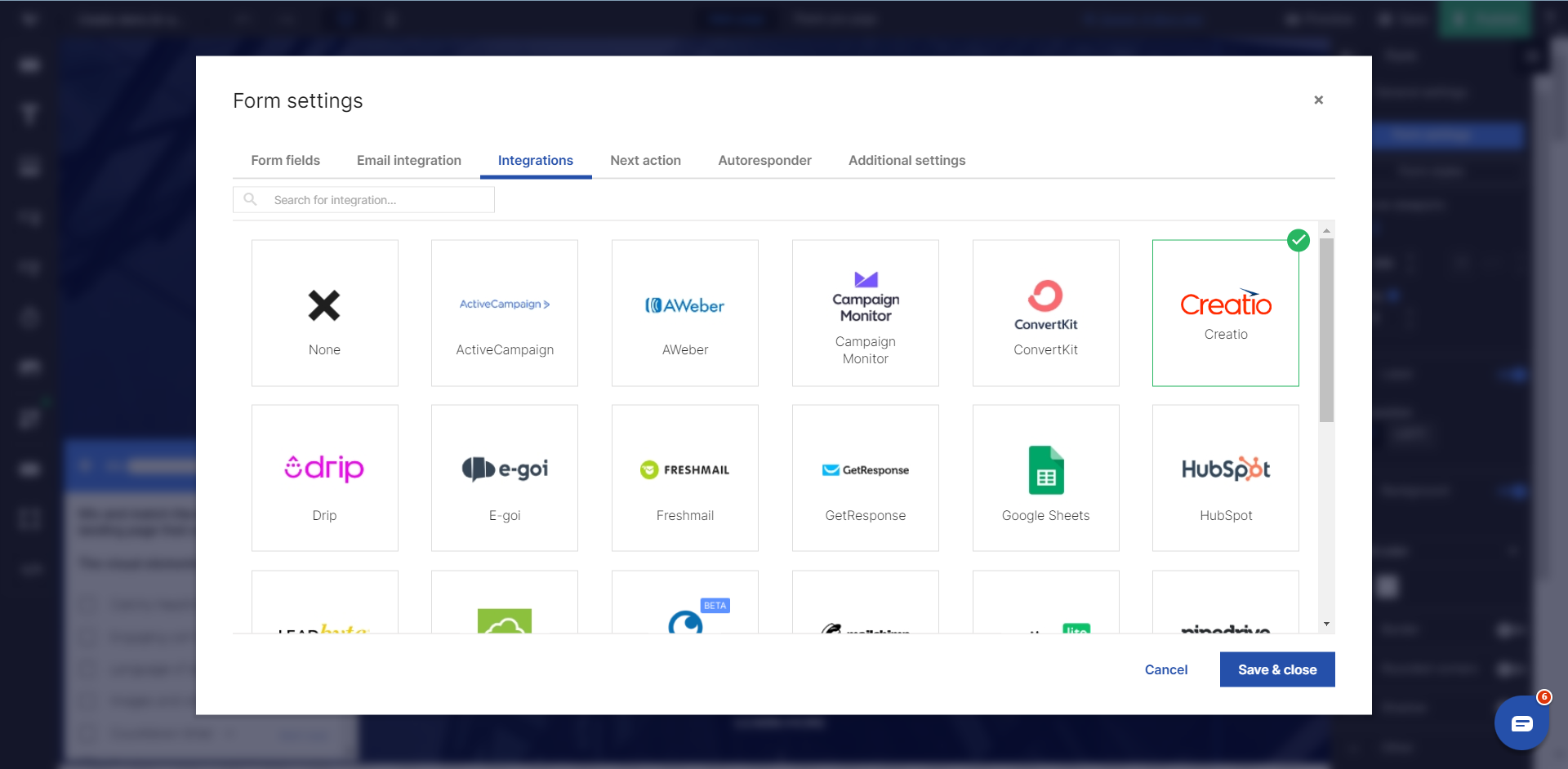
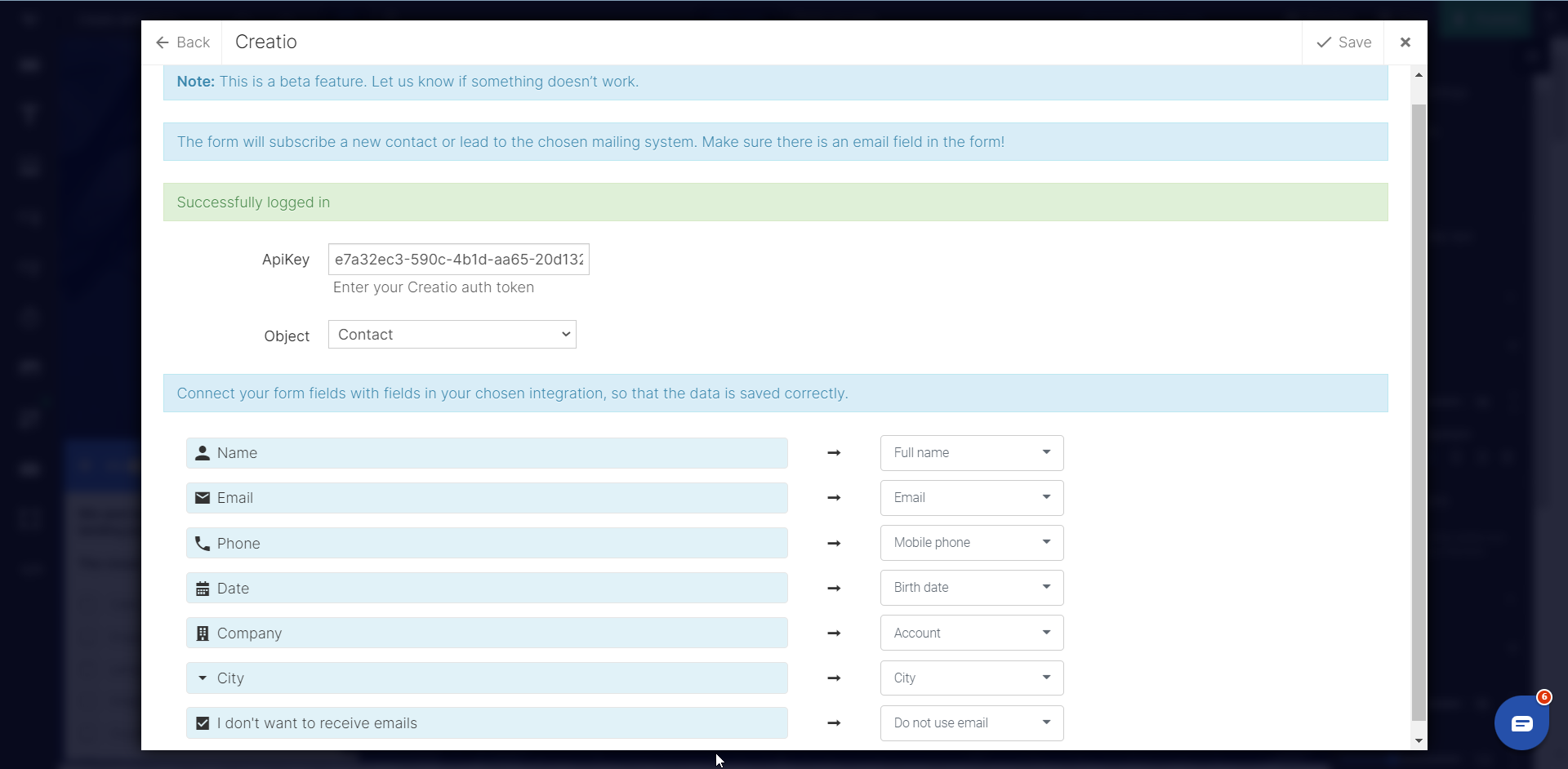
For organizations using Creatio, Landingi connects landing page campaigns with CRM workflows by enabling lead data collected through landing page forms to be transferred directly to Creatio Objects. Creatio data can also be used as part of scalable, personalized landing page workflows, helping teams connect campaign execution with lead management and customer data.
Key Features
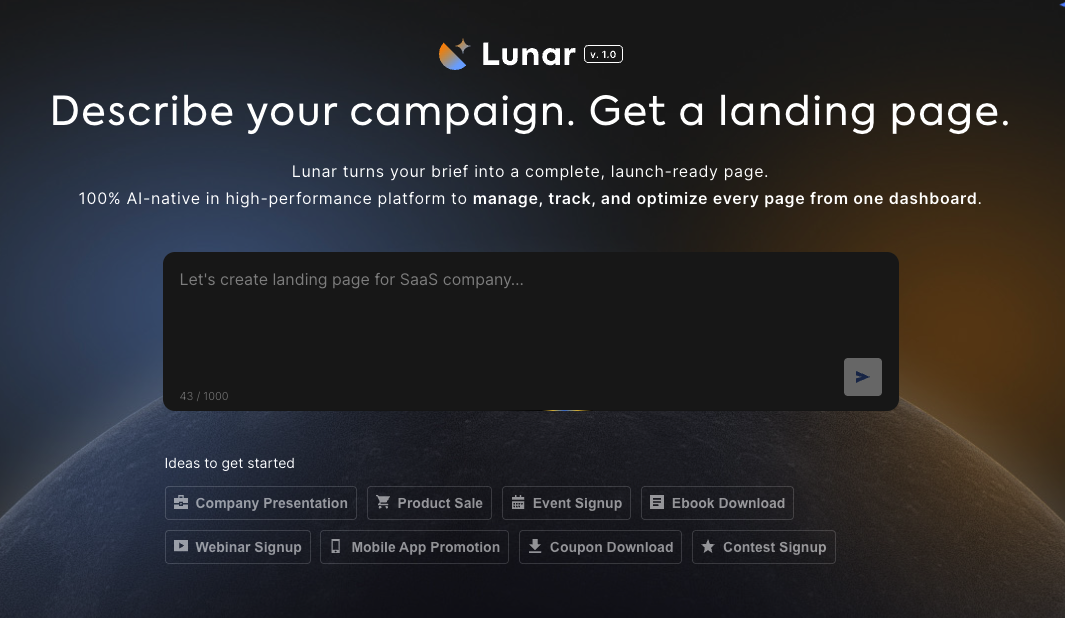
Lunar - AI Page Generator
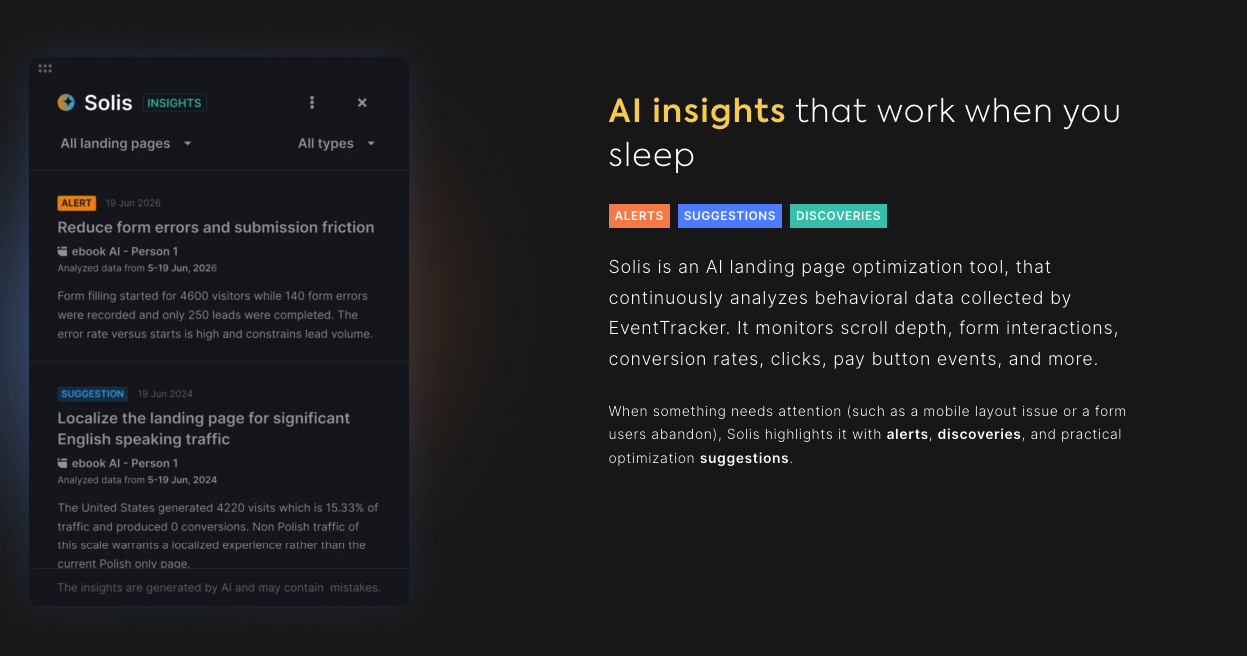
Solis - AI-powered insights
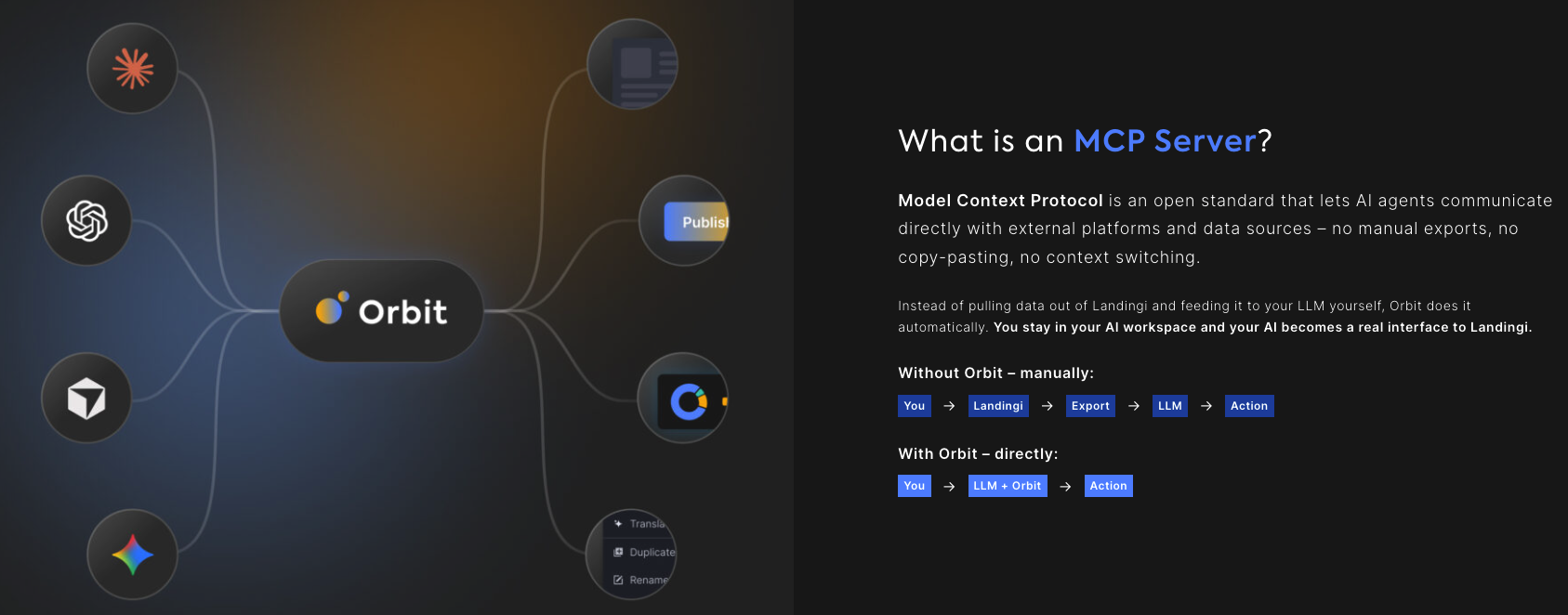
Orbit MCP Server
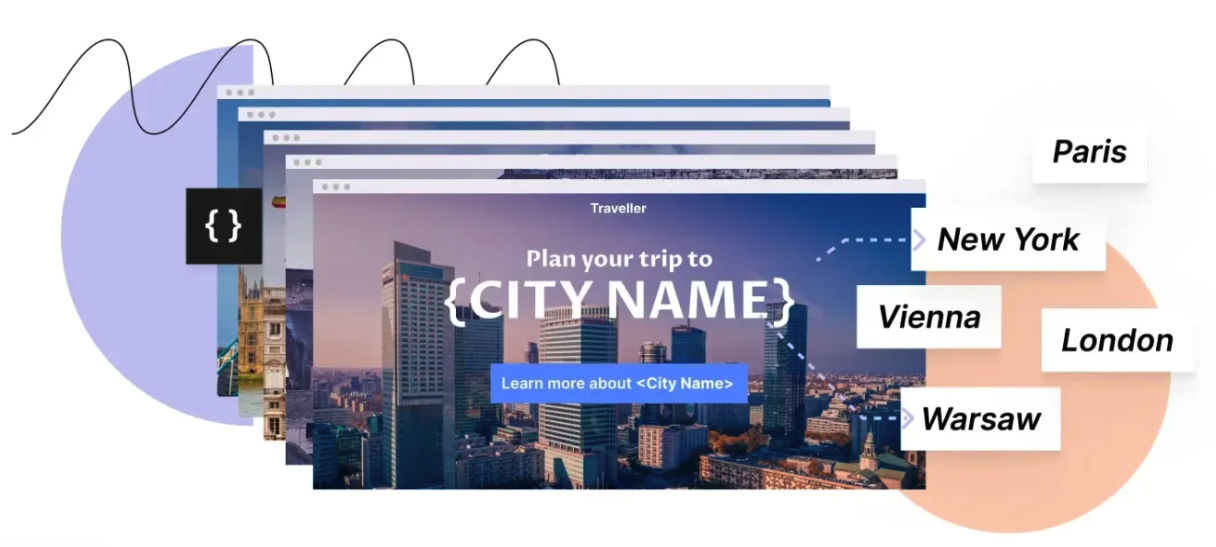
Programmatic Landing Pages
Pricing
Third-party solution. The listed price includes the external subscription. Purchase and payment are processed via Creatio.
- To use this connector, you need an active Landingi subscription. Landingi subscription cost is included in the following products.
- Support is included in Landingi subscription.
Terms and Conditions
Support
Available Mon-Fri, 3am–11am ET (8am–4pm GMT)
The support service for the landing page builder is provided according to the selected subscription in Landingi.
Other ways Landingi supports your marketing efforts:
- Support Team – contact us via email. The availability depends on your plan in Landingi.
- Help Center – browse over 250 step-by-step guides on the Landingi platform, in-app and external integrations, best practices, and more.
- Onboarding Team – schedule a live demo before signing up to Landingi to learn more about the platform.
- Customer Success Team – each paying customer gets its own individual account manager who ensures that your business goals are reached with the help of your Landingi landing pages.
- Landing Page Academy – a free course for beginners. After completing the course, you’ll get a Certificate of Completion.
Installation
Resources
Data sharing
- By installing or downloading the App, you confirm that you agree with sharing your account data (name, email, phone, company and country) with the App Developer as their End User.
- The App Developer will process your data under their privacy policy.
Versions
Versions history
- Added support for Landingi’s latest AI-powered landing page capabilities.
- Introduced Programmatic Landing Pages for creating and managing landing pages at scale using spreadsheets, CRM data, or APIs.
- Added Dynamic Content Personalization for more relevant campaign experiences.
Manual app installation
- Open the needed app → the Packages tab - download the Markeplace app files.
- Click in the top right → Application Hub
- Click New application. This opens a window.
- Select Install from file and click Select in the window that opens.
- Click Select file on the page of the Marketplace App Installation Wizard and specify the app file path.