


Microsoft Power BI Desktop connector for Creatio
Connector to Microsoft Power BI Desktop, an interactive data visualization software
Overview

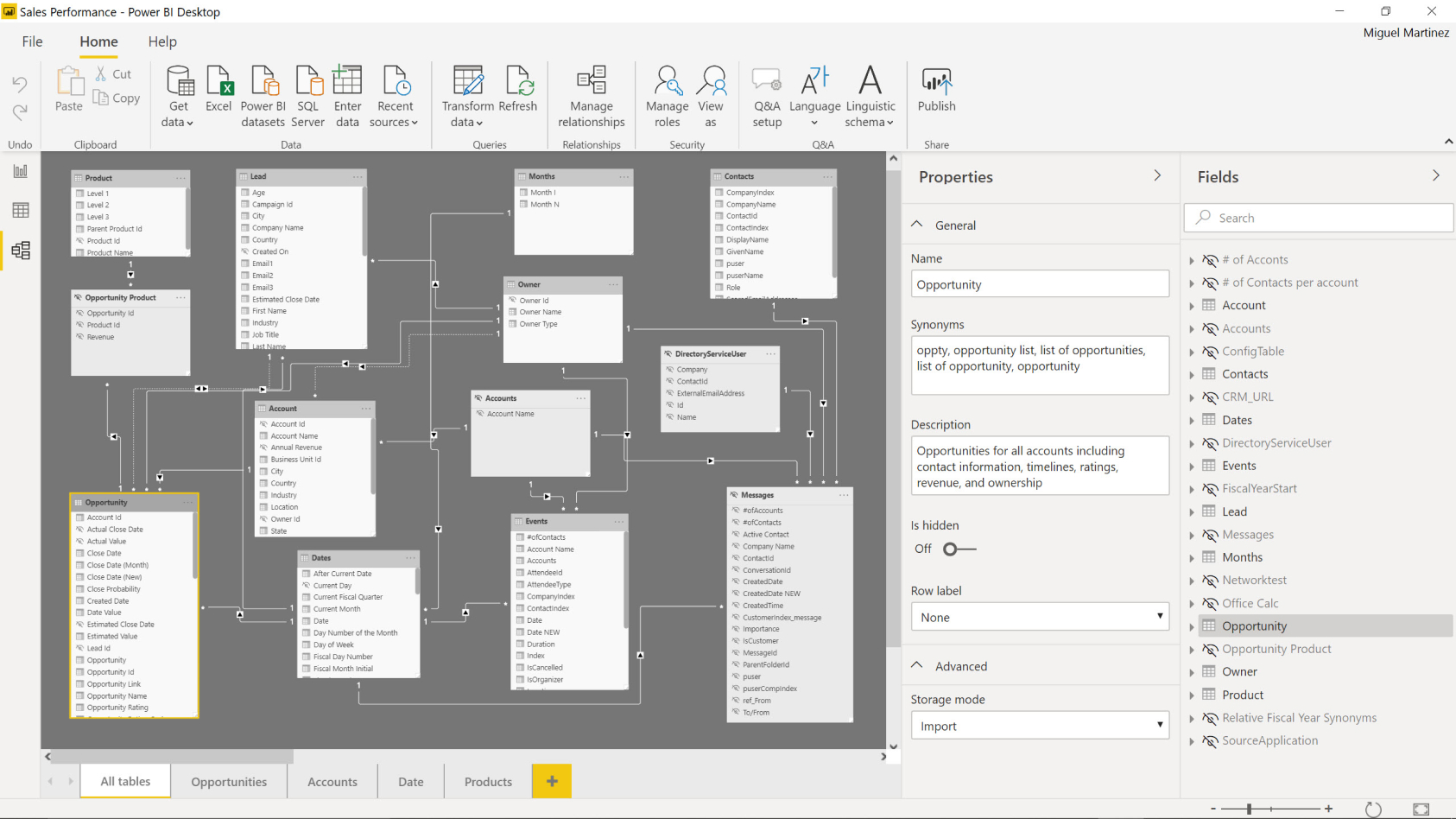
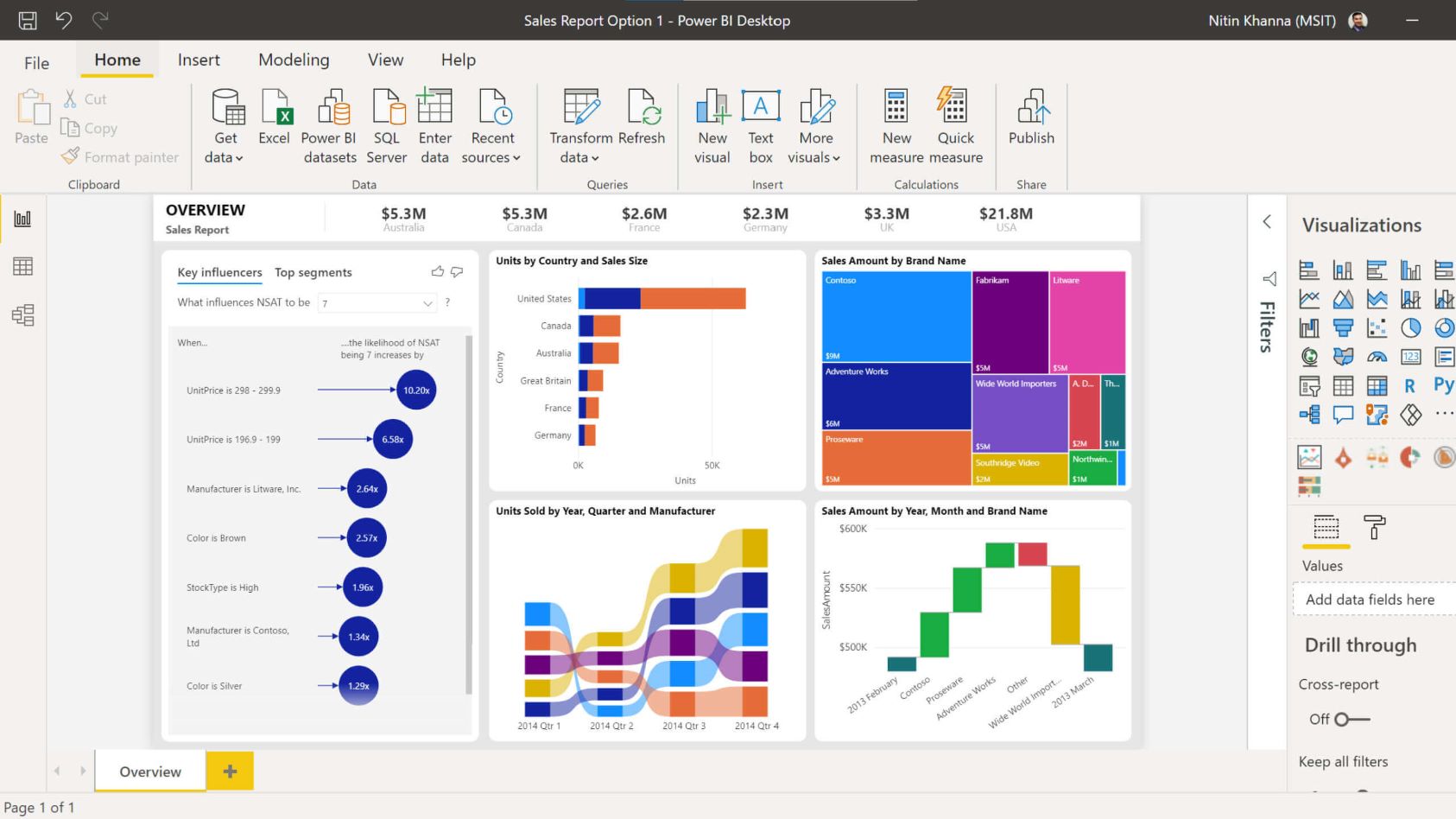
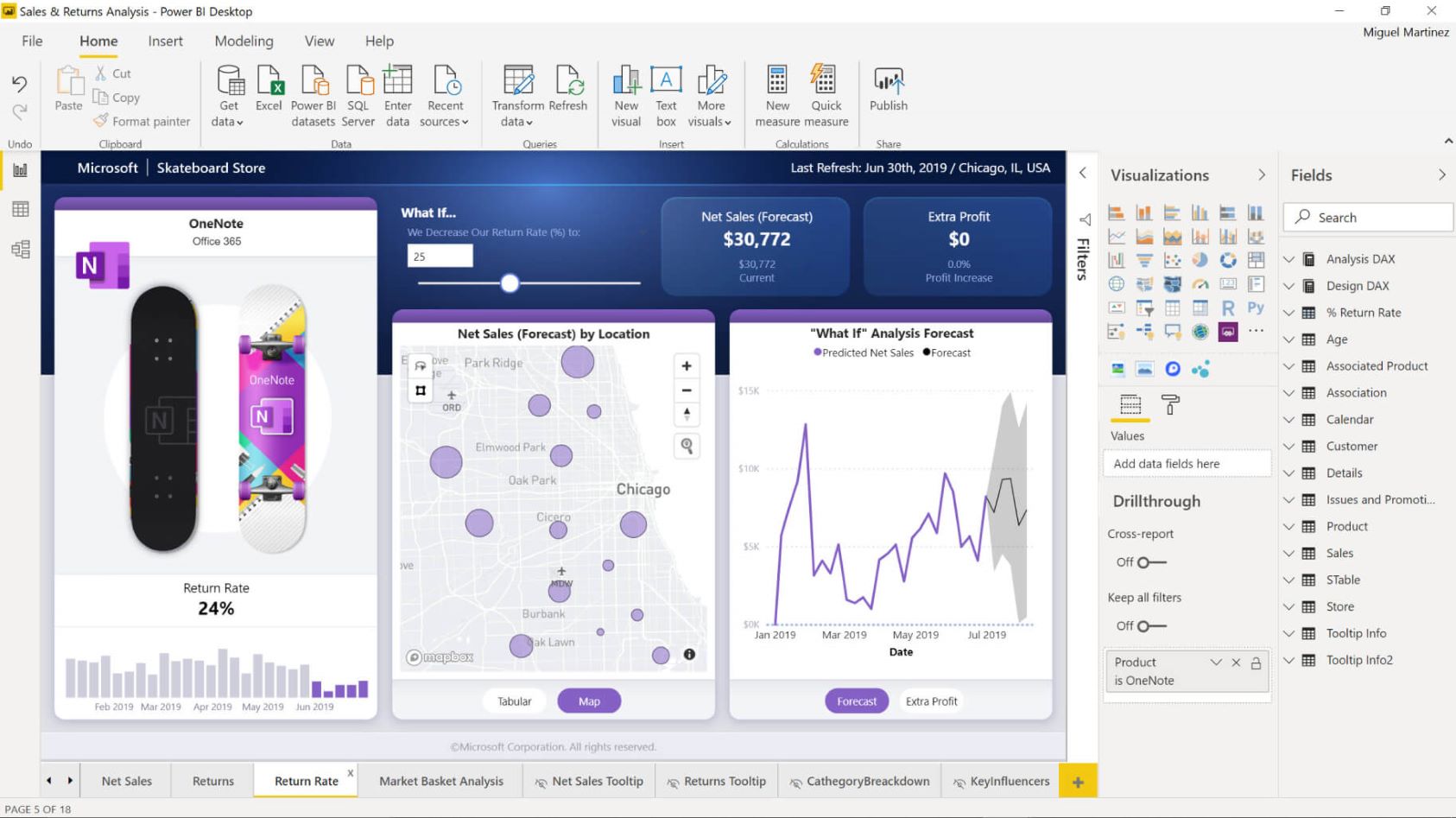

Product overview
Product description
Microsoft Power BI Desktop connector for Creatio provides a great analytics experience that is designed for the business user. Power BI turns your Creatio data into great dashboards and reports in a couple of clicks and gives powerful tools to analyze your sales data. Use powerful semantic models and pixel-perfect paginated reports based on Creatio data.
The connector helps business users, data scientists and analysts to analyze data stored in your Creatio platform.
Key Features
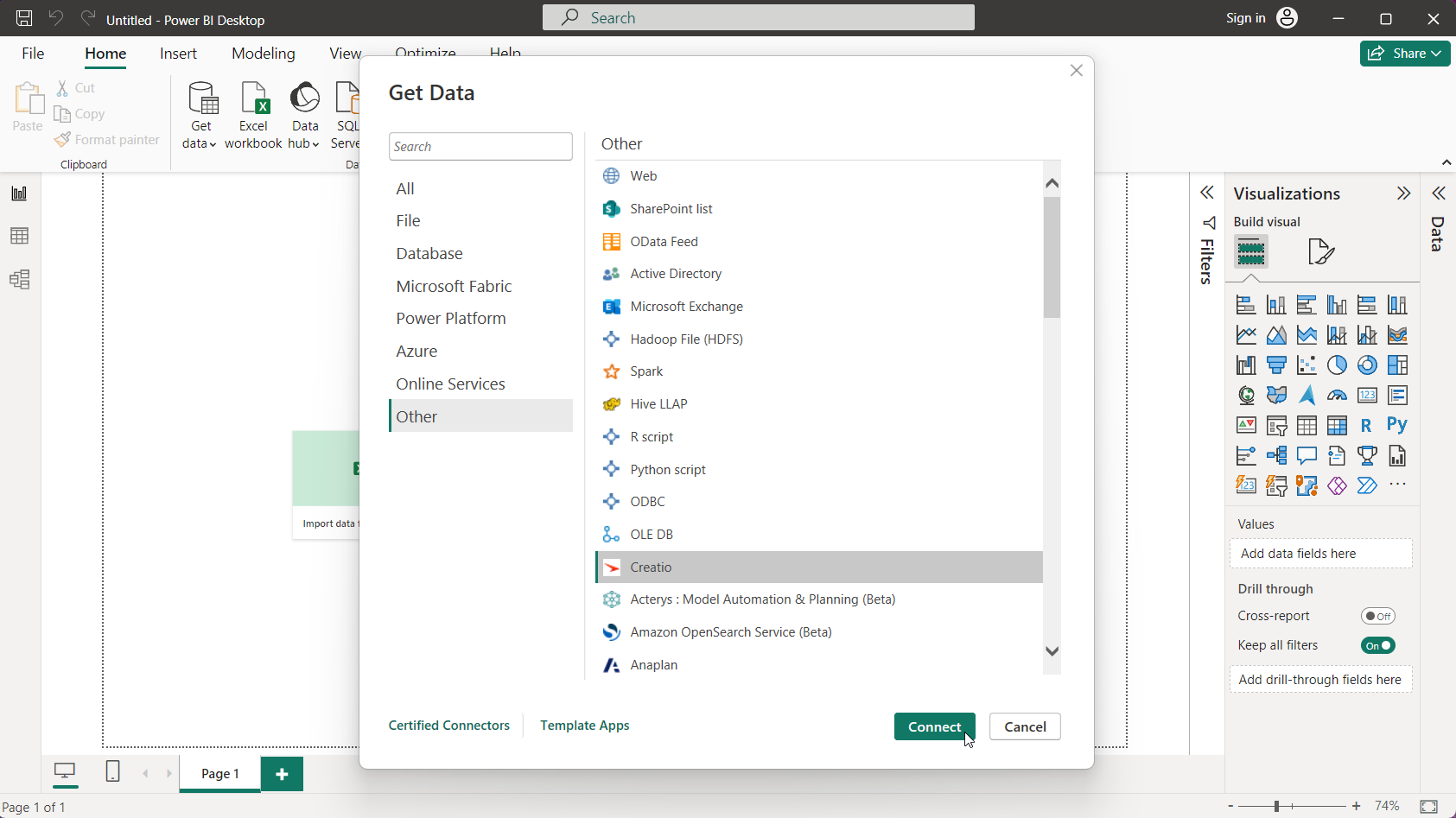
Direct Creatio data source
The connector exposes Creatio as a Power BI Desktop data source, enabling direct retrieval of CRM data for analysis and visualization, allowing teams to use Creatio records seamlessly within their Power BI reports and dashboards.
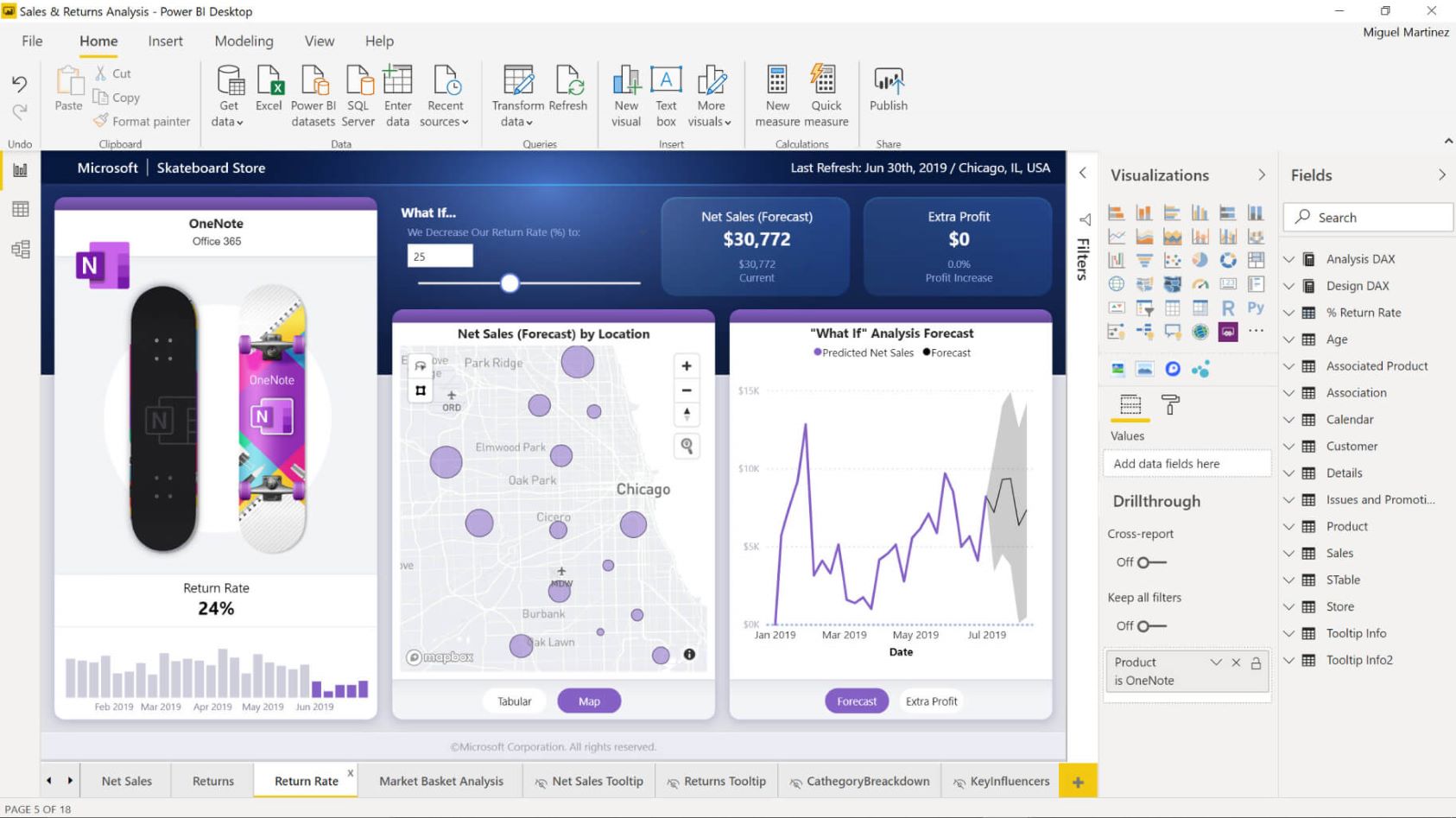
Rapid dashboards and reports
Power BI turns Creatio data into interactive dashboards and standard reports in just a few clicks, accelerating insight generation for operations and sales, and helping stakeholders track performance with clear, visual summaries.
Pricing
Monthly
Annual
Microsoft Power BI connector for Creatio
Free
Terms and Conditions
By installing this product you agree to terms and conditions outlined in the license agreement.
Support
Support is available for this application
The Support is provided by Creatio following the package you have purchased for your Subscription Services. Detailed information about the support packages and the support terms is stated in your Master Agreement (available at Creatio website).
Installation
Setup guide
For detailed instructions on configuring the gateway for Power BI Service (Cloud) with Creatio, please refer to our community post: https://community.creatio.com/questions/how-configure-gateway-power-bi-service-creatio
Data sharing
- By installing or downloading the App, you confirm that you agree with sharing your account data (name, email, phone, company and country) with the App Developer as their End User.
- The App Developer will process your data under their privacy policy.
Versions
Versions history
Version
Compatibility
Release date
1.6
Release summary
🚀 Key Improvements
- Stabilized Power BI Connection: We have enhanced the core integration between Power BI and Creatio to ensure a more consistent and reliable data flow.
- Power BI Service Connectivity: Resolved critical issues that previously prevented successful connections to the Power BI Service, ensuring your cloud-based reports and dashboards function as expected.
1.1
Release summary
- Added new function Creatio.GetTopBigData (reading a certain number of records from a table)
- Improved performance
Manual app installation
- Open the needed app → the Packages tab - download the Markeplace app files.
- Click in the top right → Application Hub
- Click New application. This opens a window.
- Select Install from file and click Select in the window that opens.
- Click Select file on the page of the Marketplace App Installation Wizard and specify the app file path.