

Okta connector for Creatio
Connector to Okta, an integrated multifactor authentication cloud platform
Overview
Product overview
Product description
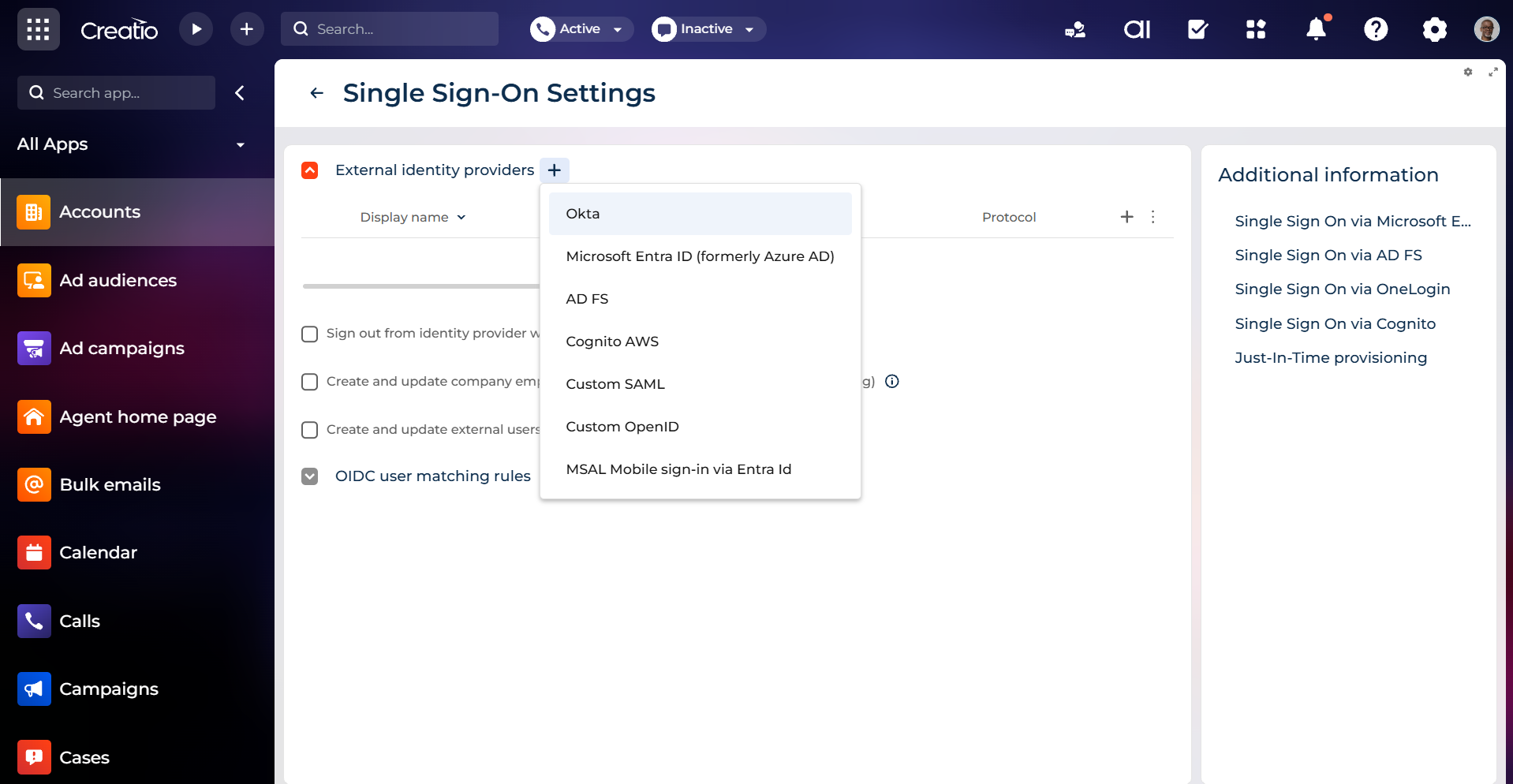
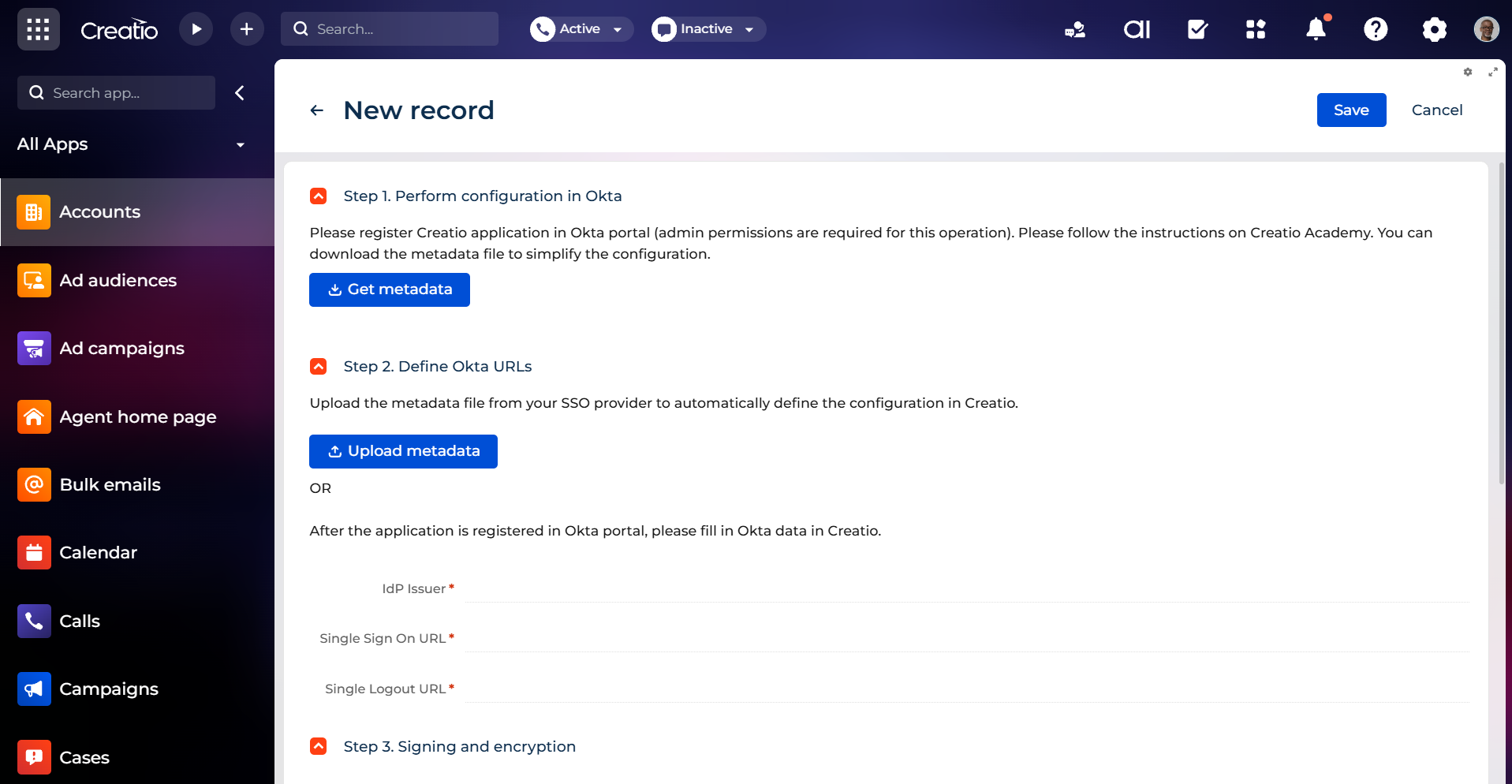
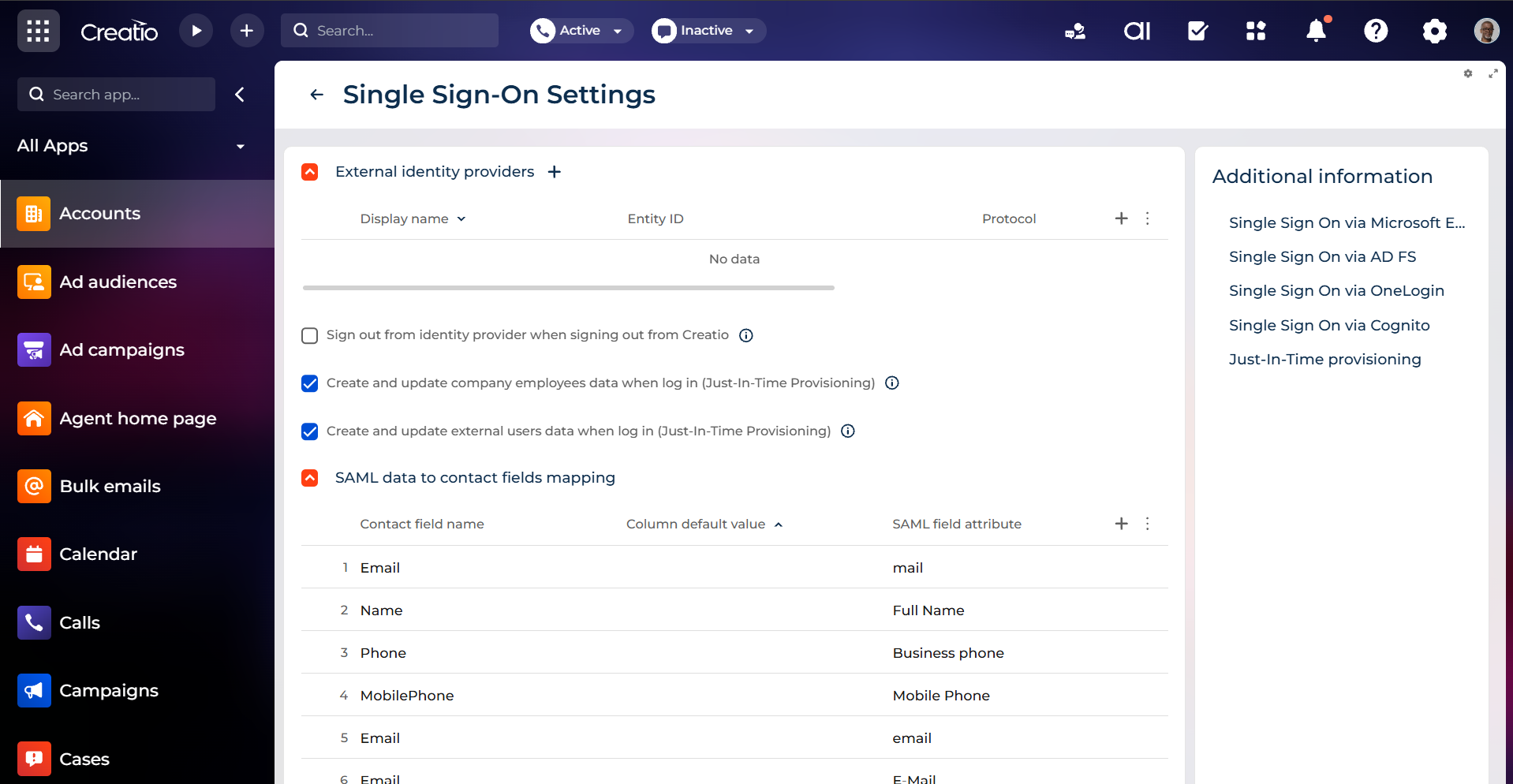
Okta connector for Creatio provides a way to integrate Creatio with Okta to manage single sign-on for all Creatio users.
Creatio supports integration with Okta out-of-the-box. This connector is an integration template that simplifies the setup of the integration.
Use cases:
- Enhancing security: users can access Creatio using their existing credentials from a single identity management service. This provides an additional layer of security.
- Improving user experience: users don't need to memorize a separate password, which makes using Creatio more convenient.
Key Features
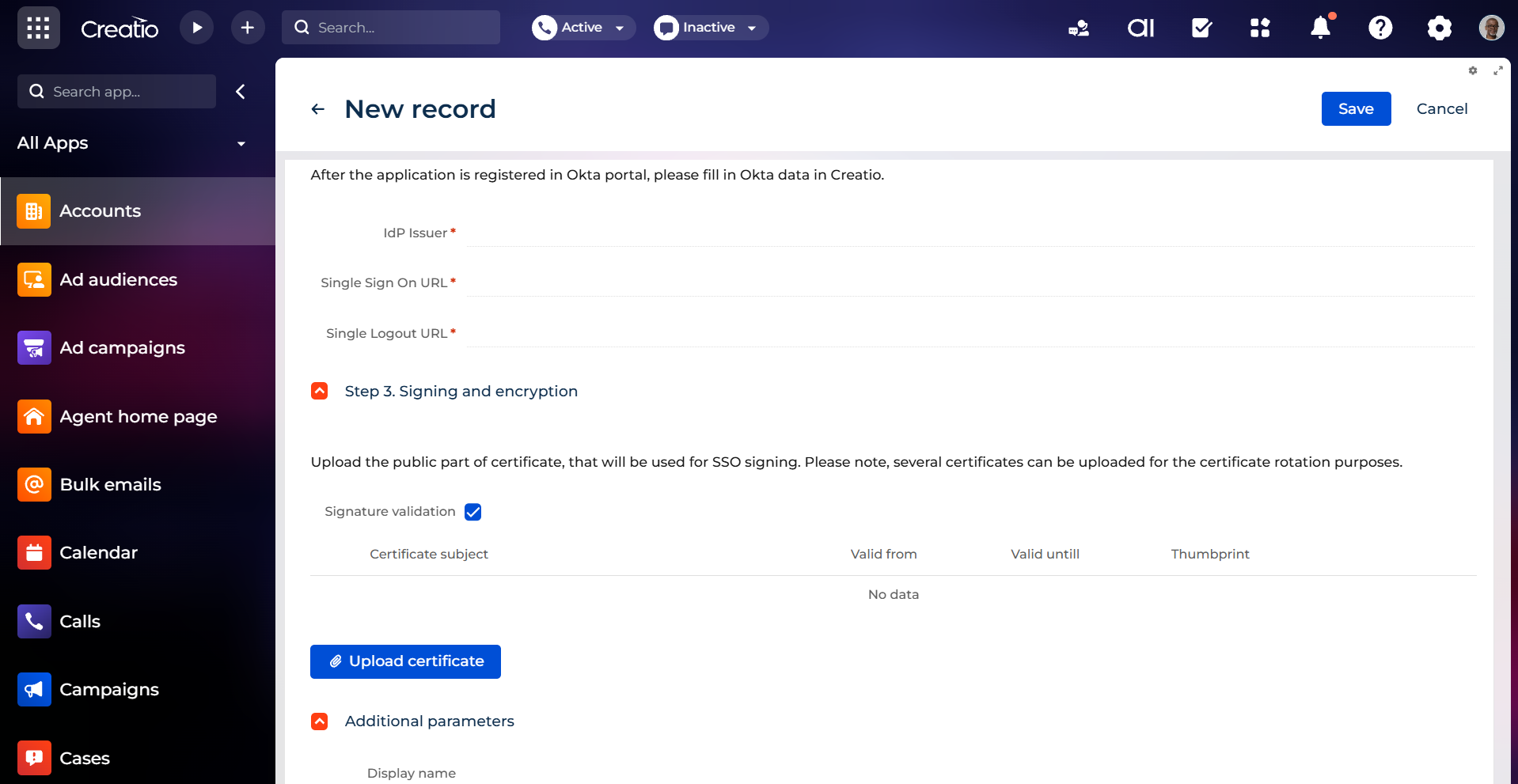
Out of the box Okta integration
Leverage Creatio's built in support for Okta with a ready to use connector that bridges the platforms without custom development. The integration template aligns with native capabilities to ensure compatibility and predictable deployment.
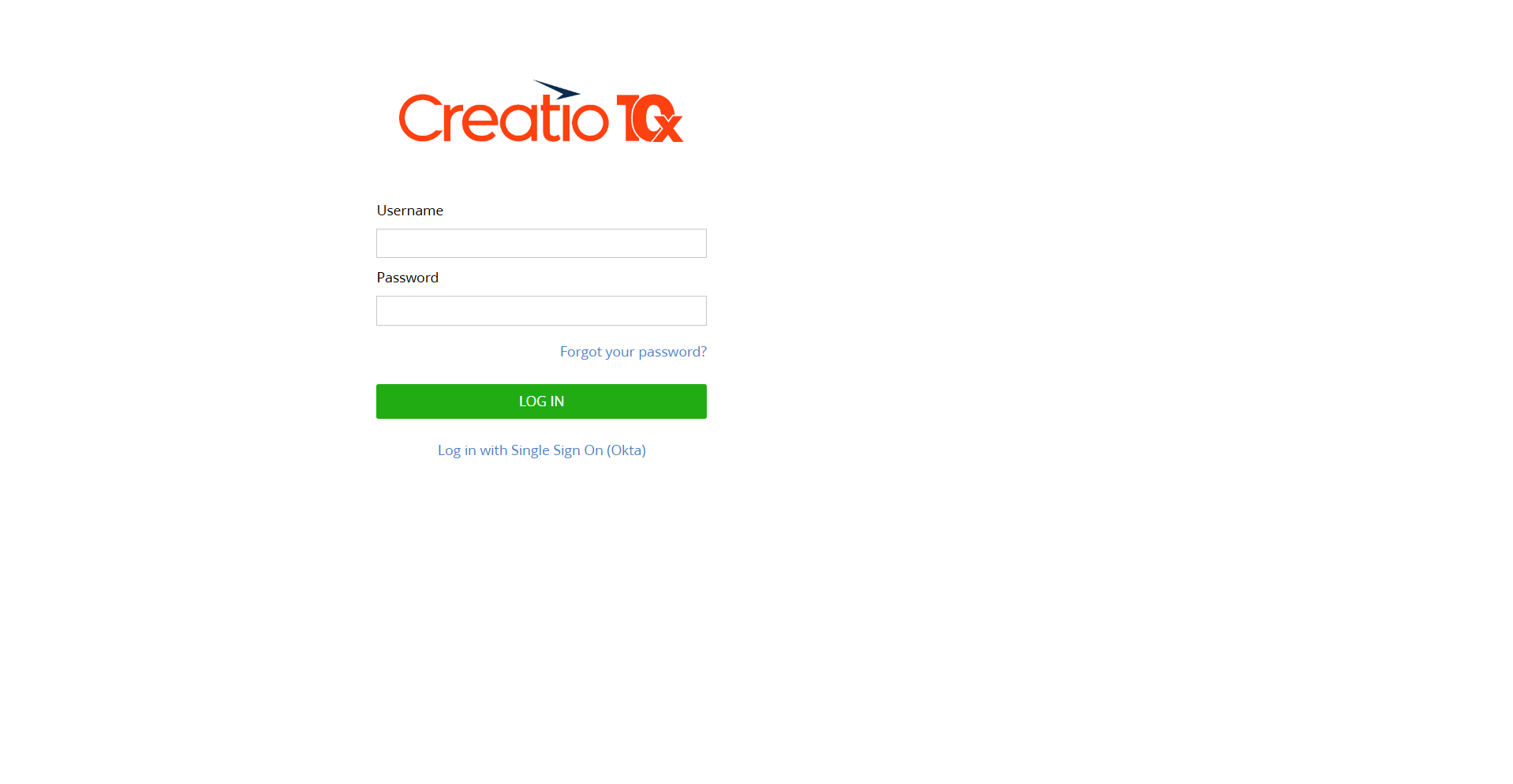
Single sign on for Creatio
Enable organization wide single sign on to Creatio through Okta, letting every user authenticate with existing corporate credentials. Consolidated login improves convenience while reducing password sprawl and access friction across the application.
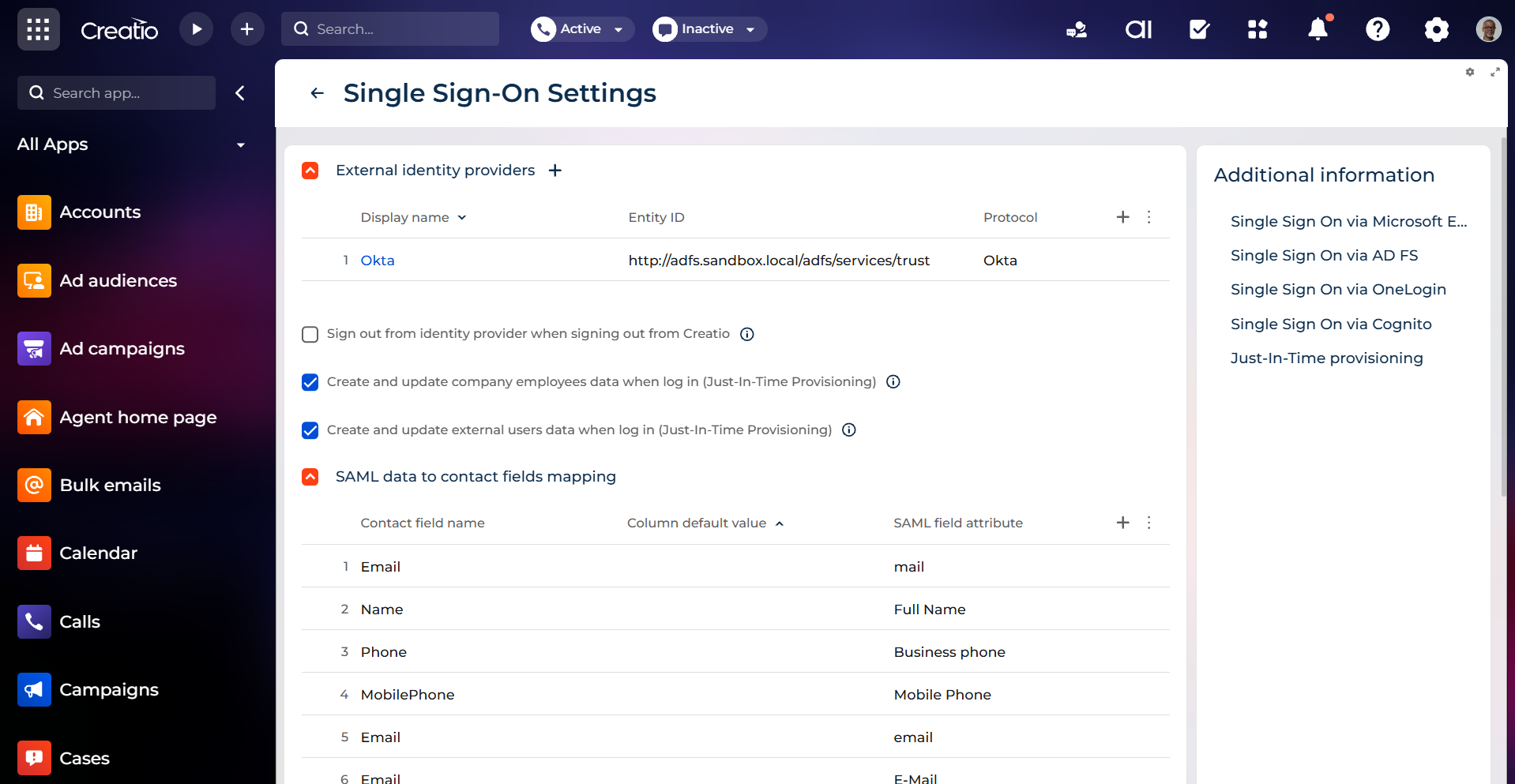
Centralized identity management security
Increase protection by delegating authentication to a single trusted identity provider. Centralized sign in policies are enforced in Okta, adding an extra layer of security and decreasing exposure from separate Creatio specific passwords.
Pricing
Monthly
Annual
Okta connector for Creatio
Free
This app requires Enterprise or Unlimited Creatio platform plans.
Terms and Conditions
By installing this product you agree to terms and conditions outlined in the license agreement.
Support
Support is available for this application
The Support is provided by Creatio following the package you have purchased for your Subscription Services. Detailed information about the support packages and the support terms is stated in your Master Agreement (available at Creatio website).
Installation
Resources
Data sharing
- By installing or downloading the App, you confirm that you agree with sharing your account data (name, email, phone, company and country) with the App Developer as their End User.
- The App Developer will process your data under their privacy policy.
Versions
Versions history
Version
Compatibility
Release date
1.0
8.0.4 and up
Release summary
Manual app installation
- Open the needed app → the Packages tab - download the Markeplace app files.
- Click in the top right → Application Hub
- Click New application. This opens a window.
- Select Install from file and click Select in the window that opens.
- Click Select file on the page of the Marketplace App Installation Wizard and specify the app file path.