

OneLogin SSO Template for Creatio
Verified template for easy setup of single sign-on to Creatio via OneLogin
Overview
Product overview
Product description
OneLogin SSO Template for Creatio helps customers who use OneLogin as their corporate identity provider set up single sign-on (SSO) to Creatio. OneLogin is a cloud-based identity and access management service.
Creatio supports SAML 2.0 single sign-on out of the box, and the Creatio app is available in the OneLogin application catalog, so the setup takes a few steps on each side and is done by your administrators.
Key Features
OneLogin SAML SSO for Creatio
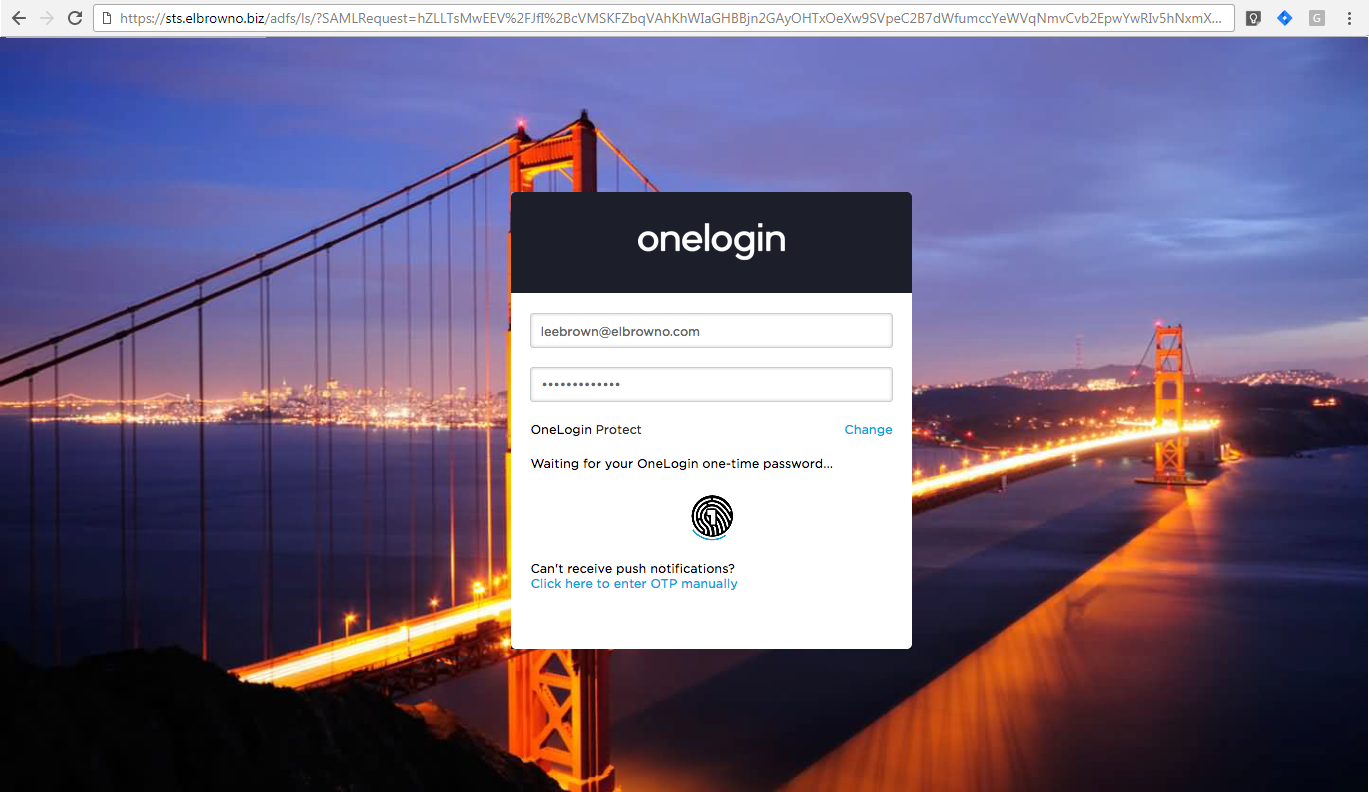
Enable secure single sign-on to Creatio using OneLogin credentials over SAML 2.0. Leverage your corporate identity provider to centralize authentication, reduce password fatigue, and streamline access for users across environments.
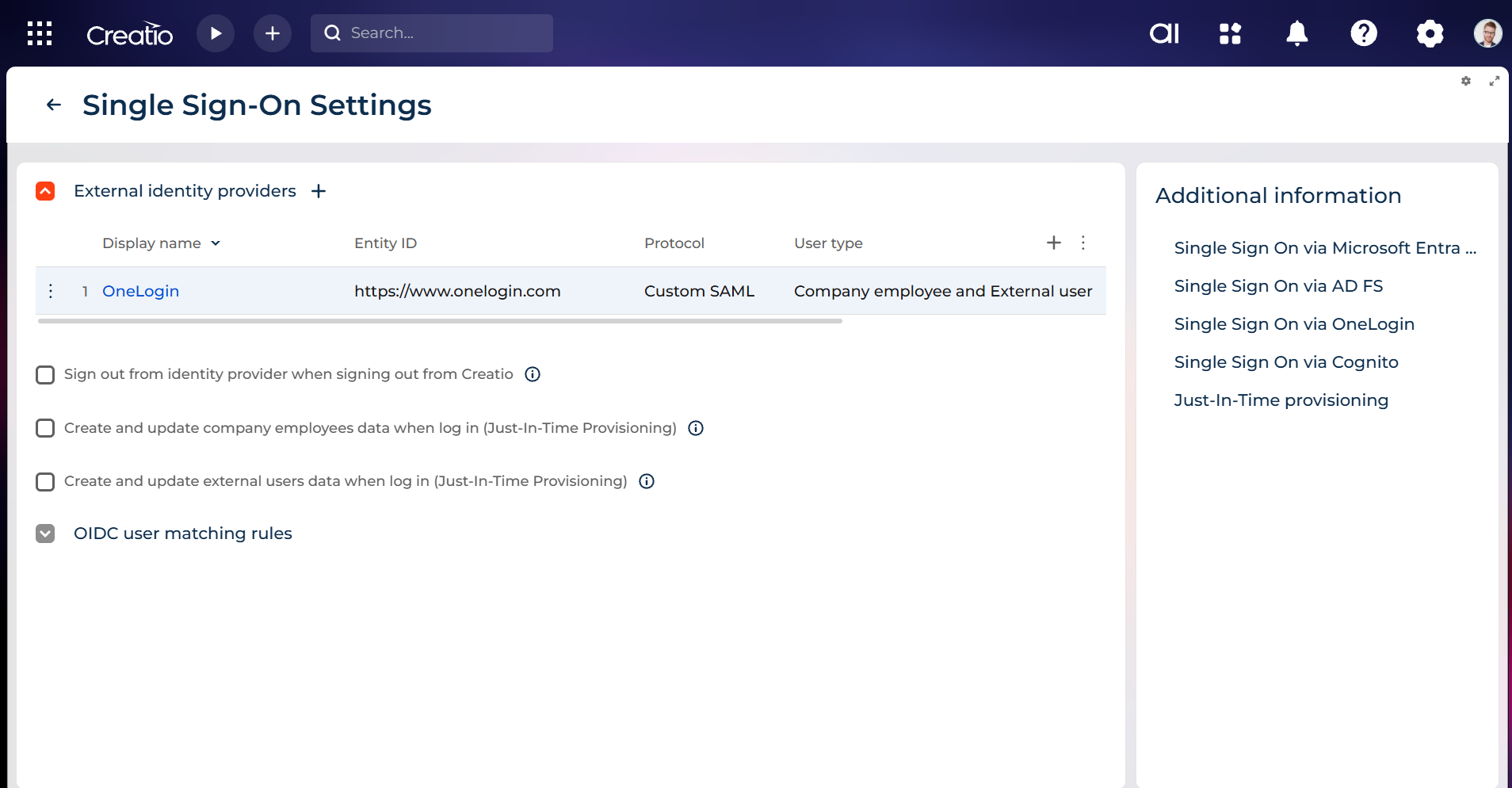
Simple setup in System Designer
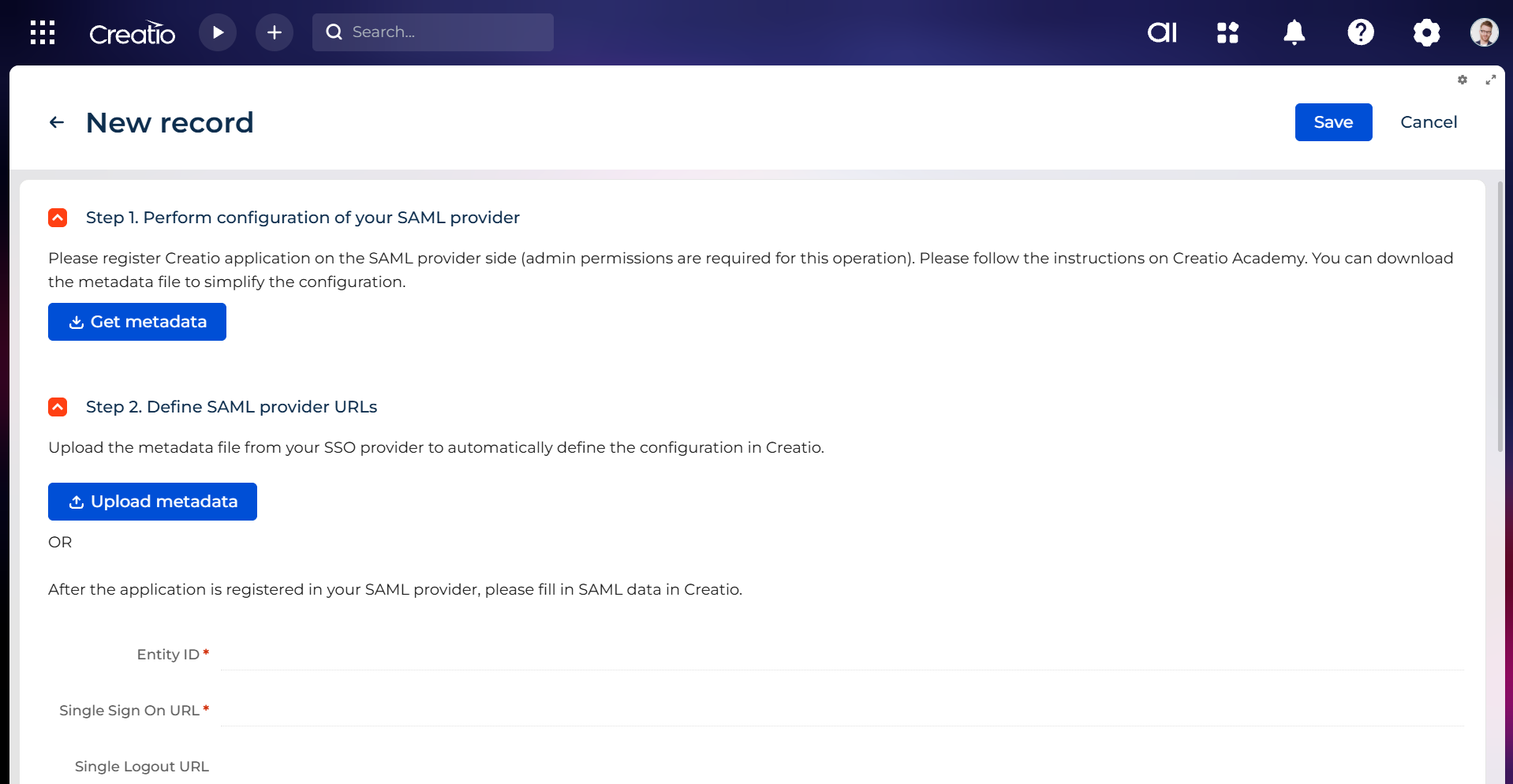
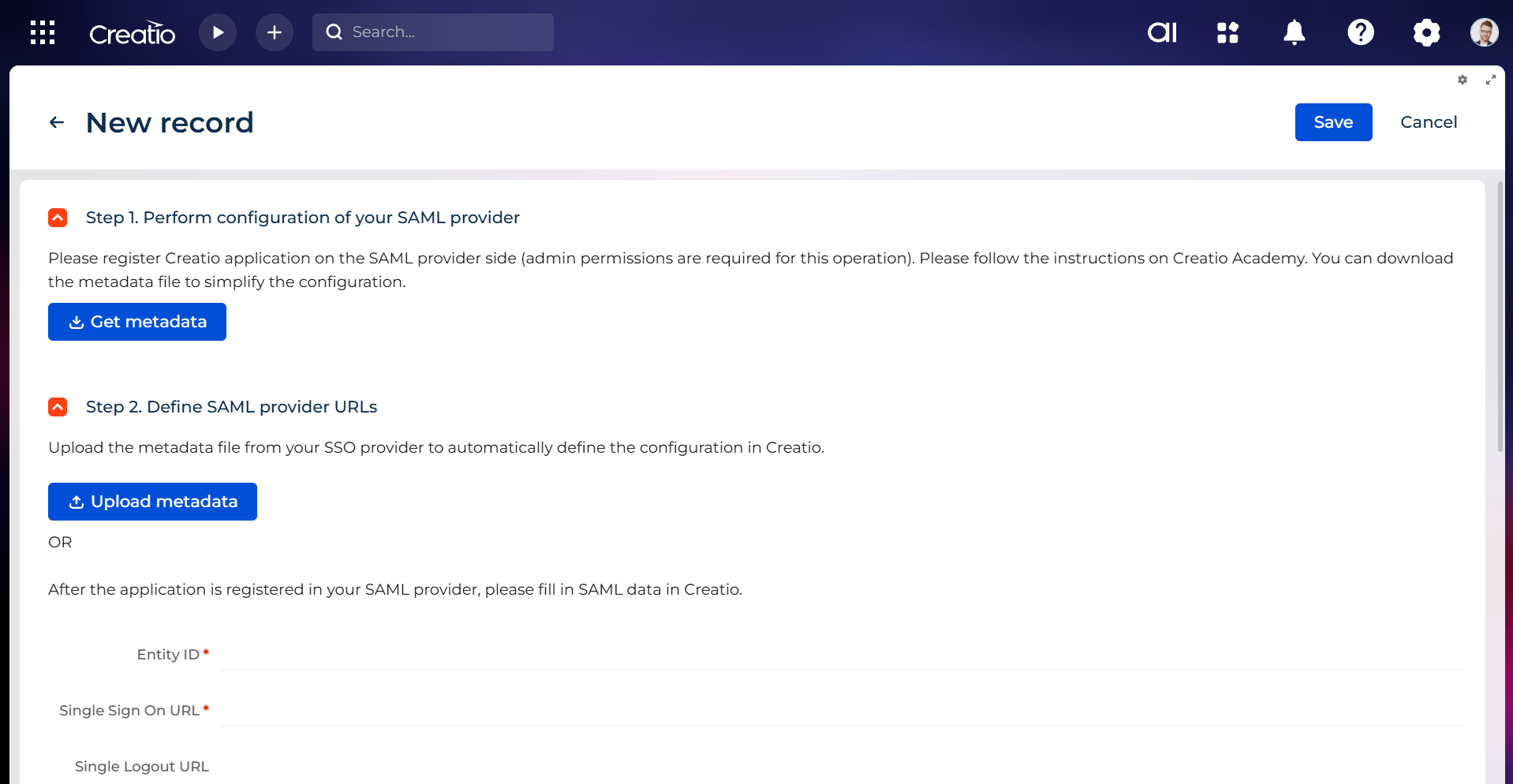
Configure SSO entirely in the Creatio UI via System Designer Single Sign On configuration. No support request is required, enabling administrators to complete setup quickly and maintain settings without custom development.
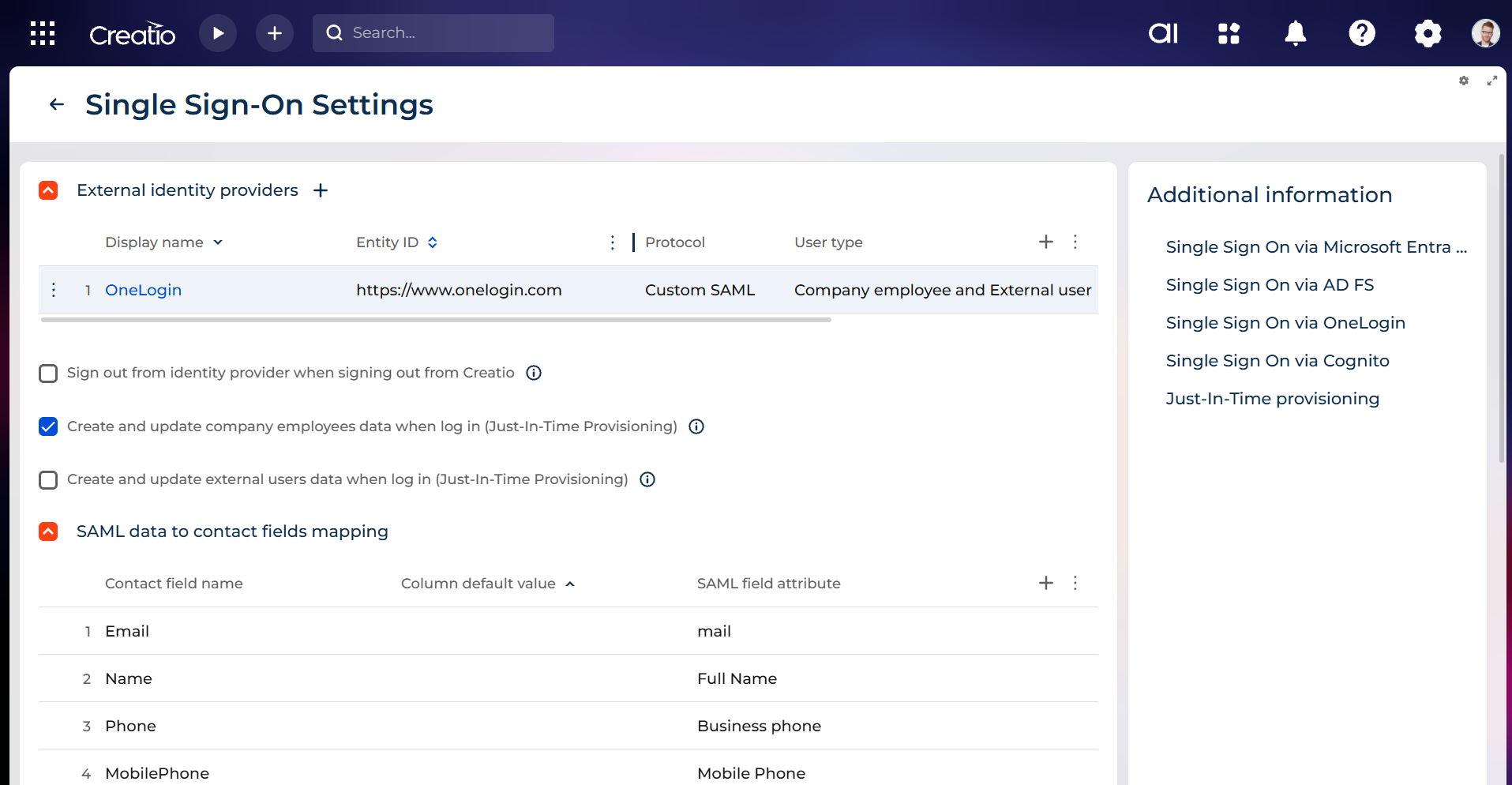
Just In Time user provisioning
Automatically create Creatio user accounts on the first sign in with Just In Time provisioning. Reduce manual user management, ensure immediate access for authorized employees, and keep identities aligned with your OneLogin directory.
Pricing
Monthly
Annual
OneLogin SSO connector for Creatio
Free
Terms and Conditions
By installing this product you agree to terms and conditions outlined in the license agreement.
Support
Support is available for this application
The Support is provided by Creatio following the package you have purchased for your Subscription Services. Detailed information about the support packages and the support terms is stated in your Master Agreement (available at Creatio website).
Installation
Setup guide
- In OneLogin, add the Creatio app from the catalog and specify your Creatio site.
- In Creatio, open System Designer → Single Sign On configuration → Custom SAML, enter the OneLogin endpoints, and make the provider default.
- Optionally, enable Just-In-Time user provisioning and SSO in the mobile app.
Resources
Data sharing
- By installing or downloading the App, you confirm that you agree with sharing your account data (name, email, phone, company and country) with the App Developer as their End User.
- The App Developer will process your data under their privacy policy.
Versions
Manual app installation
- Open the needed app → the Packages tab - download the Markeplace app files.
- Click in the top right → Application Hub
- Click New application. This opens a window.
- Select Install from file and click Select in the window that opens.
- Click Select file on the page of the Marketplace App Installation Wizard and specify the app file path.
OneLogin Active Directory integration is included in Creatio licenses. This integration template is free.
This app requires Enterprise or Unlimited Creatio platform plans.