


OrgStructure Pro for Creatio
Overview
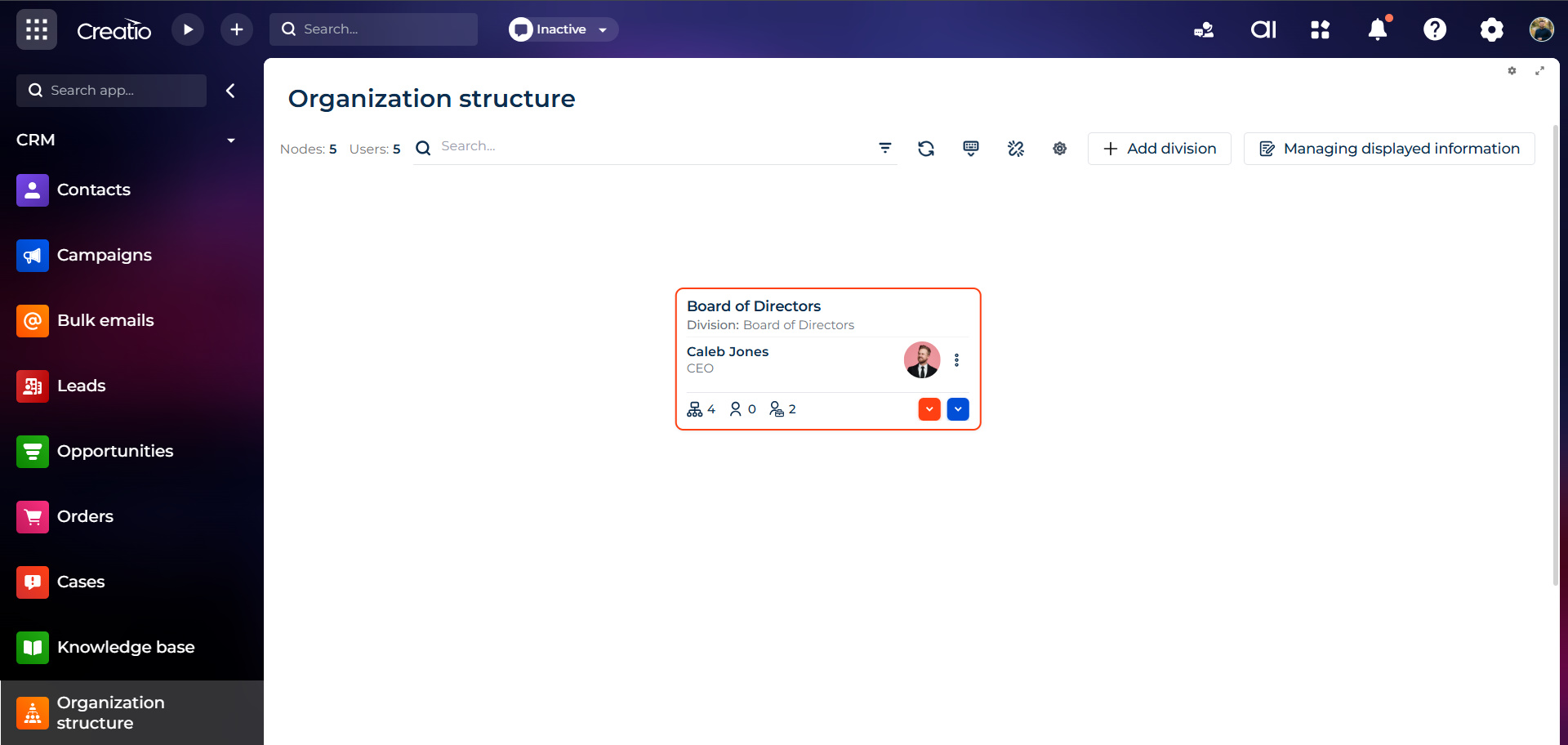
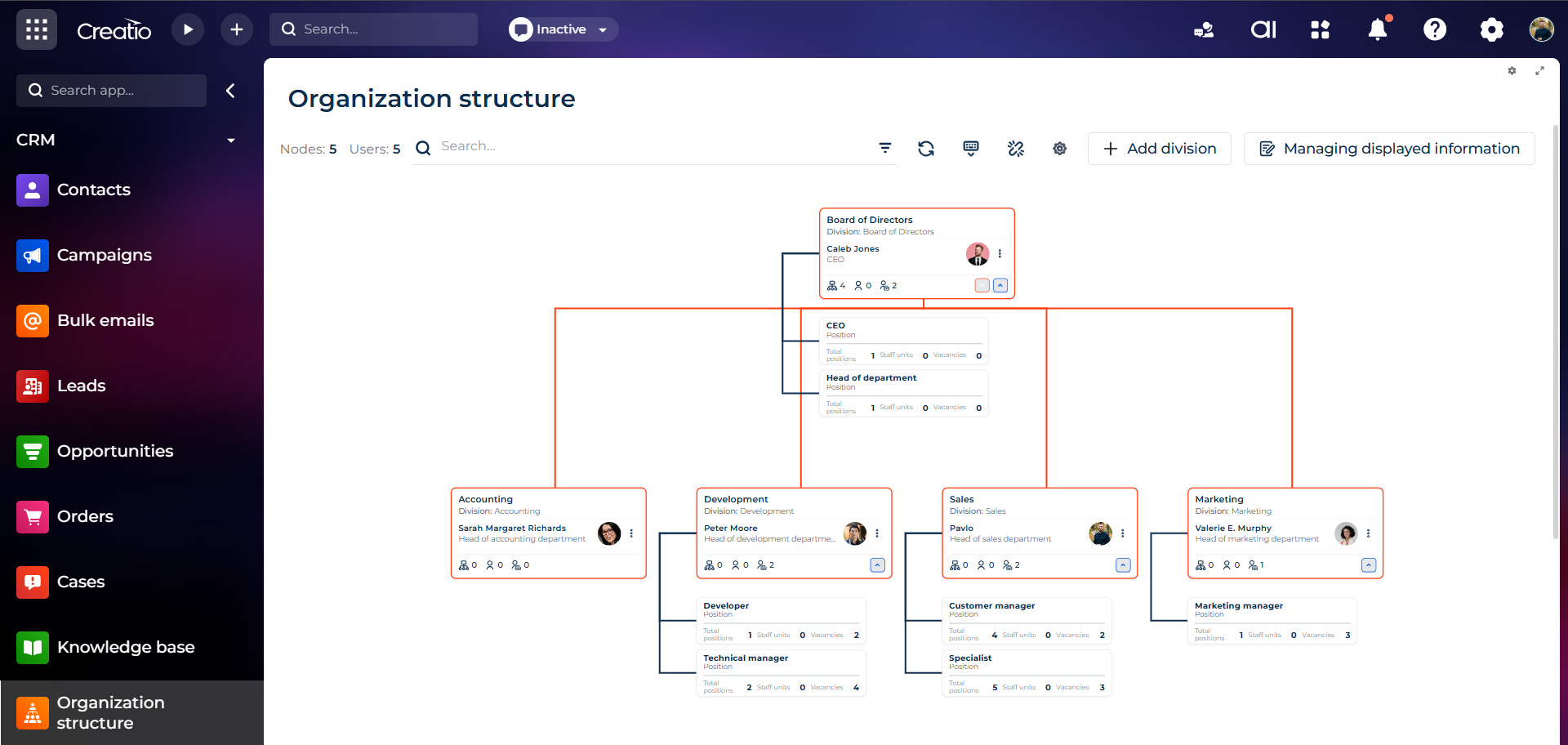
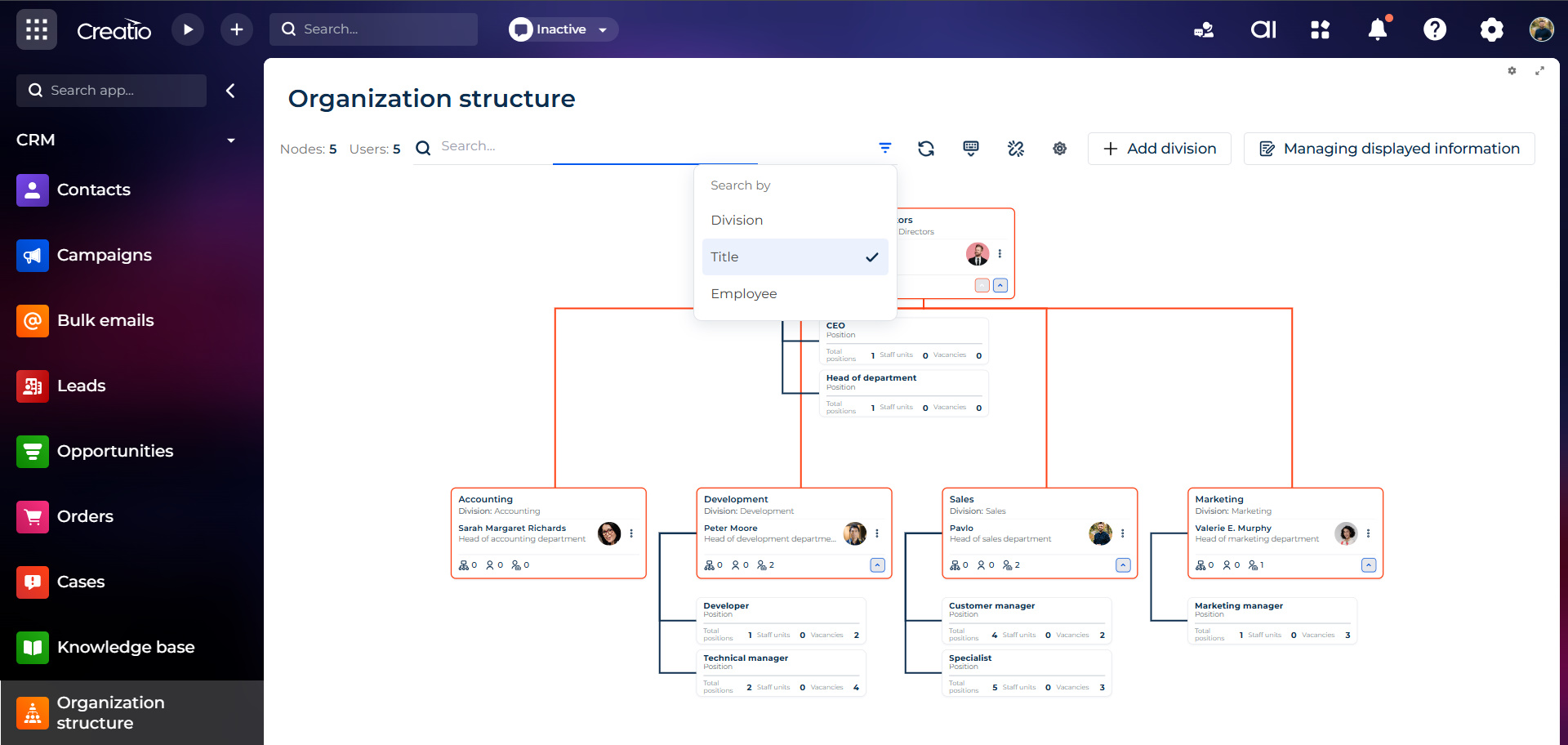
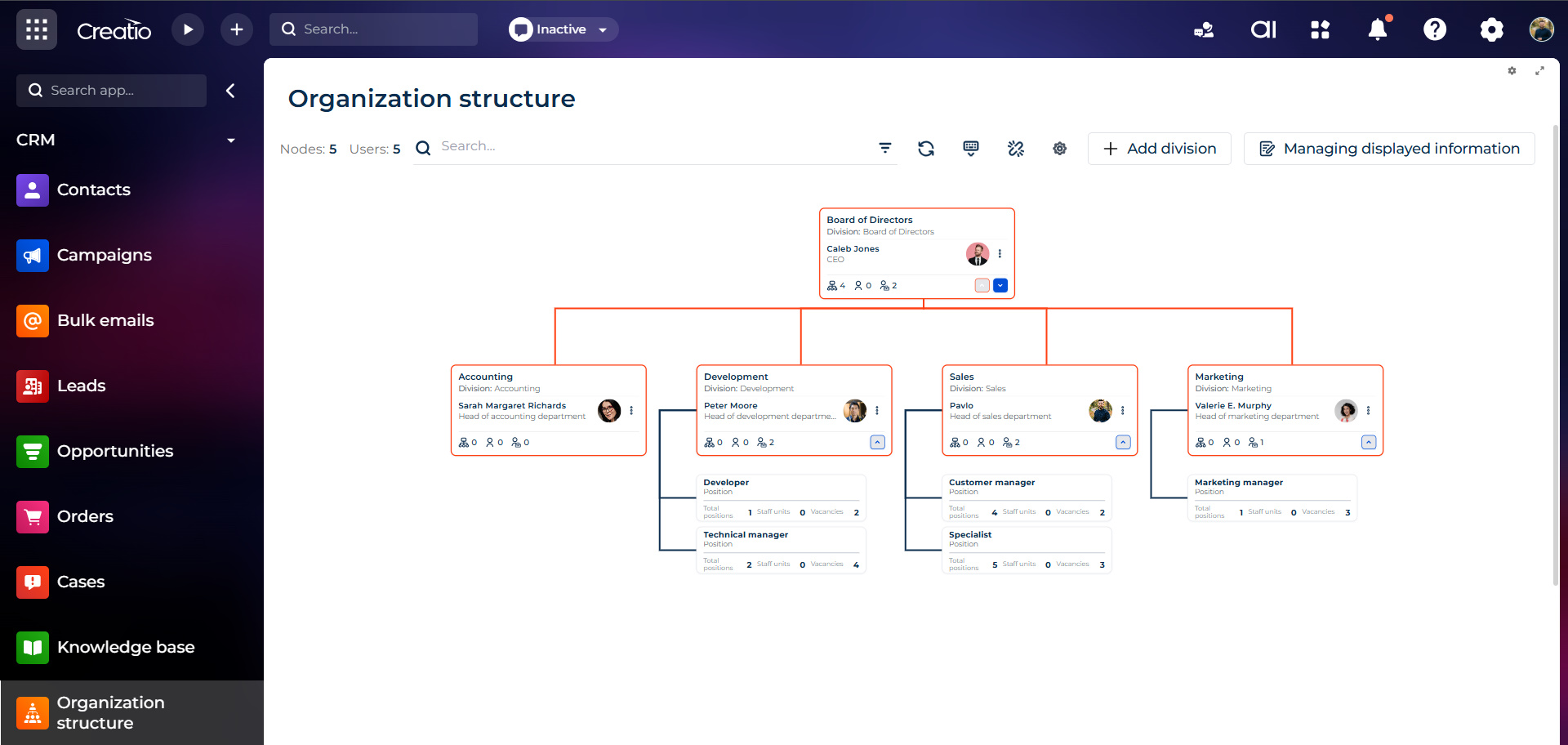
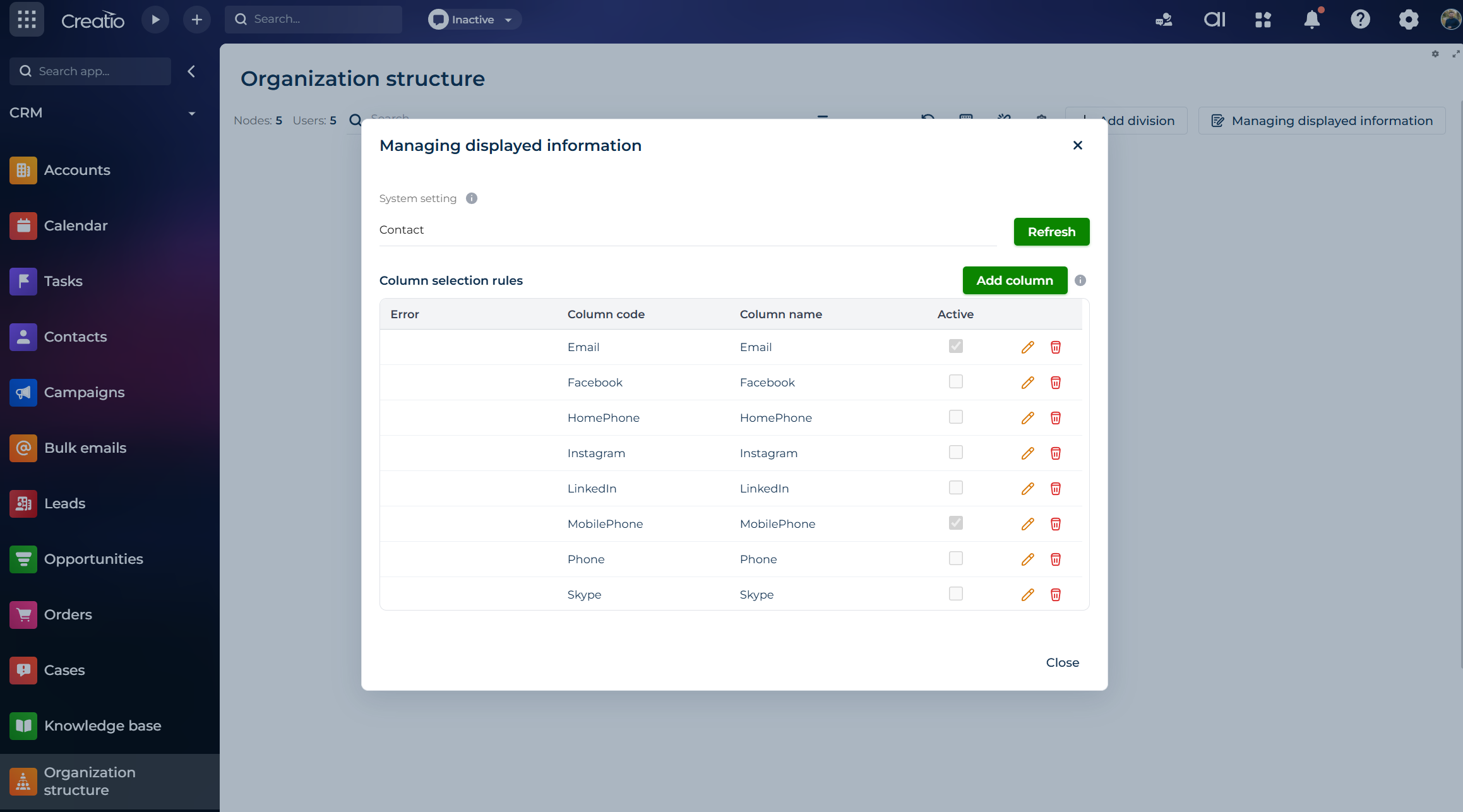
Product overview
Key Features
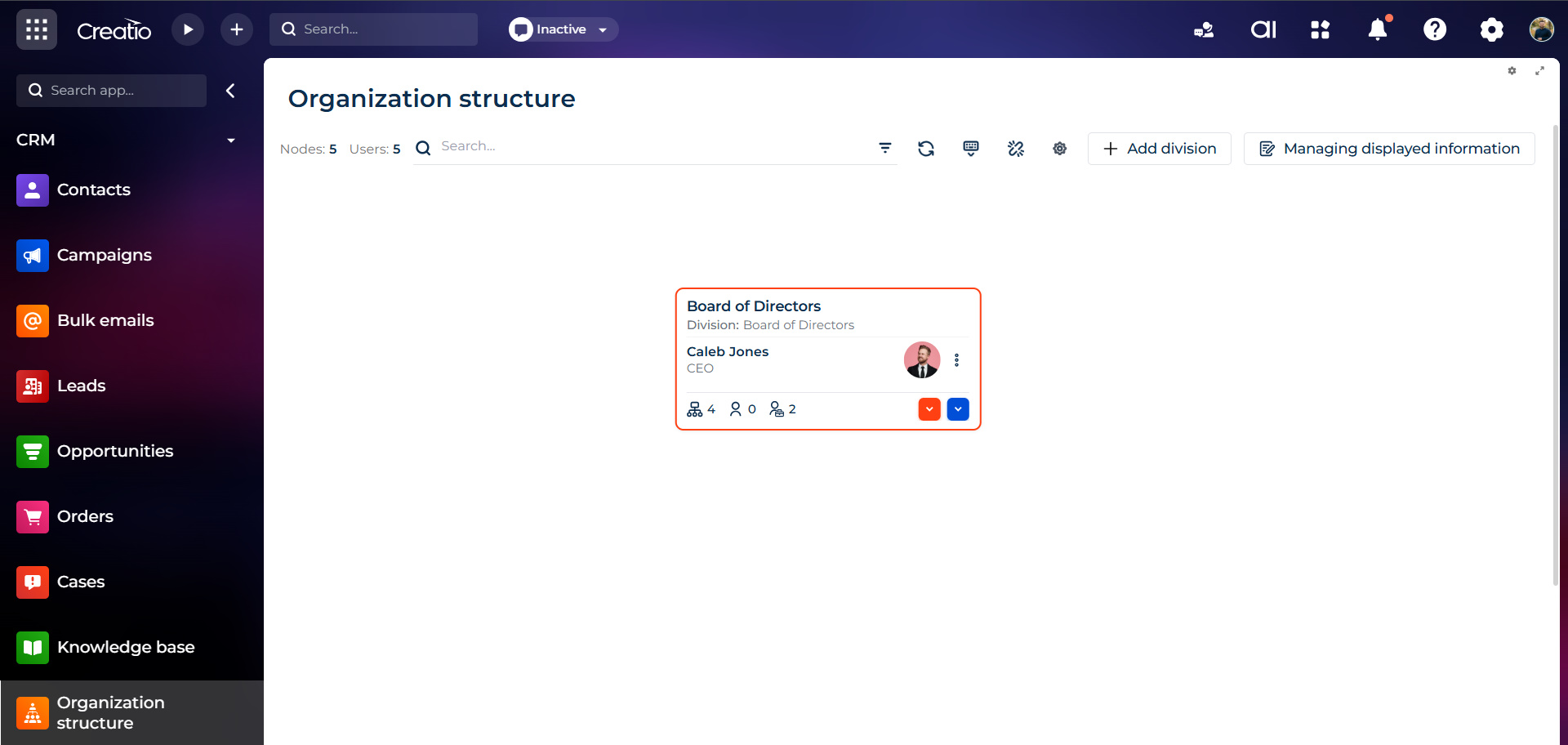
Roles that make sense
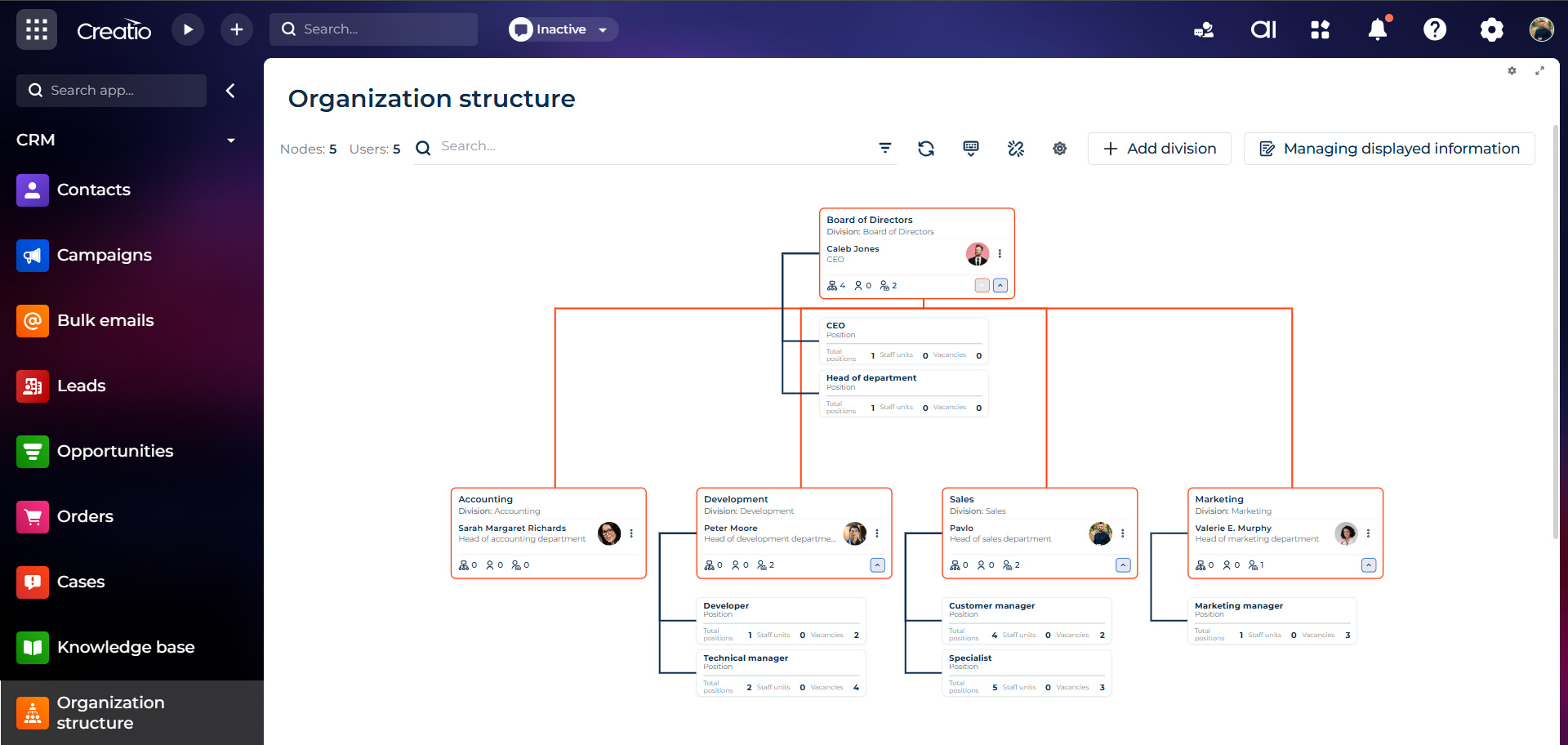
Infinite canvas & dynamic visuals
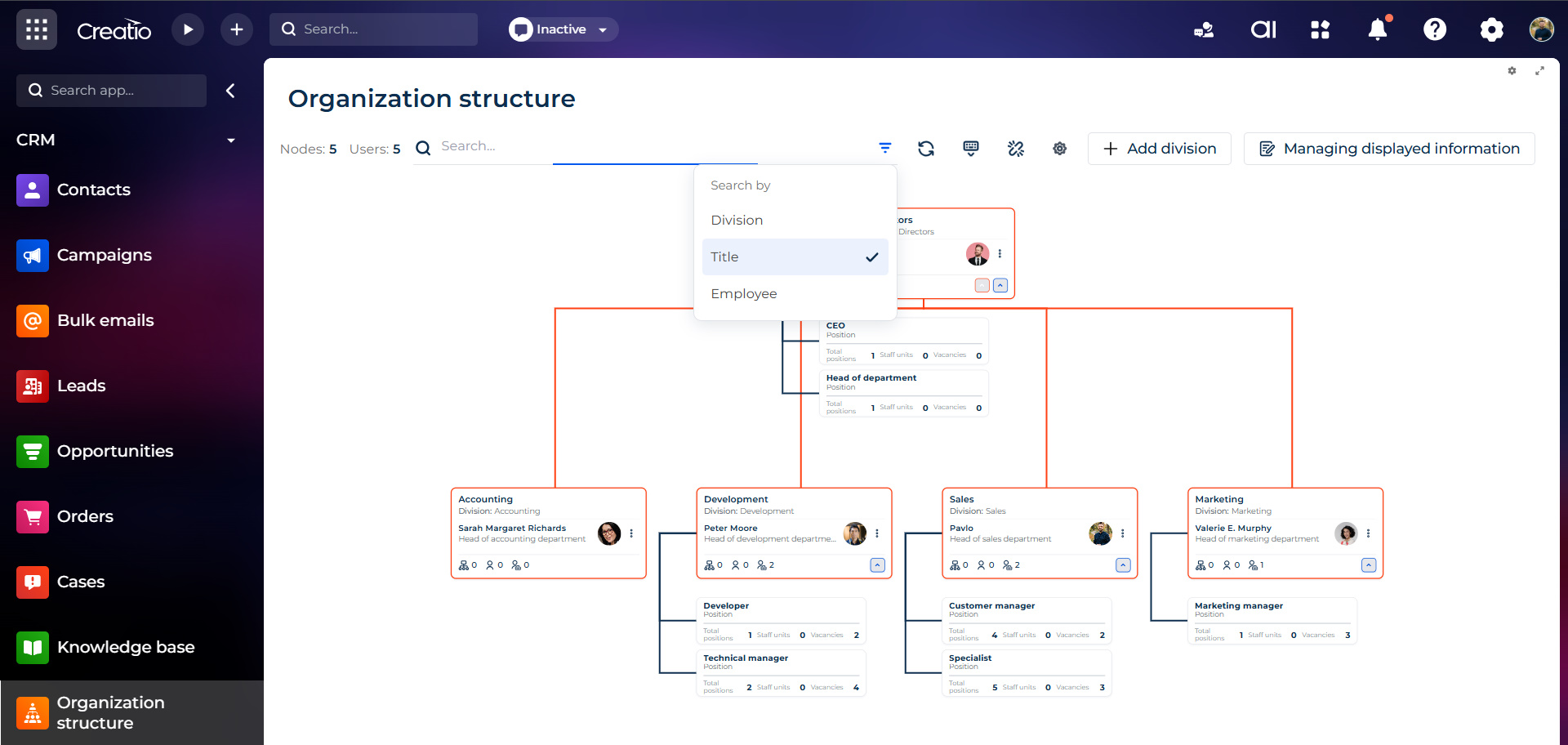
Triple-smart search
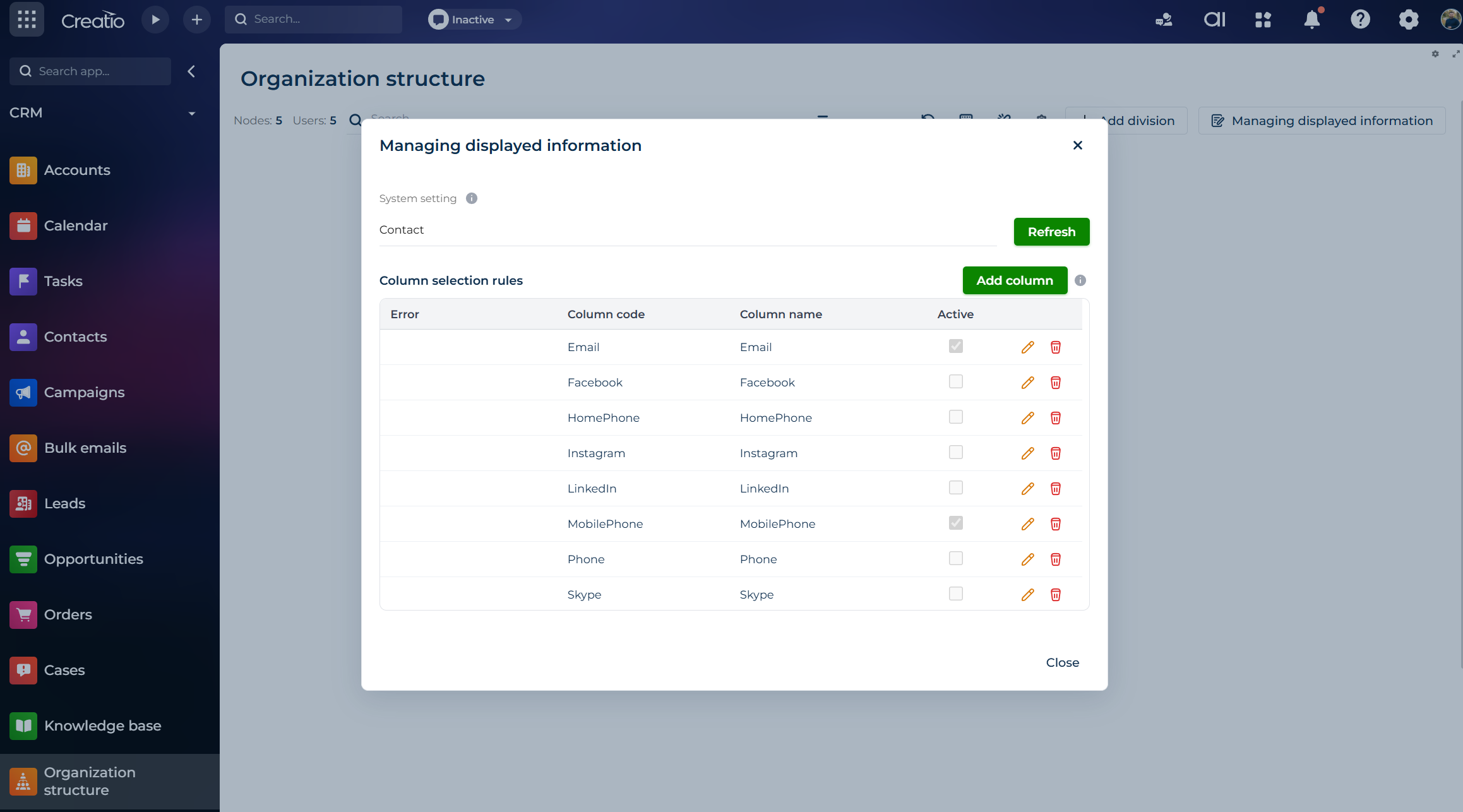
Flexible user cards
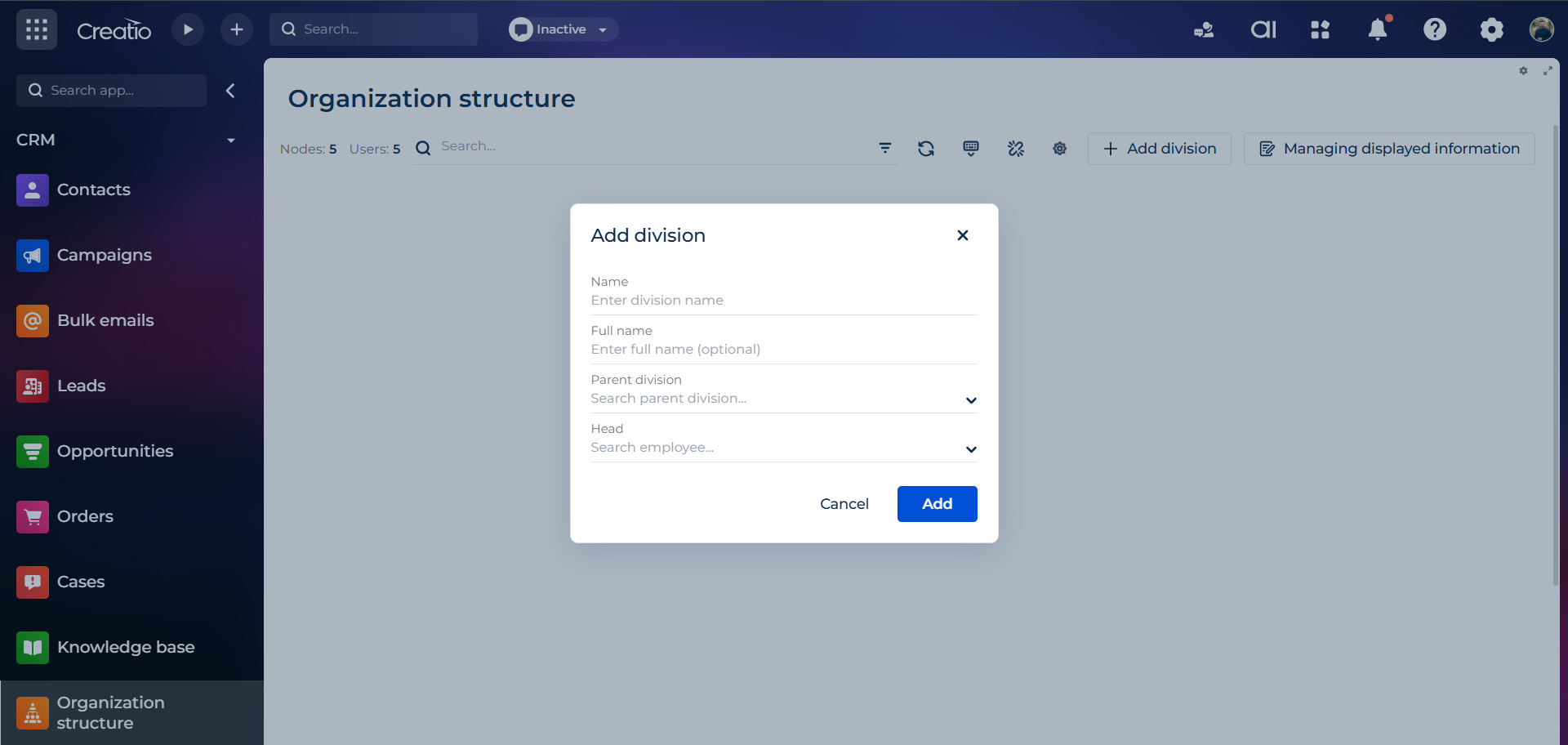
Neat directories & live counters
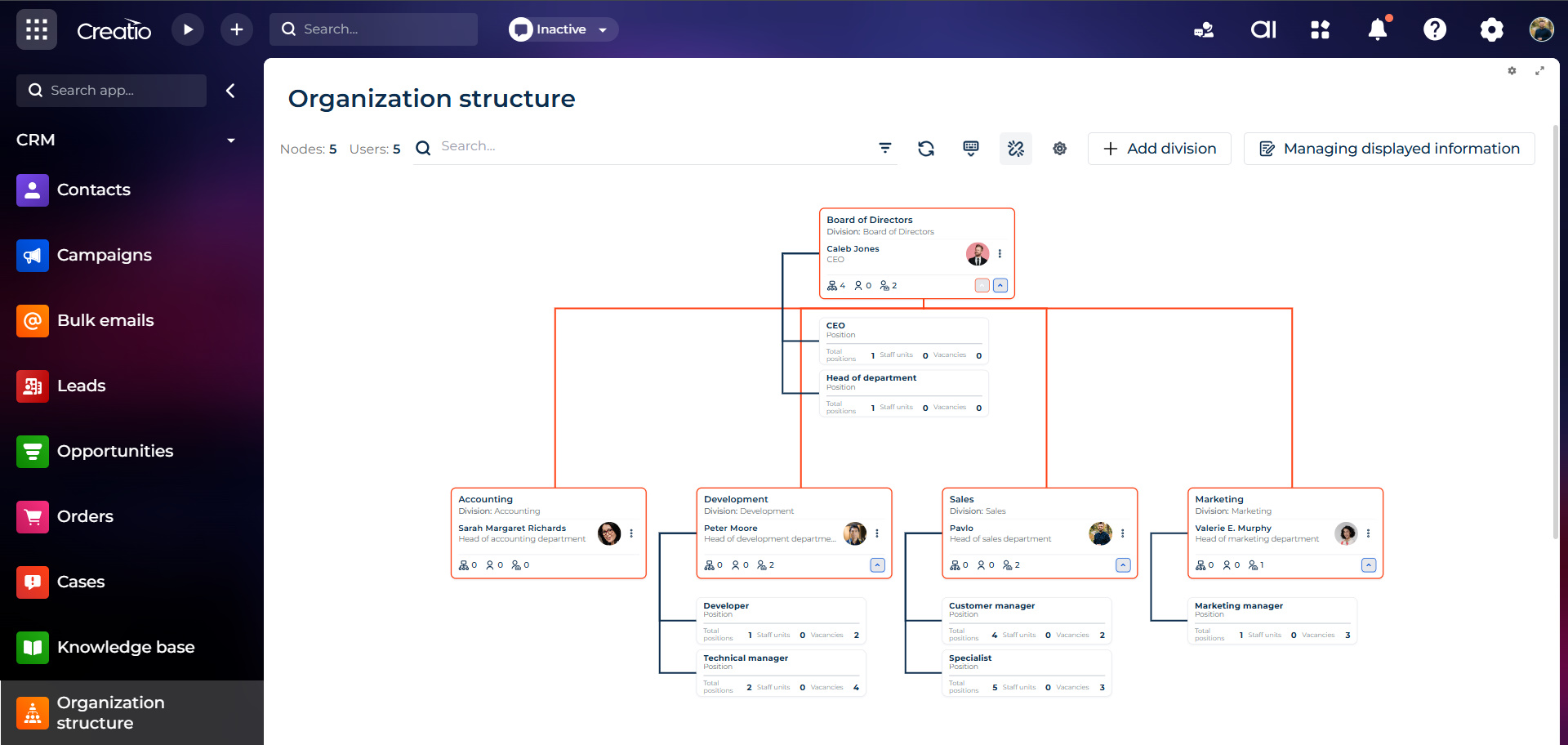
Solid under the hood
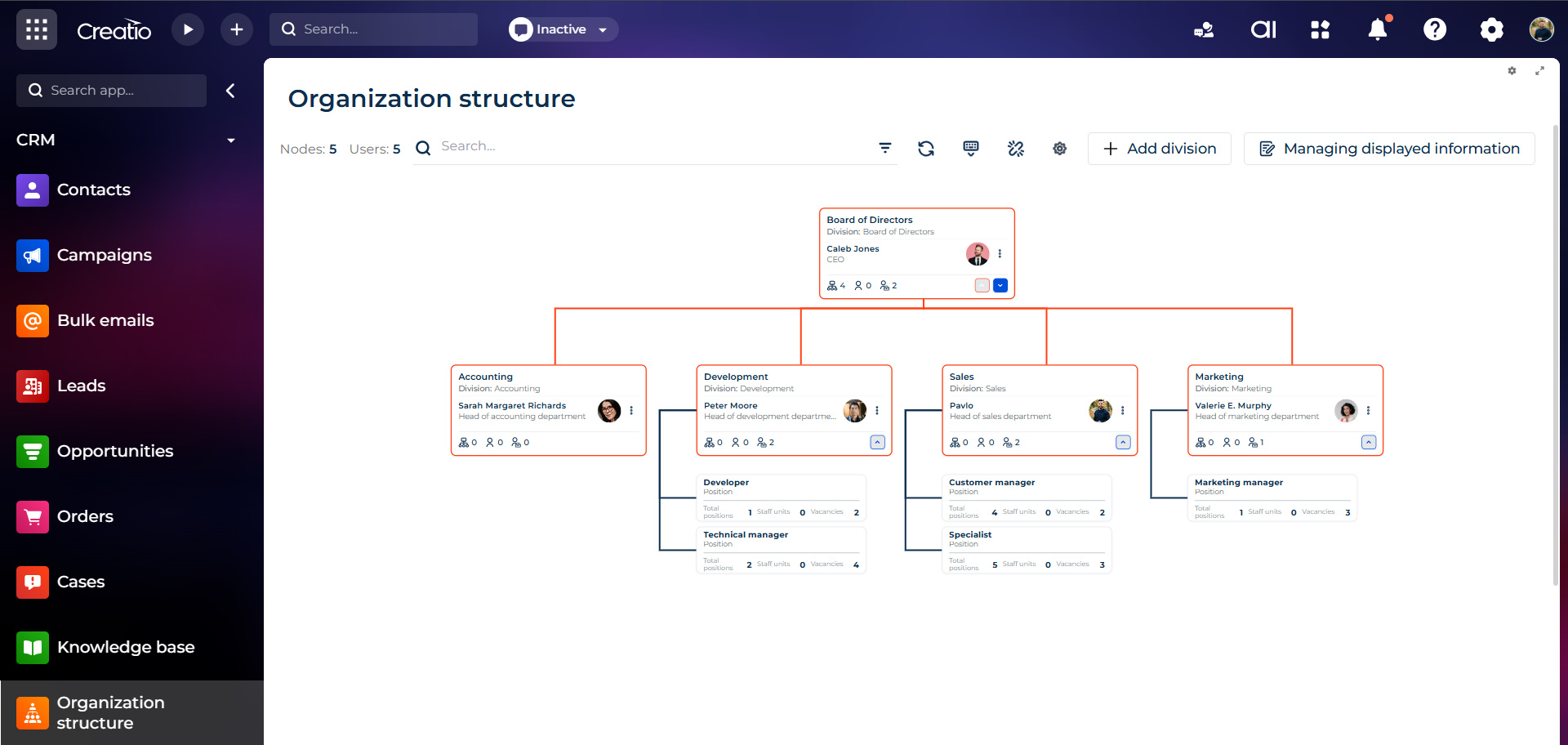
Speed you can actually feel
Pricing
Terms and Conditions
Support
Installation
Setup guide
Data sharing
- By installing or downloading the App, you confirm that you agree with sharing your account data (name, email, phone, company and country) with the App Developer as their End User.
- The App Developer will process your data under their privacy policy.
Versions
Versions history
The new version of the organizational structure application is significantly more flexible and faster, while fully preserving your existing data. Moving away from rigid, standard limitations, we have created a dynamic system where you can easily edit the company hierarchy, instantly find the right employees, and customize how information is displayed — all on the fly without unnecessary page reloads. The updated interface runs smoothly even with large volumes of data, while the new underlying user management logic lays a solid foundation for integrating external or portal users in the future.
-
We have added pagination for structure branches, so now every branch will be loaded only when user expands corresponding node.
-
We have added pagination for users in role, so in modal that displays all role members user will see button, that allows to load next batch of users (if role has them).
-
Some minor improvements and bug fixes.
Initial release.
Manual app installation
- Open the needed app → the Packages tab - download the Markeplace app files.
- Click in the top right → Application Hub
- Click New application. This opens a window.
- Select Install from file and click Select in the window that opens.
- Click Select file on the page of the Marketplace App Installation Wizard and specify the app file path.