


PandaDoc
Overview
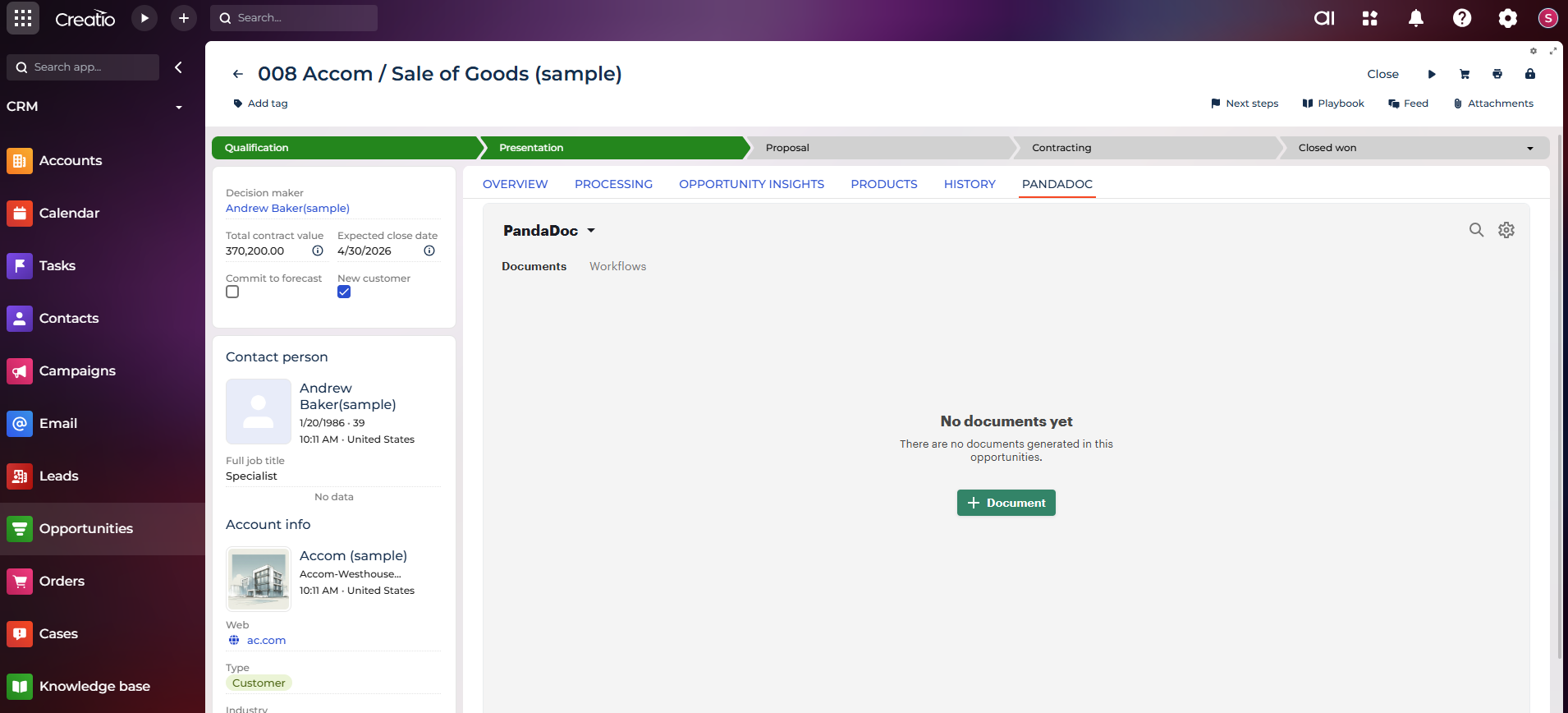
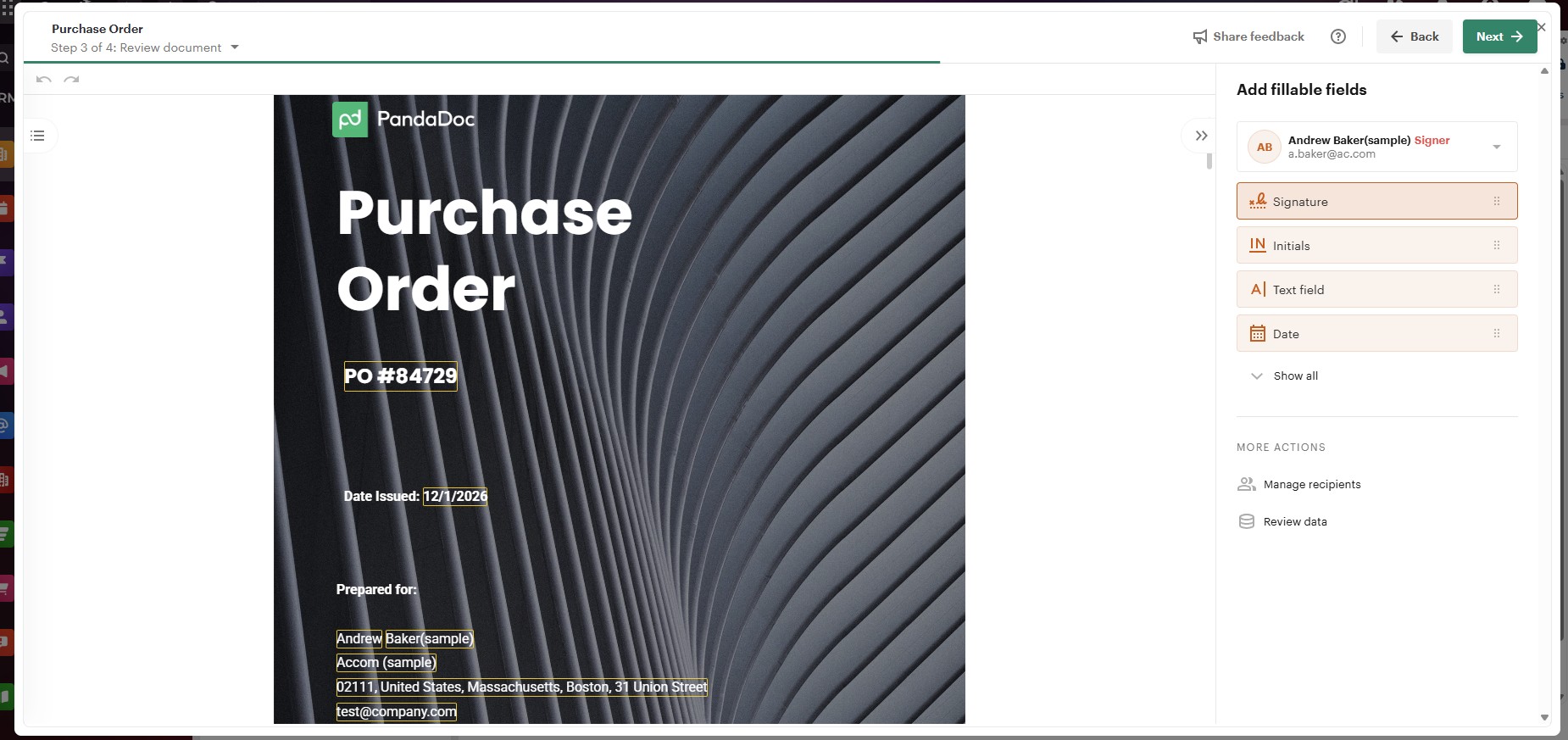
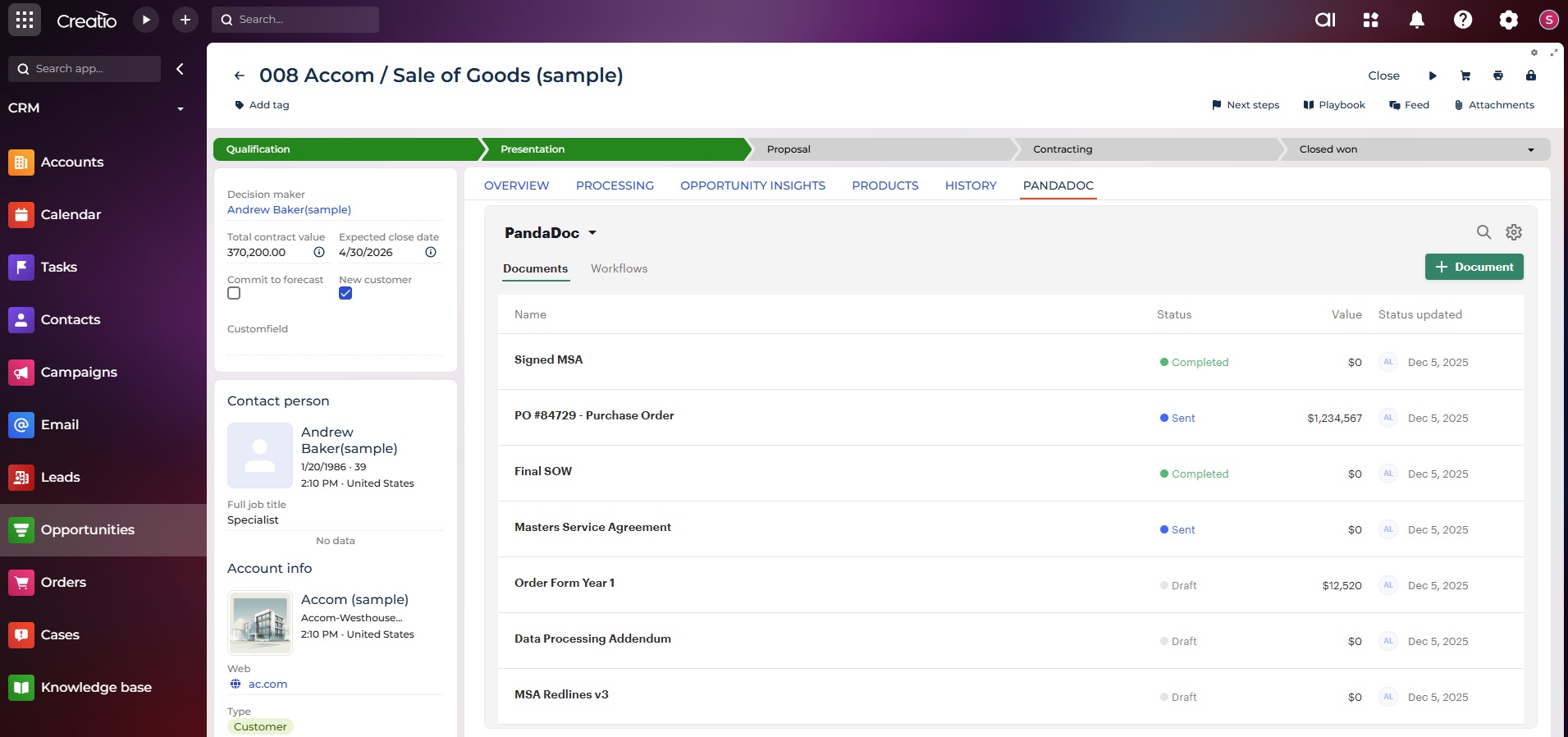
Product overview
PandaDoc eliminates the hours your team wastes copying customer data into Word docs and chasing signatures over email.
Access your Creatio data from multiple objects to create professional proposals, contracts, and documents in minutes instead of hours. Pull accurate CRM information directly into document templates, send for eSignature, and close deals faster.
Join 55,000+ customers who've achieved:
- 46% faster document creation
- 28% more documents sent monthly
- 20% more deals closed monthly
Your team spends less time on paperwork and more time closing deals. Your prospects get professional document experiences that help deals move faster. No coding required - connect and start creating documents the same day (SOC-2 Type II, HIPAA compliant).
Key Features
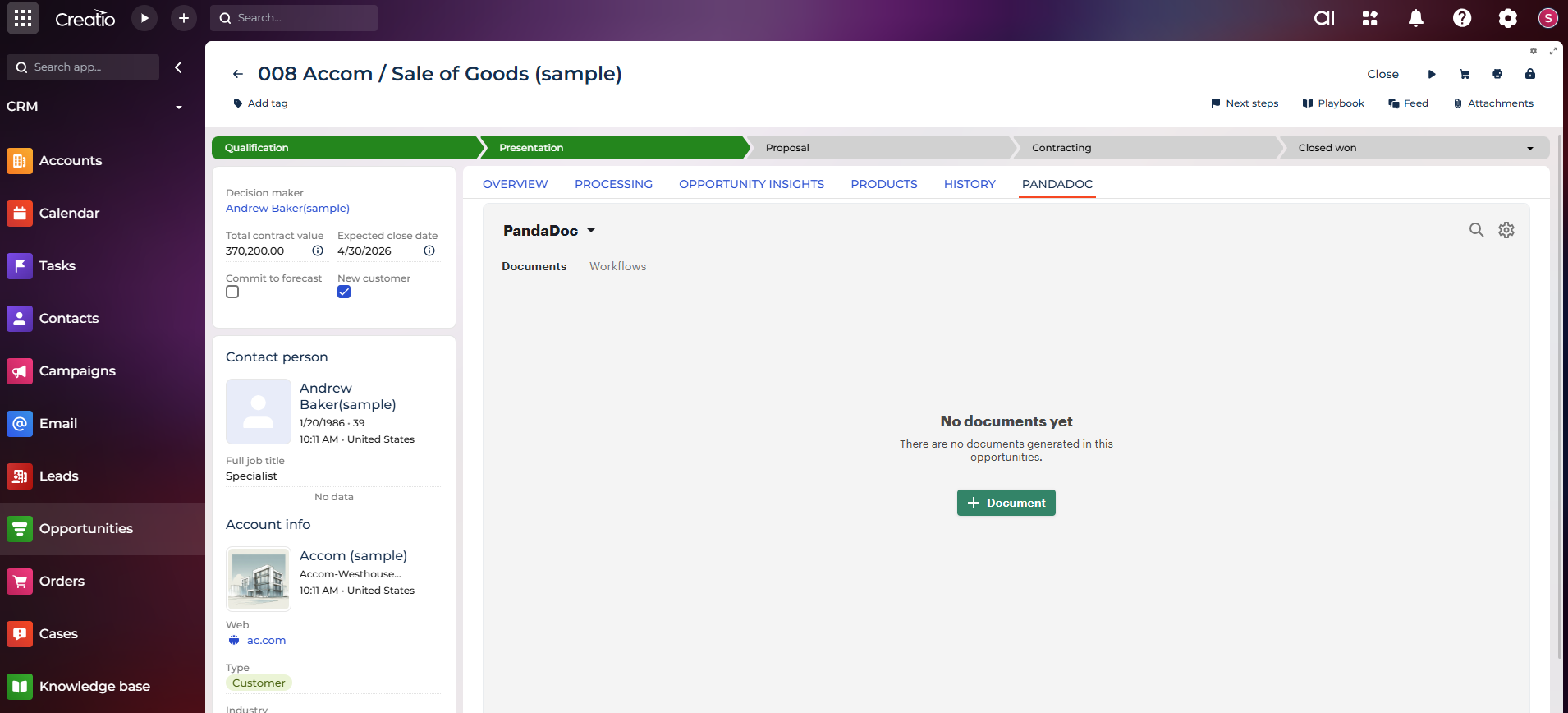
Access Your CRM Data Instantly
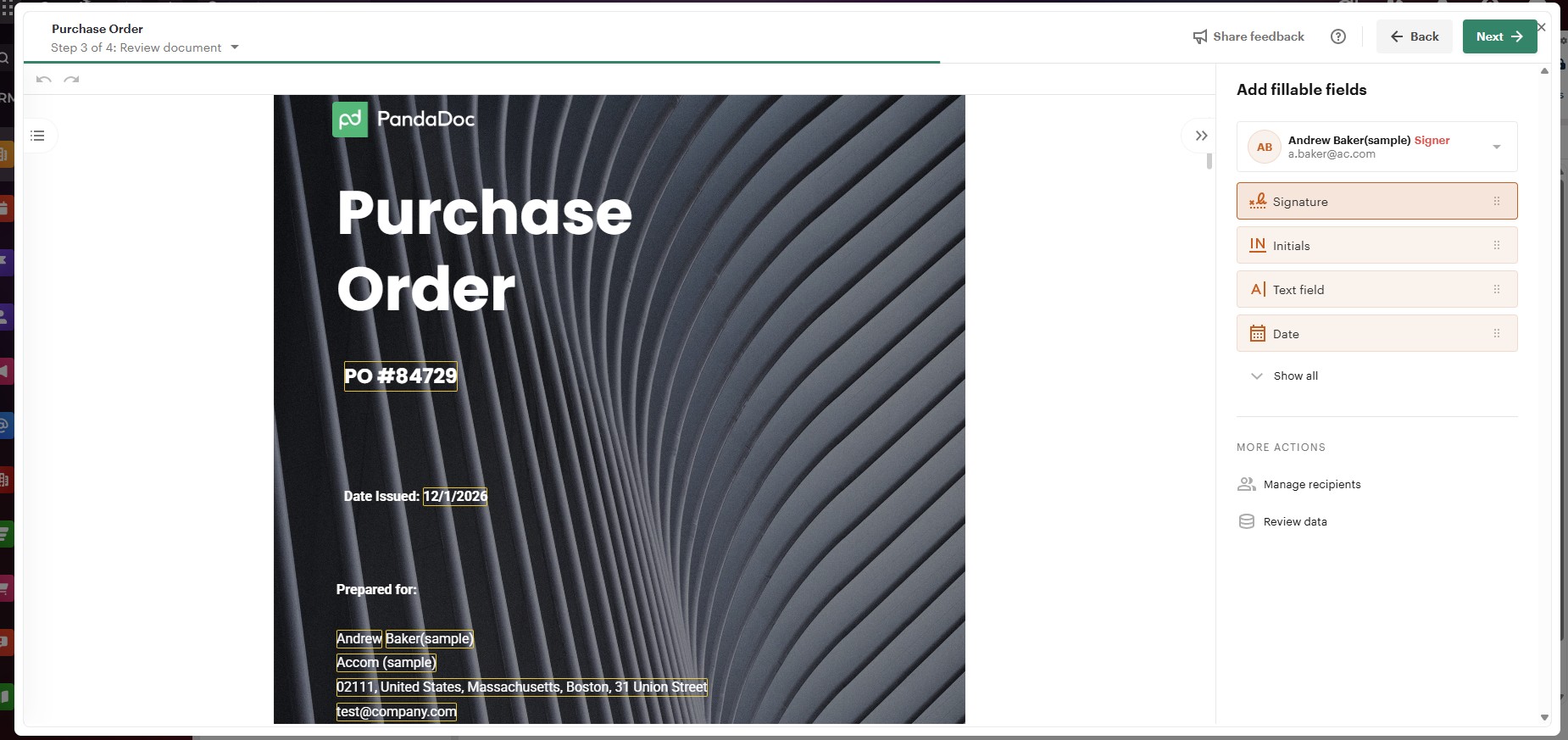
Professional Templates That Impress
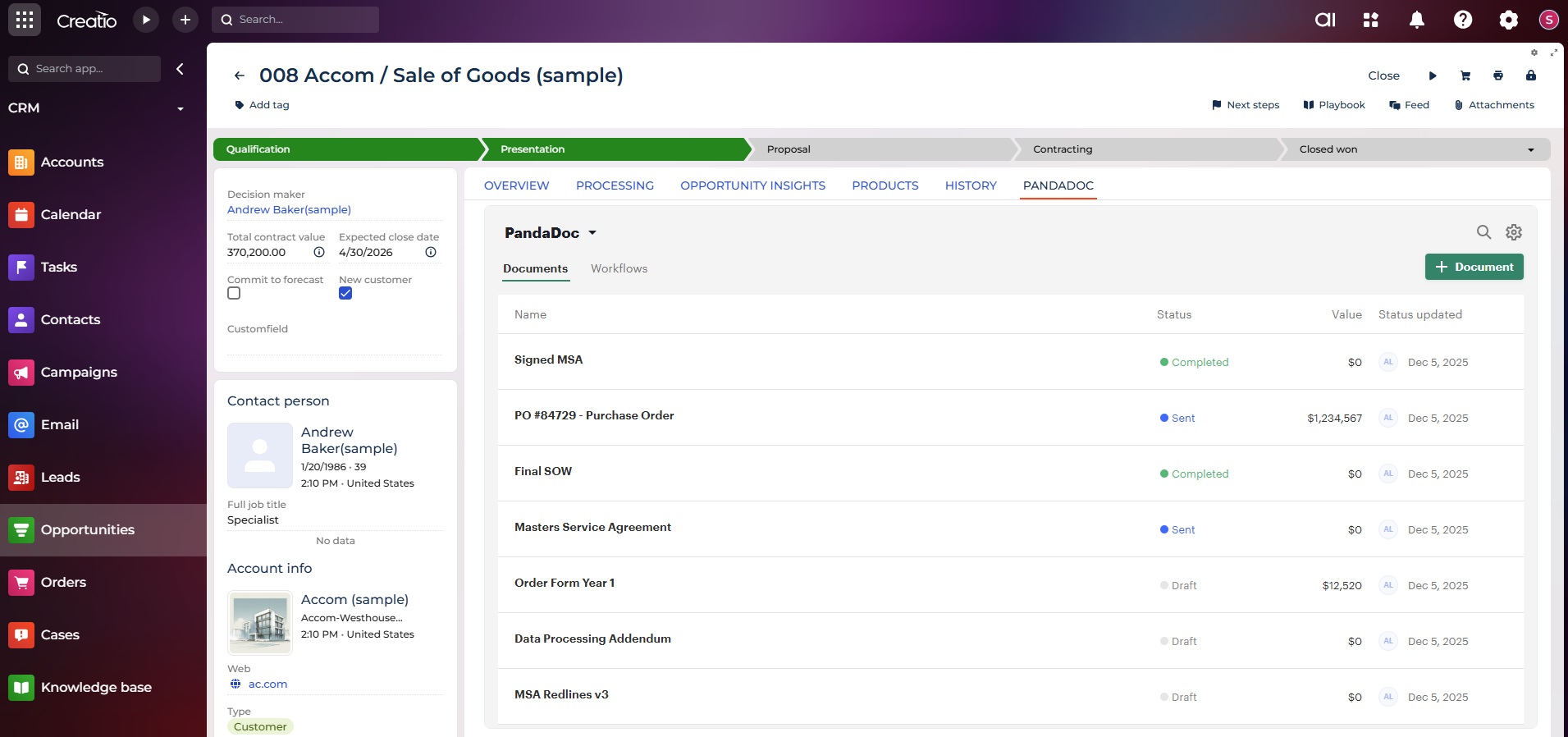
Accelerate Deal Velocity and Reduce Sales Friction
Pricing
- Rich media drag and drop document editor
- Custom quotes and sales agreements
- Custom branding and content library
Third-party solution. The listed price includes the external subscription. Purchase and payment are processed via Creatio.
Terms and Conditions
Support
PandaDoc Support is comprised of an international team that is able to assist customers through email and/or chat*. Our Support Specialists are based all around the world so that you can reach us no matter what time or day it is 24/7/365. You can find more details in the article How to Contact PandaDoc Support.
PandaDoc Support strives to respond to all inbound requests within 24 hours of the creation of a new support request. However, response times will vary depending on availability and time of day.
*Access to chat Support may vary depending on your subscription plan.
Installation
Data sharing
- By installing or downloading the App, you confirm that you agree with sharing your account data (name, email, phone, company and country) with the App Developer as their End User.
- The App Developer will process your data under their privacy policy.
Versions
Versions history
Manual app installation
- Open the needed app → the Packages tab - download the Markeplace app files.
- Click in the top right → Application Hub
- Click New application. This opens a window.
- Select Install from file and click Select in the window that opens.
- Click Select file on the page of the Marketplace App Installation Wizard and specify the app file path.
Compatibility notes
Installation of Customer 360 app is required