

Printables to PDF for Creatio
Enables to print reports in PDF format
Overview
Product overview
Product description
Printables to PDF for Creatio. You can now share ready-to-send PDF documents without any extra conversion steps by using the new Printables to PDF for Creatio composable app. Select the "Convert to PDF" checkbox for a printable, and Creatio generates the file in PDF format when a user clicks the Print button on a list page or a record page. The app relies on the standard Creatio printables functionality, so the resulting PDF keeps the same layout and content as the Word version.
Key Features
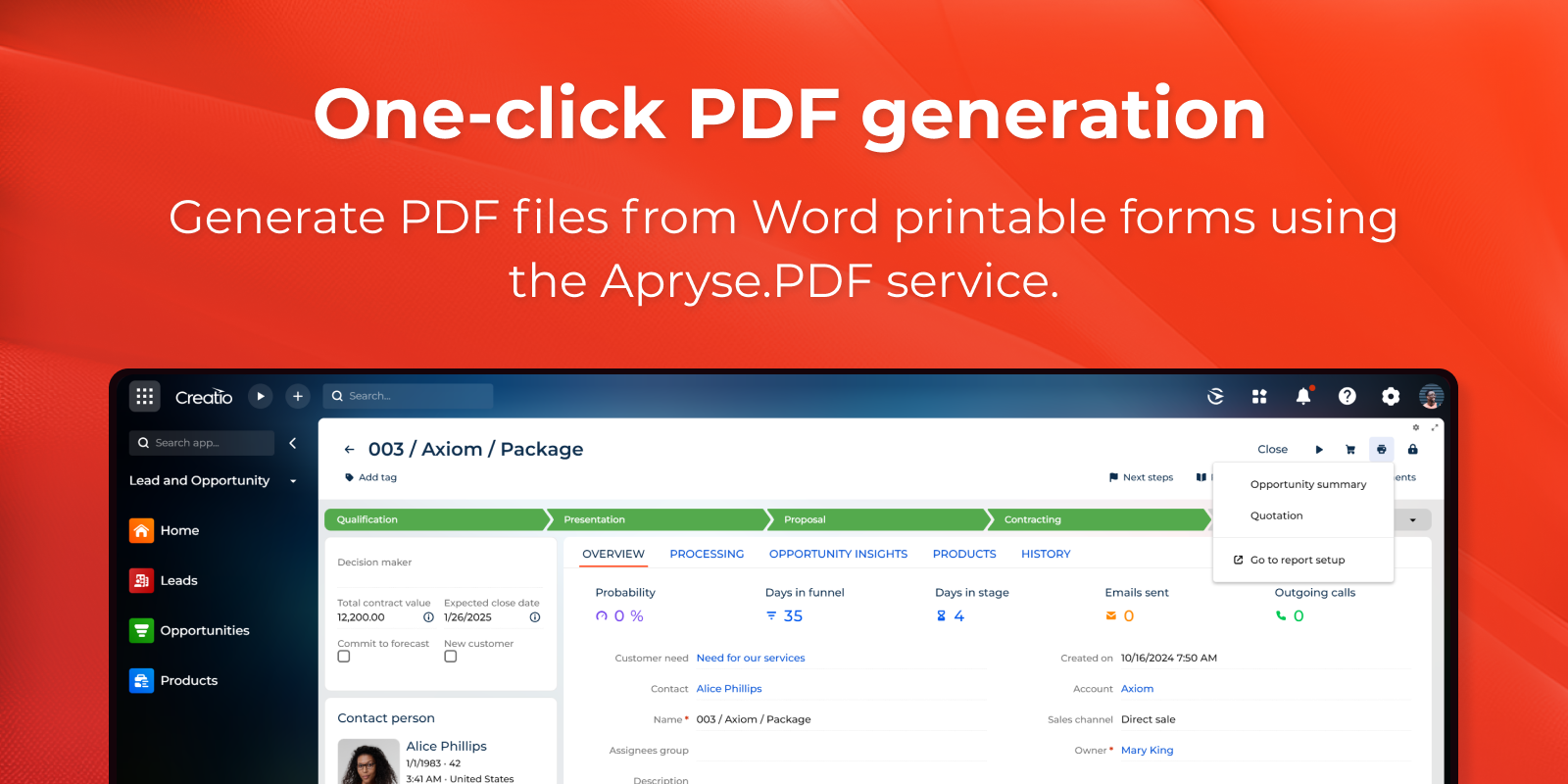
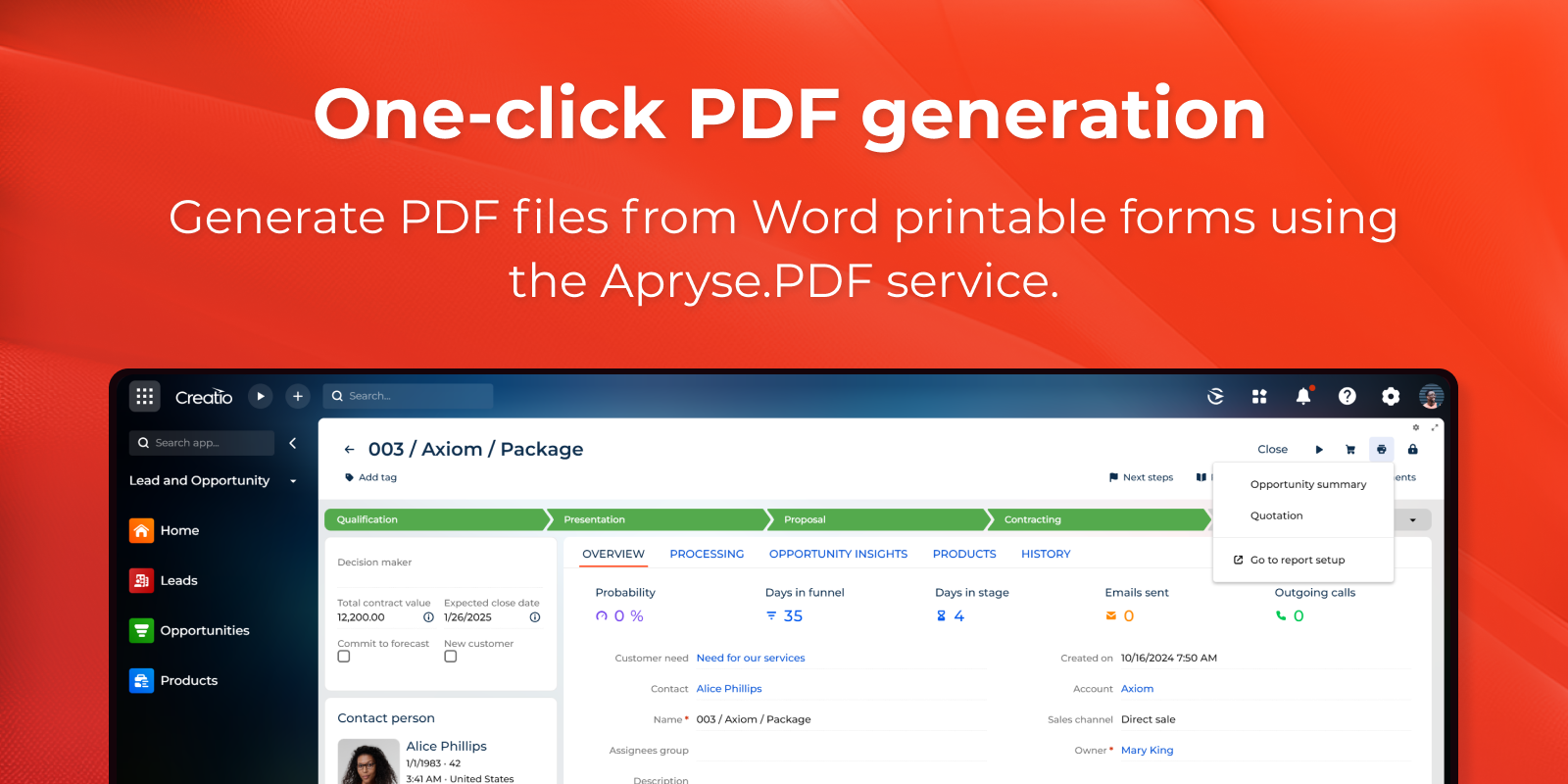
One-click PDF generation
Generate PDF files from Word printable forms using the Apryse.PDF service. Produce consistent, shareable documents from existing templates to streamline distribution and record keeping across teams and departments.
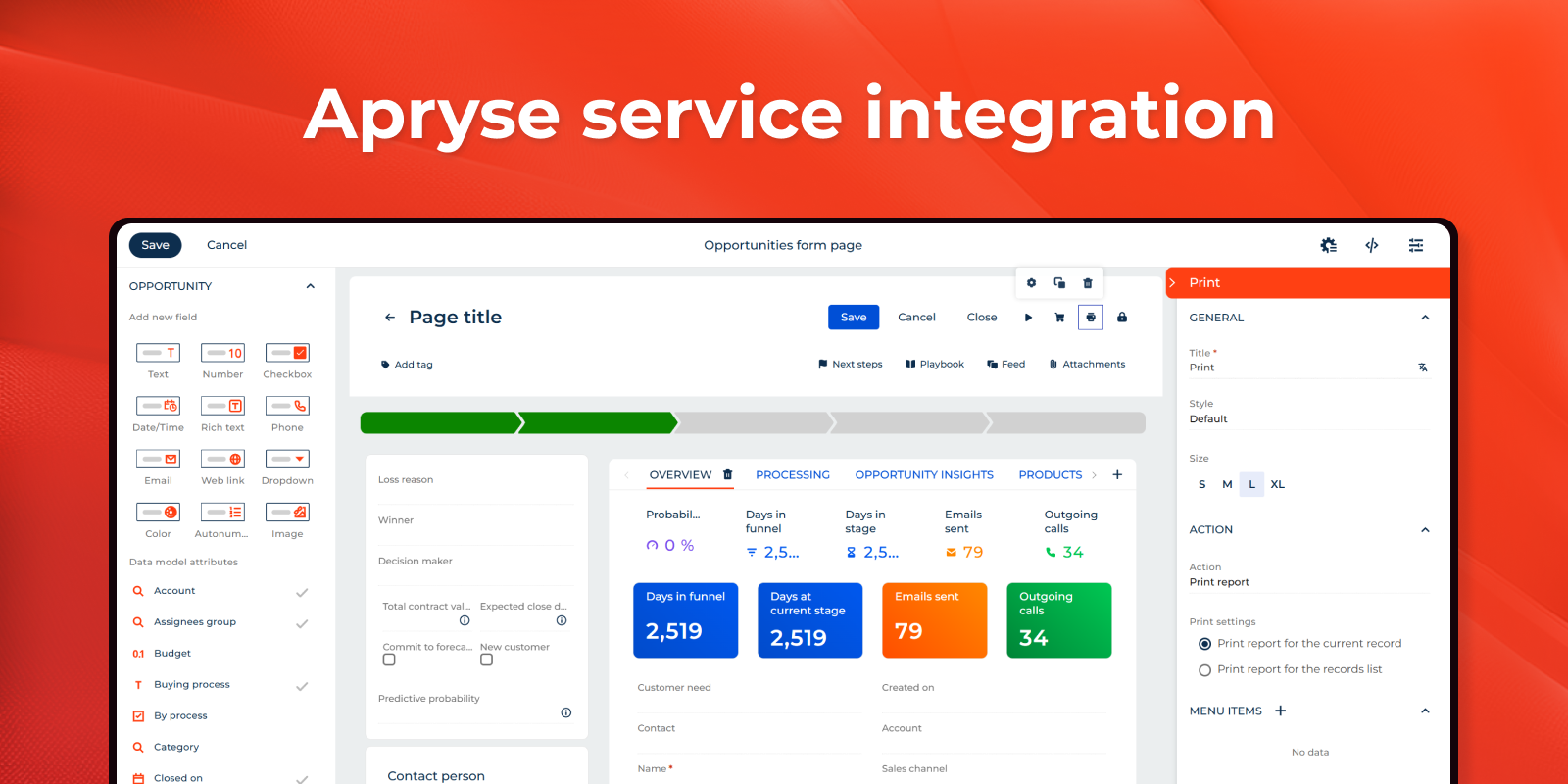
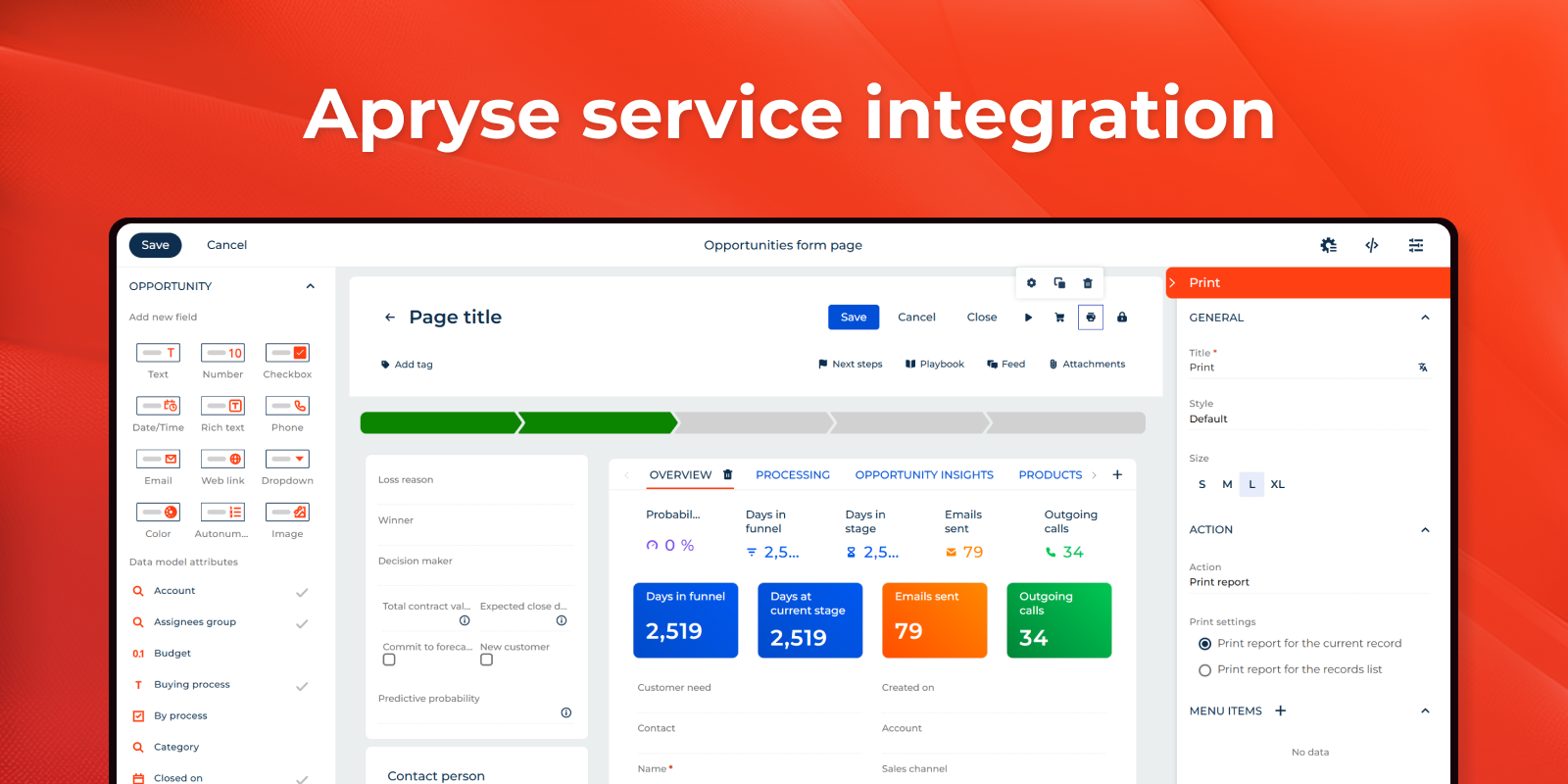
Apryse service integration
Integrates with the Apryse.PDF service to execute PDF rendering tasks from Creatio, aligning document output with a mature engine and supporting a standardized conversion path for business printables managed in the platform.
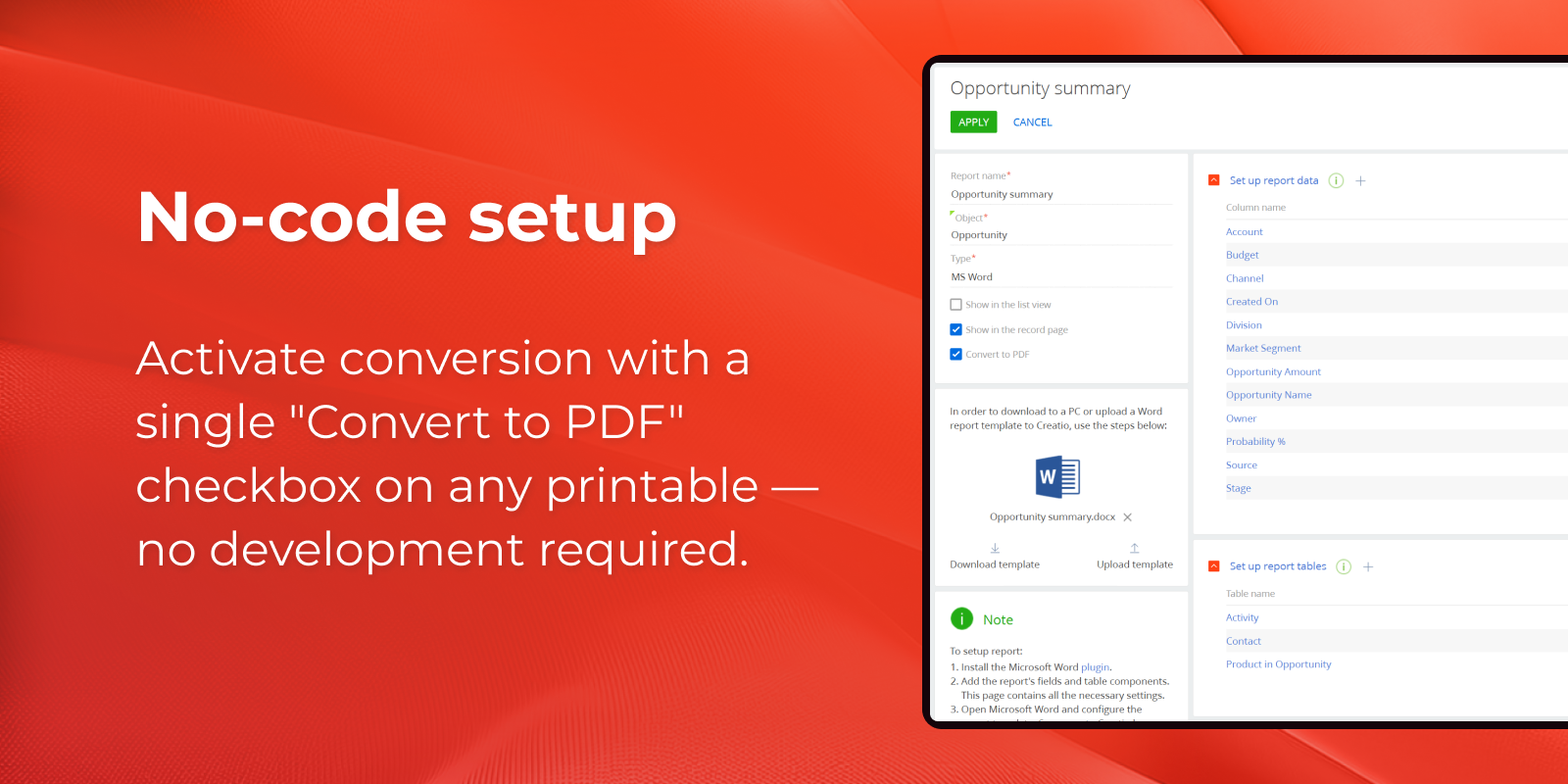
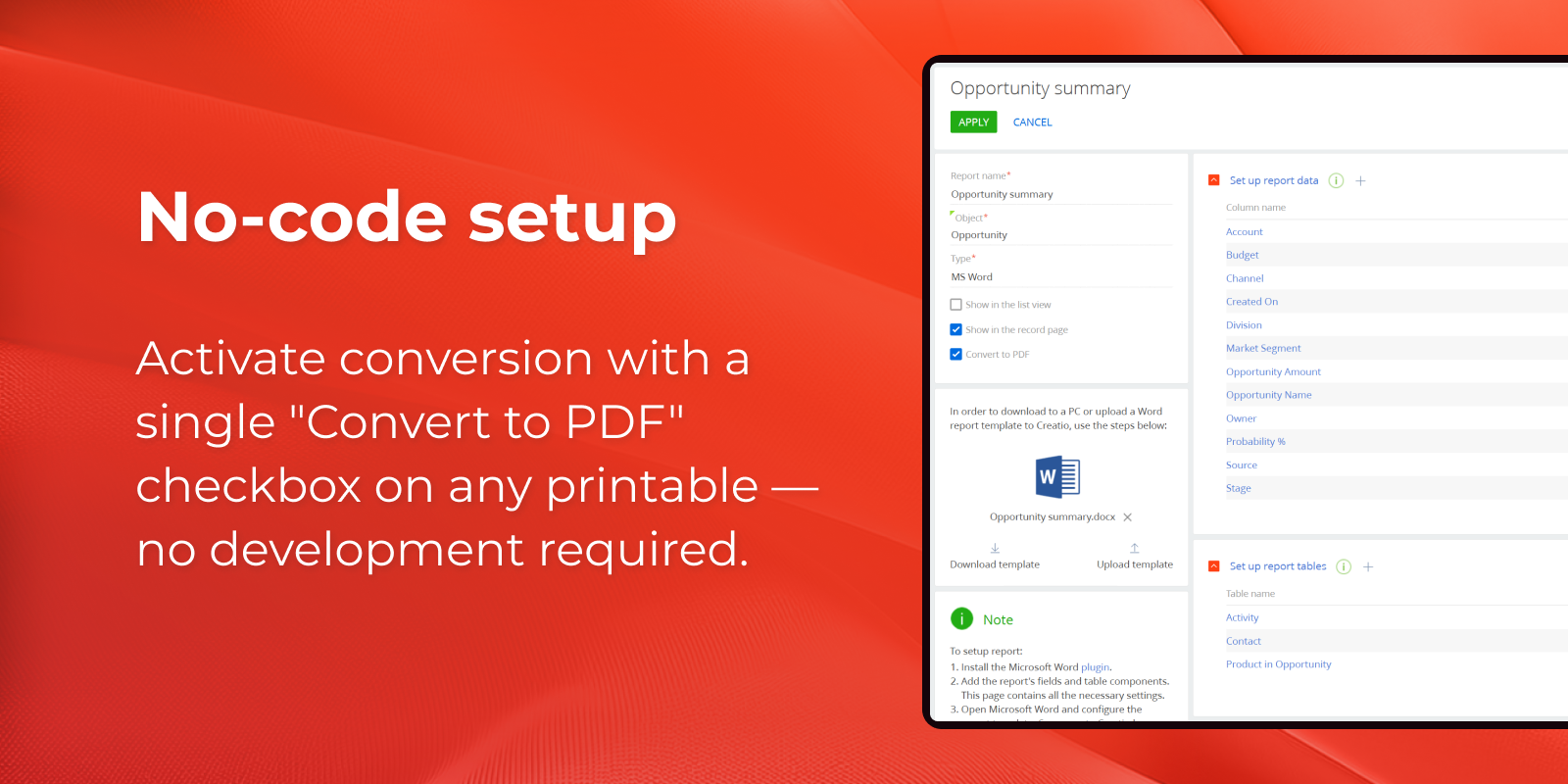
No-code setup
Activate conversion with a single "Convert to PDF" checkbox on any printable — no development required.
Pricing
Monthly
Annual
Standard
Free
Terms and Conditions
By installing this product you agree to terms and conditions outlined in the license agreement.
Support
Support is available for this application
The Support is provided by Creatio following the package you have purchased for your Subscription Services. Detailed information about the support packages and the support terms is stated in your Master Agreement (available at Creatio website).
Installation
Setup guide
After installing the application, follow these steps:
- Go to the Reports section and open the report you need.
- Tick the Convert to PDF checkbox and save.
- Open the page where you want to print from (list page or record page) in Freedom UI Page Designer.
- Add a button and set its action to Print.
- Save the page and navigate to runtime.
- Clicking the button, now generates the report as PDF, identical to the Word version.
Note the connector is not compatible with other Word to PDF conversion packages.
Data sharing
- By installing or downloading the App, you confirm that you agree with sharing your account data (name, email, phone, company and country) with the App Developer as their End User.
- The App Developer will process your data under their privacy policy.
Versions
Versions history
Version
Compatibility
Release date
1.0.0
10.1 and up
Release summary
Generation of ready-to-send PDF documents directly from Creatio printables while preserving the layout and content of the Word version.
Manual app installation
- Open the needed app → the Packages tab - download the Markeplace app files.
- Click in the top right → Application Hub
- Click New application. This opens a window.
- Select Install from file and click Select in the window that opens.
- Click Select file on the page of the Marketplace App Installation Wizard and specify the app file path.
Compatibility notes