


RiskMaster Risk and Audit Management for Creatio
Overview
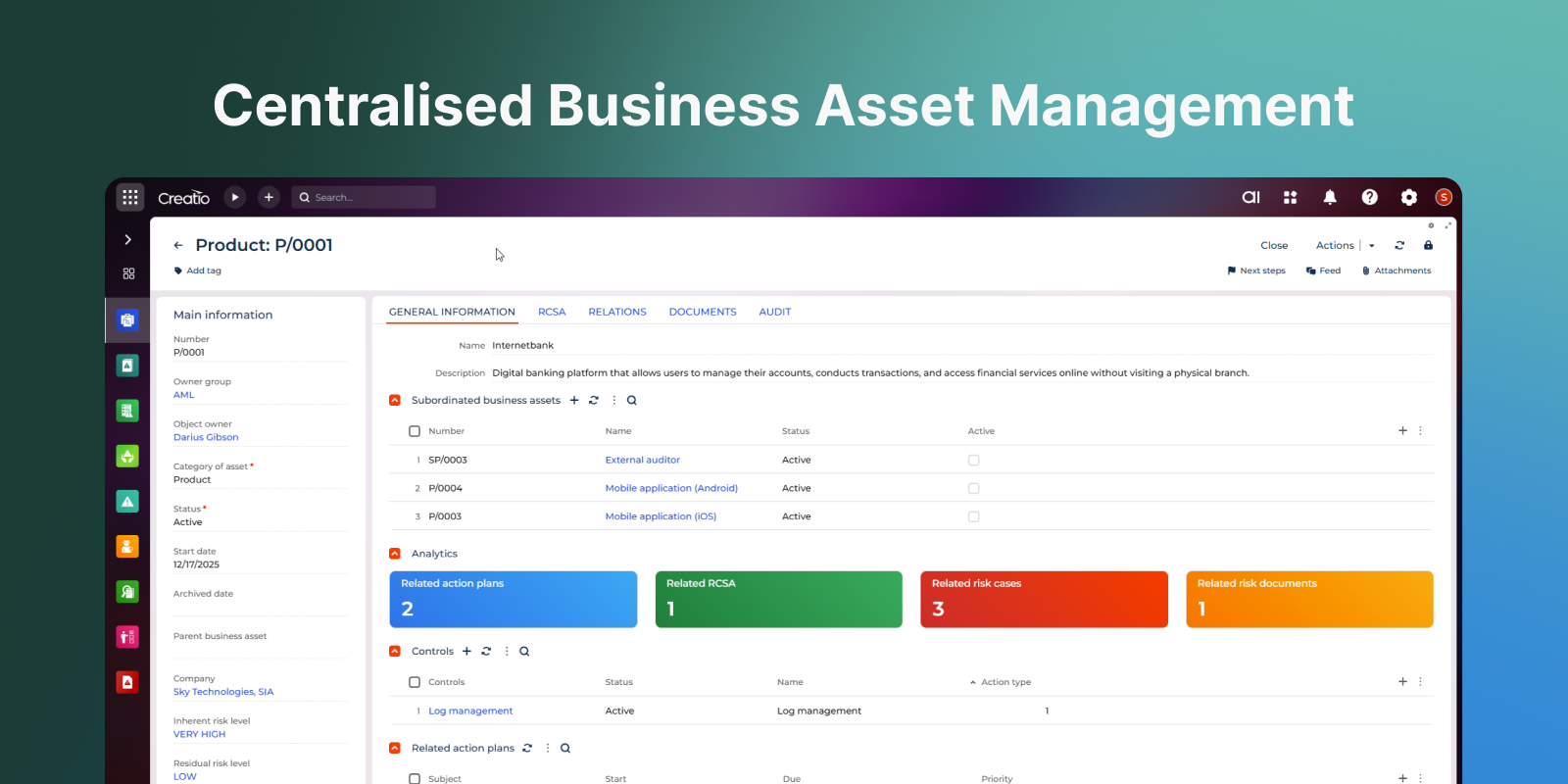
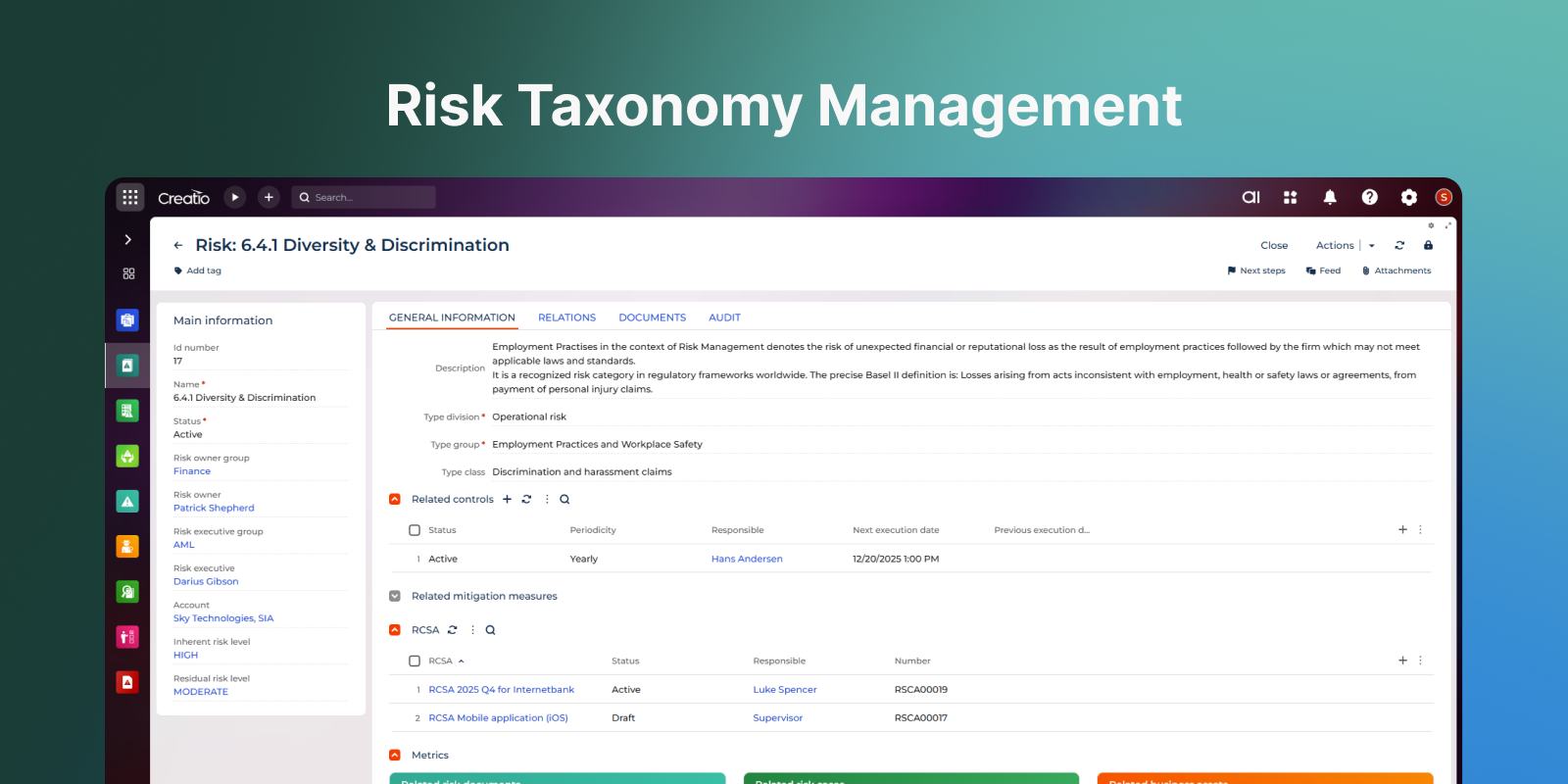
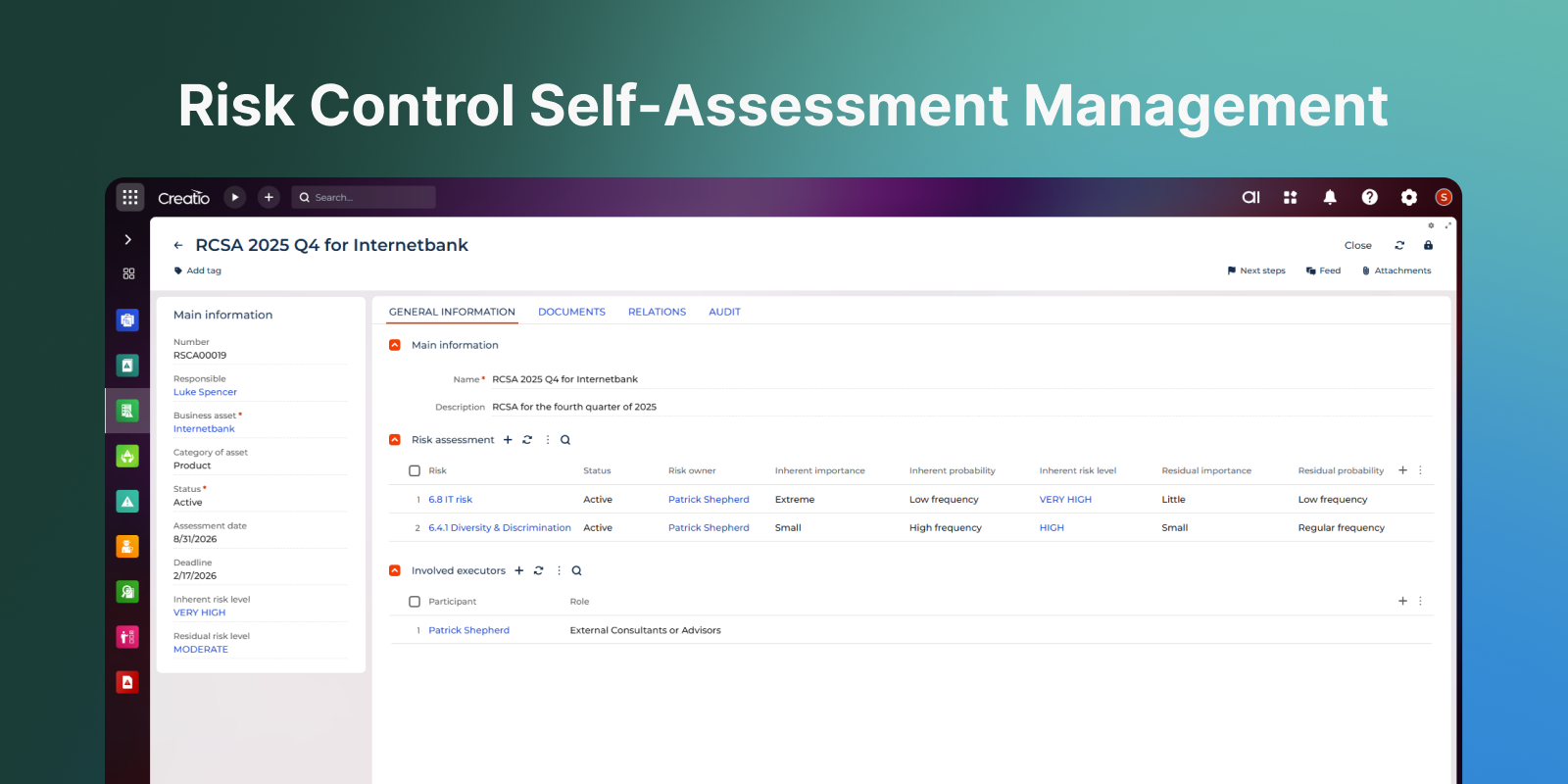
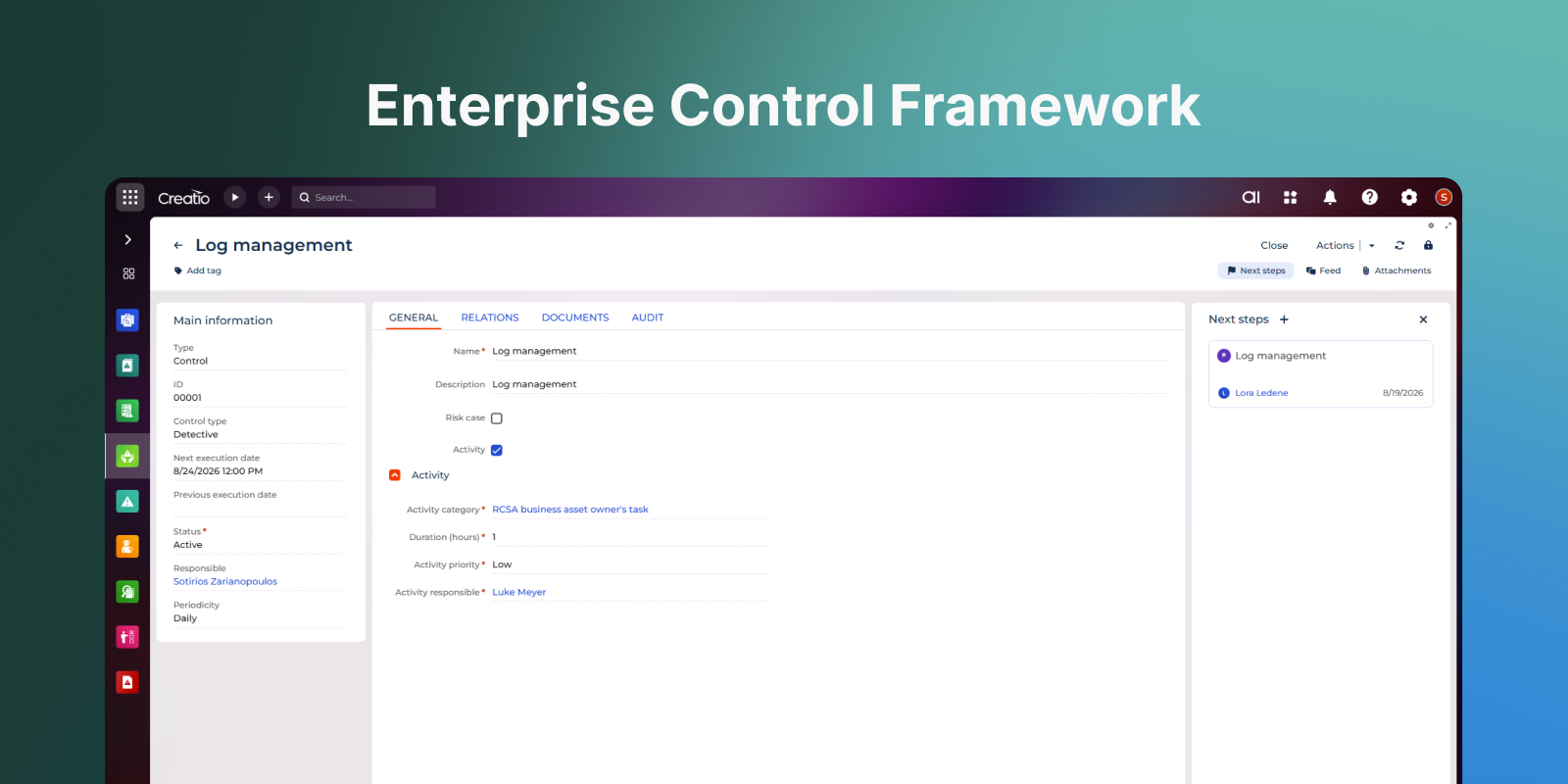
Product overview
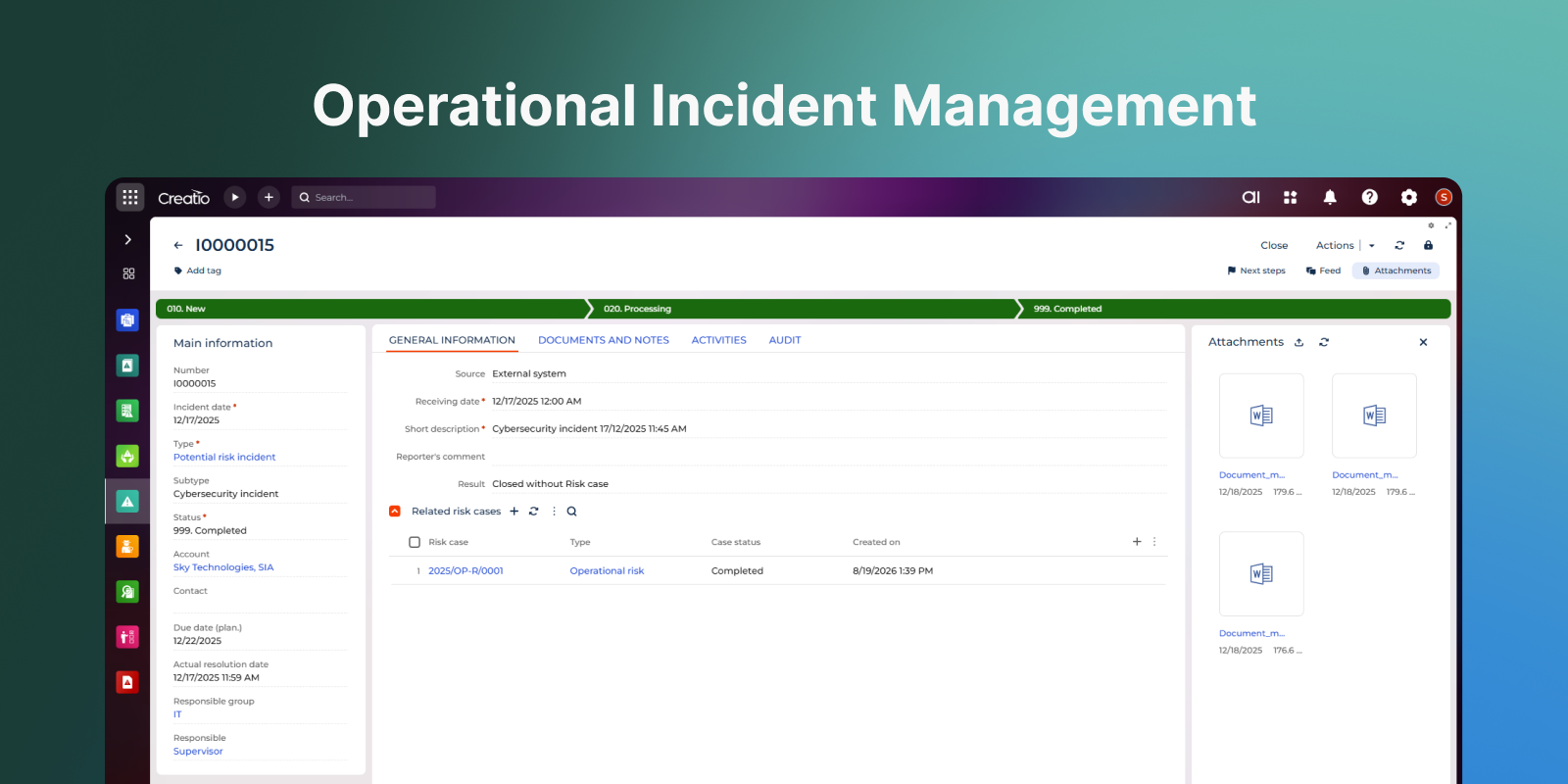
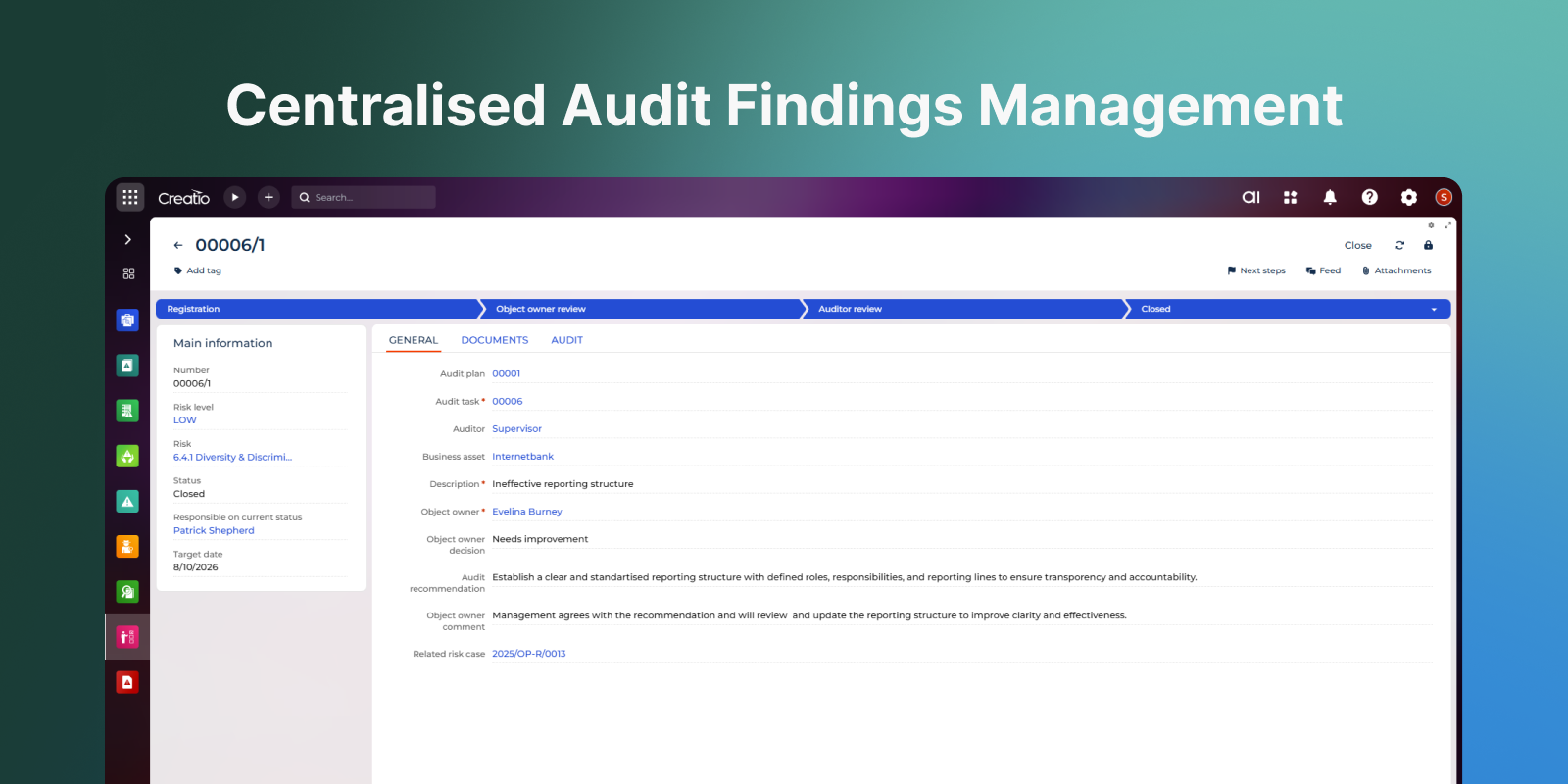
RiskMaster is a risk and audit management solution designed to help organisations establish a structured and transparent approach to risk governance. The solution centralises risk, incident, and audit data within a single system, providing full visibility into risk exposure, mitigation activities, investigations, and audit outcomes.
Built on the Creatio platform, RiskMaster supports configurable no-code workflows for risk registration, Risk and Control Self-Assessment (RCSA), incident management, corrective and preventive actions, and internal audits. The solution is highly adaptable to organisational policies, regulatory requirements, and industry-specific risk management frameworks.
Originally designed for operational risk management, RiskMaster can be easily configured to support other enterprise risk management processes and methodologies.
Use cases
Operational Risk Management
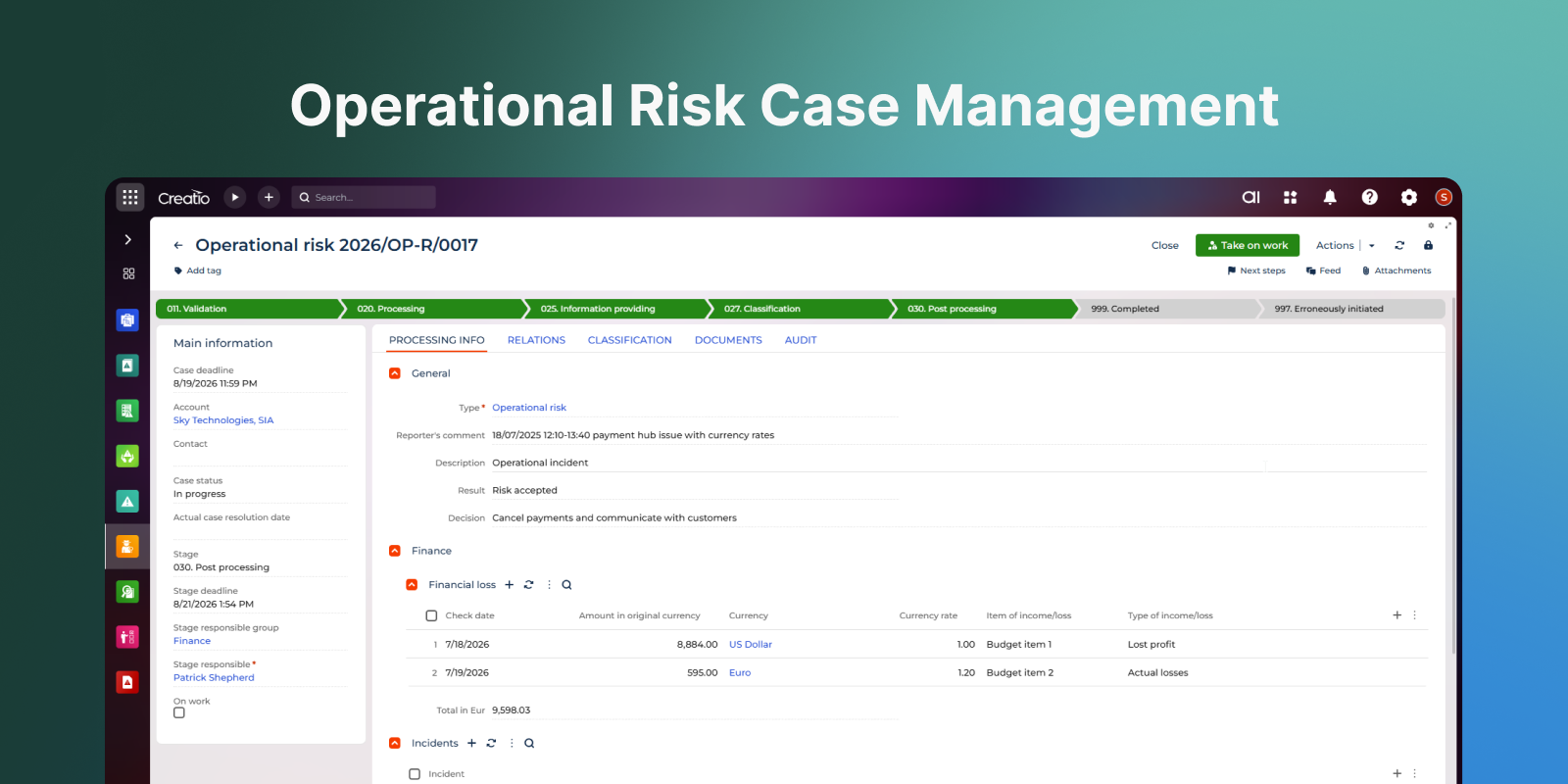
Identify, assess, monitor, and mitigate operational risks through structured risk registers, risk assessments, and action plans.
Risk and Control Self-Assessment (RCSA)
Conduct regular risk and control assessments to evaluate exposure, identify weaknesses, and define mitigation measures.
Incident Management and Investigation
Register incidents, investigate root causes, assess business impact, and implement corrective actions through controlled workflows.
Internal Audit Management
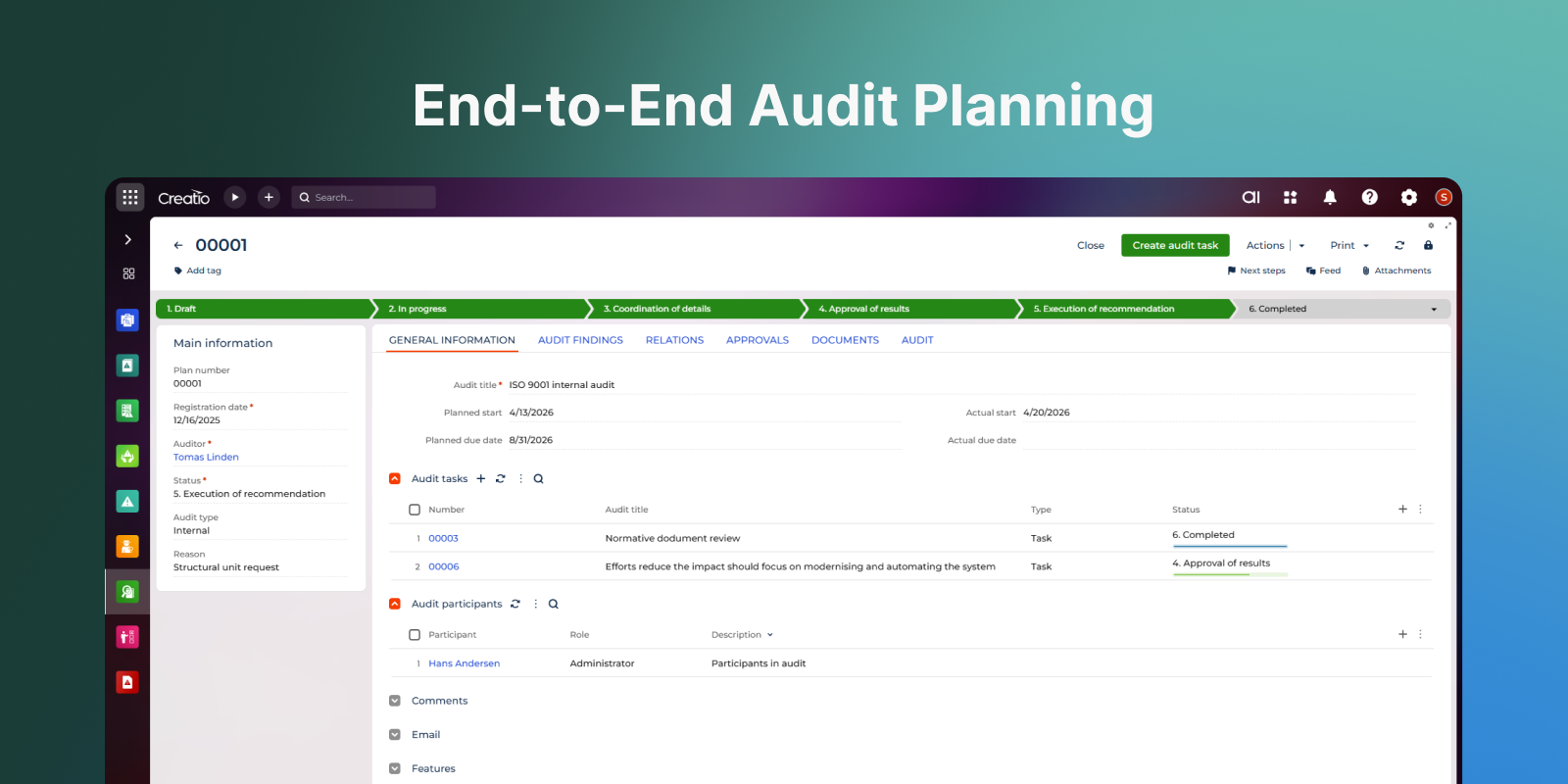
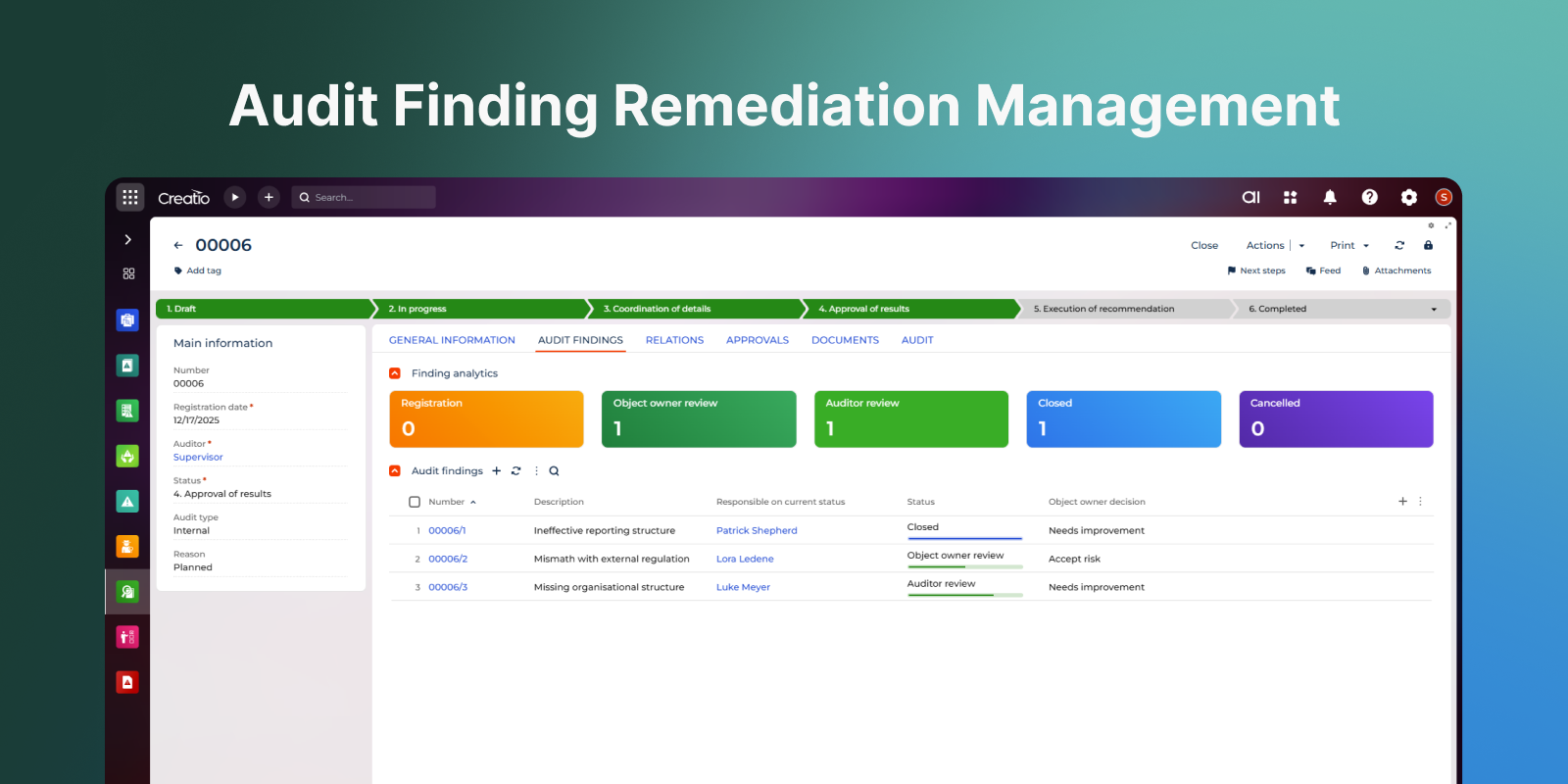
Plan, execute, and monitor internal audits while maintaining full visibility into audit findings, recommendations, and remediation activities.
Enterprise Risk Governance
Maintain a centralised repository of risks, incidents, controls, audits, and related documentation to support risk oversight and decision-making.
Key Features
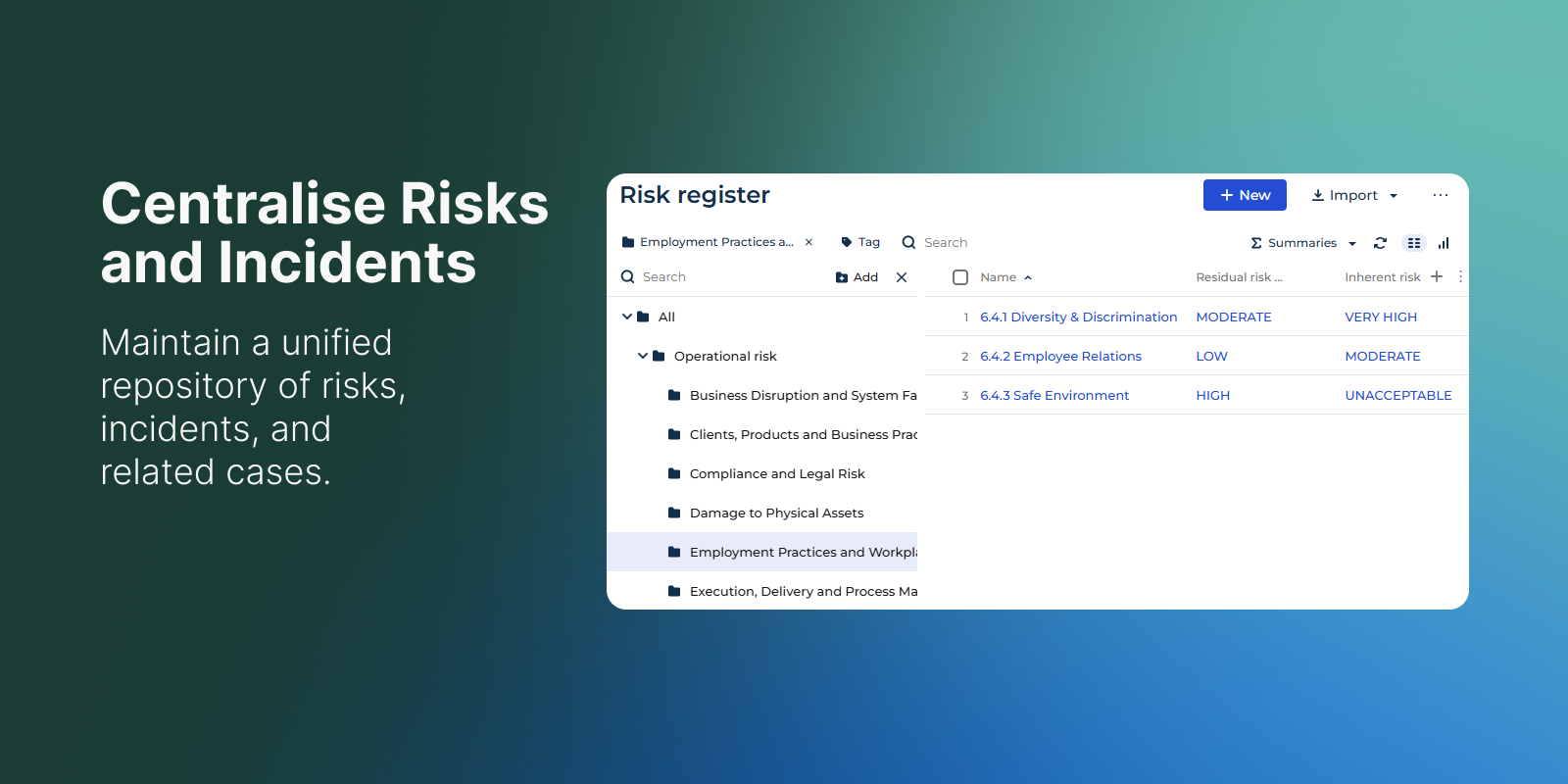
Centralise Risks and Incidents
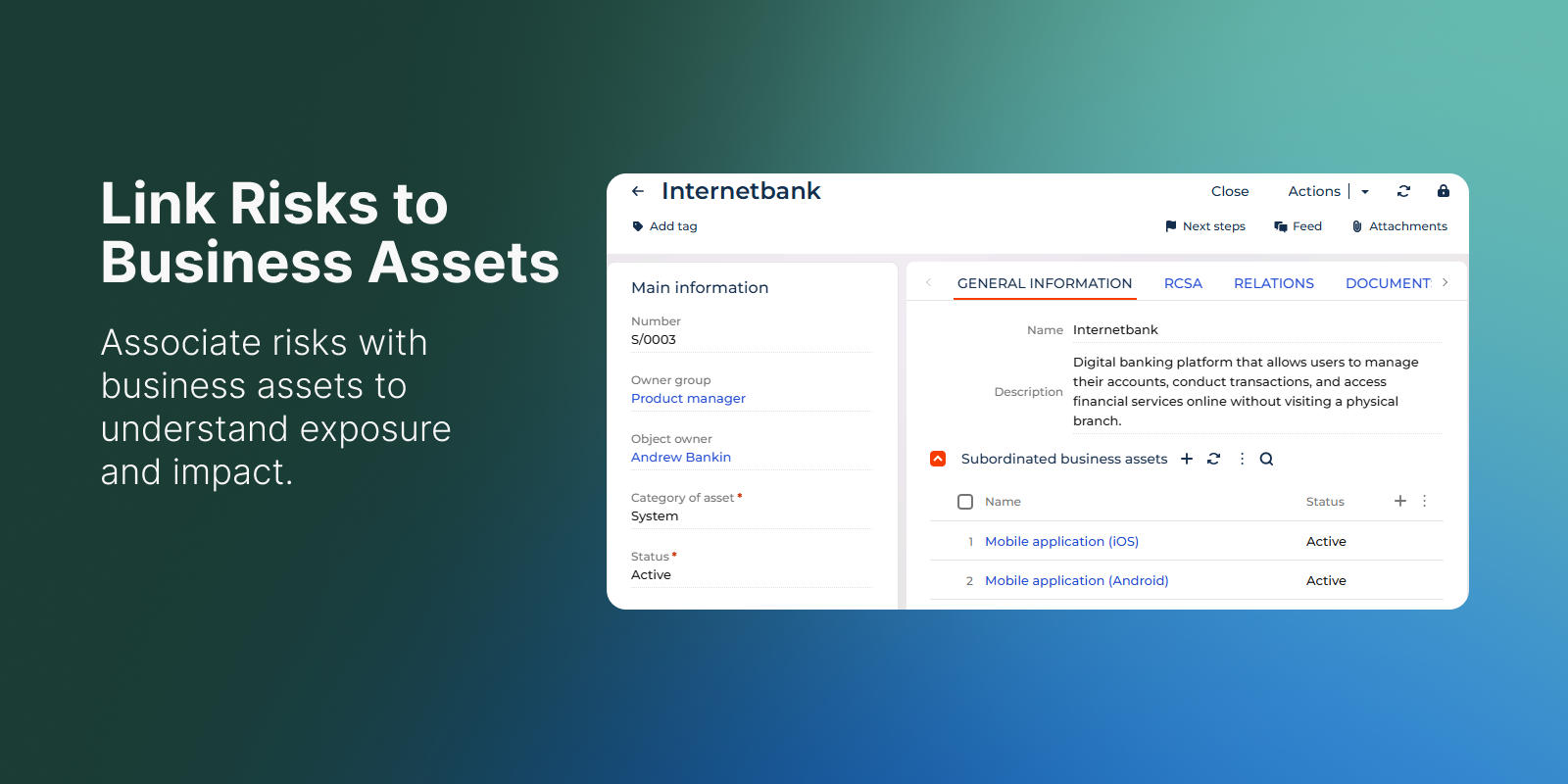
Link Risks to Business Assets
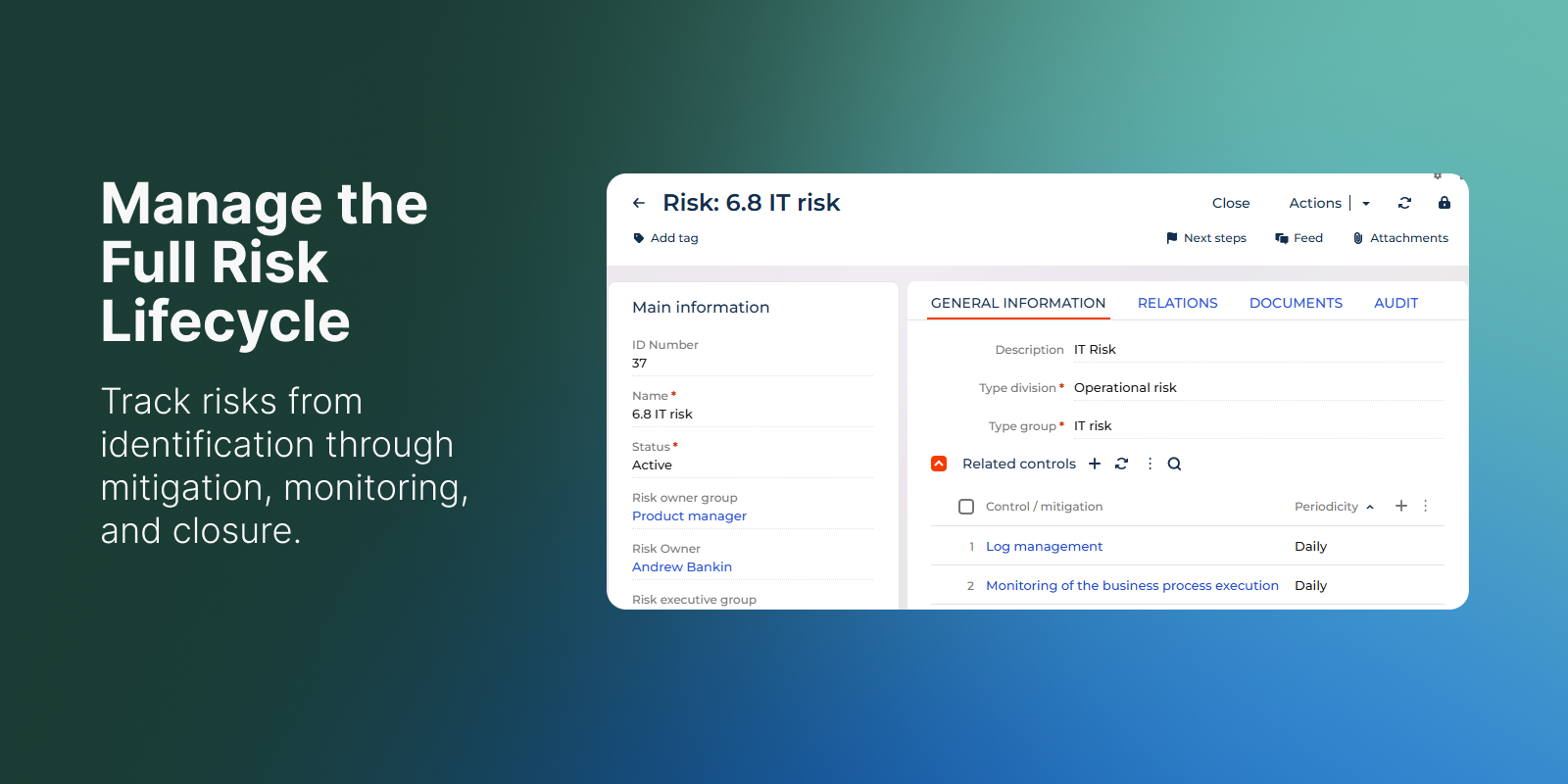
Manage the Full Risk Lifecycle
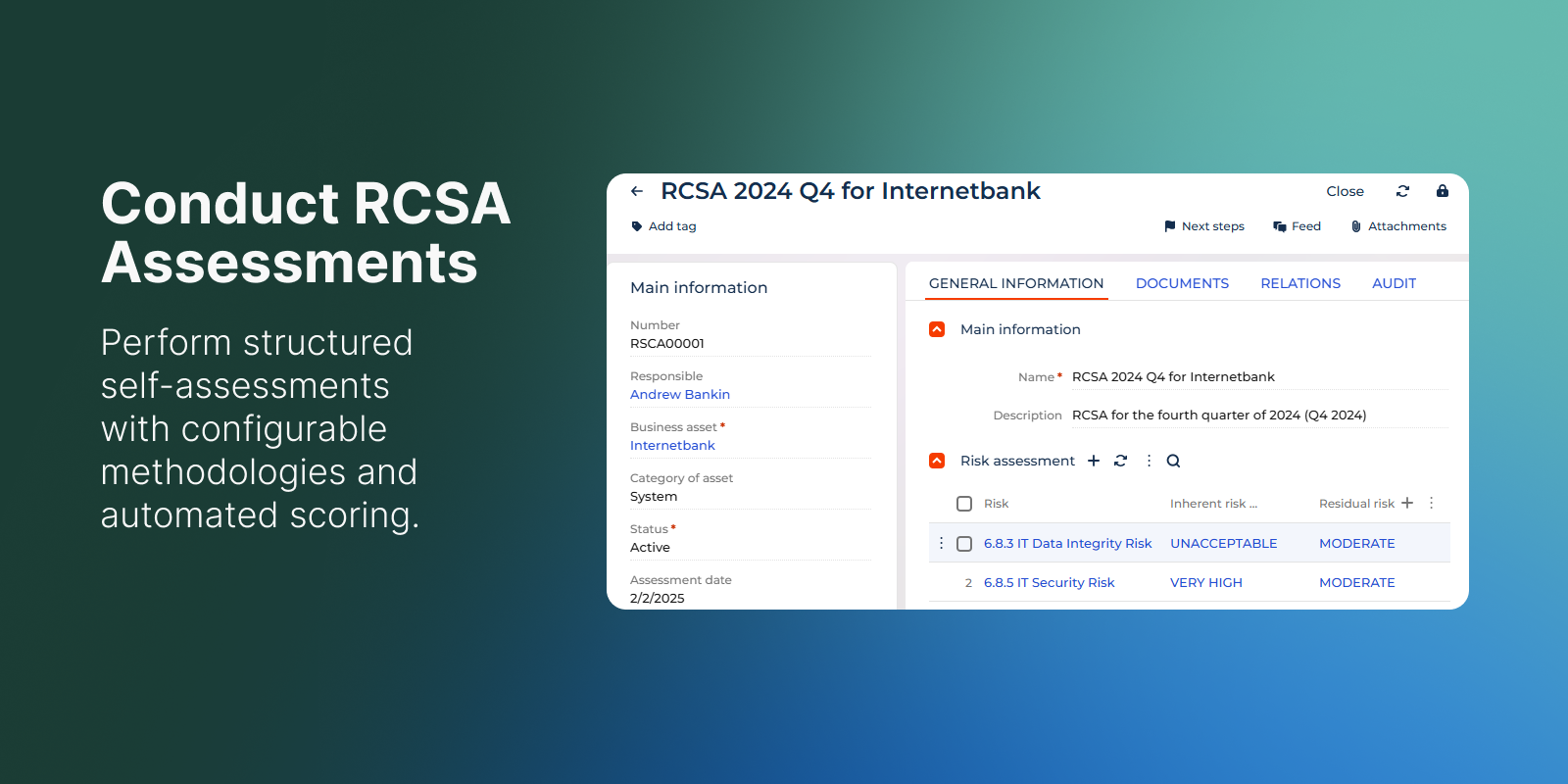
Conduct RCSA
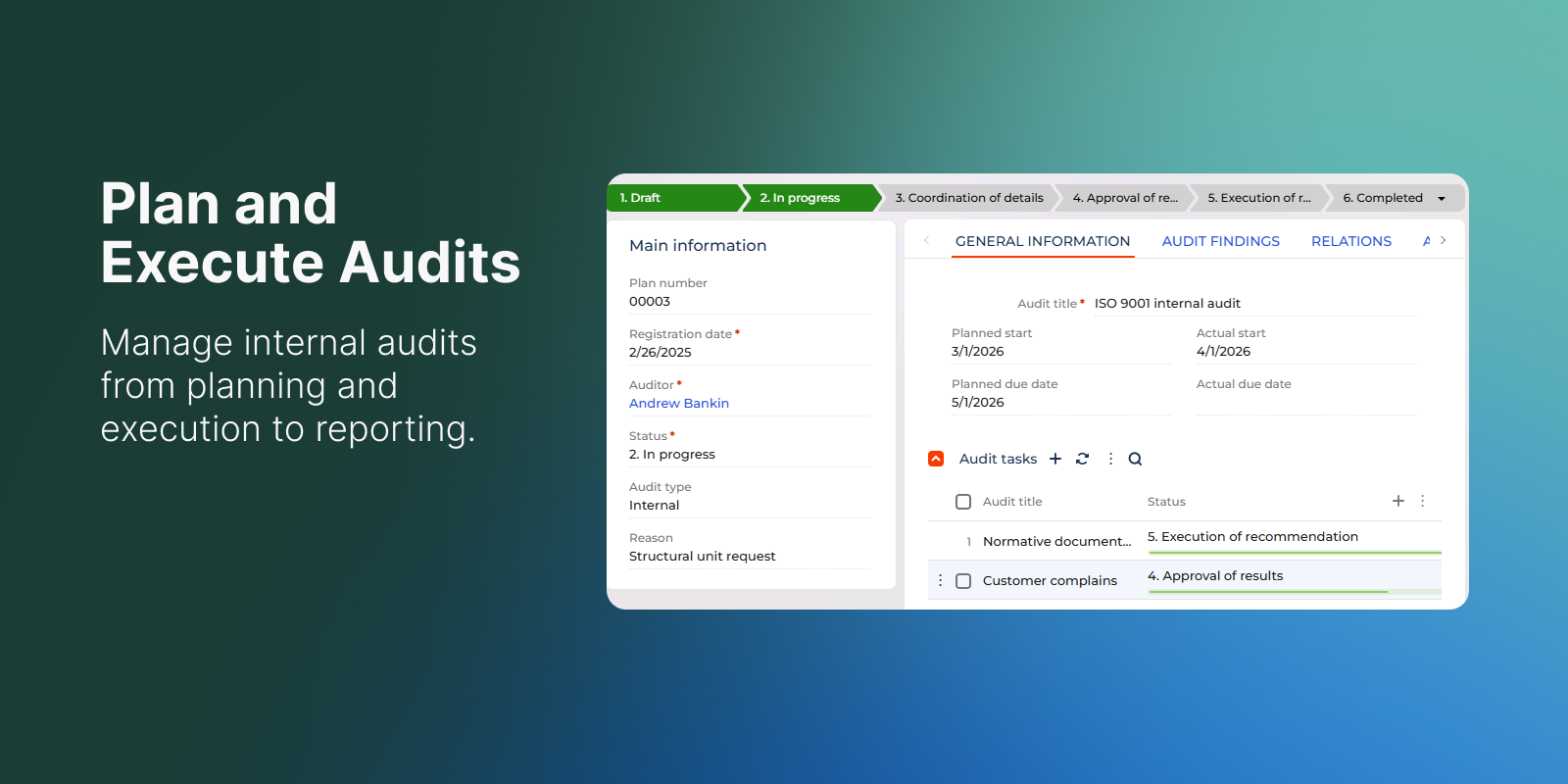
Plan and Execute Audits
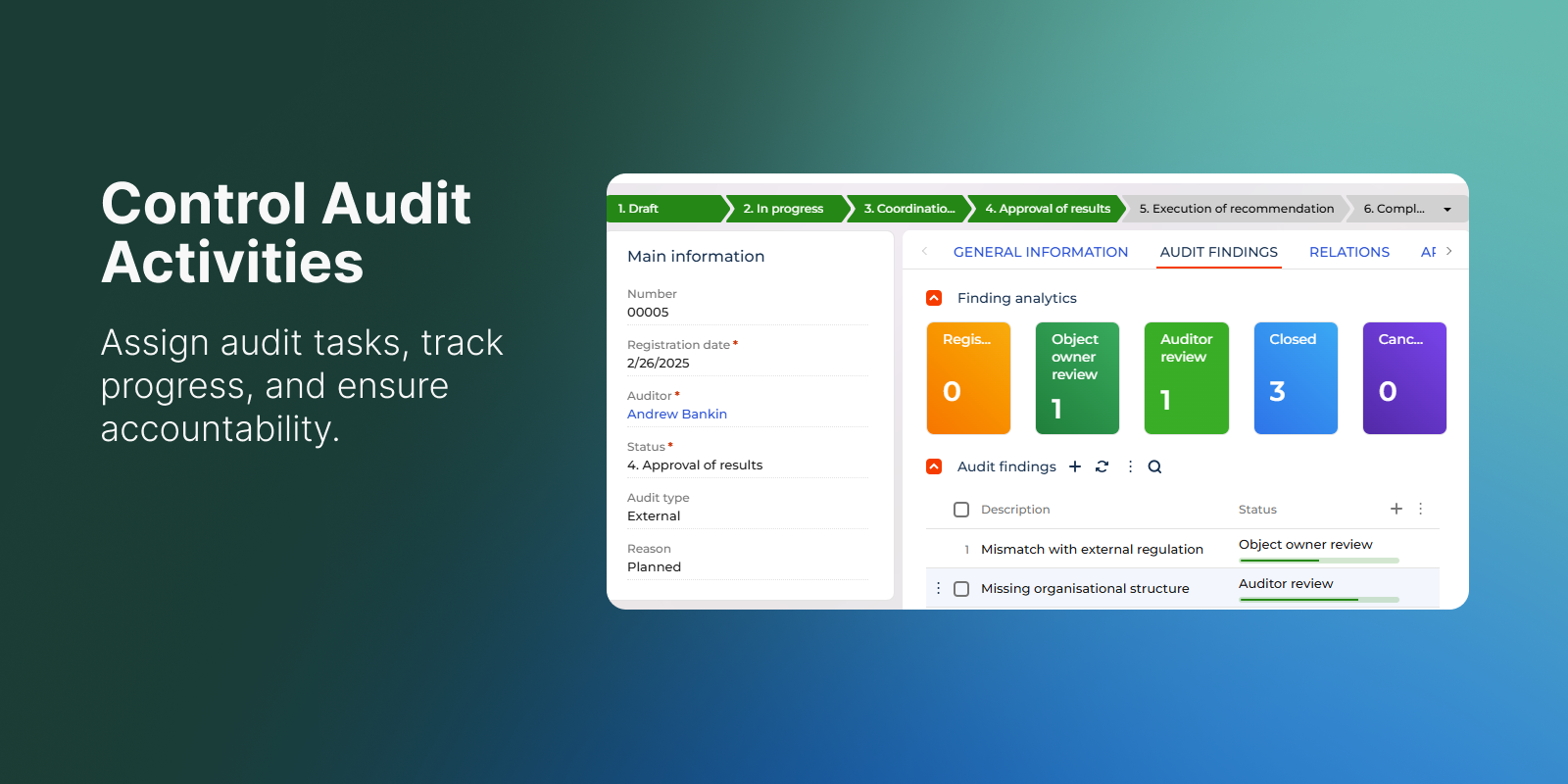
Control Audit Activities
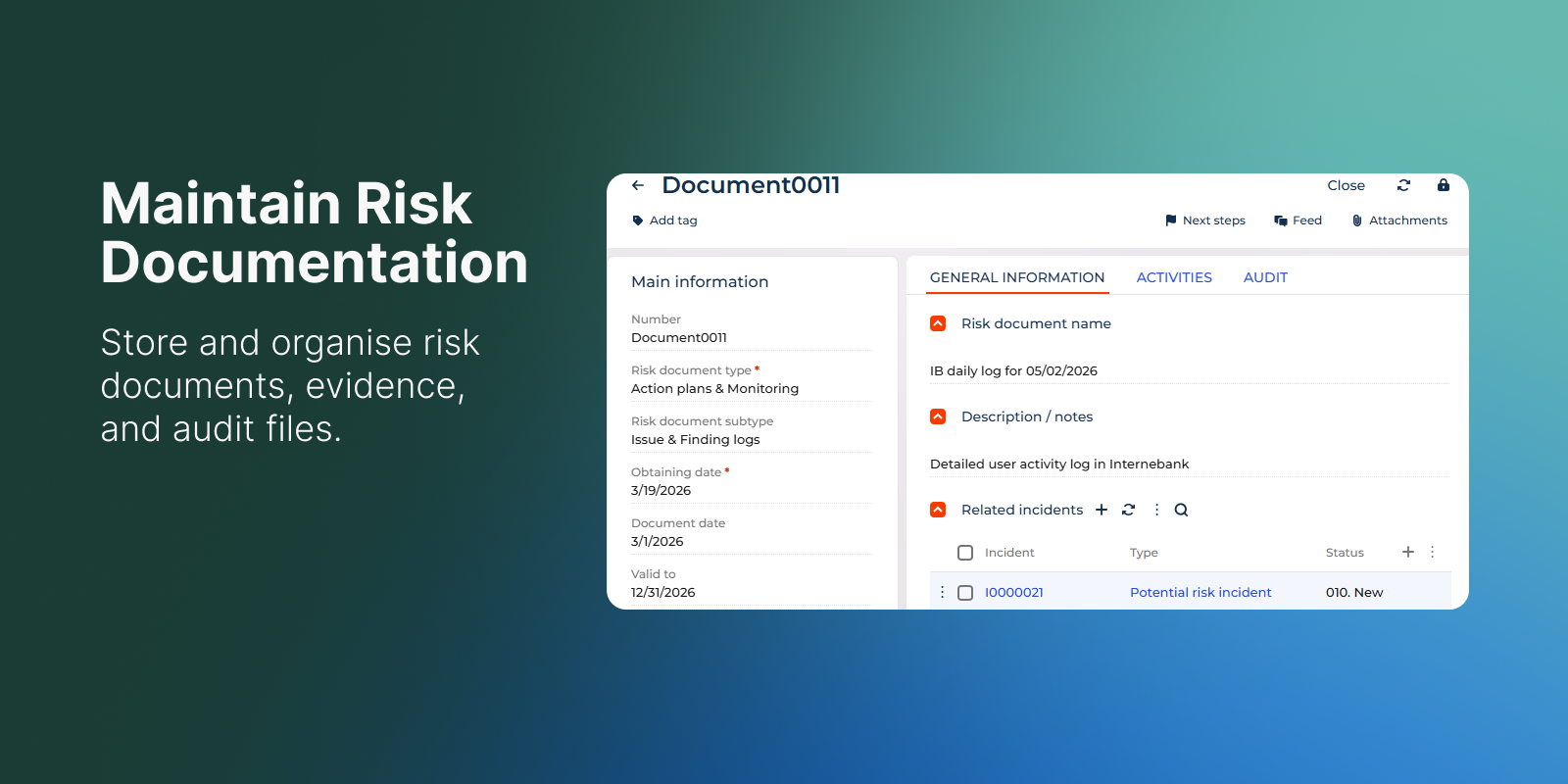
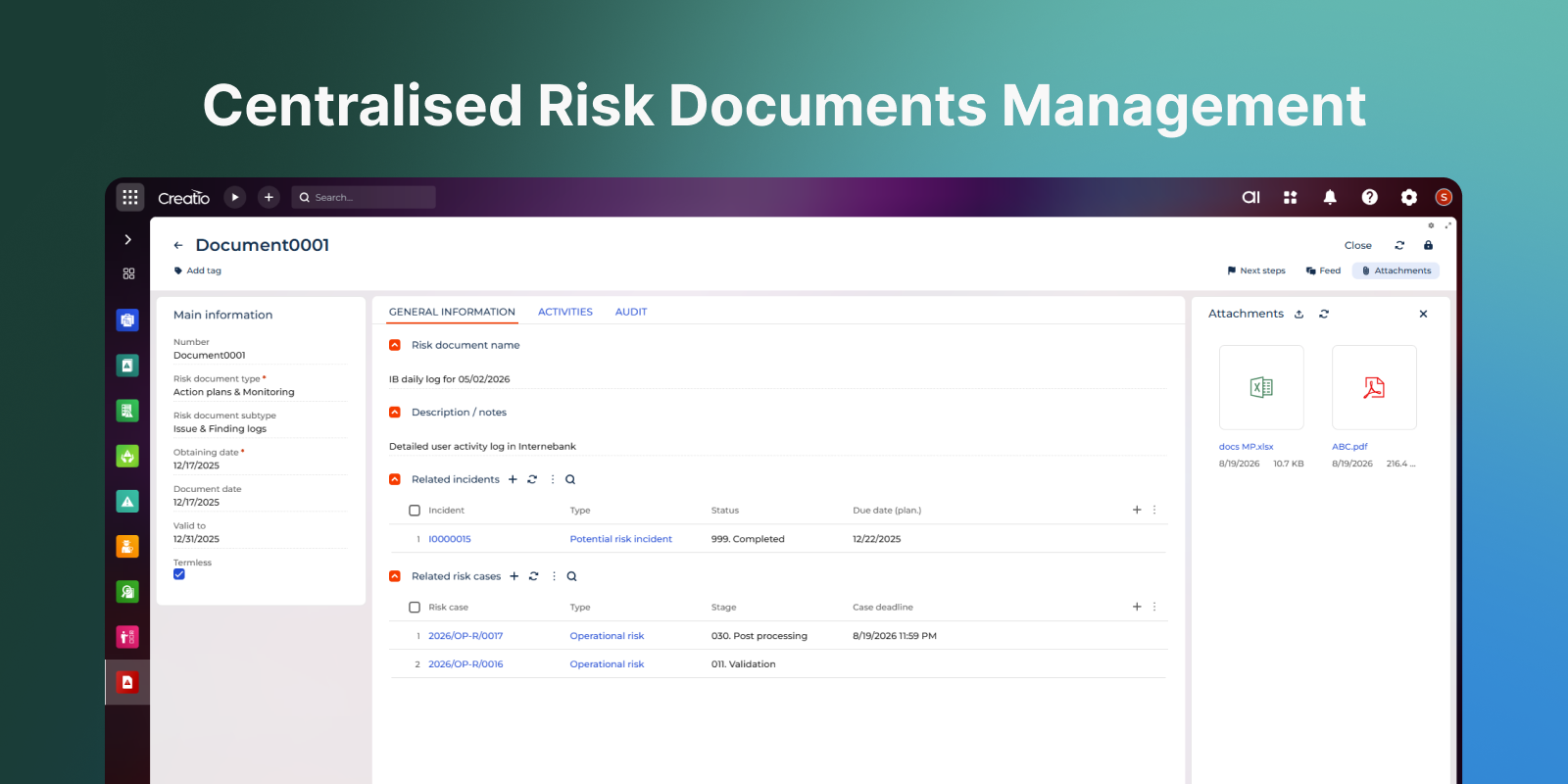
Maintain Risk Documentation
Pricing
Access to the Risk Cases section only. Register and investigate incidents, assess business impact, and manage corrective actions. Best suited for users who do not require access to the full RiskMaster solution.
Terms and Conditions
Support
Installation
Data sharing
- By installing or downloading the App, you confirm that you agree with sharing your account data (name, email, phone, company and country) with the App Developer as their End User.
- The App Developer will process your data under their privacy policy.
Versions
Versions history
- Added section for RiskMaster documents management.
- Changed structure and logic of relationships between objects.
- Made different kind of surface modifications in objects cards.
Manual app installation
- Open the needed app → the Packages tab - download the Markeplace app files.
- Click in the top right → Application Hub
- Click New application. This opens a window.
- Select Install from file and click Select in the window that opens.
- Click Select file on the page of the Marketplace App Installation Wizard and specify the app file path.