


Sage Intacct connector for Creatio
Overview
Product overview
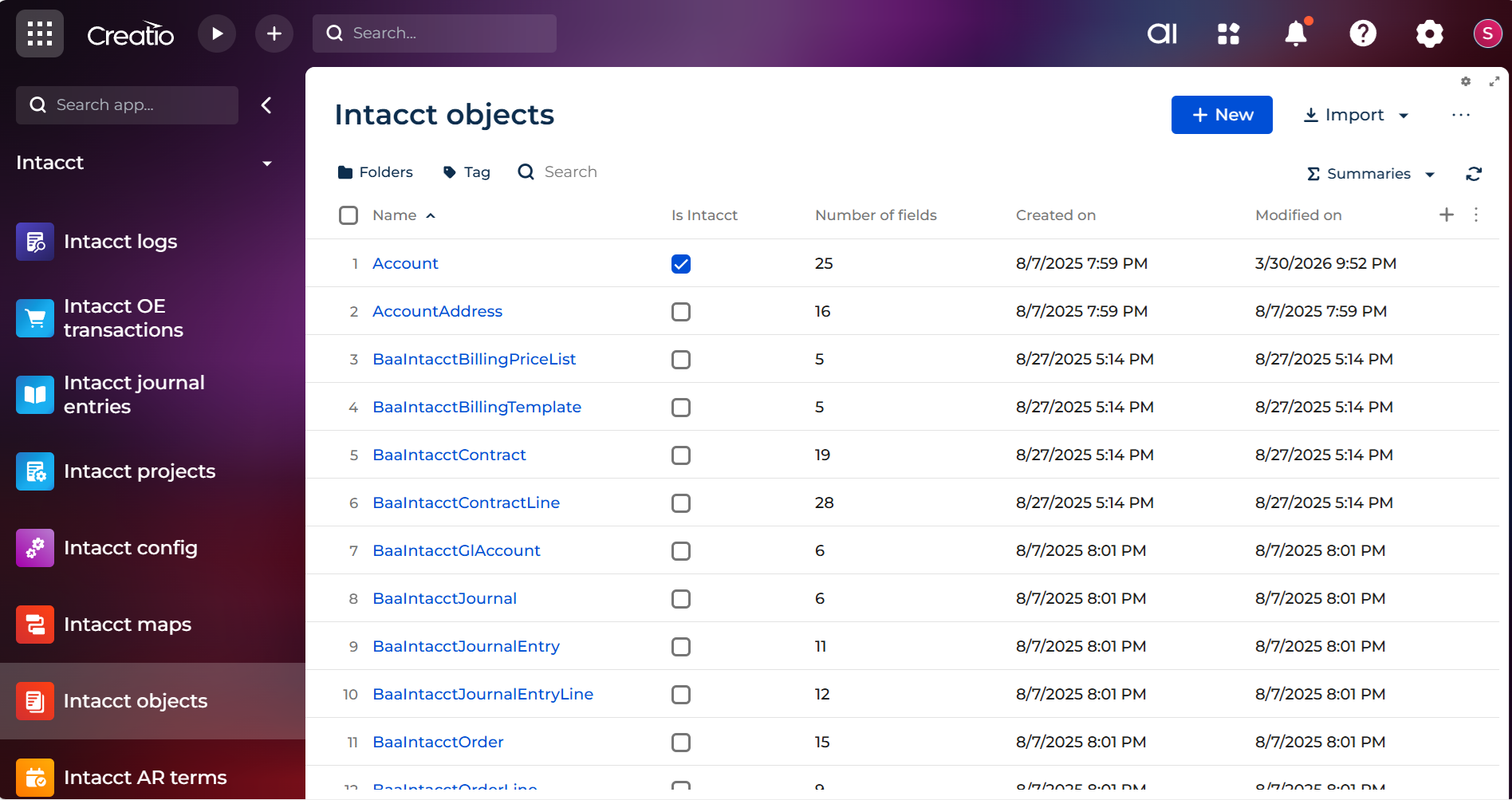
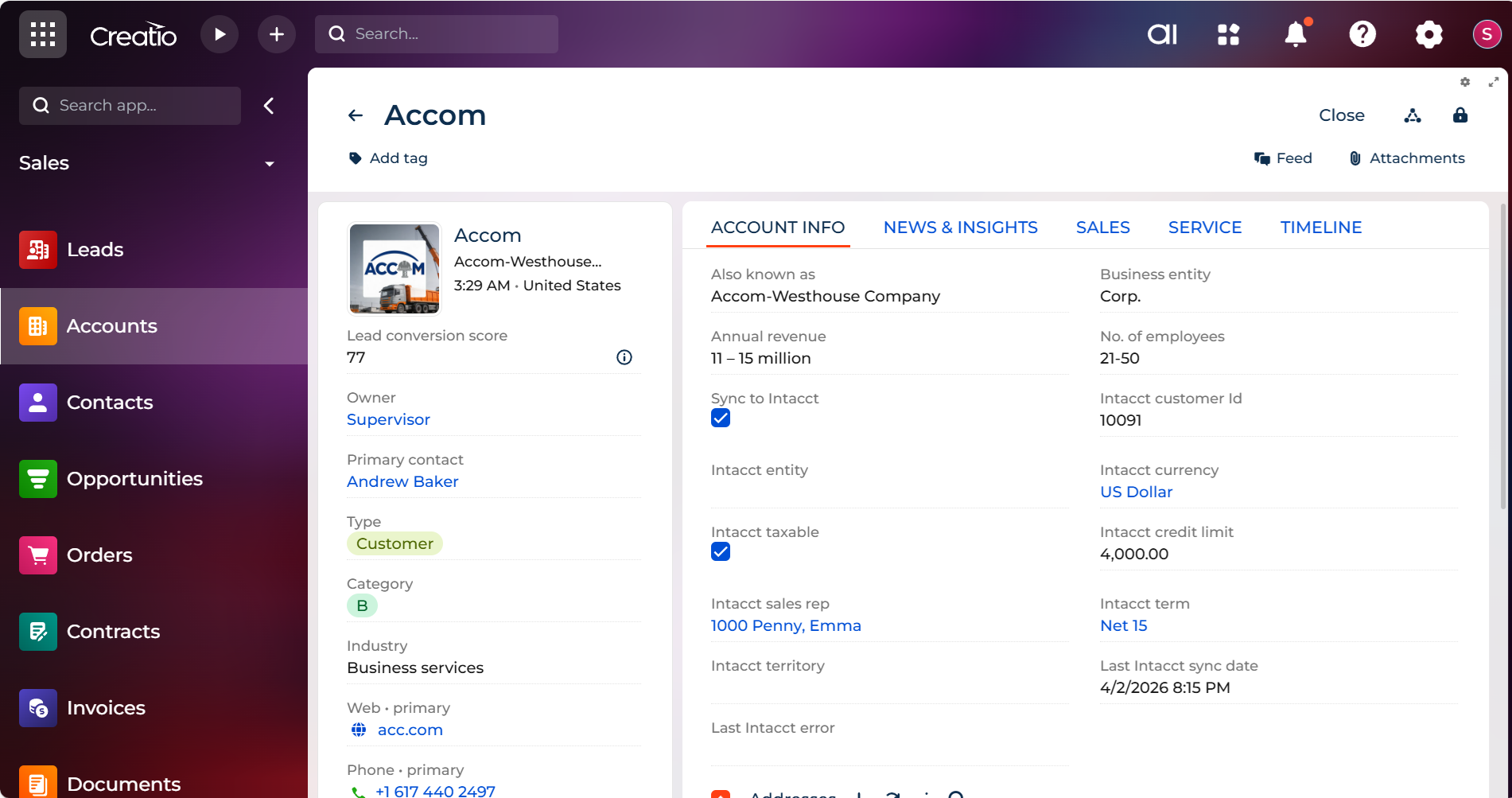
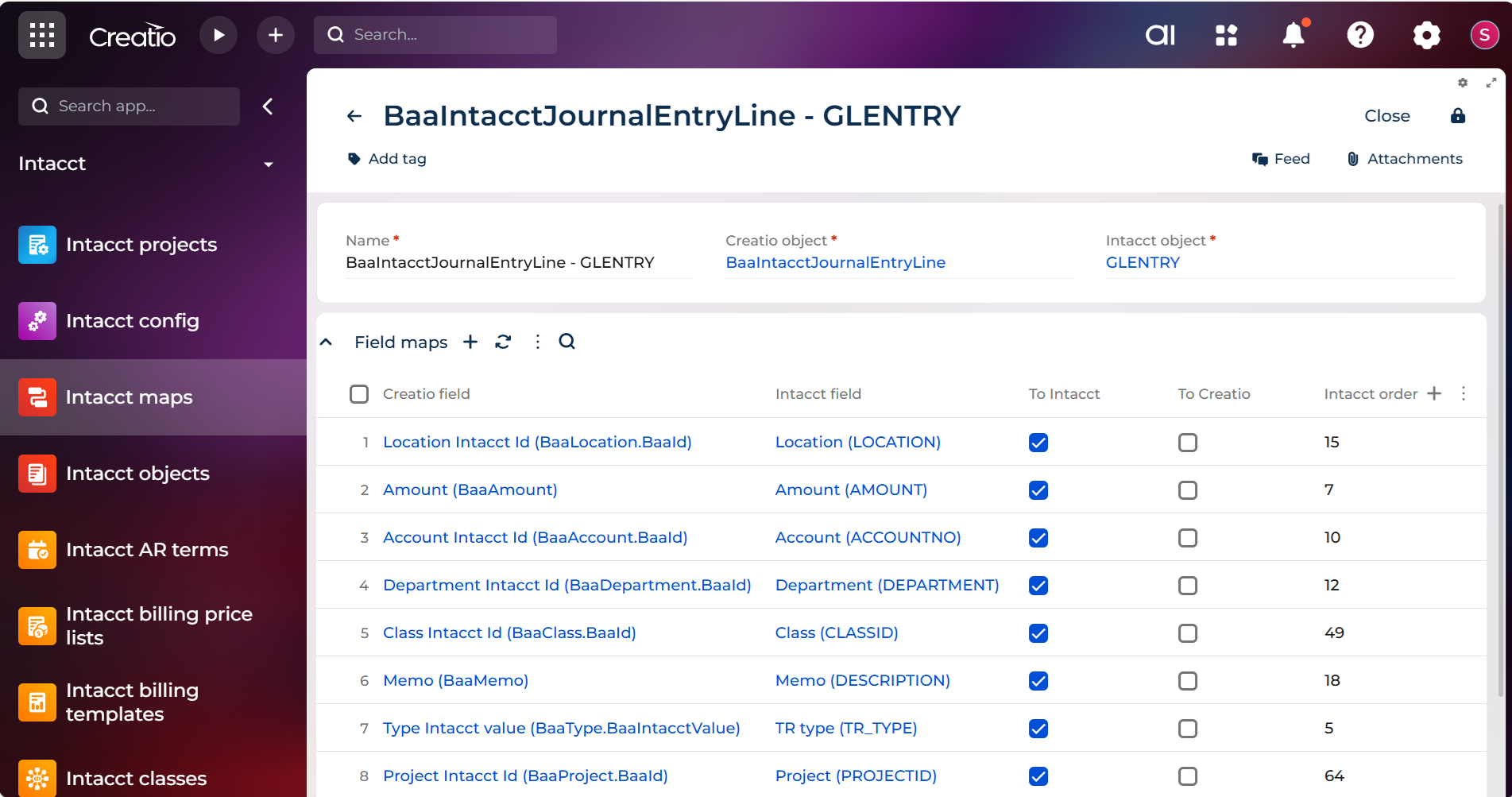
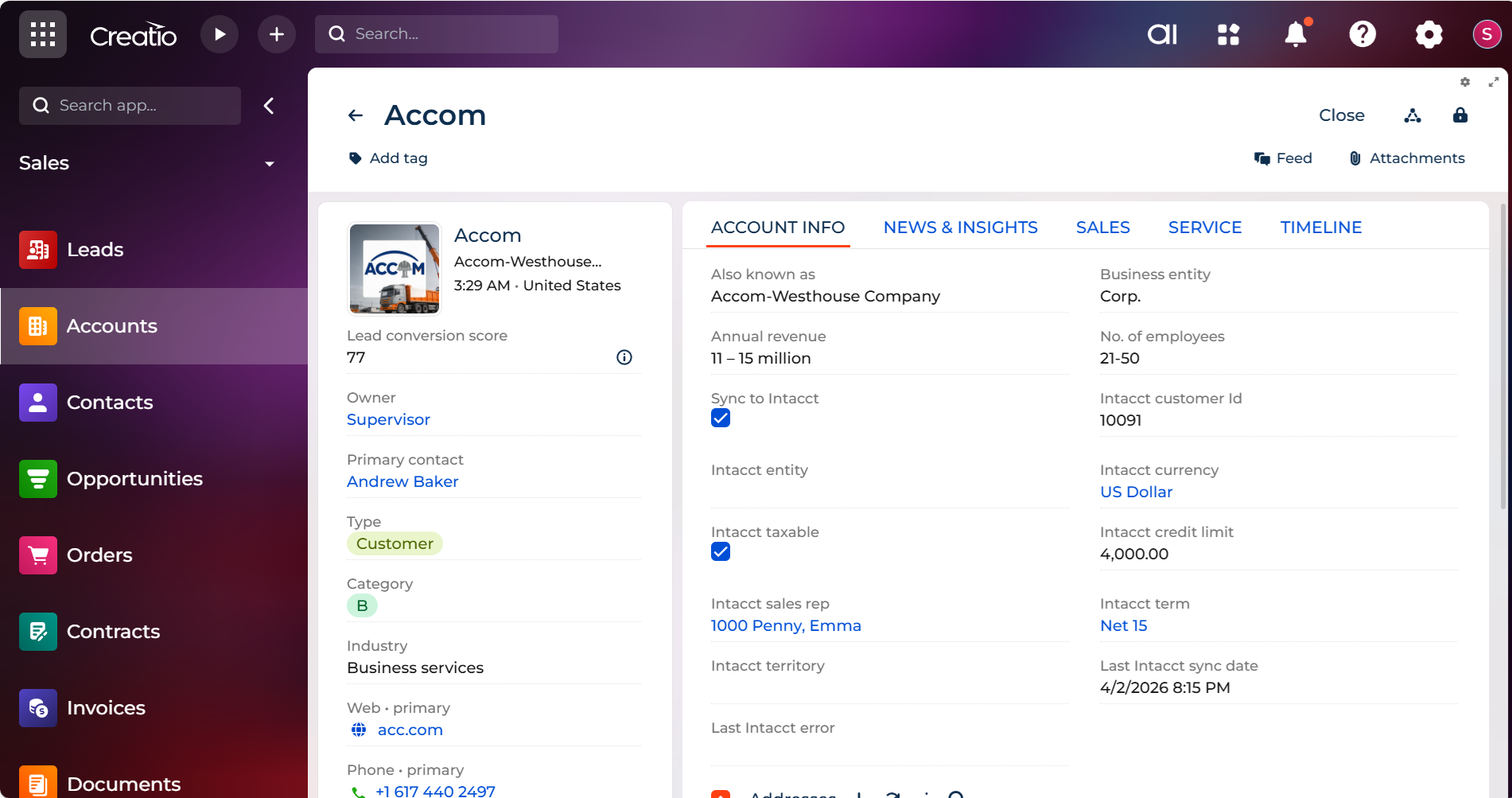
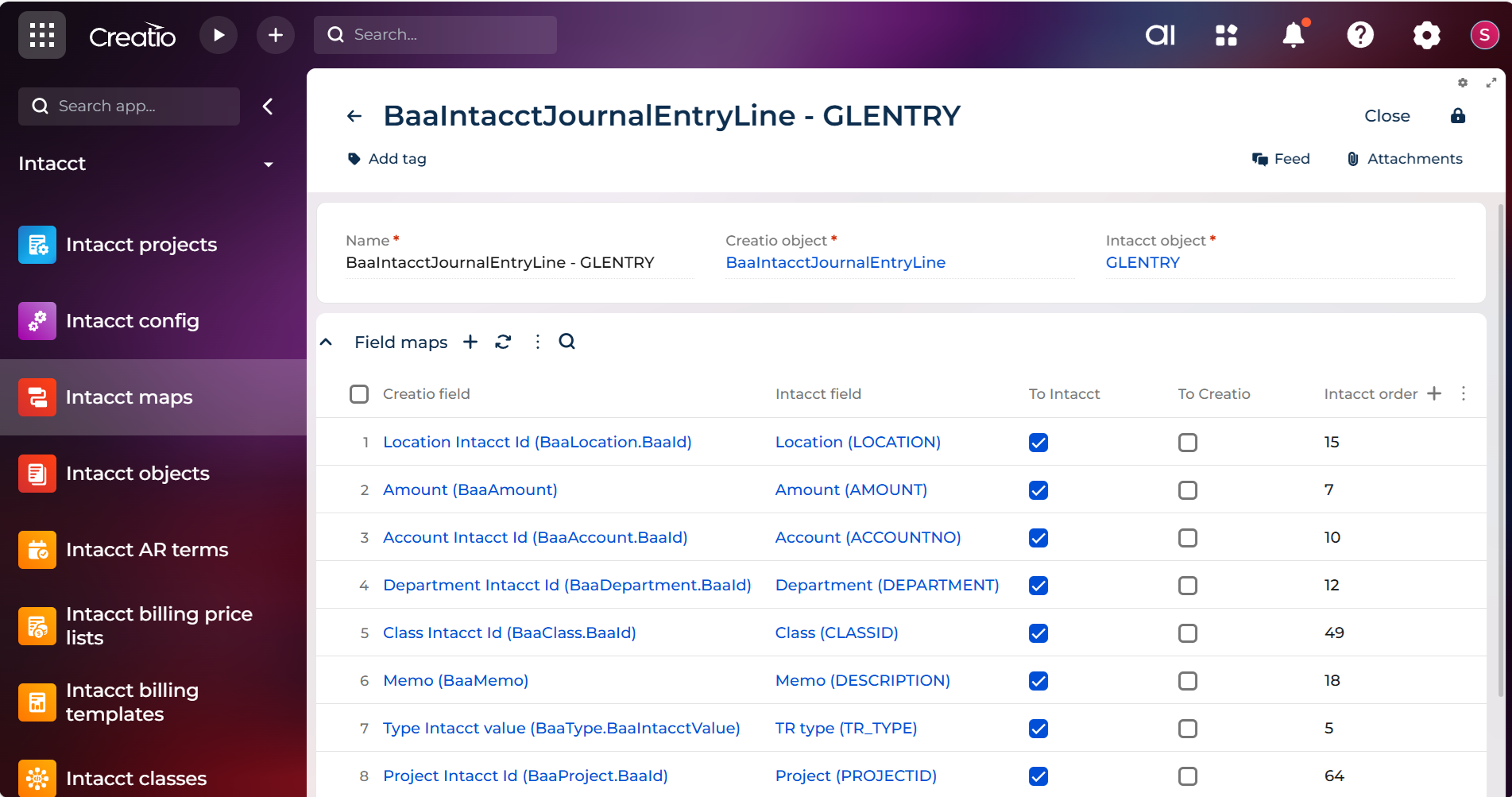
The Sage Intacct connector for Creatio unifies CRM and financial operations for greater efficiency and insight. Leveraging native and custom objects, the connector enables seamless uni- and bi-directional synchronization of customer data, products, orders, journal entries, contracts, projects and custom objects.
By syncing Creatio accounts and contacts with Sage Intacct customers, you gain a single source of truth for client information, reducing duplication and improving service delivery. By synchronizing product data front line sales, customer service and finance teams are working together to provide world-class customer experience. Custom objects for order entry transactions, journal entries, contracts, and projects allow you to automate complex workflows, streamline financial transactions, and maintain accurate records across platforms. With the ability to trigger syncs through Creatio’s business process engine, you can tailor automation rules to your specific needs, resulting in faster operations, improved data accuracy, and better-informed decision-making at all levels.
Key Features
Data Integrity
Employee Efficiency
Custom Object Sync
Pricing
Terms and Conditions
Support
Installation
Setup guide
For a smooth onboarding experience, detailed help files are available directly within the connector. Simply navigate to the Intacct Config section and select the Help button.
Compatibility notes
Sage Intacct Web Services Developer license required.
Data sharing
- By installing or downloading the App, you confirm that you agree with sharing your account data (name, email, phone, company and country) with the App Developer as their End User.
- The App Developer will process your data under their privacy policy.
Versions
Versions history
Manual app installation
- Open the needed app → the Packages tab - download the Markeplace app files.
- Click in the top right → Application Hub
- Click New application. This opens a window.
- Select Install from file and click Select in the window that opens.
- Click Select file on the page of the Marketplace App Installation Wizard and specify the app file path.
Requires Sage Intacct subscription and Sage Intacct Web Services Developer license. Contact your Sage Intacct Partner or Sage Support for pricing informaiton.