

Sales Engagement
Overview
Product overview
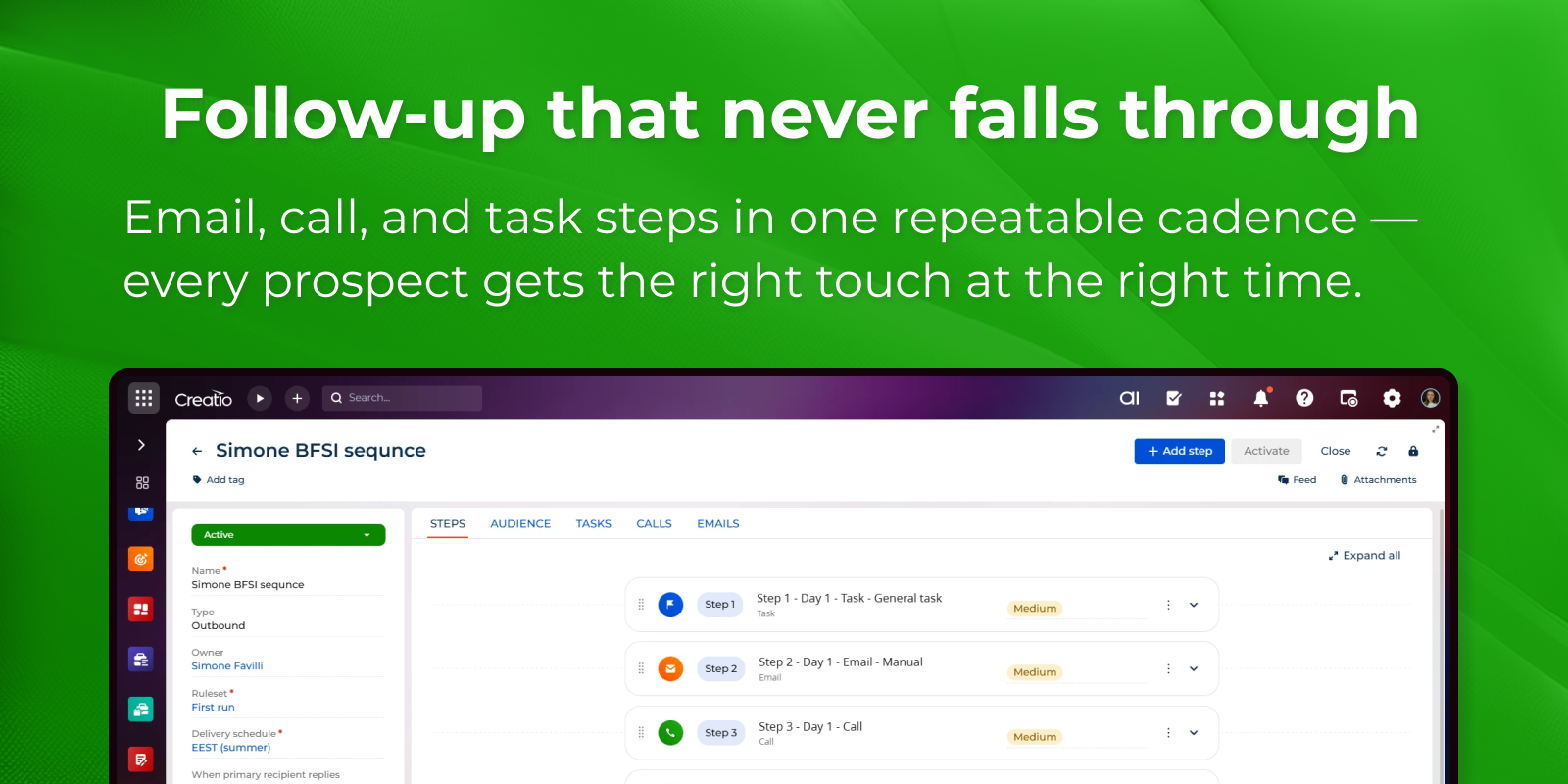
Sales Engagement adds structured, multi-channel outreach to Creatio. Instead of chasing prospects from scattered inboxes and call lists, sales teams design sequences — ordered cadences of email, call, and task steps — and execute them from one place inside Creatio, with the CRM as the single source of truth.
The app is designed for sales teams, BDRs, SDRs, and account managers who run high-volume outbound and follow-up motions and need consistency, compliance, and visibility without leaving their CRM.
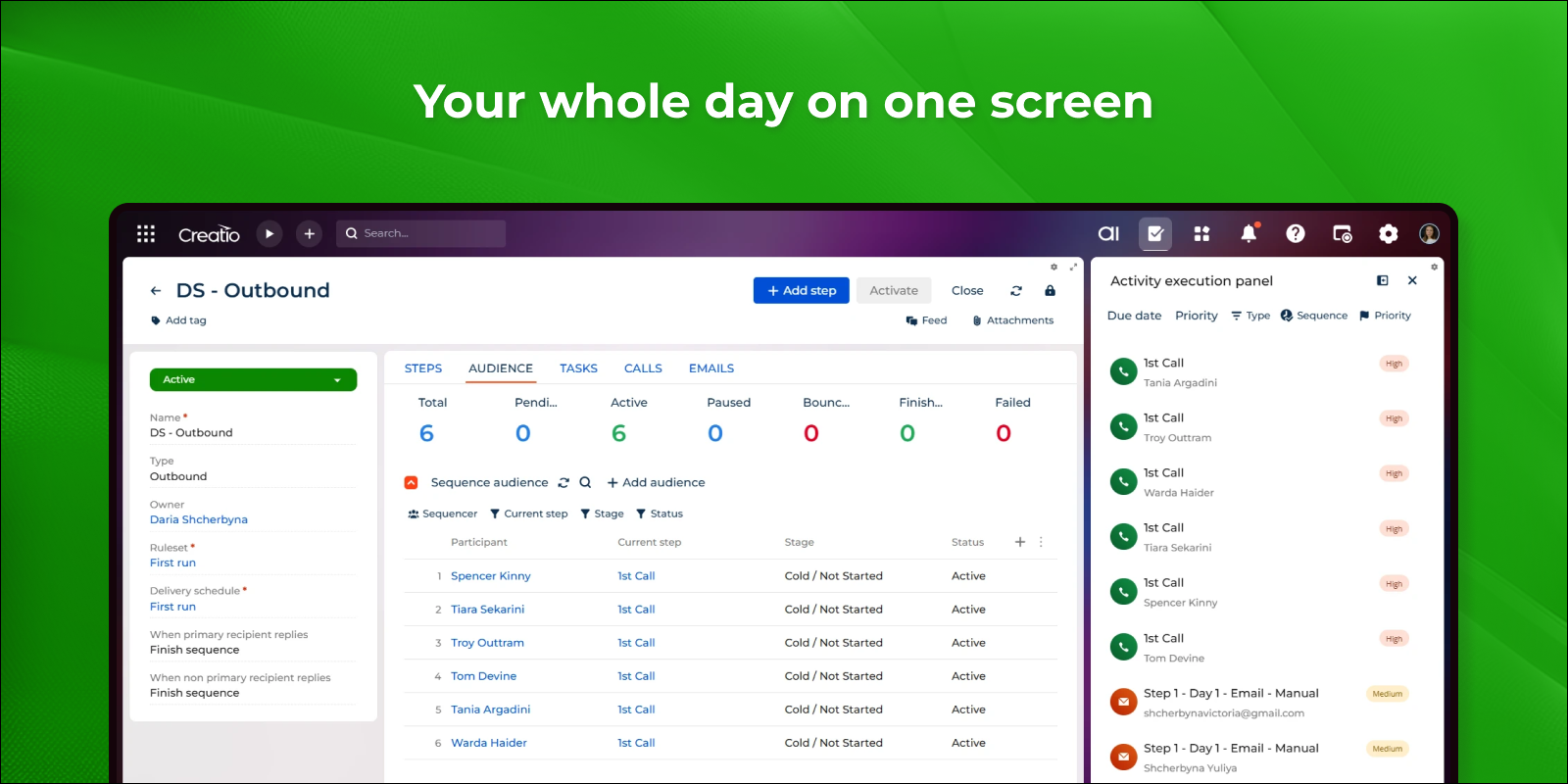
Agents work their day from the Activity Execution Panel: a focused queue of what to do next, with filtering, sorting, skip, and one-click access to the related contact — all without opening individual activity pages. Managers build and adjust cadences in the Step Builder, reordering steps by drag-and-drop, seeing per-step execution statistics, and copying whole sequences (including their steps) to spin up new plays fast.
Use Cases:
- Running multi-step outreach cadences. Build a sequence of email, call, and task steps and execute it from a single panel, so every prospect gets a consistent, timely follow-up motion.
- Working a daily task queue. Agents open the Activity Execution Panel, filter and sort what's due, execute or skip each step, and jump to the related contact — without opening activity pages one by one.
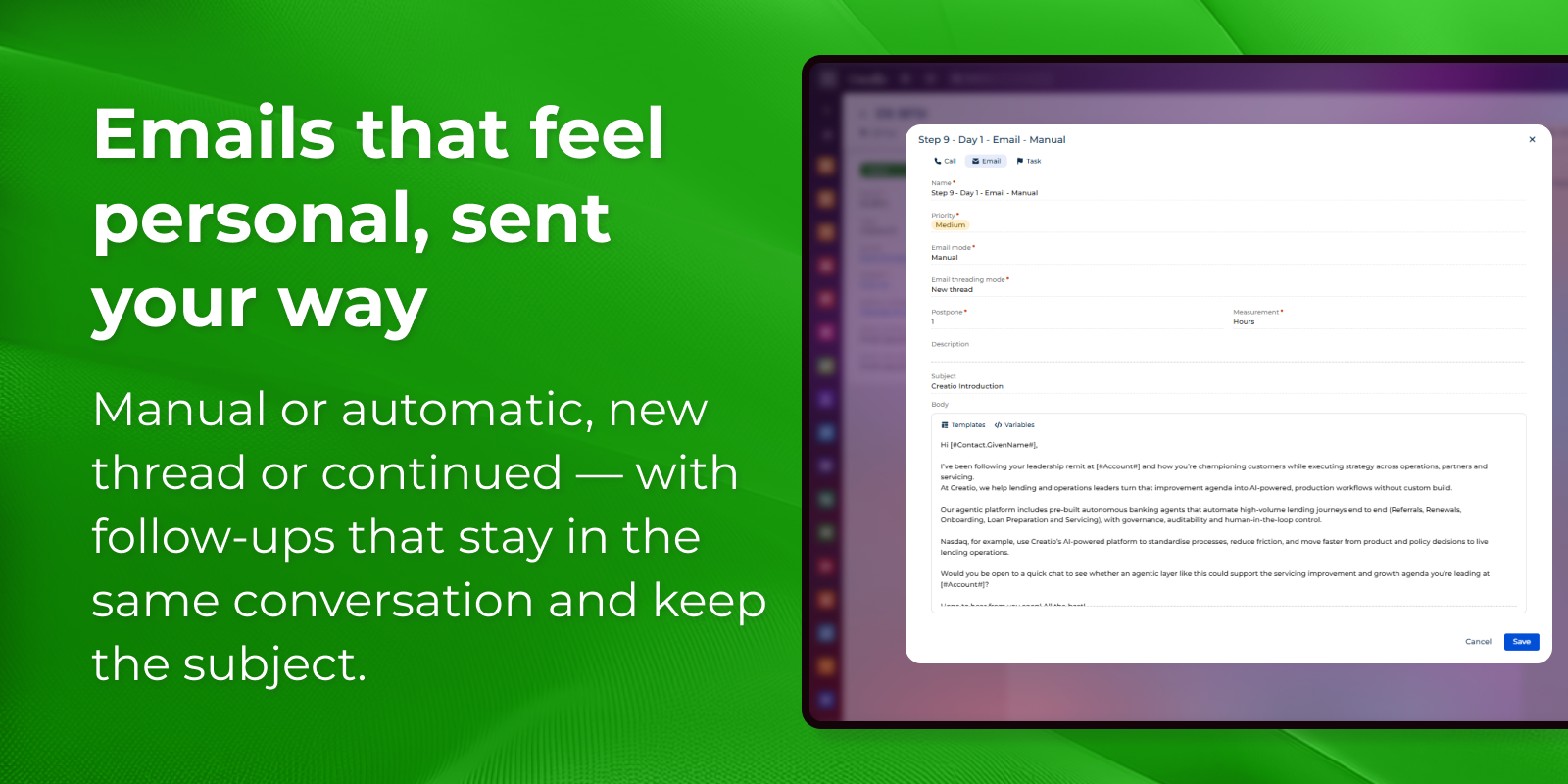
- Sending threaded, throttled email. Keep follow-up emails in the same conversation thread with an inherited subject, and cap daily volume per user through the email queue to protect deliverability.
- Handling replies, bounces, and opt-outs automatically. Flag bounced participants, attribute replies correctly, add unsubscribe links automatically, and remove opted-out contacts from active outreach — keeping outreach compliant by default.
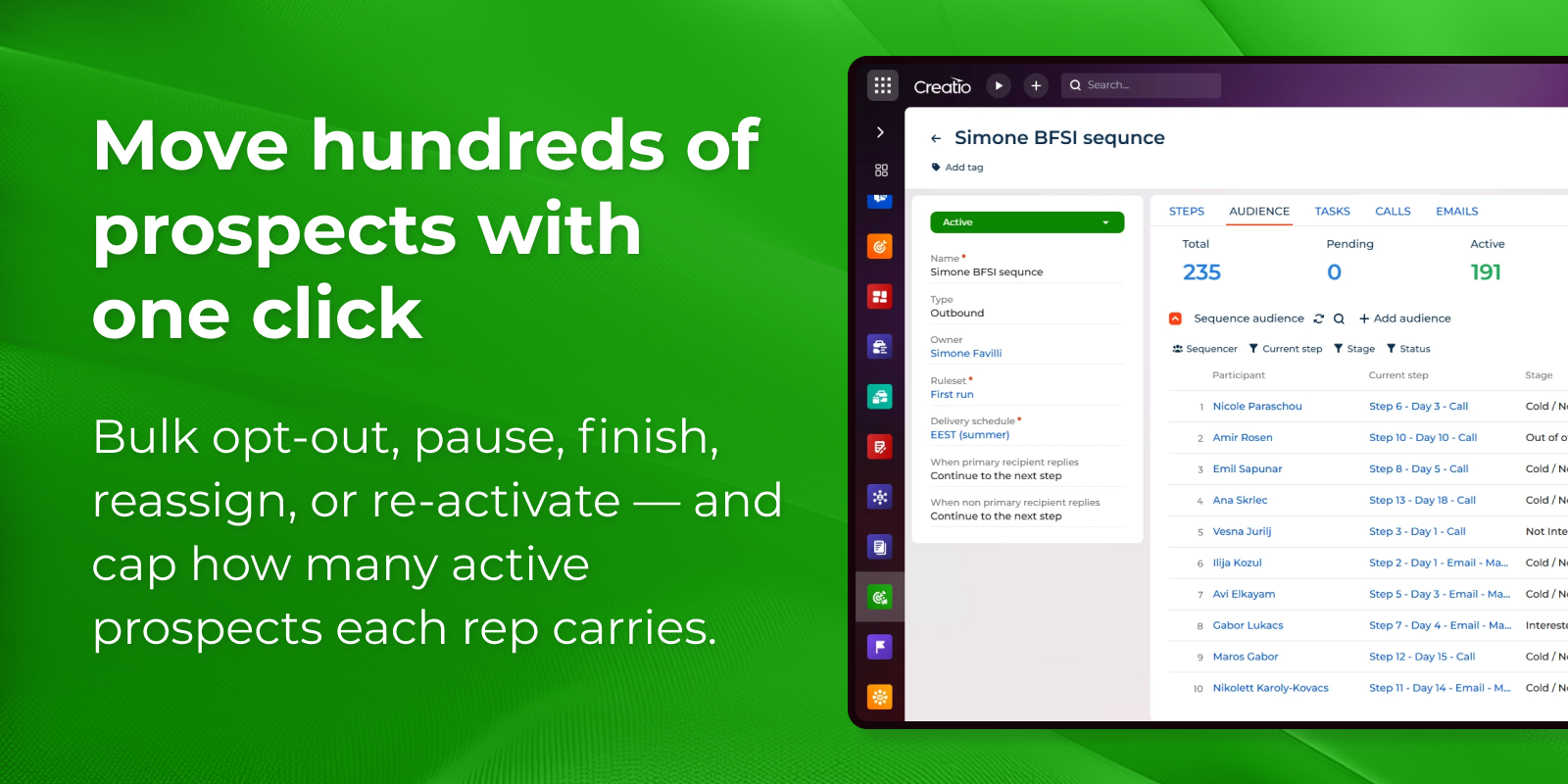
- Managing large audiences in bulk. Opt-out, pause, finish, reassign, or re-activate many sequence participants at once, and enforce a maximum number of active prospects per rep.
- Preventing overlap. Stop the same contact from being worked by more than one active sequence at a time.
- Calling prospects in context. Place and log call-type steps from the Activity Execution Panel without leaving the sequence.
Key Features
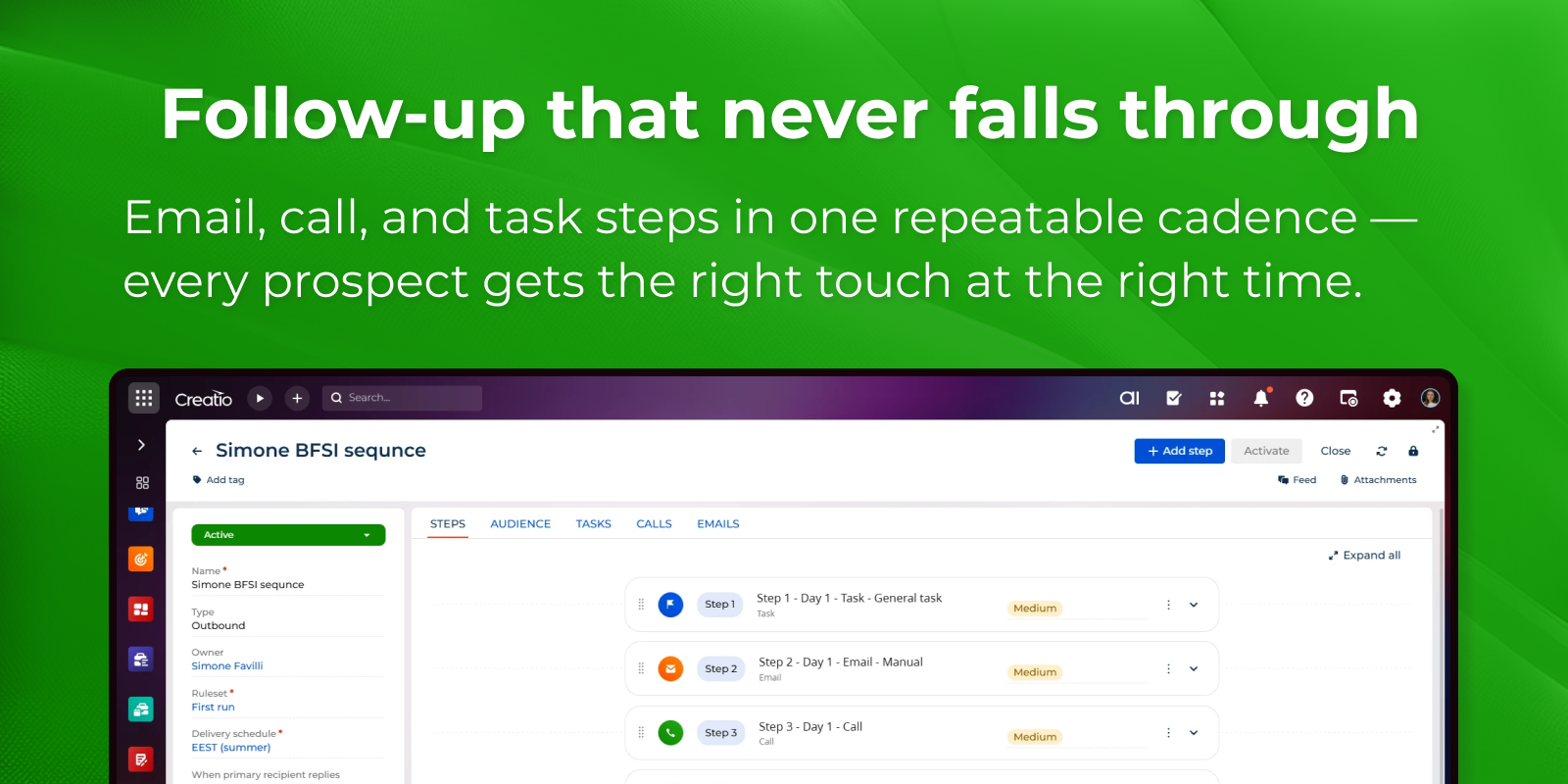
Multi channel outreach sequences
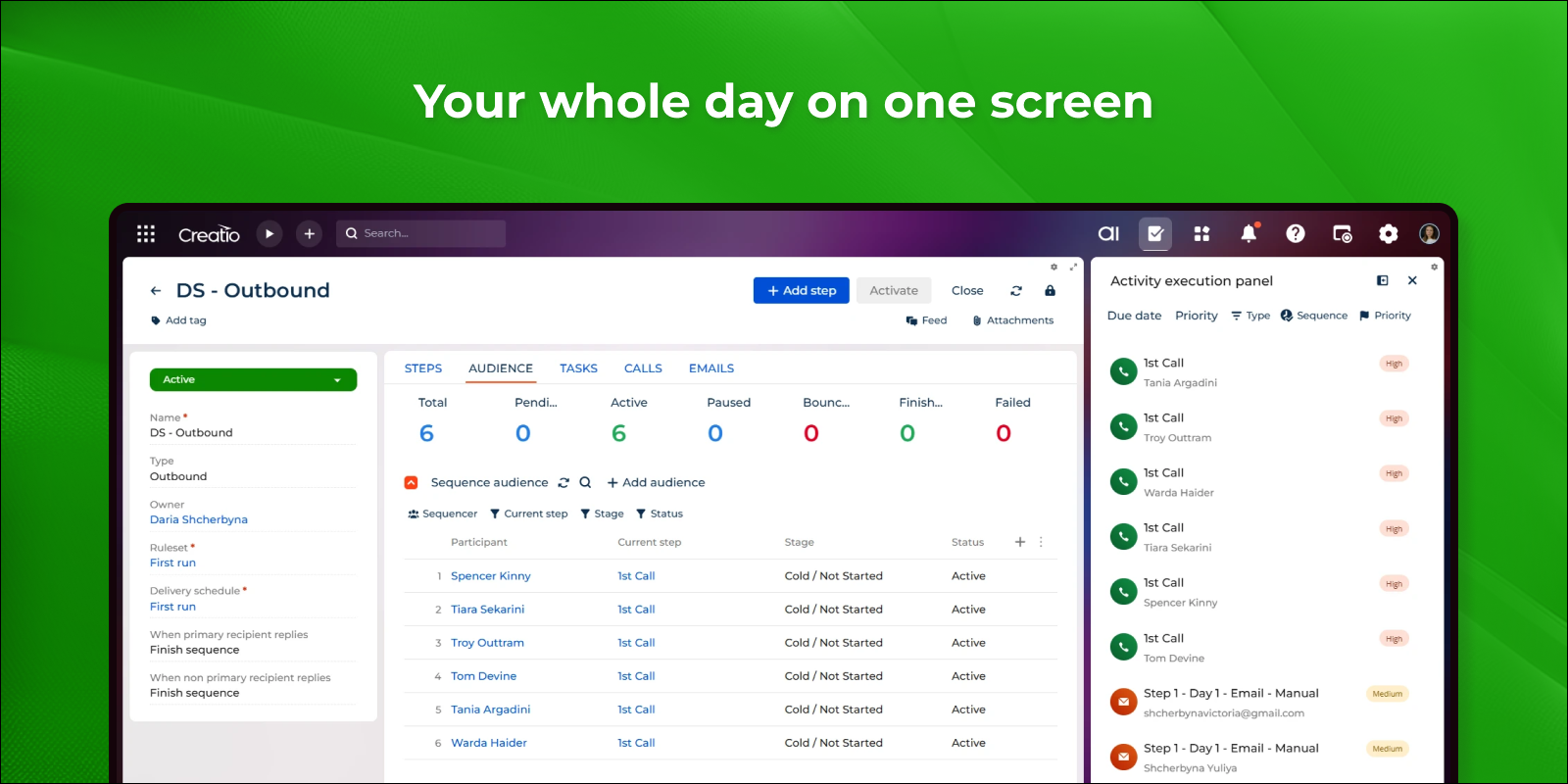
Activity execution work queue
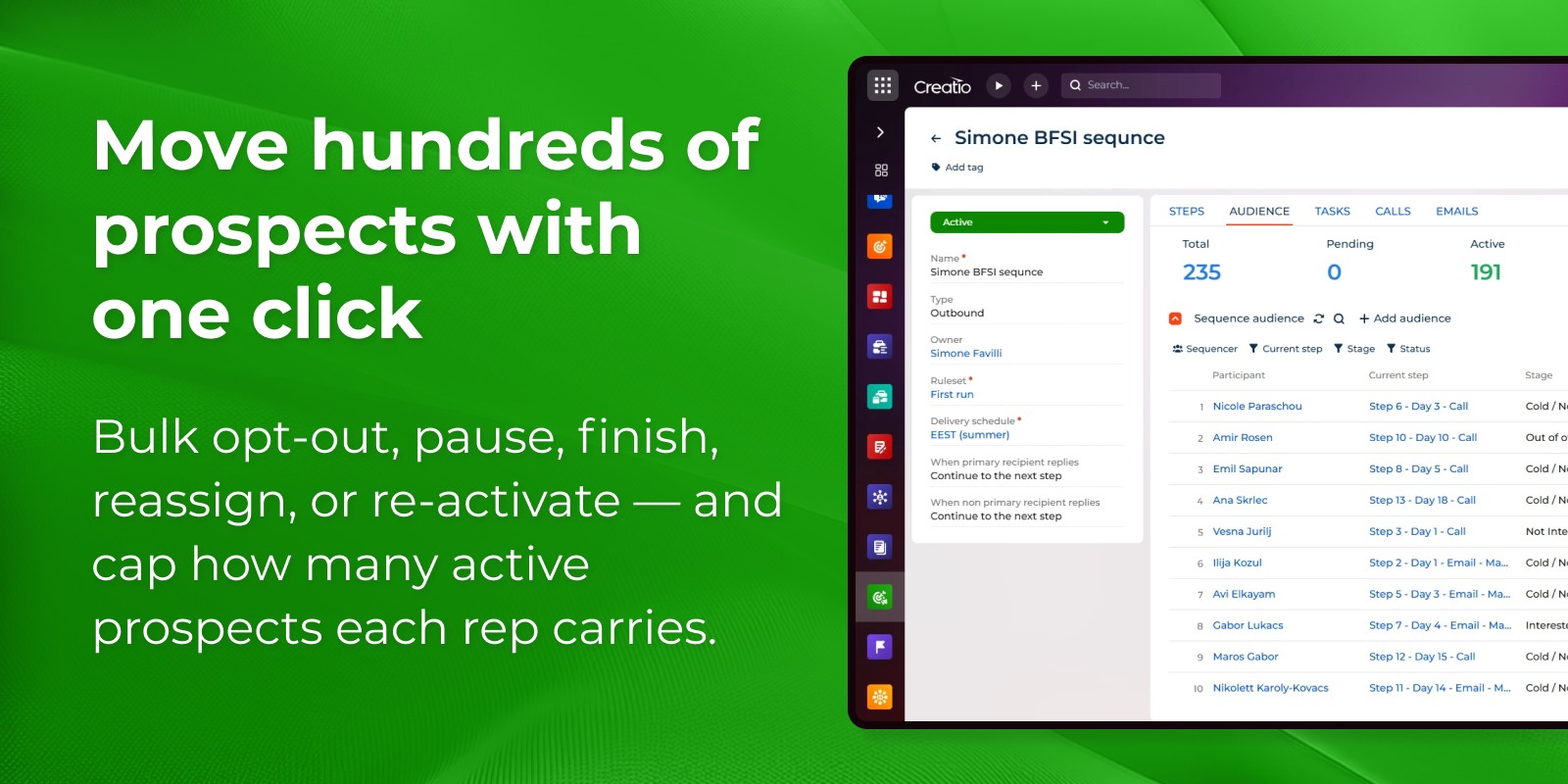
Bulk audience management controls
Pricing
Terms and Conditions
Support
Installation
Resources
Data sharing
- By installing or downloading the App, you confirm that you agree with sharing your account data (name, email, phone, company and country) with the App Developer as their End User.
- The App Developer will process your data under their privacy policy.
Versions
Versions history
Sales Engagement lets you build a sequence of calls, emails, and tasks in a drag-and-drop builder. You set the interval in days between steps, and the app names and schedules them automatically. Emails can be sent automatically or held for review, remain threaded, and support templates with macros and unsubscribe links. Contacts can be enrolled in bulk according to eligibility and volume rules, and each message is delivered in the recipient's time zone. Reps handle their calls and tasks from a single execution panel. Replies, out-of-office responses, bounces, and opt-outs are processed automatically, and per-step analytics are available for each sequence.
Manual app installation
- Open the needed app → the Packages tab - download the Markeplace app files.
- Click in the top right → Application Hub
- Click New application. This opens a window.
- Select Install from file and click Select in the window that opens.
- Click Select file on the page of the Marketplace App Installation Wizard and specify the app file path.