Smarten Data Platform

Not rated

Turn your Creatio data into AI-ready business intelligence. Empower data scientists, analysts, and business teams to build dashboards, reports, predictive insights, automate decisions, and accelerate growth.

Overview

Product overview

Product description

Smarten Data Platform helps organizations turn Creatio and enterprise data from other sources into trusted, actionable insights through self-service data preparation, conversational AI and NLP search, anomaly alerts, predictive modeling, and KPI monitoring for business users across the organization.

The solution transforms raw business data from Creatio and other enterprise systems into a governed, intelligent analytics layer for Creatio users. It brings together self-service data preparation, data quality management, smart visualization, AI-powered insights, predictive modeling, and natural language search to help teams explore data, identify trends, monitor KPIs, and make confident decisions without relying on SQL, ETL, or data science expertise.

Use Case:

Empower business users to prepare, explore, analyze, and act on Creatio and other enterprise data from a single intuitive platform. Users can combine and clean data, build dashboards and reports, find insights with natural language search, detect anomalies, understand key influencers behind business outcomes, and apply assisted predictive models for forecasting, classification, regression, clustering, customer targeting, risk analysis, cross-sell opportunities, and operational optimization.

Key Features

Data Quality Management

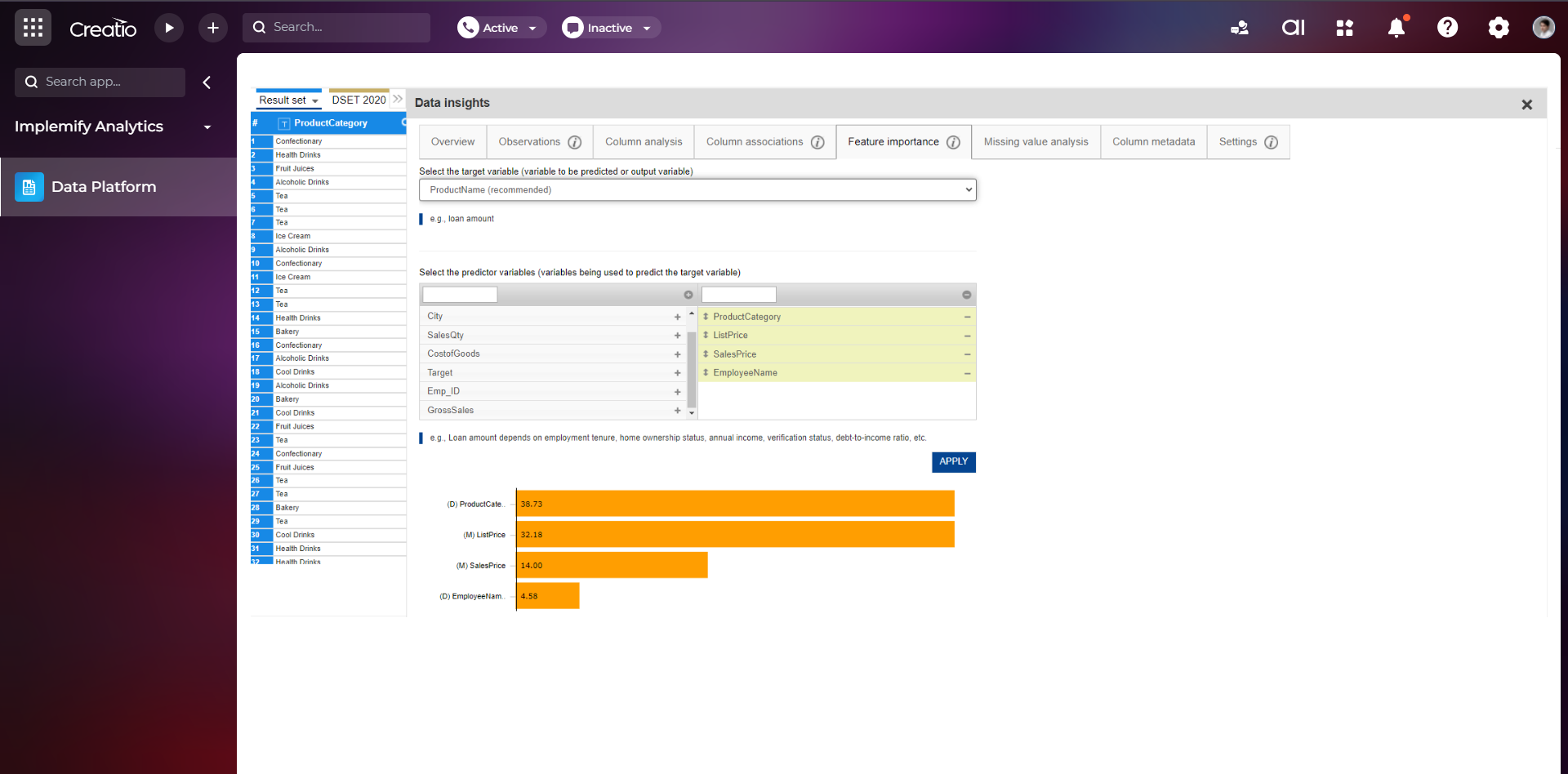
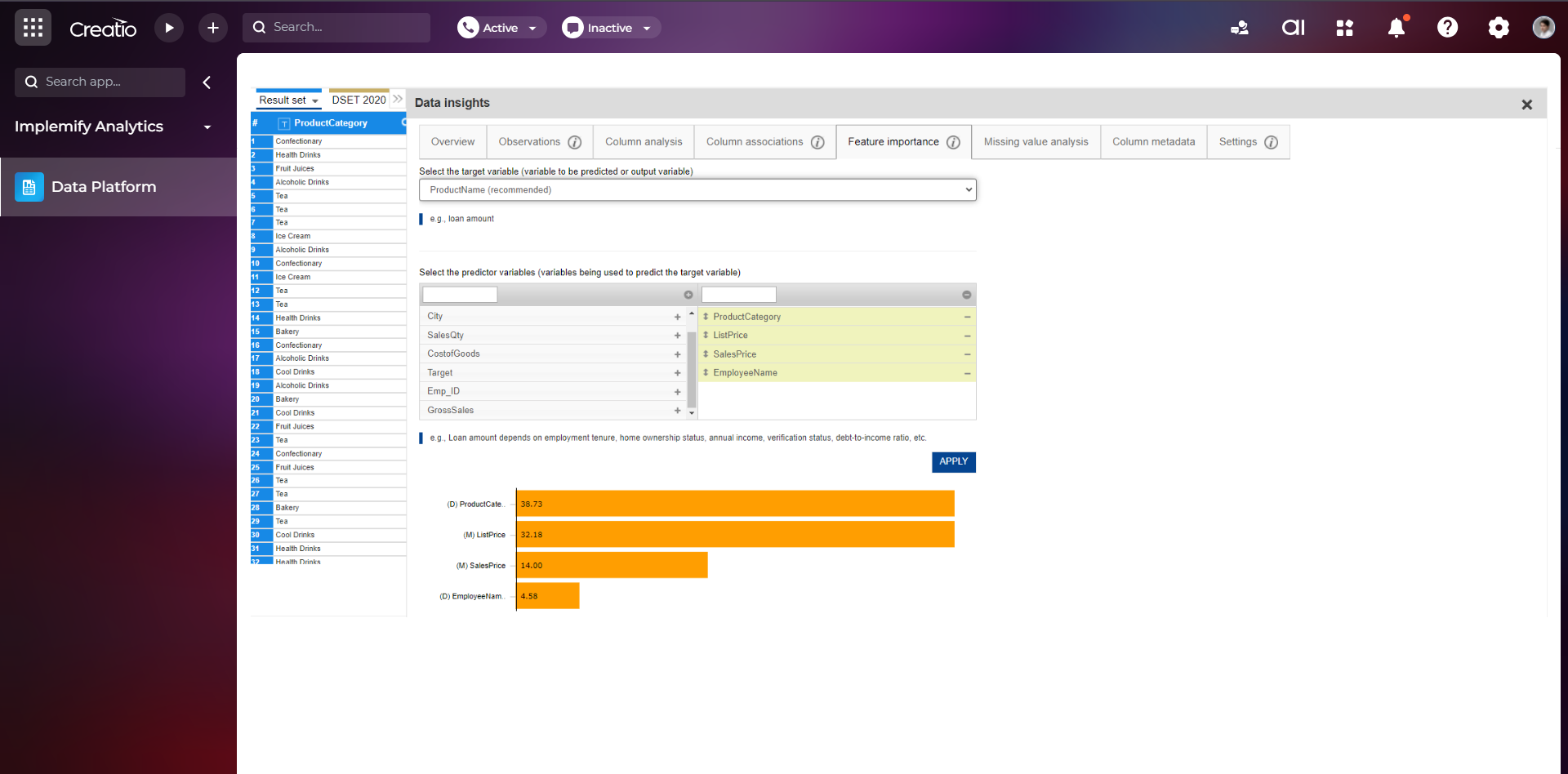
Detect data issues and hidden patterns, apply validation, and raise reliability with guided recommendations. Enforce quality checks across datasets to strengthen metrics, dashboards, and models, improving confidence in every decision.

Smart Data Visualization

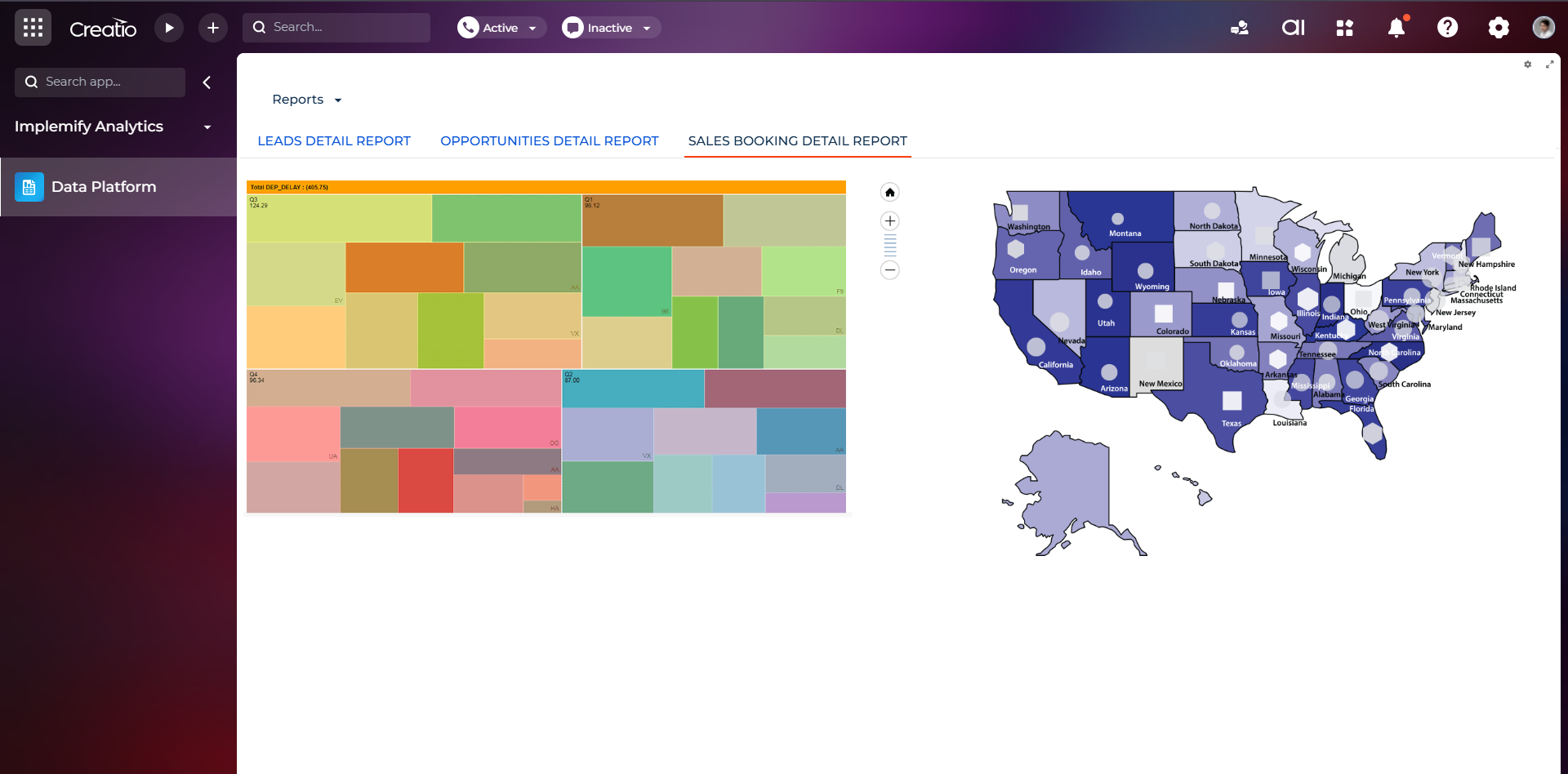
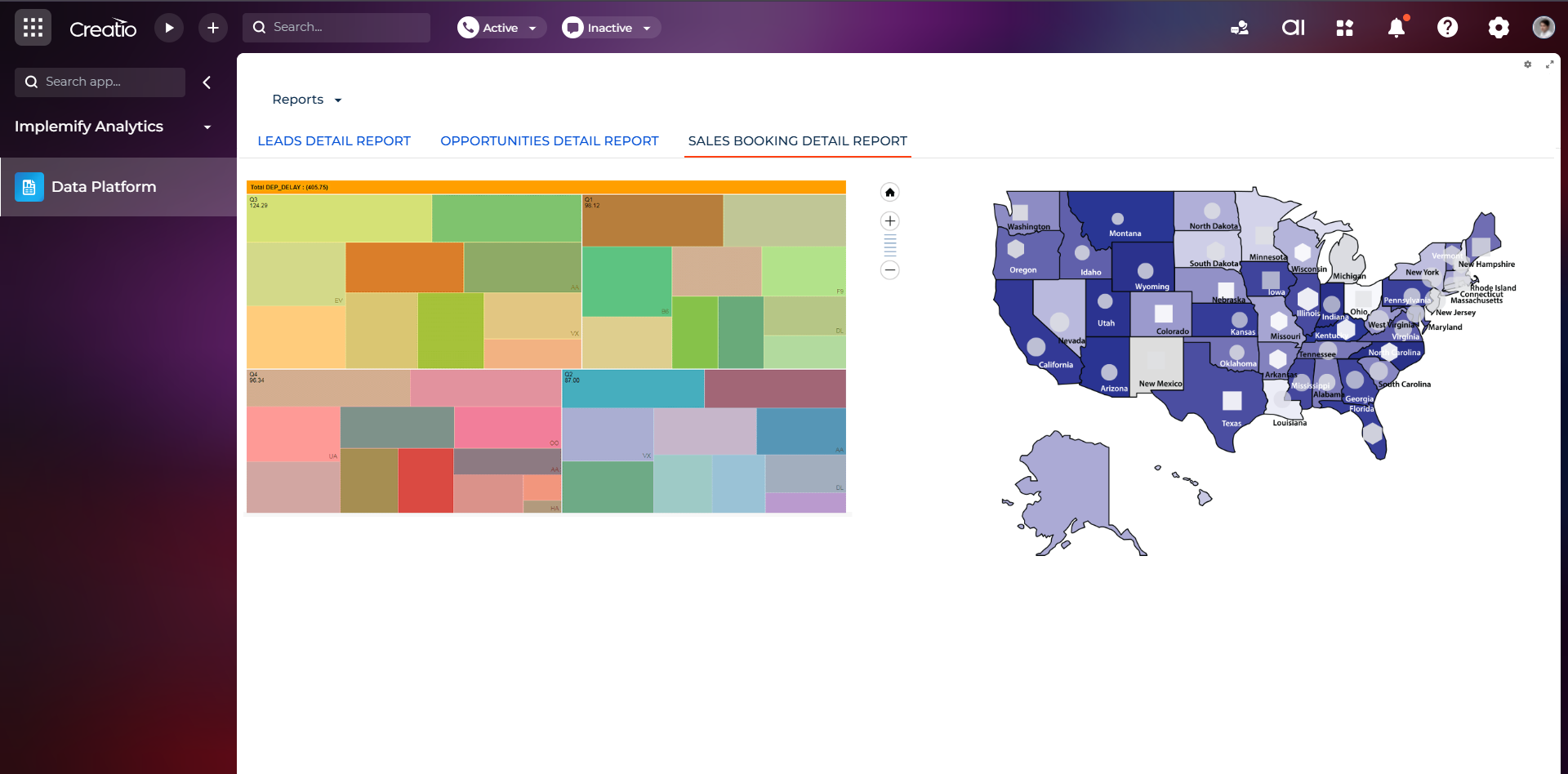
Build guided visualizations and interactive dashboards with chart recommendations based on data type, volume, and patterns. Explore trends and root causes, and present clear data stories that inform operational and executive actions.

Assisted Predictive Modeling

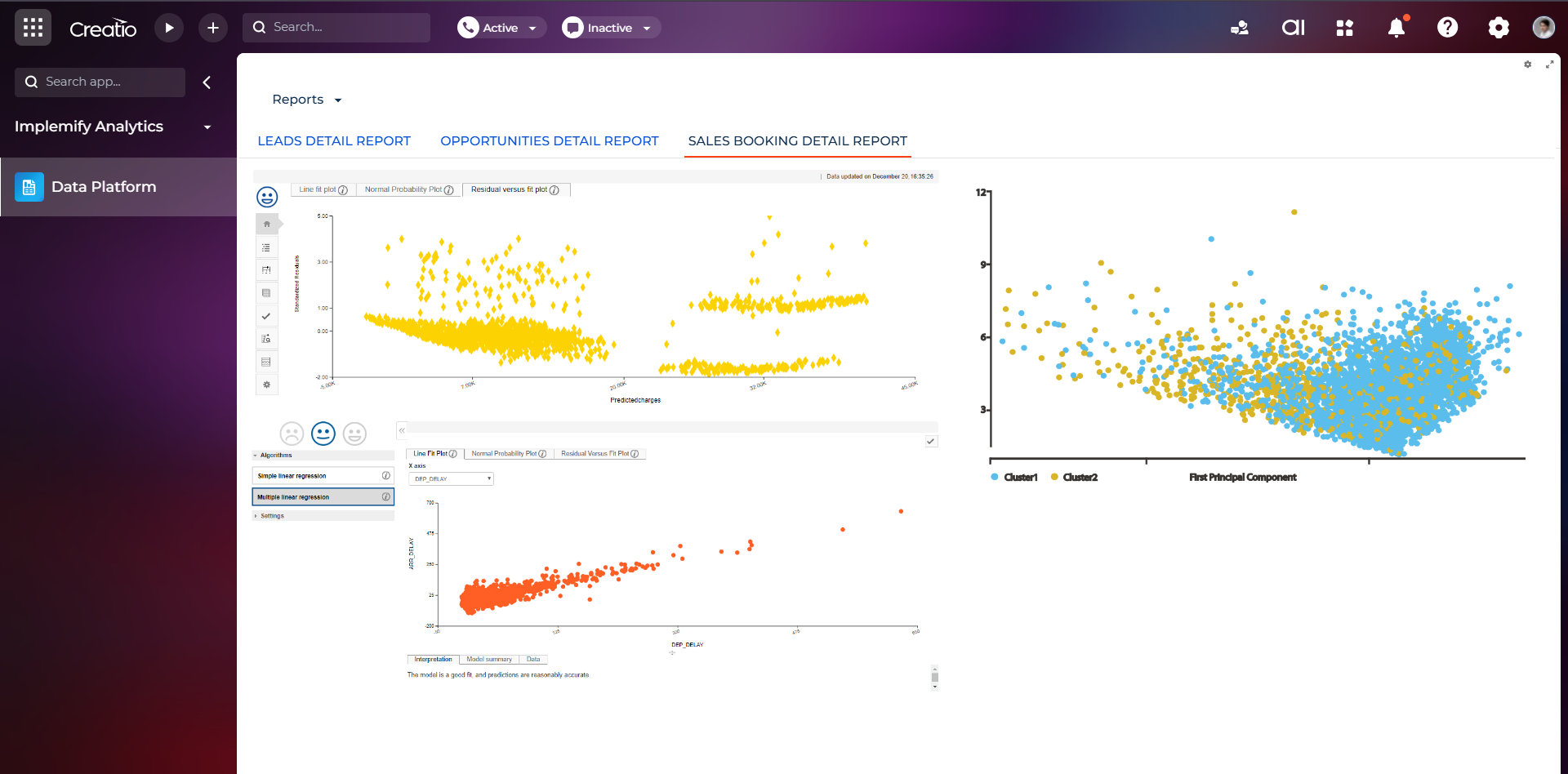
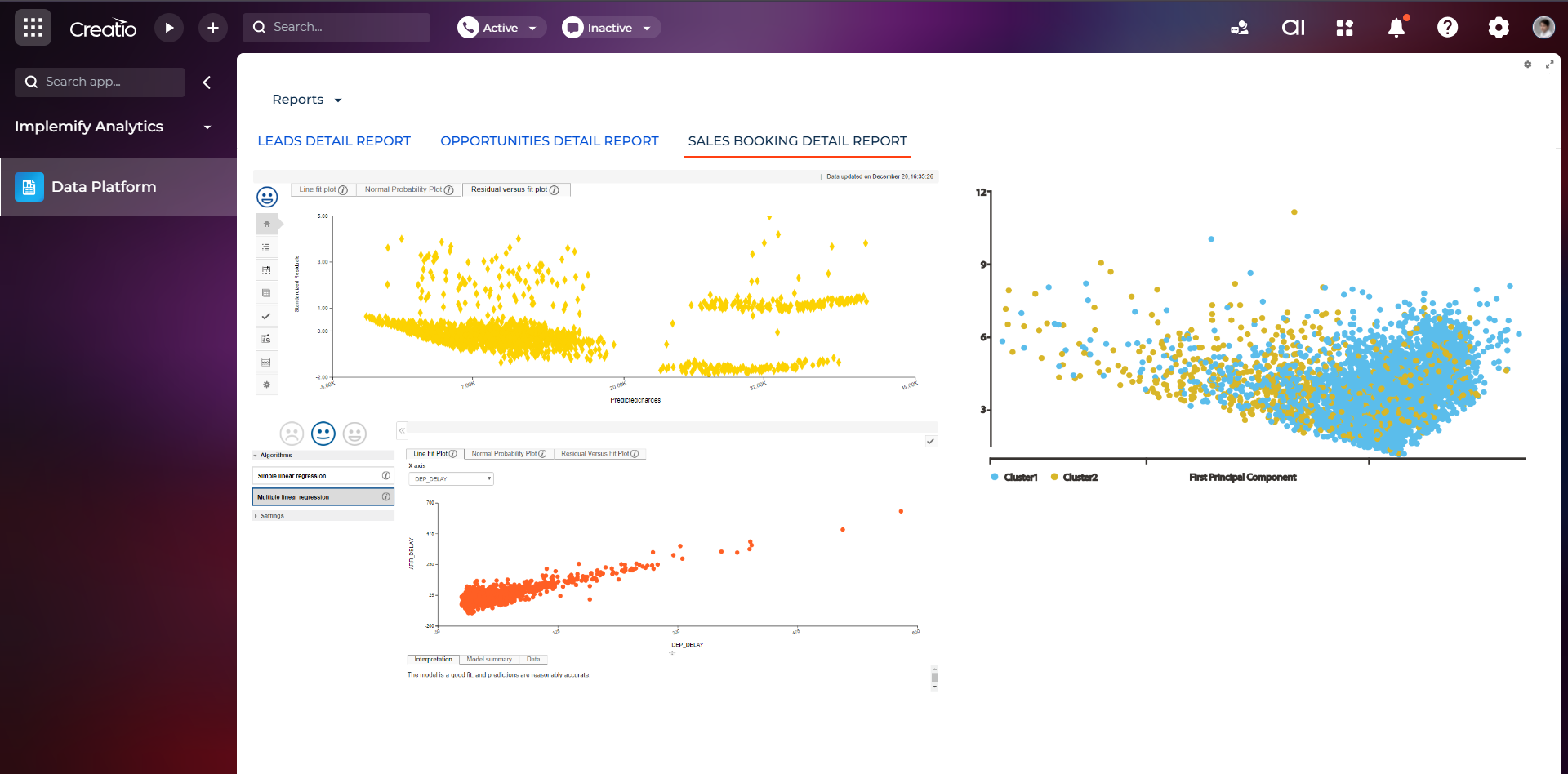
Apply forecasting, regression, classification, and clustering with auto recommendations and guided workflows. Enable business users to create predictive models without data science skills and drive confident, data informed actions.

KPI Monitoring and Alerts

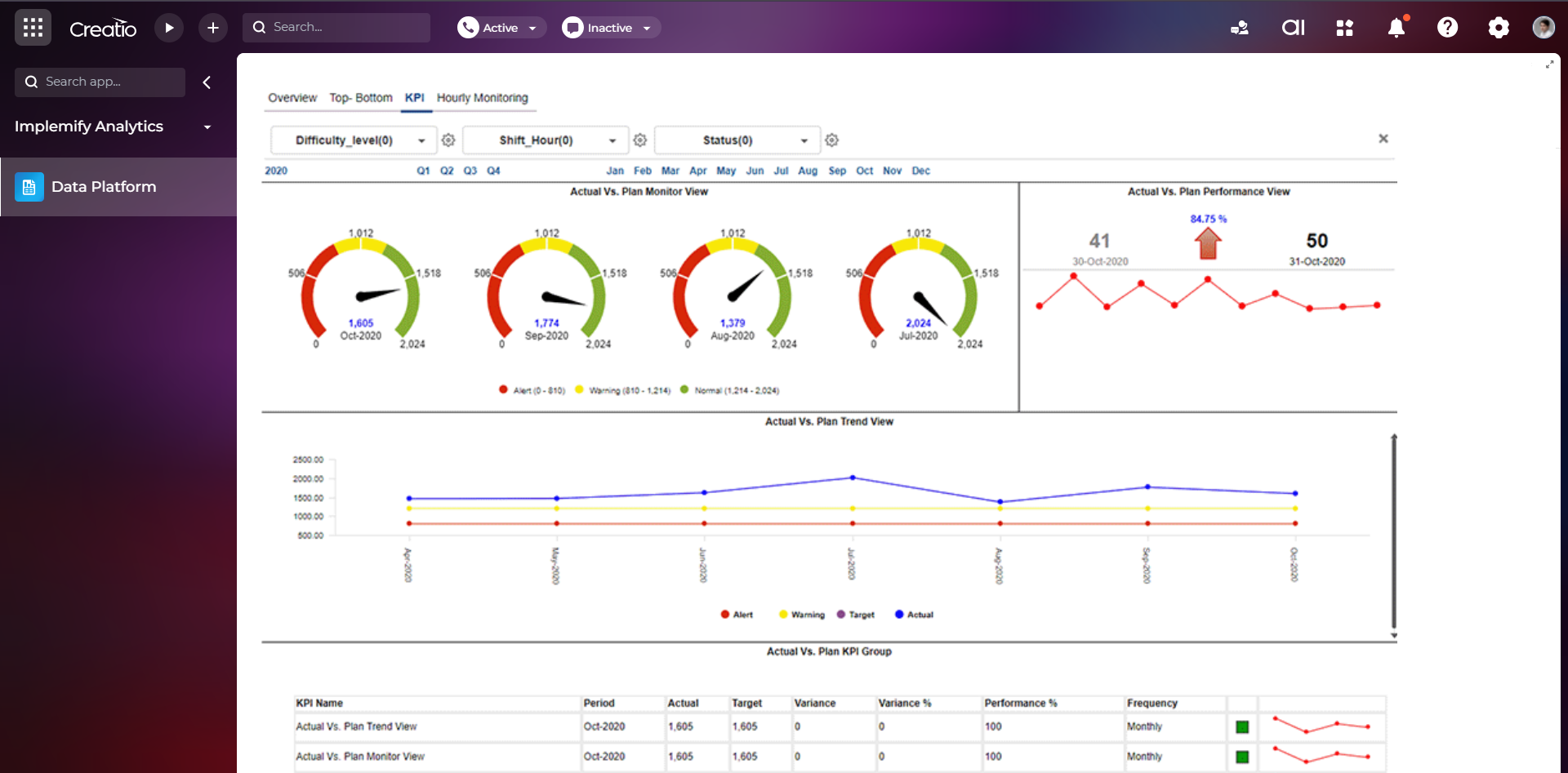
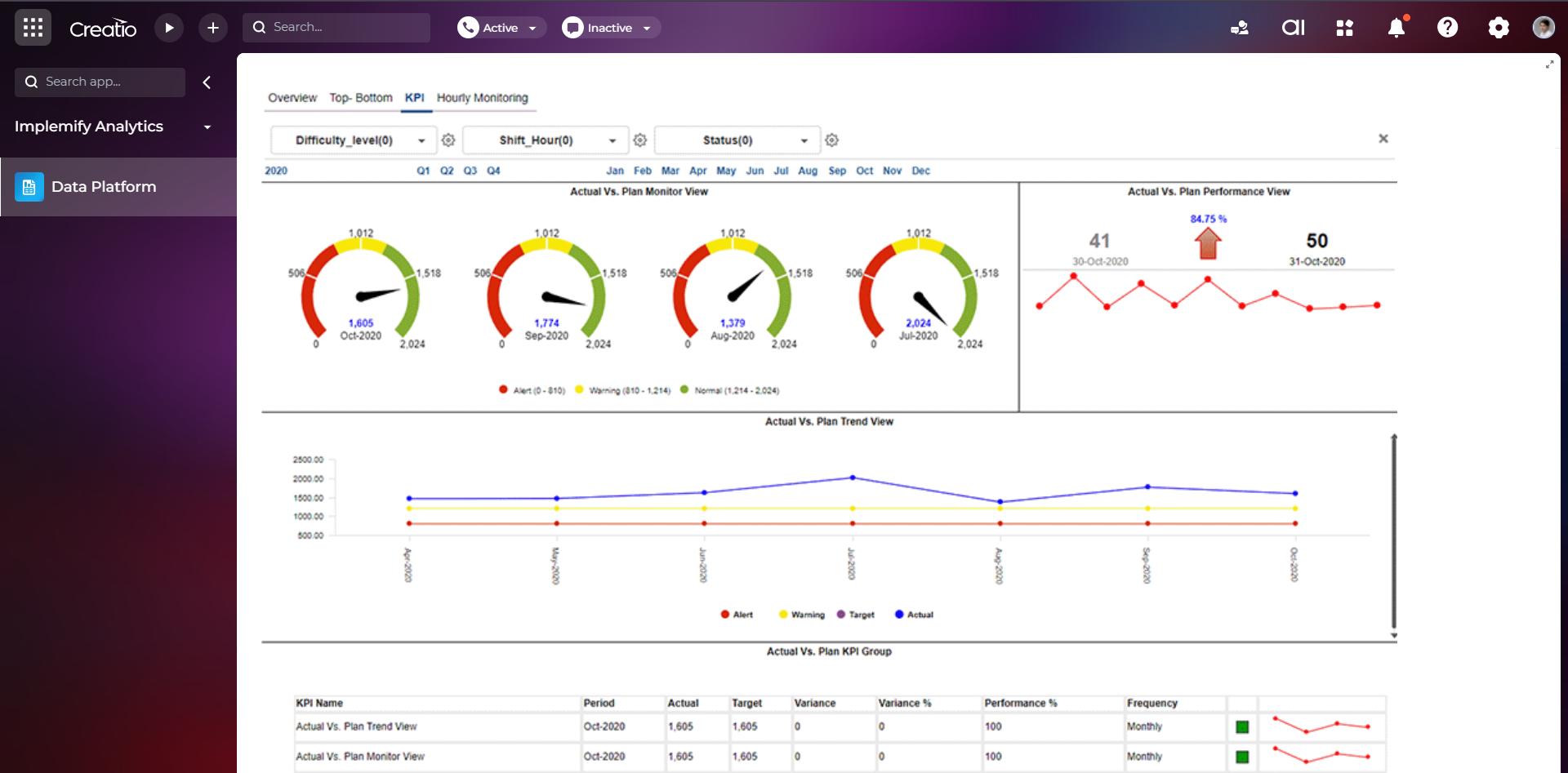
Continuously monitor KPIs, detect anomalies and volatility, and trigger alerts when significant shifts occur. Set targets quickly, identify performance drivers, and take timely action to protect outcomes across processes and teams.

Conversational AI & Natural Language Search

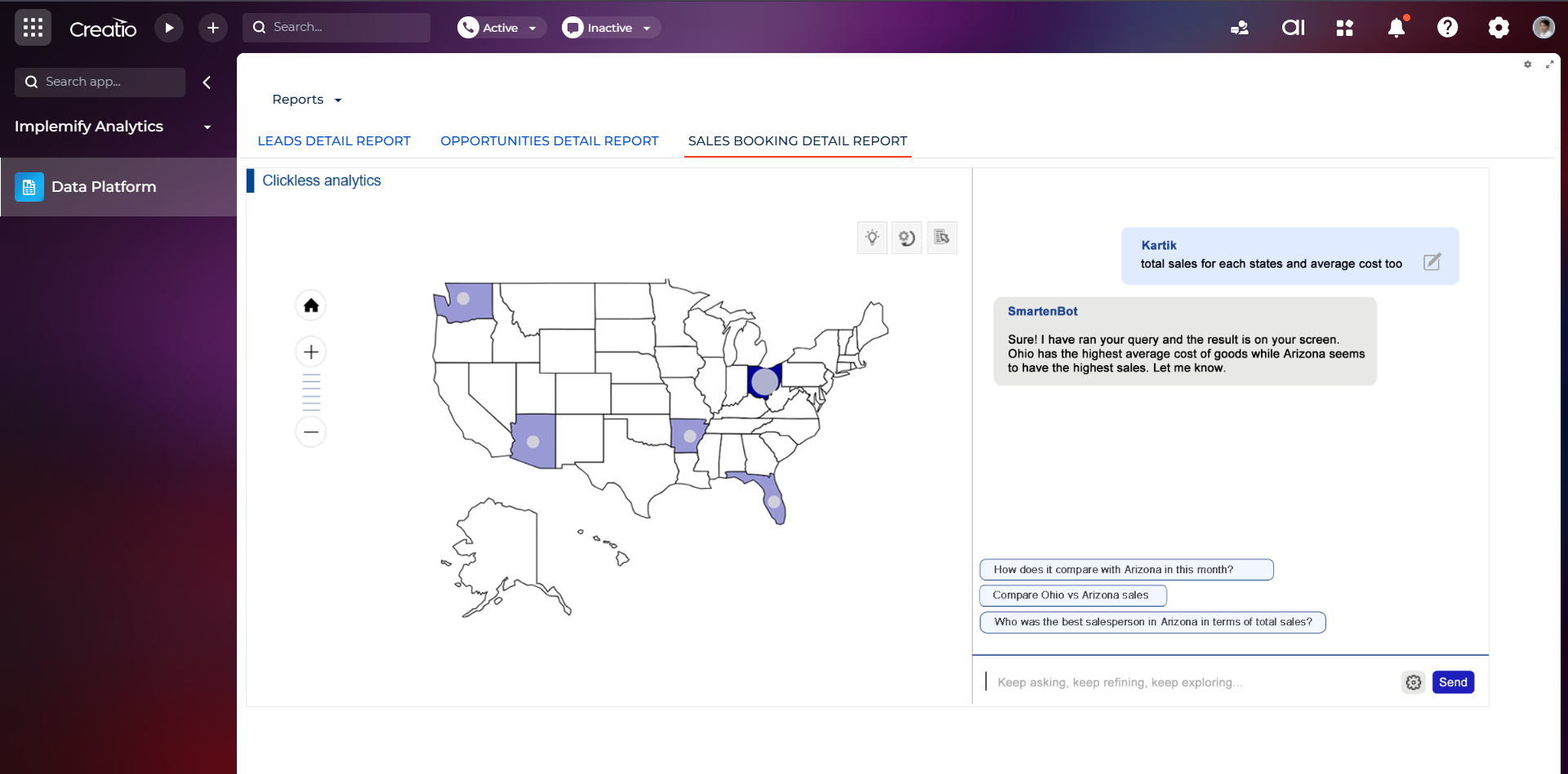
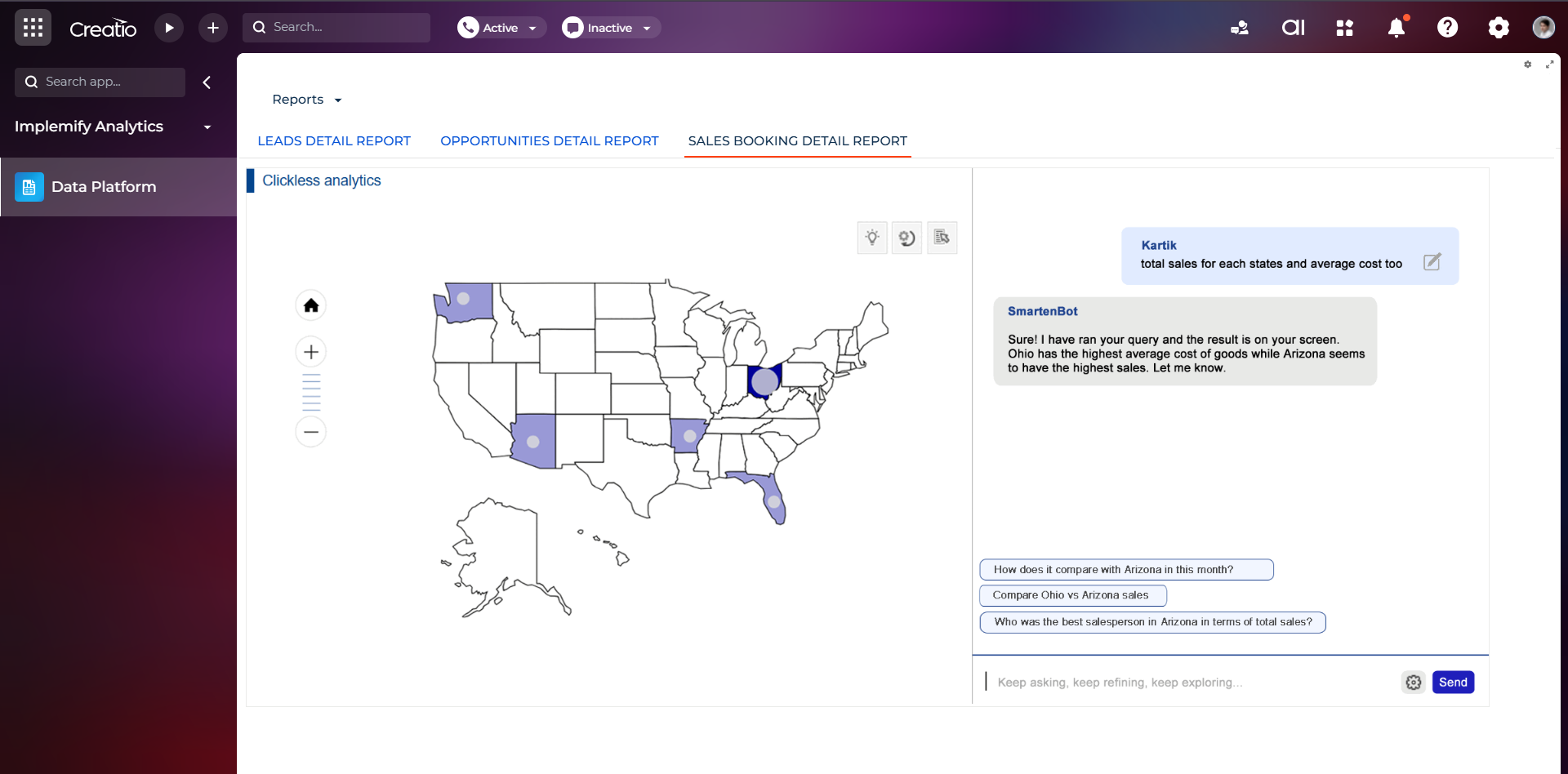
Unlock insights through natural language interactions with your business data. Powered by AI reasoning, contextual memory, and customizable instructions, the solution delivers relevant answers, KPIs, visualizations, and summaries in real time — helping users make informed decisions faster and drive greater business productivity.

Categories

UI Framework

UI Framework
Freedom UI

Type

Type
Integration via Creatio API

Price

Price
Paid

Compatible with Creatio

Version
8.3.4

Release information

Launched:
Updated:

Pricing

Monthly
Annual
Standard
On demand
Description (Formatted)
Pricing model is role-based and aligned with each user’s access level and functional capabilities within the system. The final costs depend on the selected role configuration and feature set.

Third-party solution. The listed price includes the external subscription. Purchase and payment are processed via Creatio.

Terms and Conditions

By installing this product you agree to terms and conditions outlined in the license agreement.

Support

Support is available for this application

Working Days (Except US Major Holidays) - Monday - Friday - 8 AM to 5 PM US Central Time.

Response Acknowledgement time to requests - Within 1 working day (During working hours). Resolution Time - Based on Severity.

Installation

Product compatibility

UI Framework

Freedom UI

Deployment Options

Cloud
On-site

DBMS

Any supported DBMS

Platform

.NET Framework

Compatible with Creatio

8.3.4

Versions

Manual app installation

  1. Open the needed app → the Packages tab - download the Markeplace app files.
  2. Click in the top right → Application Hub
  3. Click New application. This opens a window.
  4. Select Install from file and click Select in the window that opens.
  5. Click Select file on the page of the Marketplace App Installation Wizard and specify the app file path.

Reviews