


Social Marketing for Creatio
Overview
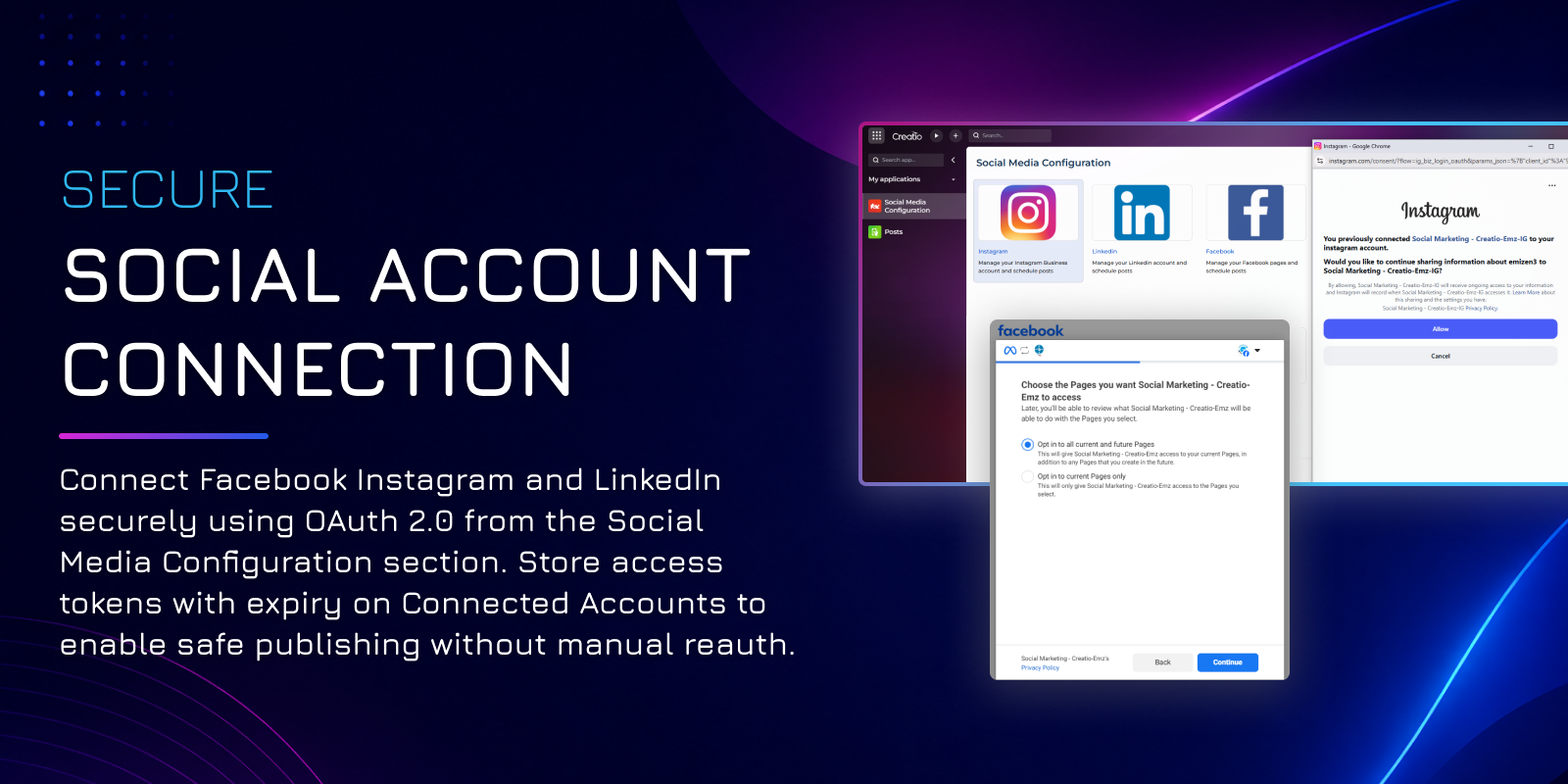
Product overview
Social Marketing for Creatio streamlines your digital presence by allowing you to plan, schedule, and publish content to Facebook, Instagram, and LinkedIn directly from your CRM. Eliminate the friction of switching between multiple browser tabs—now your team can compose posts with text and media, select target destinations, and manage multi-platform campaigns all from a single, centralized workspace.
The application optimizes your entire social media workflow through automated publishing and intelligent tracking. Connect accounts securely via OAuth 2.0, automatically synchronize your public pages and business profiles, and use the built-in scheduler to time your content for peak audience engagement. Because every platform handles media differently, the integration natively manages background complexities—including binary image uploads and temporary URL generation for Instagram—ensuring your visual content renders perfectly every time.
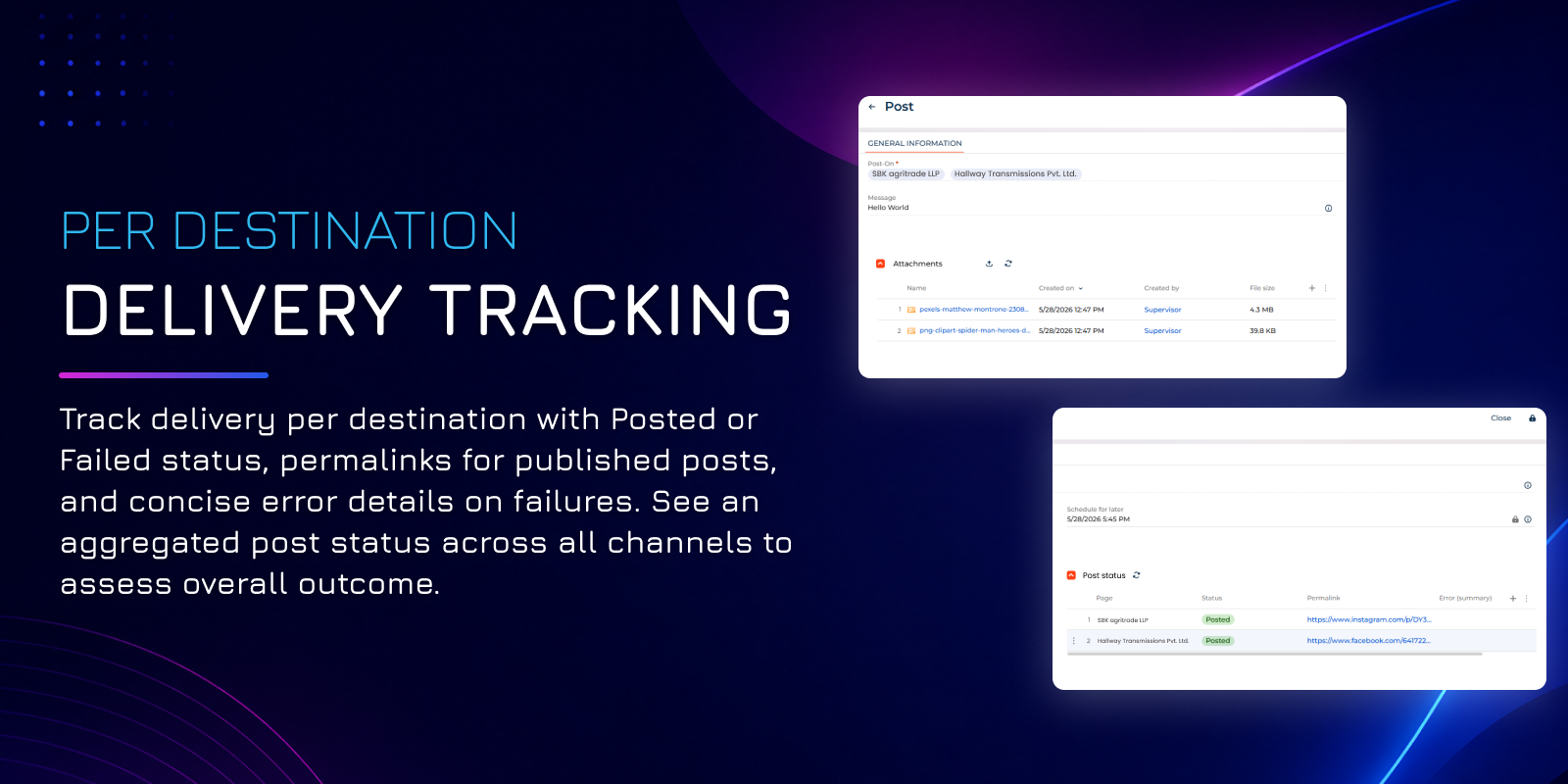
Gain complete visibility into your social performance right on the post record. The application tracks execution status independently for every selected destination, aggregating the results into a clear overview (Posted, Partially Posted, or Failed). If a platform rejects a post, Creatio captures the exact API response body and a brief error summary, enabling your team to troubleshoot instantly and maintain a consistent, uninterrupted brand voice across the web.
Workflow
- The user opens the Social Media Configuration section and selects a platform.
- The platform's authorization page opens in a separate window. The user grants the requested permissions.
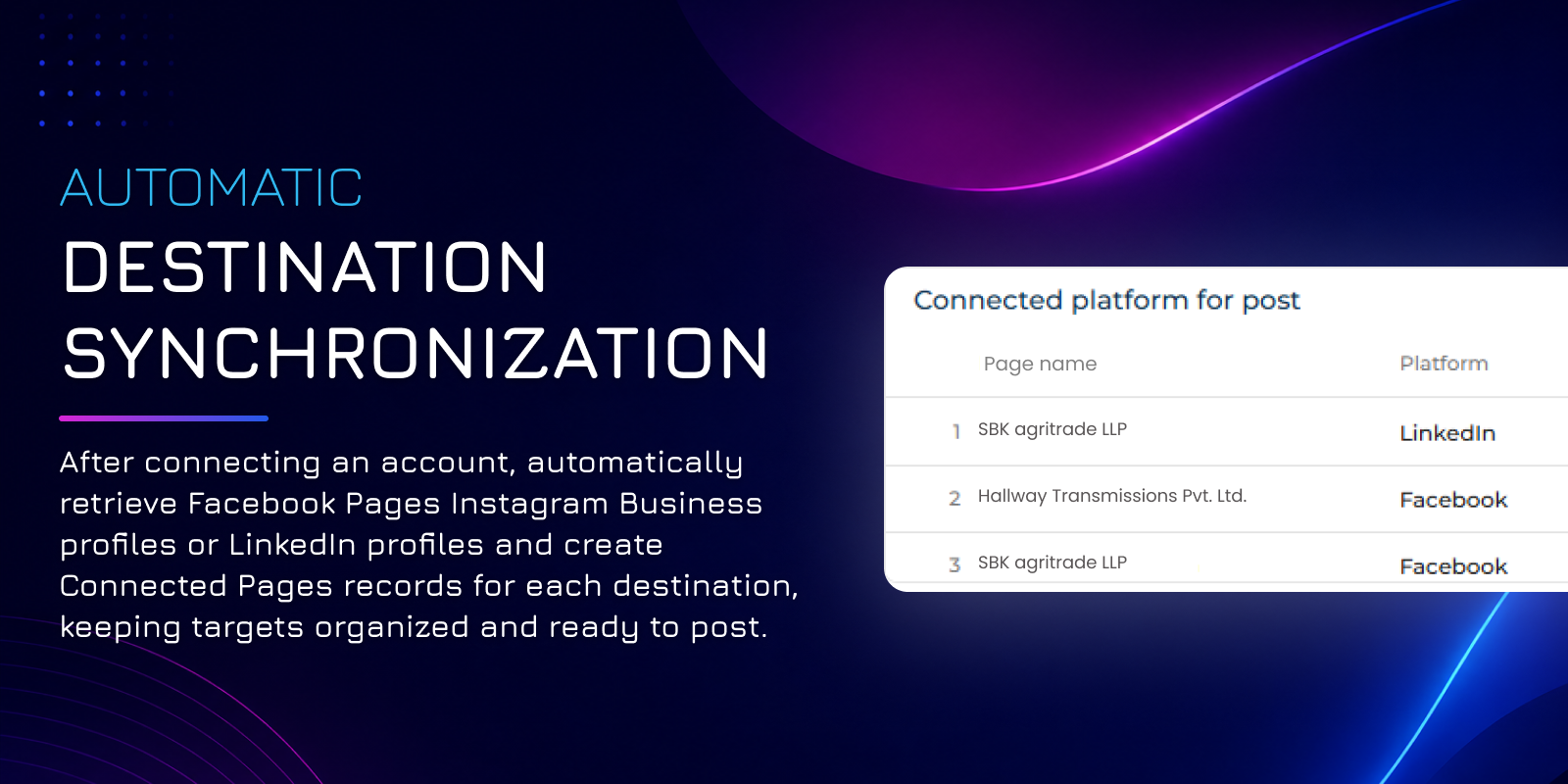
- The integration stores the account on the Connected accounts record and creates the corresponding Connected pages records.
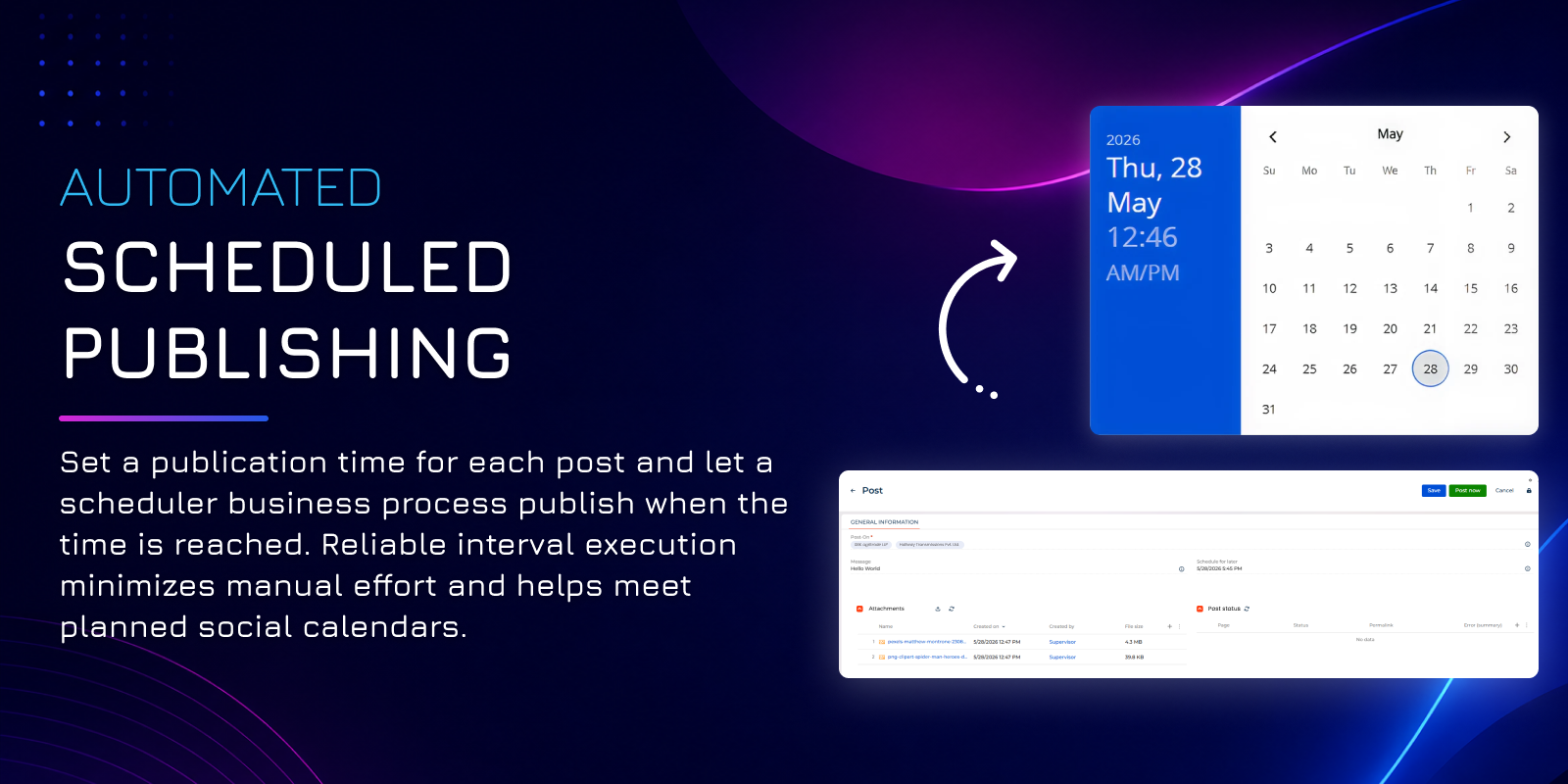
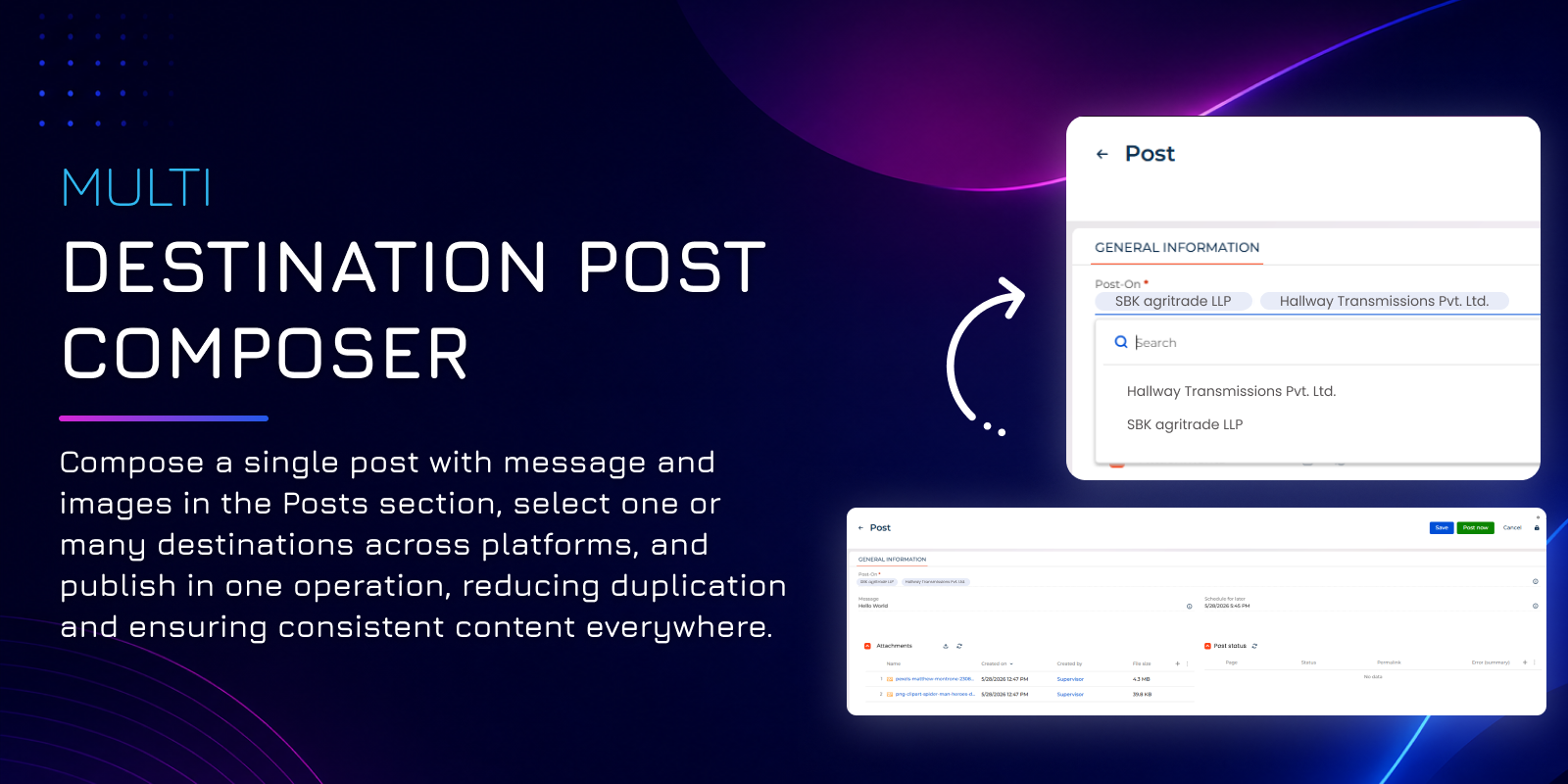
- The user opens the Posts section, creates a post, selects destinations, and either publishes the post immediately or sets a publication time.
- On publication, the Post pages records and the post's overall Status reflect the per-destination outcome.
Key Features
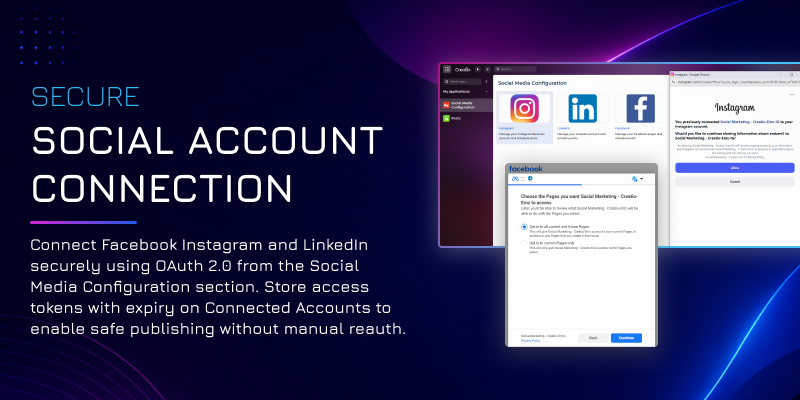
Secure social account connection
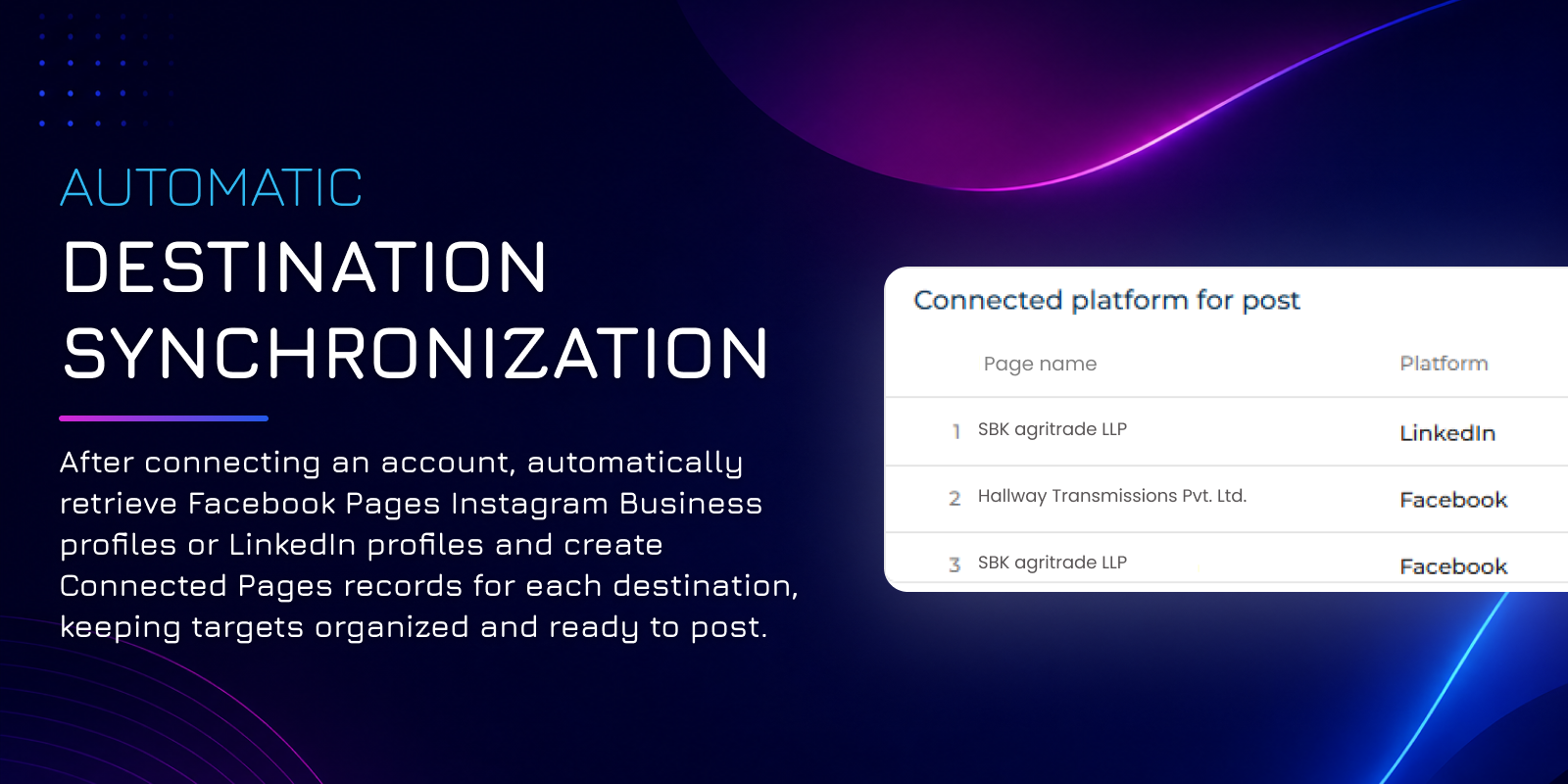
Automatic destination synchronization
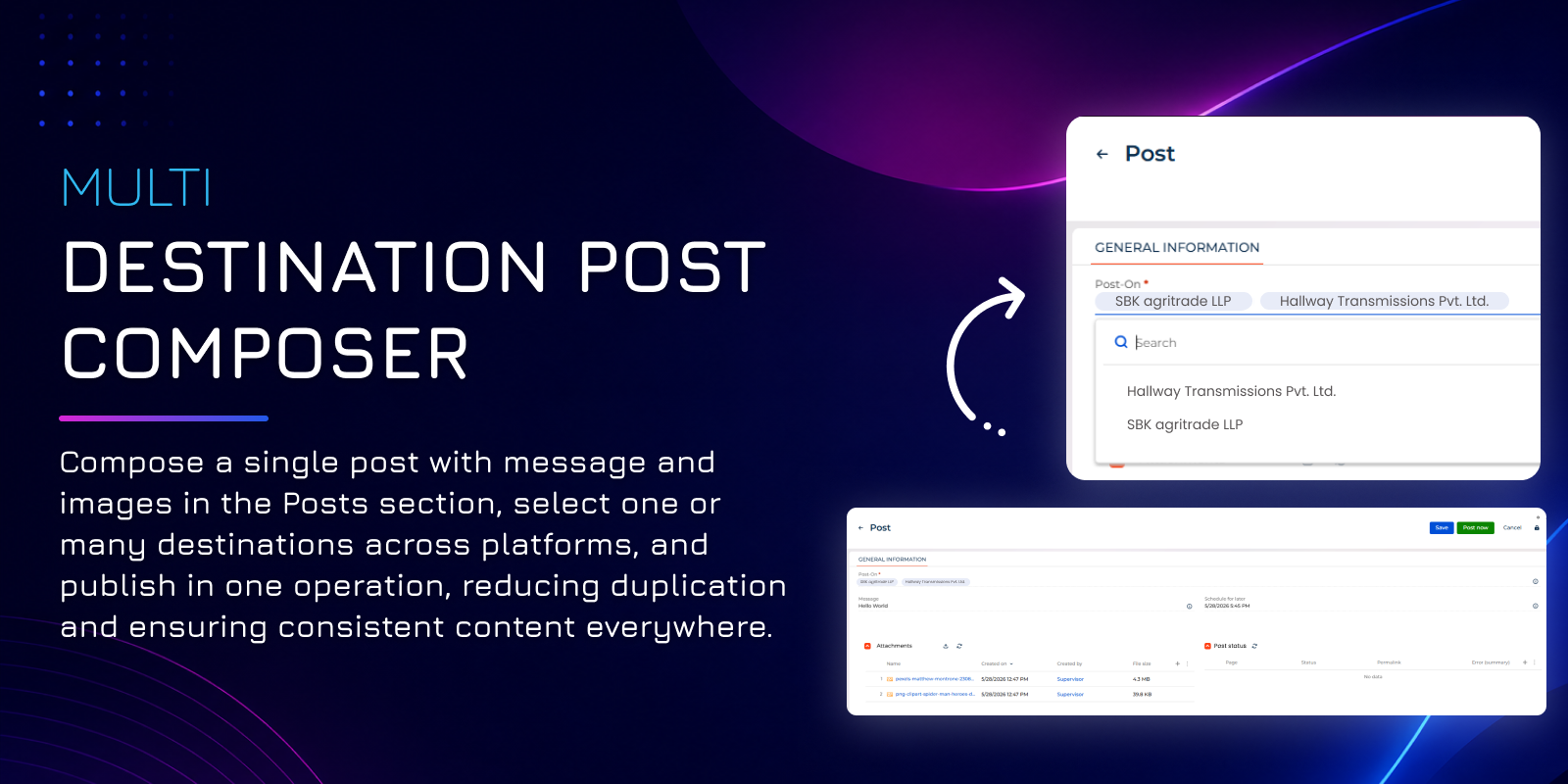
Multi destination post composer
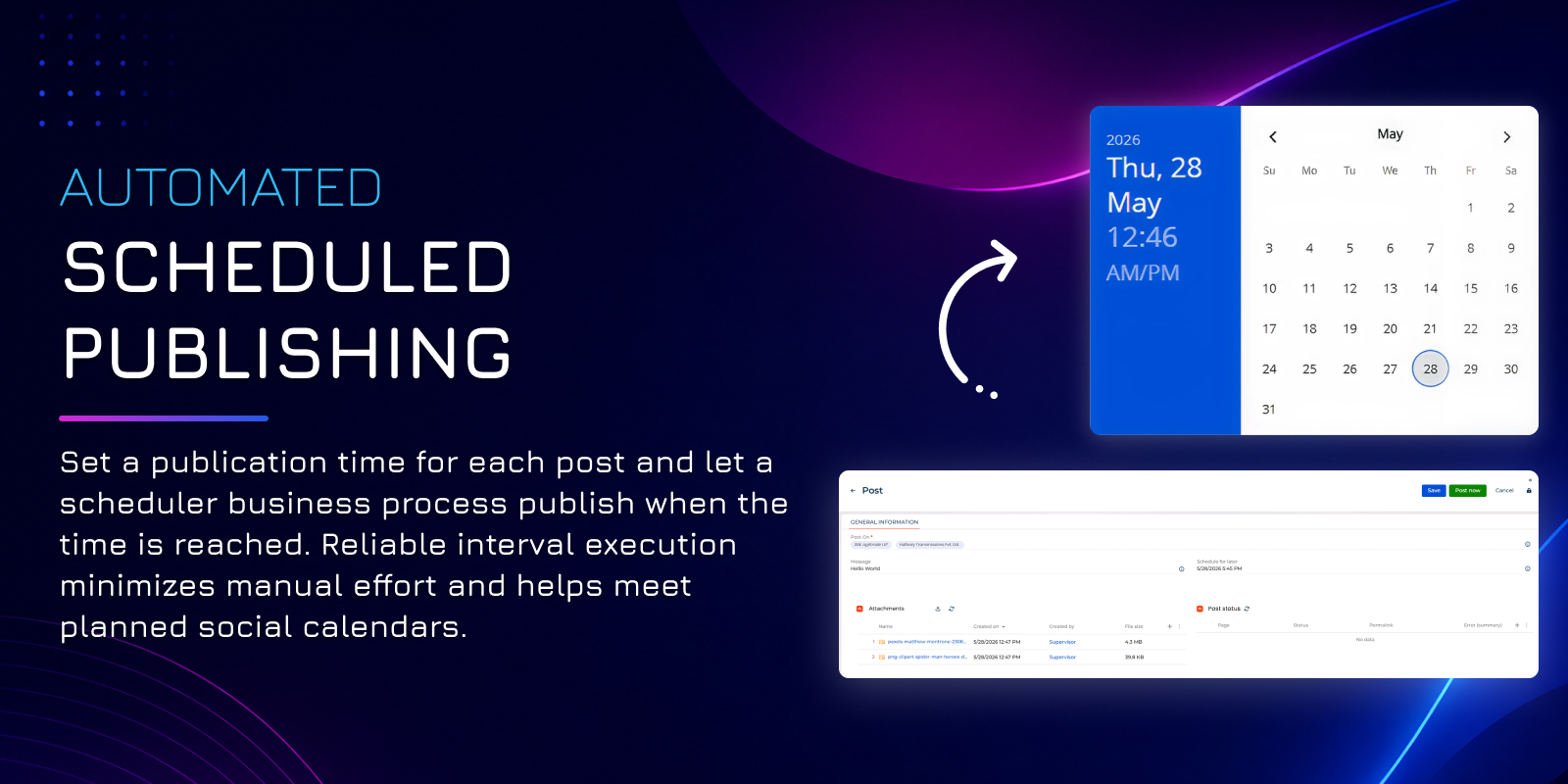
Automated scheduled publishing
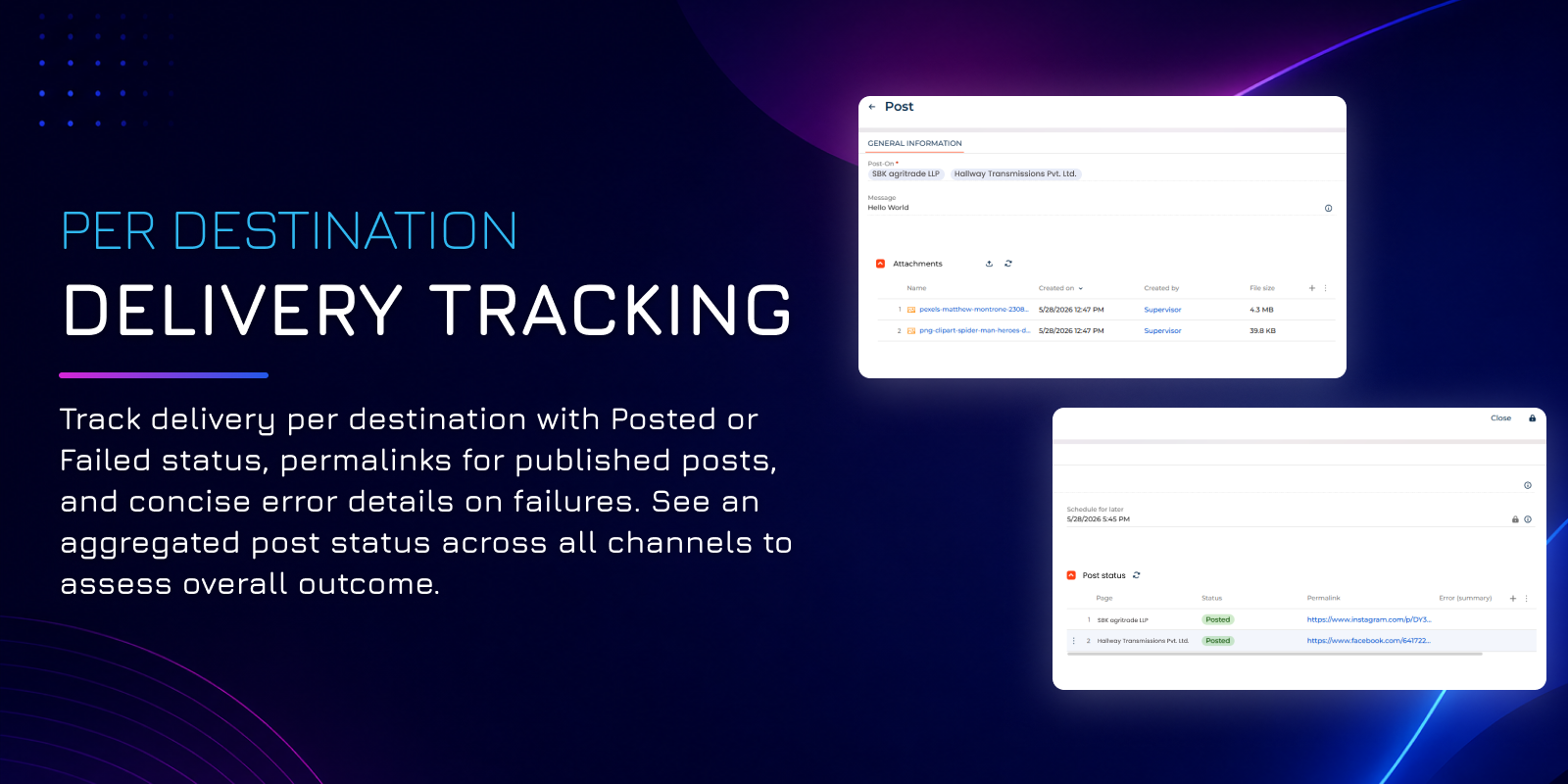
Per destination delivery tracking
Pricing
Terms and Conditions
Support
Installation
Data sharing
- By installing or downloading the App, you confirm that you agree with sharing your account data (name, email, phone, company and country) with the App Developer as their End User.
- The App Developer will process your data under their privacy policy.
Versions
Versions history
Manual app installation
- Open the needed app → the Packages tab - download the Markeplace app files.
- Click in the top right → Application Hub
- Click New application. This opens a window.
- Select Install from file and click Select in the window that opens.
- Click Select file on the page of the Marketplace App Installation Wizard and specify the app file path.