


Syntech Absence for Creatio
Syntech Absence for Creatio - Centralize absence management in Creatio: plan vacations, sick leaves, and time off, manage approvals and ensure full visibility across teams.
Overview
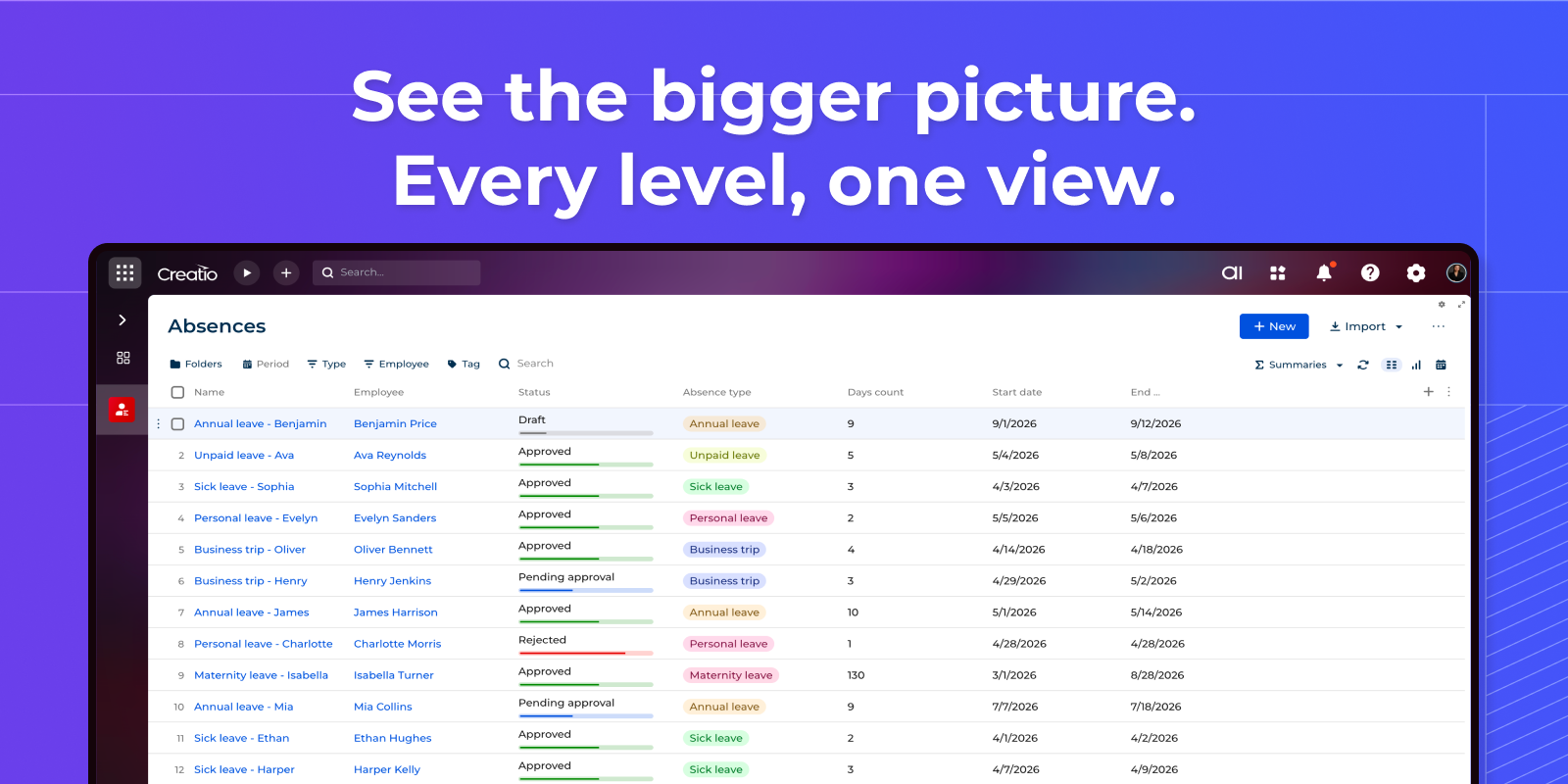
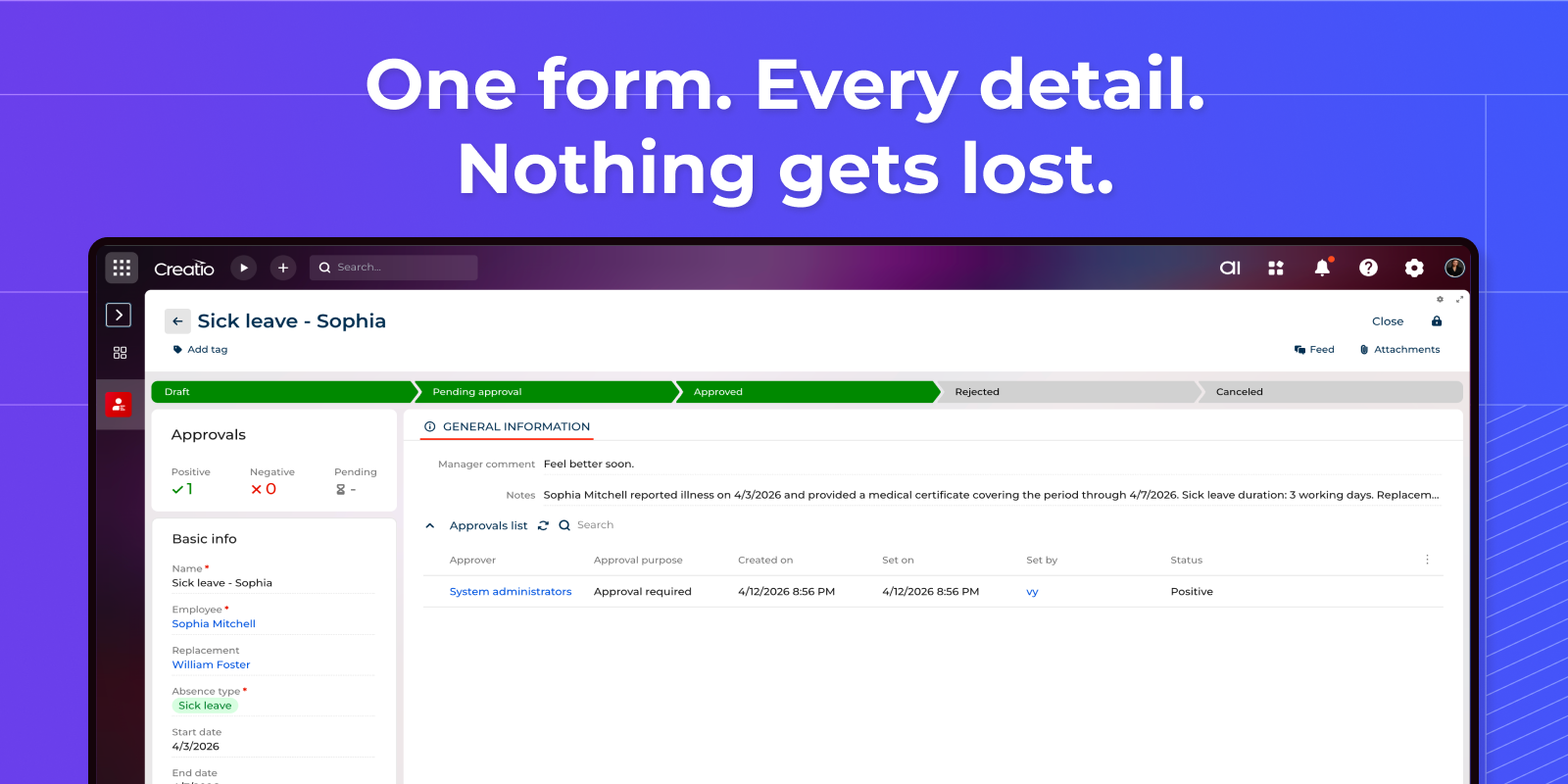
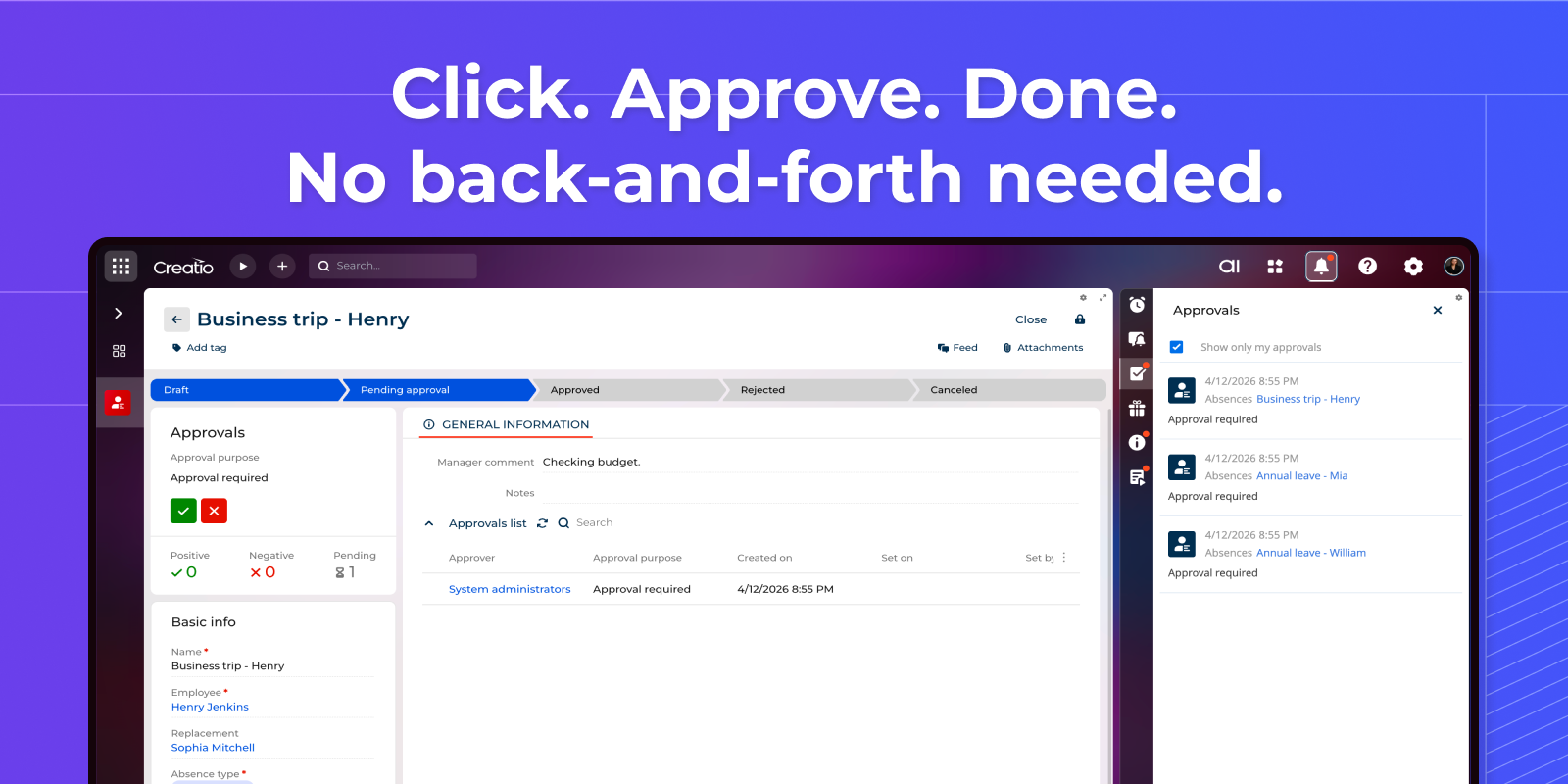
Product overview
Product description
Syntech Absence for Creatio is a solution designed to streamline and automate employee absence management directly within Creatio. It provides organizations with full visibility and control over vacations, sick leaves, and other types of time off.
Key Features
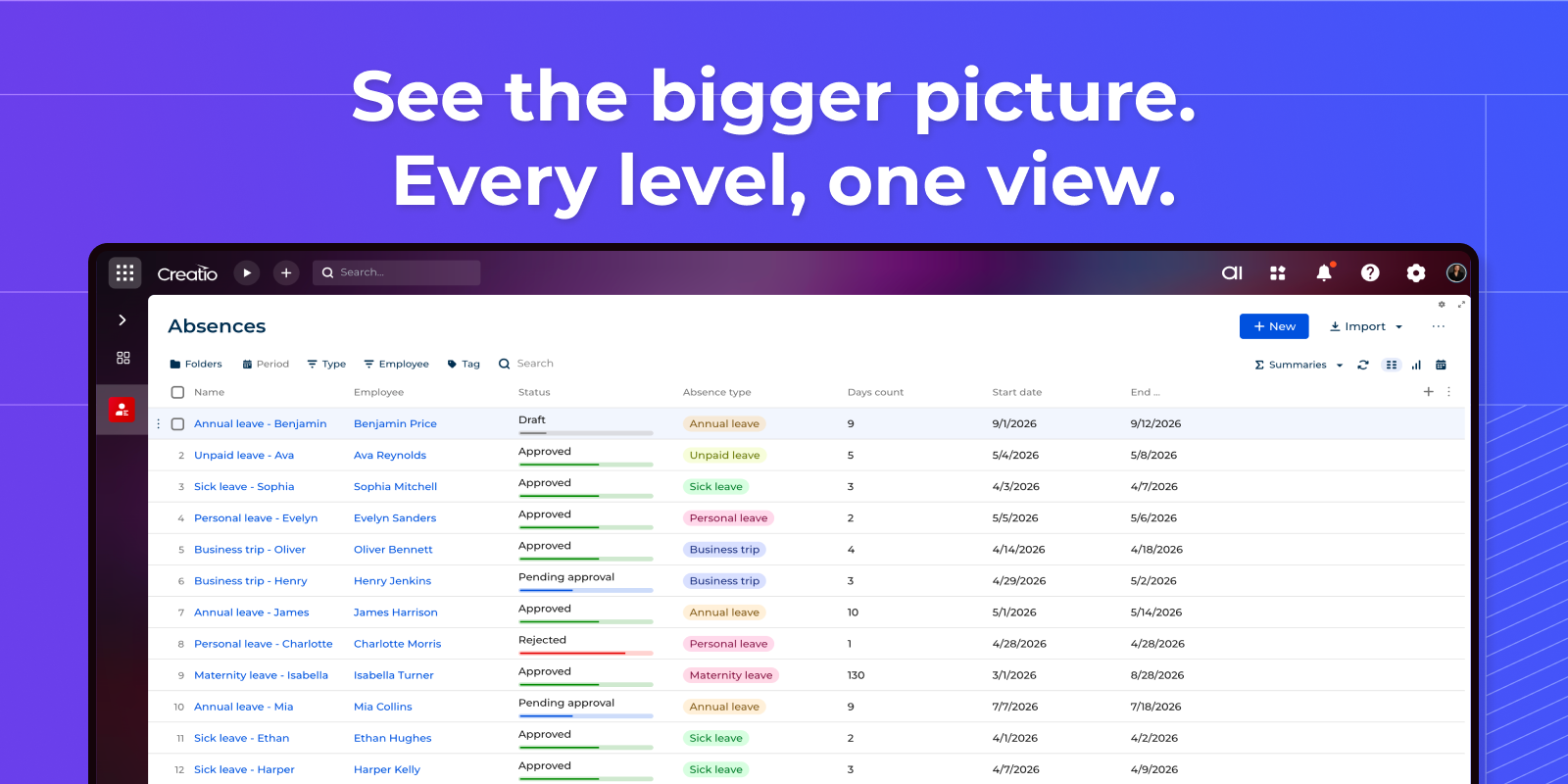
See the bigger picture.
Get a clear overview of all employee absences in one place. Filter by period, type, or employee — and see statuses, dates, and leave types at a glance.
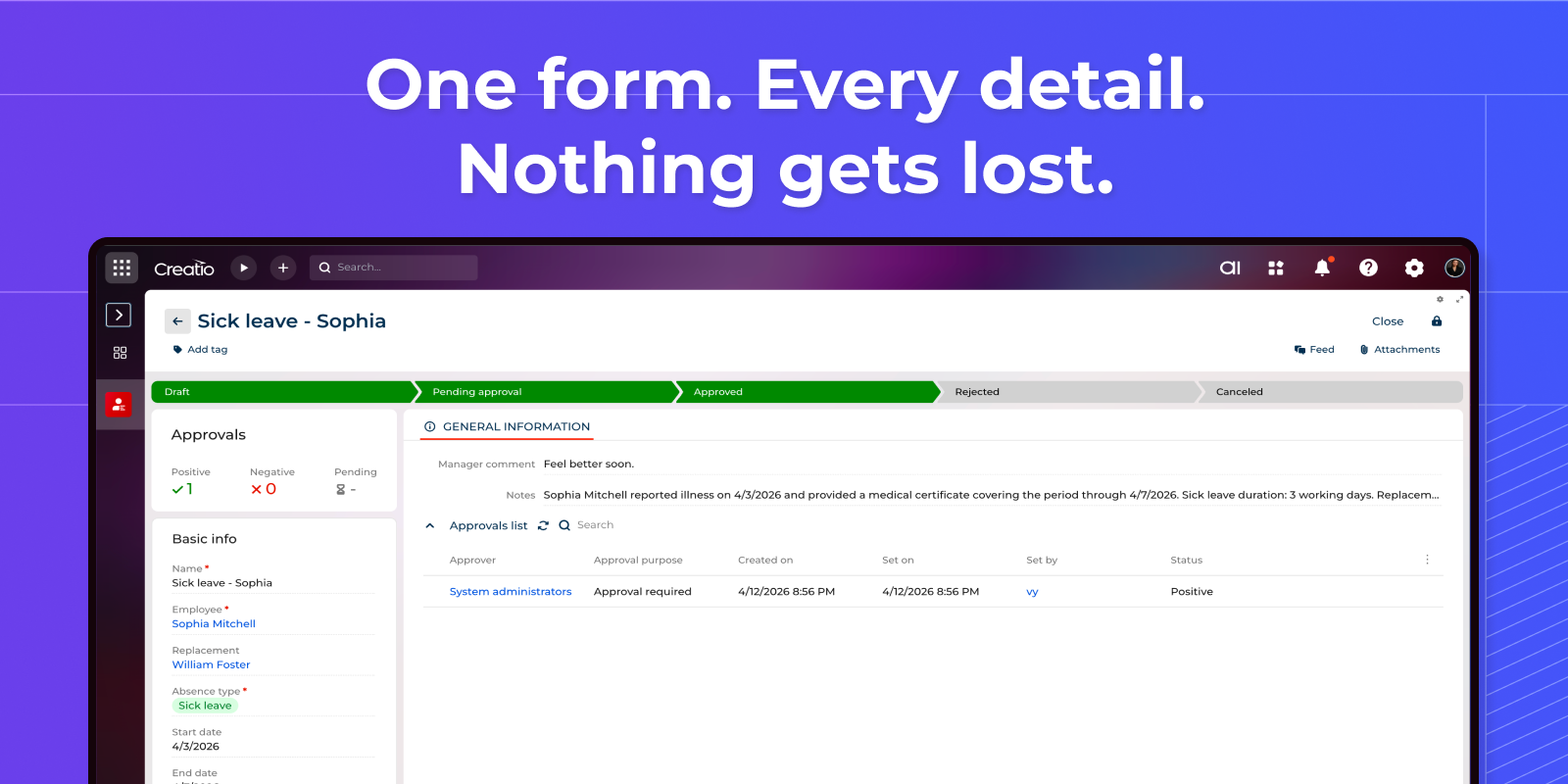
One form. Every detail. Nothing gets lost.
Every absence request in a single structured form. Track approval status, replacement, notes, and manager comments — nothing slips through the cracks.
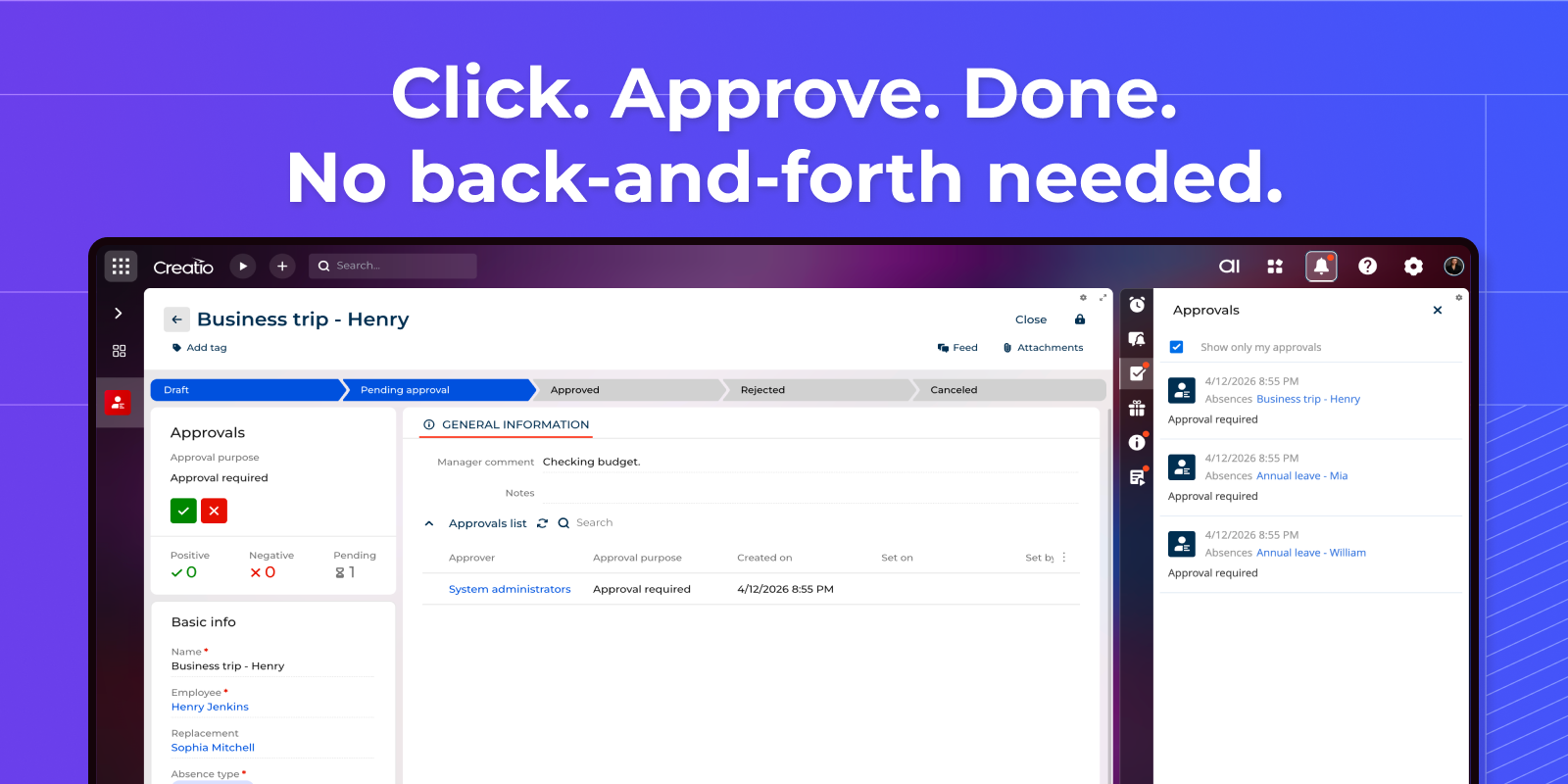
Click. Approve. Done.
Approve or reject requests in one click, right from the record or the notifications panel. No emails, no delays — just fast, transparent decisions.
Pricing
Monthly
Annual
Standard
Free
Terms and Conditions
By installing this product you agree to terms and conditions outlined in the license agreement.
Support
Support is available for this application
To keep this listing free of charge, support is provided only by email.
Installation
Resources
Data sharing
- By installing or downloading the App, you confirm that you agree with sharing your account data (name, email, phone, company and country) with the App Developer as their End User.
- The App Developer will process your data under their privacy policy.
Versions
Versions history
Version
Compatibility
Release date
1.0.0
8.3.1
Manual app installation
- Open the needed app → the Packages tab - download the Markeplace app files.
- Click in the top right → Application Hub
- Click New application. This opens a window.
- Select Install from file and click Select in the window that opens.
- Click Select file on the page of the Marketplace App Installation Wizard and specify the app file path.