

Syntech Approval List for Creatio
Syntech Approval List for Creatio - is a Freedom UI component that shows all approvals of any object in one Freedom UI list. Filter by record, status and approver, set visas inline, add columns from related objects, and place it on any page.
Overview
Product overview
Product description
Syntech Approval List for Creatio is a Freedom UI component for Creatio that brings every approval related to a record into a single, configurable list — so users no longer have to open each record or dig through the approval history to see who still needs to sign off.
Key Features
Tailor the list to your process
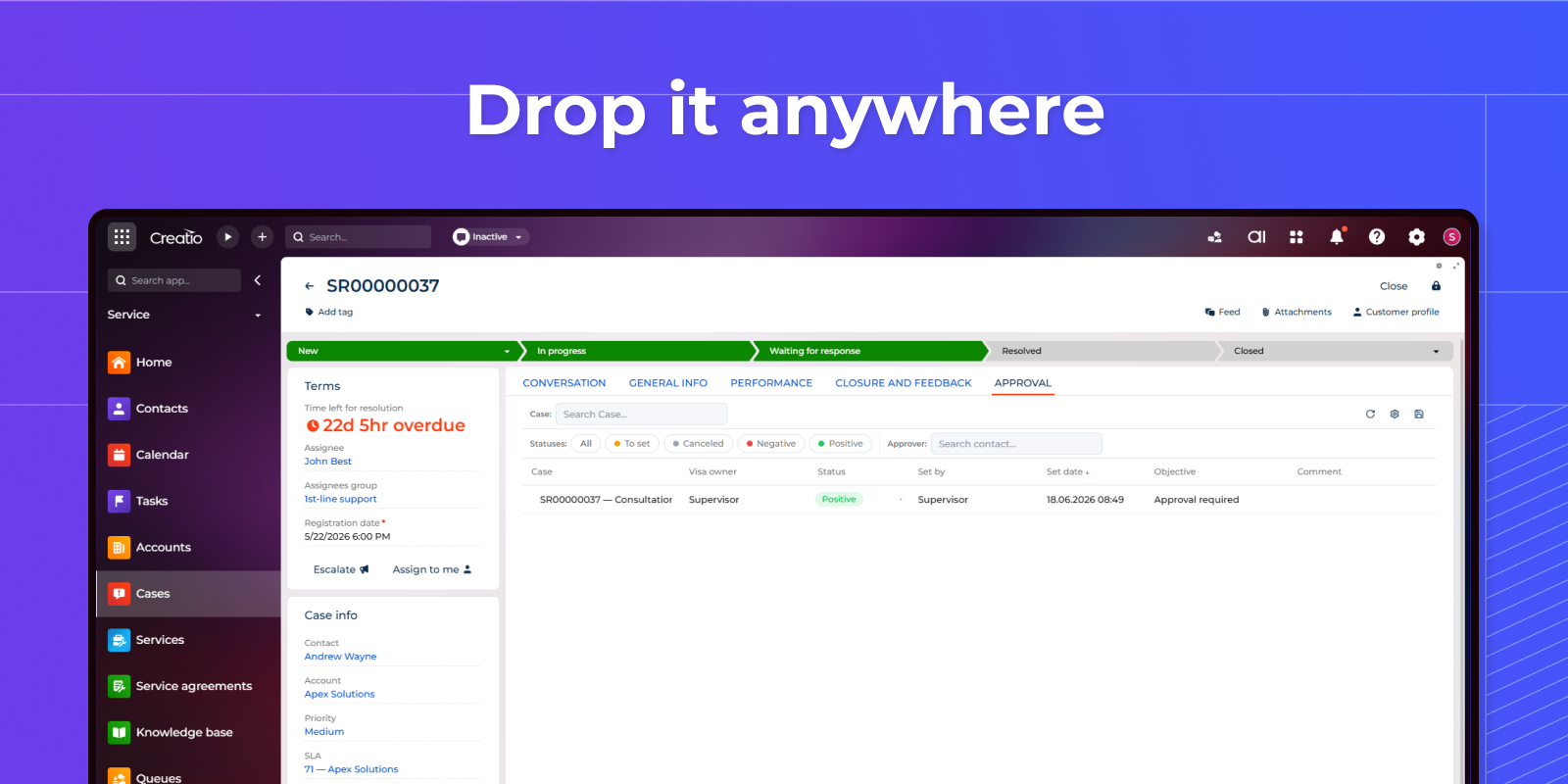
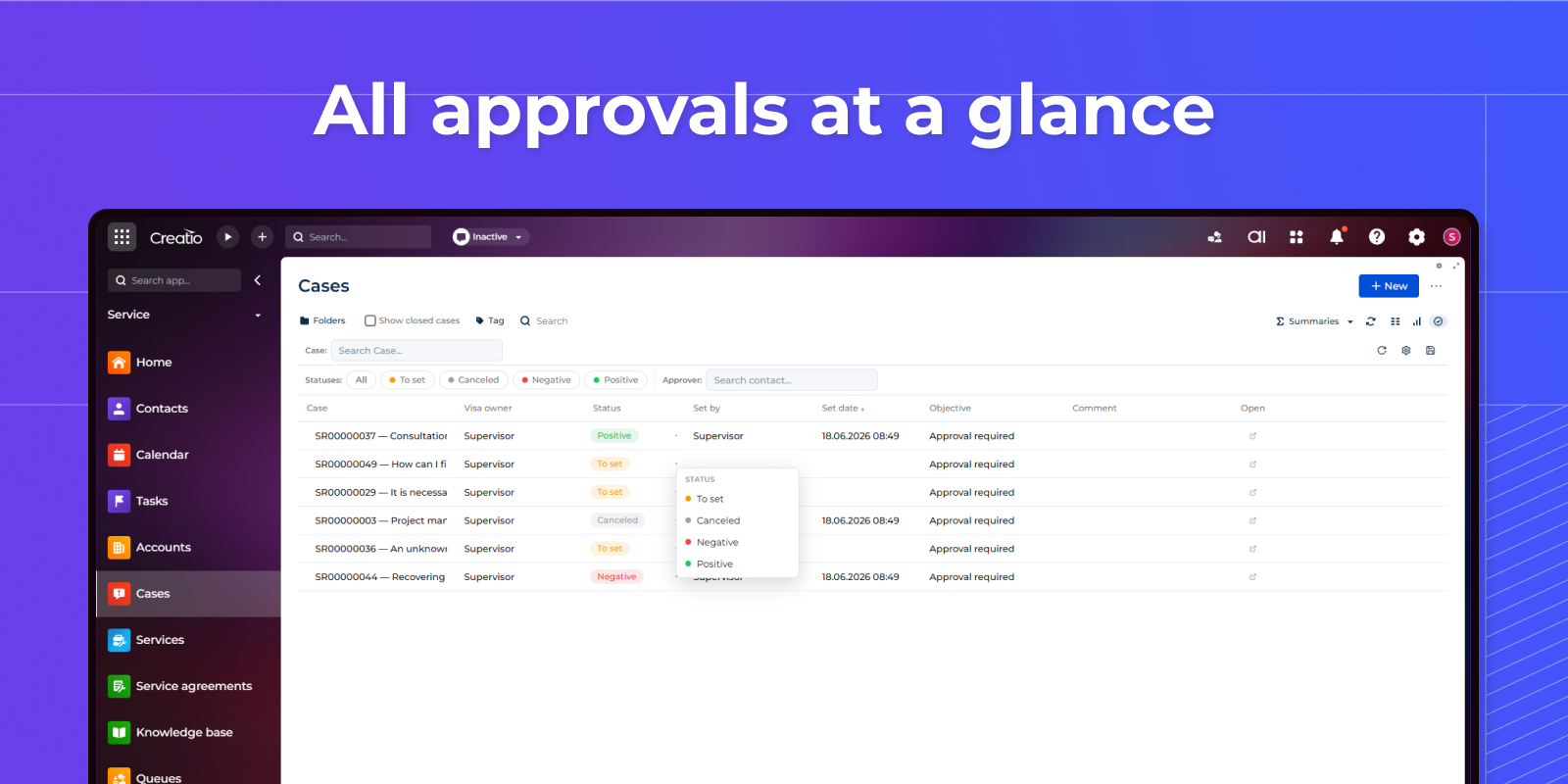
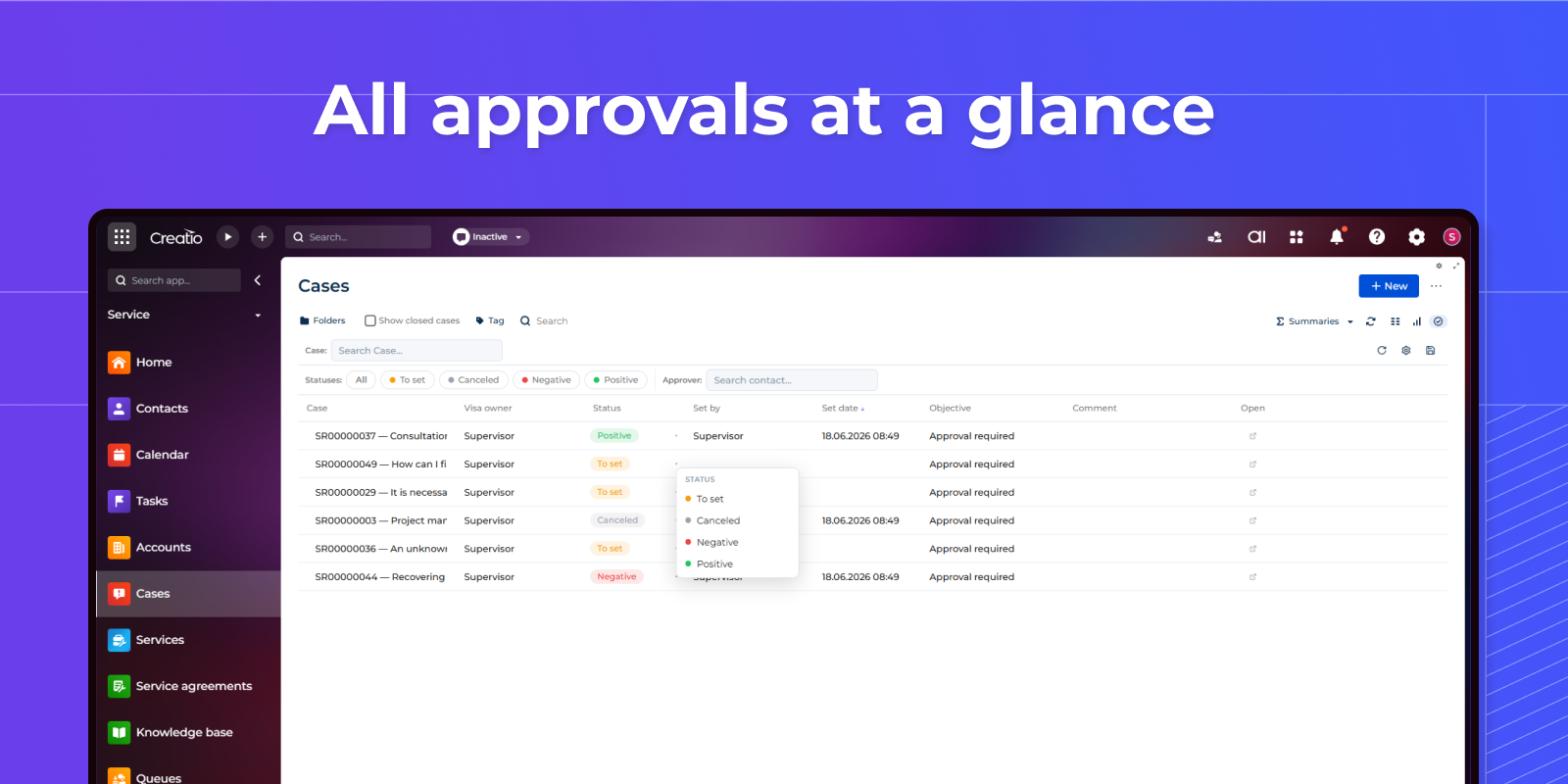
The Approval List in action — every visa for a record with approver, status, date and comment. Set a status inline (owner, date and author are stamped automatically), filter by record, status or approver, drag to reorder and resize columns, and open the source record in one click.
Set up the list exactly how your team needs it
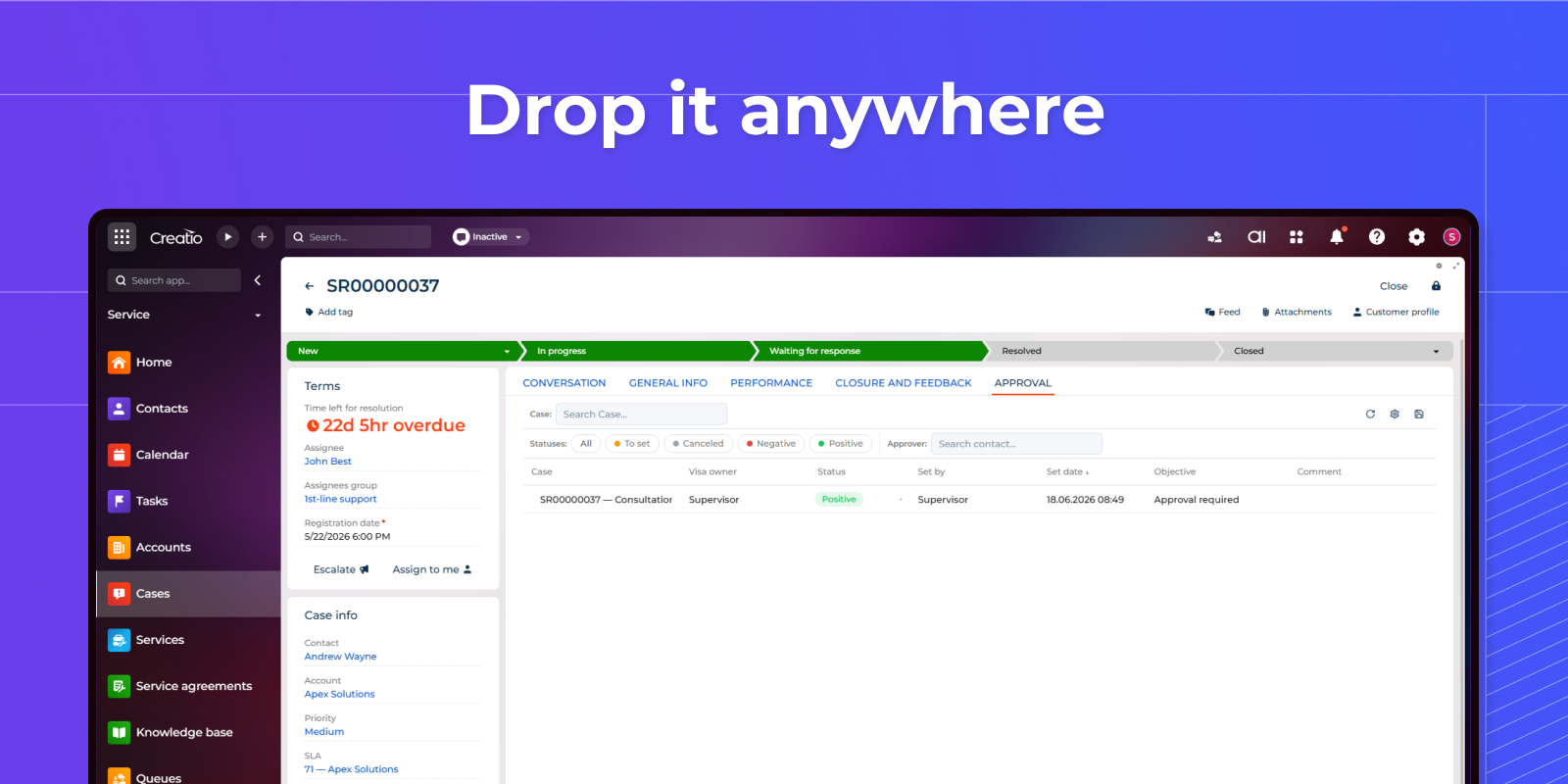
Drop the component anywhere. On a record page it automatically shows that record's approvals (recordId = $Id); on a section/list page it shows approvals across records with the built-in multi-select record filter.
Set up the list exactly how your team needs it
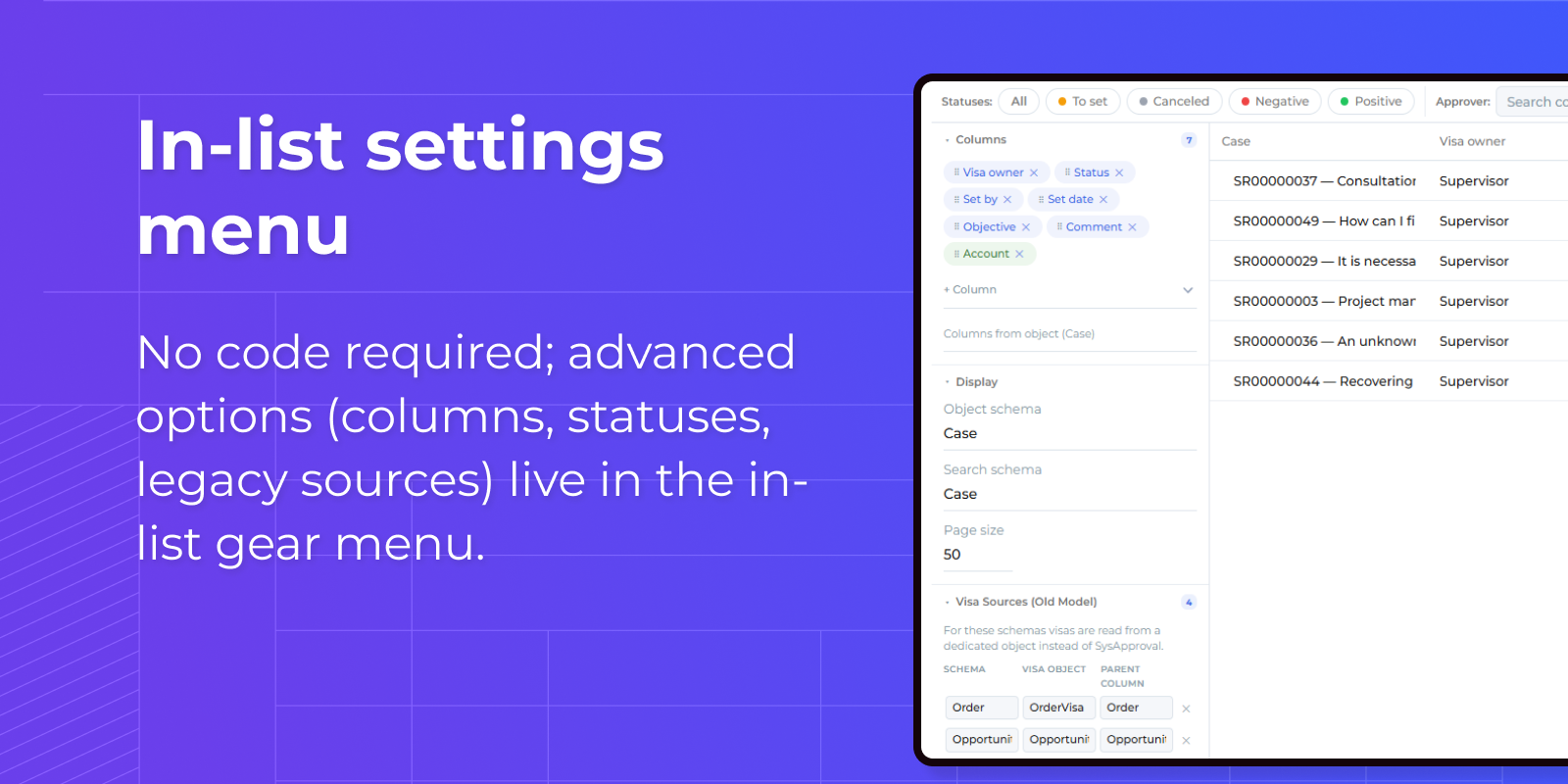
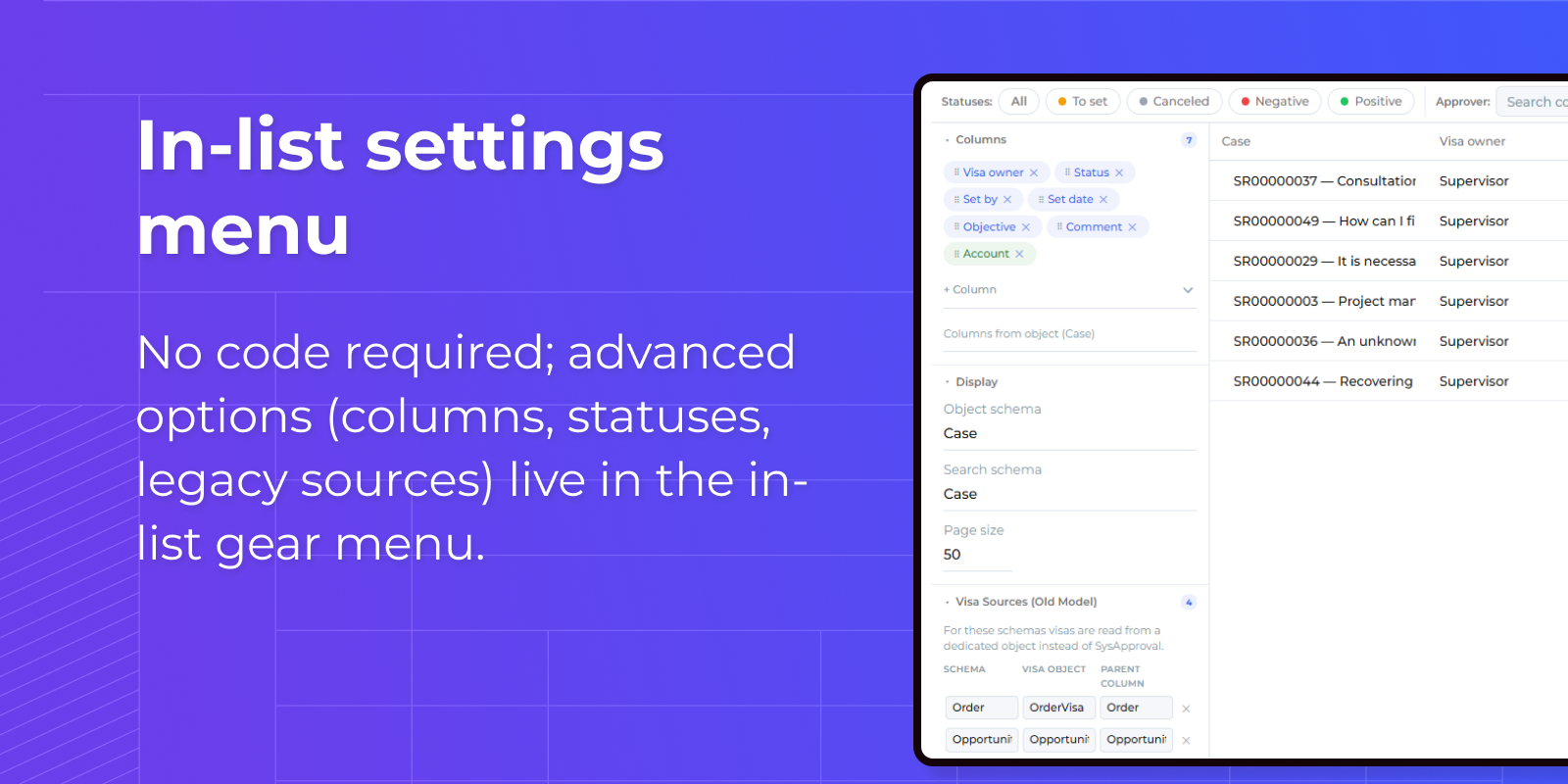
The in-list settings menu puts every option a click away — choose which approval columns to show, pull extra columns straight from the parent record, and drag to set their order.
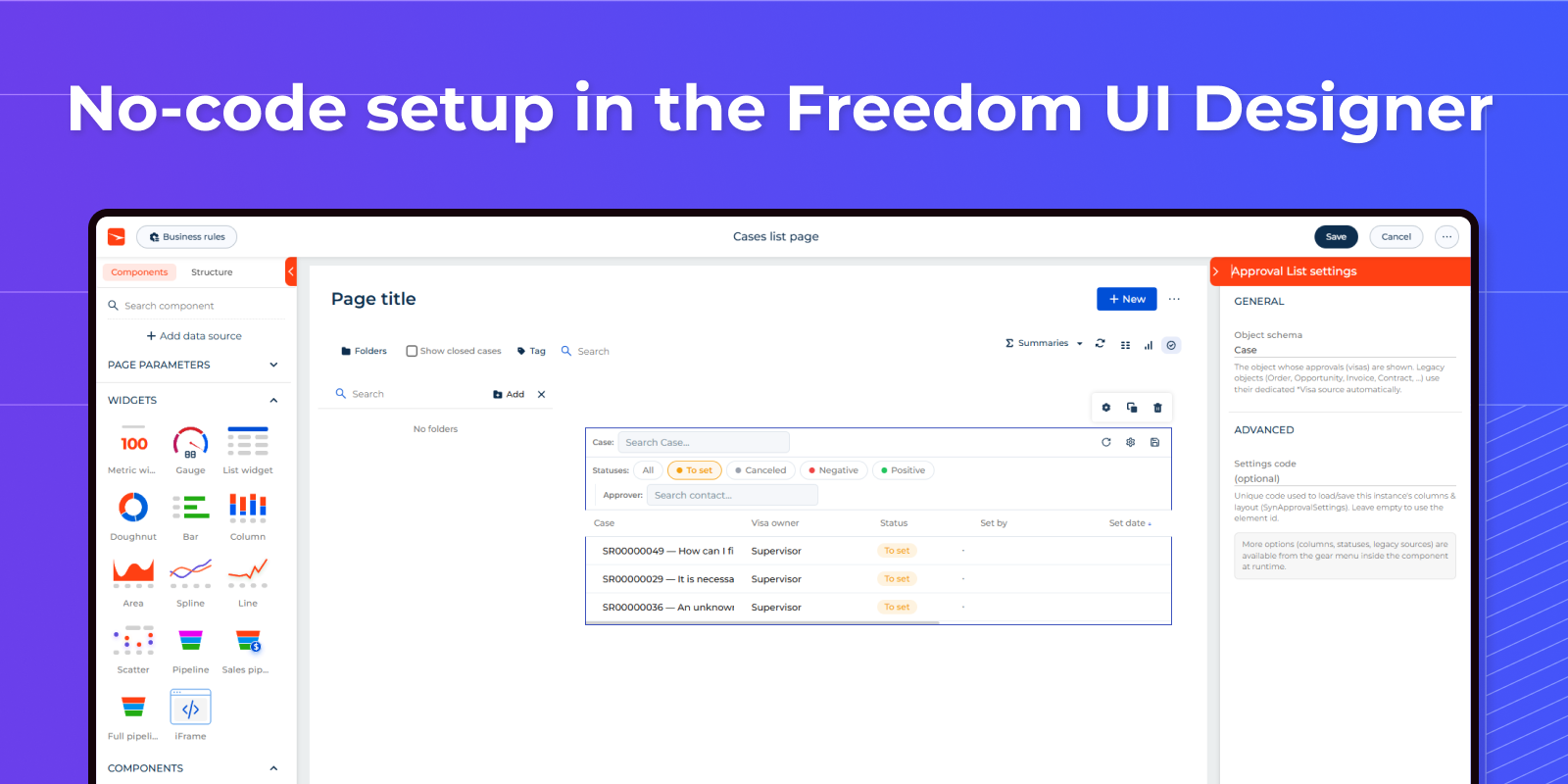
No-code setup
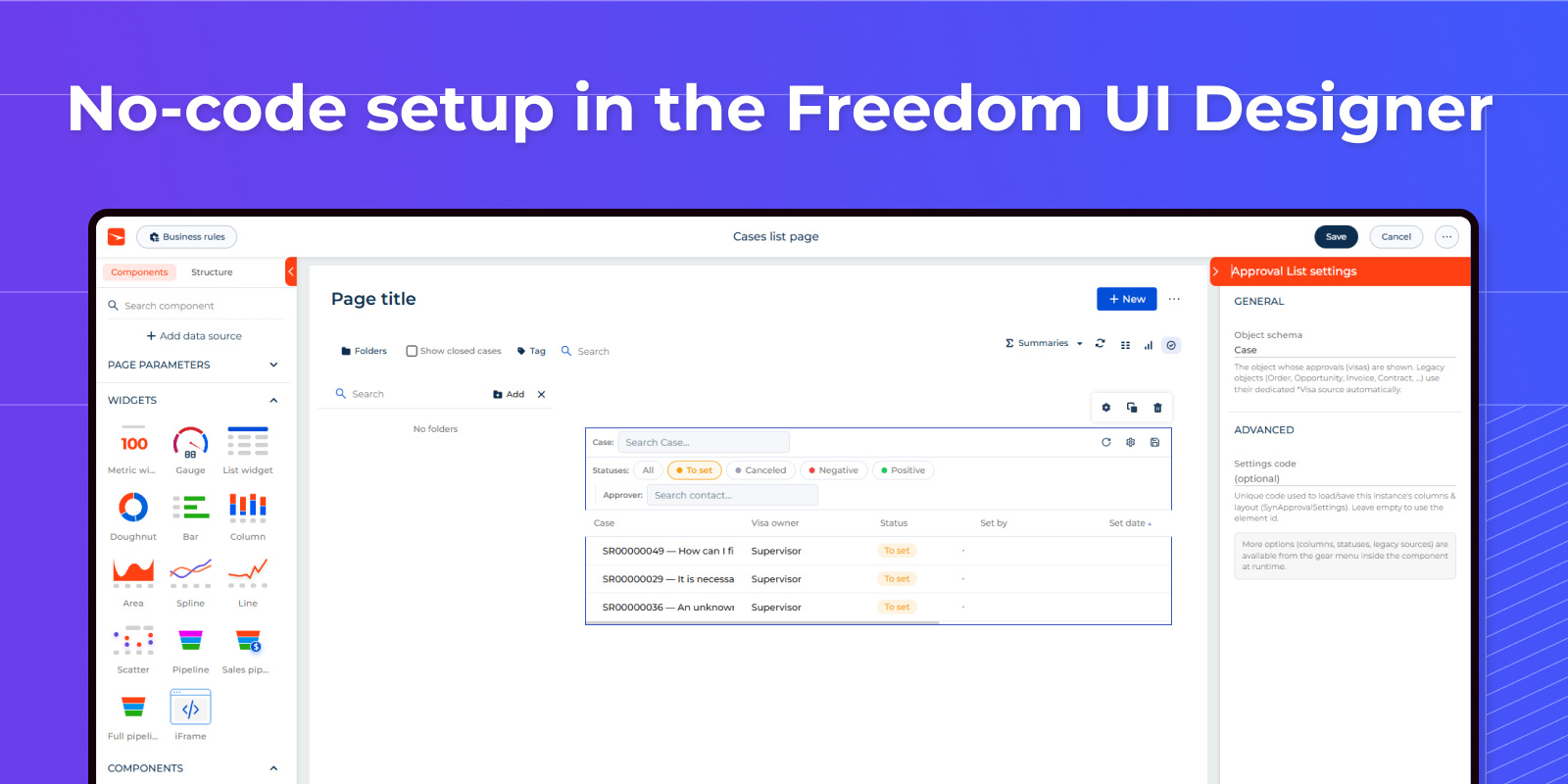
Configure the component right in the Freedom UI Designer — a native properties panel to choose the object whose approvals are shown and the settings code.
Pricing
Monthly
Annual
Standard
Free
Terms and Conditions
By installing this product you agree to terms and conditions outlined in the license agreement.
Support
Support is available for this application
To keep this listing free of charge, support is provided only by email.
Installation
Resources
Data sharing
- By installing or downloading the App, you confirm that you agree with sharing your account data (name, email, phone, company and country) with the App Developer as their End User.
- The App Developer will process your data under their privacy policy.
Versions
Versions history
Version
Compatibility
Release date
1.0.0
8.3.0 and up
Manual app installation
- Open the needed app → the Packages tab - download the Markeplace app files.
- Click in the top right → Application Hub
- Click New application. This opens a window.
- Select Install from file and click Select in the window that opens.
- Click Select file on the page of the Marketplace App Installation Wizard and specify the app file path.