

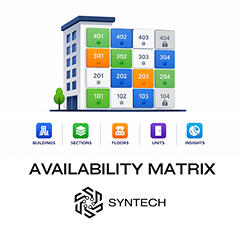
Syntech Availability Matrix for Creatio
Syntech Availability Matrix for Creatio is an interactive visualization component designed specifically for real estate developers, property sales teams, and project managers.
Overview

Product overview
Product description
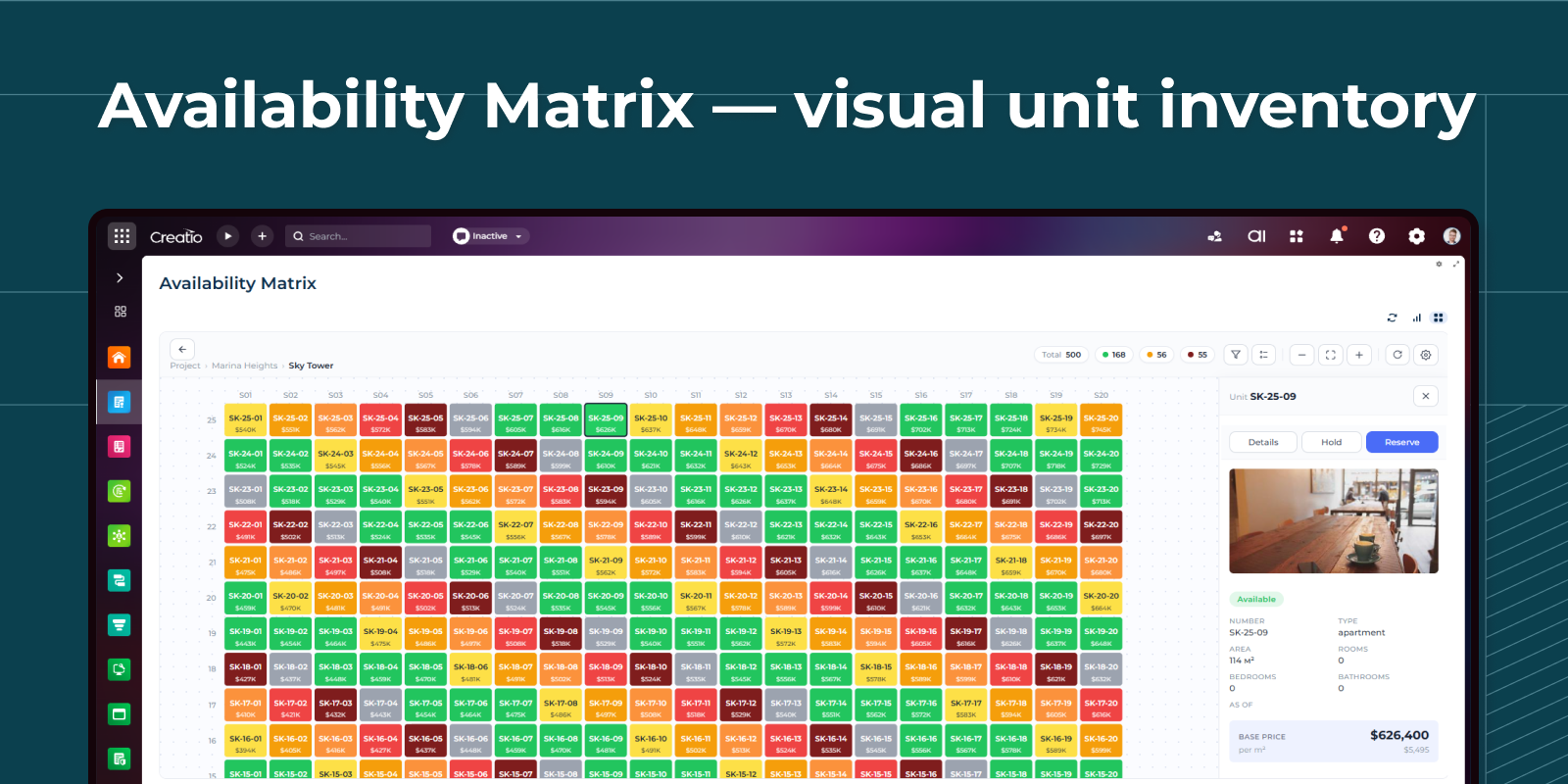
Syntech Availability Matrix for Creatio is an interactive visualization component designed specifically for real estate developers, property sales teams, and project managers. The component presents buildings, sections, floors, and units, providing an intuitive overview of project inventory and unit availability directly within Creatio.
Key Features
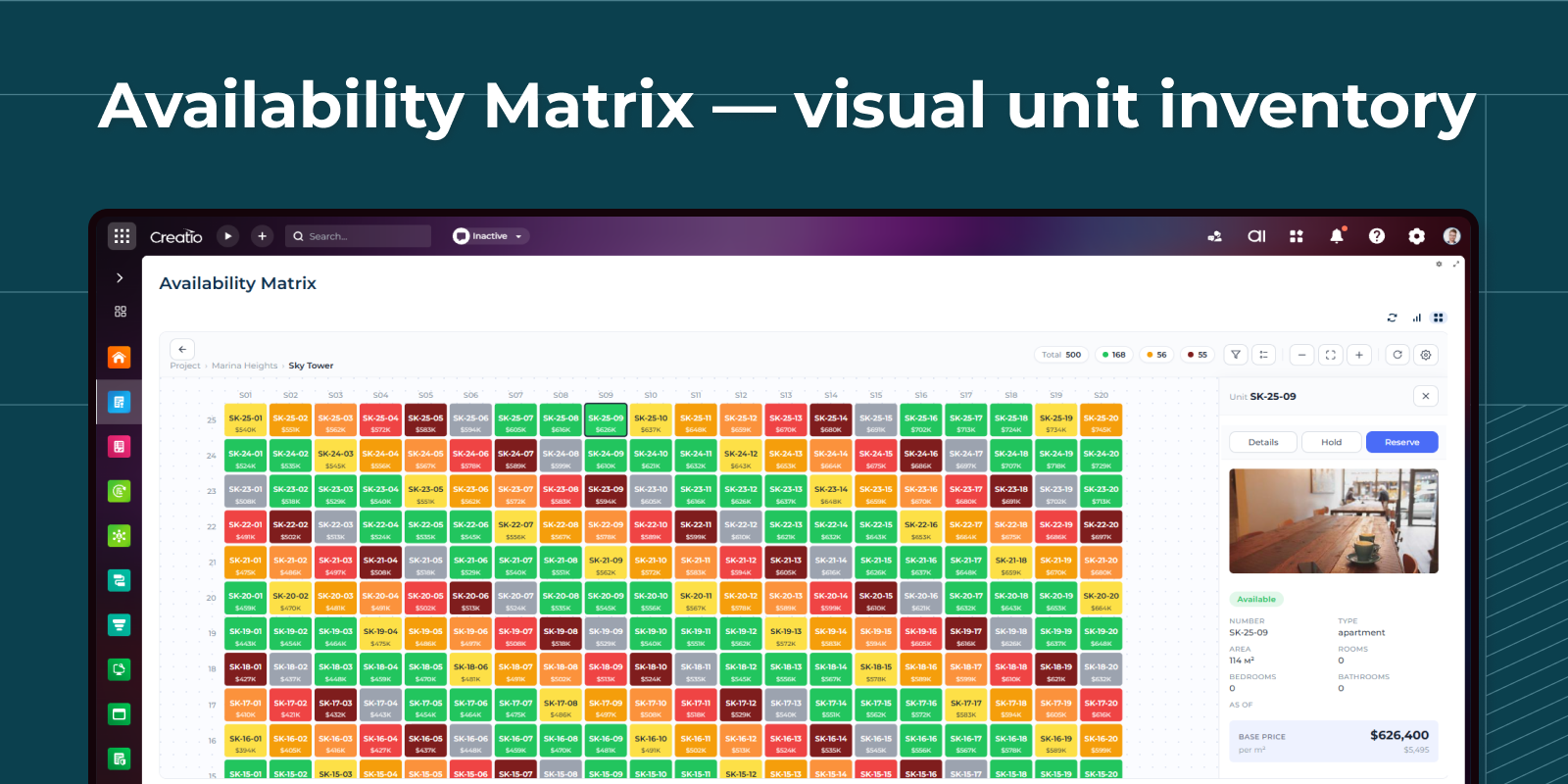
Availability Matrix Unit Layout
Represent apartments, offices, or properties as color-coded tiles for quick status identification and navigation.

Interactive Building Visualization
Display residential or commercial projects in a visual building structure with units organized by floors and sections.
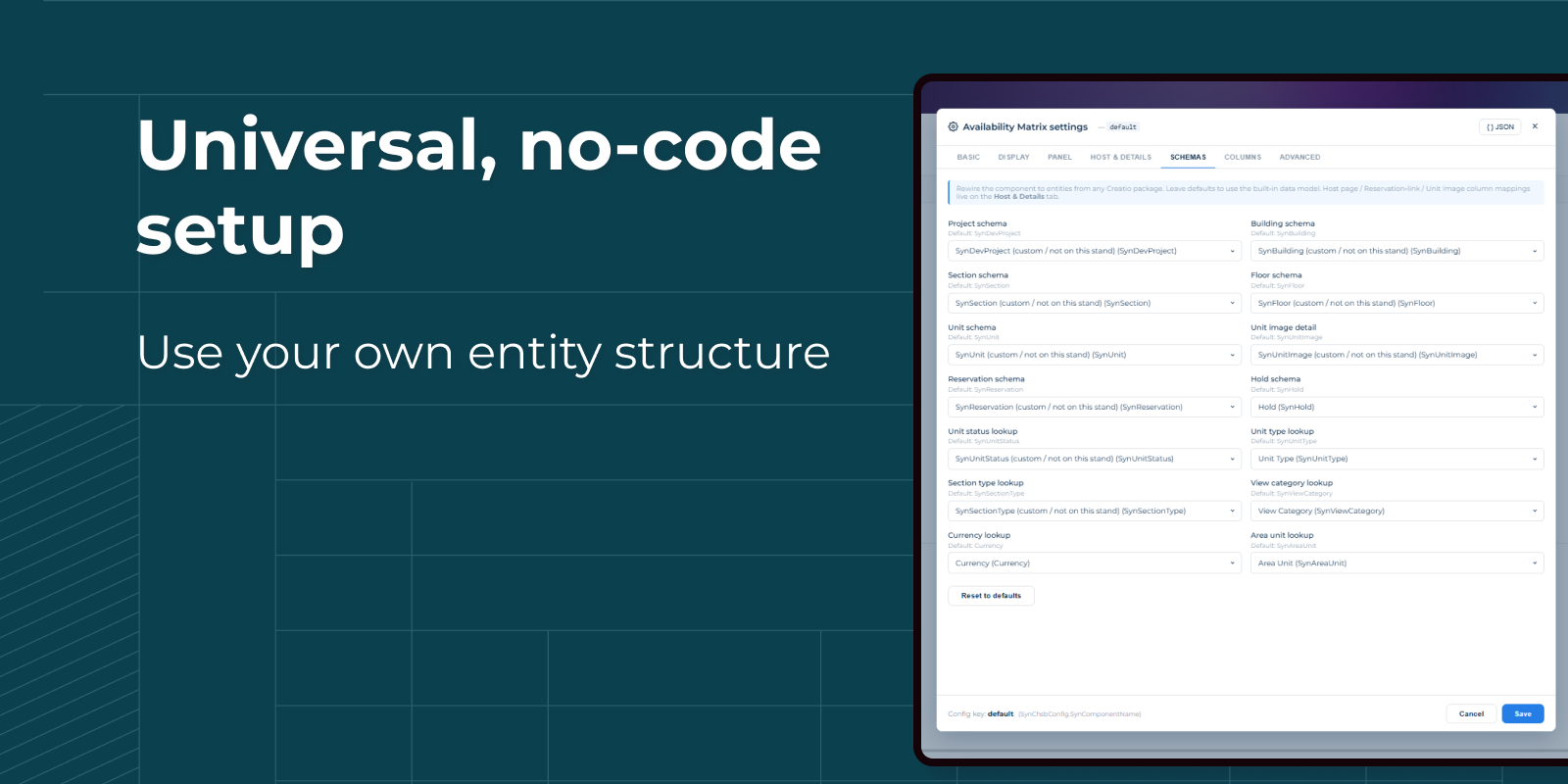
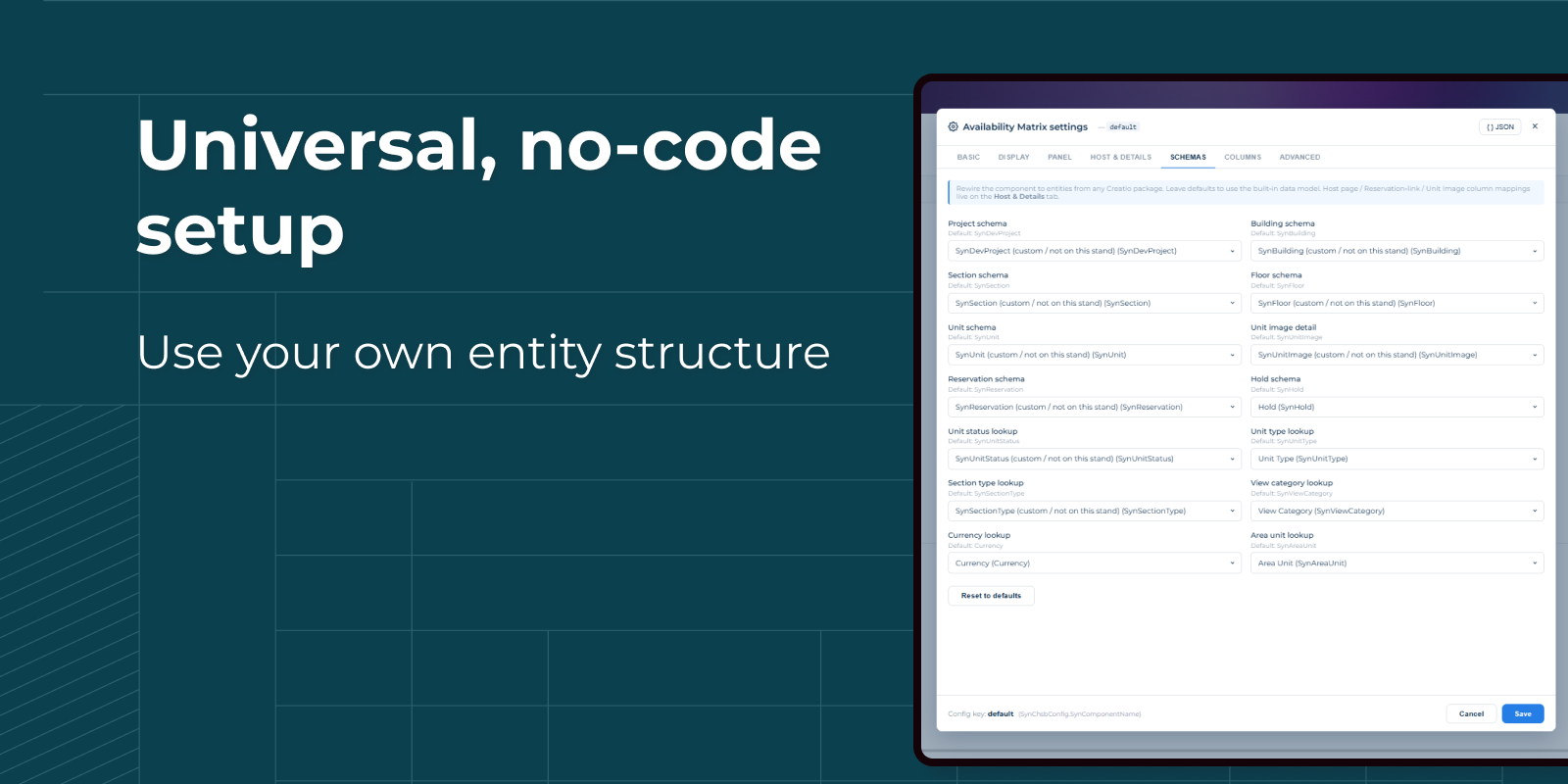
Works with Any Data Structure
The component can be configured without coding to visualize virtually any existing data model in Creatio.
Pricing
Monthly
Annual
Standard
$
100.00 / month
billed annually
Terms and Conditions
By installing this product you agree to terms and conditions outlined in the license agreement.
Support
Support is available for this application
Support is provided by the developer within the “Basic”, “Business” and “Premium“ packages. Detailed information about the support packages and the support terms can be found on the Creatio website.
Installation
Resources
Data sharing
- By installing or downloading the App, you confirm that you agree with sharing your account data (name, email, phone, company and country) with the App Developer as their End User.
- The App Developer will process your data under their privacy policy.
Versions
Versions history
Version
Compatibility
Release date
1.1.0
8.3.4 and up
1.0.0
8.3.4 and up
Release summary
Initial version.
Manual app installation
- Open the needed app → the Packages tab - download the Markeplace app files.
- Click in the top right → Application Hub
- Click New application. This opens a window.
- Select Install from file and click Select in the window that opens.
- Click Select file on the page of the Marketplace App Installation Wizard and specify the app file path.