

Syntech Capacity Planning for Creatio
Syntech Capacity Planning for Creatio helps organizations plan resources, balance workloads, monitor utilization, and forecast capacity. Provides real-time visibility into team availability and optimizes resource allocation across projects.
Overview
Product overview
Product description
Syntech Capacity Planning for Creatio is a no-code resource and workload planning solution that helps organizations balance demand and available capacity across projects, teams, and departments. The application provides a centralized view of resource availability, utilization, allocations, and future workload, enabling managers to make informed staffing and planning decisions.
Key Features
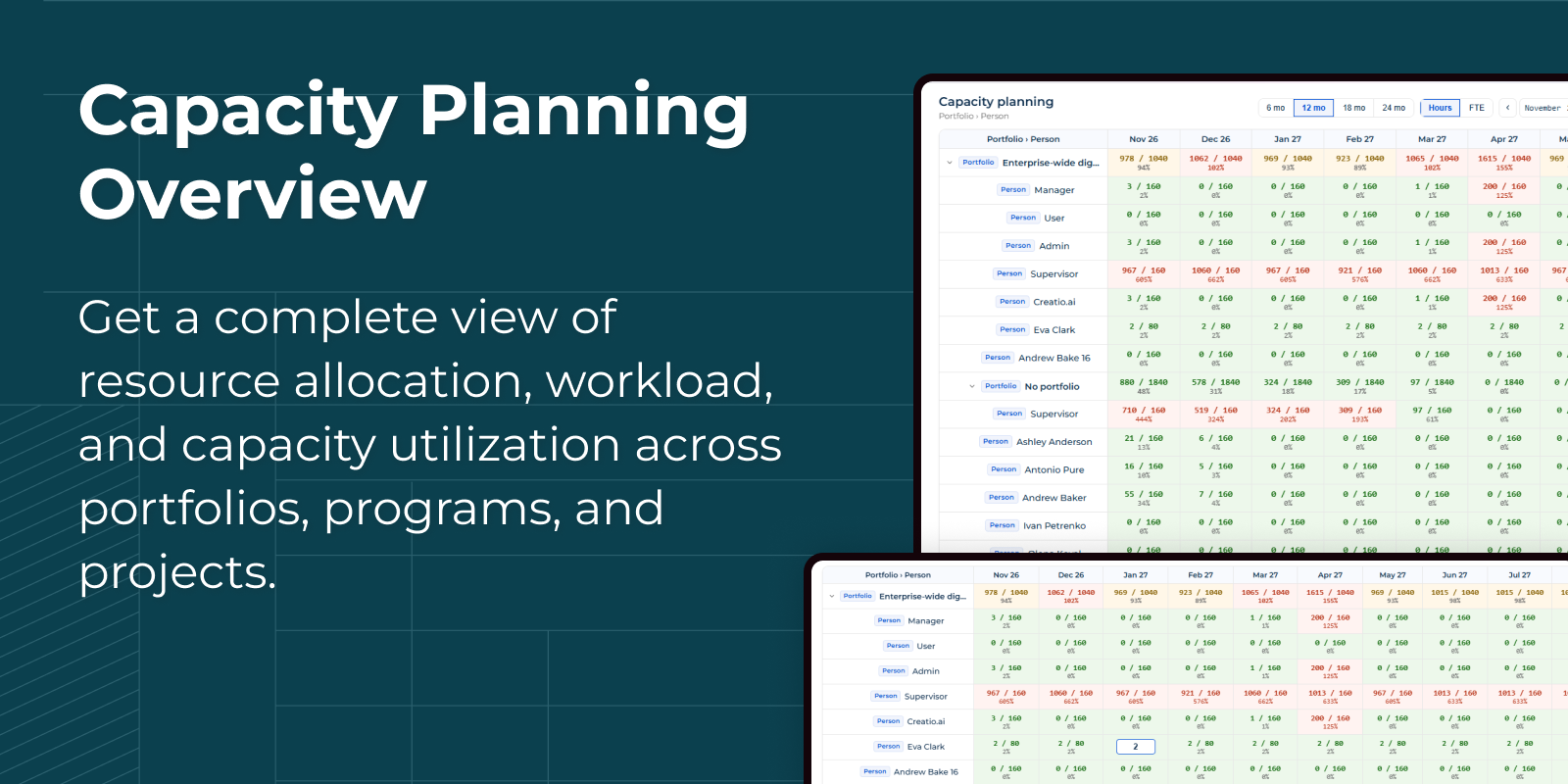
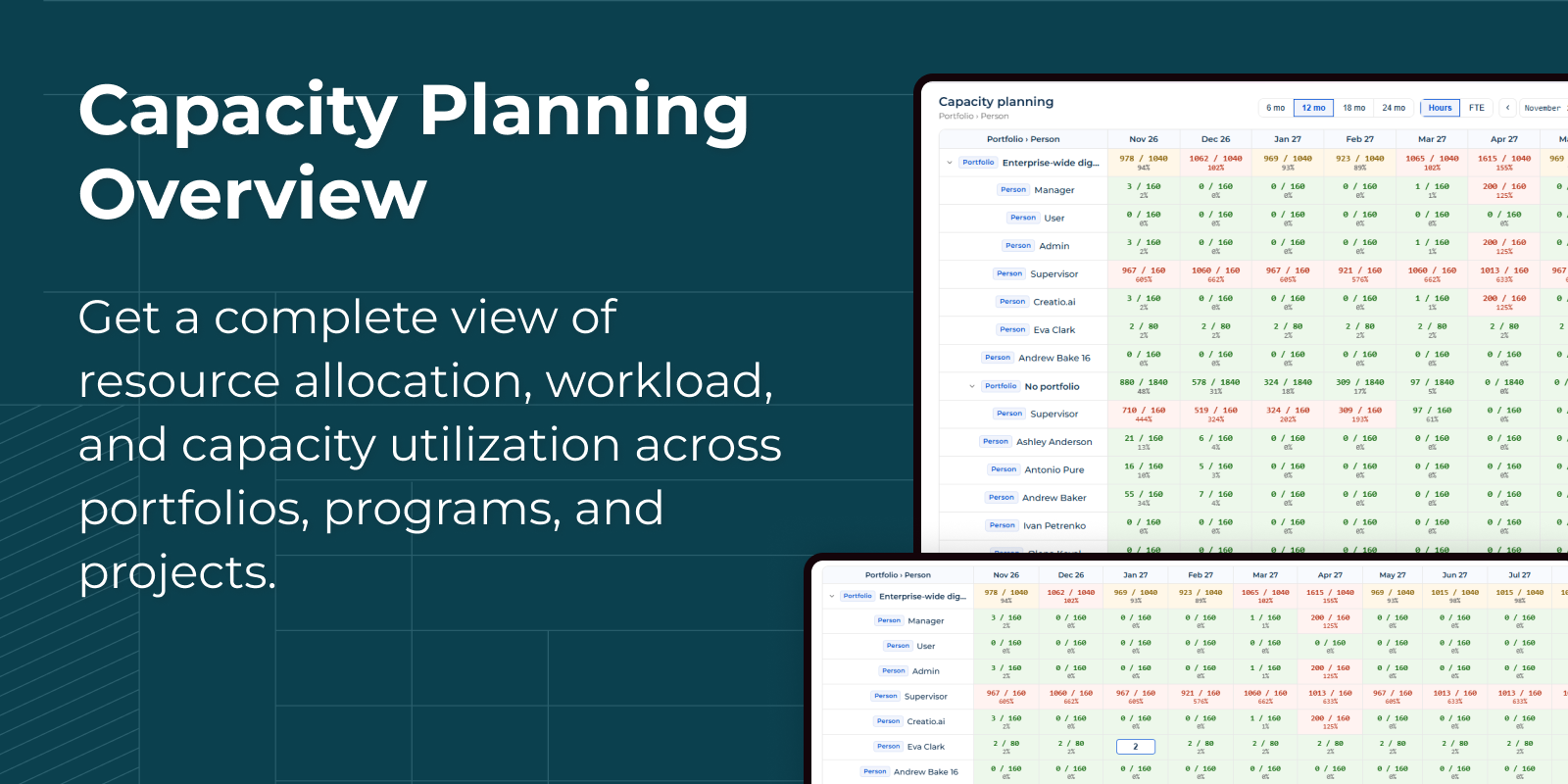
Resource Allocation Matrix
Analyze planned hours and utilization percentages across multiple time periods. Monitor team capacity and balance workloads with an intuitive color-coded planning grid.
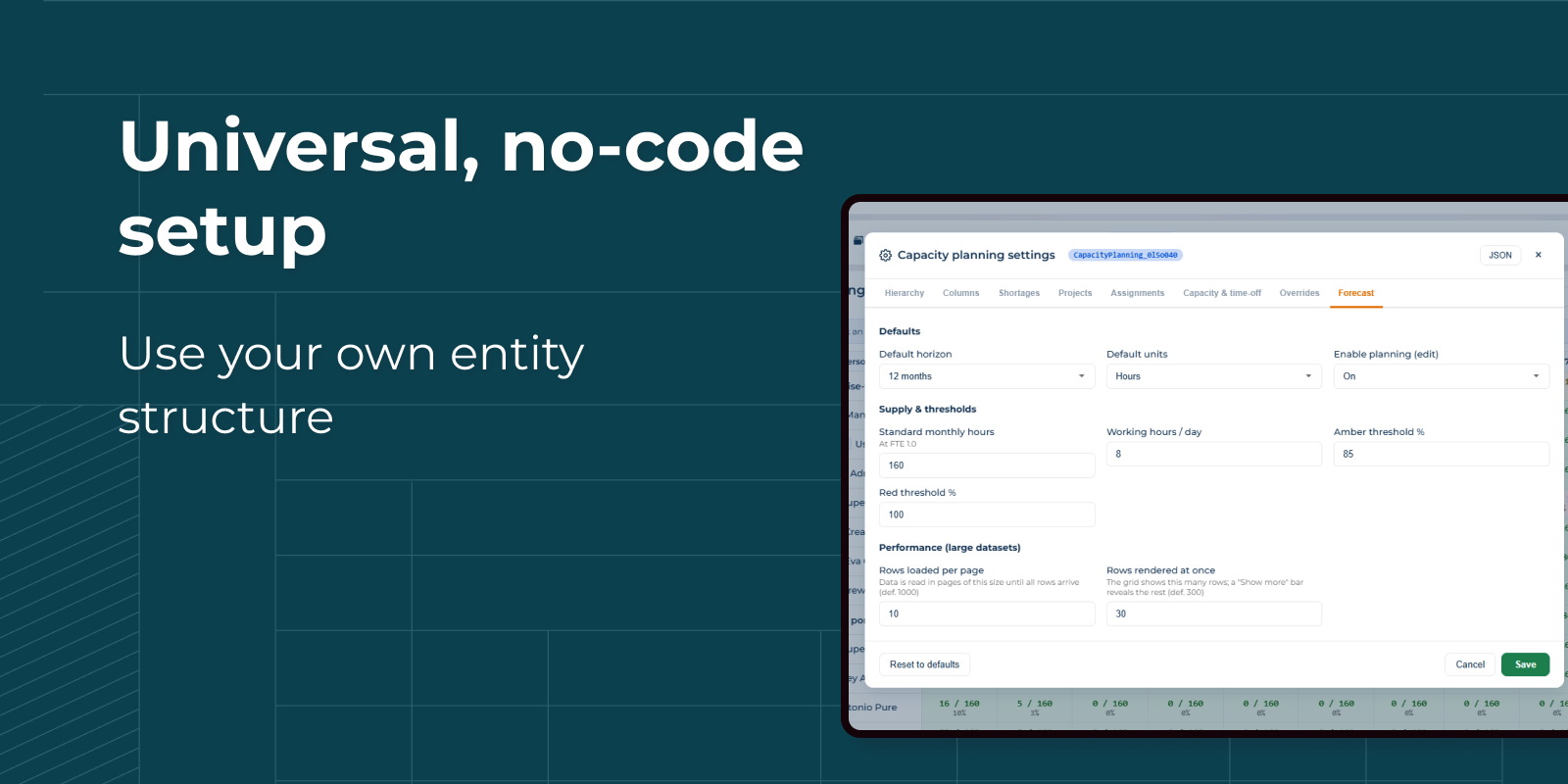
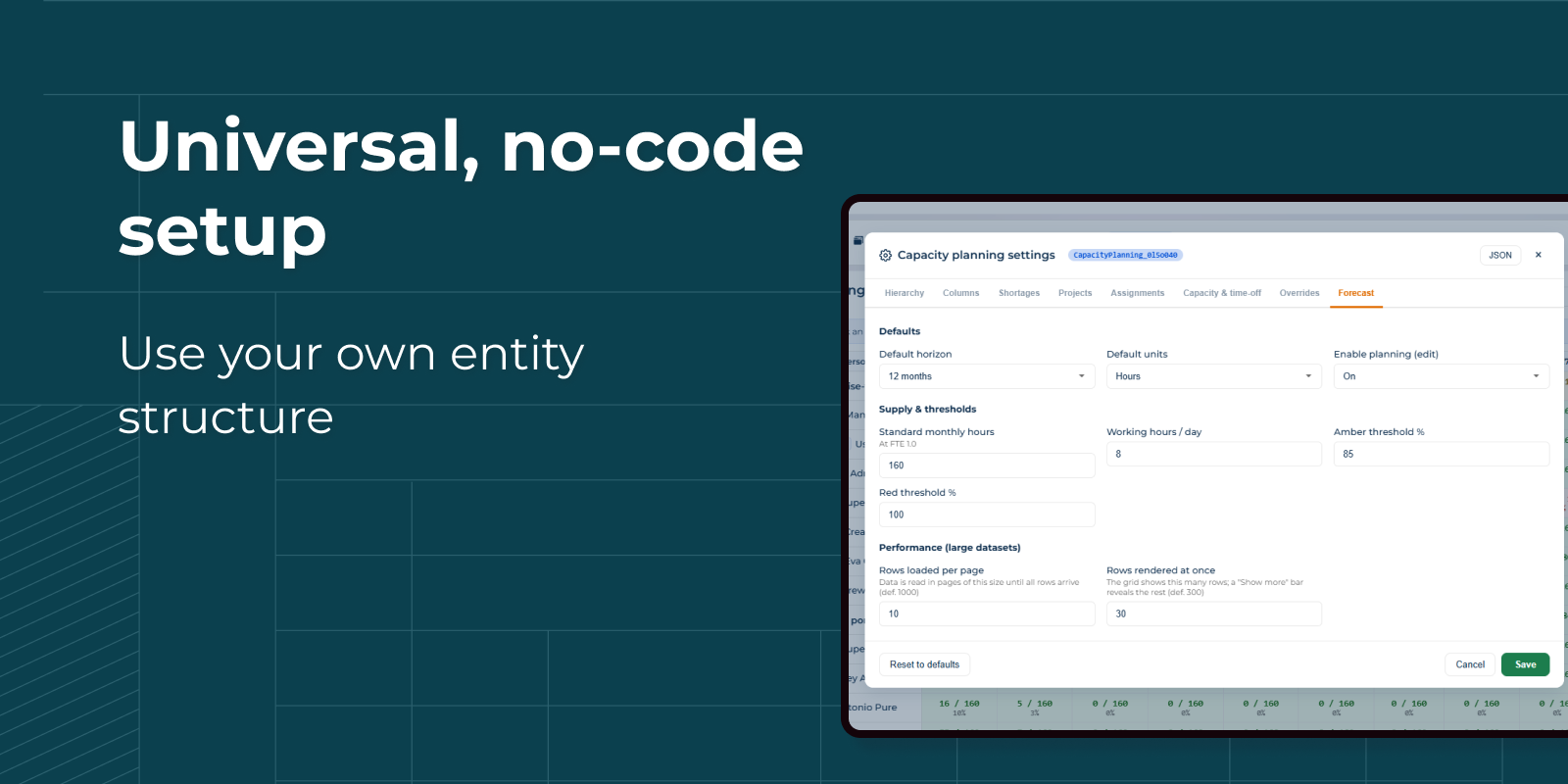
No-Code Configuration
Configure hierarchies, calculations, capacity rules, shortages, and planning views without coding. Empower business users to tailor the solution to evolving operational needs.
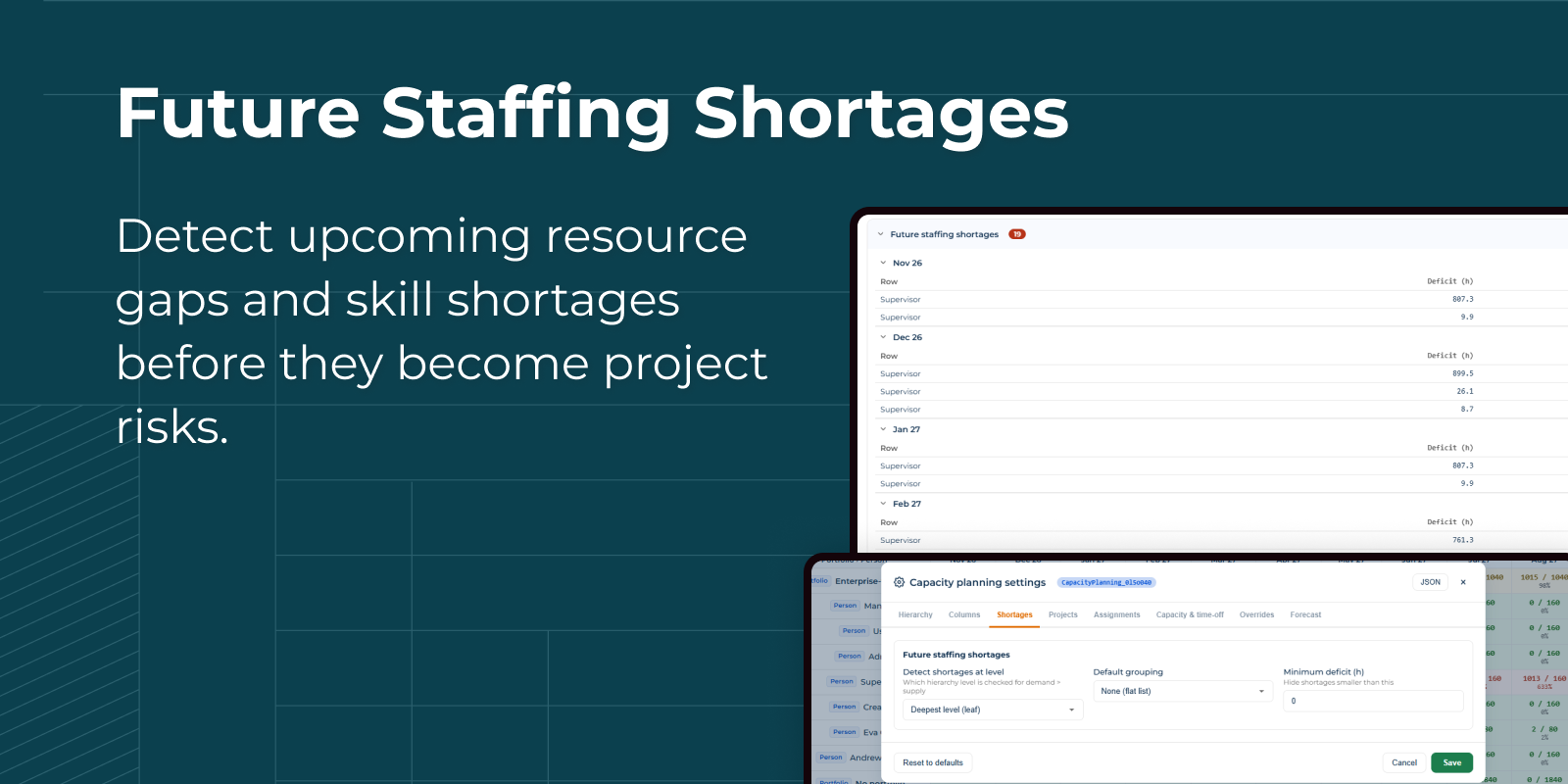
Capacity Planning Configuration
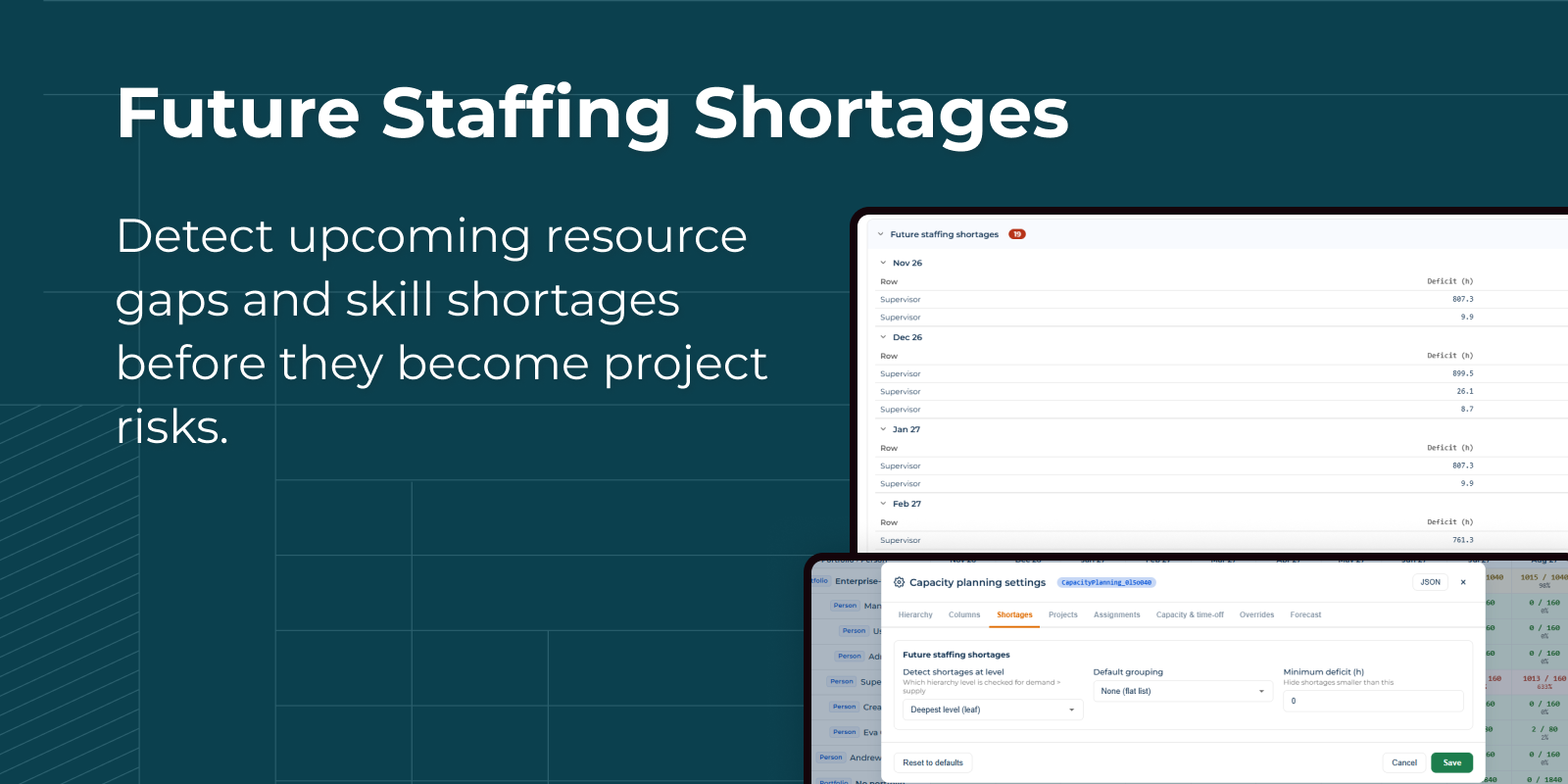
Customize shortage detection rules, grouping logic, hierarchy levels, and forecasting settings to align capacity planning with your organization's processes and structure.
Pricing
Monthly
Annual
Standard
$
100.00 / month
billed annually
Terms and Conditions
By installing this product you agree to terms and conditions outlined in the license agreement.
Support
Support is available for this application
Support is provided by the developer within the “Basic”, “Business” and “Premium“ packages. Detailed information about the support packages and the support terms can be found on the Creatio website.
Installation
Resources
Data sharing
- By installing or downloading the App, you confirm that you agree with sharing your account data (name, email, phone, company and country) with the App Developer as their End User.
- The App Developer will process your data under their privacy policy.
Versions
Versions history
Version
Compatibility
Release date
1.1.0
8.3.0 and up
Release summary
A single, real-time view of team workload against capacity, built right into Creatio.
- Demand vs. capacity, month by month across a configurable hierarchy — Portfolio → Program → Project → Role → Person — for any horizon from 6 to 24 months, in hours or FTE.
- Instant over-/under-load signals: every month cell is colour-coded by utilization against thresholds you set.
- Future staffing-shortage report: see exactly where demand will exceed capacity and by how much (hours and FTE), grouped by month, role or row.
- Plan directly in the grid: type planned hours into a month cell and they’re saved as a monthly allocation — no separate screen.
- Binds to your data, no code: every schema and column is picked in settings, so it works with standard or custom project and resource objects. “Reset to defaults” only fills in objects that actually exist on your instance.
- Ready for large portfolios: data loads in pages and the grid reveals rows on demand, so big data sets stay responsive.
1.0.0
8.3.1 and up
Release summary
Initial release.
Manual app installation
- Open the needed app → the Packages tab - download the Markeplace app files.
- Click in the top right → Application Hub
- Click New application. This opens a window.
- Select Install from file and click Select in the window that opens.
- Click Select file on the page of the Marketplace App Installation Wizard and specify the app file path.