

Syntech Components Pack for Creatio
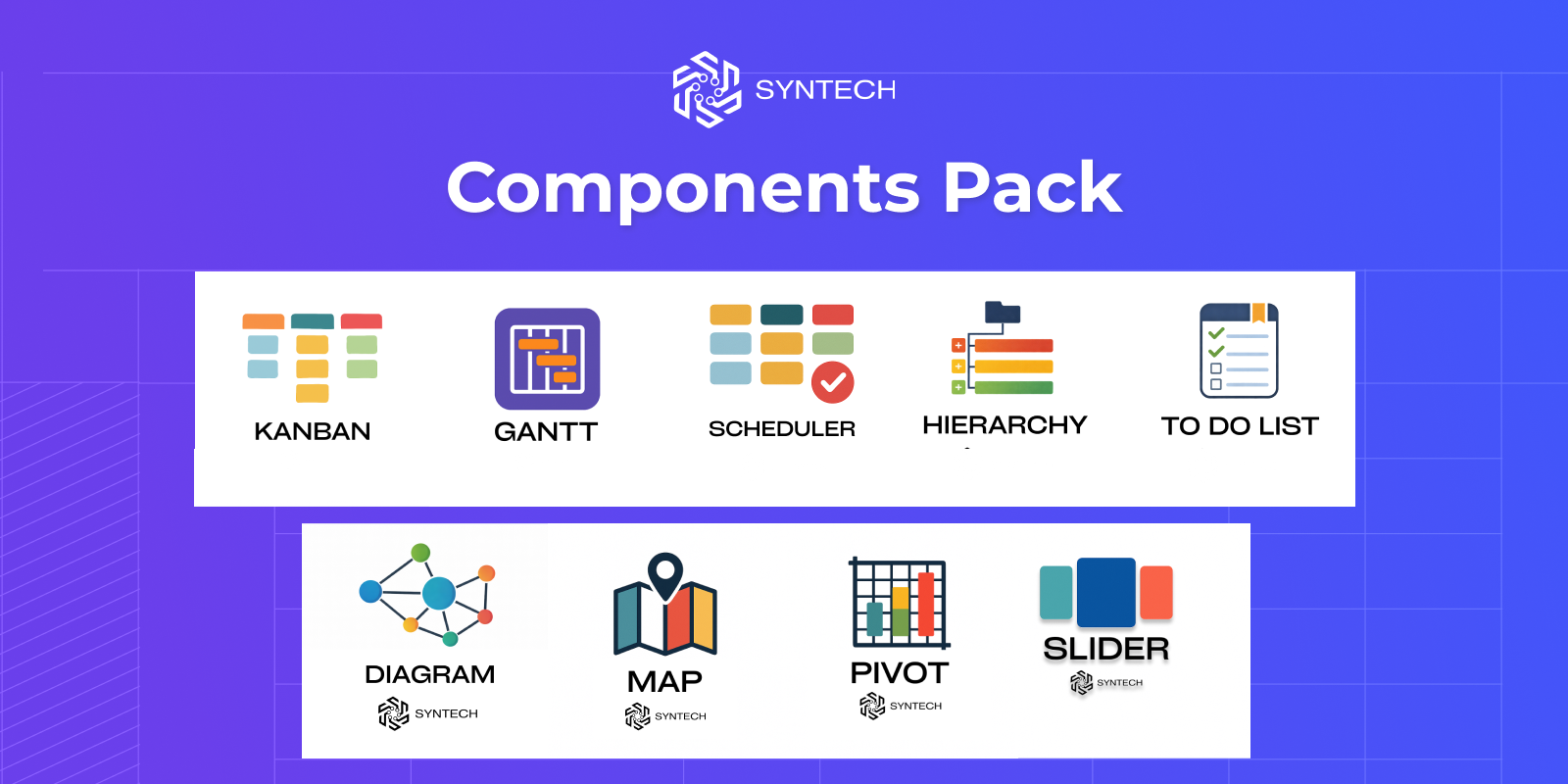
Syntech Components Pack for Creatio is a collection of 9 Freedom UI components for Creatio. From Kanban boards to Gantt charts, pivot tables to interactive maps — supercharge your CRM.
Overview
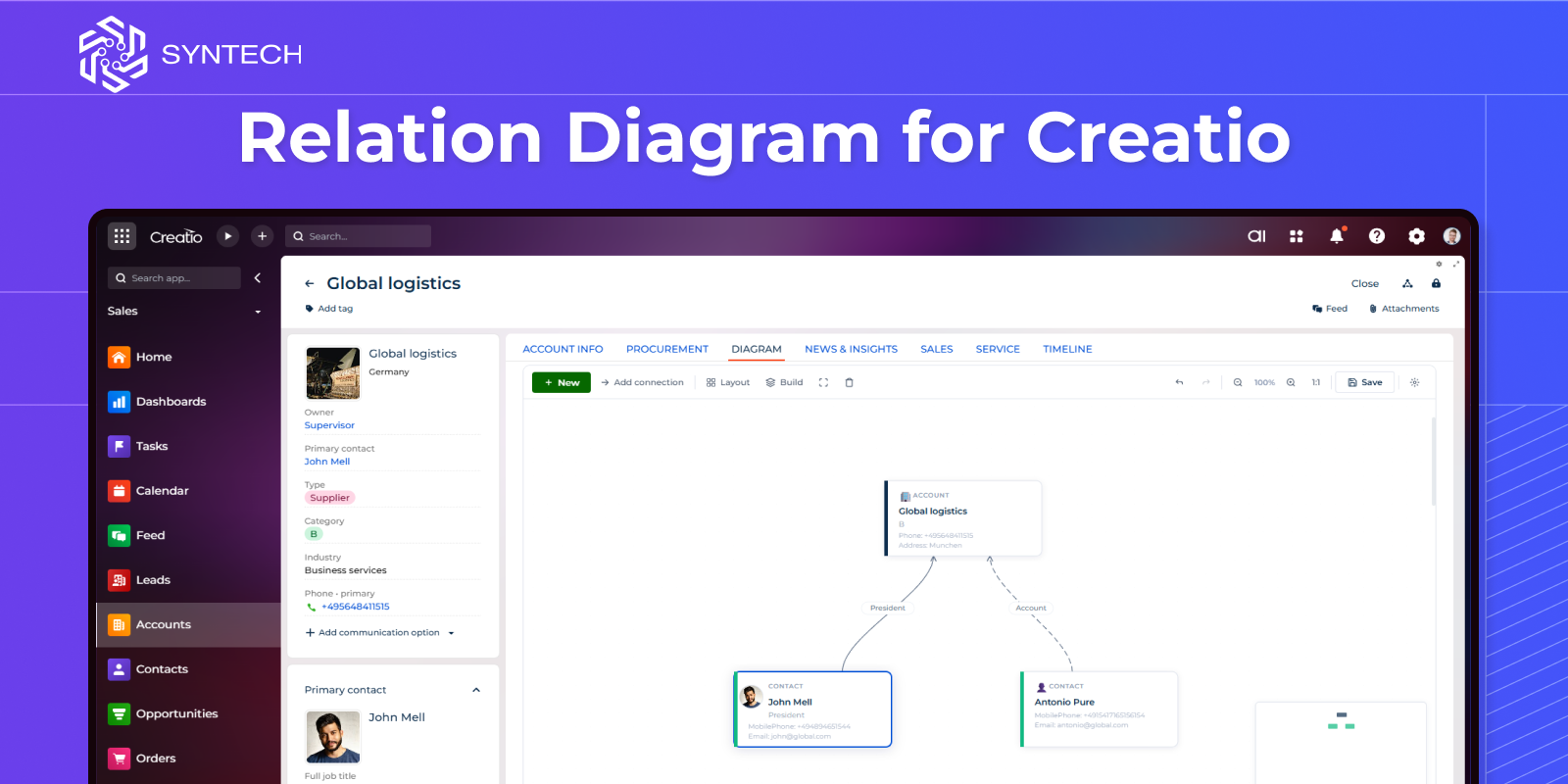
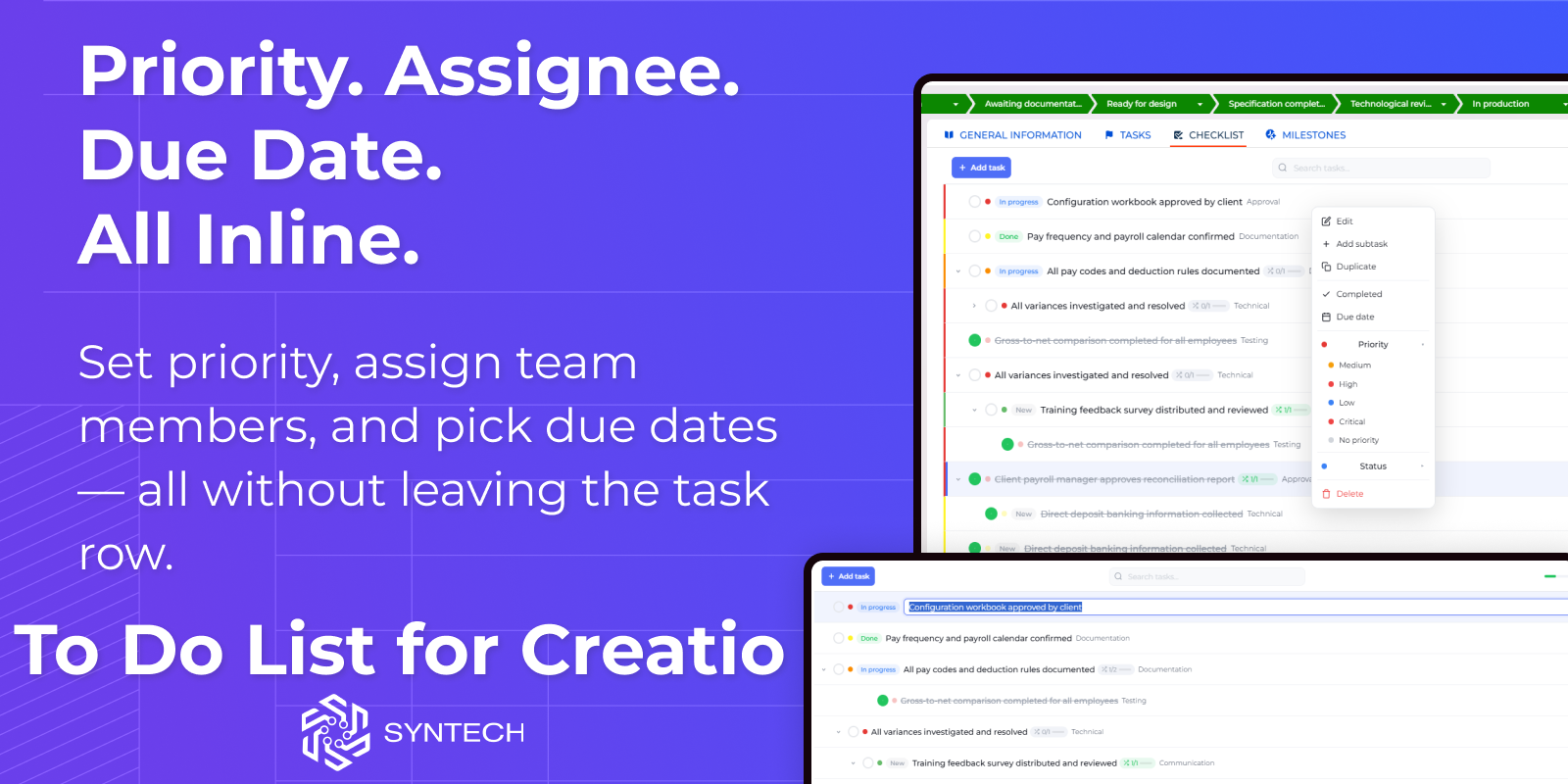
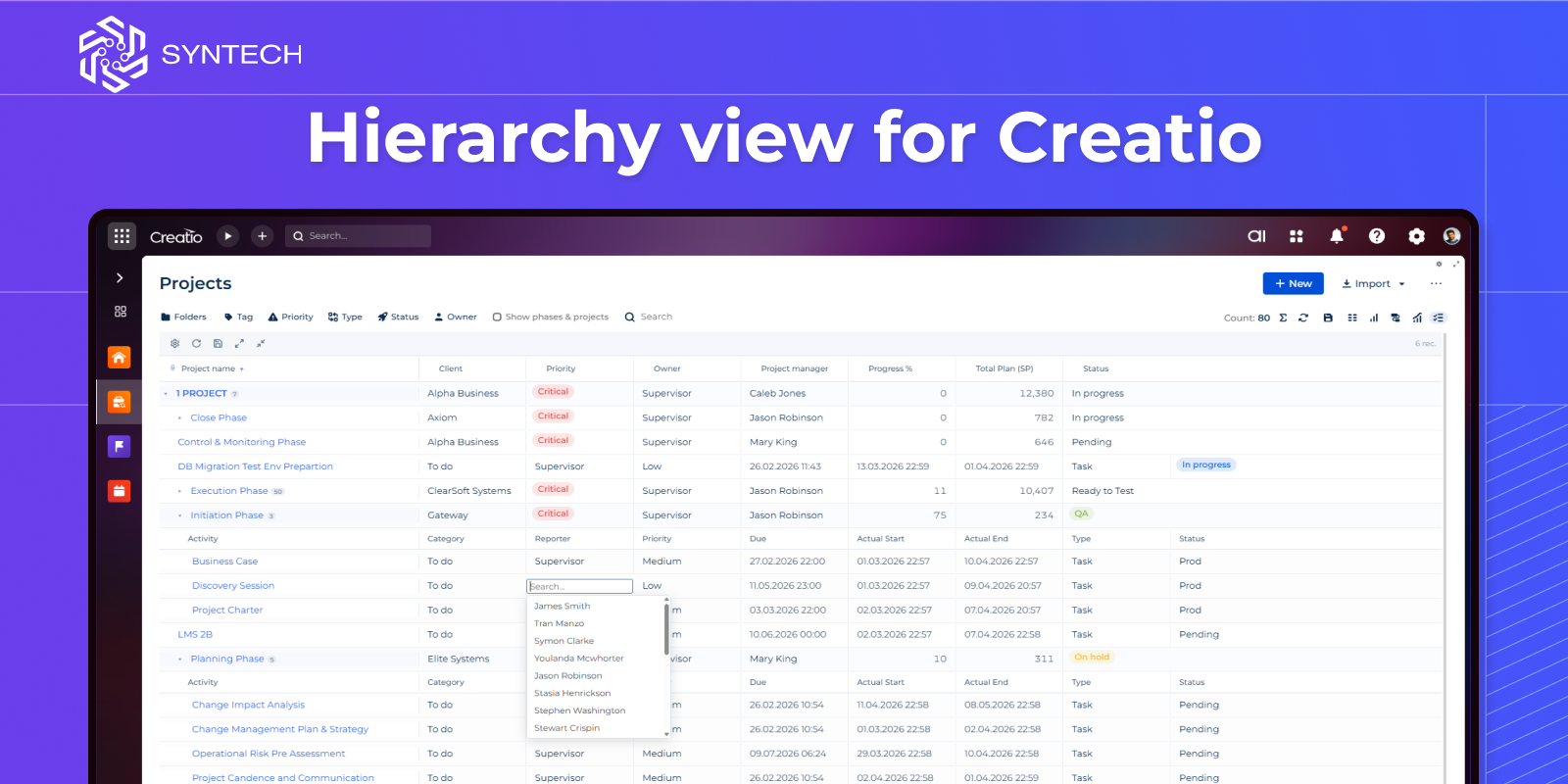
Product overview
Product description
Included Components
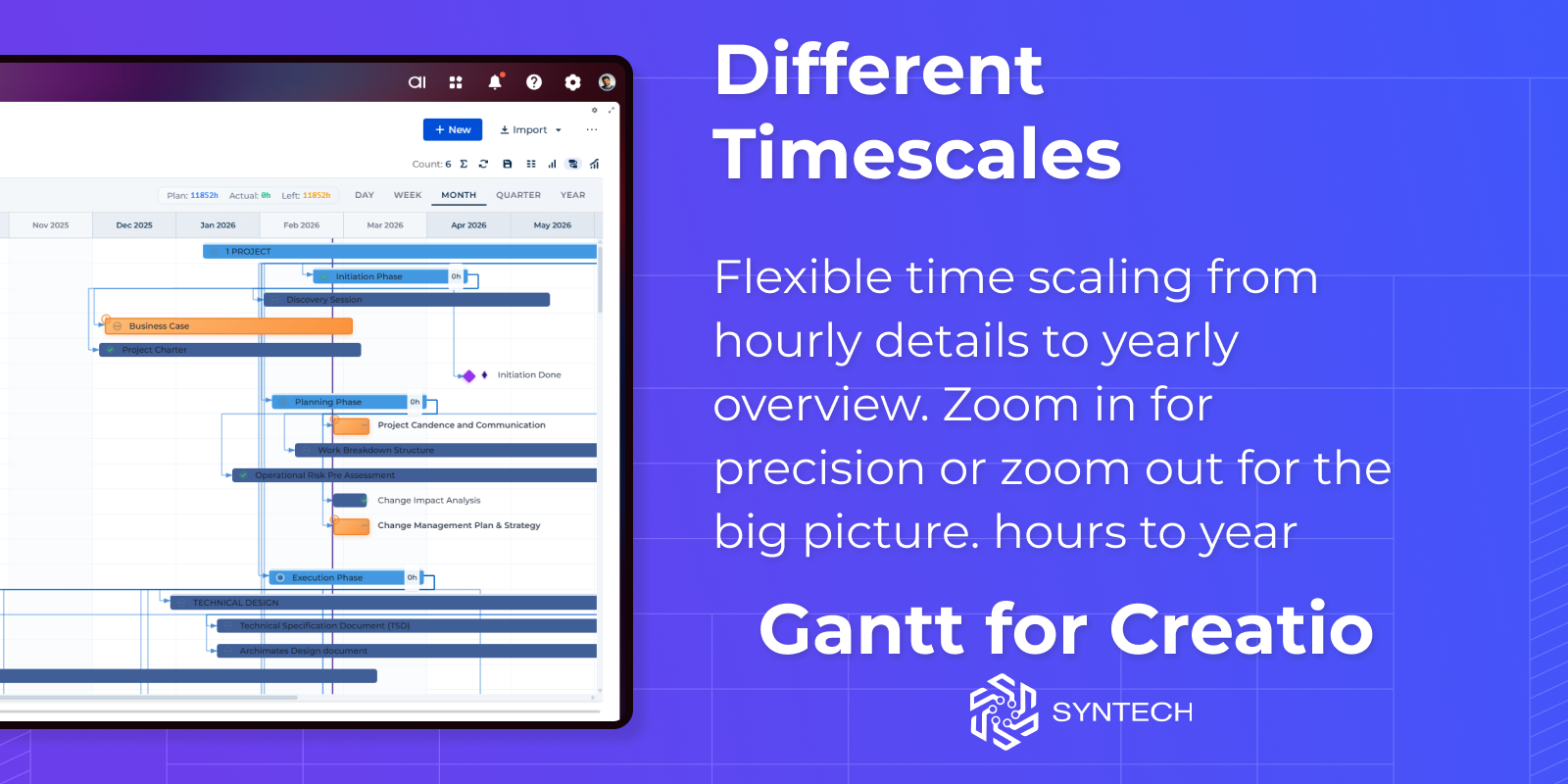
- Syntech Gantt – Project planning and timeline management
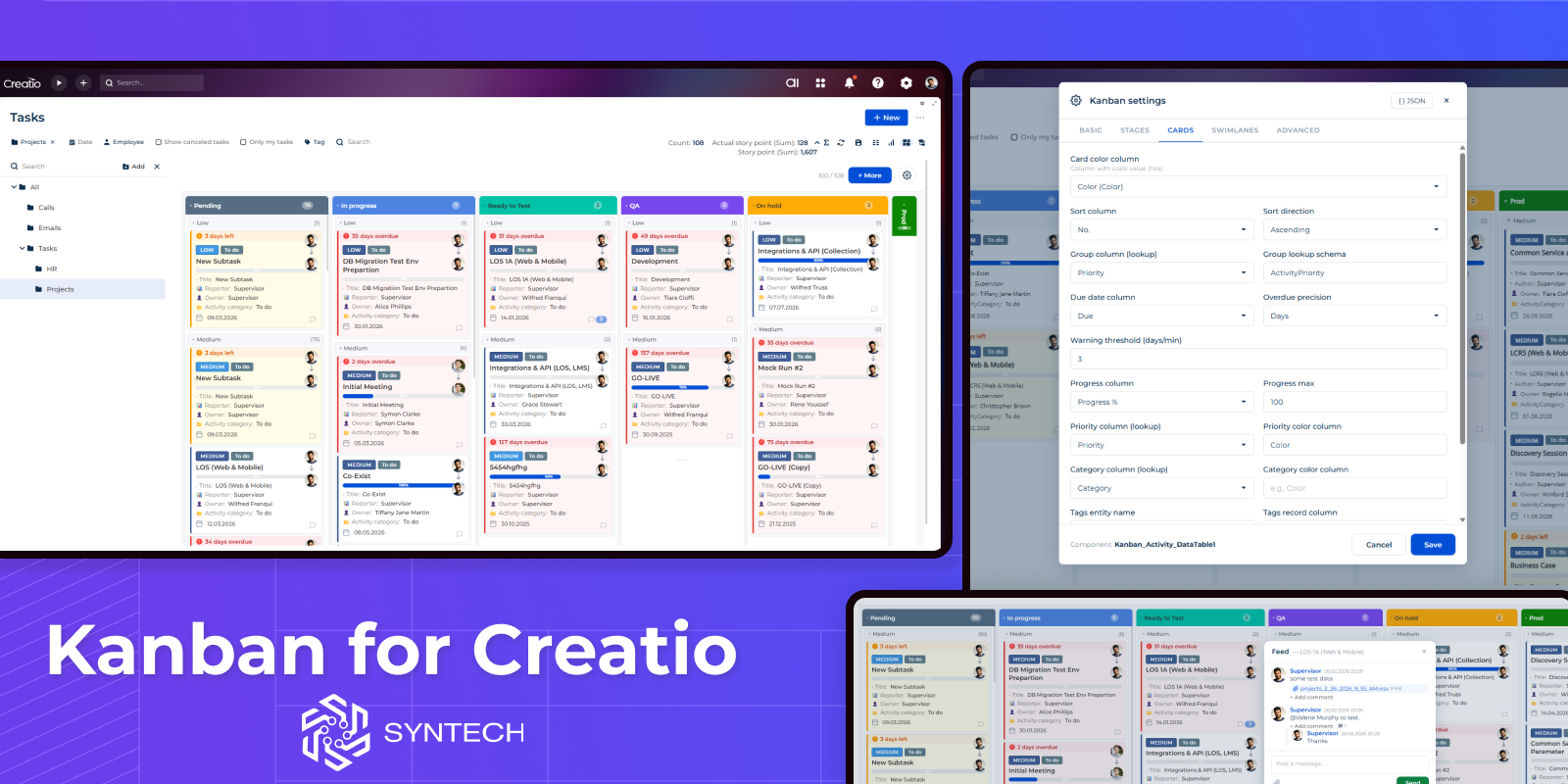
- Syntech Kanban – Visual workflow and task tracking
- Syntech Hierarchy – Expandable tree-view structures
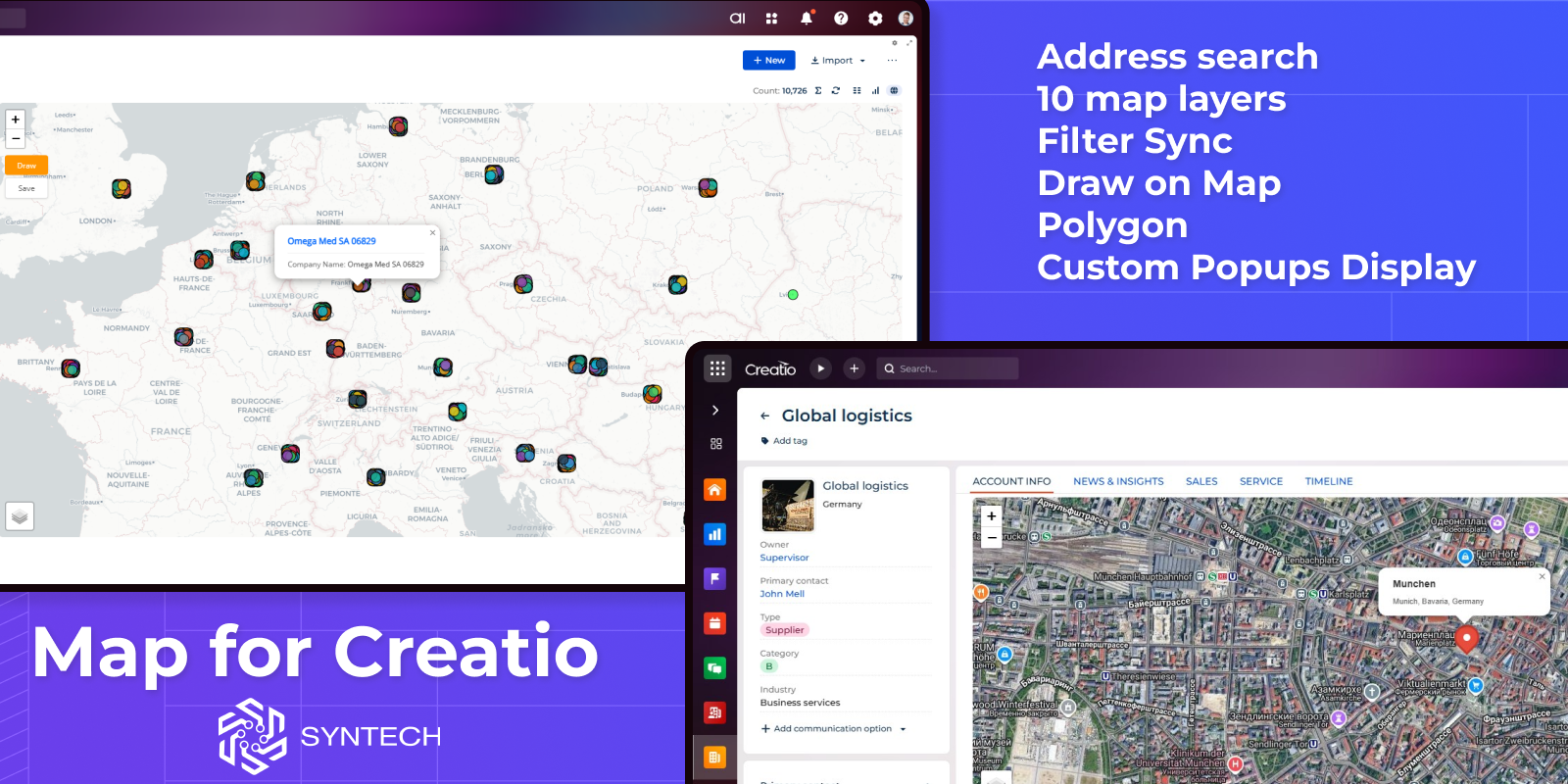
- Syntech Map – Geolocation and spatial data visualization
- Syntech To Do List – Task management and personal productivity
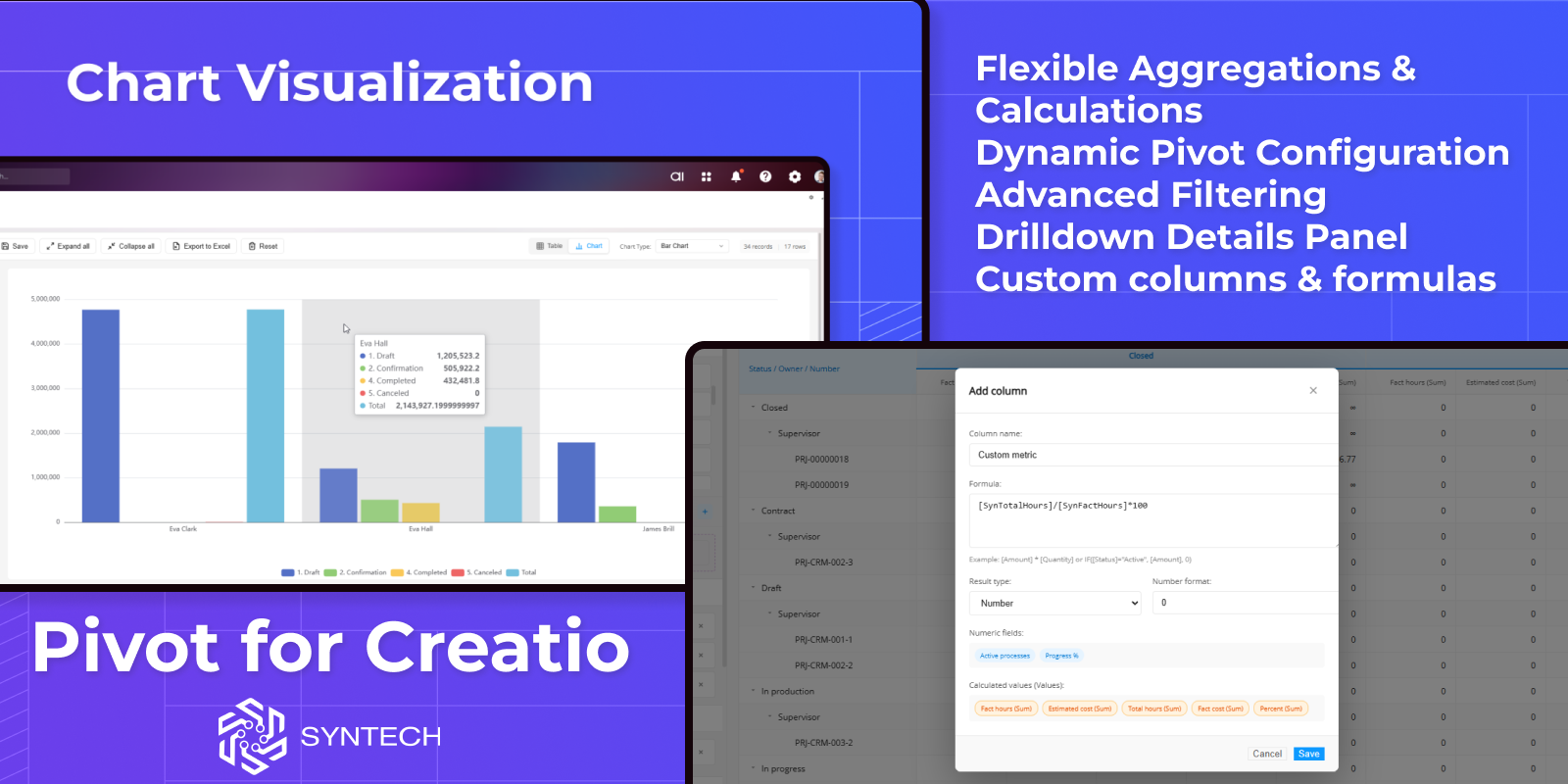
- Syntech Pivot – Advanced data analysis and reporting
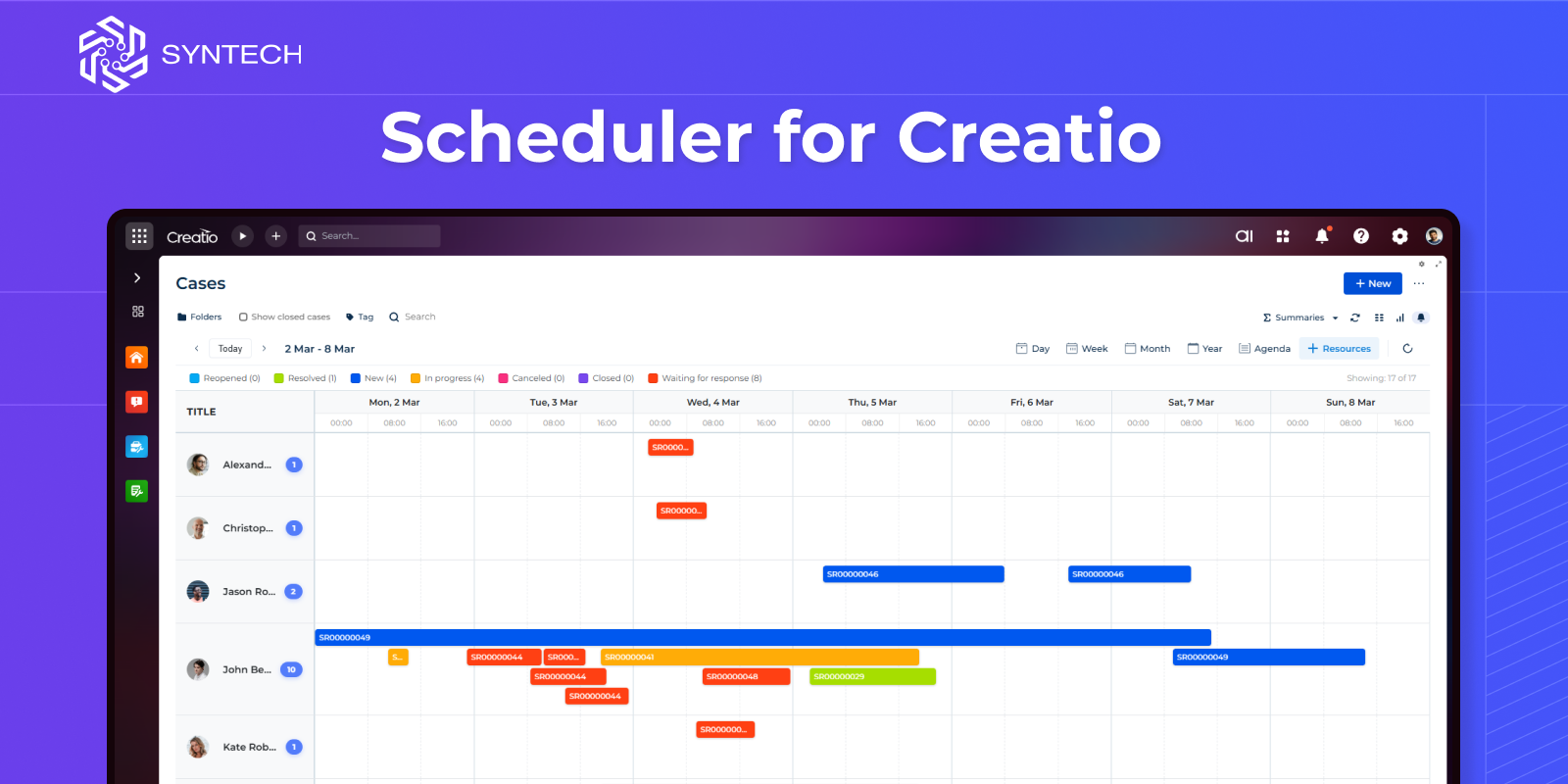
- Syntech Scheduler – Calendar-based planning and resource management
- Syntech Relation Diagram – Visualization of connections between entities
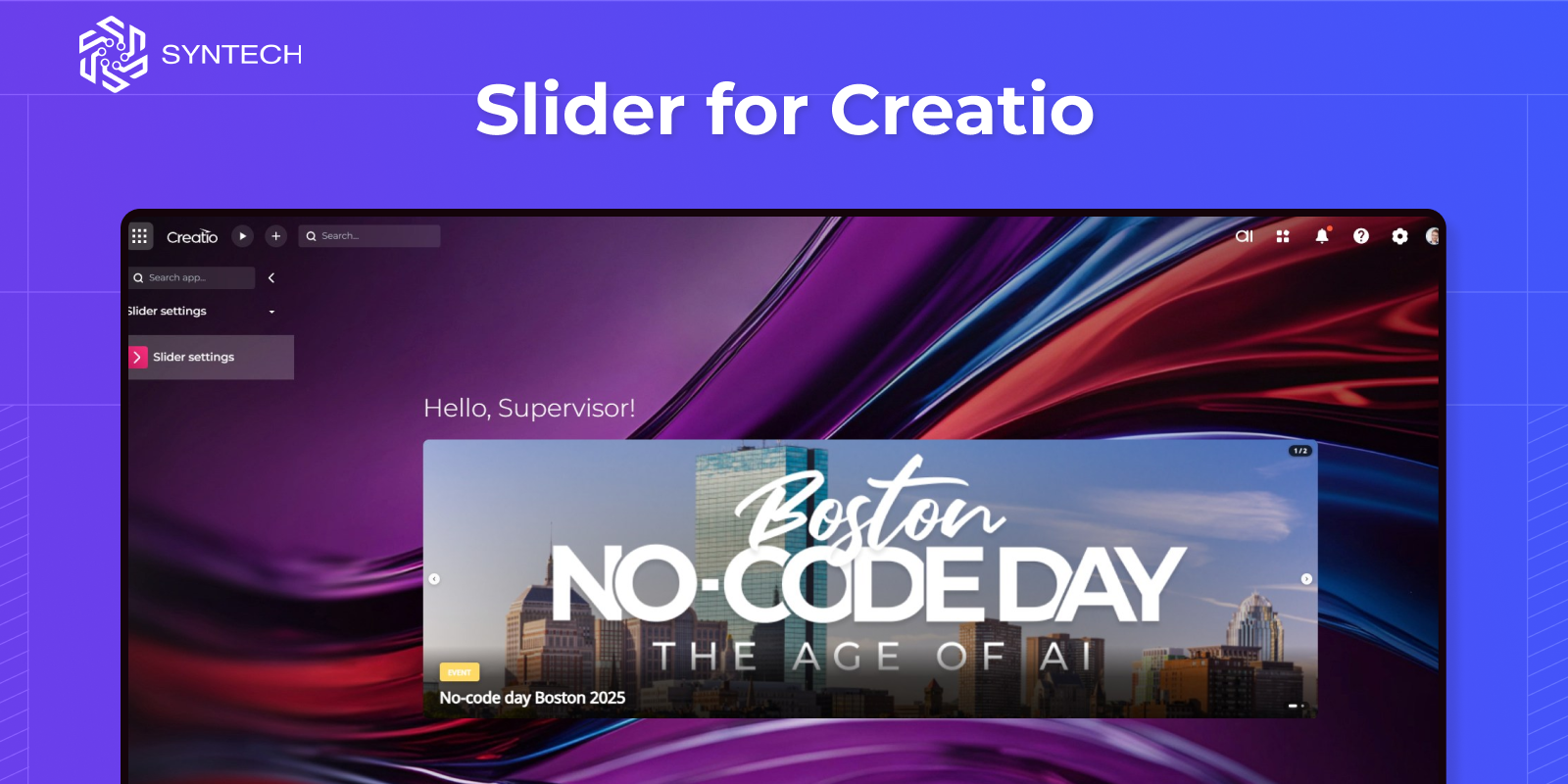
- Syntech Slider – Interactive content and banner slider component
Key Benefits
- Accelerate development with ready-made components
- Improve user experience with modern UI elements
- Easily integrate into any Creatio section
- Flexible configuration for different business needs
Use Cases
- Project and task management
- Sales and pipeline visualization
- Resource and schedule planning
- Data analysis and reporting
- Operational and team management
- Content presentation and UI enhancement
Key Features
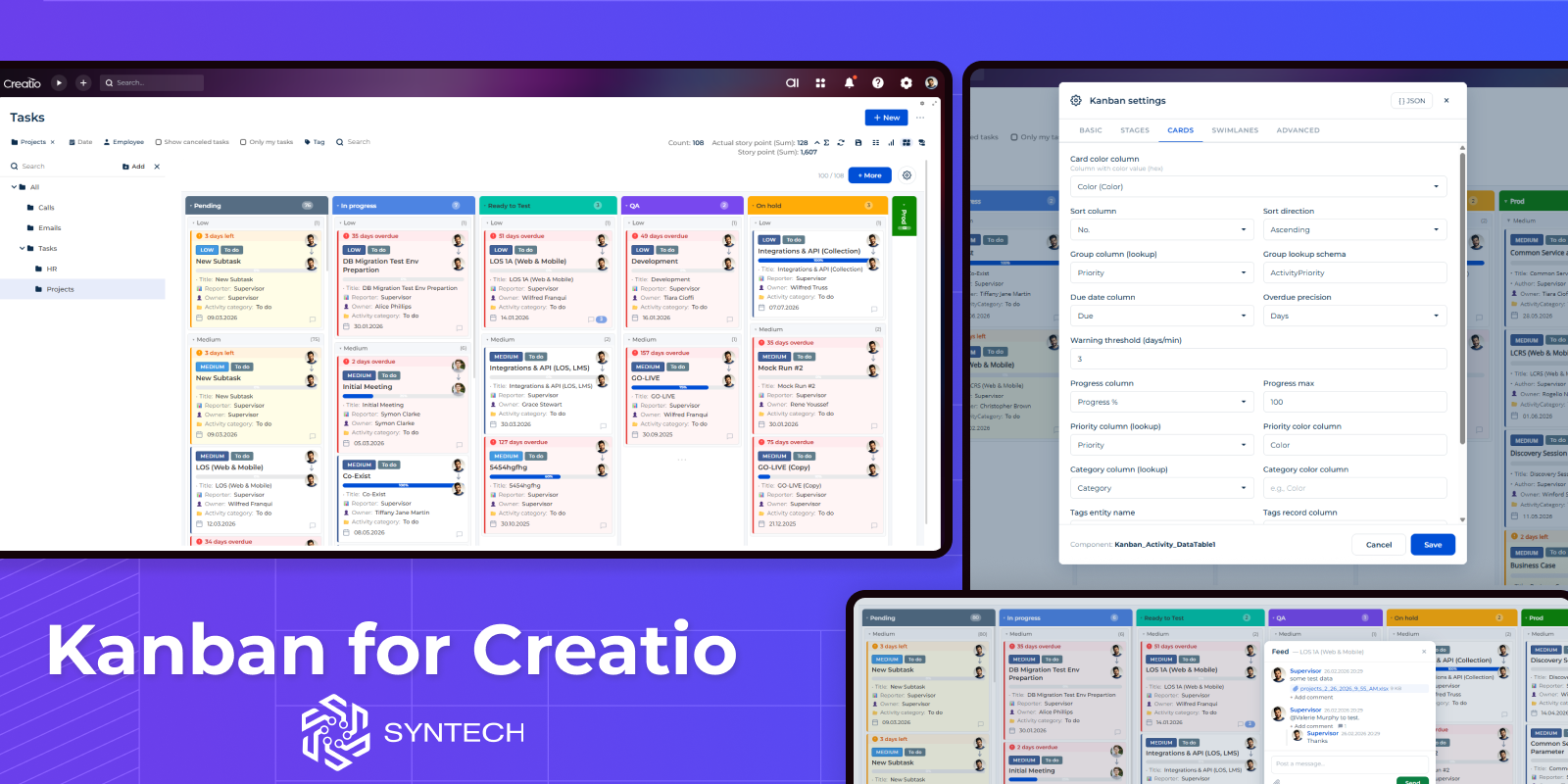
Syntech Kanban View for Creatio
Syntech Kanban View for Creatio is a visual element that streamlines record management by displaying items as cards organized into columns by stage. Features swimlanes, owner avatars, stage totals, progress bars, WIP limits, filters and DCM support.
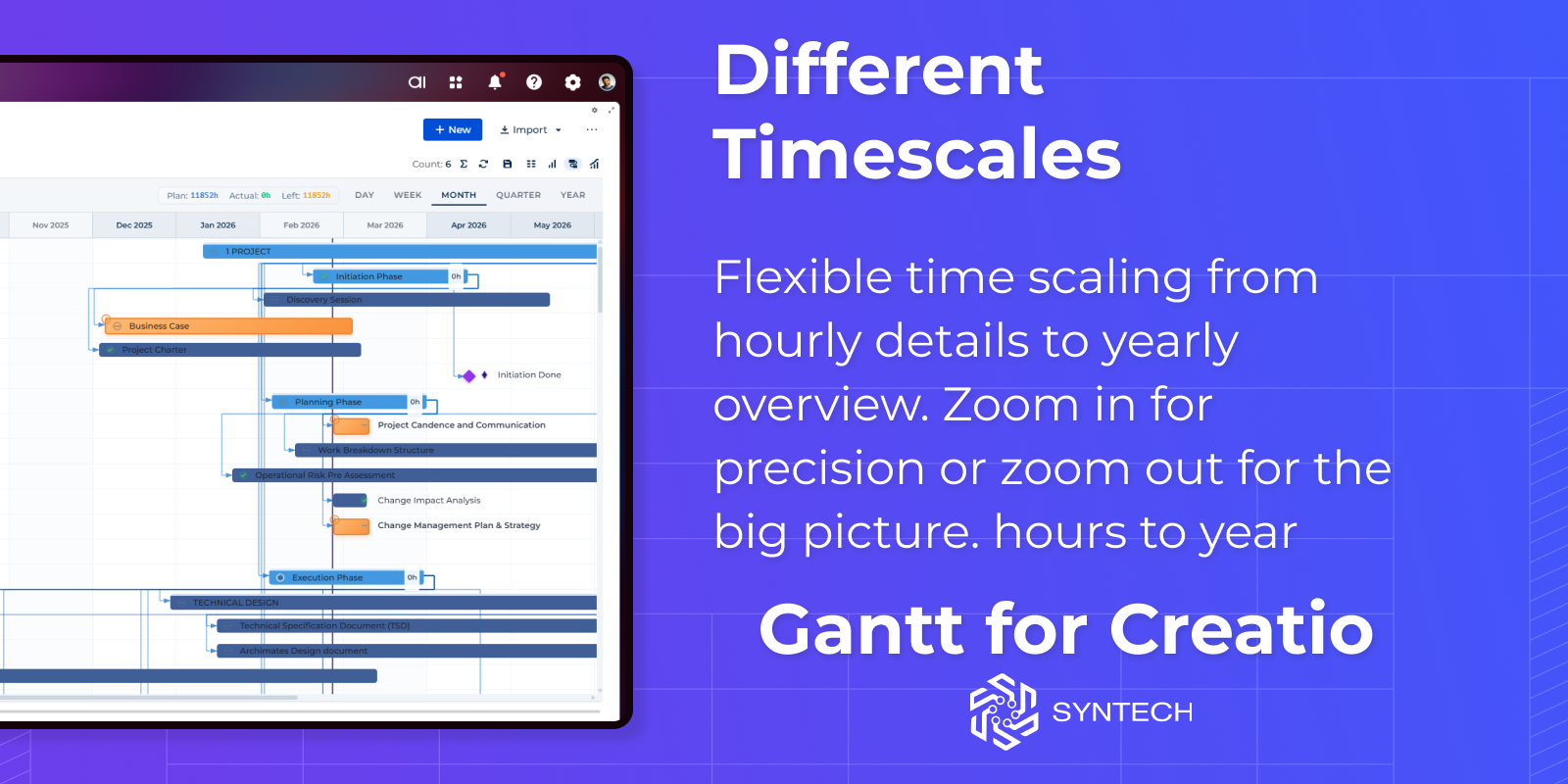
Syntech Gantt View for Creatio
Syntech Gantt View for Creatio is an interactive Gantt chart Freedom UI component. It lets users visualize task timelines, resources and manage dependencies, edit dates inline, and track project progress with a clear, hierarchical view.
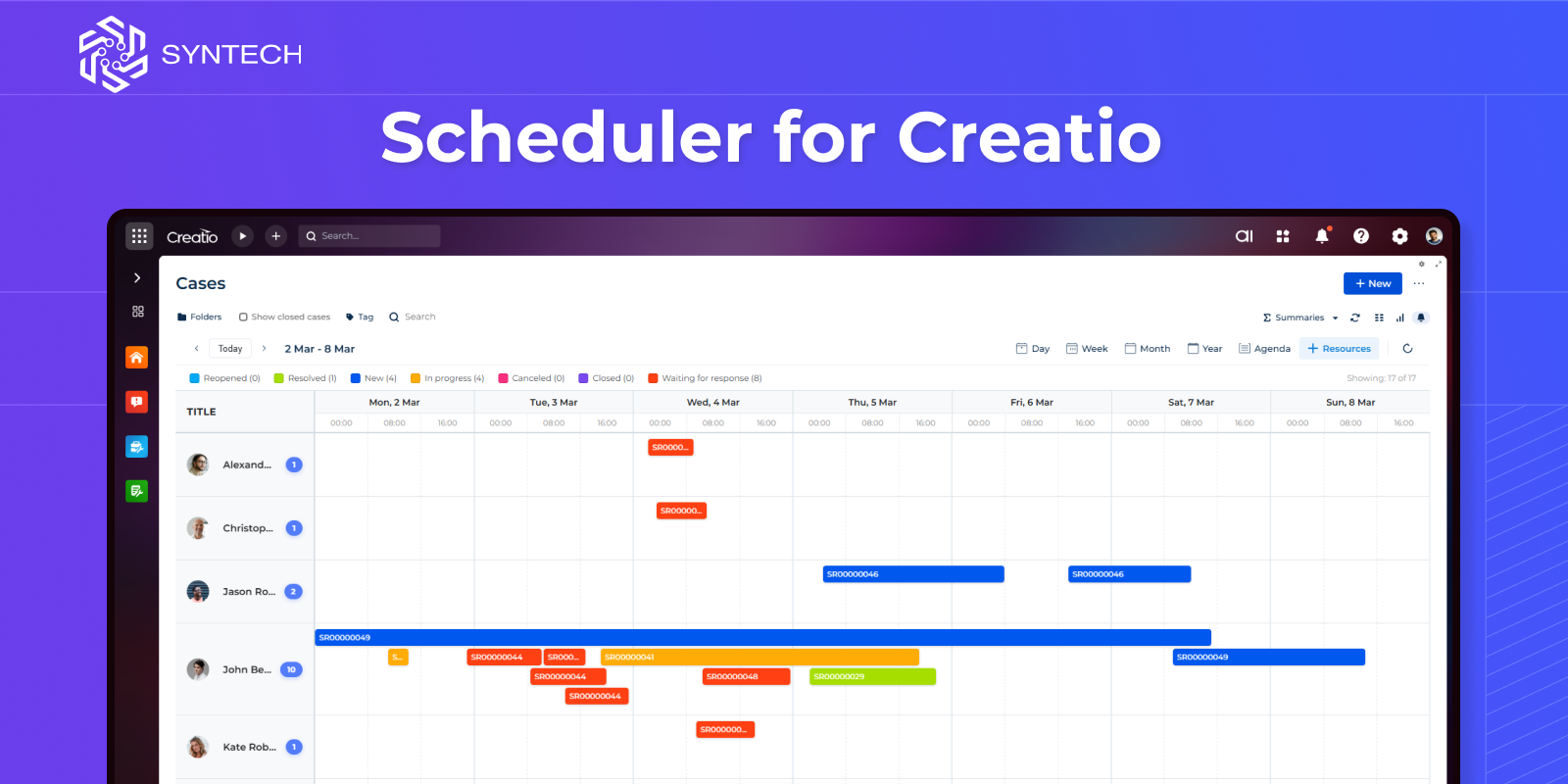
Syntech Scheduler for Creatio
Syntech Scheduler is an intuitive calendar management component for Creatio that transforms how you visualize and manage time-based records.
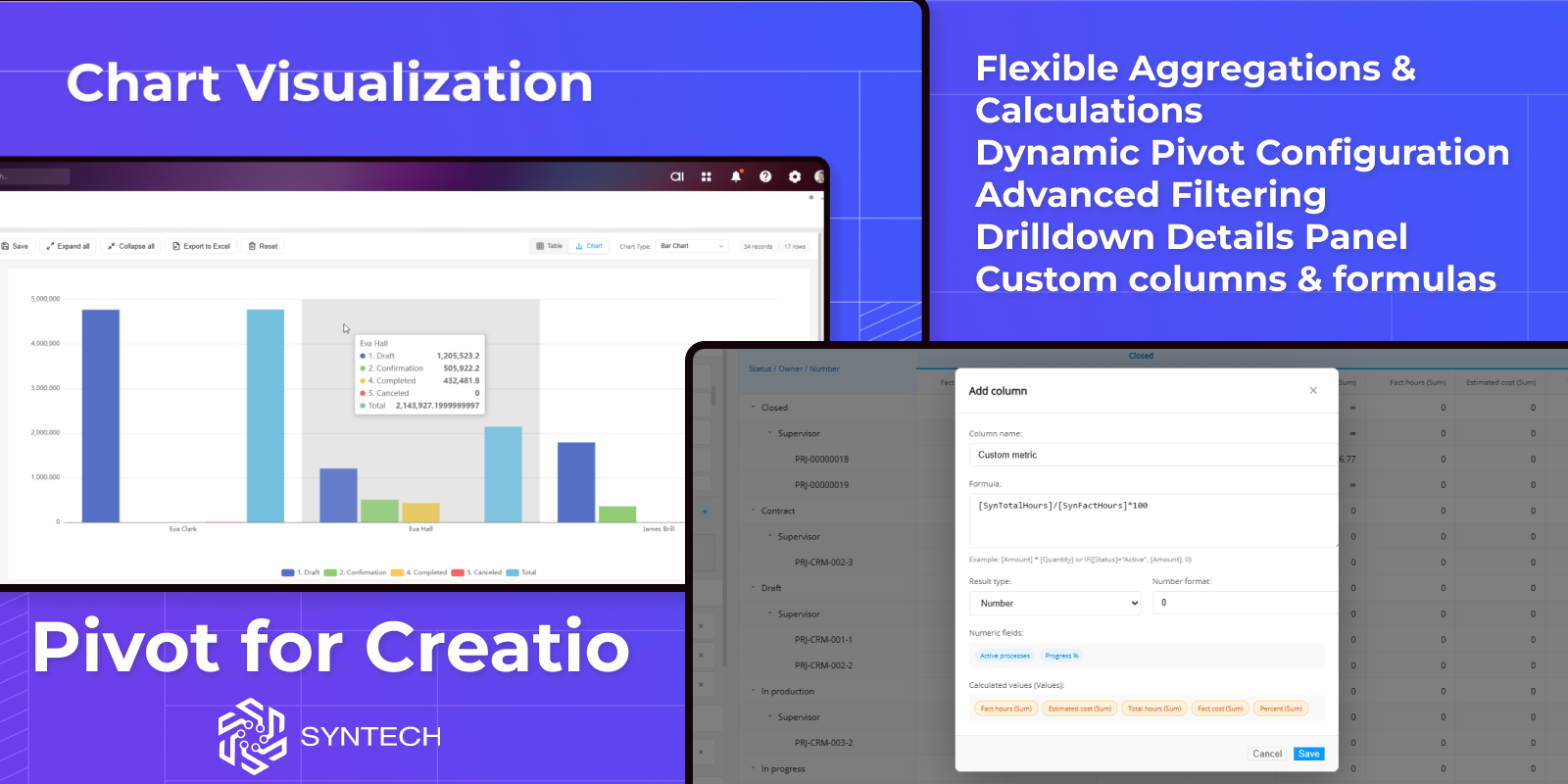
Syntech Pivot for Creatio
Syntech Pivot for Creatio provides fast, flexible, and interactive pivot tables directly in Creatio. It helps teams analyze data from any section, build multi-dimensional reports without developers, and make data-driven decisions faster.
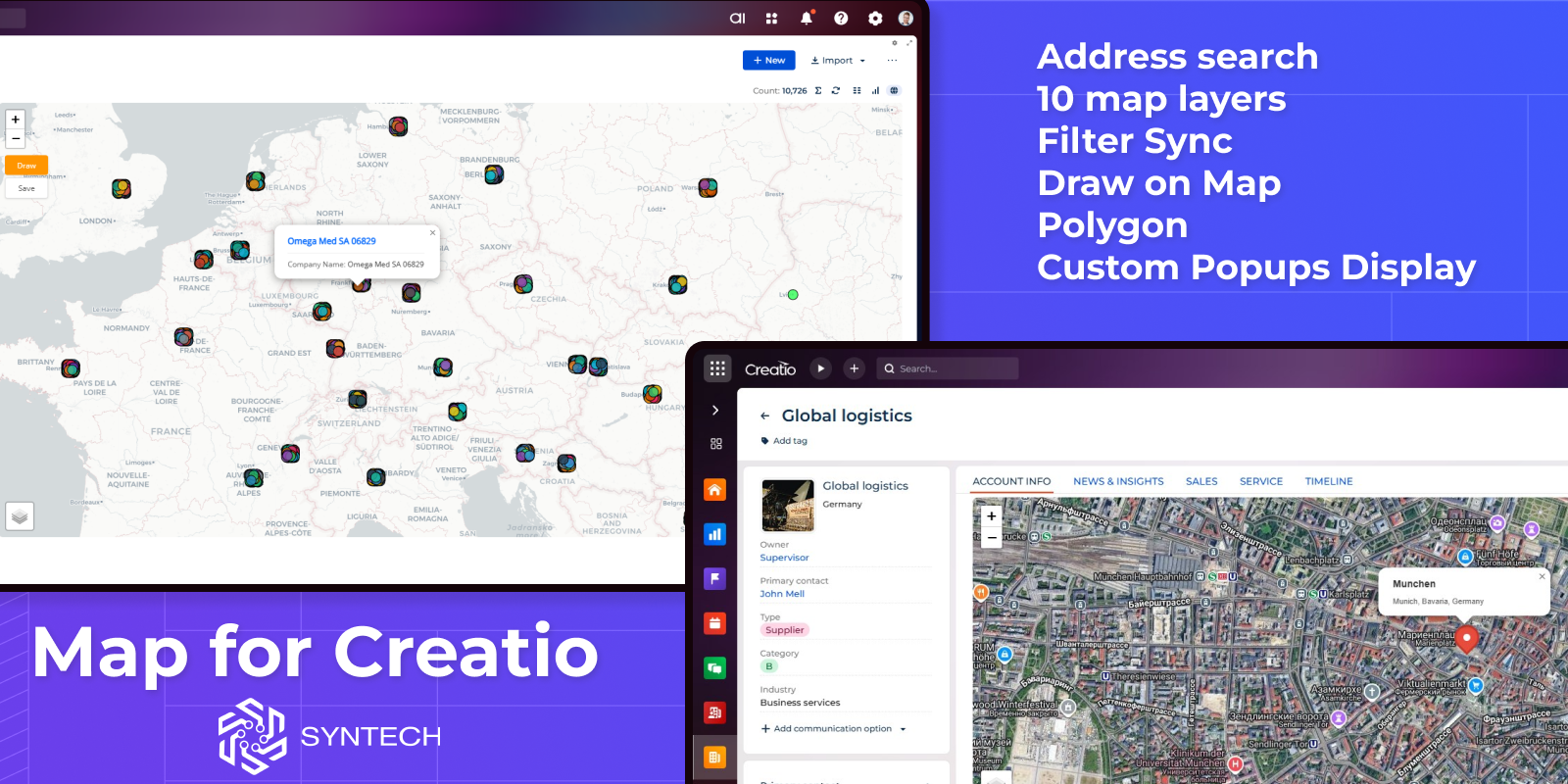
Syntech Map for Creatio
Syntech Map for Creatio is a geographic visualization tool and provides interactive map functionality for displaying locations, addresses, and geographic data directly within Freedom UI pages using the Leaflet library.
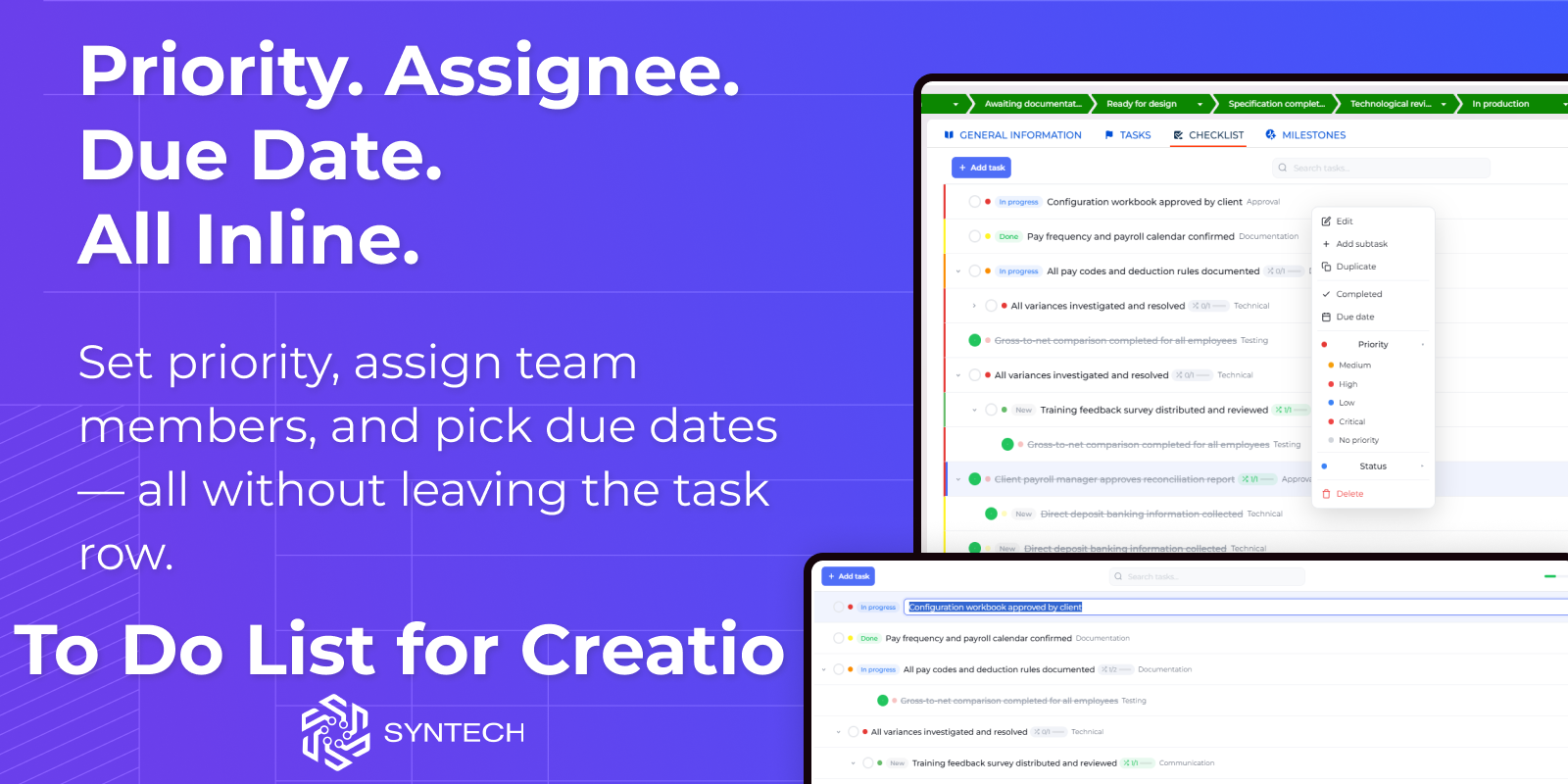
Syntech To Do List for Creatio
Syntech To Do List is a Freedom UI component for Creatio that adds a fully-featured, embeddable task manager to any page — record forms, sections, or dashboards. It connects to any Creatio entity object with no-code configuration, turning standard data into an interactive hierarchical checklist with priorities, assignees, due dates, projects, and progress tracking.
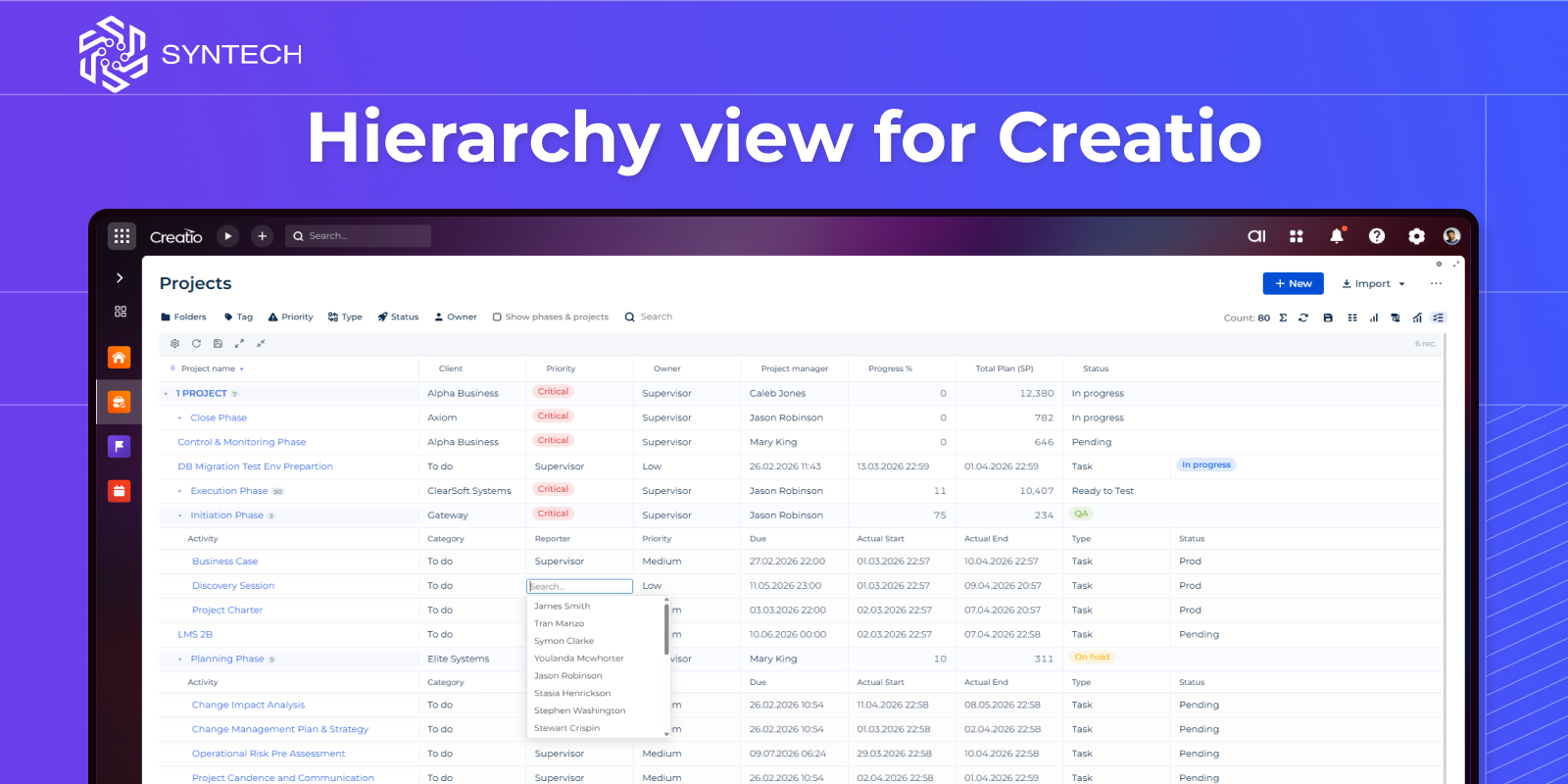
Syntech Hierarchy view for Creatio
Syntech Hierarchy For Creatio transforms how you navigate complex data. Build interactive multi-level tree views on any Freedom UI page — visualize account structures with nested contacts, project hierarchies with tasks, or any parent-child relationships across your Creatio objects.
Pricing
Monthly
Annual
Standard
$
535.00 / month
billed annually
Terms and Conditions
By installing this product you agree to terms and conditions outlined in the license agreement.
Support
Support is available for this application
Support is provided by the developer within the “Basic”, “Business” and “Premium“ packages. Detailed information about the support packages and the support terms can be found on the Creatio website.
Installation
Data sharing
- By installing or downloading the App, you confirm that you agree with sharing your account data (name, email, phone, company and country) with the App Developer as their End User.
- The App Developer will process your data under their privacy policy.
Versions
Versions history
Version
Compatibility
Release date
1.0
8.3.2 and up
Release summary
Initial version.
Manual app installation
- Open the needed app → the Packages tab - download the Markeplace app files.
- Click in the top right → Application Hub
- Click New application. This opens a window.
- Select Install from file and click Select in the window that opens.
- Click Select file on the page of the Marketplace App Installation Wizard and specify the app file path.
The Syntech Components Pack for Creatio is offered as a bundled solution at a discounted price.
Purchase the full Components Pack and save 33% compared to buying each component separately.
The price includes all listed components with full functionality. Licensing is provided per environment.