

Syntech Diagram for Creatio
Syntech Diagram for Creatio - interactive relation diagram component. Visualizes entity relationships with drag-and-drop nodes.
Overview




Product overview
Product description
Syntech Diagram for Creatio — a visual relationship mapping component for Creatio that brings clarity to complex business connections.
See the full picture of any account, contact, or deal at a glance. The interactive diagram automatically maps related entities — contacts, opportunities, contracts, activities — directly on the record page, revealing how your business relationships connect.
What it solves: Sales teams instantly see who influences a deal, which contracts are tied to an account, and what activities are in progress — no more clicking through dozens of related tabs. Managers get a bird's-eye view of account ecosystems to spot gaps, risks, and opportunities faster.
Key Features

See your business network at a glance
A complete account ecosystem — contacts, deals, contracts — mapped in one interactive view without switching between tabs

Build custom relationship maps
Connect any two entities with a labeled edge — define exactly how your business objects relate, your way.

All the details without leaving the map
Key business data — job title, phone, customer type — displayed directly on each node, saving clicks and keeping you focused on the big picture.
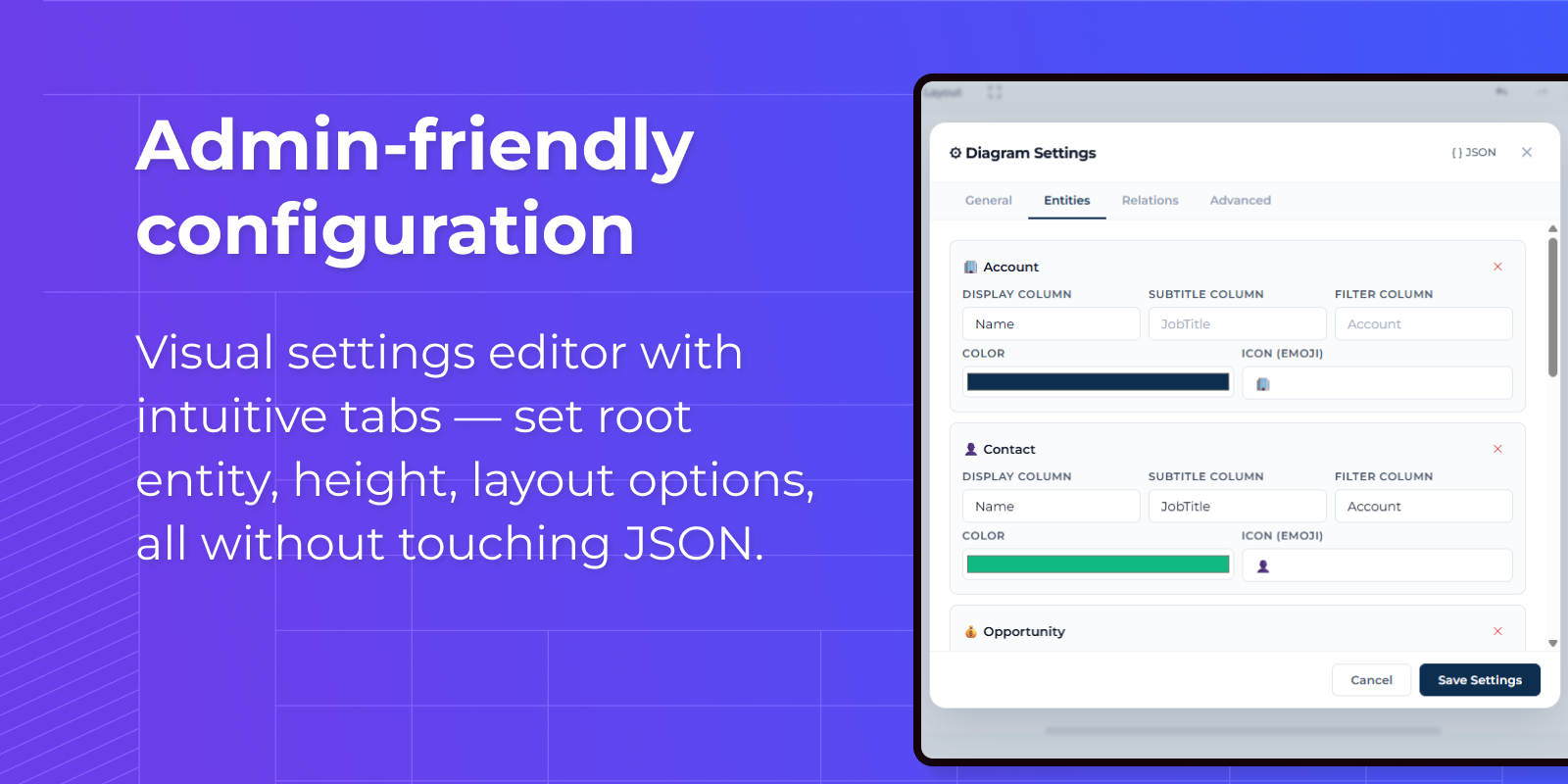
Configure in minutes, not hours
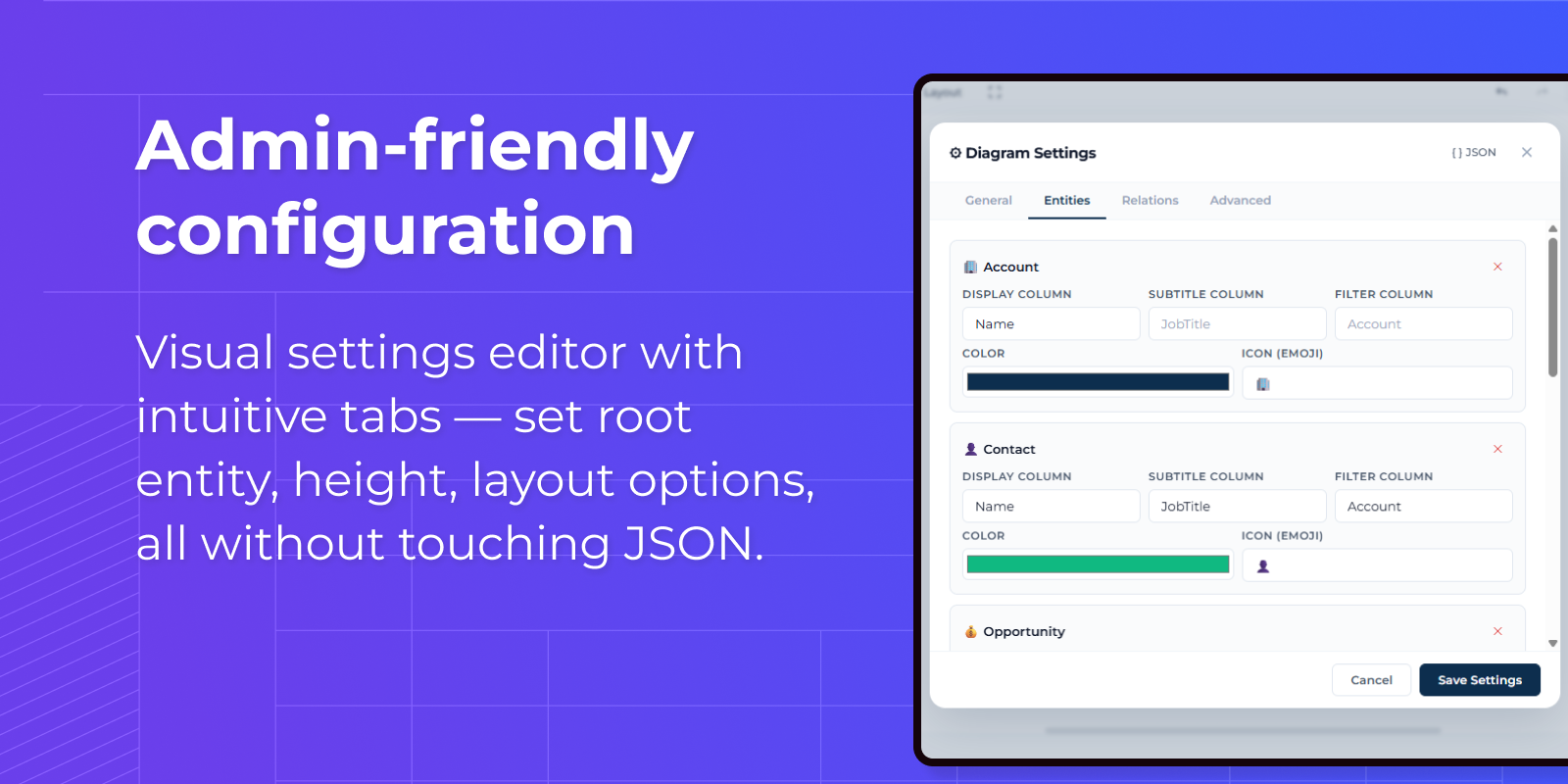
A built-in visual editor with guided tabs lets any admin set up entities, layouts, and display rules — no developer required.

Your data, your rules
Choose which entities to track, what columns to show, and how each type looks — colors, icons, and labels tailored to your business process.