

Syntech To Do List for Creatio
Overview
Product overview
Use Cases
- Sales teams: attach a task checklist to Opportunities or Leads to track deal-related action items.
- Support teams: embed a subtask tree on Case pages to break resolution steps into manageable pieces.
- Project managers: use Projects mode to organize work across multiple initiatives on a single dashboard.
- HR / Onboarding: create structured onboarding checklists on Contact or Employee records.
- Operations: bind to any custom entity to track approvals, inspections, or compliance steps hierarchically.
- Personal productivity: add a To Do List to your home page as a daily planner with priorities and due dates.
Key Features
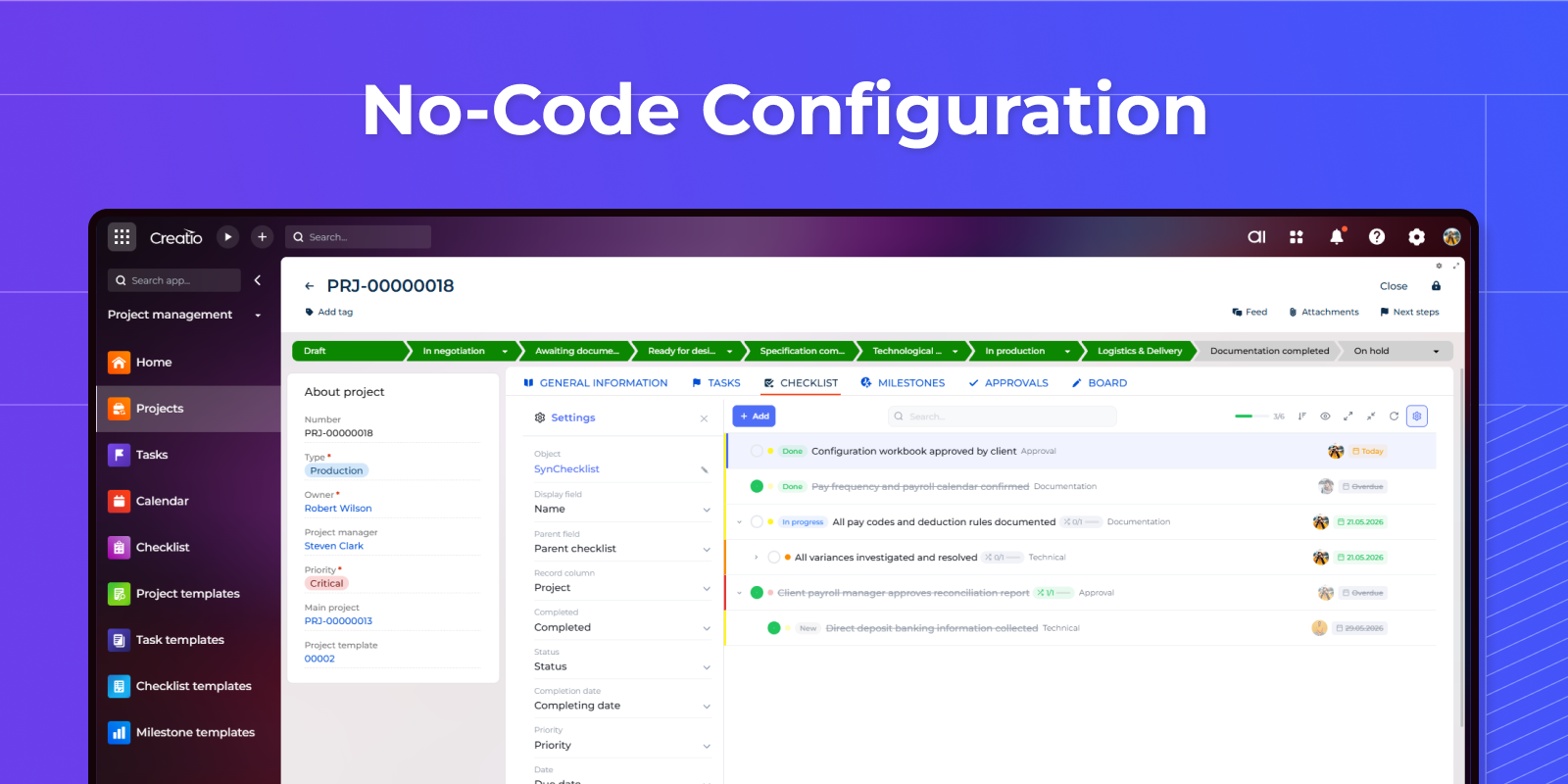
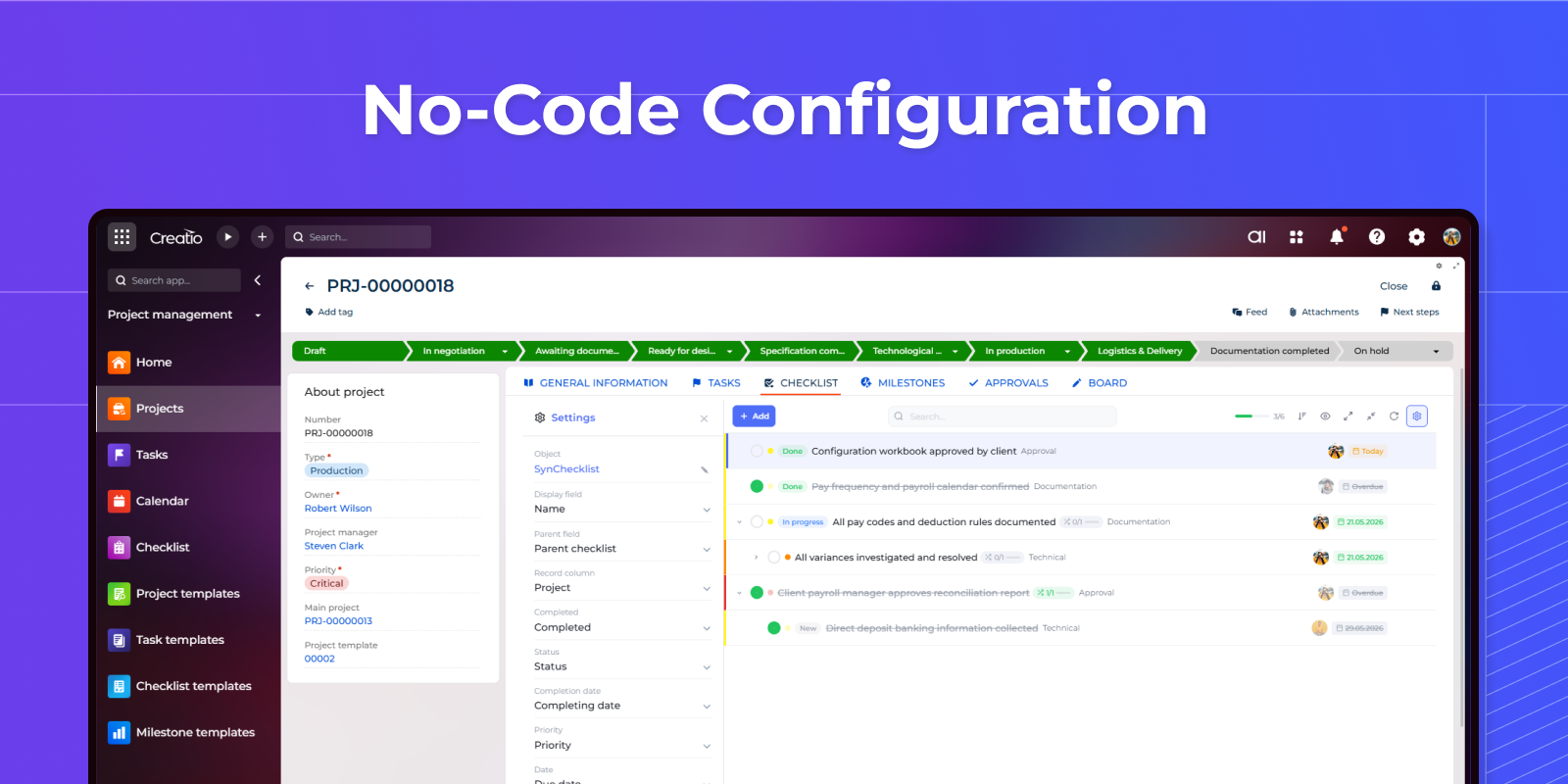
No-Code Configuration via Admin Panel
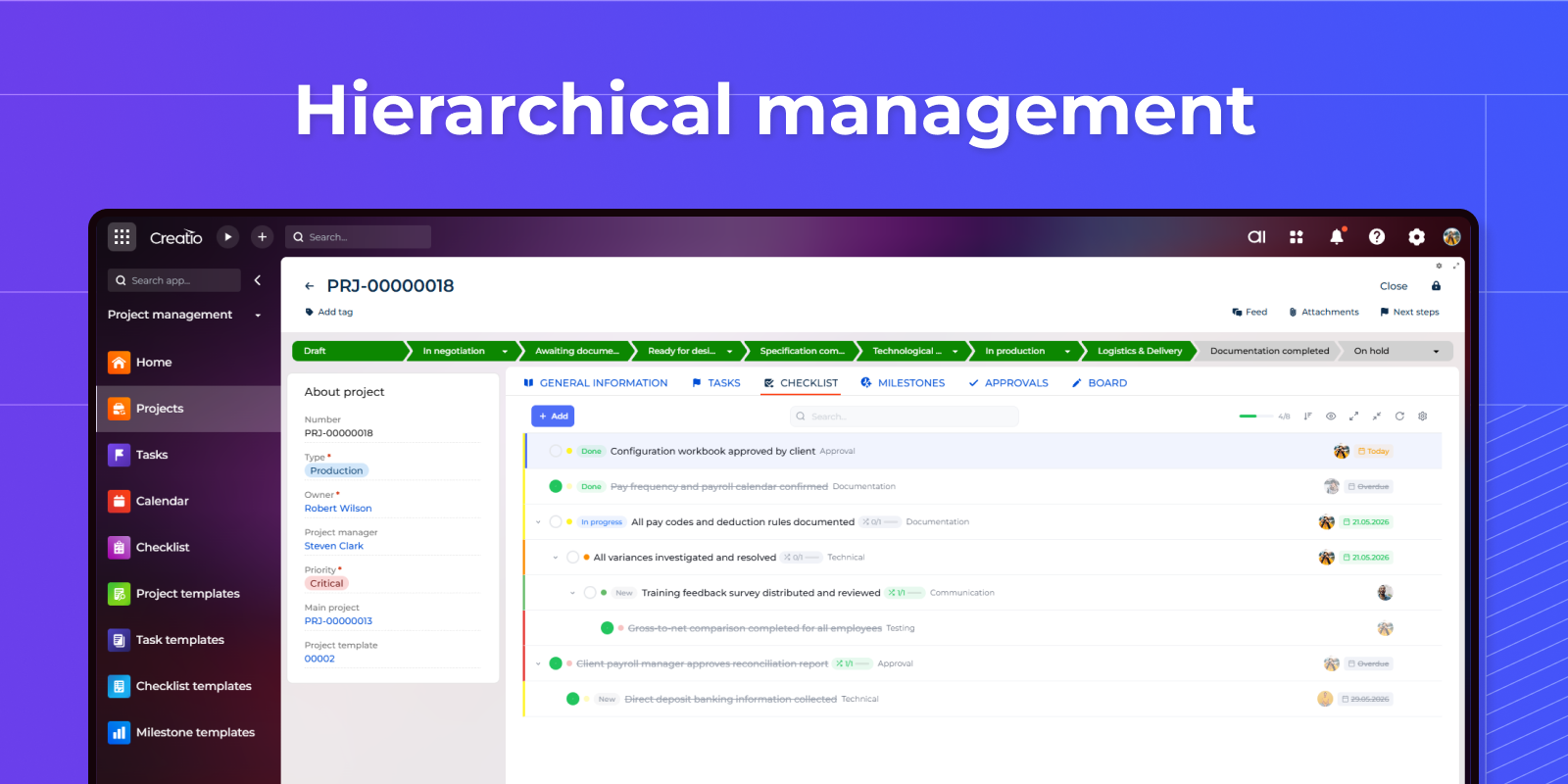
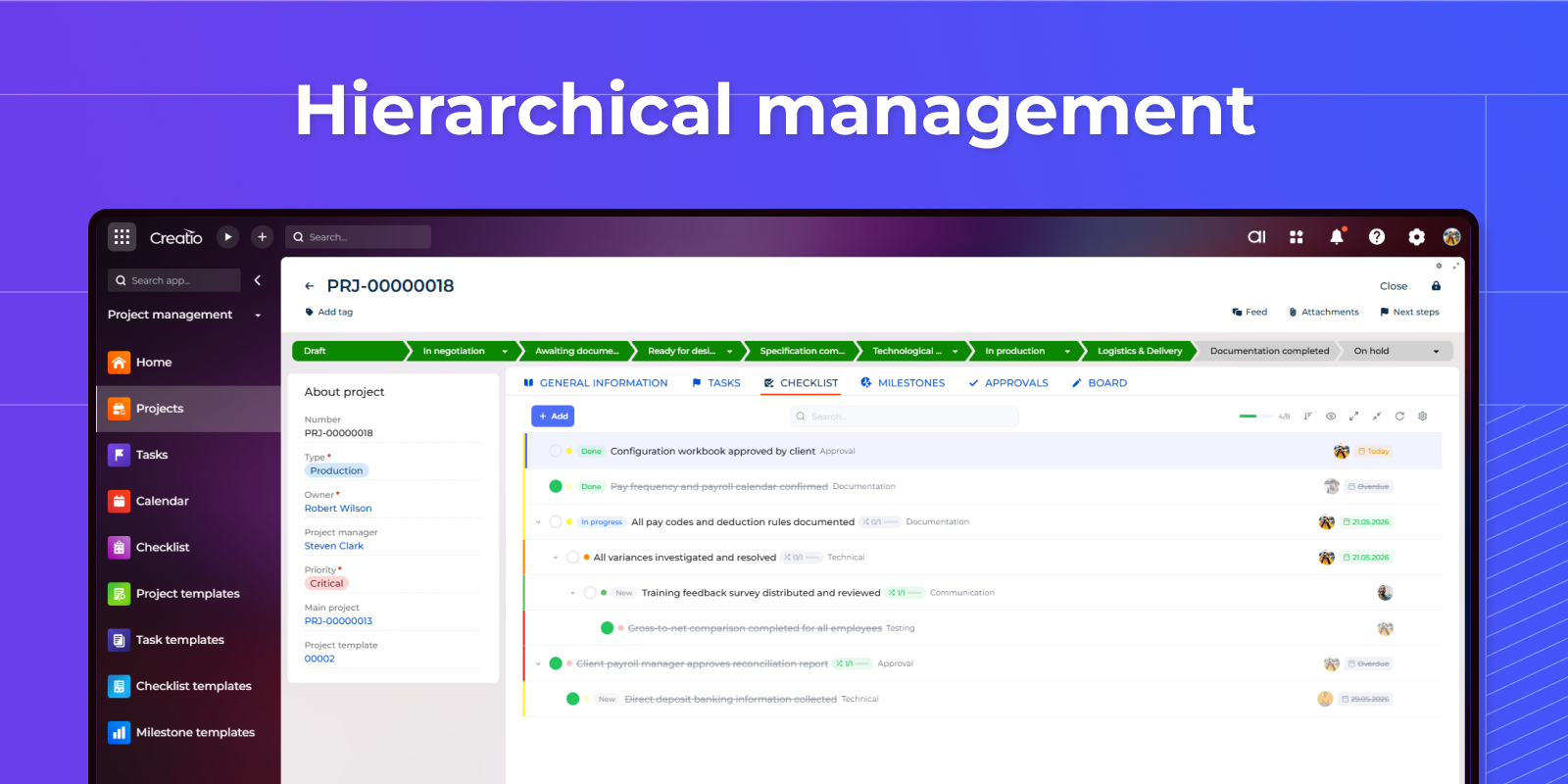
Hierarchical management
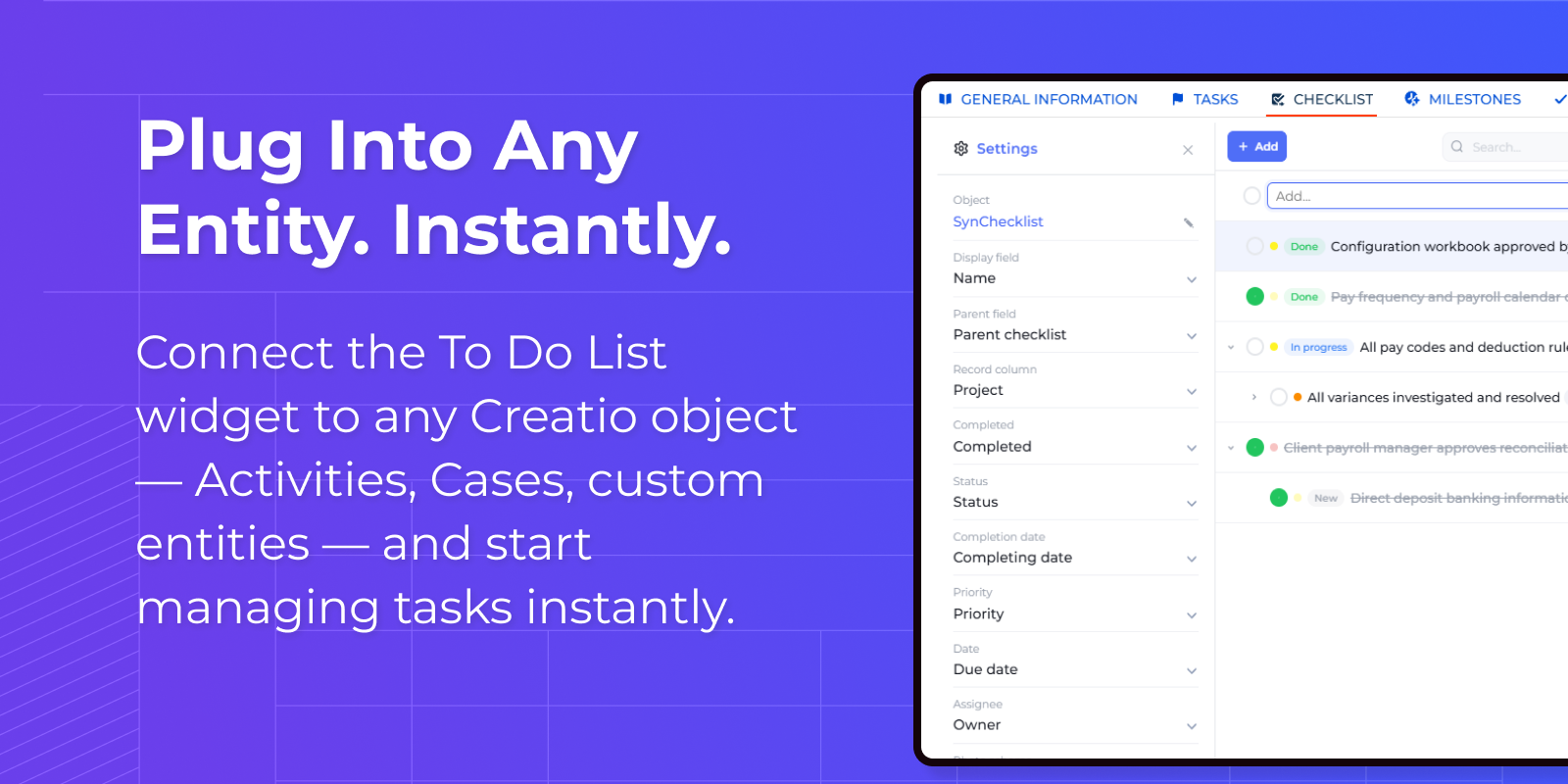
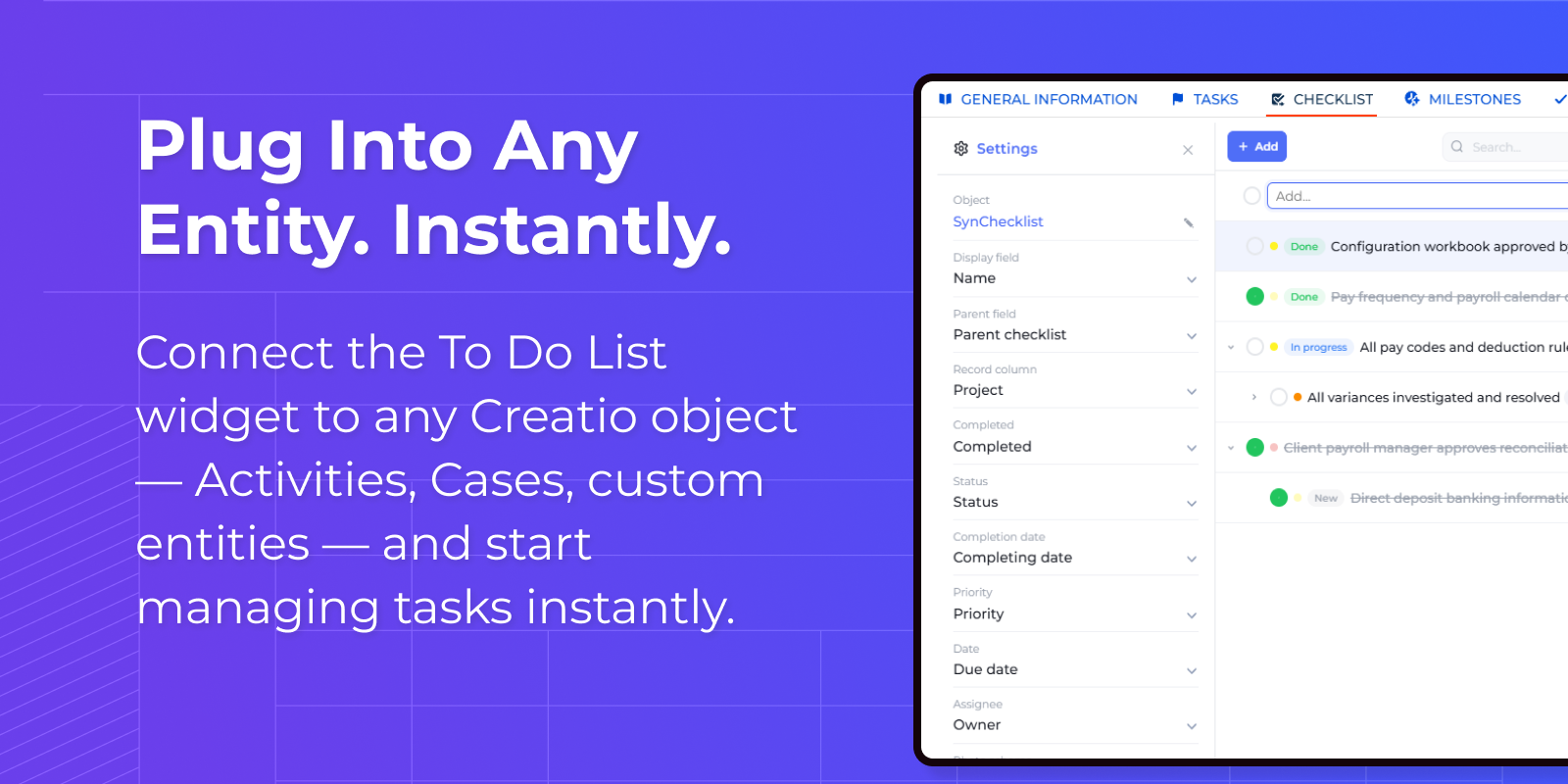
Plug Into Any Entity. Instantly.
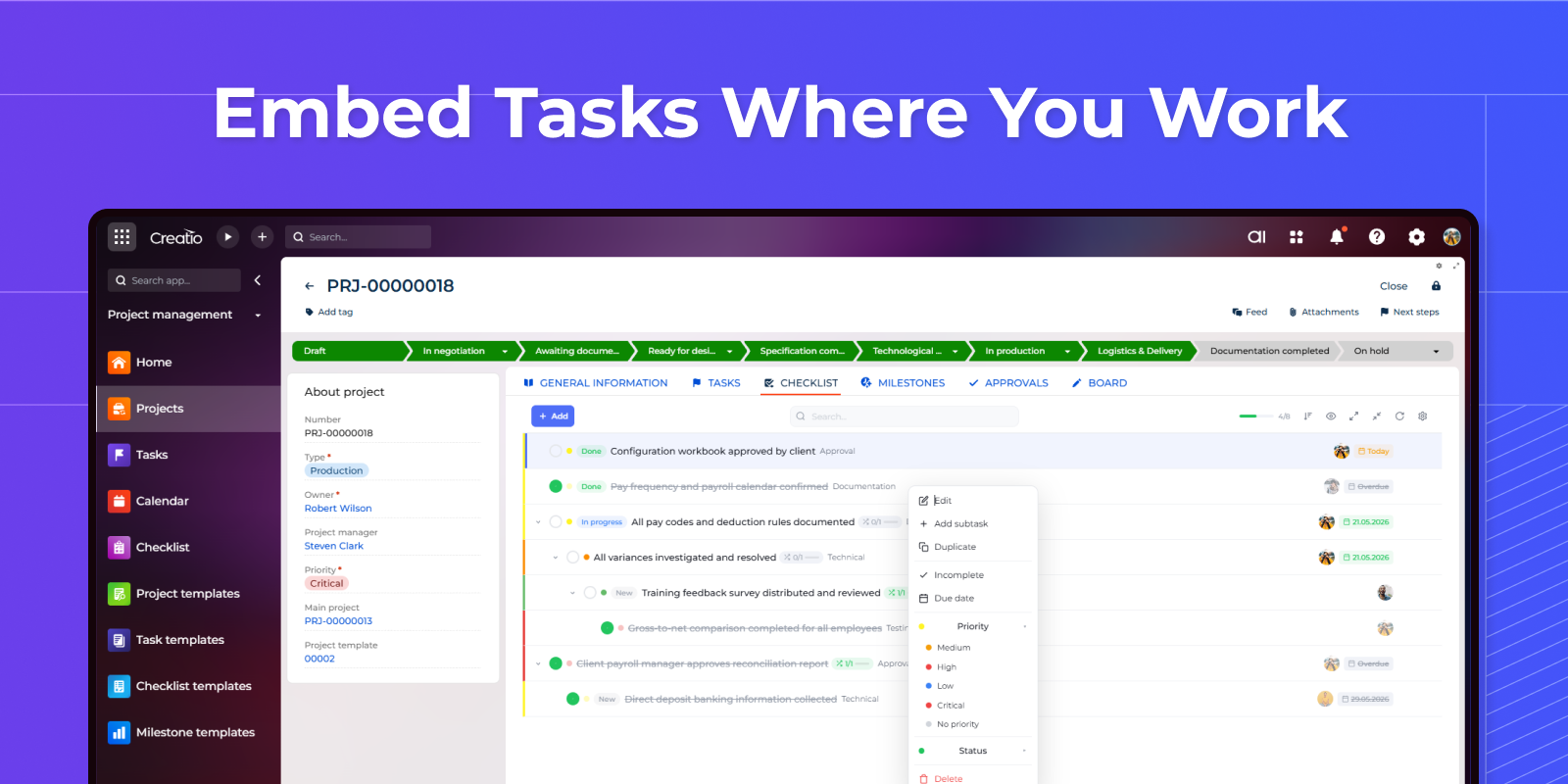
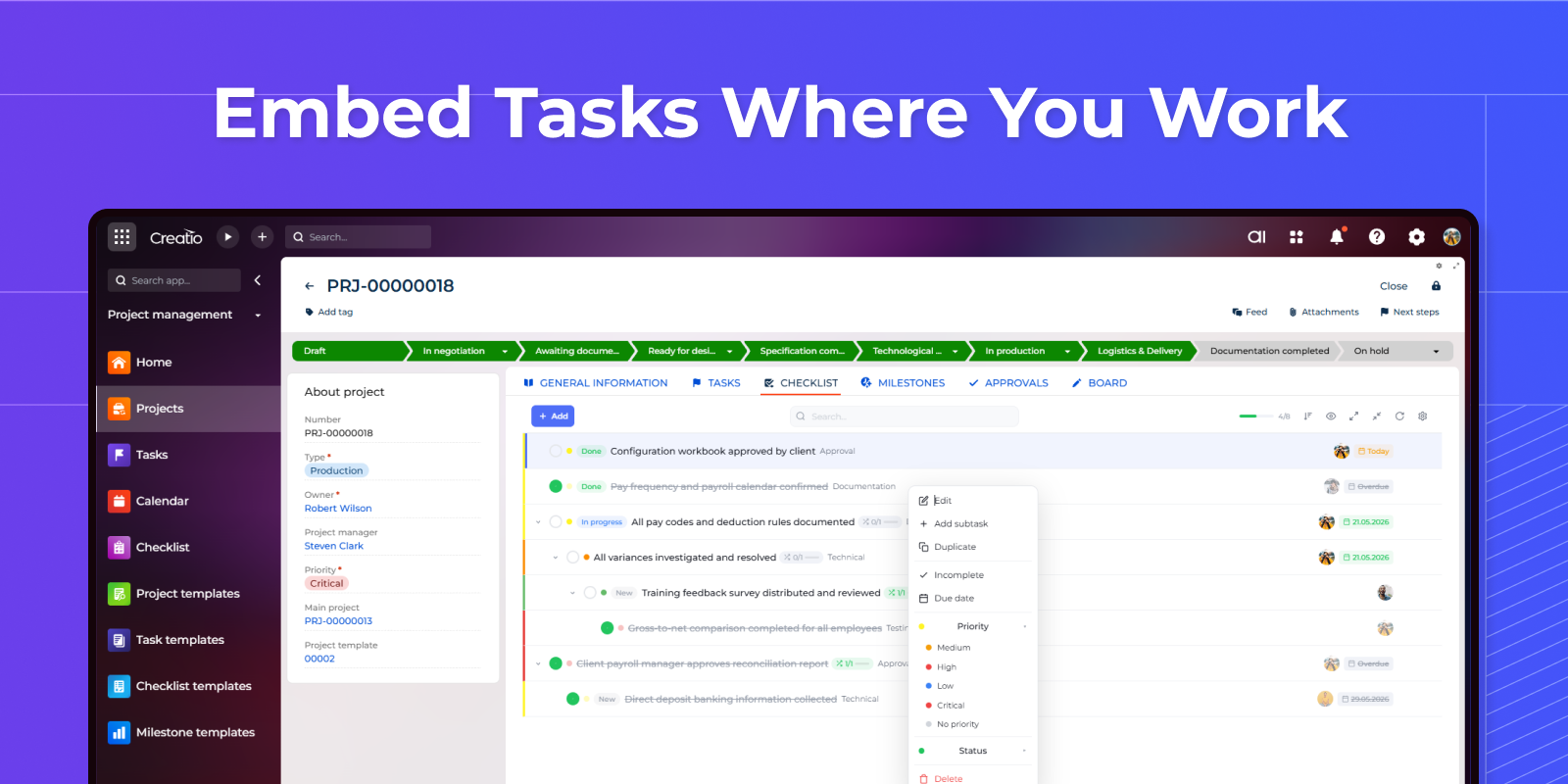
Embed Tasks Where You Work
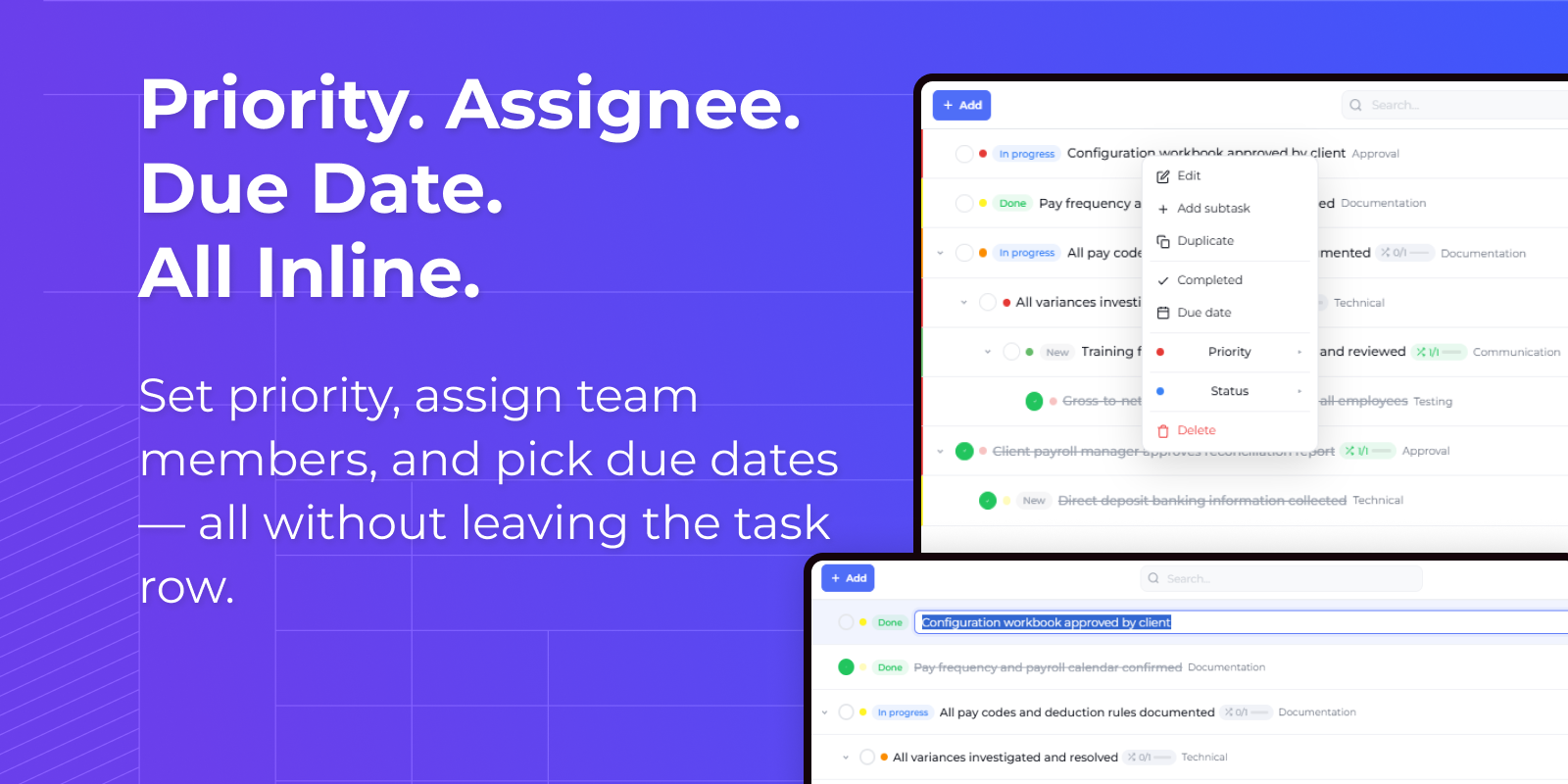
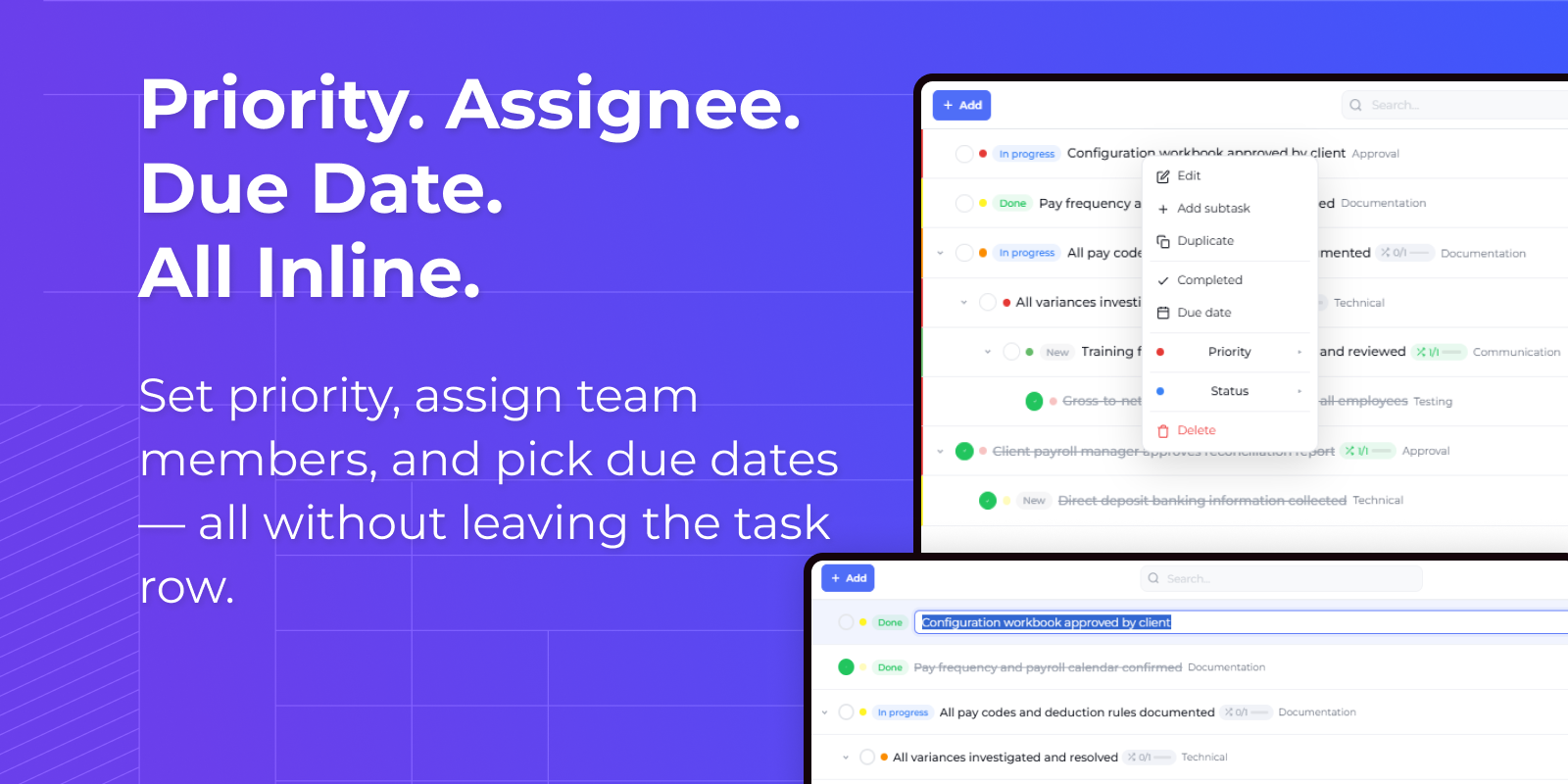
Priority. Assignee. Due Date. All Inline.
Pricing
Terms and Conditions
Support
Installation
Resources
Data sharing
- By installing or downloading the App, you confirm that you agree with sharing your account data (name, email, phone, company and country) with the App Developer as their End User.
- The App Developer will process your data under their privacy policy.
Versions
Versions history
Nothing gets deleted by accident. Pressing Backspace used to delete the task you had selected, with no warning. Deleting now always asks first.
Typing works like typing. In search and other fields, the space bar, Enter and Tab used to act on the task list instead of the text box. Fixed.
Settings are for admins only. The settings panel was visible to everyone and could be overwritten by any user. It is now limited to administrators.
Sorting is correct. Sorting only applied to the tasks already on screen, so the order broke as more loaded. It now sorts the whole list.
What you see is what is saved. If a change could not be saved, the list used to keep showing it anyway. Now it reverts, and load errors are shown instead of an empty list.
Reordering sticks. Dragging tasks into a new order used to reset on refresh.
Works with a keyboard and a screen reader, and loads faster.
Manual app installation
- Open the needed app → the Packages tab - download the Markeplace app files.
- Click in the top right → Application Hub
- Click New application. This opens a window.
- Select Install from file and click Select in the window that opens.
- Click Select file on the page of the Marketplace App Installation Wizard and specify the app file path.