

Syntech Google Forms integration for Creatio
Overview
Product overview
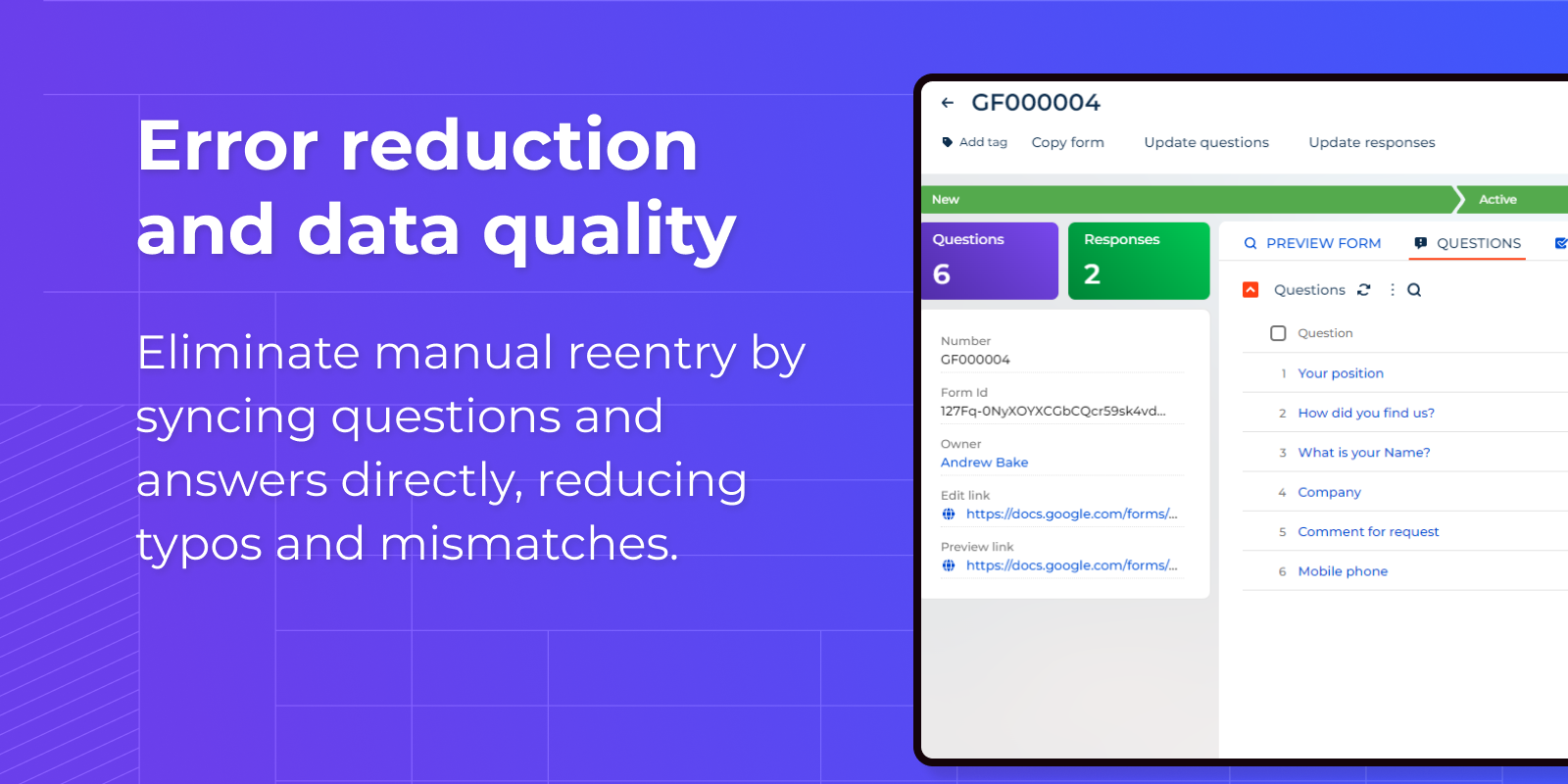
Syntech Google Forms integration for Creatio integrates the powerful capabilities of Google Forms with the full-fledged CRM and process management platform of Creatio. This extension allows businesses to create, manage and analyze custom forms directly within the Creatio environment, simplifying data collection and improving customer engagement workflows. The integration provides instant data transfer between Google Forms and Creatio, allowing all interactions and customer feedback to be instantly leveraged in Creatio's analytics and reporting tools. This solution removes the problem of manual data entry and synchronization, reducing errors and saving valuable time.
Use cases:
Google Forms Connector is suitable for businesses of any size that seek to optimize the processes of interaction with customers and data collection. Especially useful for:
- Sales teams who want to effectively collect information about leads and customers.
- Marketers who want to manage campaigns, surveys, and feedback forms without the need to manually import/export data.
- Personnel departments that automate the processes of submitting applications and selecting candidates.
- Industry applications, especially in healthcare, real estate and education, where form-based data collection predominates.
Key features:
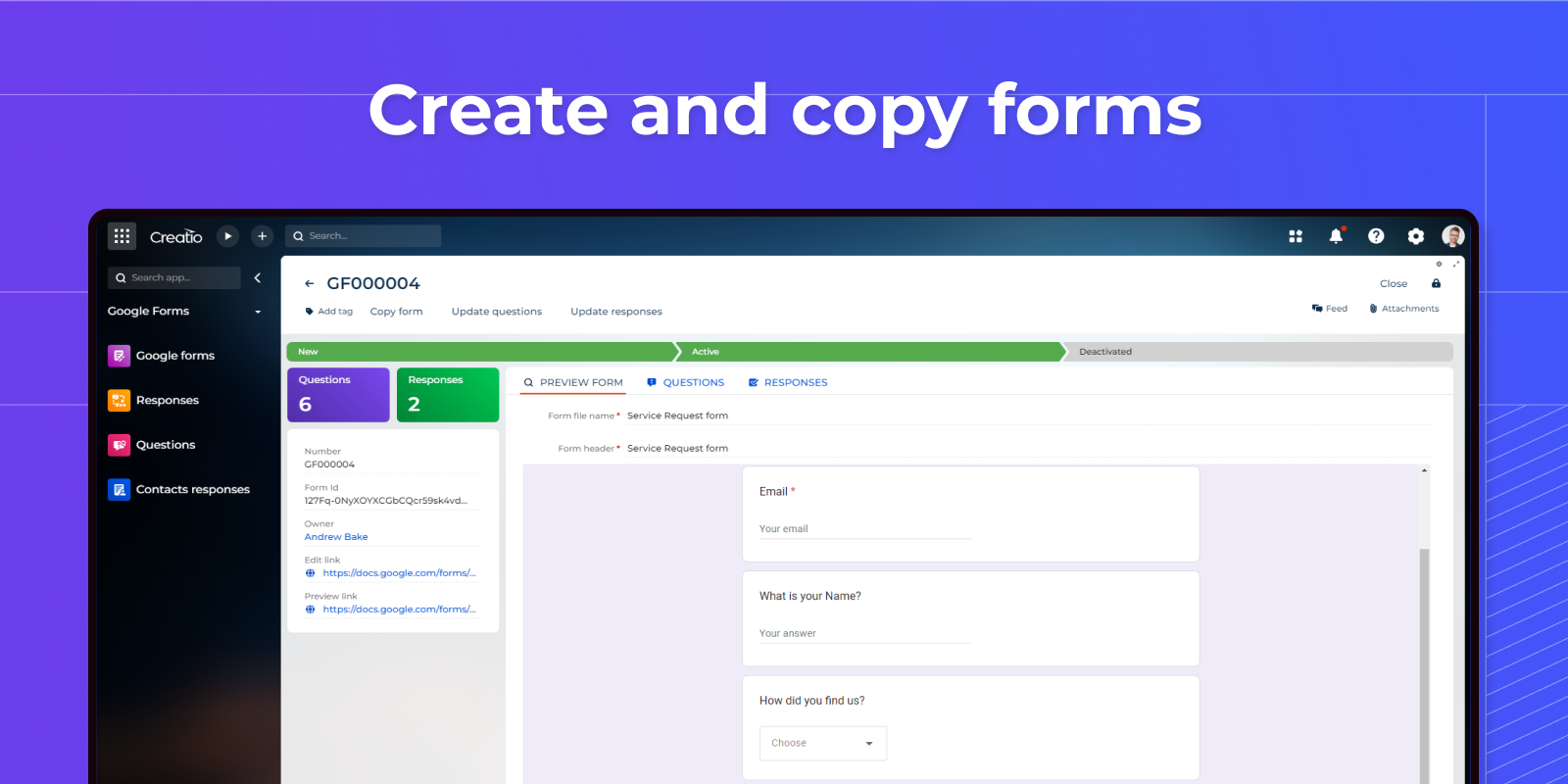
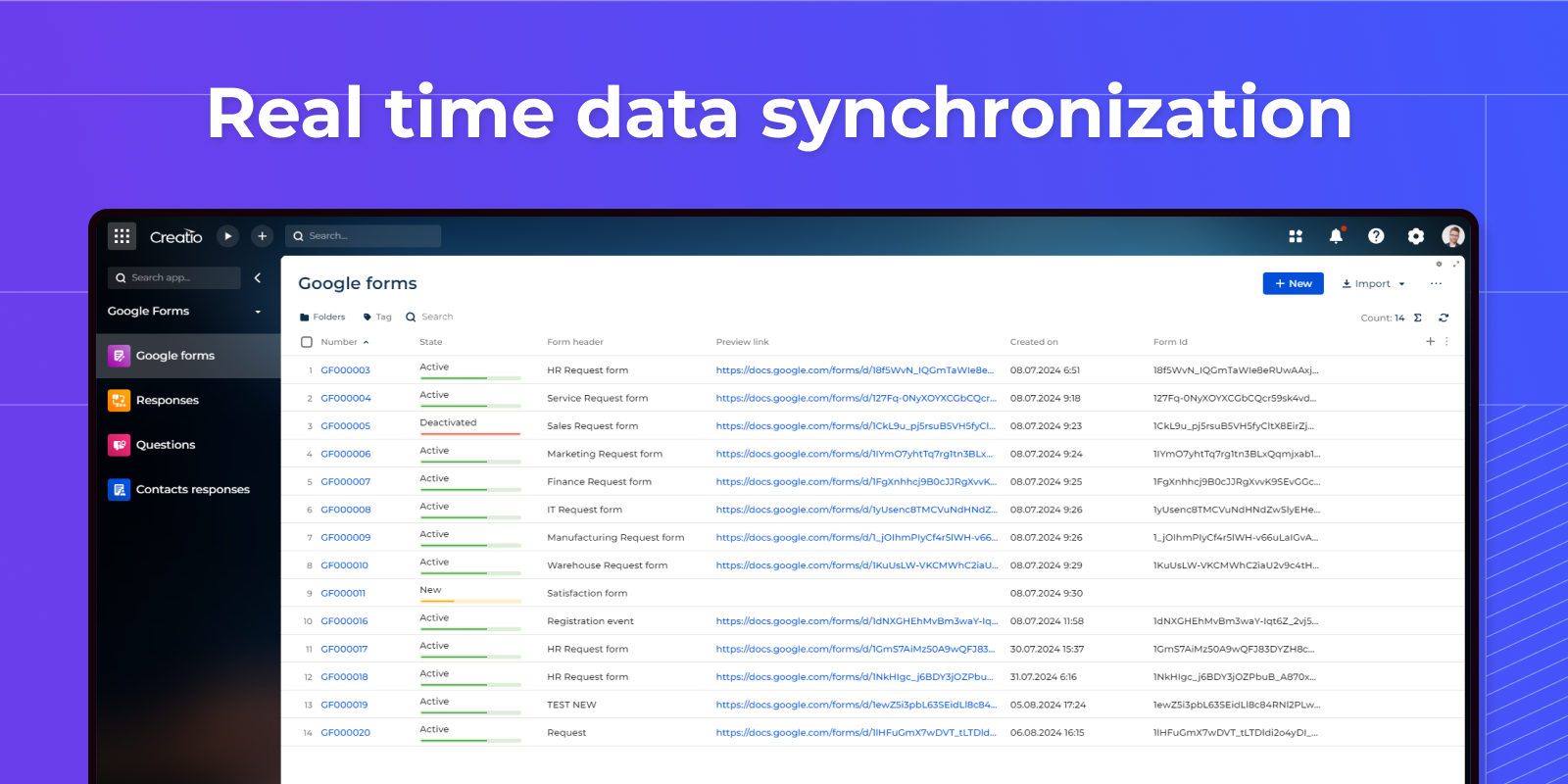
- Synchronization: Creates and copies forms. Automatically updates Creatio records with questions and answers received through Google Forms, keeping customer information up-to-date and responsive.
- Advanced data analysis tools: Integration of Google Forms data collection with Creatio analytics allows for in-depth analysis of customer feedback and behavior.
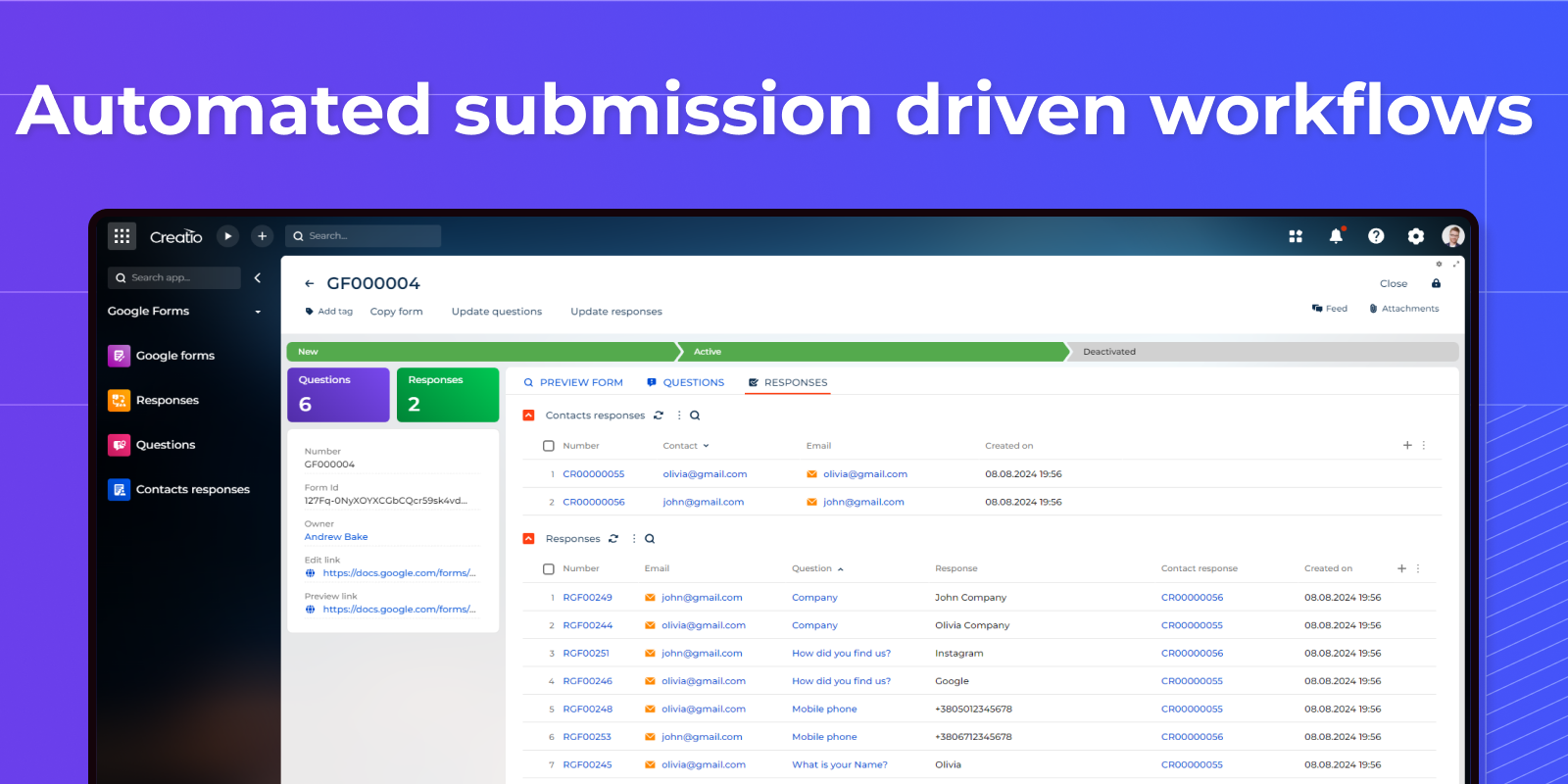
- Automated Workflows: Streamlines processes by triggering actions in Creatio based on form submissions, improving the efficiency of lead management, handling support requests and other customer interaction tasks.
Key Features
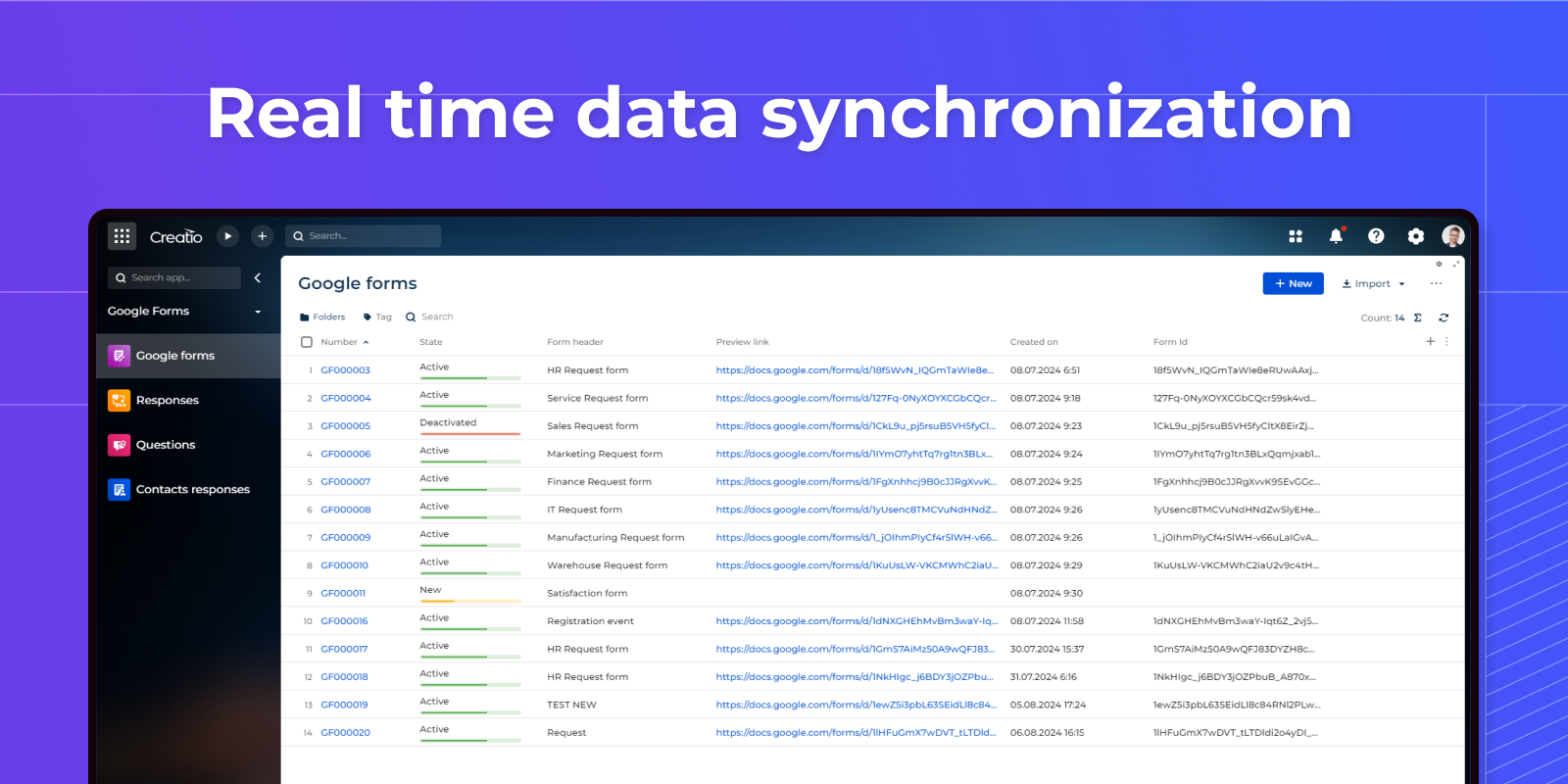
Real time data synchronization
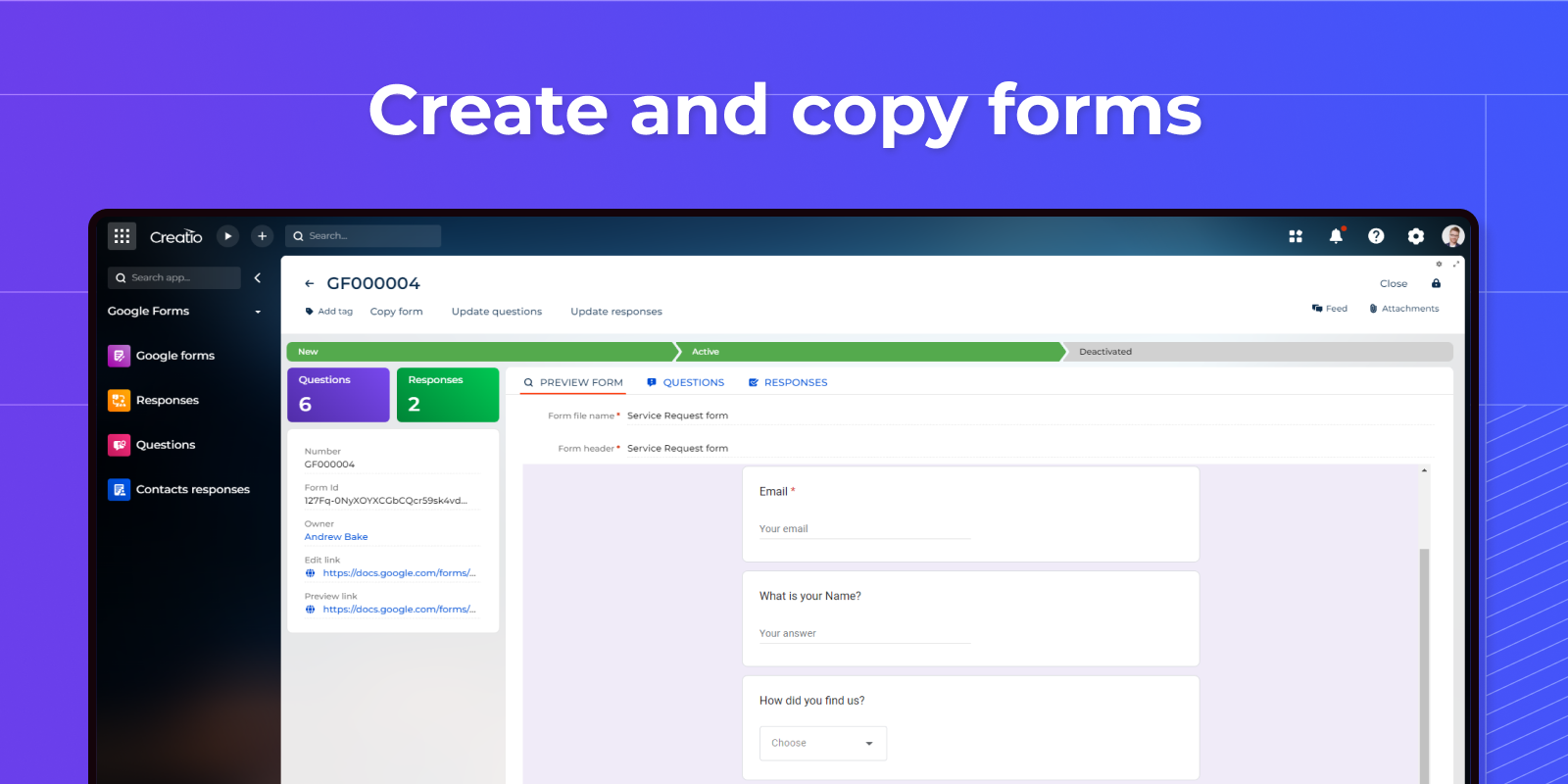
Create and copy forms
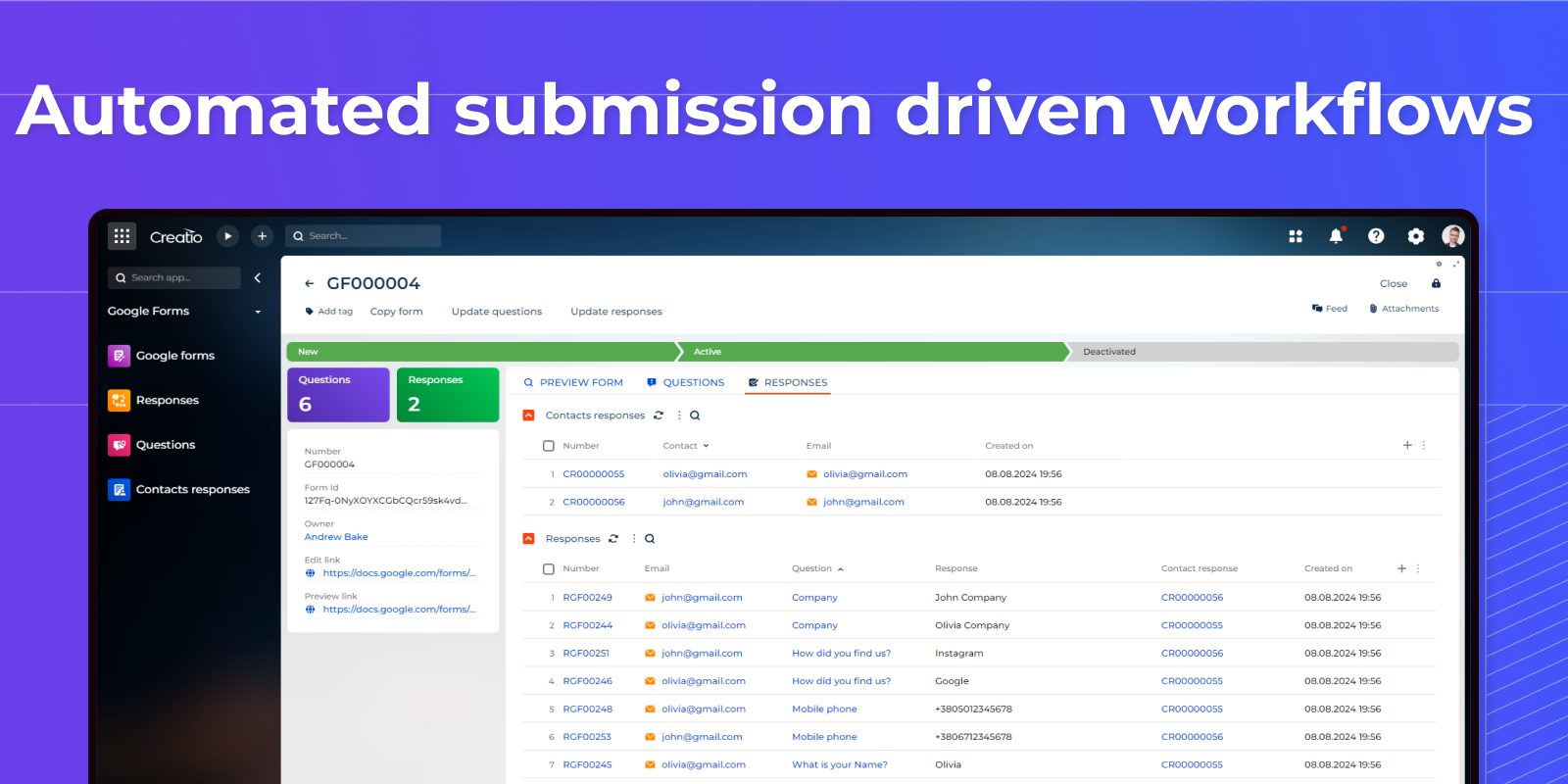
Automated submission driven workflows
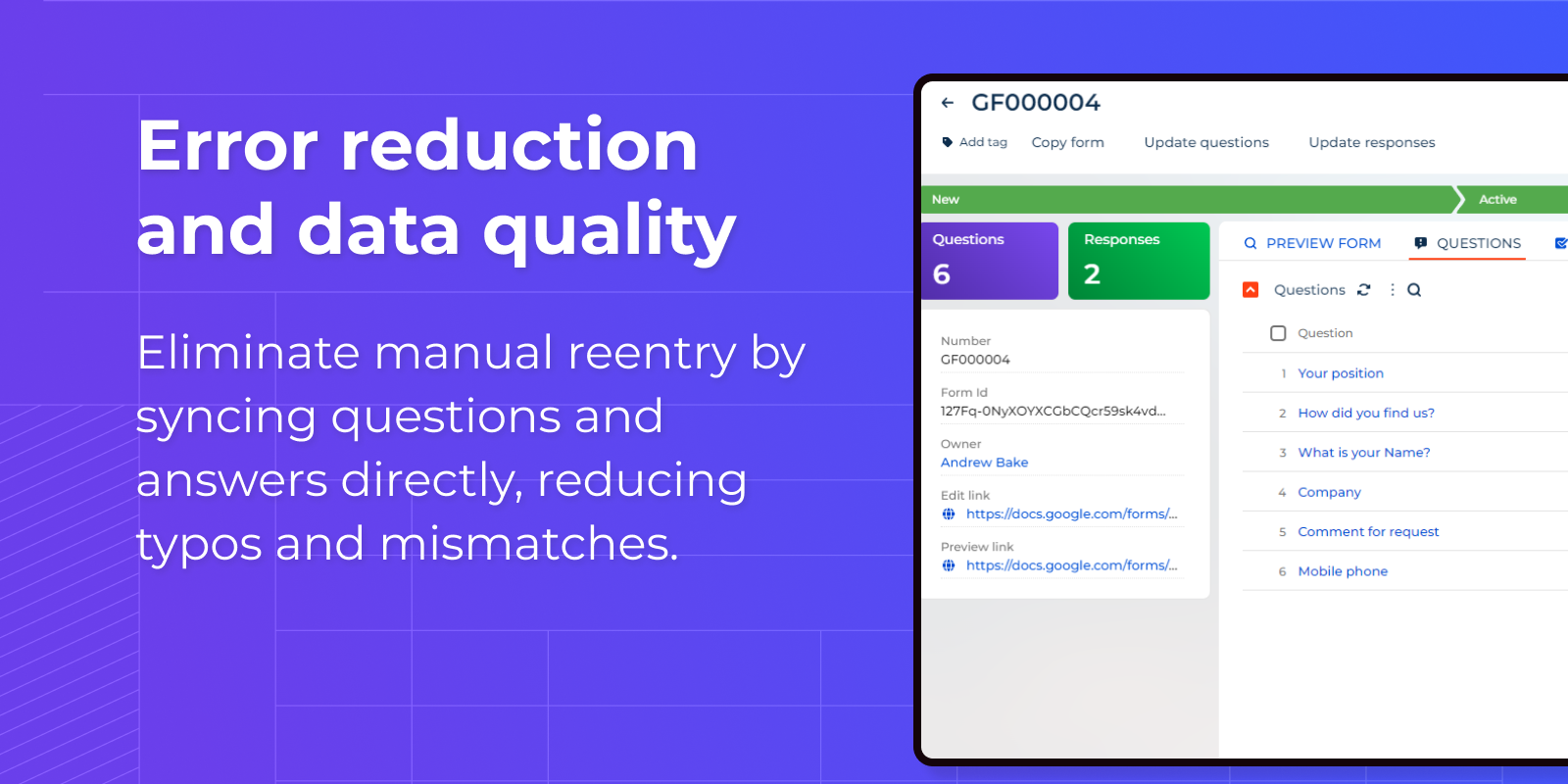
Error reduction and data quality
Pricing
Terms and Conditions
Support
Installation
Setup guide
1. Register an account with Google Cloud Platform.
2. Complete the integration settings according to the attached instructions.
Resources
Data sharing
- By installing or downloading the App, you confirm that you agree with sharing your account data (name, email, phone, company and country) with the App Developer as their End User.
- The App Developer will process your data under their privacy policy.
Versions
Versions history
Manual app installation
- Open the needed app → the Packages tab - download the Markeplace app files.
- Click in the top right → Application Hub
- Click New application. This opens a window.
- Select Install from file and click Select in the window that opens.
- Click Select file on the page of the Marketplace App Installation Wizard and specify the app file path.