


Syntech Hierarchy List View for Creatio
Syntech Hierarchy List View for Creatio — configurable tree-view component for Freedom UI that visualizes parent-child relationships across multiple Creatio objects.
Overview
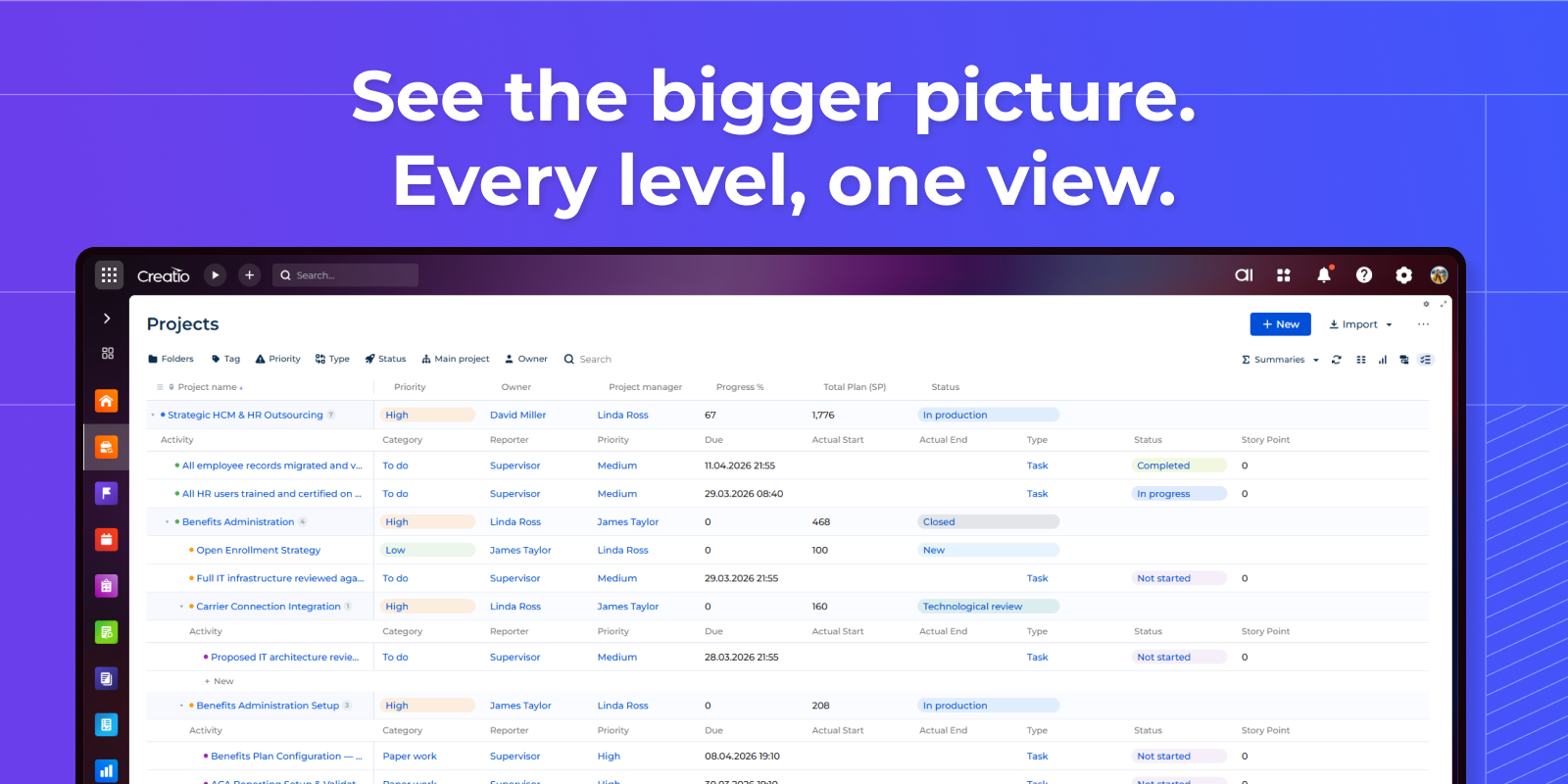
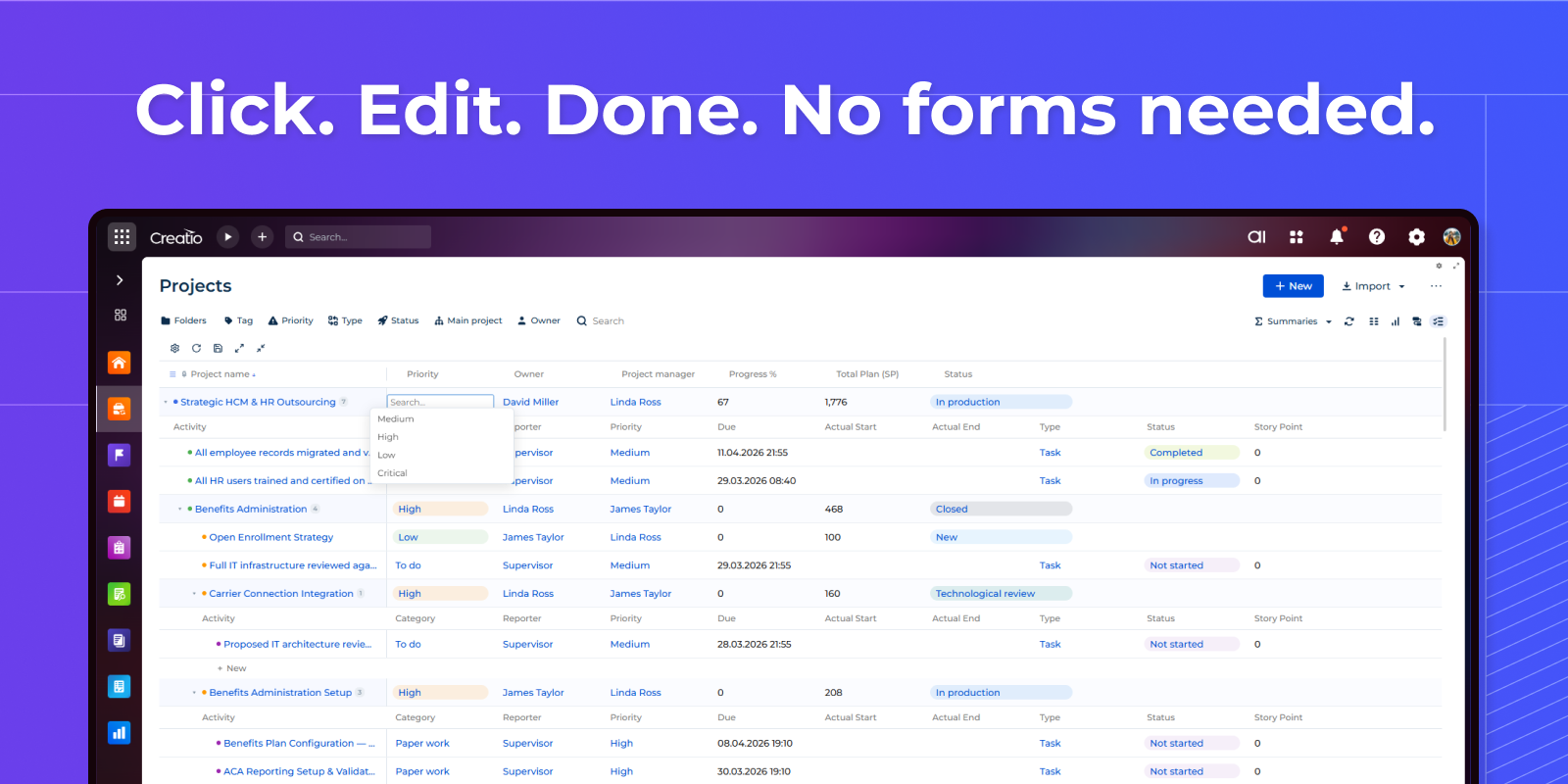
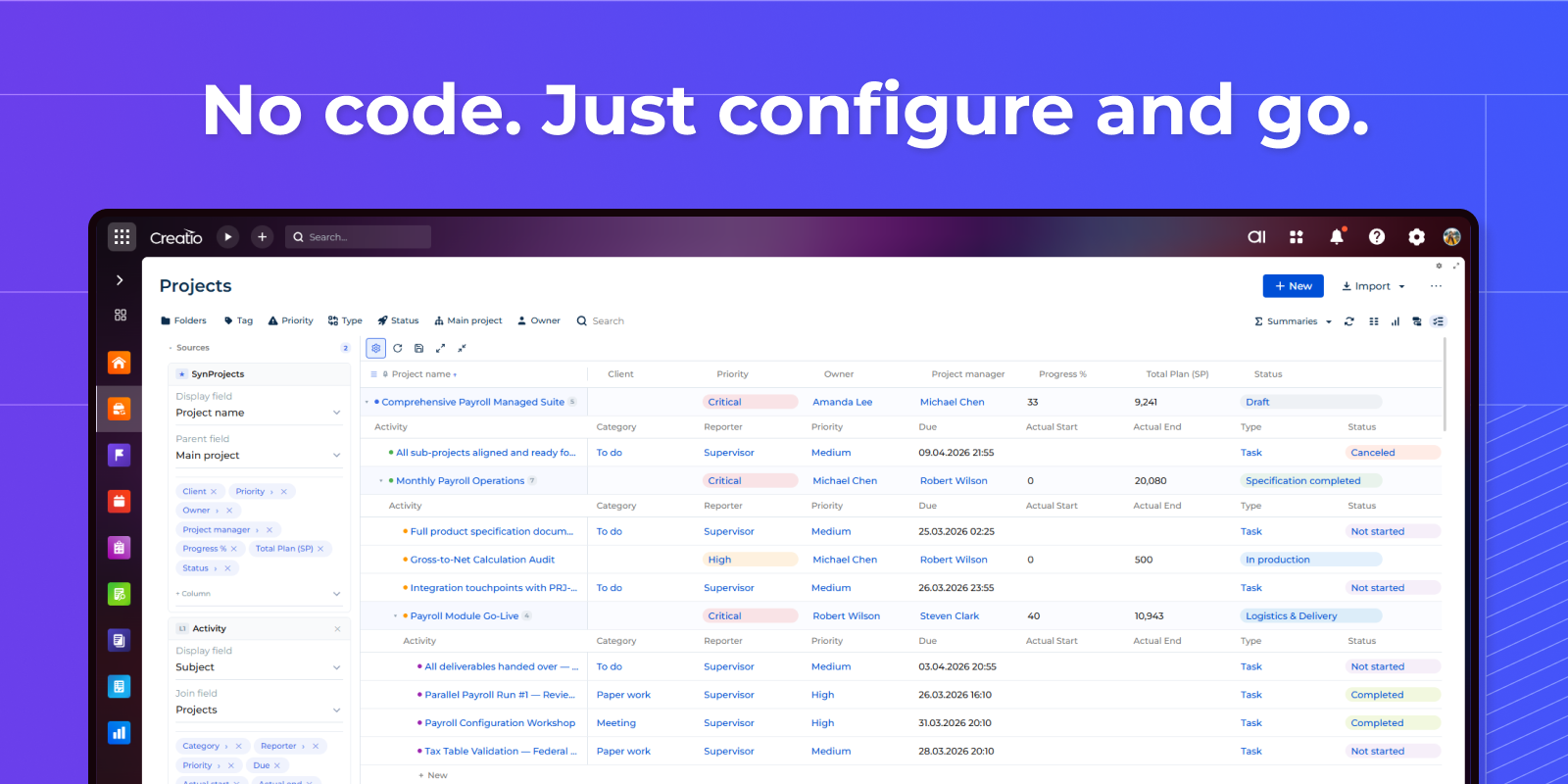
Product overview
Product description
Syntech Hierarchy List View for Creatio transforms how you navigate complex data. Build interactive multi-level tree views on any Freedom UI page — visualize account structures with nested contacts, project hierarchies with tasks, or any parent-child relationships across your Creatio objects.
Key Features
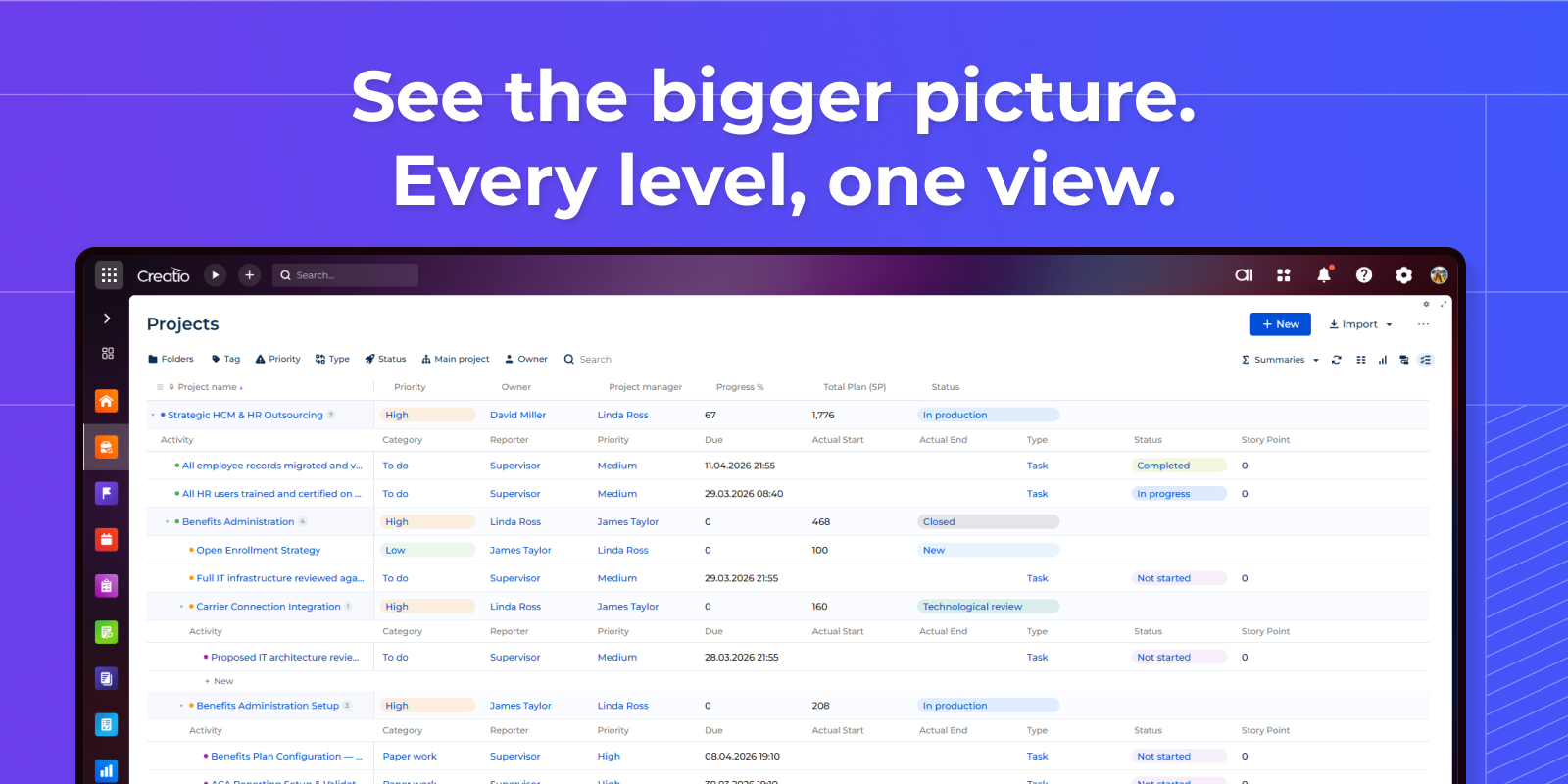
Unlimited nesting
Build hierarchies with unlimited levels across multiple Creatio objects. Accounts contain contacts, projects nest sub-projects and activities — all in one expandable tree. Self-referential and cross-schema joins load at any depth automatically.
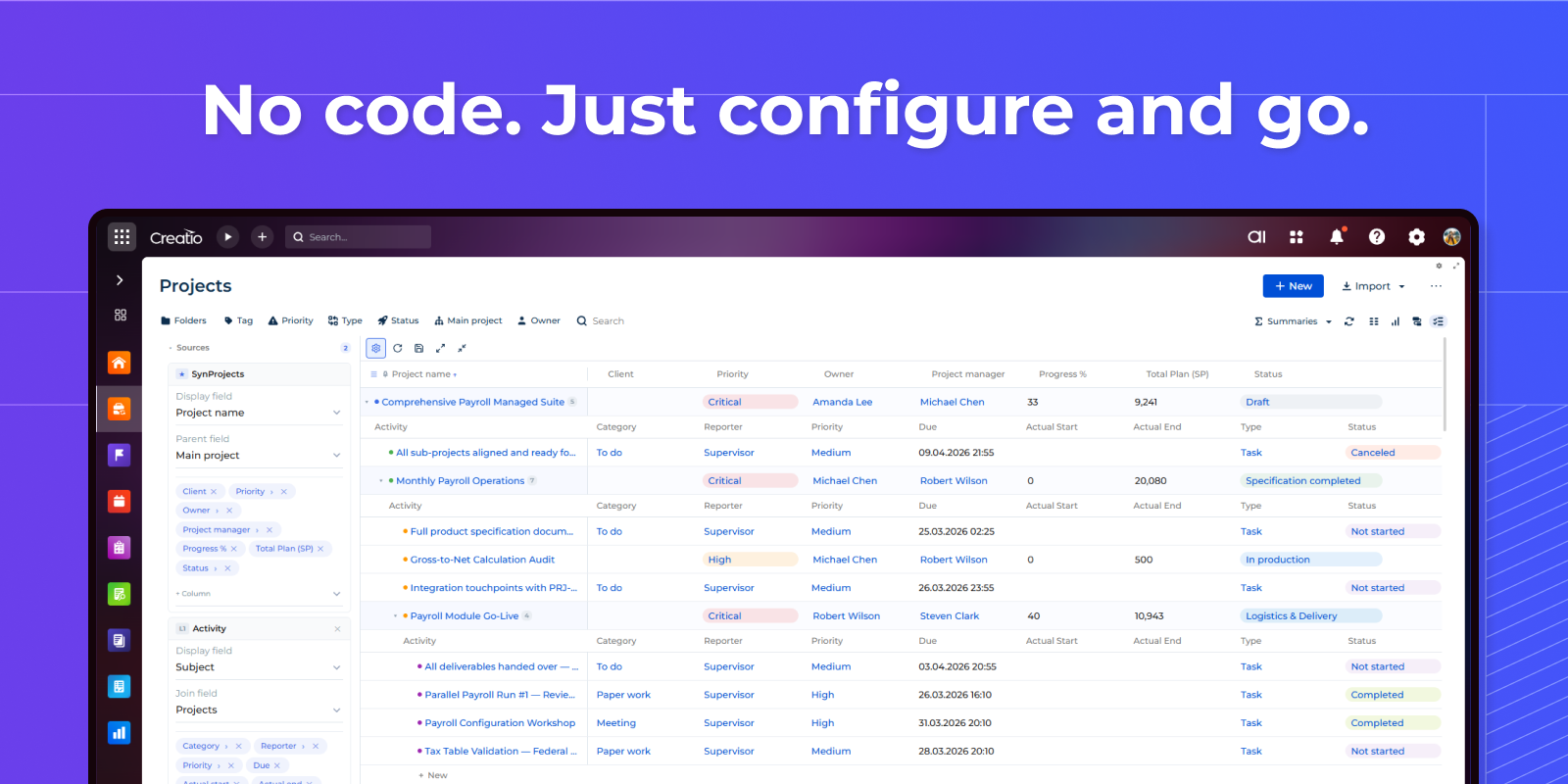
Simple setup
Select objects from a dropdown, pick columns, set parent fields — the hierarchy is ready. Drag to resize columns, pin important ones, add filters. All settings are saved automatically. Visual config panel — no scripting or deployment required.
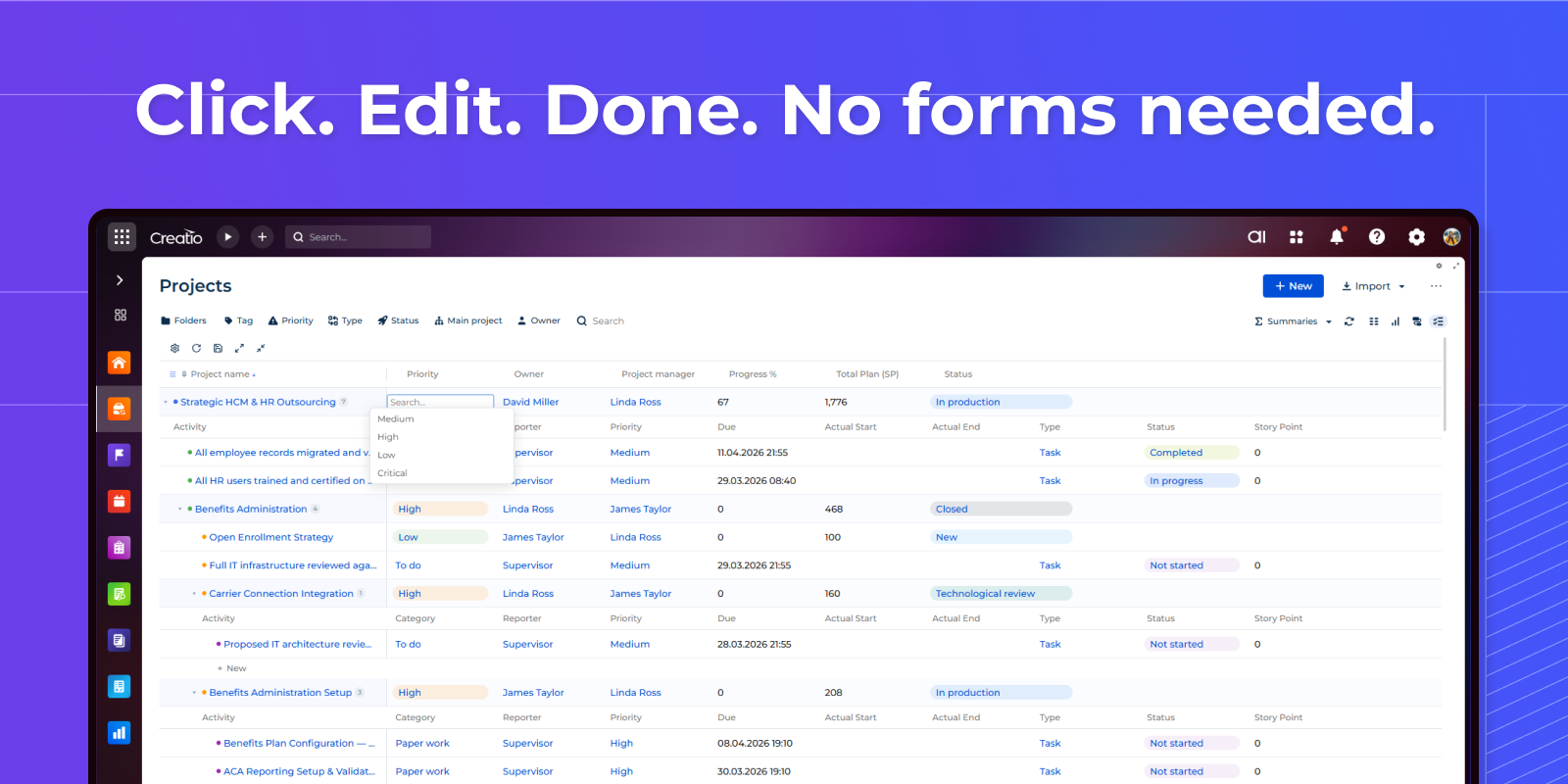
Inline editing
Edit any cell directly in the grid — text, numbers, dates, and lookups with live search. Enable or disable editing with a single checkbox in settings.
Pricing
Monthly
Annual
Standard
$
100.00 / month
billed annually
Terms and Conditions
By installing this product you agree to terms and conditions outlined in the license agreement.
Support
Support is available for this application
Support is provided by the developer within the “Basic”, “Business” and “Premium“ packages. Detailed information about the support packages and the support terms can be found on the Creatio website.
Installation
Resources
Data sharing
- By installing or downloading the App, you confirm that you agree with sharing your account data (name, email, phone, company and country) with the App Developer as their End User.
- The App Developer will process your data under their privacy policy.
Versions
Versions history
Manual app installation
- Open the needed app → the Packages tab - download the Markeplace app files.
- Click in the top right → Application Hub
- Click New application. This opens a window.
- Select Install from file and click Select in the window that opens.
- Click Select file on the page of the Marketplace App Installation Wizard and specify the app file path.