


Syntech Manufacturing for Creatio
Syntech Manufacturing for Creatio - MES module for production management: planning, MRP, Gantt scheduling, shop floor execution, material backflushing, quality control, and cost tracking. Fully integrated with Creatio Orders and Inventory.
Overview
Product overview
Product description
Syntech Manufacturing for Creatio is a comprehensive Manufacturing Execution System (MES) that transforms Creatio into a full-featured production management platform. Designed for discrete and process manufacturing, it seamlessly connects your sales orders to shop floor execution.
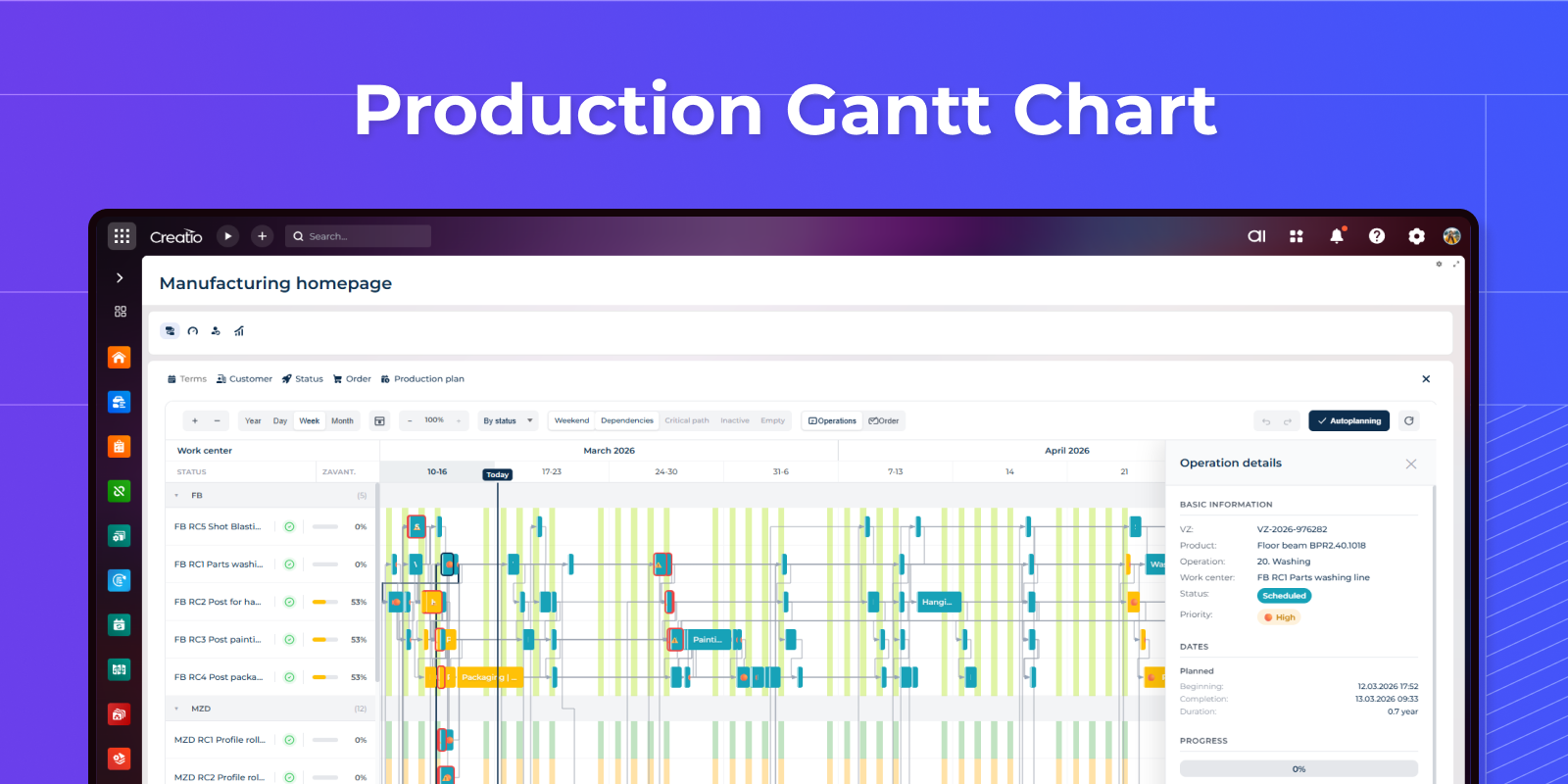
- Interactive Gantt chart with drag-and-drop scheduling across work centers
- Auto-scheduling engine with 6 strategies (priority, due date, product type, color sequence, optimal load)
- MRP with multi-level BOM explosion and automatic purchase request generation
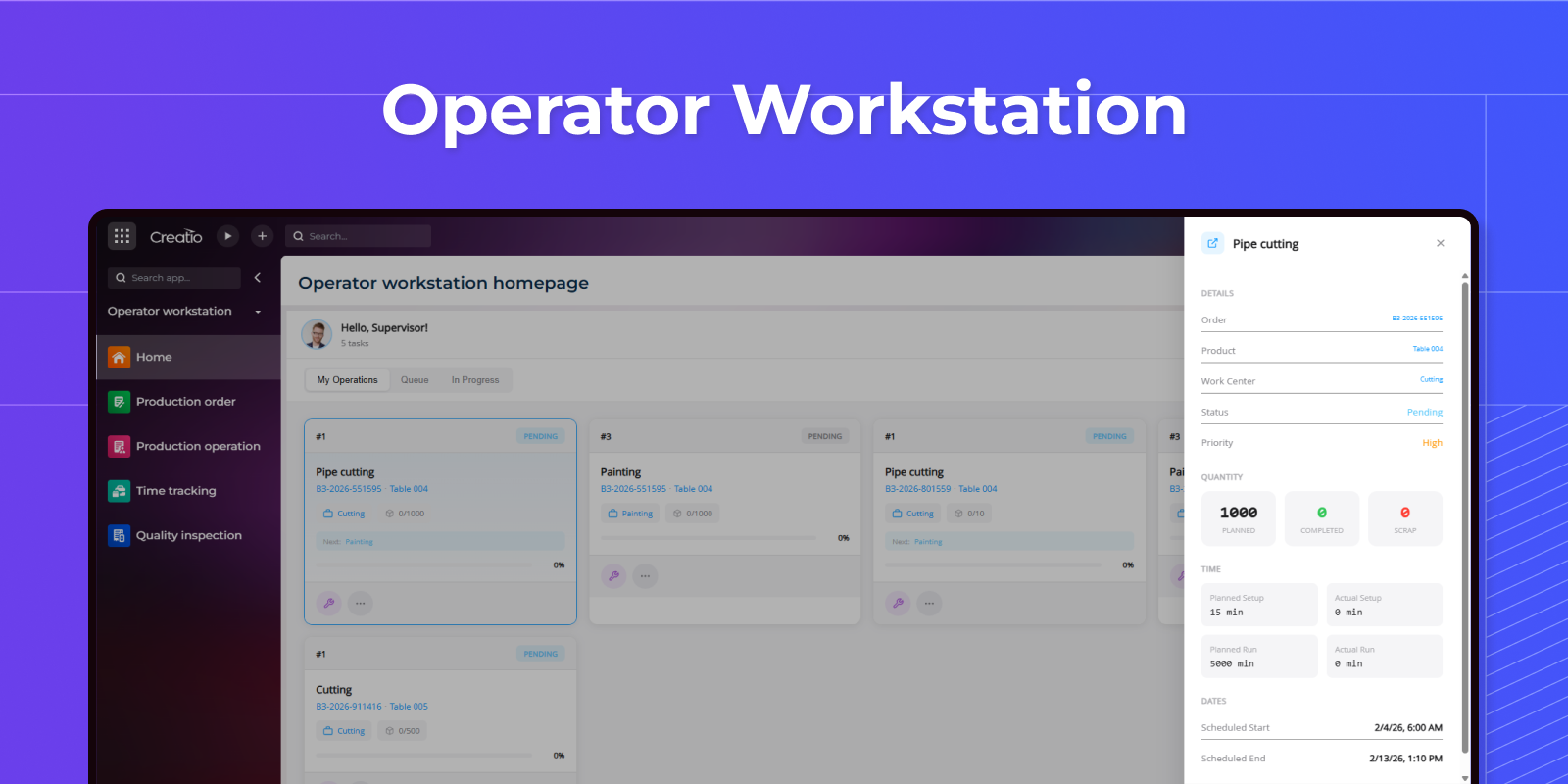
- Shop floor operator workstation — start, pause, complete operations in one tap
- Material backflush, batch traceability, and real-time inventory updates
- OEE tracking, production cost analysis (plan vs. actual), and quality inspections
- Tool wear monitoring with maintenance alerts
Key Features
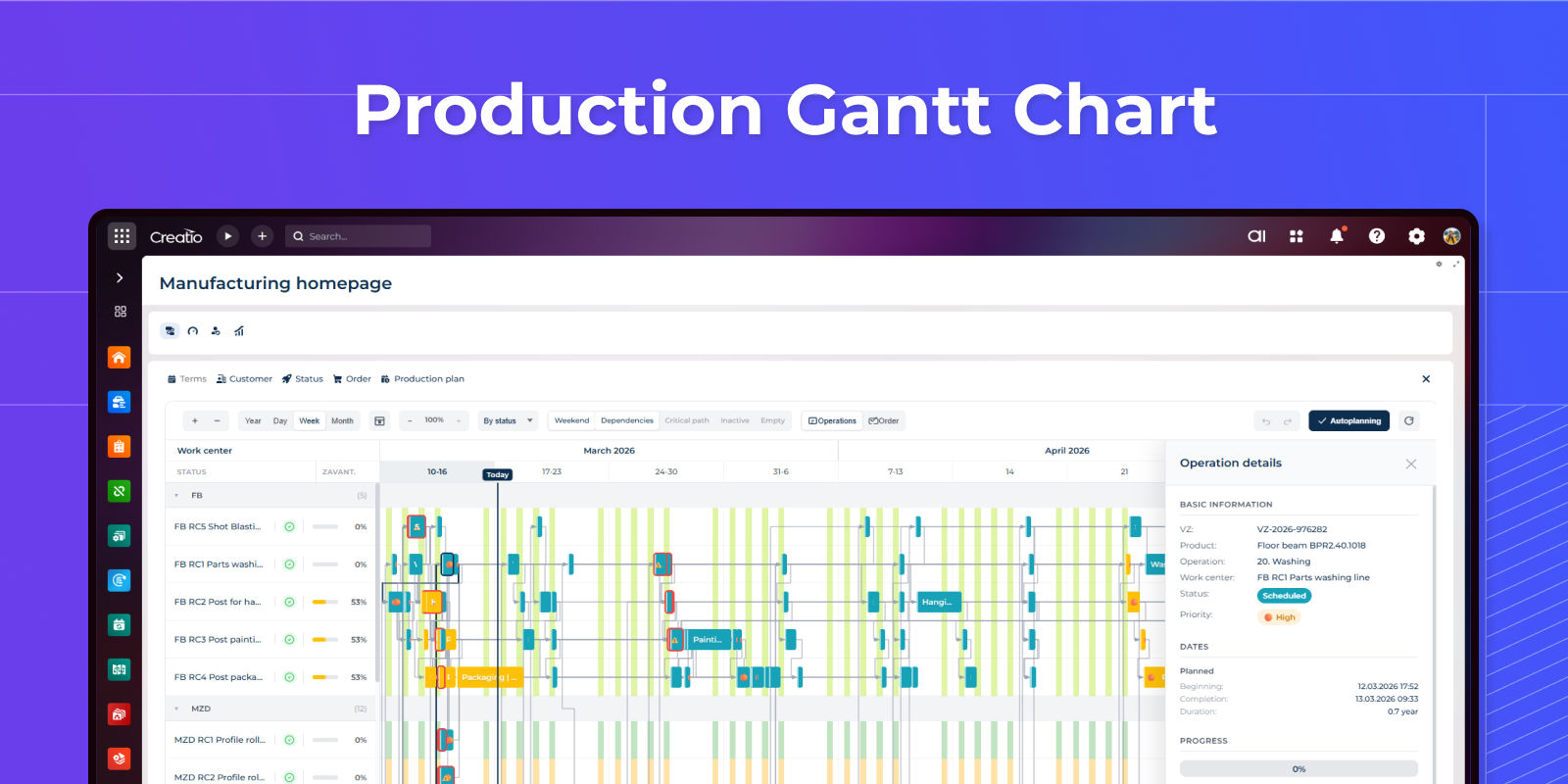
See your entire production floor — at a glance
Interactive Gantt chart groups operations by work center with color-coded statuses, priority indicators, and real-time progress bars. Drag and drop to reschedule, resize to adjust duration, and spot bottlenecks instantly.
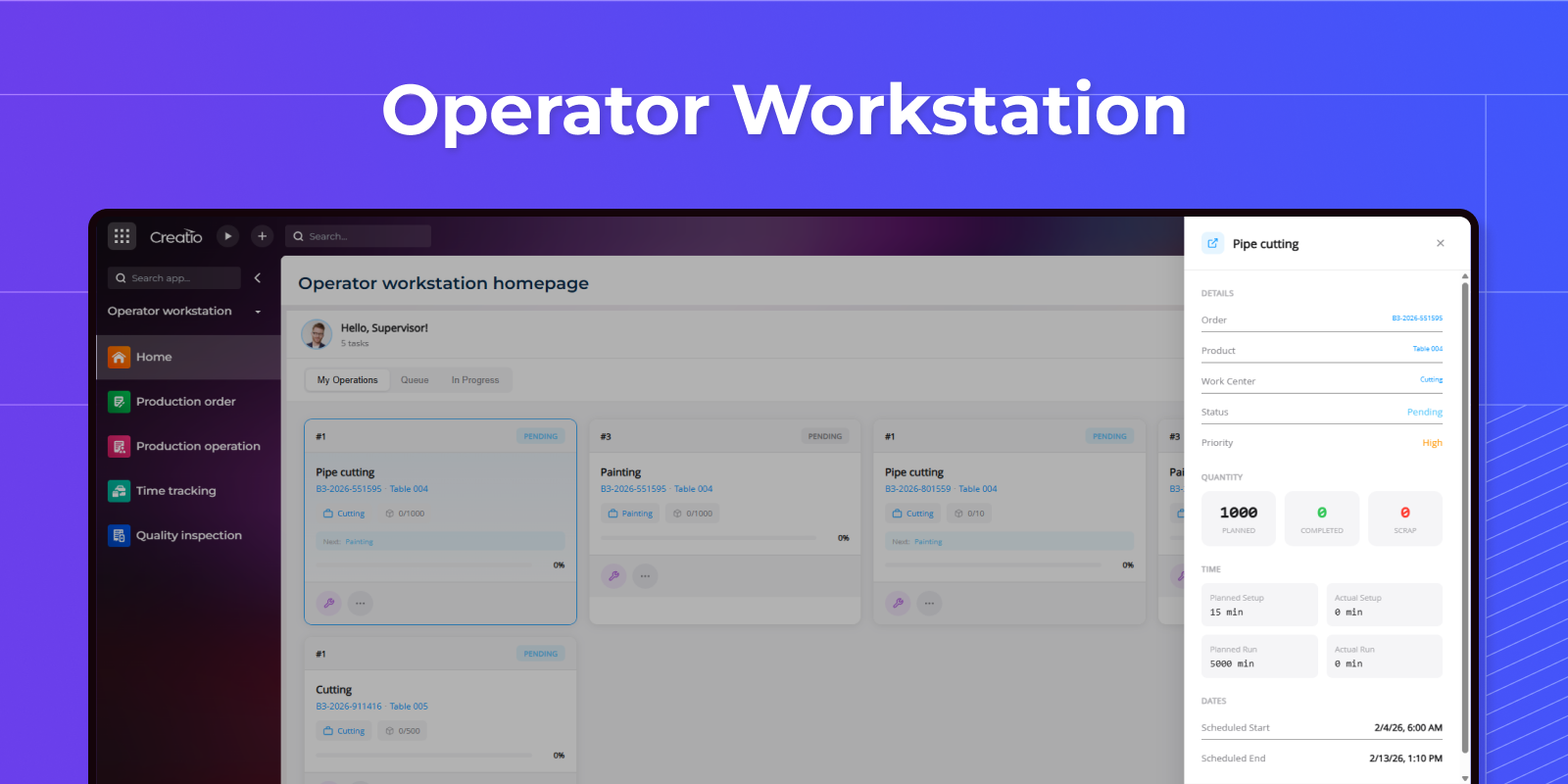
Your operators deserve better than paper
Touch-friendly operator interface for starting, pausing, and completing operations. One-tap material consumption, output registration, and downtime logging — right from the shop floor.
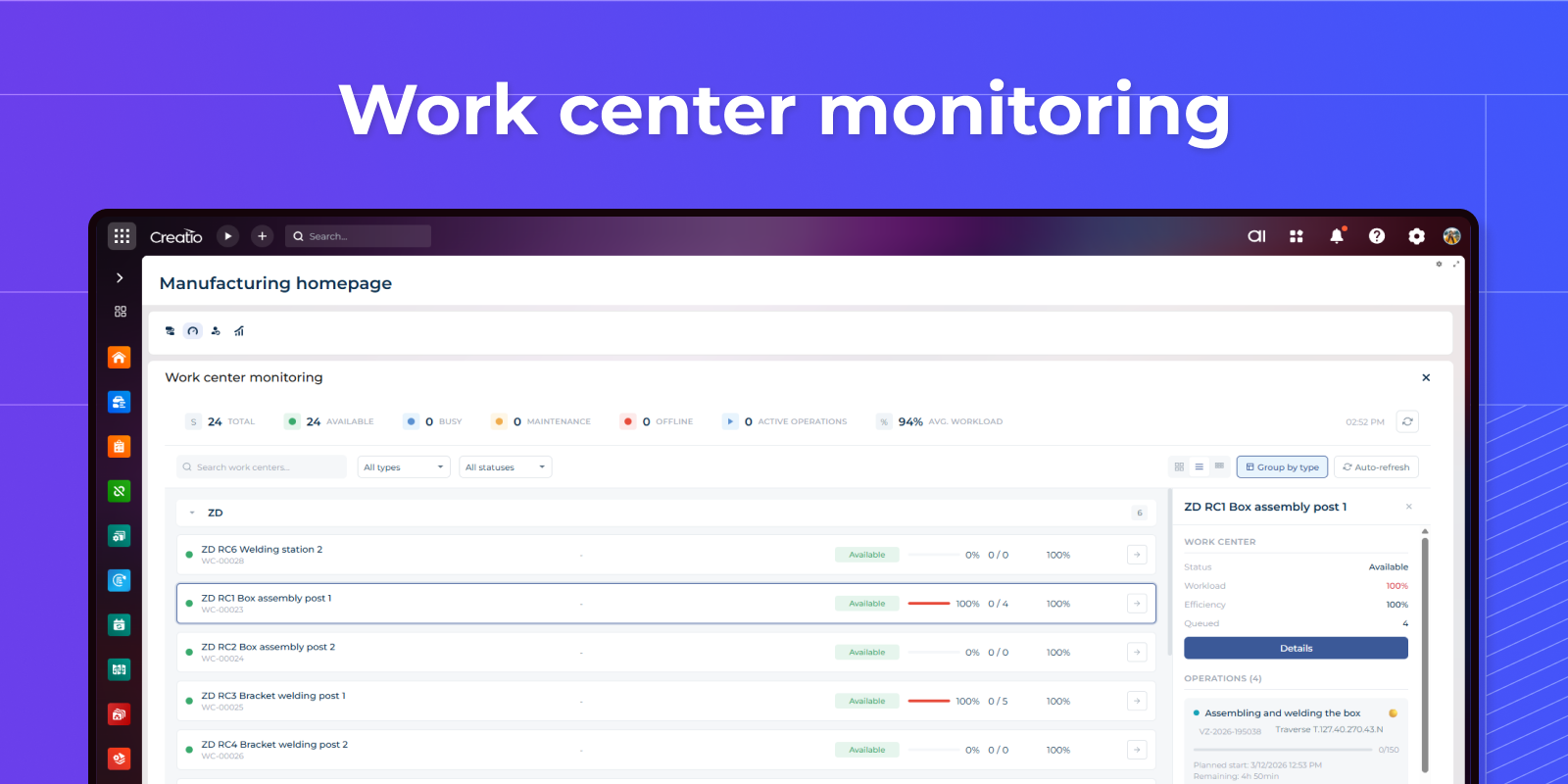
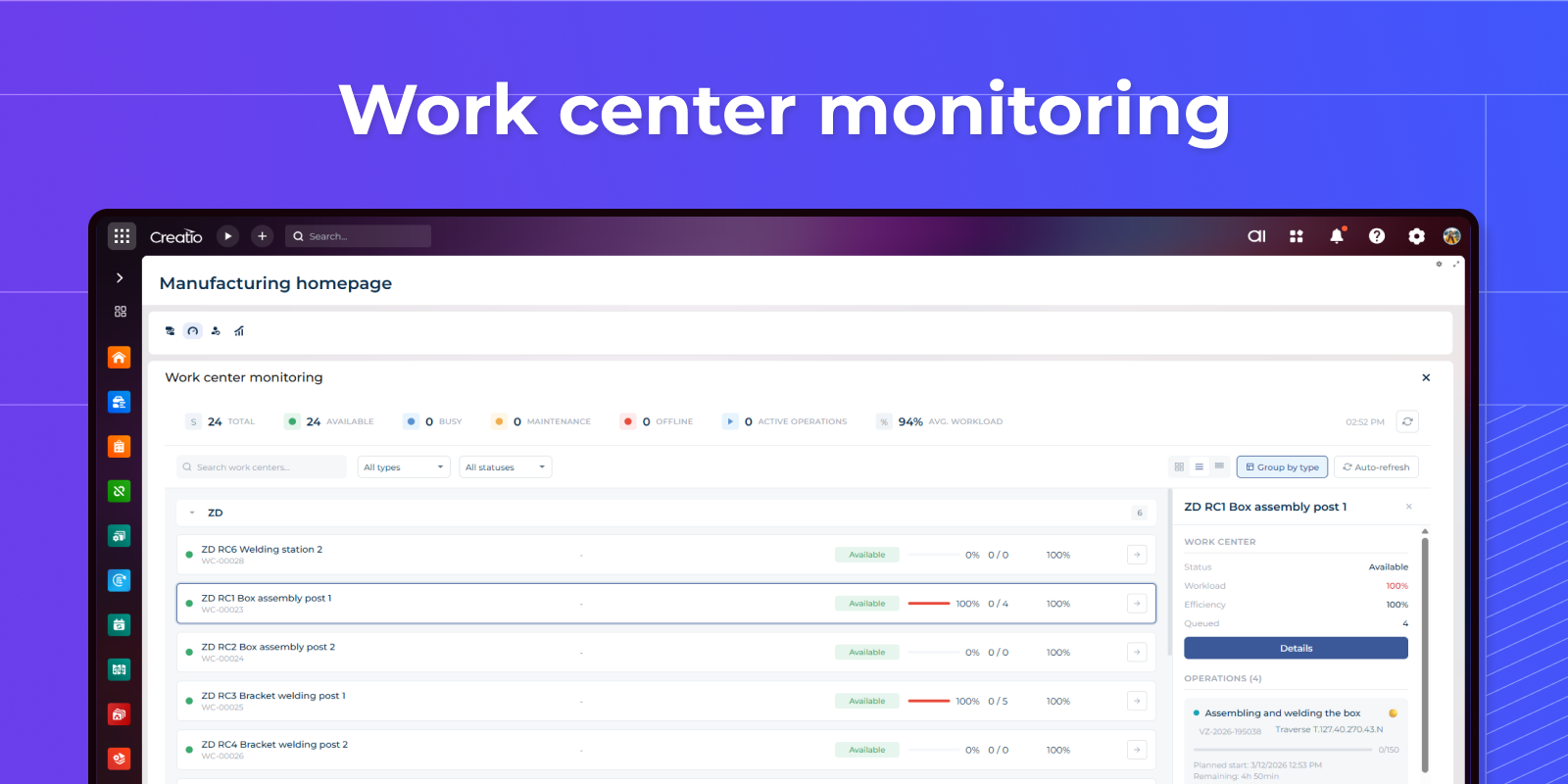
Every machine. Every minute. Fully visible.
Real-time work center monitoring shows utilization percentage, active operations, and workload for the upcoming week. Instantly spot overloaded or idle machines, detect scheduling conflicts, and balance the load across your shop floor — before problems hit your deadlines.
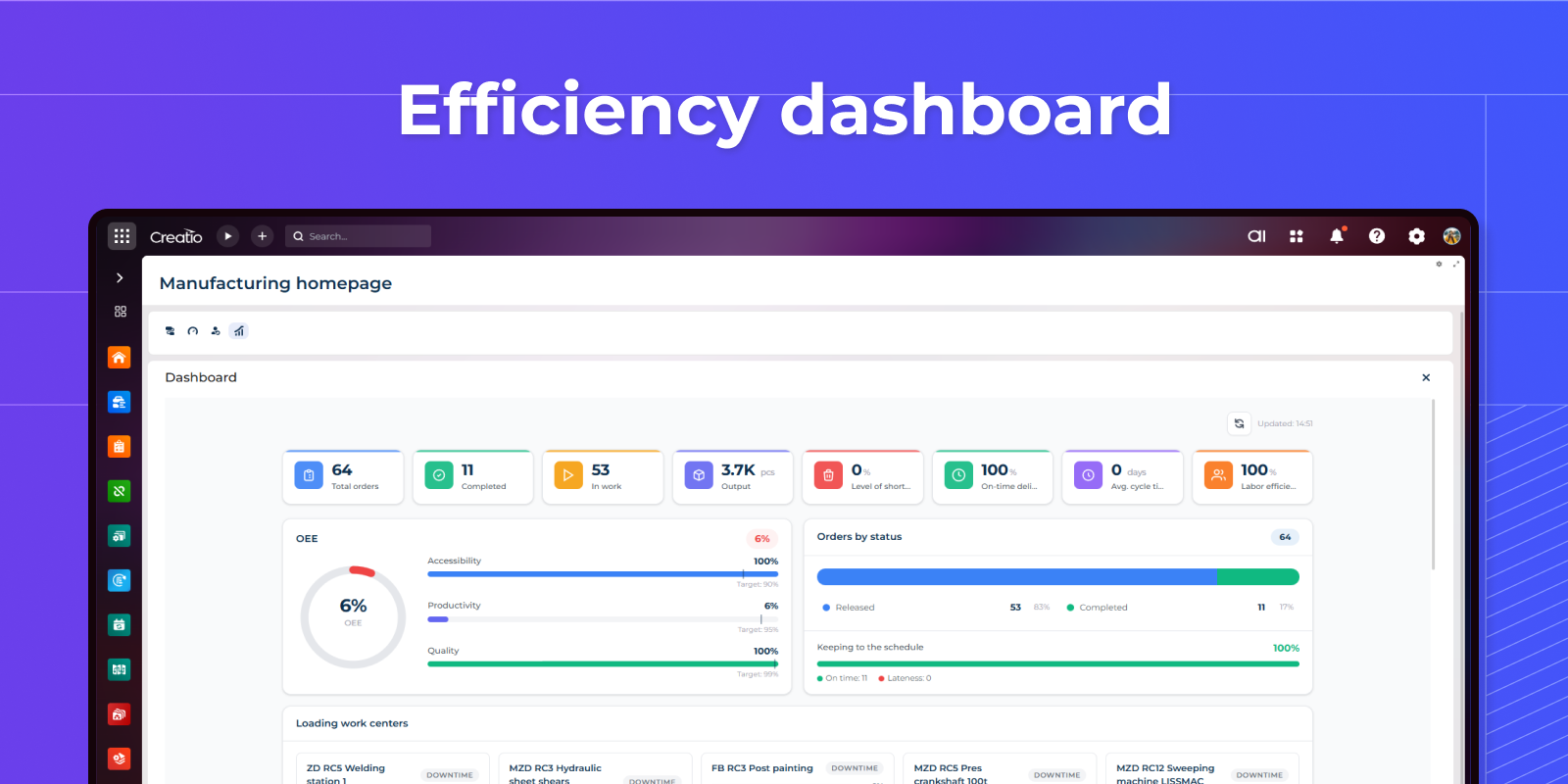
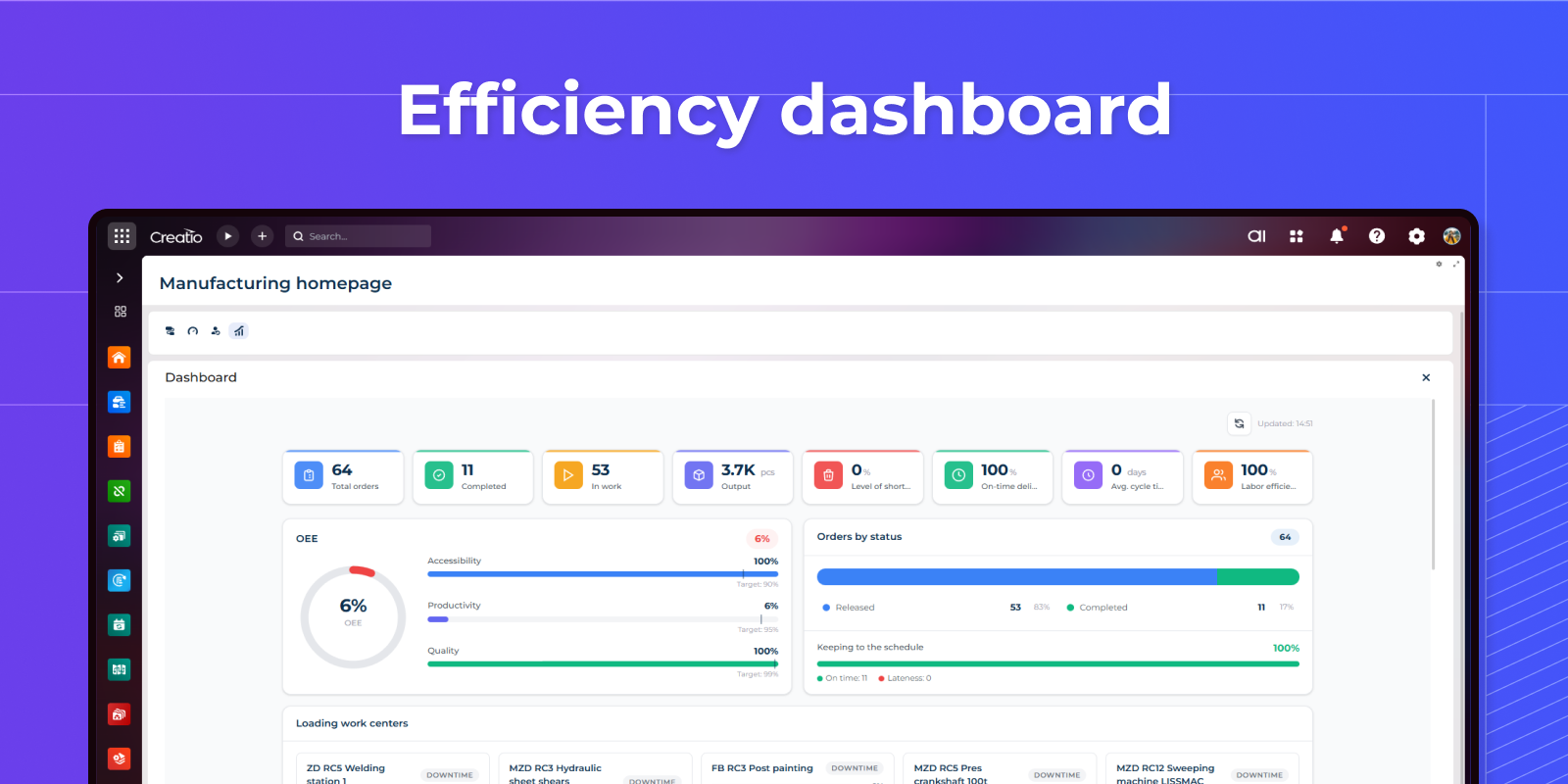
Production dashboard
Displays OEE gauge with availability/performance/quality breakdown, 8 KPI cards, orders by status, work center utilization grid, production trend chart, downtime Pareto analysis, top products with quality rates, and activity timeline.
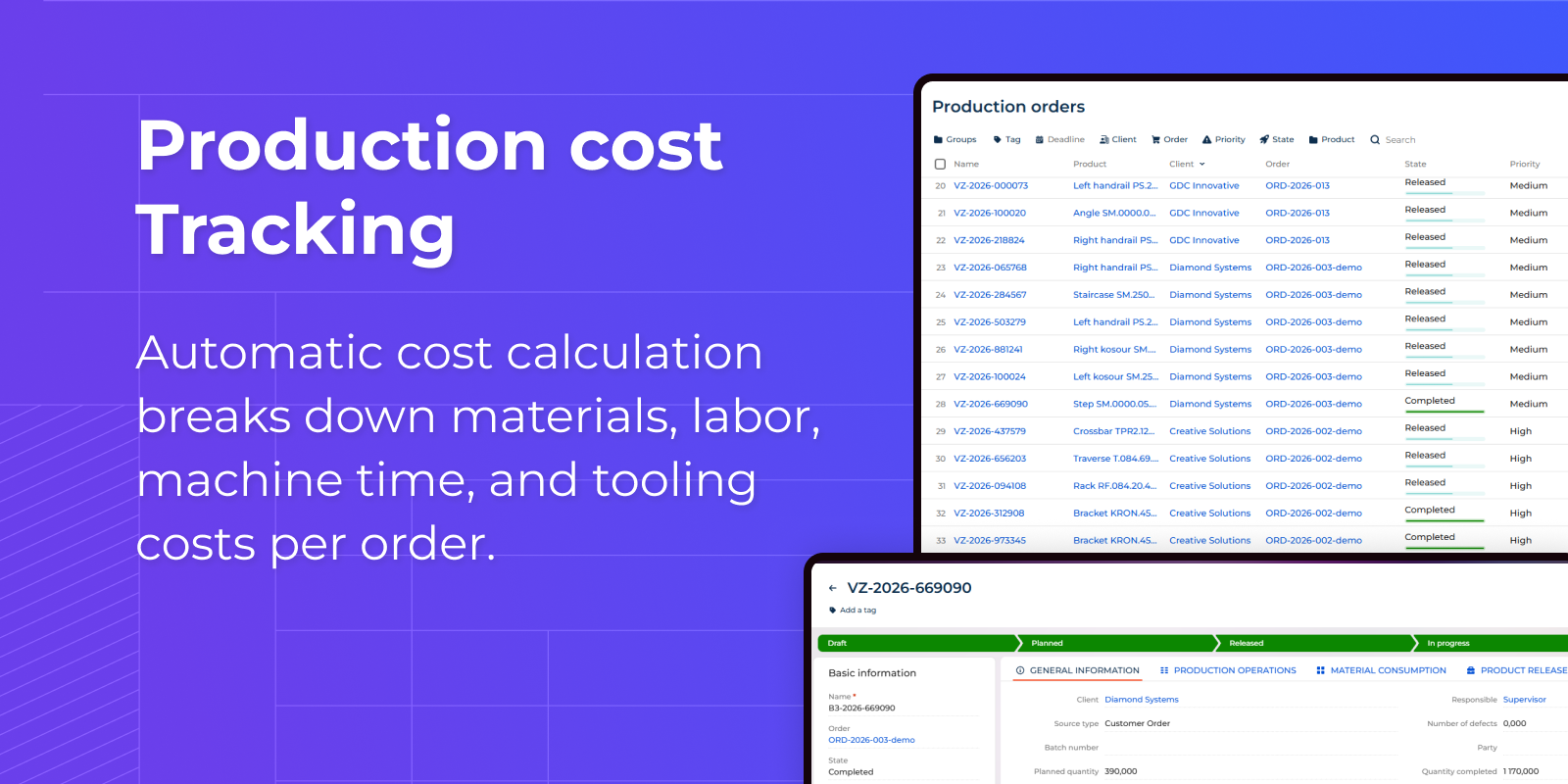
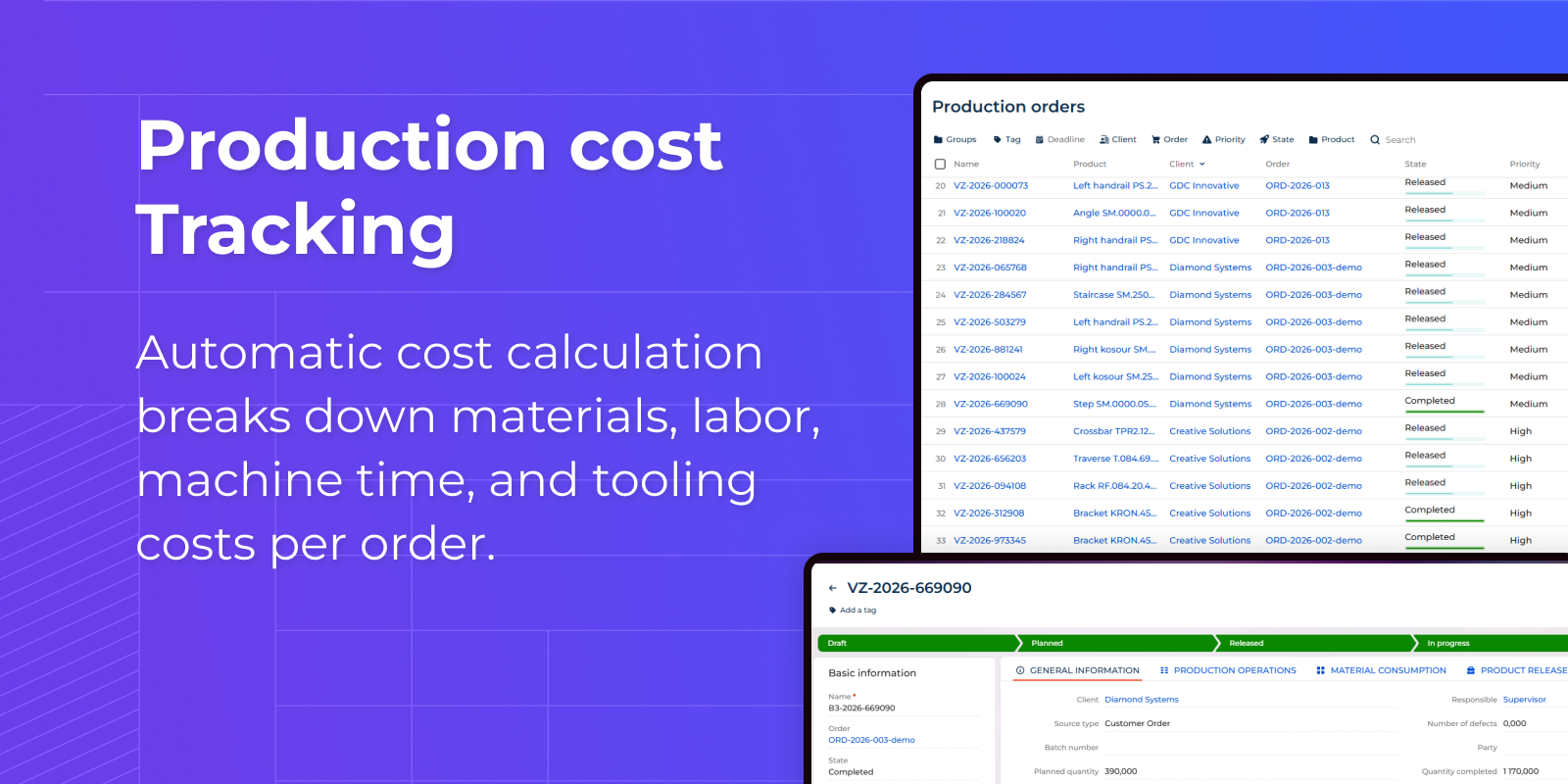
Cost tracking
Automatic cost calculation breaks down materials, labor, machine time, and tooling costs per order.
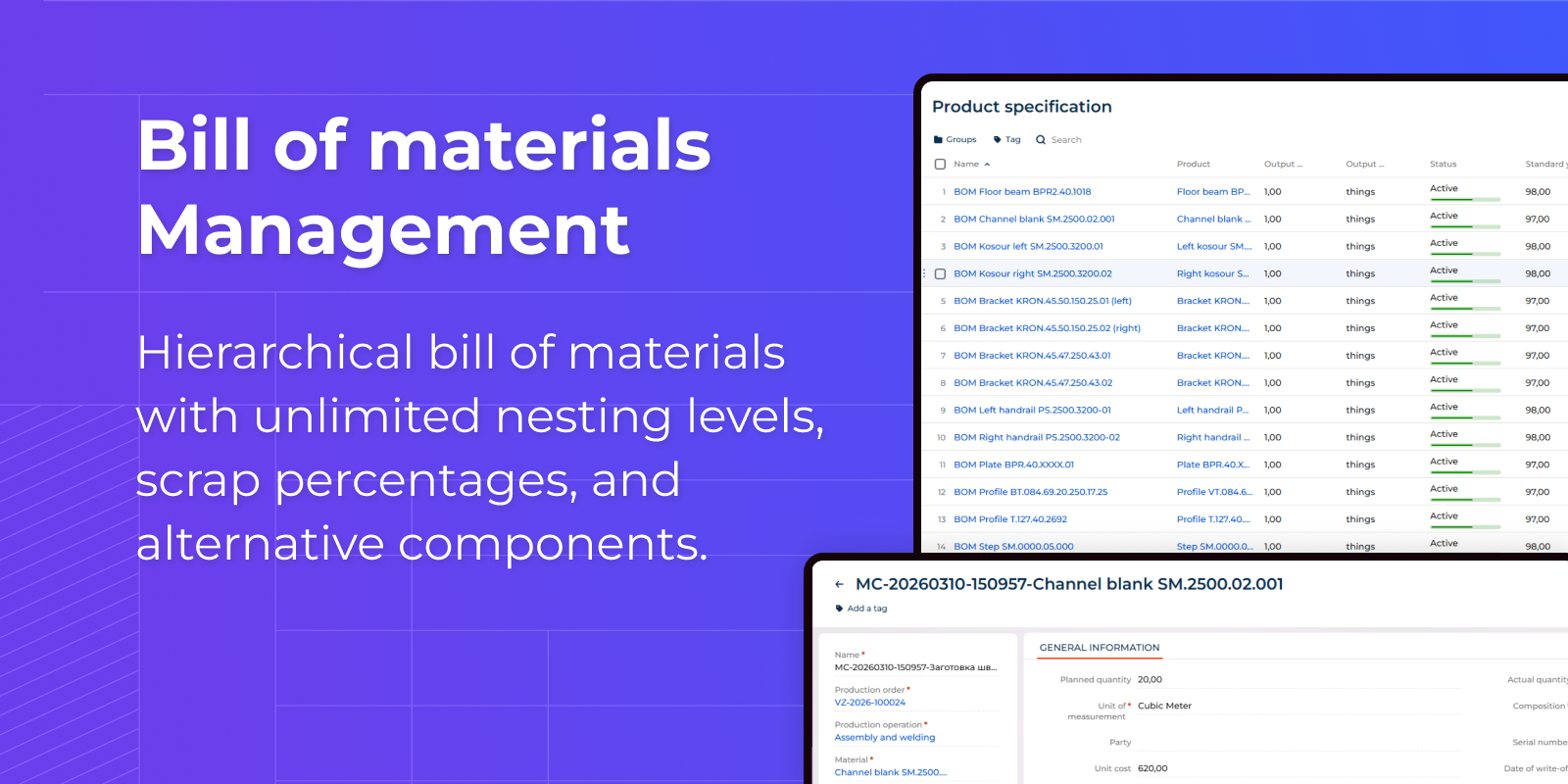
BOM Management
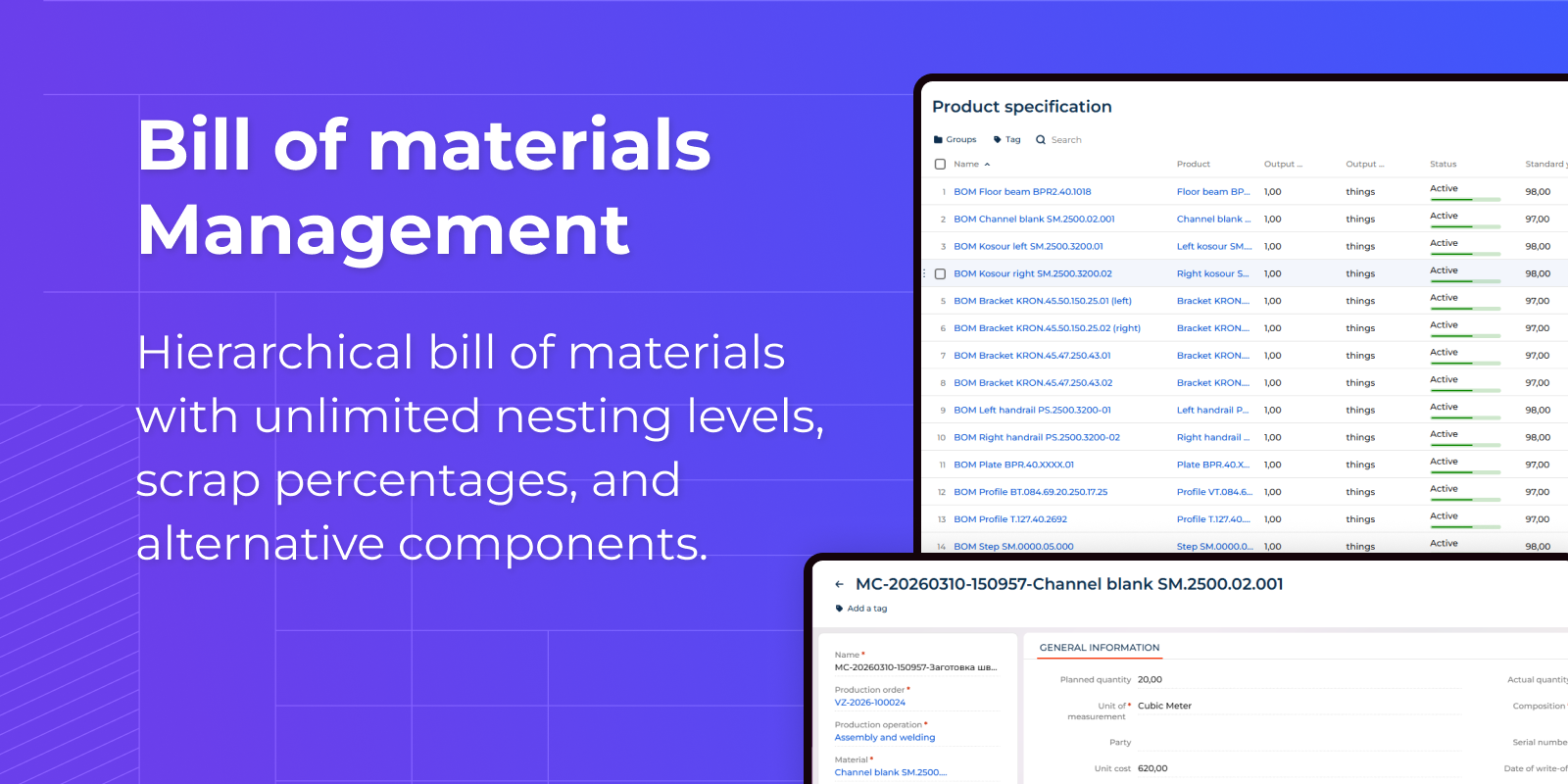
Hierarchical bill of materials with unlimited nesting levels, scrap percentages, and alternative components.
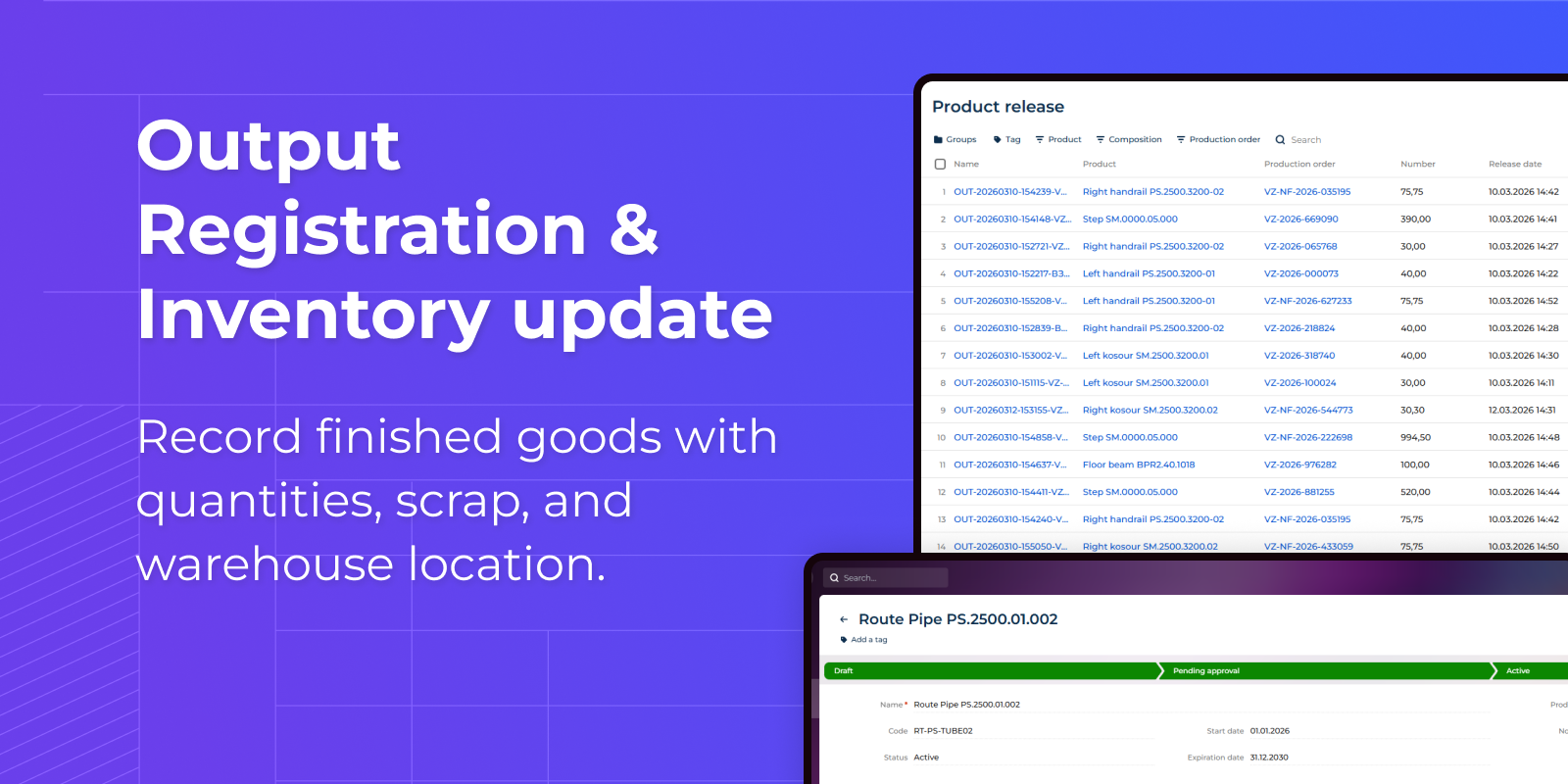
Inventory management
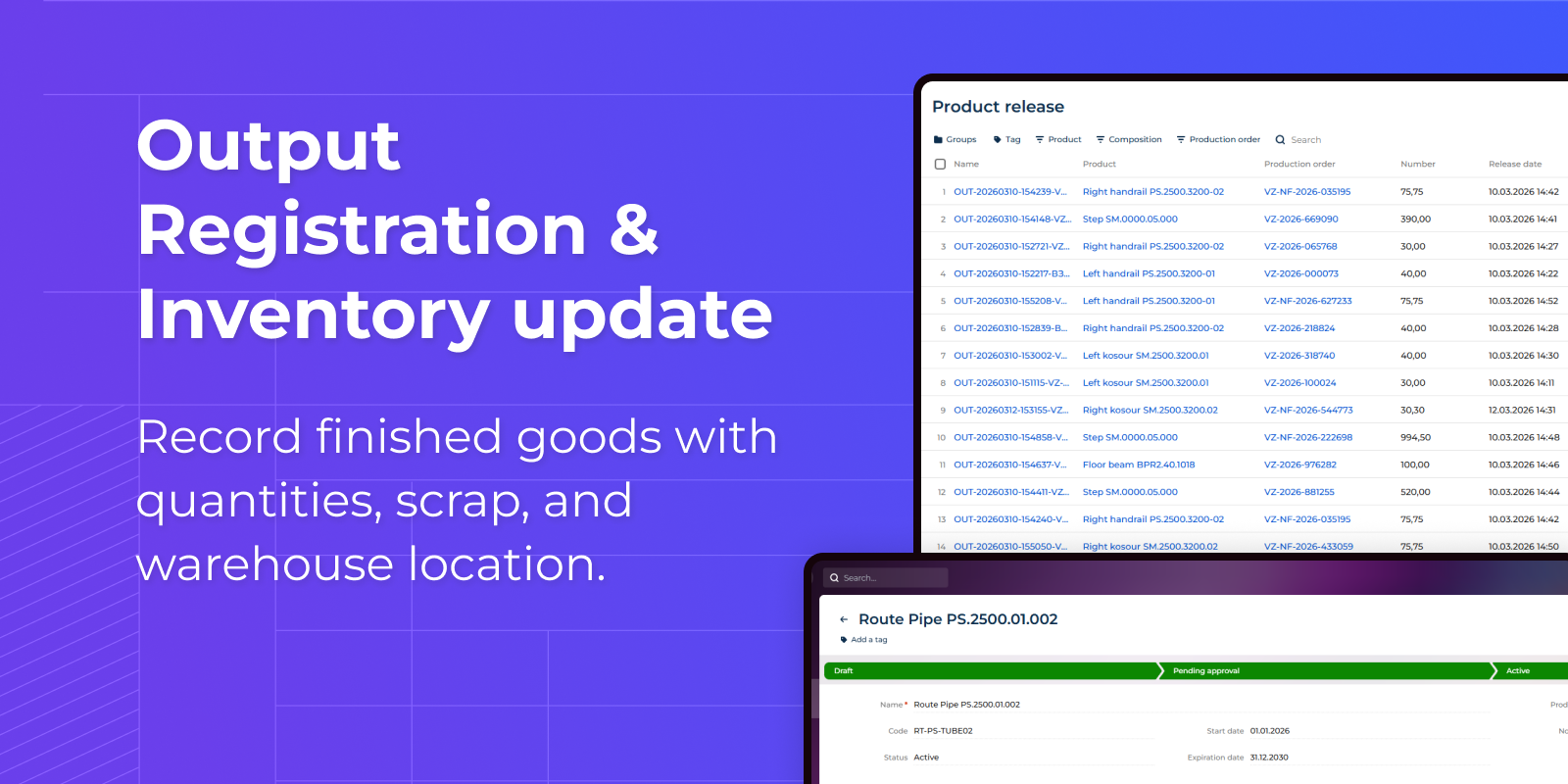
Record finished goods with quantities, scrap, and warehouse location.
Pricing
Monthly
Annual
1. Standard
$
50.00 user / month
billed annually
From 10 users
Description (Formatted)
Ideal for small manufacturing teams getting started with digital production management.
Best suited for single-site operations with a limited number of work centers.
2. Pro
$
40.00 user / month
billed annually
From 20 users
Description (Formatted)
Designed for growing manufacturers who need broader team access.
Volume pricing reflects the lower per-user cost.
Supports multi-shift operations with expanded scheduling and reporting capabilities.
3. Business
$
20.00 user / month
billed annually
From 50 users
Description (Formatted)
Built for any size manufacturers running multiple production lines or facilities.
Terms and Conditions
By installing this product you agree to terms and conditions outlined in the license agreement.
Support
Support is available for this application
Support is provided by the developer within the “Basic”, “Business” and “Premium“ packages. Detailed information about the support packages and the support terms can be found on the Creatio website.
Installation
Resources
Data sharing
- By installing or downloading the App, you confirm that you agree with sharing your account data (name, email, phone, company and country) with the App Developer as their End User.
- The App Developer will process your data under their privacy policy.
Versions
Versions history
Version
Compatibility
Release date
1.0.1
8.3.0 and up
Release summary
Updated UI.
1.0.0
8.3.0 and up
Release summary
Initial version.
Manual app installation
- Open the needed app → the Packages tab - download the Markeplace app files.
- Click in the top right → Application Hub
- Click New application. This opens a window.
- Select Install from file and click Select in the window that opens.
- Click Select file on the page of the Marketplace App Installation Wizard and specify the app file path.