


Syntech Map for Creatio
Syntech Map for Creatio is a geographic visualization tool and provides interactive map functionality for displaying locations, addresses, geographic data and route planning directly within Freedom UI pages using the Leaflet library.
Overview
Product overview
Product description
Interactive map component for Creatio Freedom UI that displays geographic data from entity schemas, geocodes addresses automatically, route planning and integrates with business processes. Supports point markers, polygons, multi-select, drawing mode, and real-time filtering.
Key Features
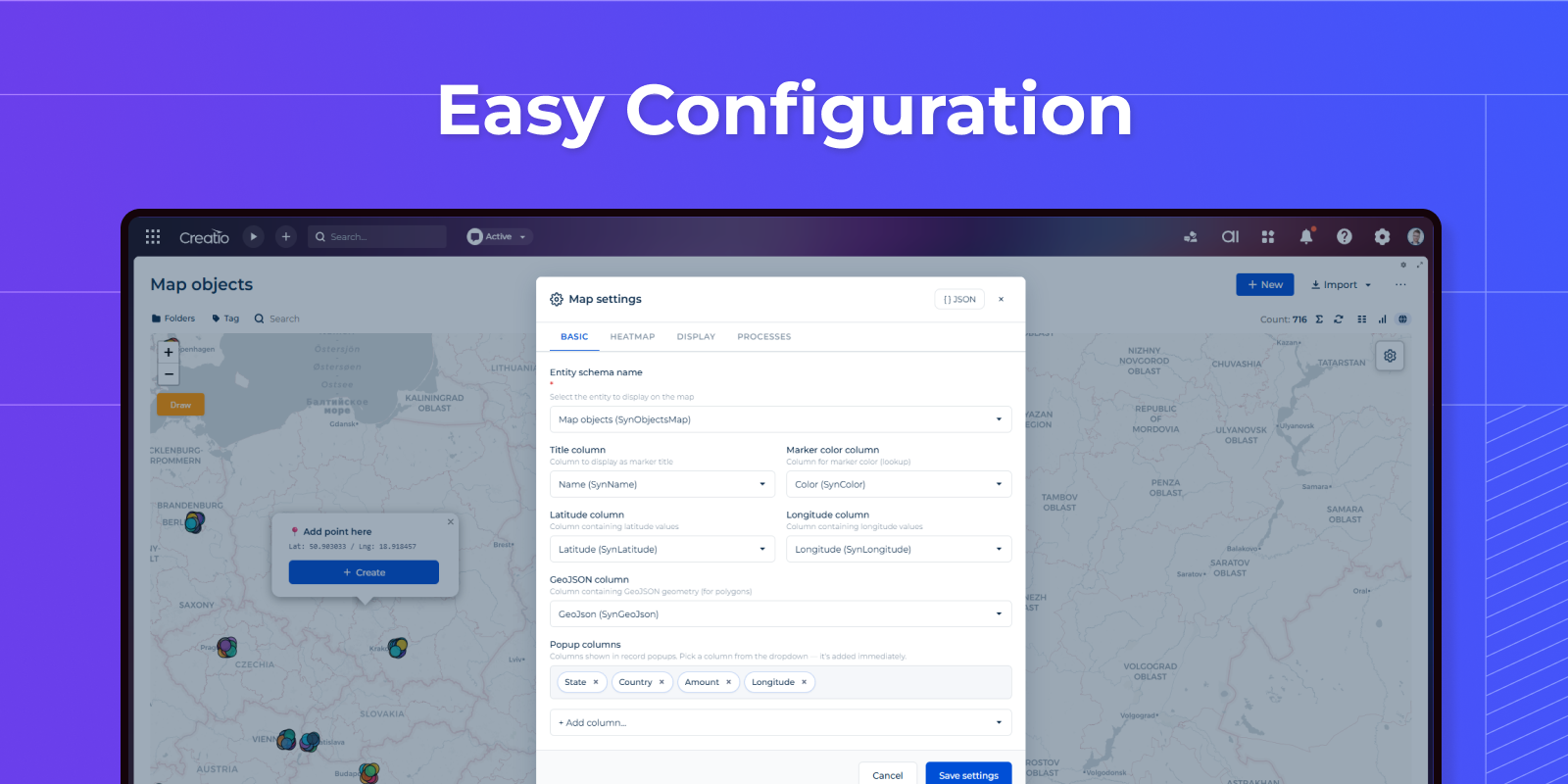
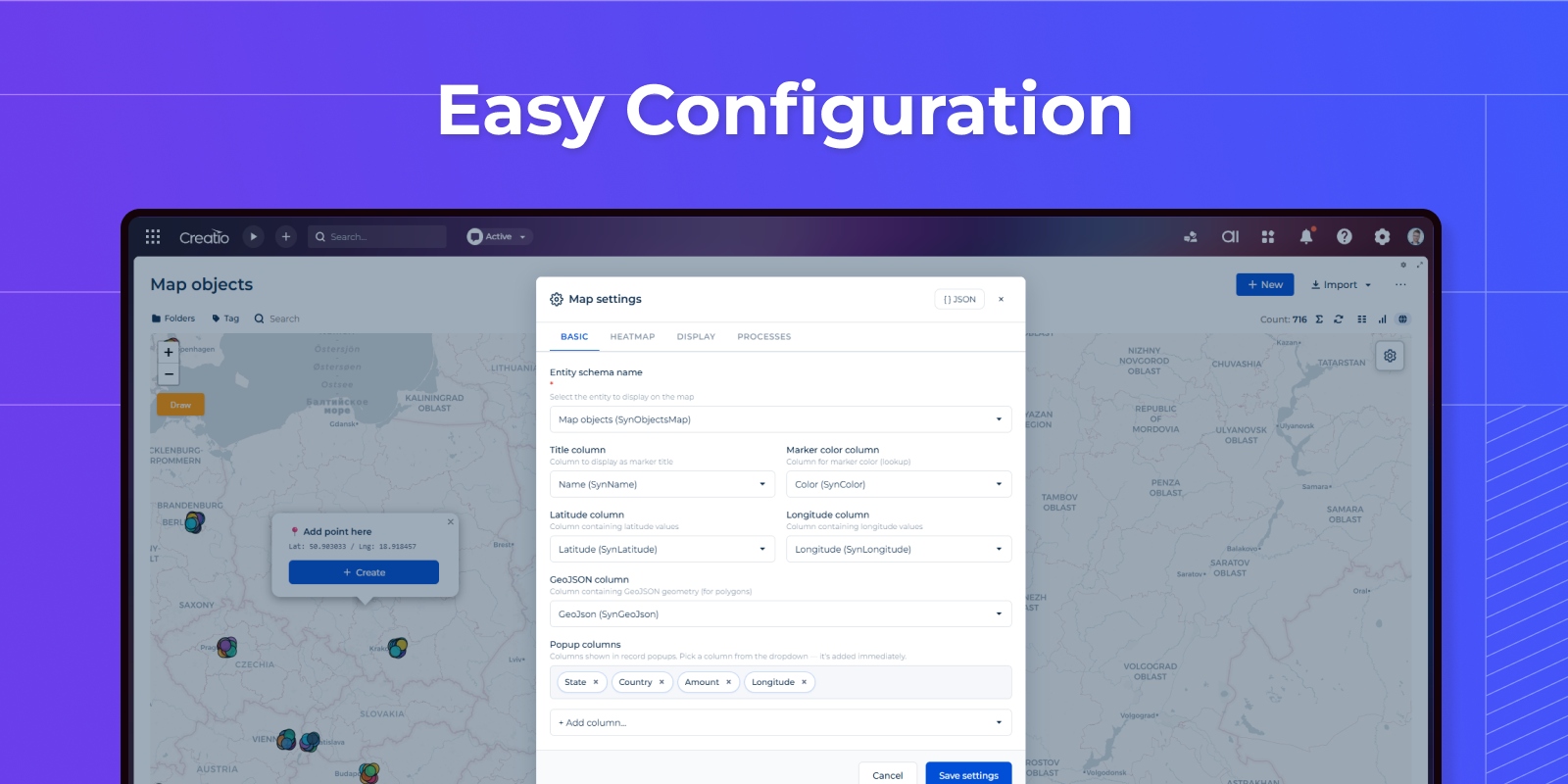
Easy Configuration
Setup a map with a few clicks.
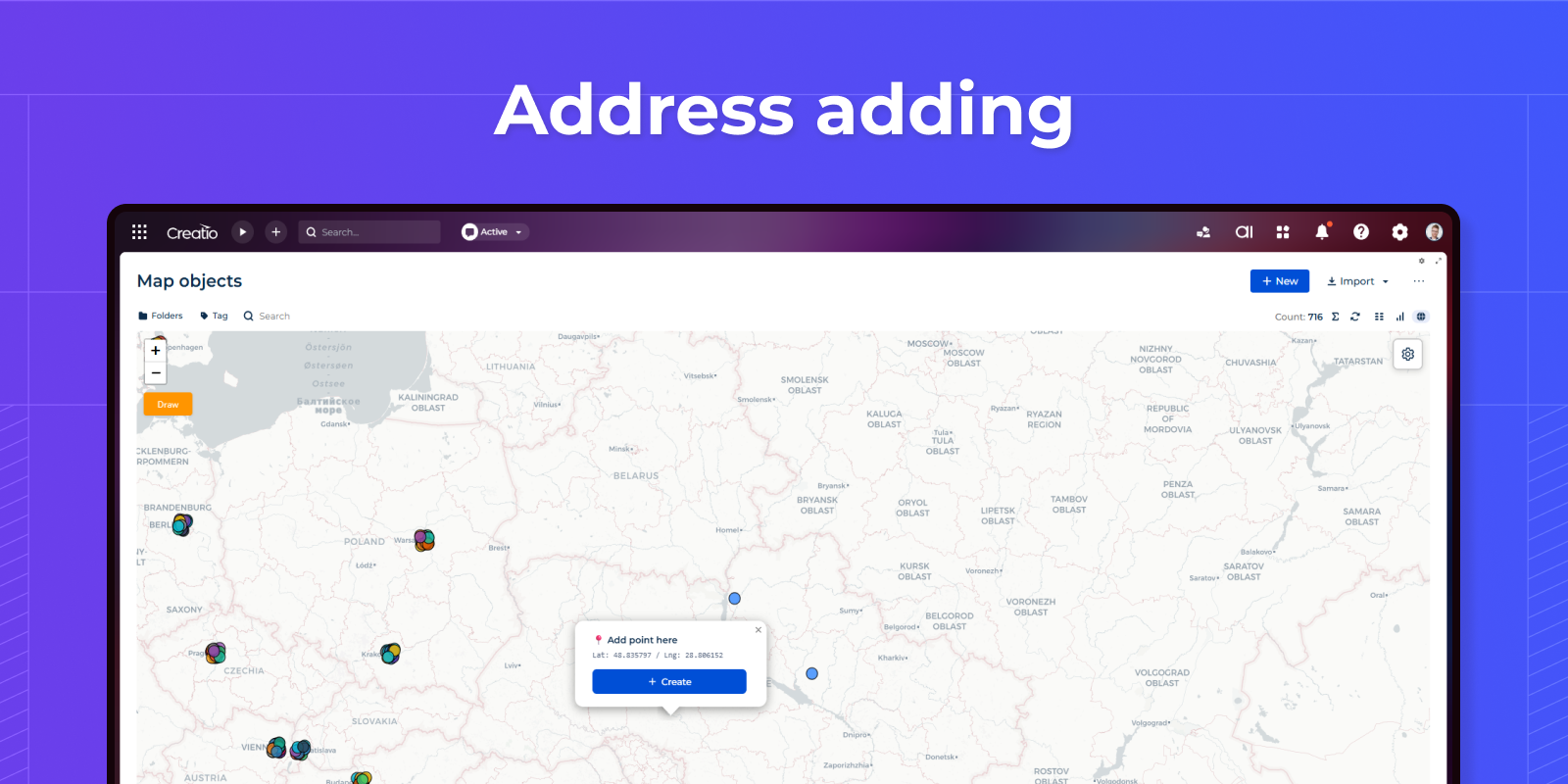
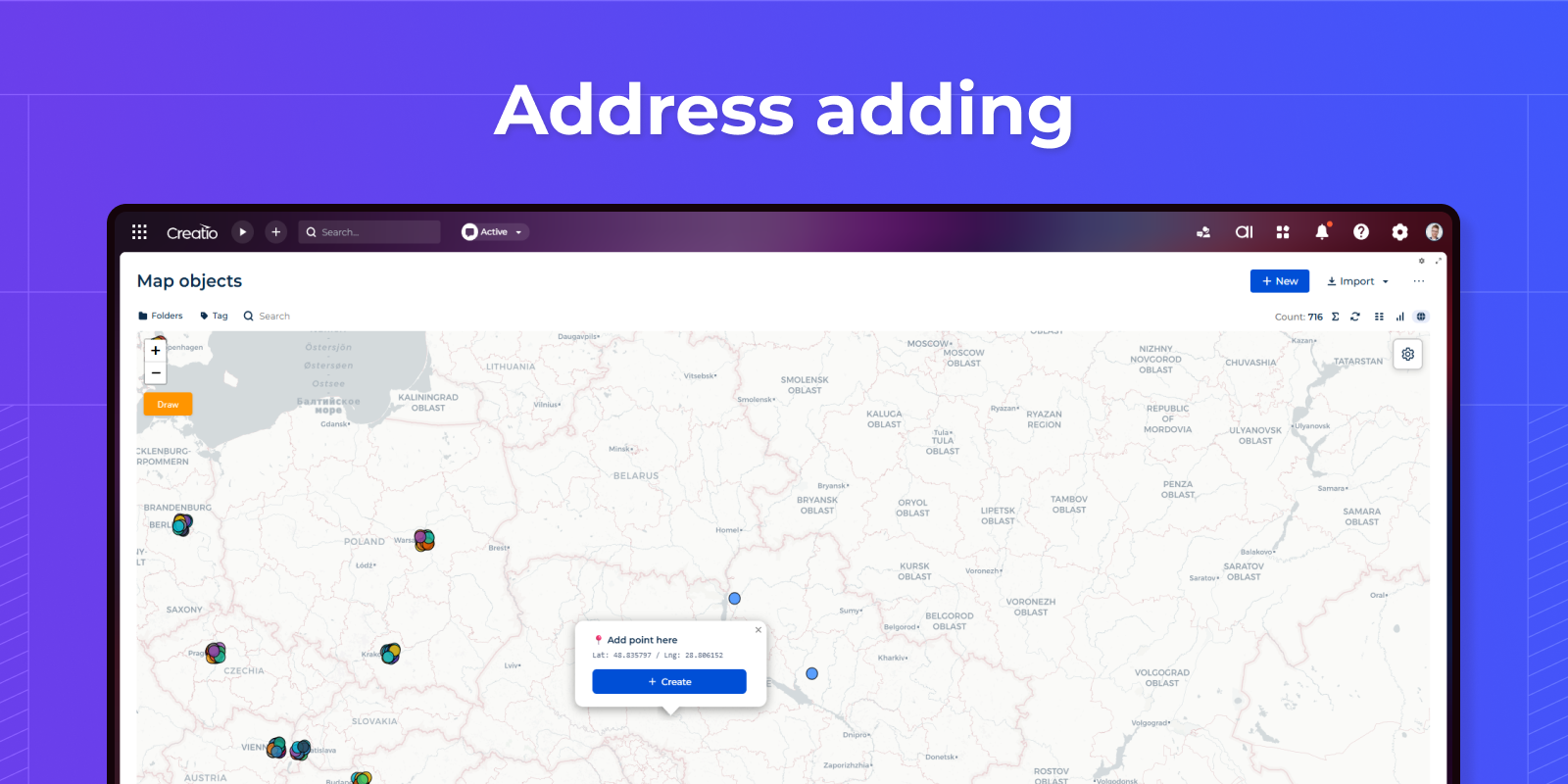
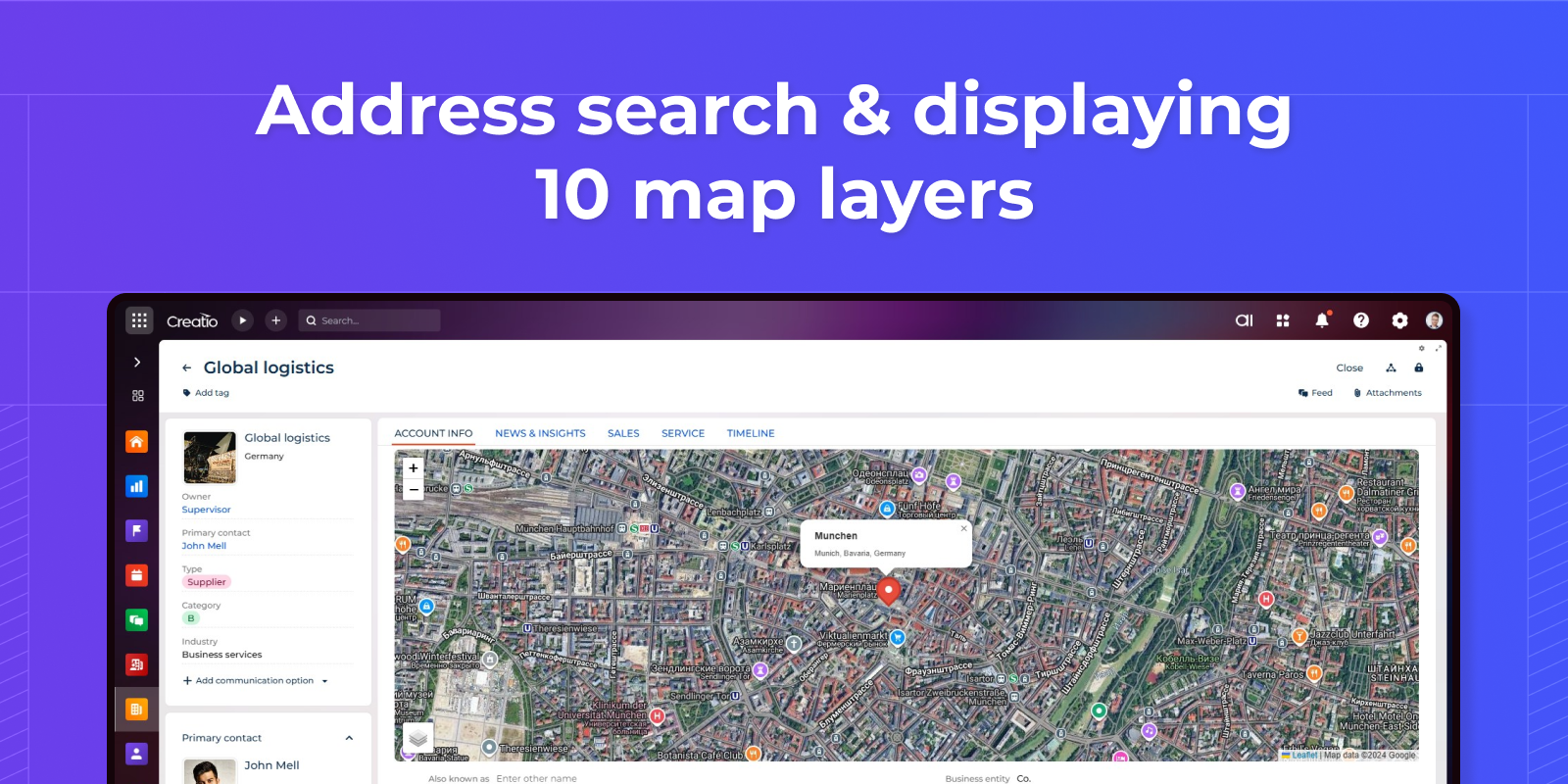
Adding addresses directly from the map
Add addresses directly from the map and capture coordinates automatically.
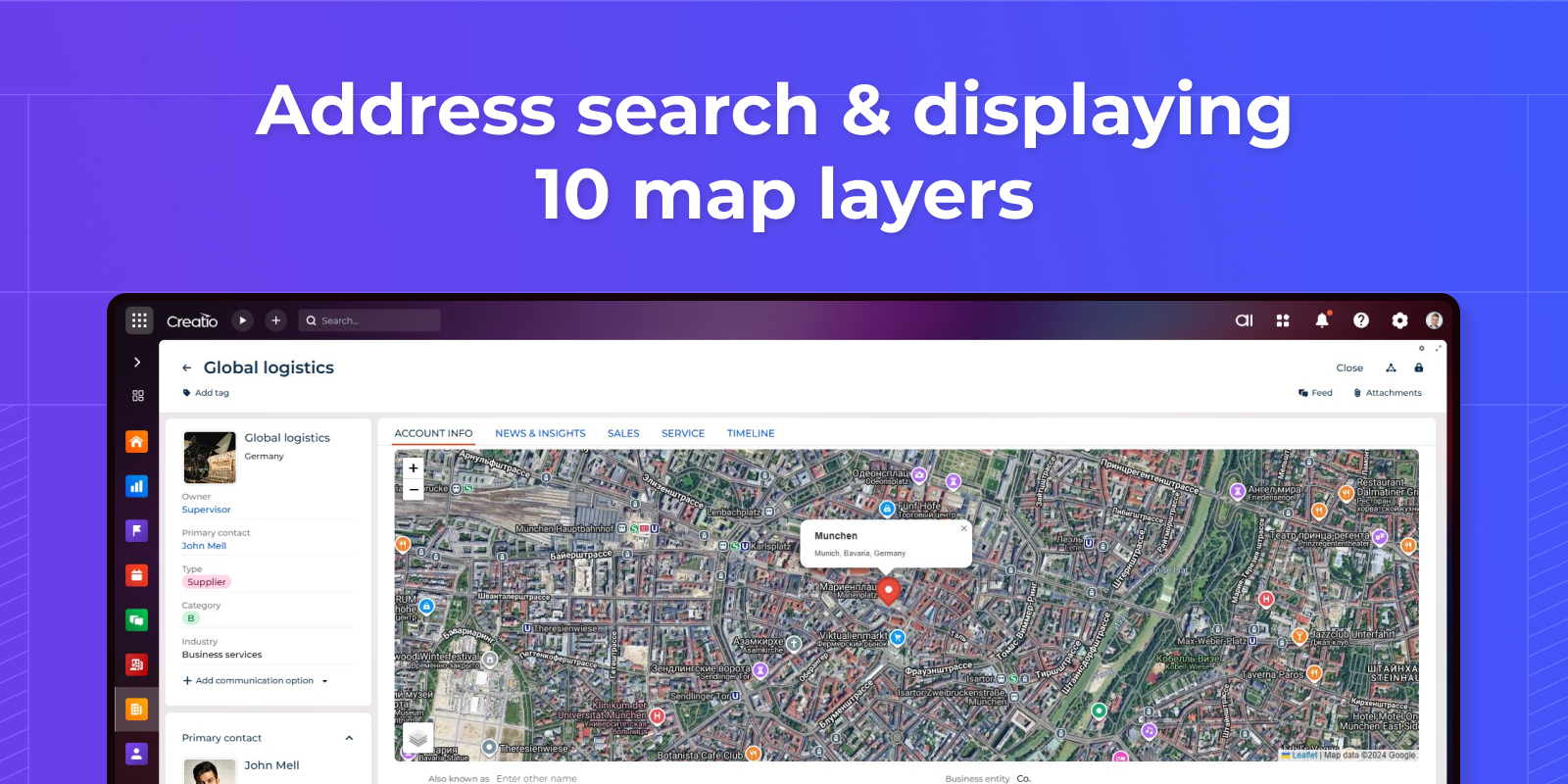
Automatic Address Geocoding
Convert addresses to map coordinates instantly using OpenStreetMap. Display locations with custom markers and popups.
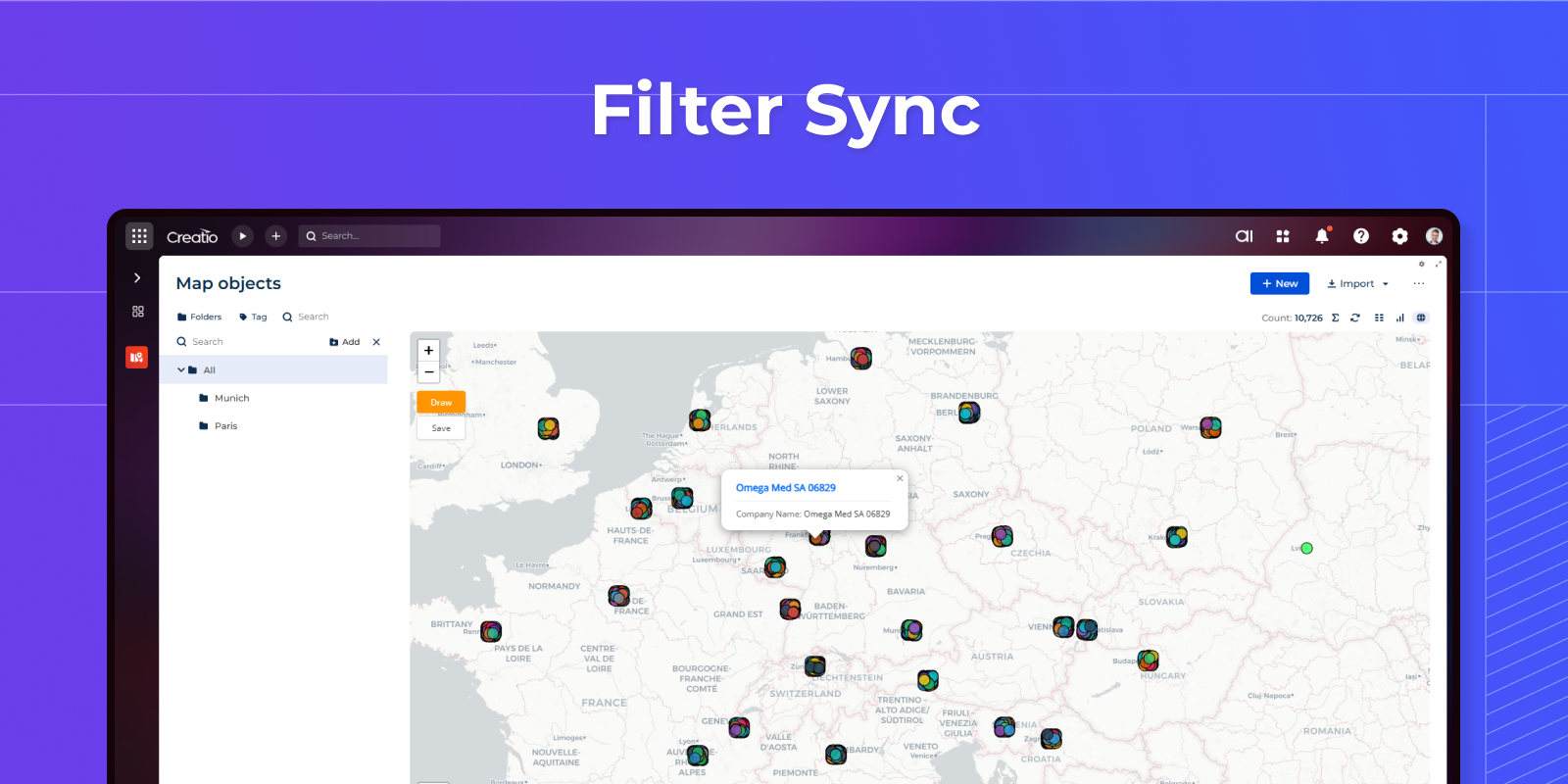
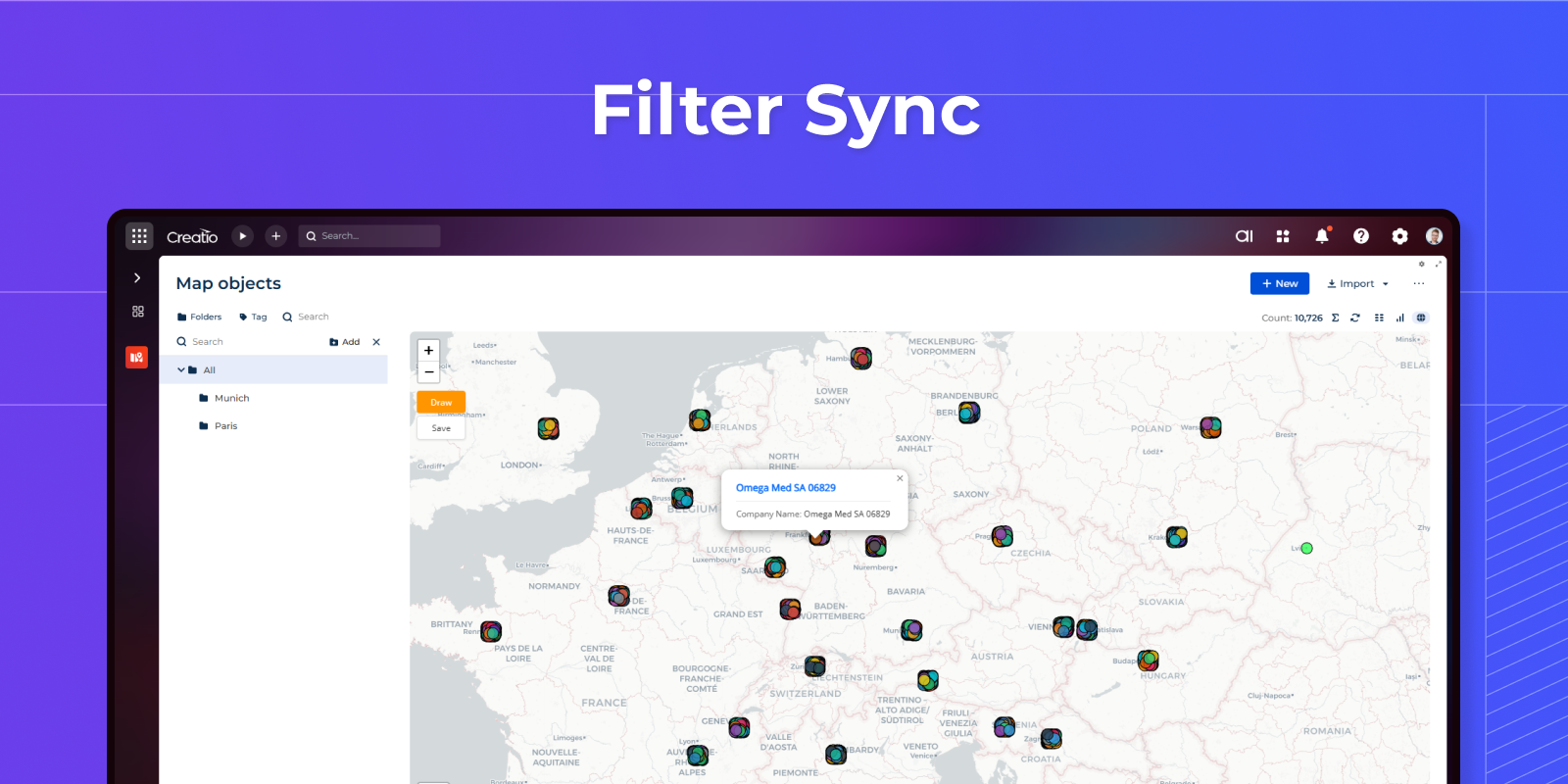
Live Filter Integration
Map automatically responds to Quick Filters and folder selections on Freedom UI pages. When users apply filters, the map instantly updates to show only matching records - no refresh needed.
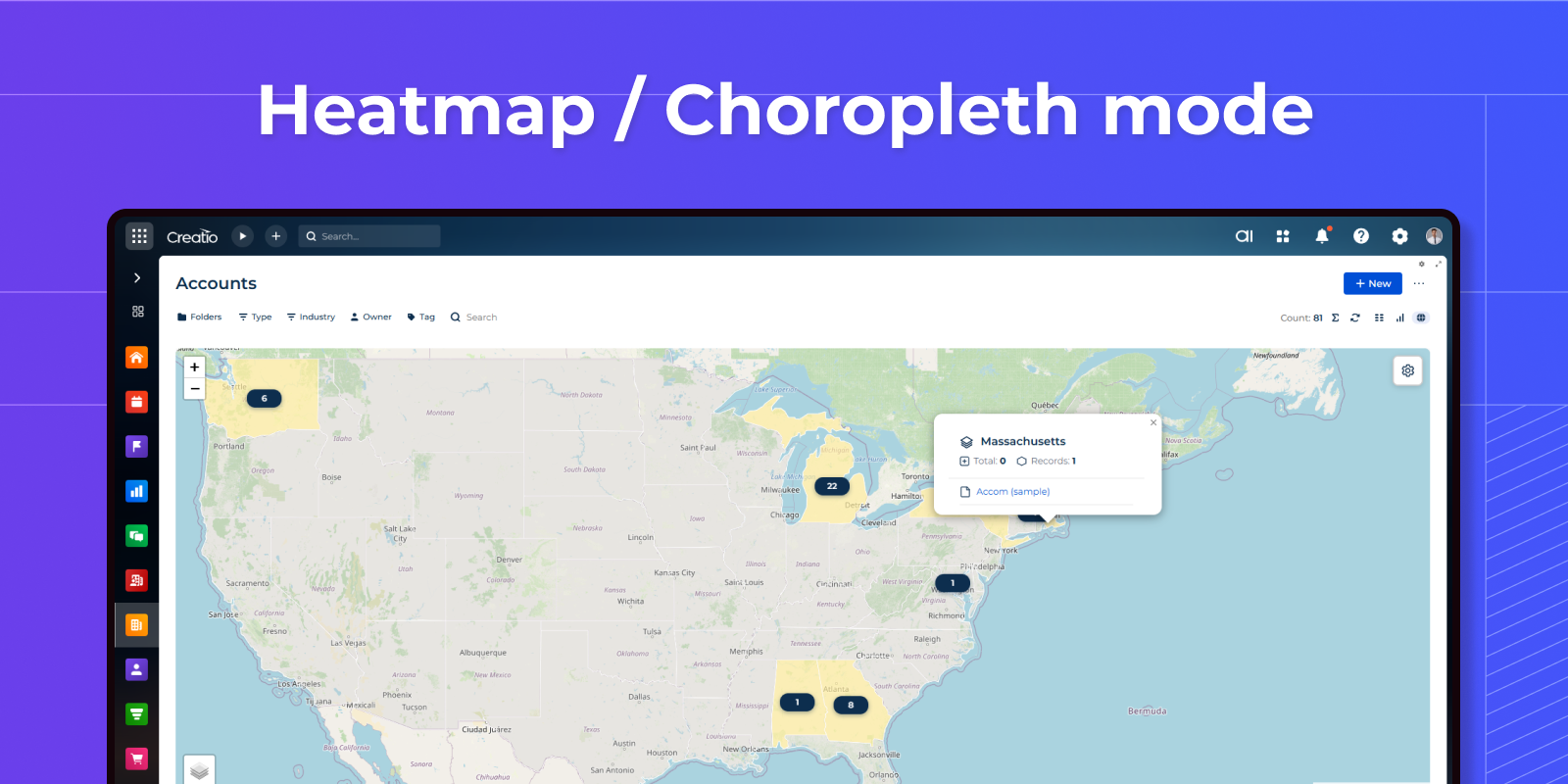
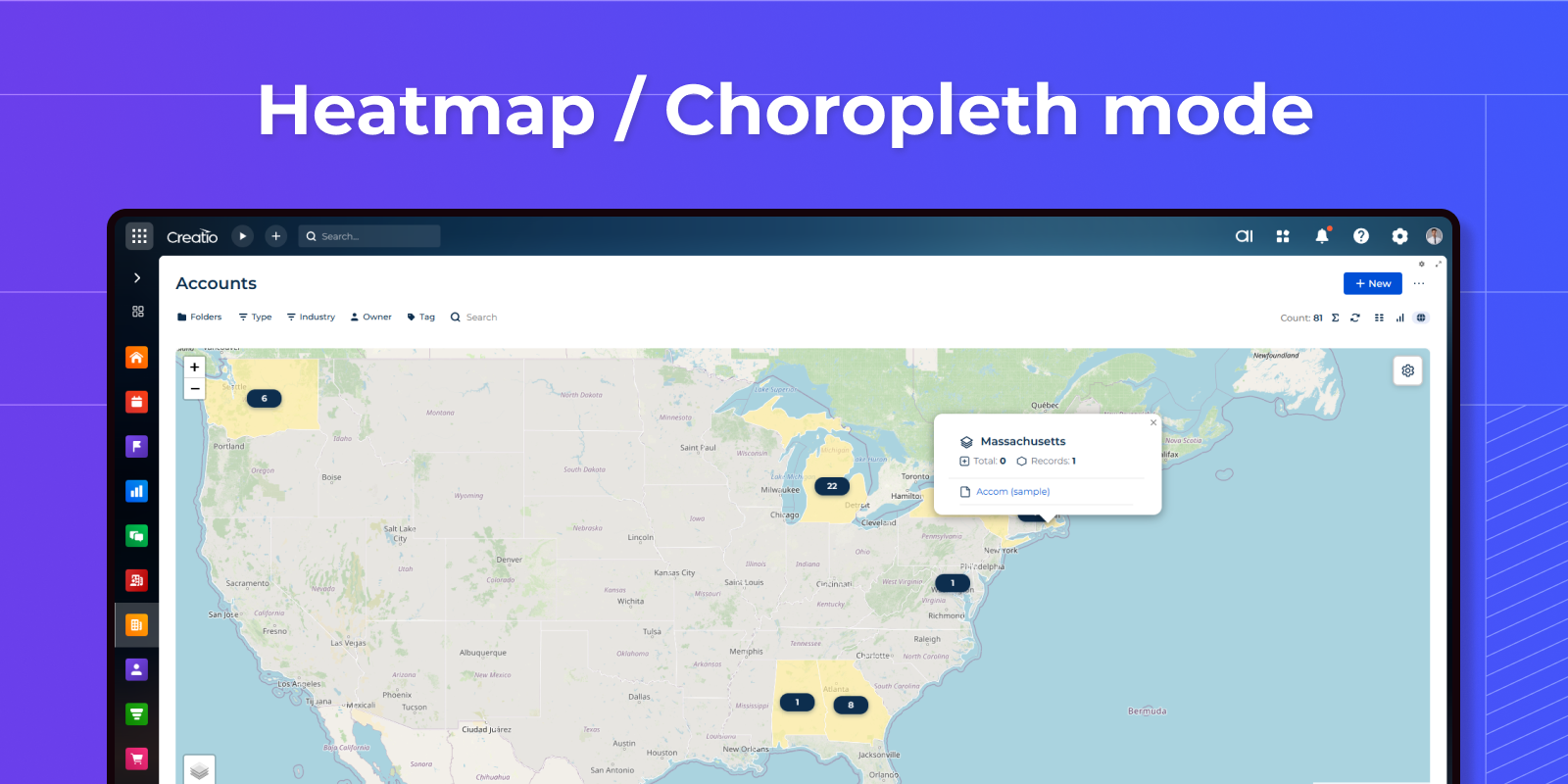
Heatmap / Choropleth mode
Region-based data visualization with color-coded areas based on aggregated values. Supports 5 aggregation types: sum, count, average, min, max. Includes 20+ ready-to-use GeoJSON presets for countries and regions worldwide. Automatic color gradient from light to dark based on values.
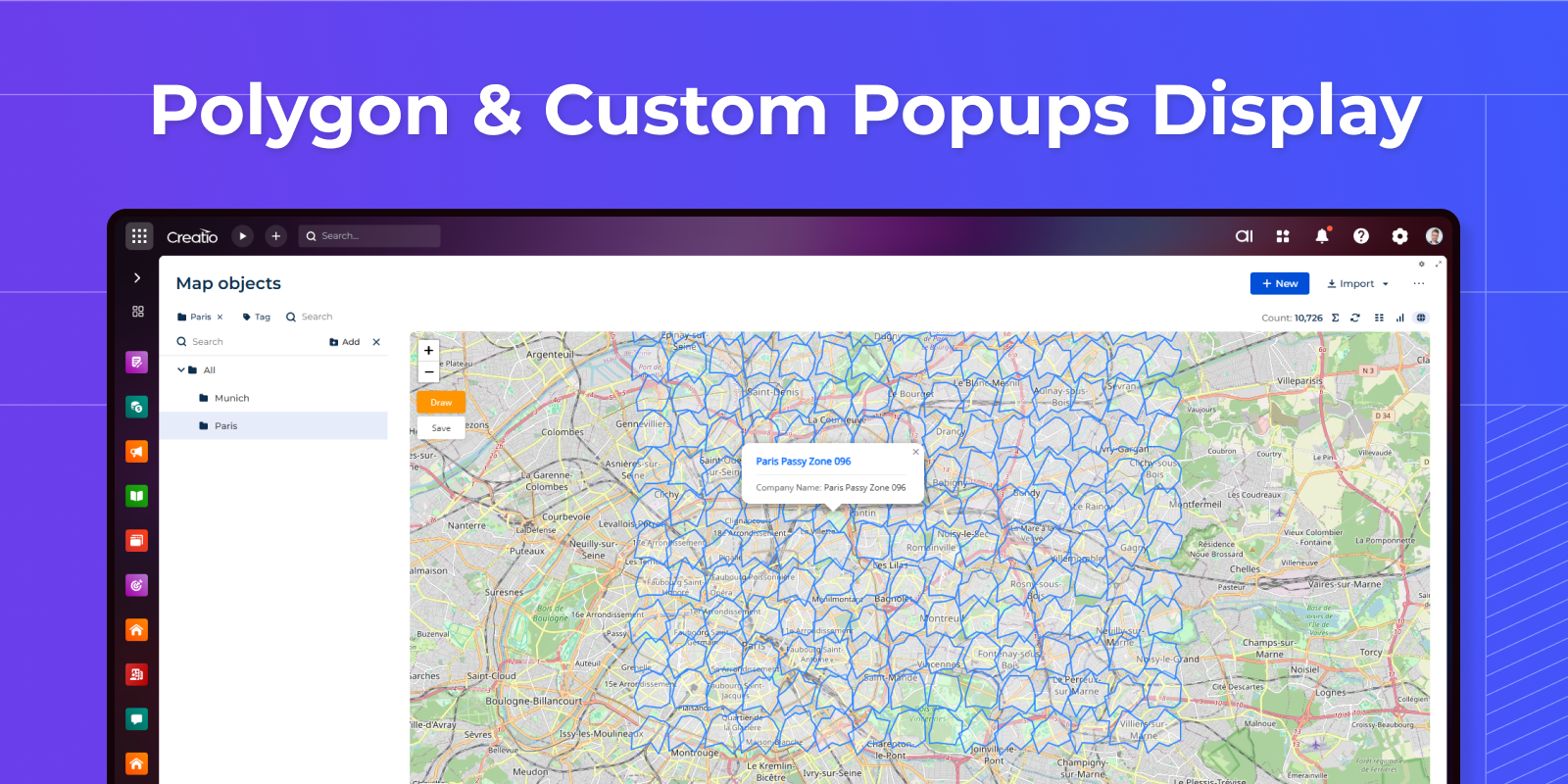
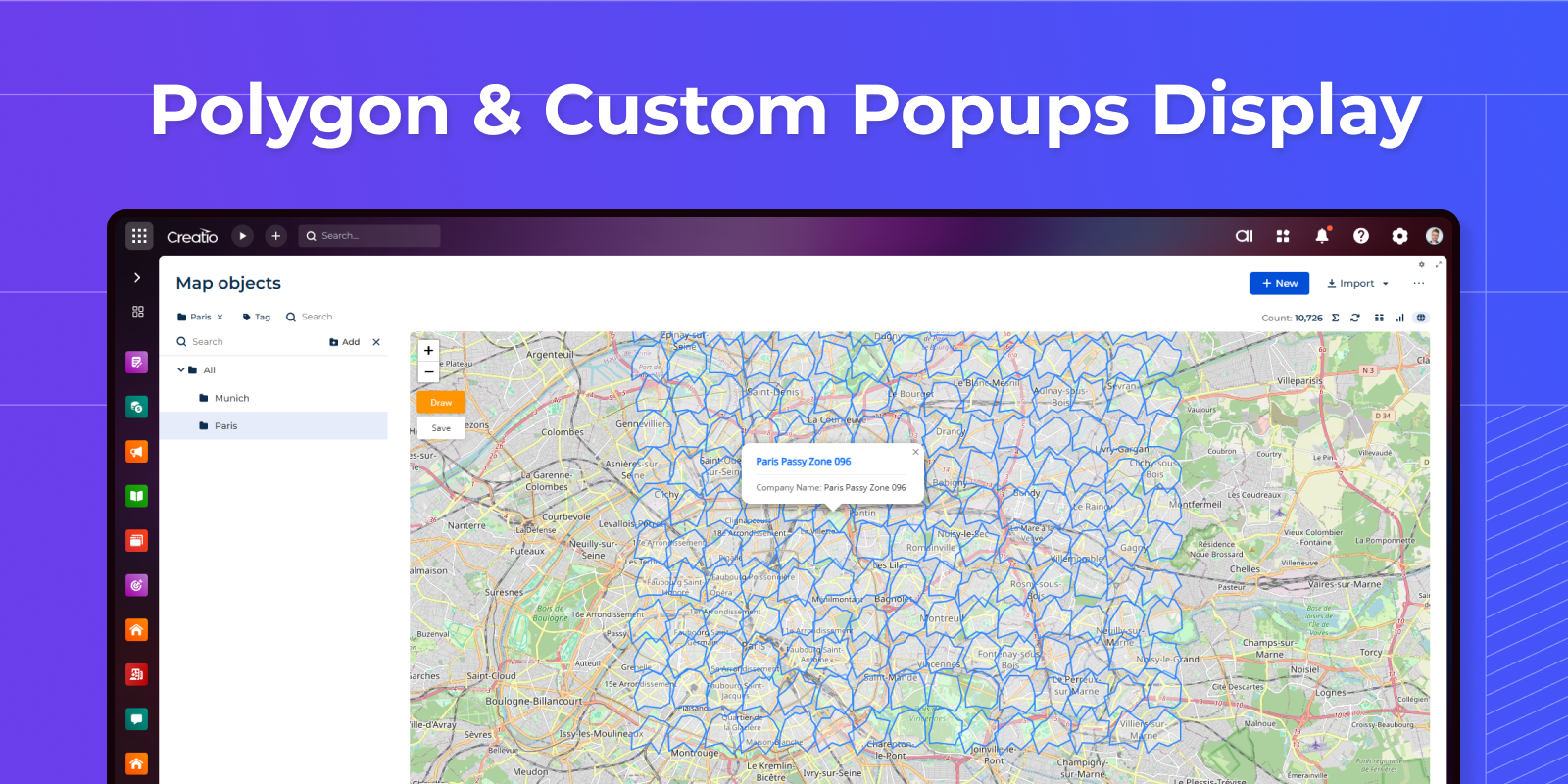
Polygon Support
Visualize complex geographic data including polygons, territories, service areas, and multi-point geometries. Store coordinates in any text field and render them as interactive shapes on the map with custom styling.
Display color-coded markers with fully customizable popup cards. Configure which columns appear in popups, click marker titles to open records directly in Creatio. Marker colors can be driven by record data.
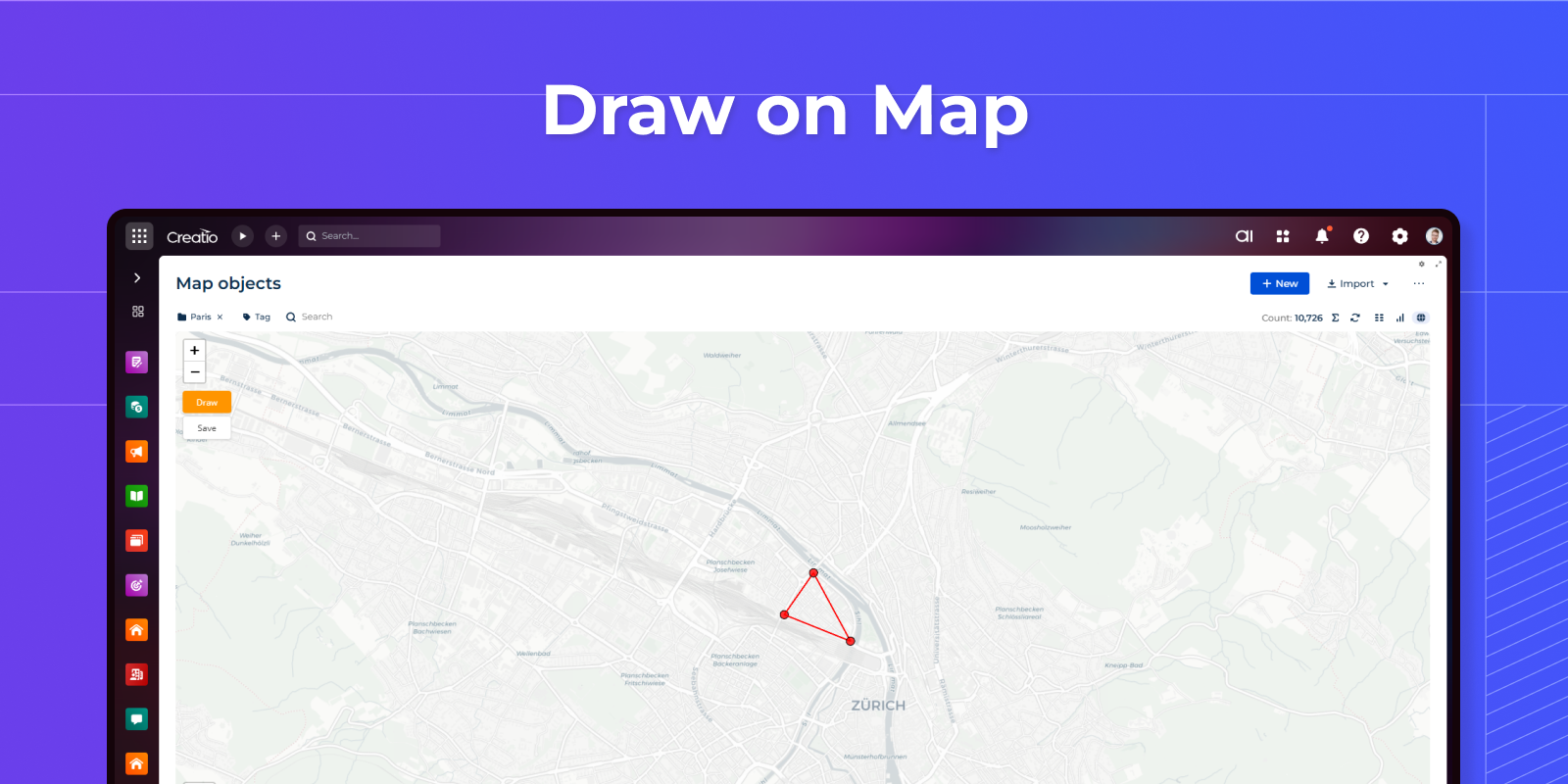
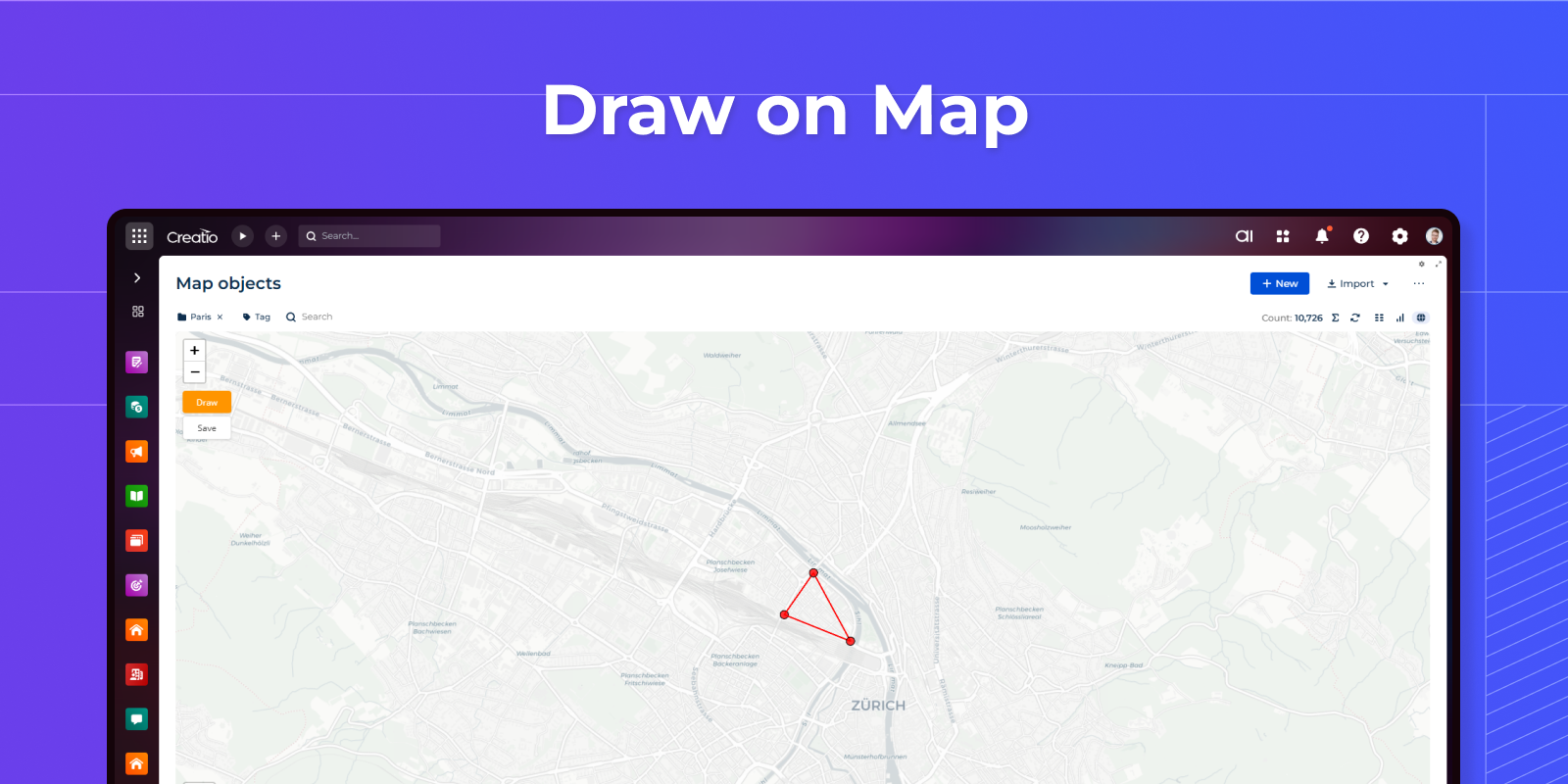
Polygon Drawing Mode
Enable drawing tools to let users create custom polygons directly on the map. Captured coordinates are automatically sent to a business process for saving. Ideal for defining sales territories or service zones.
Pricing
Monthly
Annual
Free
Free
Description (Formatted)
Free license include:
-
Address geocoding.
-
Display any address as a marker on the map.
Full
$
100.00 / month
billed annually
Description (Formatted)
- Full license for enterprise mapping.
- Load data from any entity, draw territories, run business processes, and visualize geographic data at scale.
Terms and Conditions
By installing this product you agree to terms and conditions outlined in the license agreement.
Support
Support is available for this application
Support is provided by the developer within the “Basic”, “Business” and “Premium“ packages. Detailed information about the support packages and the support terms can be found on the Creatio website.
Installation
Resources
Data sharing
- By installing or downloading the App, you confirm that you agree with sharing your account data (name, email, phone, company and country) with the App Developer as their End User.
- The App Developer will process your data under their privacy policy.
Versions
Versions history
Version
Compatibility
Release date
1.4
8.3.4 and up
Release summary
Added:
- 35 presets, including Indonesia (34 provinces), as well as Malaysia, Singapore, Thailand, Vietnam, the Philippines, New Zealand, Scandinavia, Benelux, Eastern Europe, Turkey, the Persian Gulf states, South Africa, Egypt, Nigeria, Kenya, Argentina, Chile, Colombia, and Peru.
- Selection of business processes from a drop-down list.
- Map resizing when the window size changes.
- Settings conflict with the Freedom UI Designer.
1.3
8.3.4 and up
Release summary
Added:
- address adding directly from map
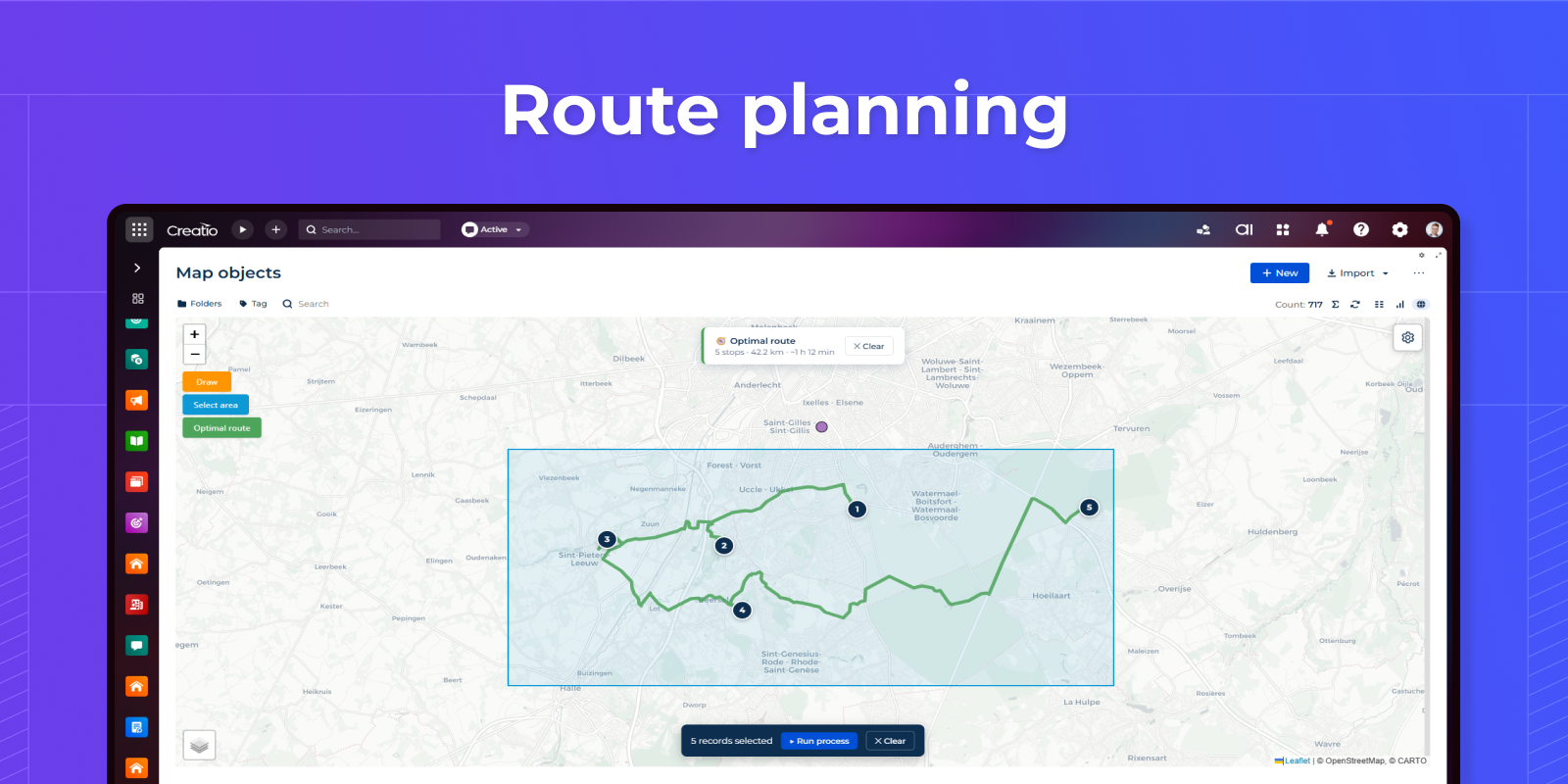
- route planning
Changed UI settings menu.
1.1
8.3.0 and up
1.0.0
8.3.0 and up
Manual app installation
- Open the needed app → the Packages tab - download the Markeplace app files.
- Click in the top right → Application Hub
- Click New application. This opens a window.
- Select Install from file and click Select in the window that opens.
- Click Select file on the page of the Marketplace App Installation Wizard and specify the app file path.