


Syntech Portfolio Insights for Creatio
Syntech Portfolio Insights for Creatio component enables visual portfolio management directly in Creatio.
Overview
Product overview
Product description
Syntech Portfolio Insights for Creatio is a portfolio management component that helps organizations plan, monitor, and govern strategic initiatives, projects, and investments directly in Creatio. It provides a centralized workspace for portfolio visibility, performance tracking, and decision-making.
Key Features
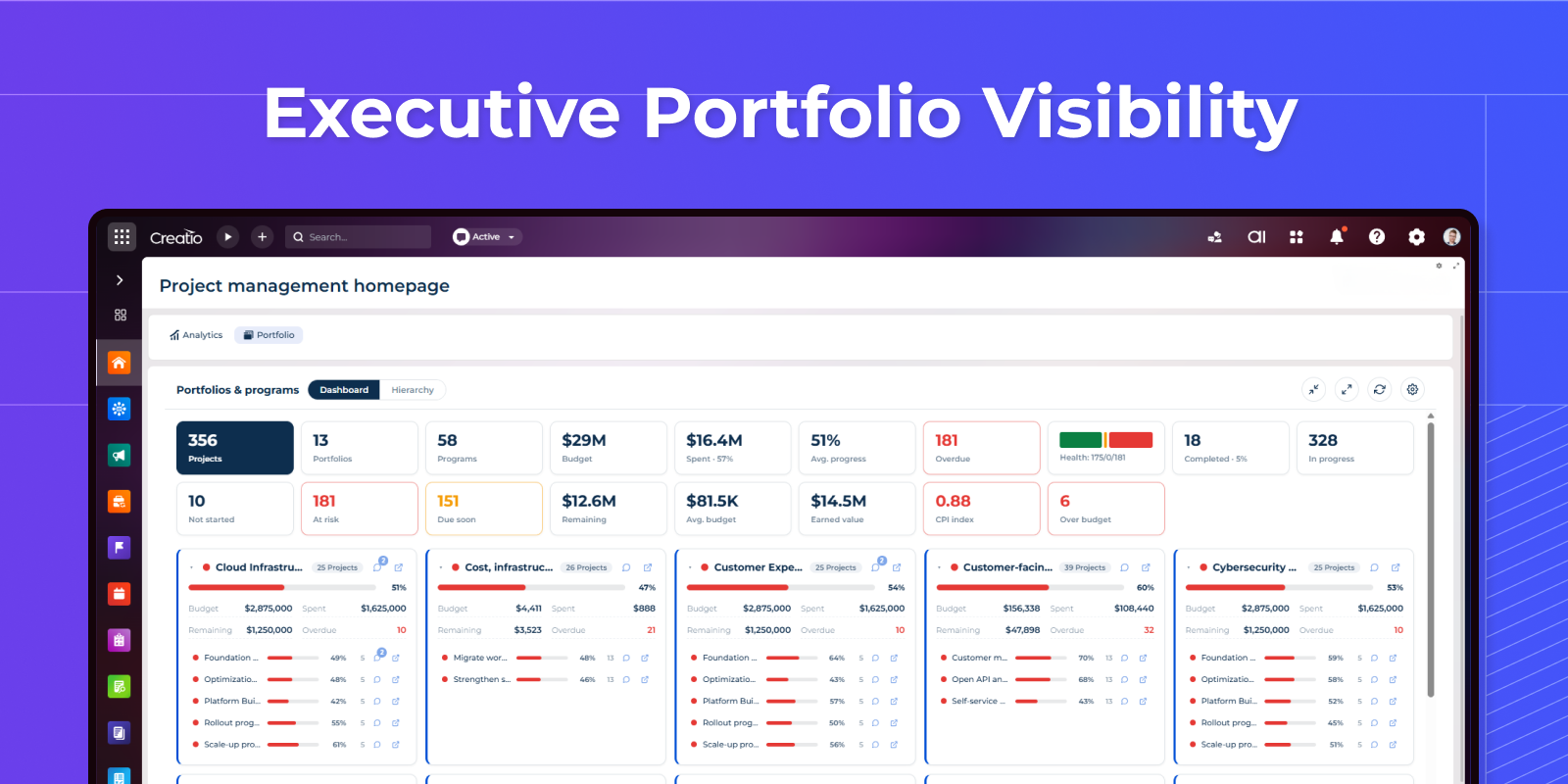
Executive Portfolio Visibility
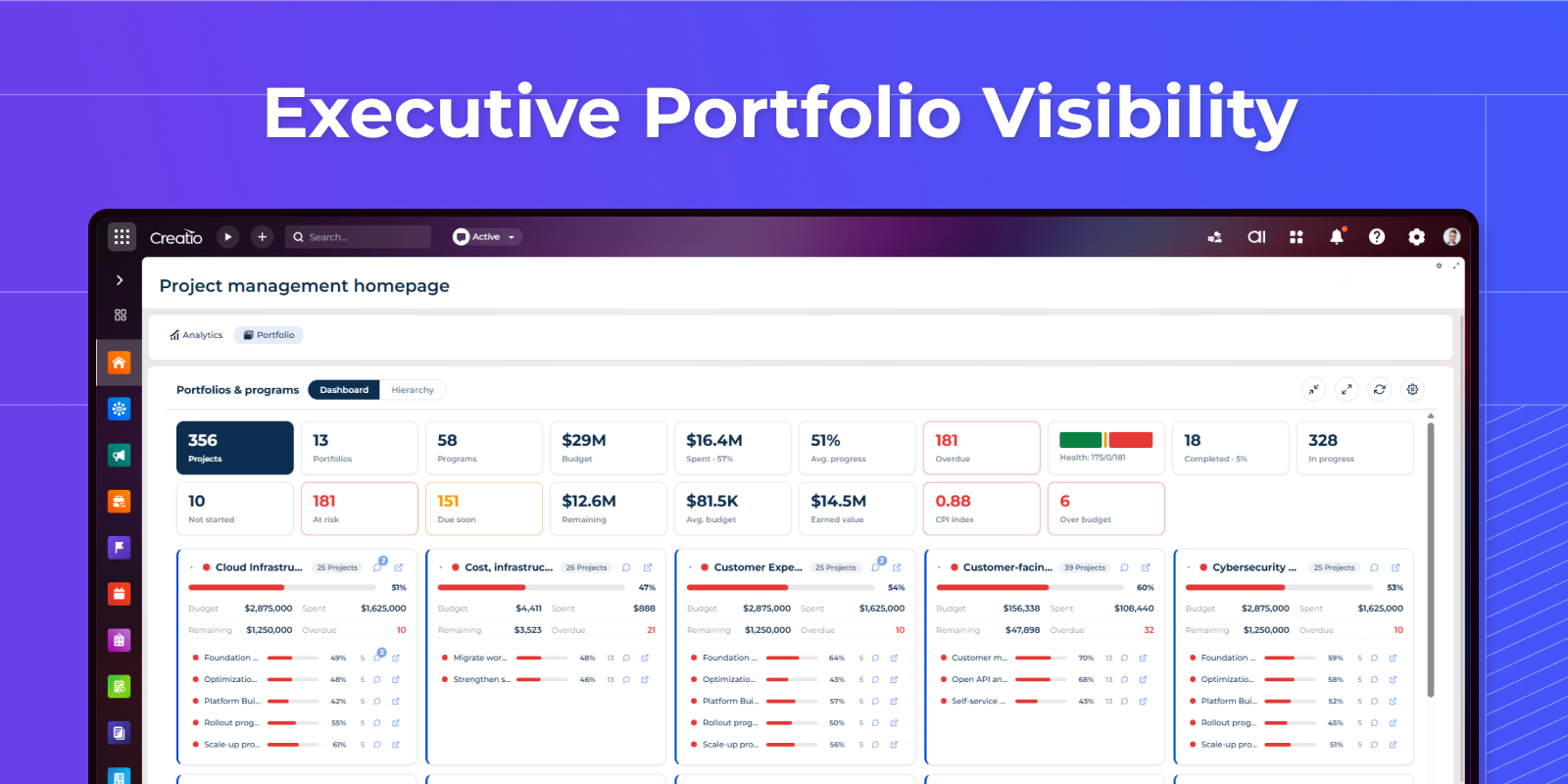
Provide stakeholders with a single place to monitor strategic initiatives, delivery status, risks, and investment allocation.
Matrix & Grid Views
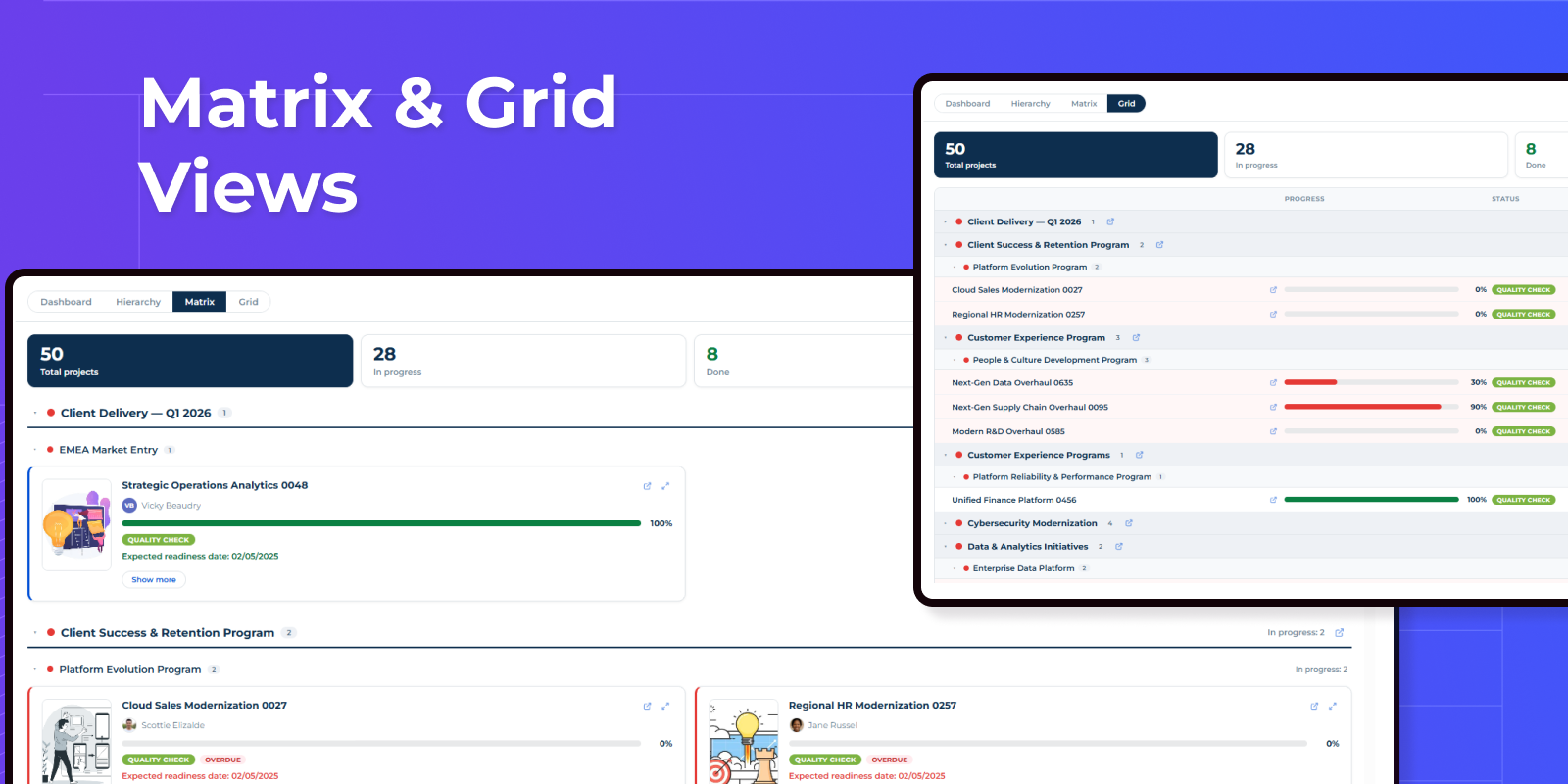
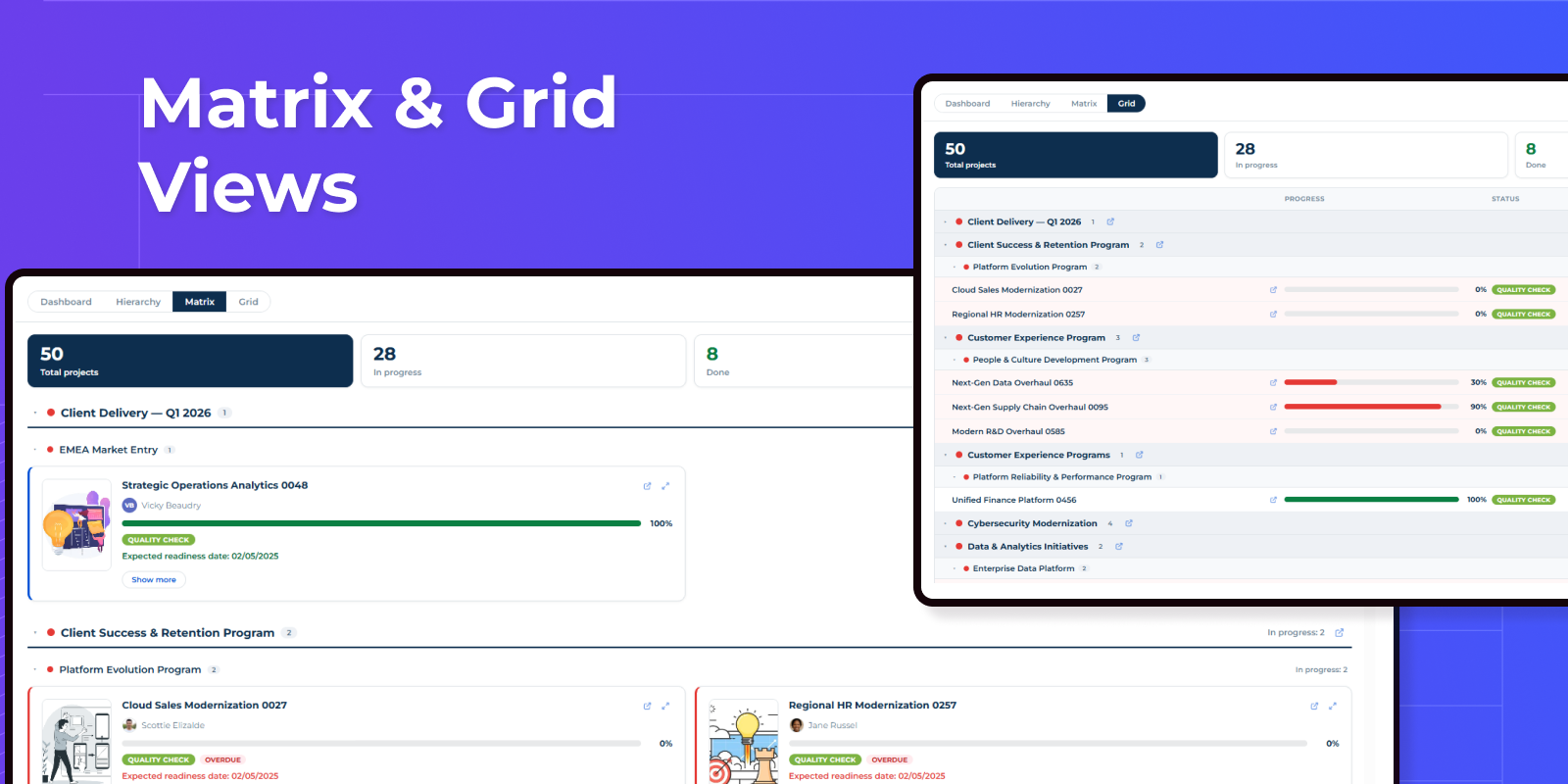
Visualize capacity, workload, and resource allocation in powerful matrix and grid layouts. Analyze utilization across teams, projects, roles, and time periods with interactive planning views.
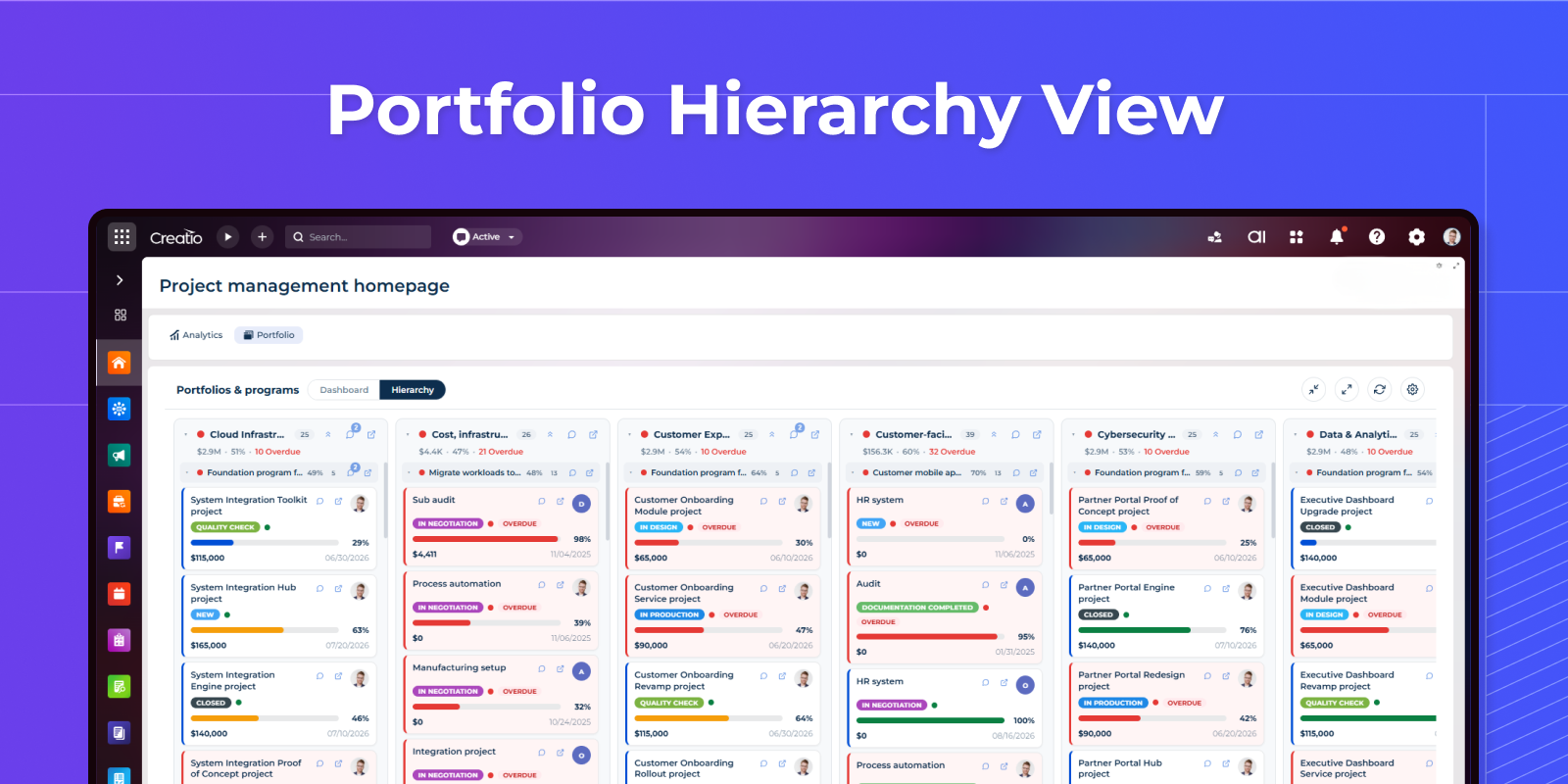
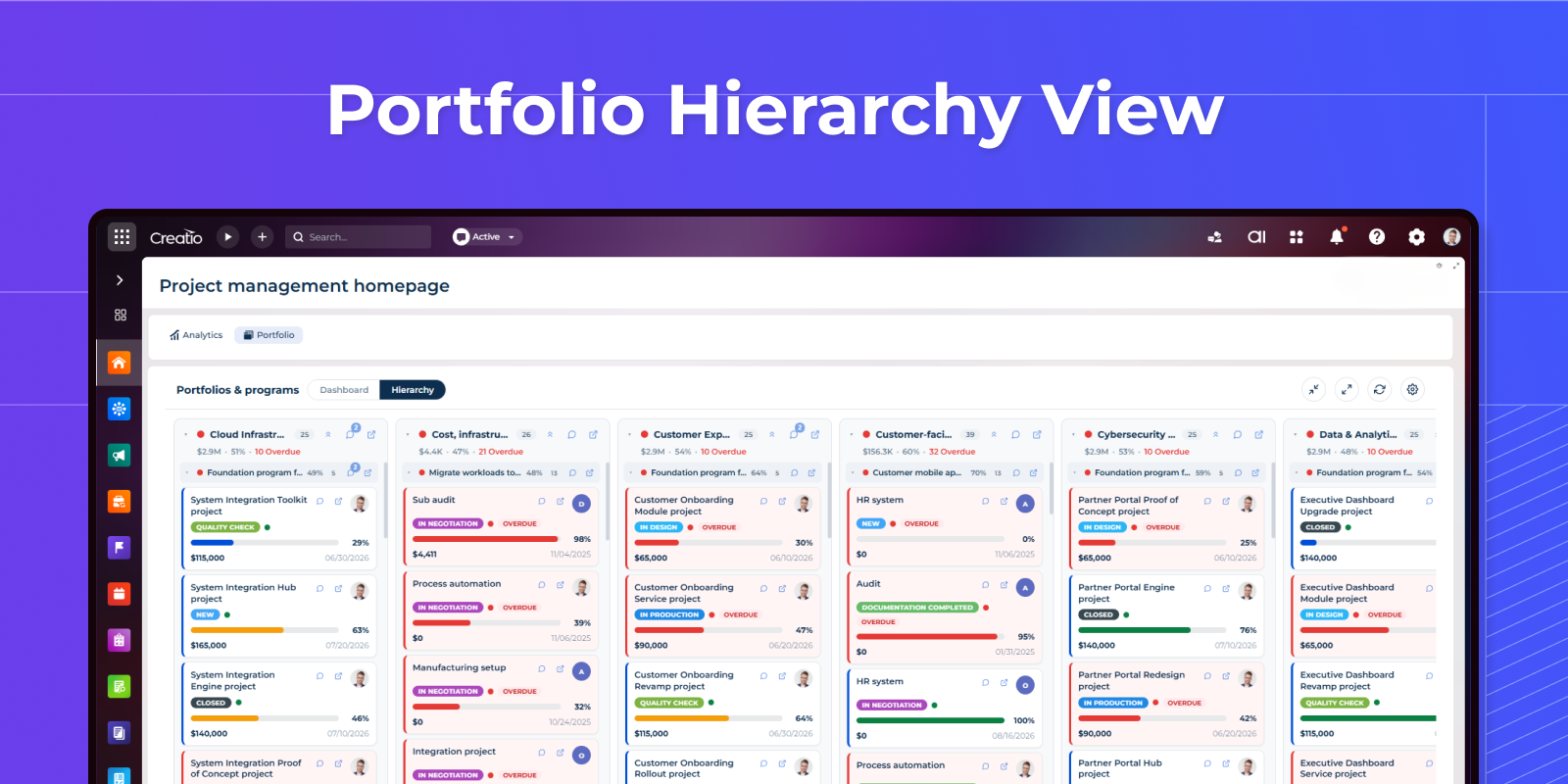
Portfolio Hierarchy View
Visualize portfolios, programs, and projects in an interactive hierarchy with drill-down navigation and structured portfolio management.
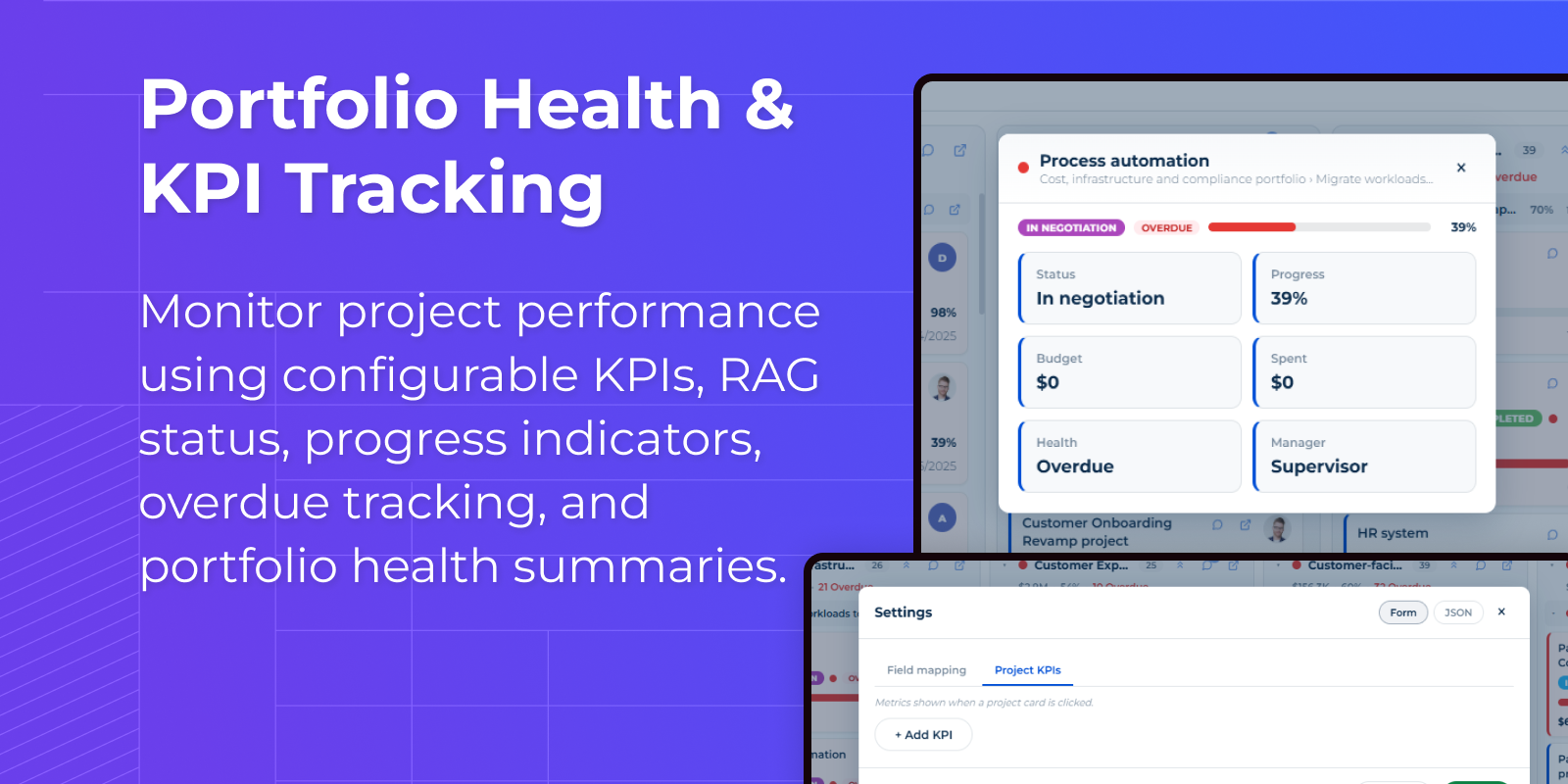
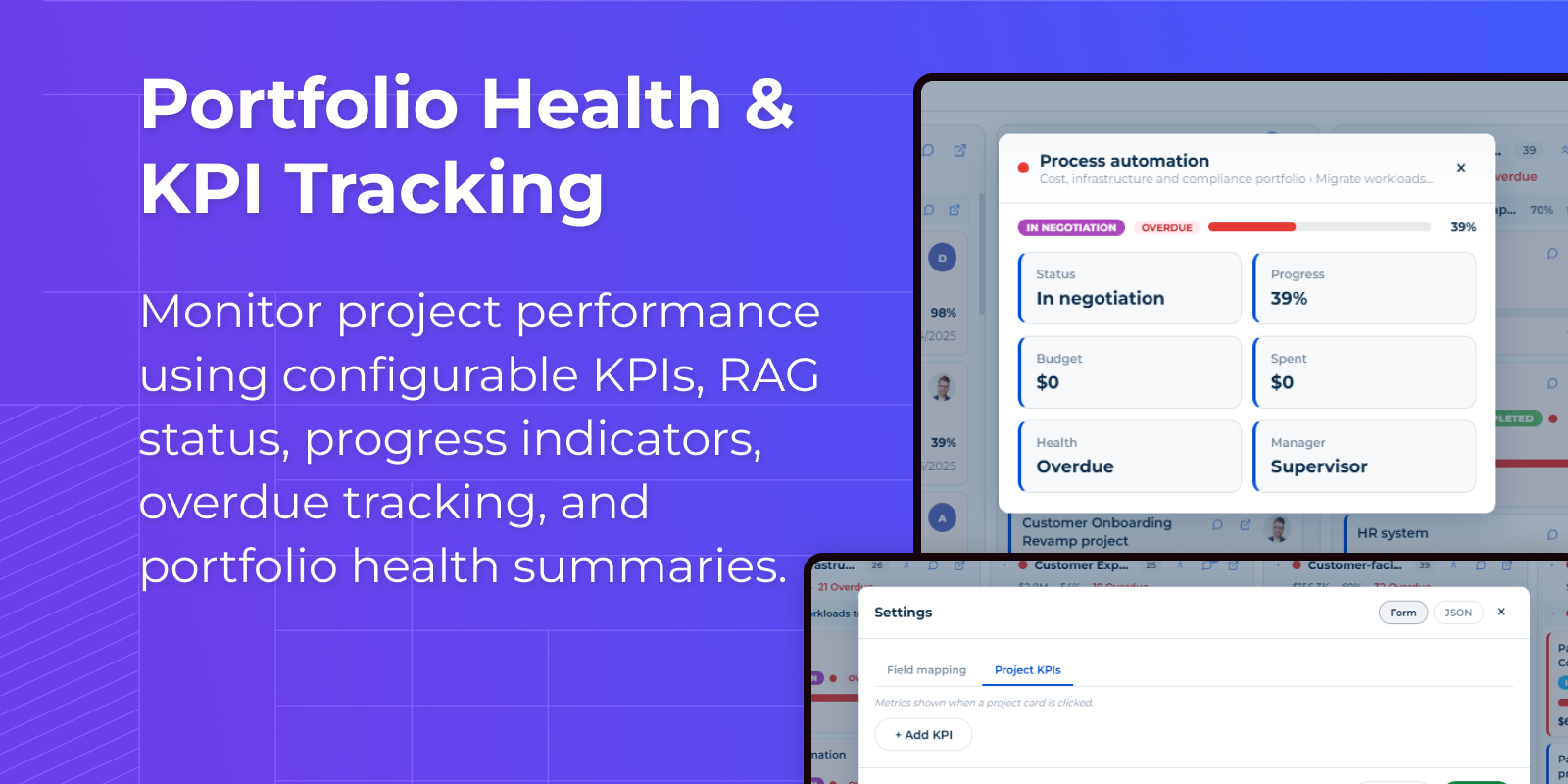
Project Summary Preview
Quickly access project status, progress, budget utilization, manager details, and health indicators without opening records.
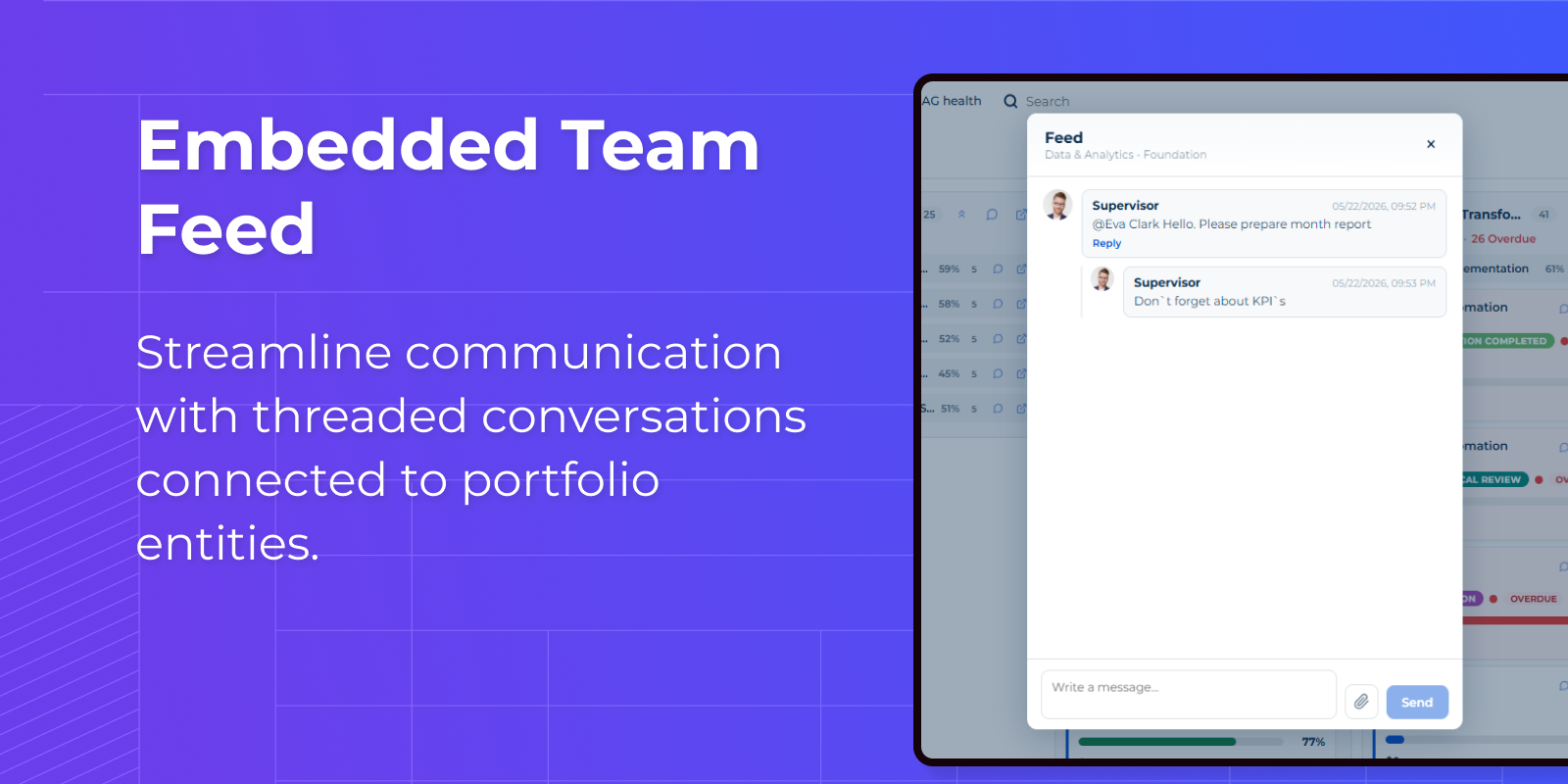
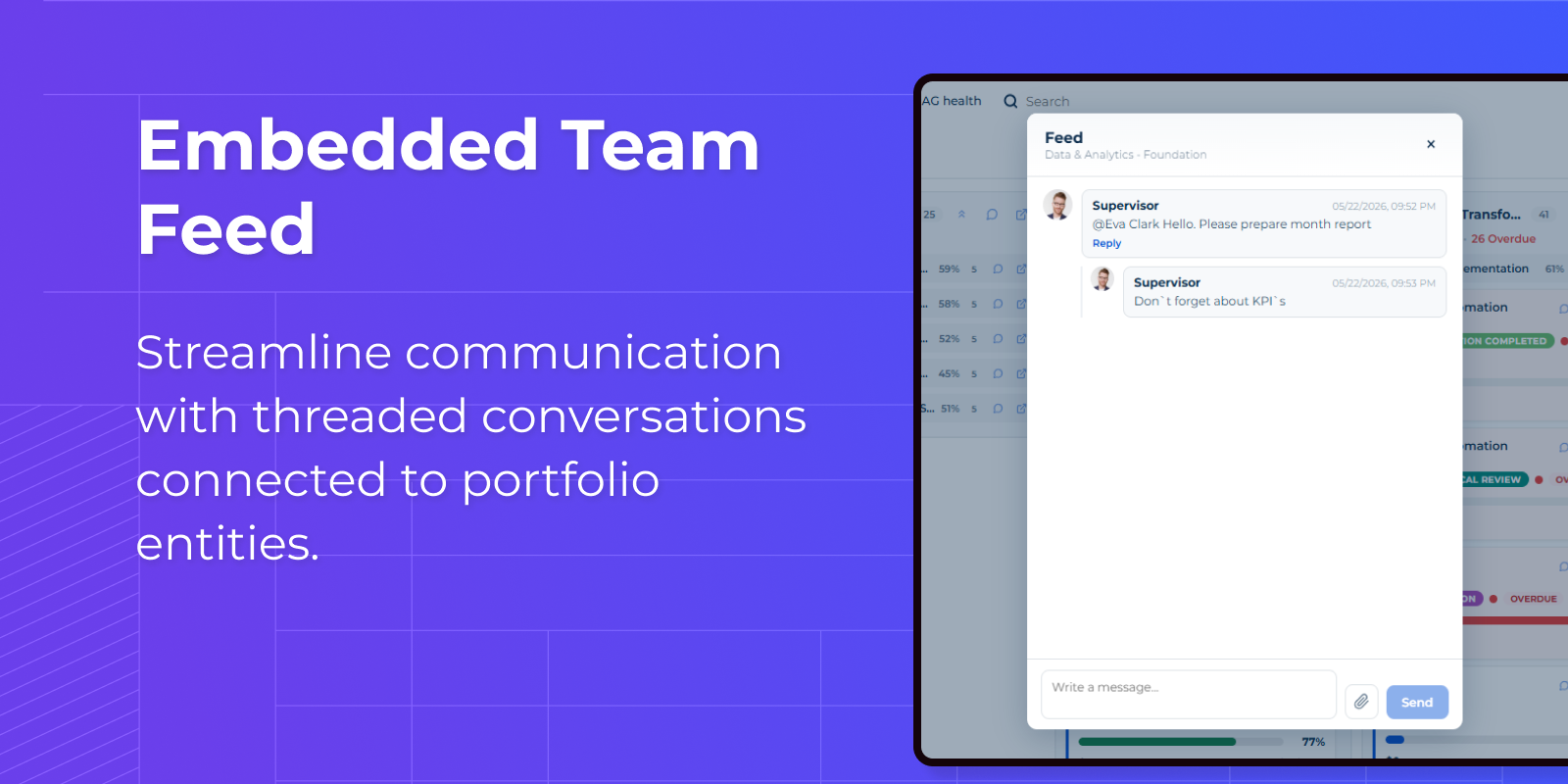
Contextual Team Communication
Discuss tasks, portfolio updates, and project activities in one centralized workspace.
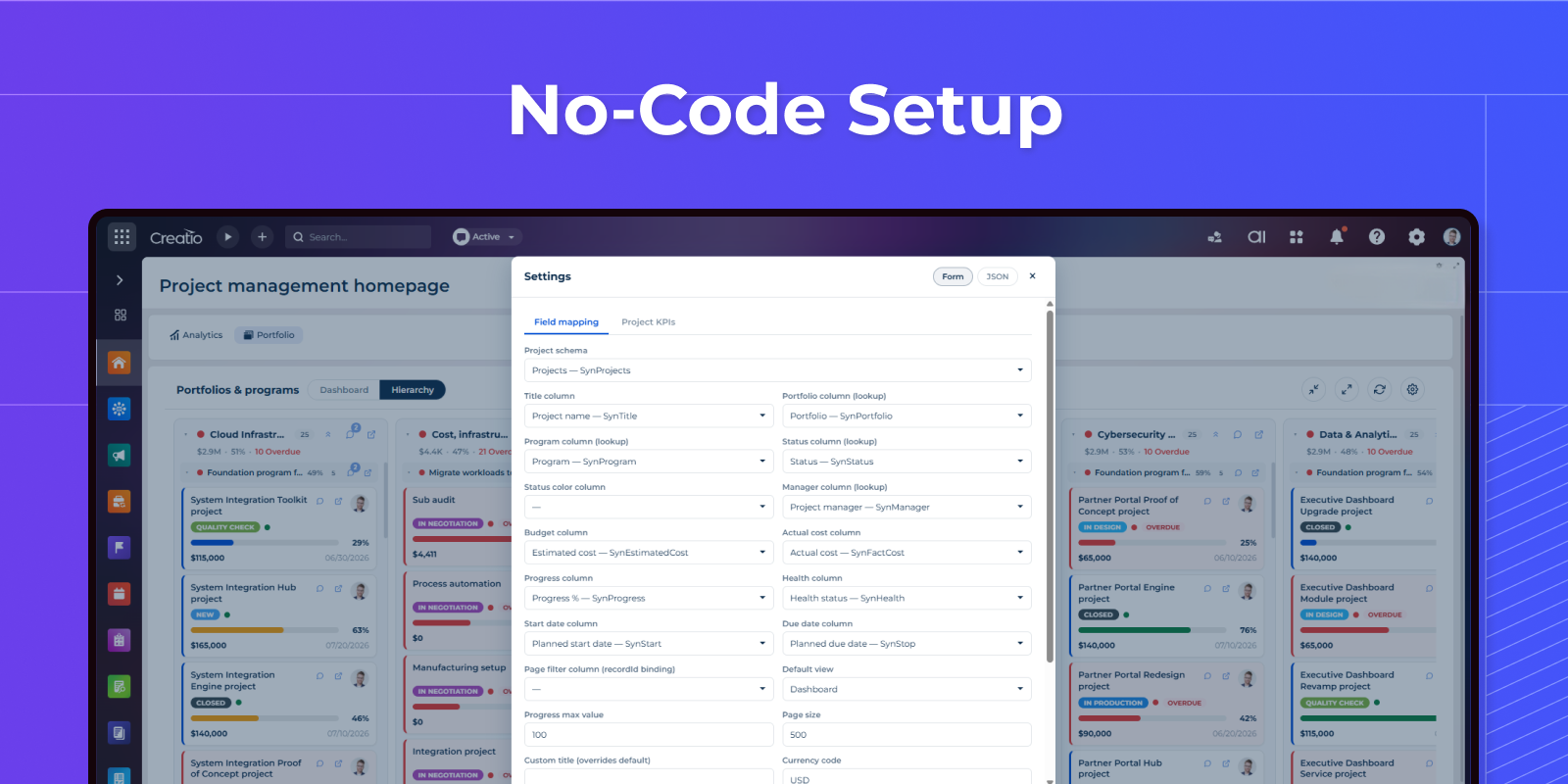
No-Code Setup
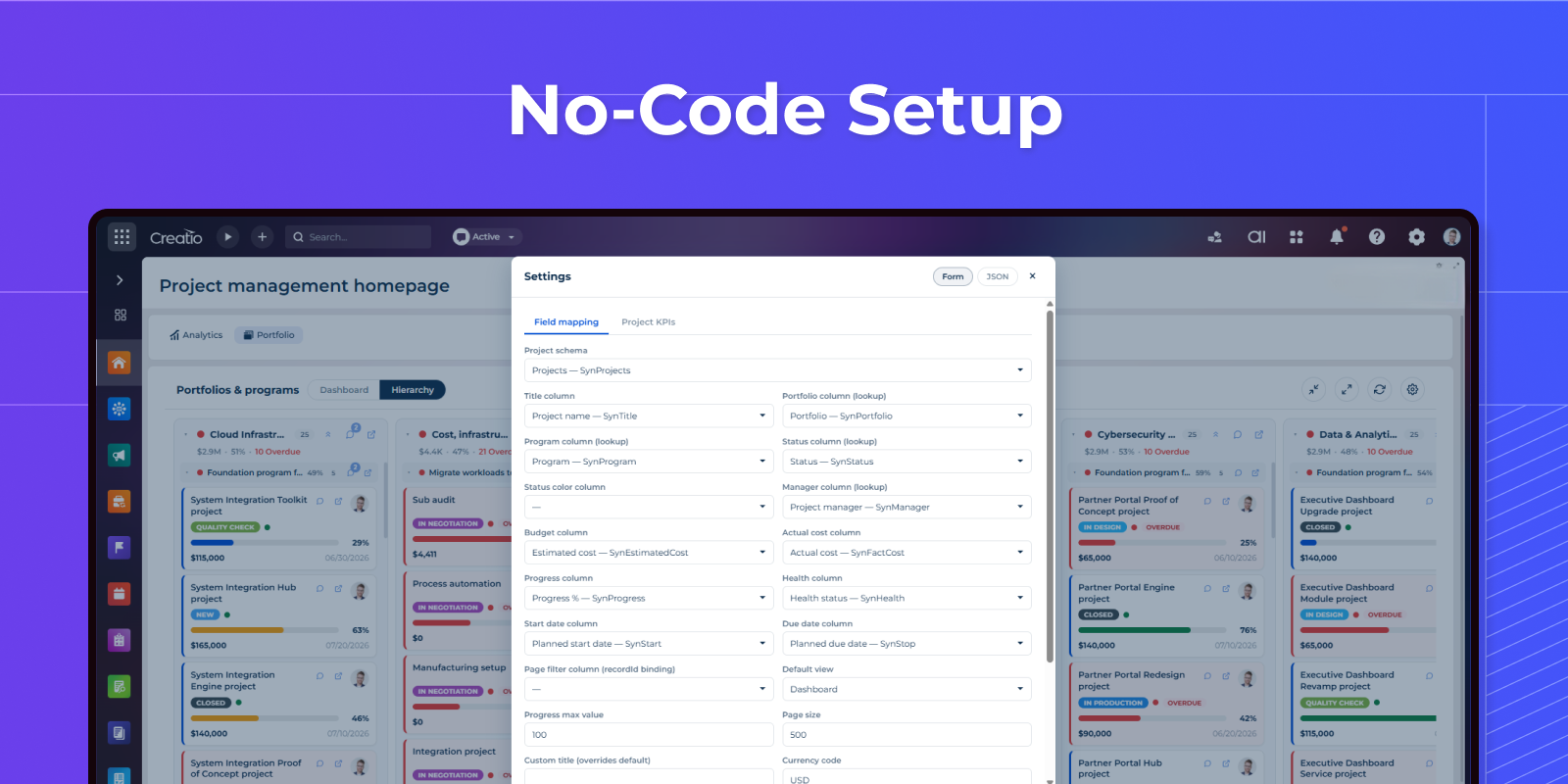
Deploy and configure the solution entirely inside Creatio using a built-in settings interface with any existing Portfolios, Programs and Projects sections.
Pricing
Monthly
Annual
Standard
$
100.00 / month
billed annually
Terms and Conditions
By installing this product you agree to terms and conditions outlined in the license agreement.
Support
Support is available for this application
Support is provided by the developer within the “Basic”, “Business” and “Premium“ packages. Detailed information about the support packages and the support terms can be found on the Creatio website.
Installation
Resources
Data sharing
- By installing or downloading the App, you confirm that you agree with sharing your account data (name, email, phone, company and country) with the App Developer as their End User.
- The App Developer will process your data under their privacy policy.
Versions
Versions history
Manual app installation
- Open the needed app → the Packages tab - download the Markeplace app files.
- Click in the top right → Application Hub
- Click New application. This opens a window.
- Select Install from file and click Select in the window that opens.
- Click Select file on the page of the Marketplace App Installation Wizard and specify the app file path.