

Syntech Tile View for Creatio
Syntech Tile View for Creatio - transforms records into interactive tiles, making data easier to navigate, group, and analyze. Create visual, role-based workspaces with configurable layouts, statuses, and hierarchy levels using a no-code approach.
Overview
Product overview
Product description
Syntech Tile View for Creatio - is a no-code component that displays Creatio records as interactive tiles. Organize data visually, group records by categories, and navigate through multiple hierarchy levels for a more intuitive user experience.
Key Features
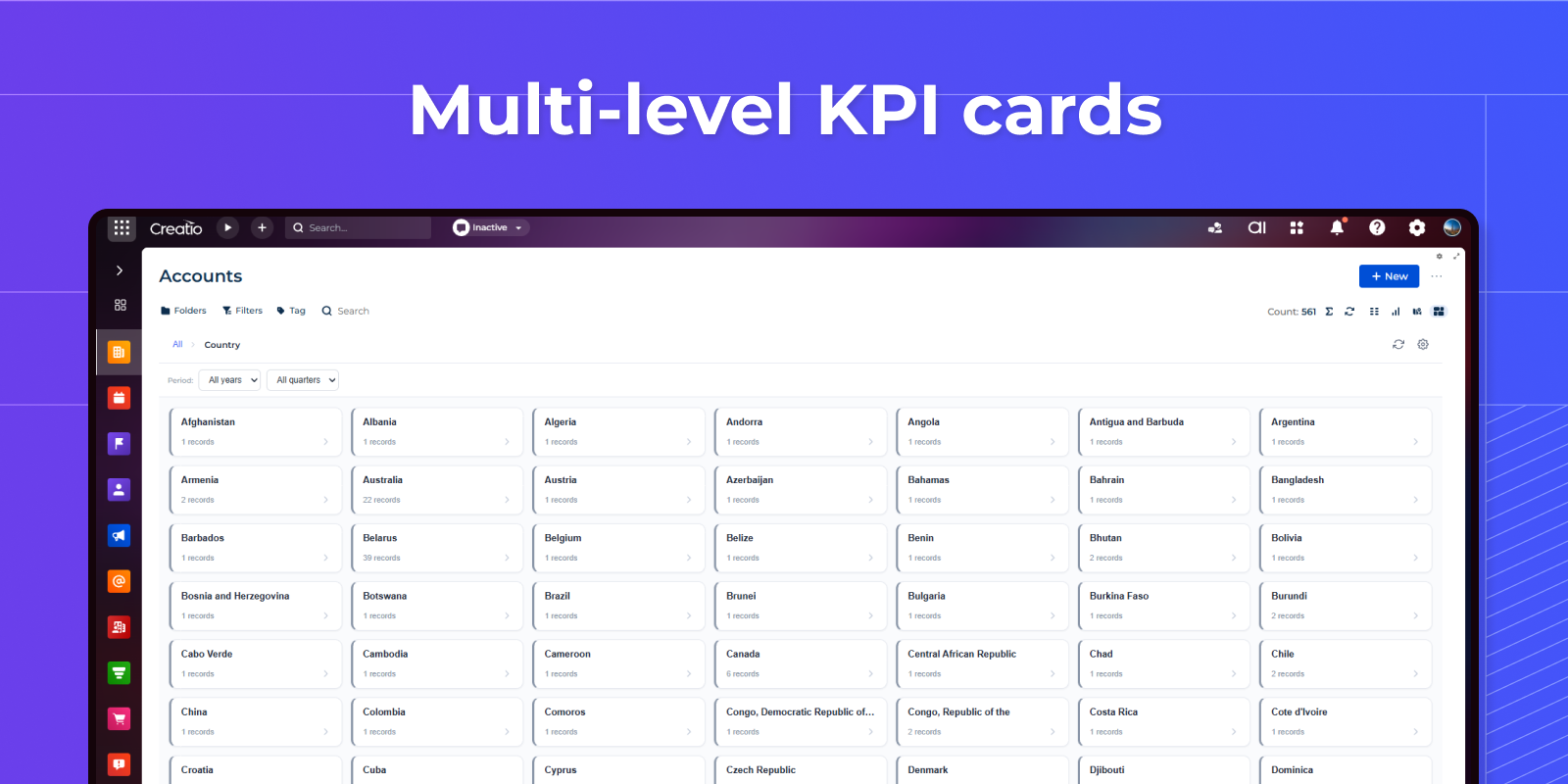
Drill-down KPI cards
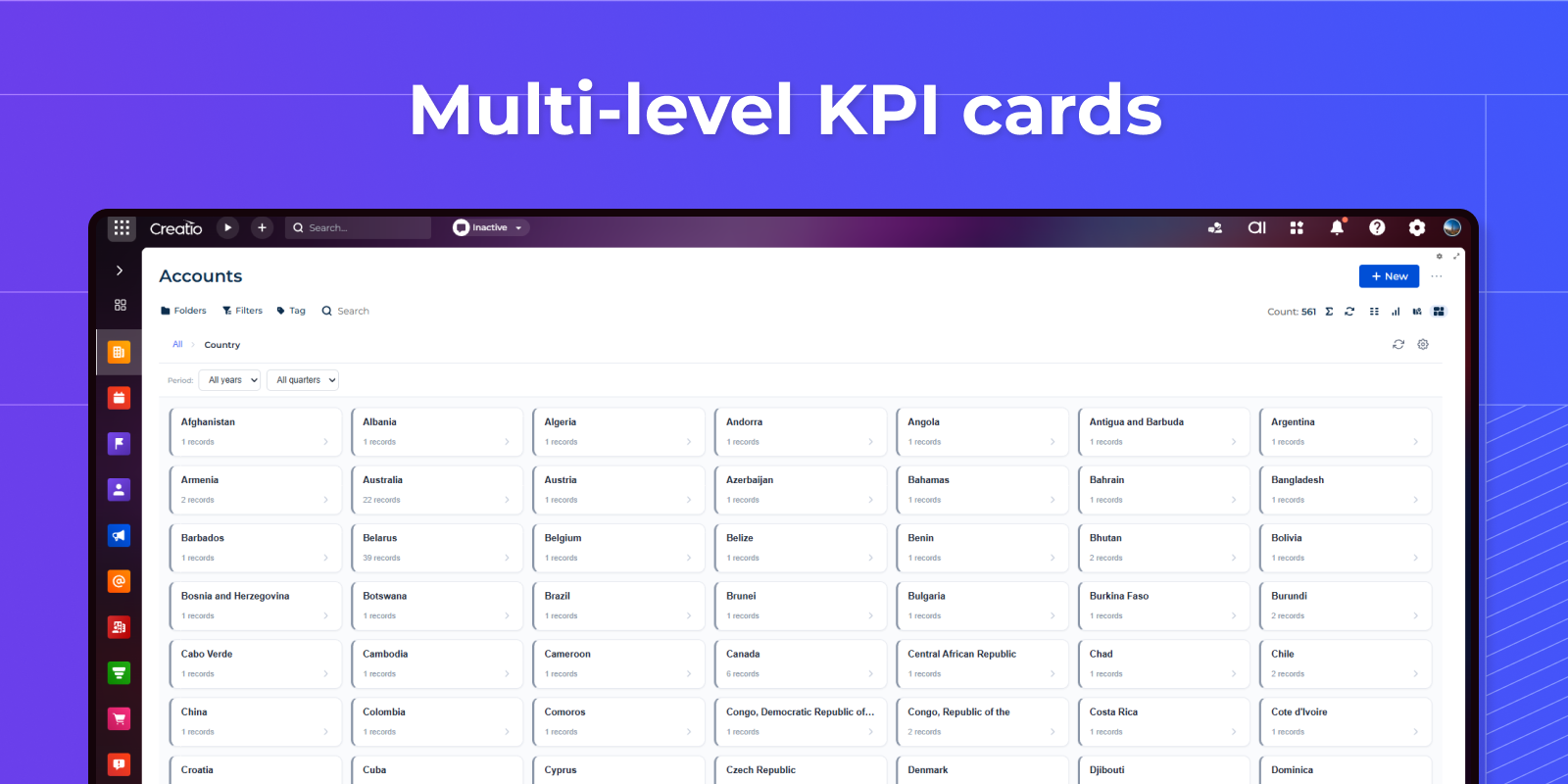
Aggregated KPI cards show fact, plan and % achievement grouped by a configurable hierarchy. Green/yellow/red status and progress bars give an instant overview; click a card to drill into the next level, with breadcrumbs to jump back
Context-filtered records, columns & feed
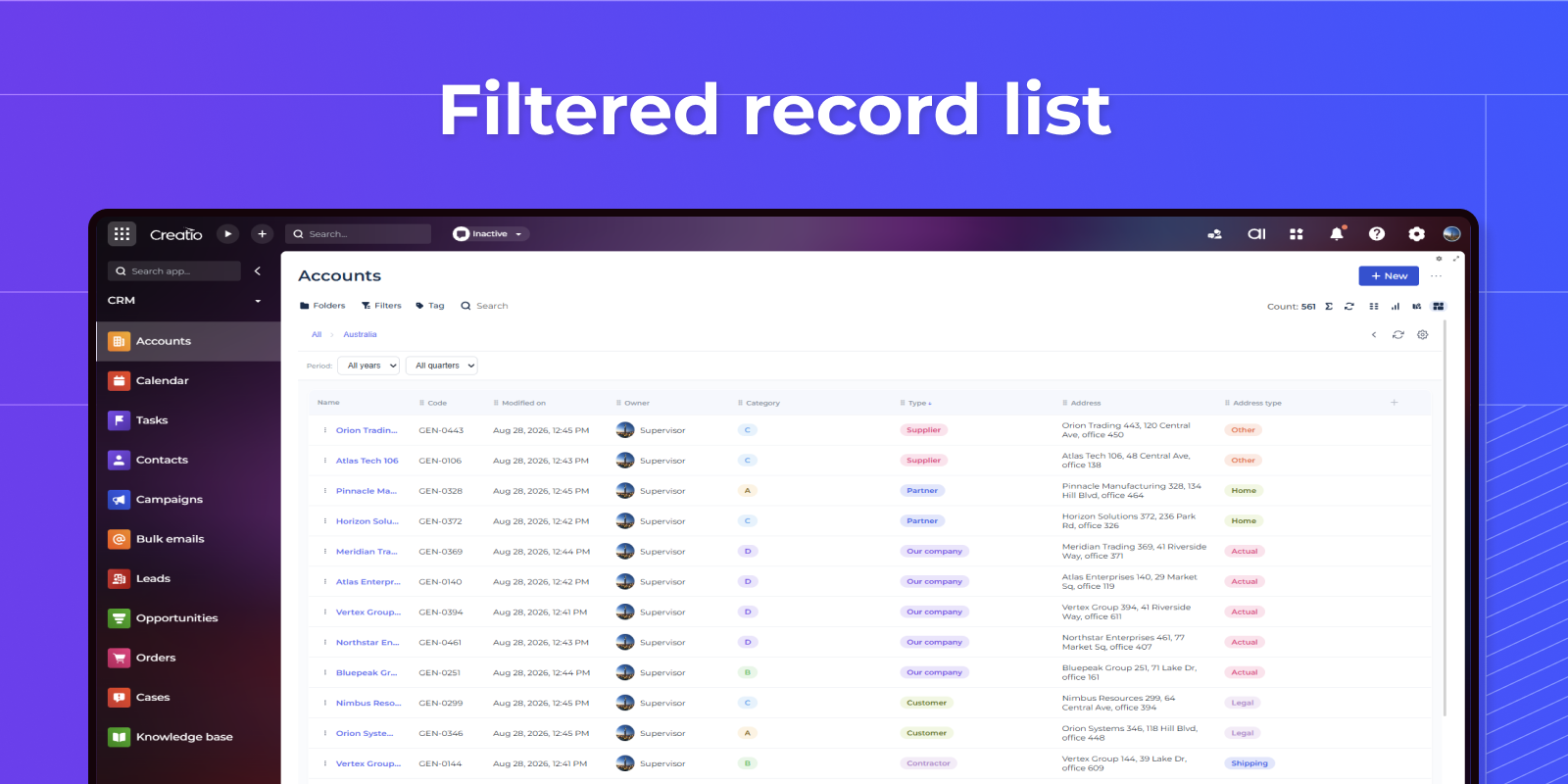
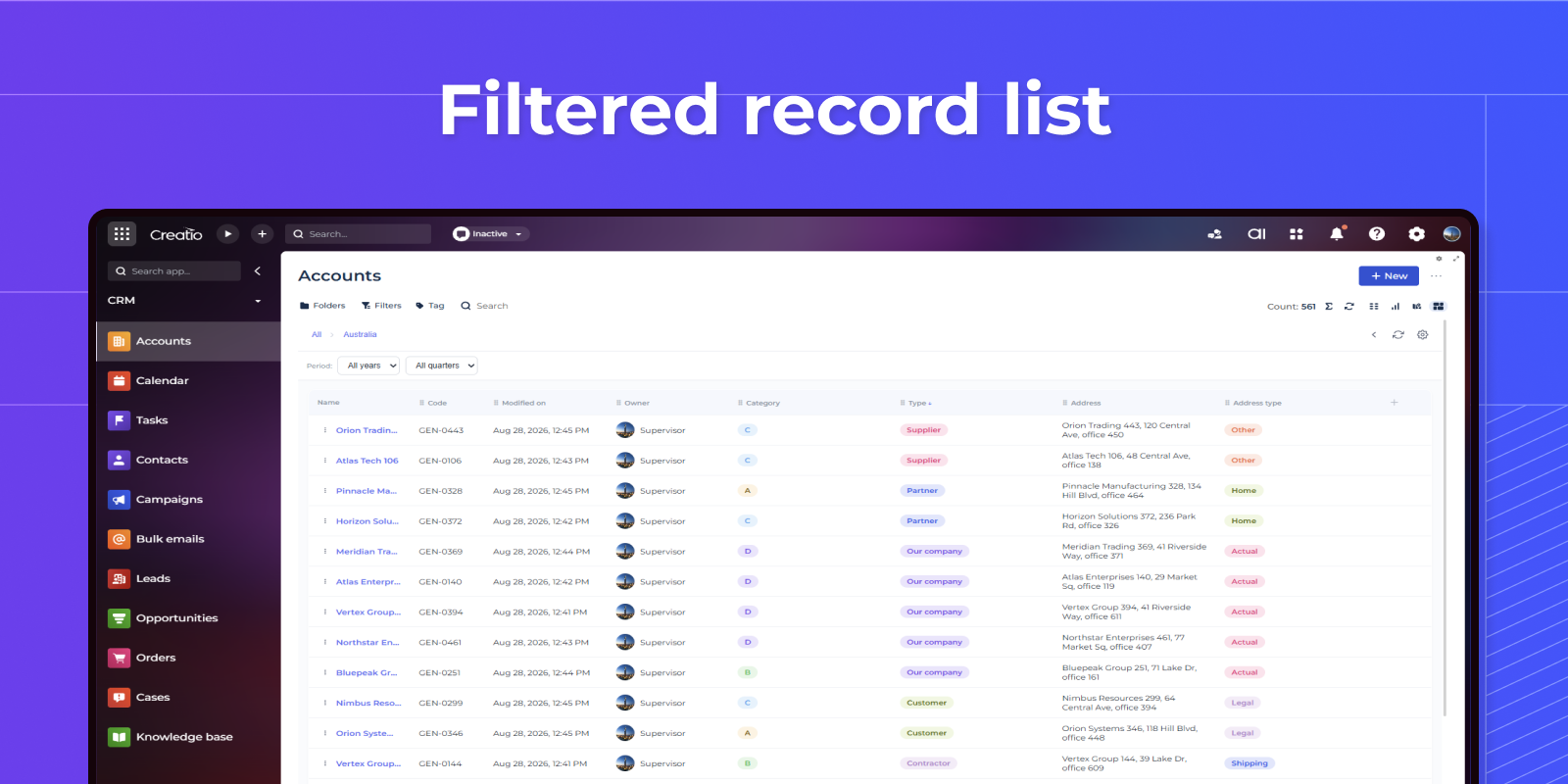
The lowest level opens the underlying records — the current object or a linked detail object. Choose columns, reorder by drag, resize and sort. Open a record's feed to post updates, comment, @mention colleagues and attach files.
Attach to any section, configure per level
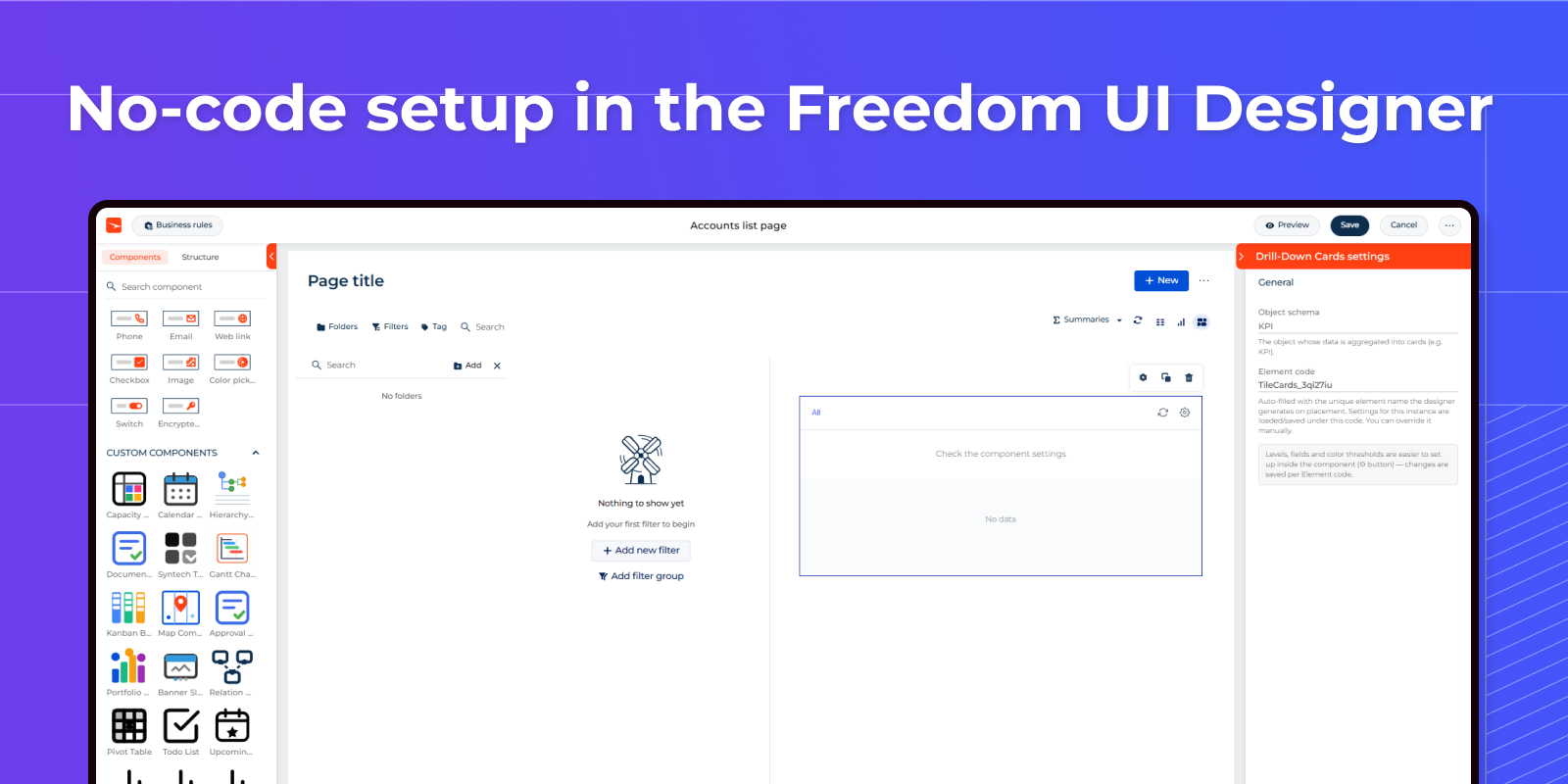
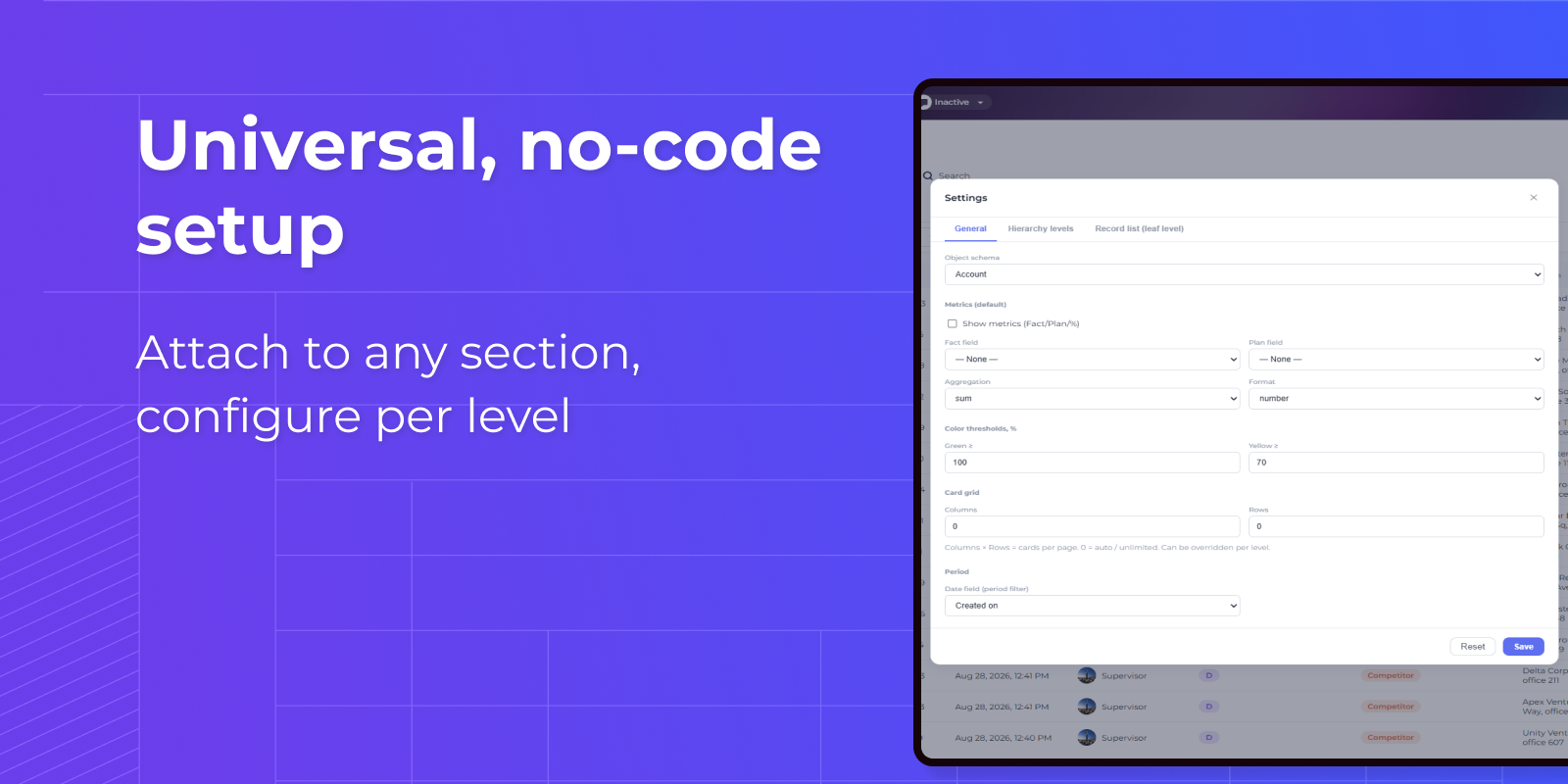
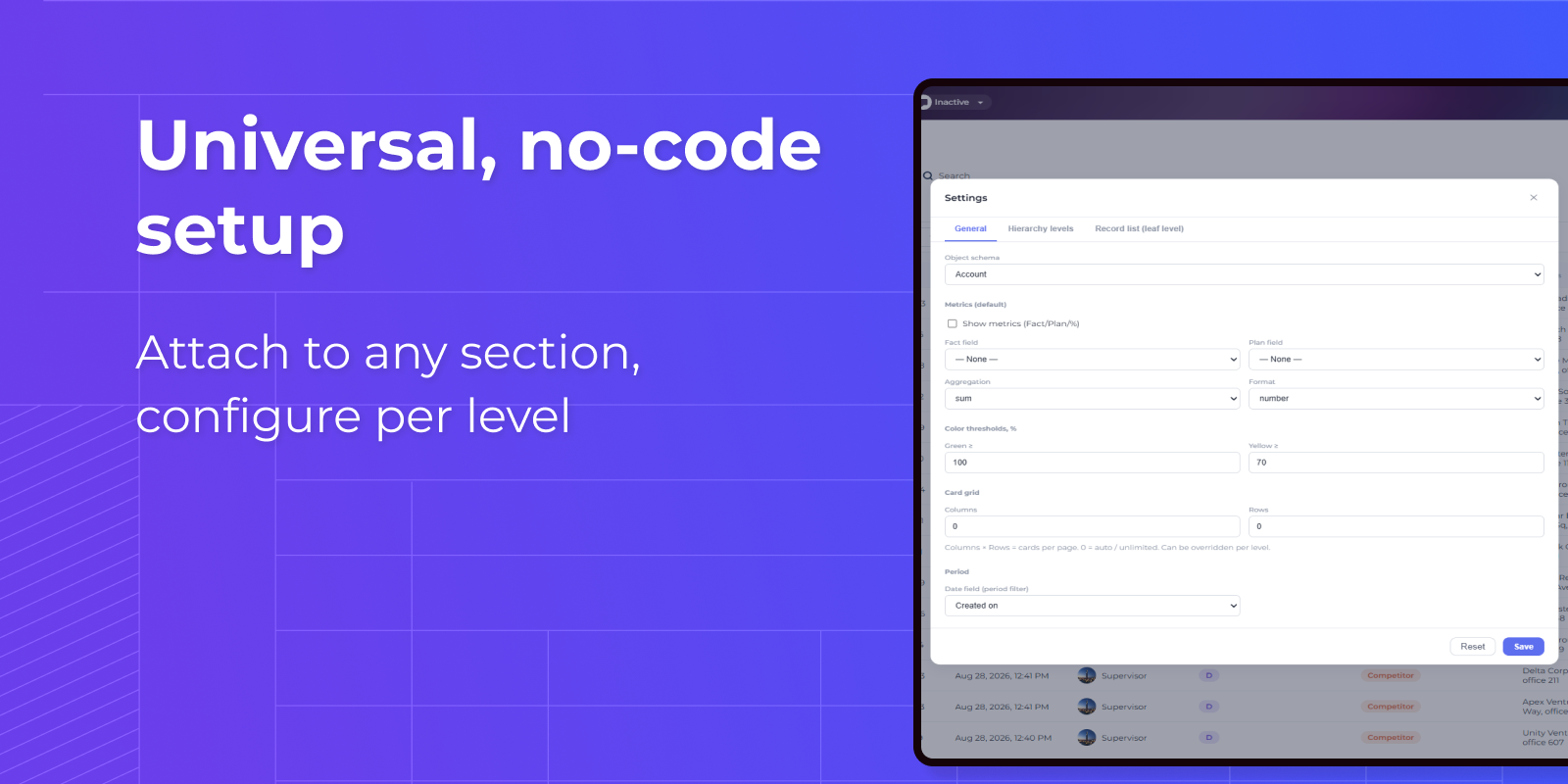
No code required: set the object, hierarchy levels, metrics, color thresholds, grid size, avatars and columns right in the component. Each level can be tuned individually, and settings are saved per element so the same widget fits any section.
Pricing
Monthly
Annual
Standard
$
100.00 / month
billed annually
Terms and Conditions
By installing this product you agree to terms and conditions outlined in the license agreement.
Support
Support is available for this application
Support is provided by the developer within the “Basic”, “Business” and “Premium“ packages. Detailed information about the support packages and the support terms can be found on the Creatio website.
Installation
Resources
Data sharing
- By installing or downloading the App, you confirm that you agree with sharing your account data (name, email, phone, company and country) with the App Developer as their End User.
- The App Developer will process your data under their privacy policy.
Versions
Versions history
Version
Compatibility
Release date
1.0.0
8.3.0 and up
Manual app installation
- Open the needed app → the Packages tab - download the Markeplace app files.
- Click in the top right → Application Hub
- Click New application. This opens a window.
- Select Install from file and click Select in the window that opens.
- Click Select file on the page of the Marketplace App Installation Wizard and specify the app file path.