

Syntech Whiteboard for Creatio
AI inside
Syntech Whiteboard for Creatio - collaborative visual canvas for Creatio. Create diagrams, sticky notes, shapes & drawings on shared boards. Real-time multi-user editing. Embed on any record page or use standalone.
Overview
Product overview
Product description
Syntech Whiteboard for Creatio — interactive visual collaboration, built right into your Creatio. Brainstorm, plan, and design together in real time — directly on record pages or as standalone shared workspaces. No tab-switching, no external tools.
Key Features
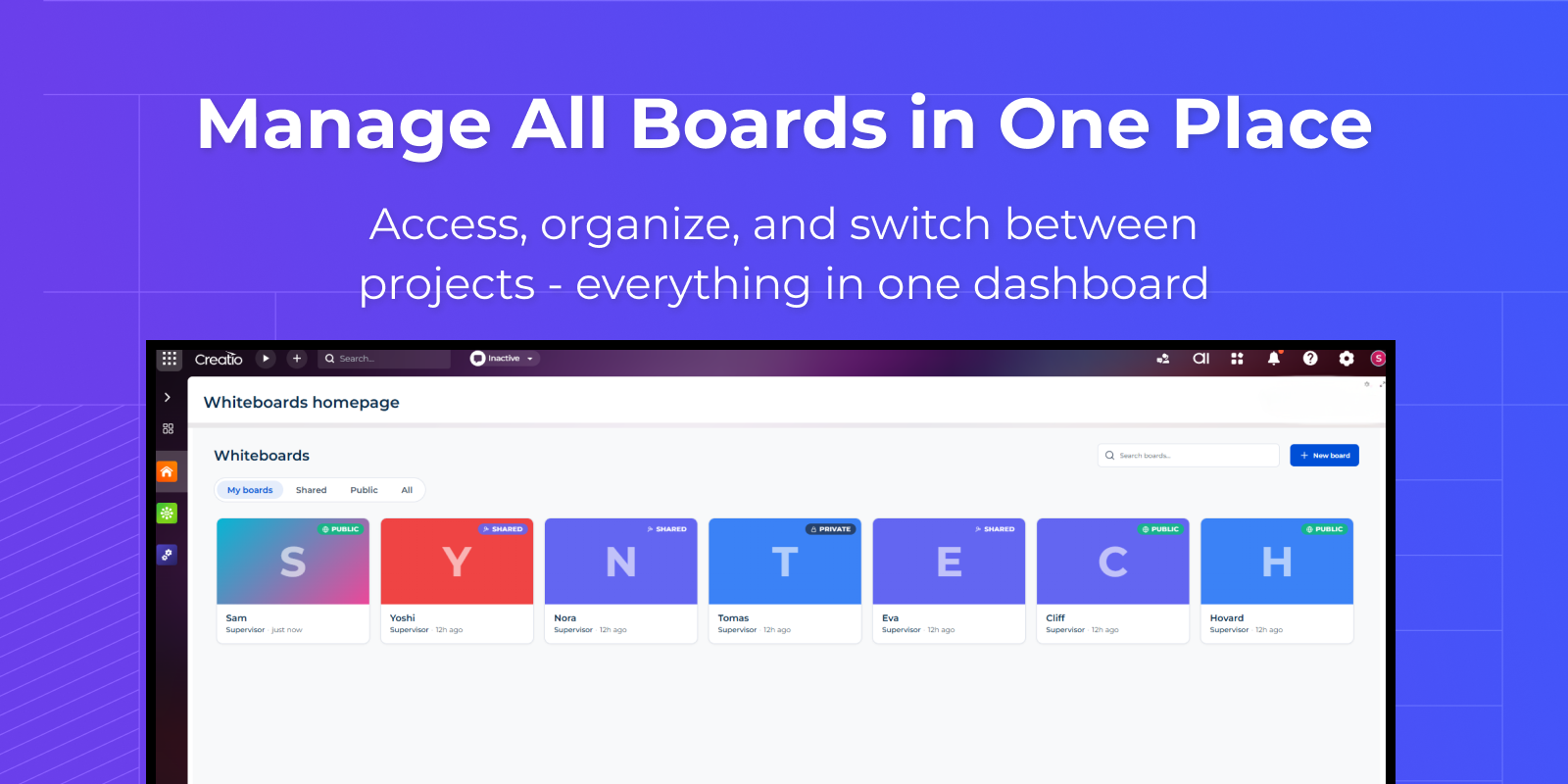
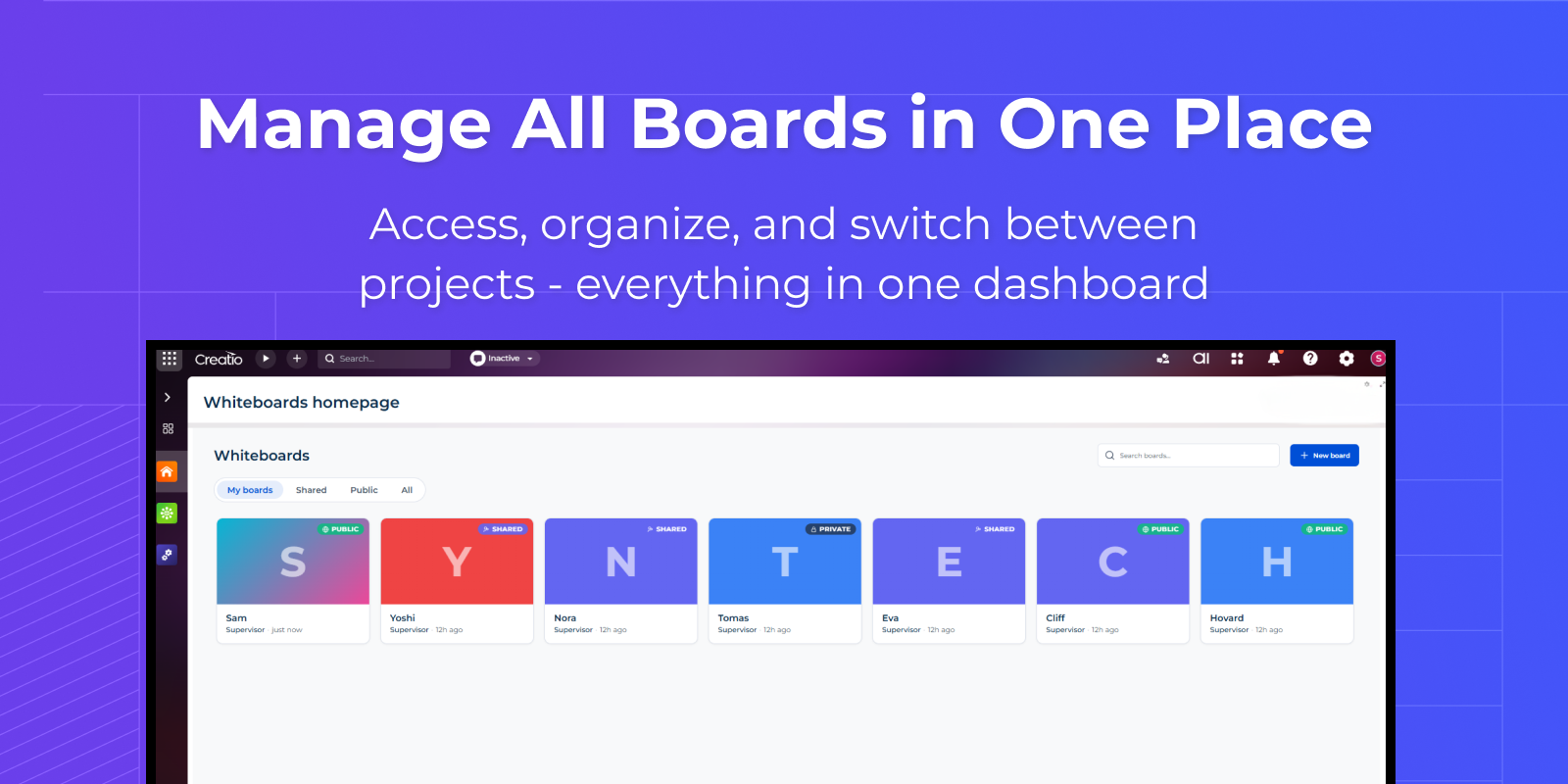
Manage All Boards in One Place
Access and organize all your projects from a single dashboard
— switch between boards effortlessly
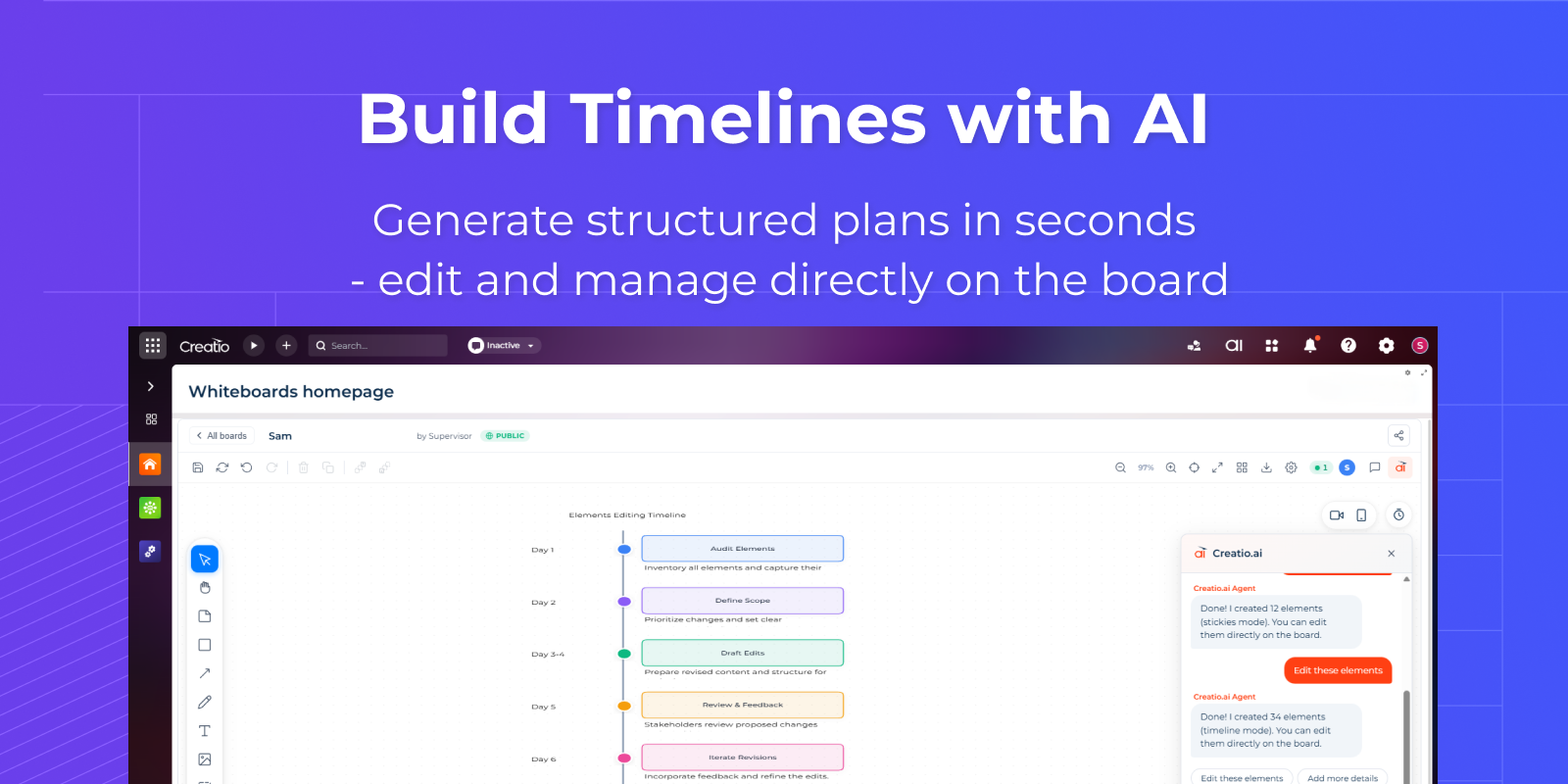
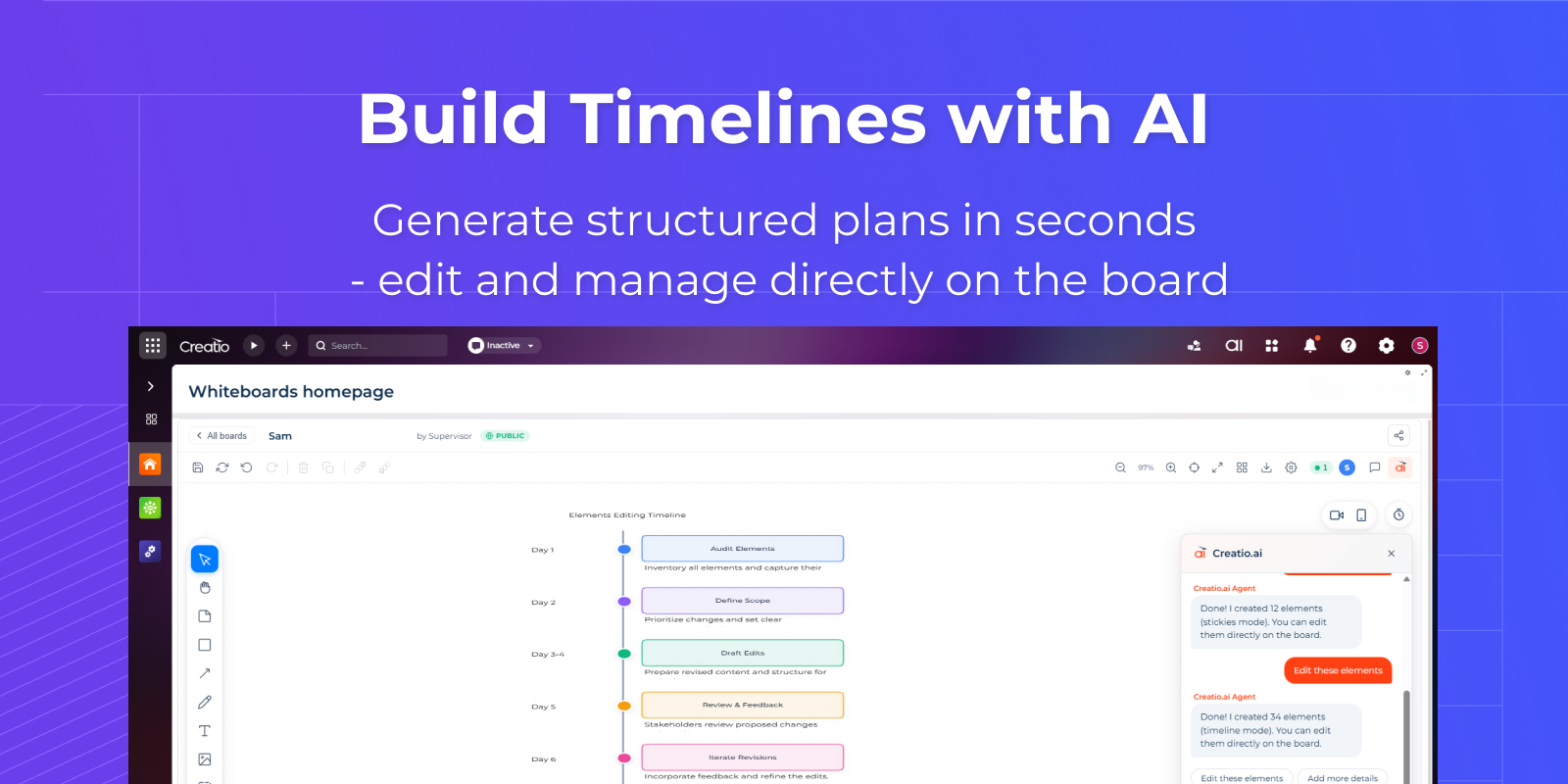
Build Timelines with AI
Automatically create timelines or other views using AI
— go from idea to structure in seconds
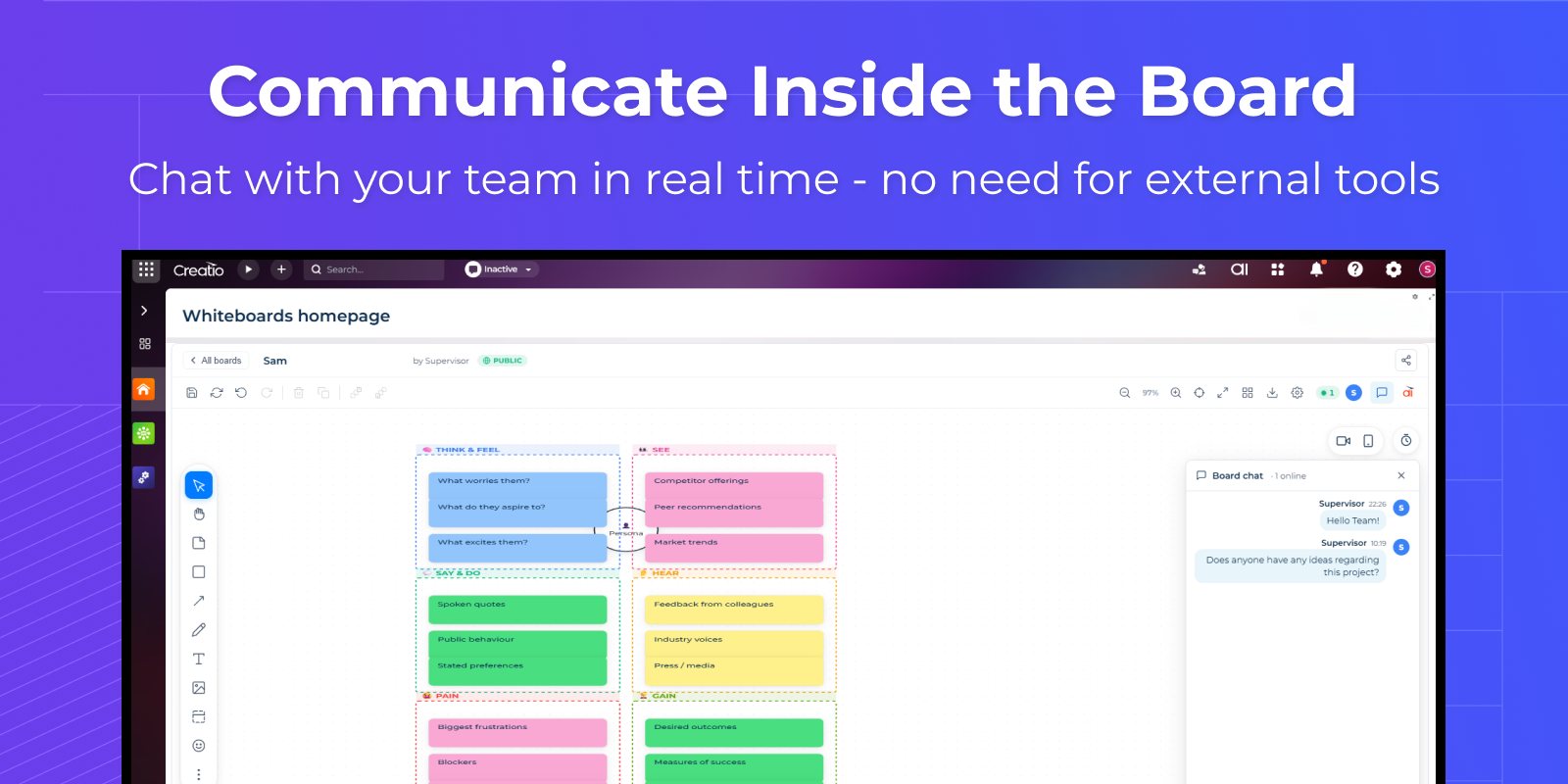
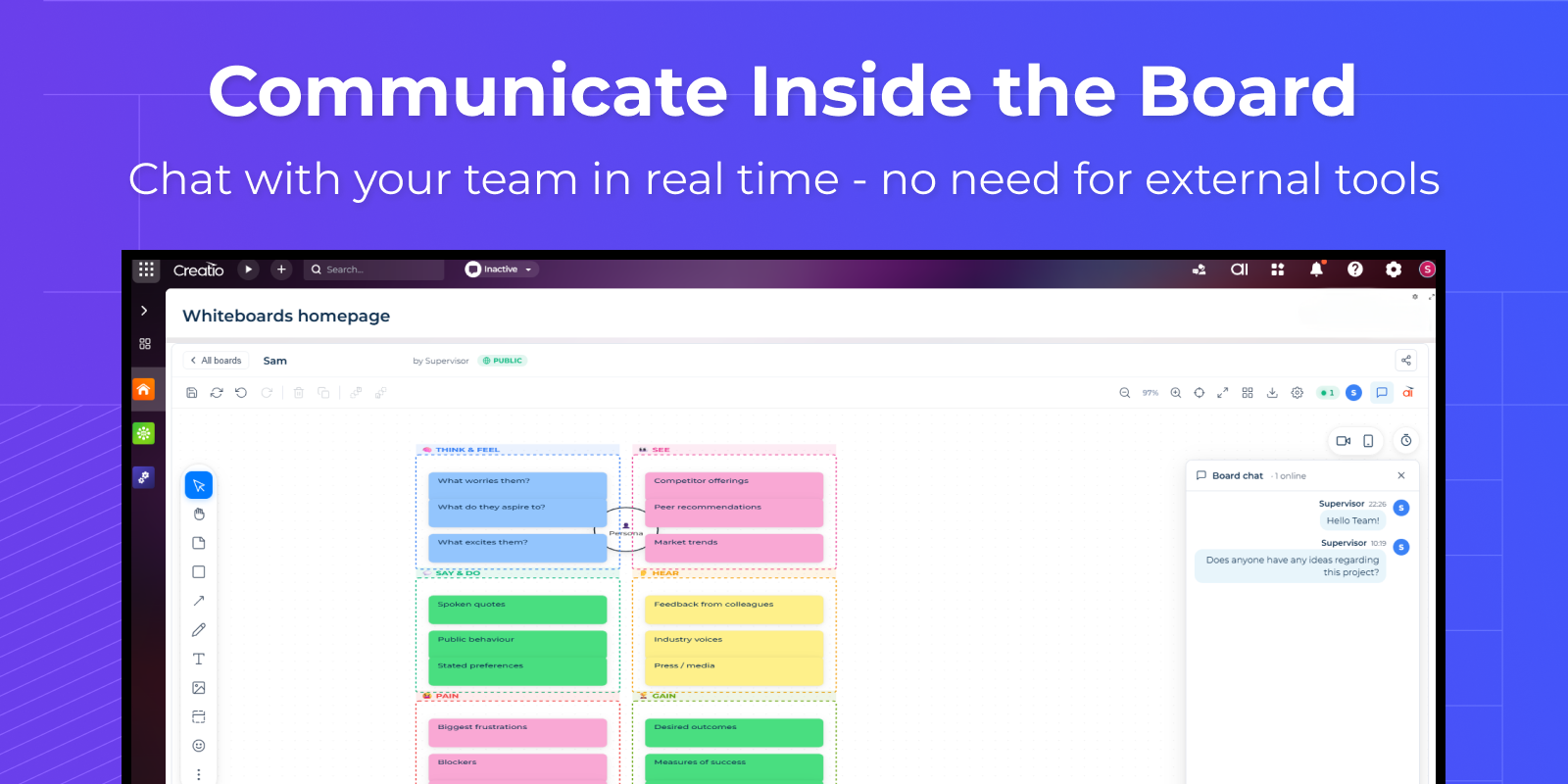
Communicate Inside the Board
Chat and discuss tasks without leaving the workspace
— keep communication in context
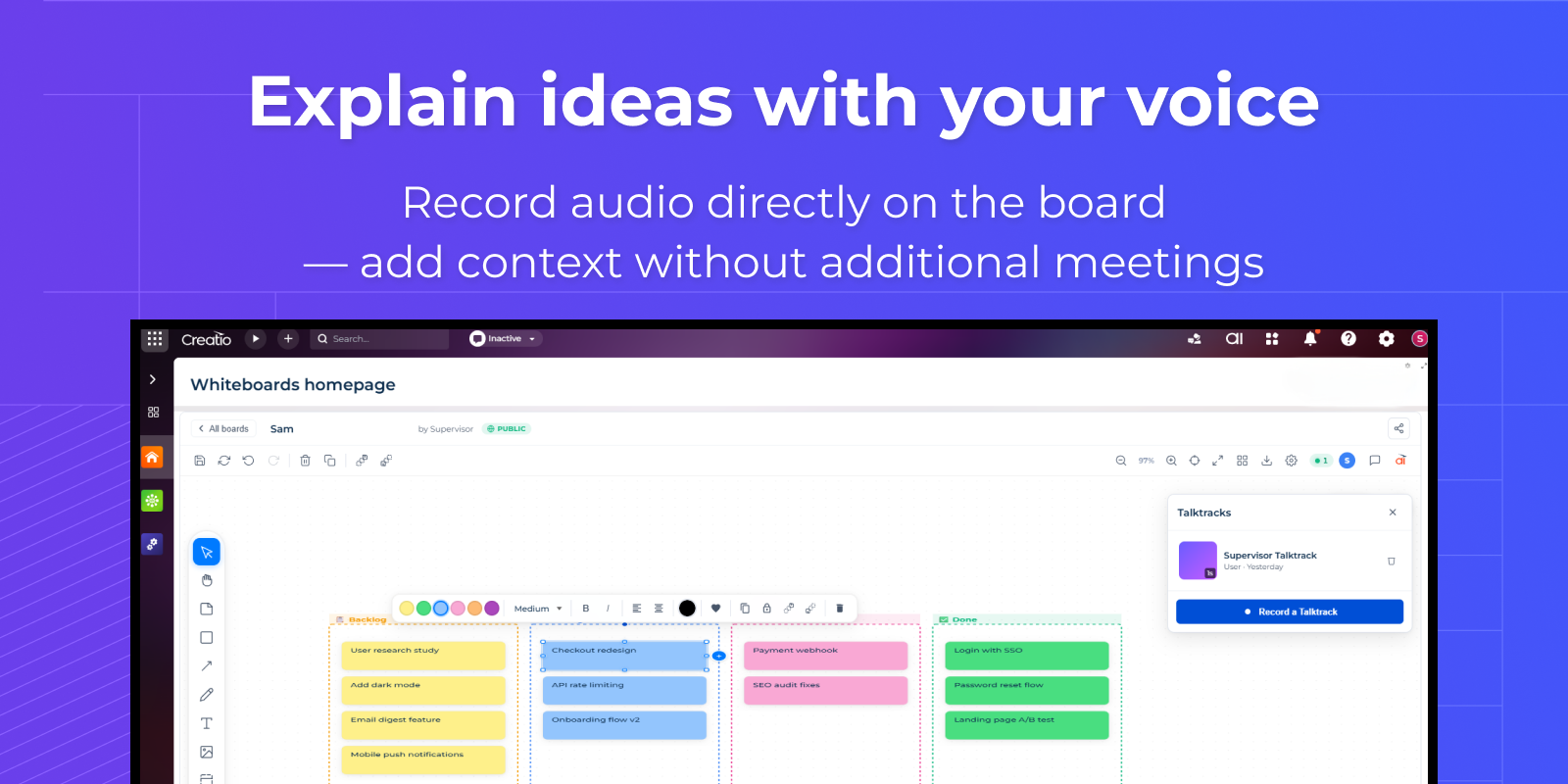
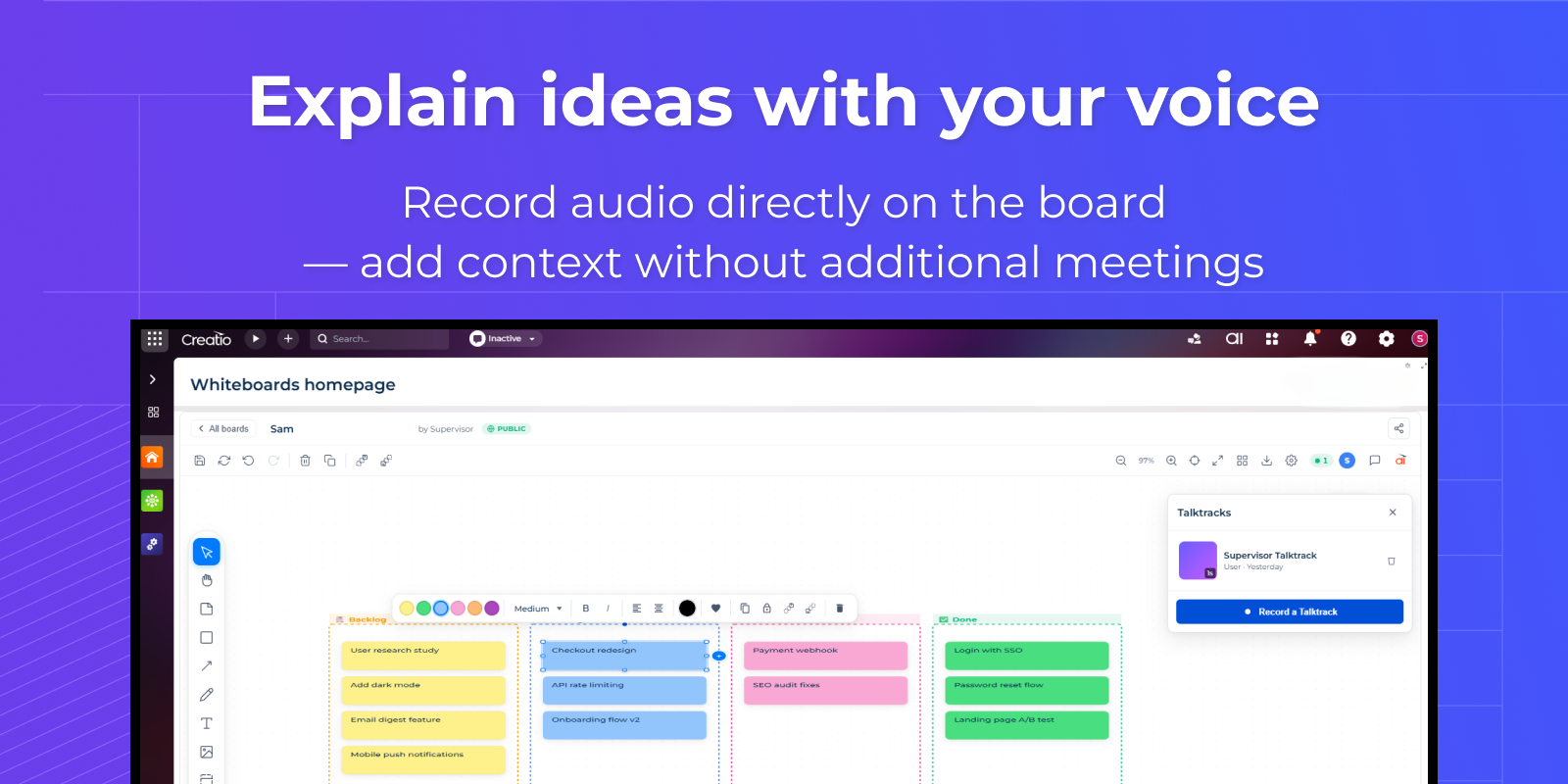
Explain Ideas with Your Voice
Record your screen with audio directly on the board
— add context without extra meetings
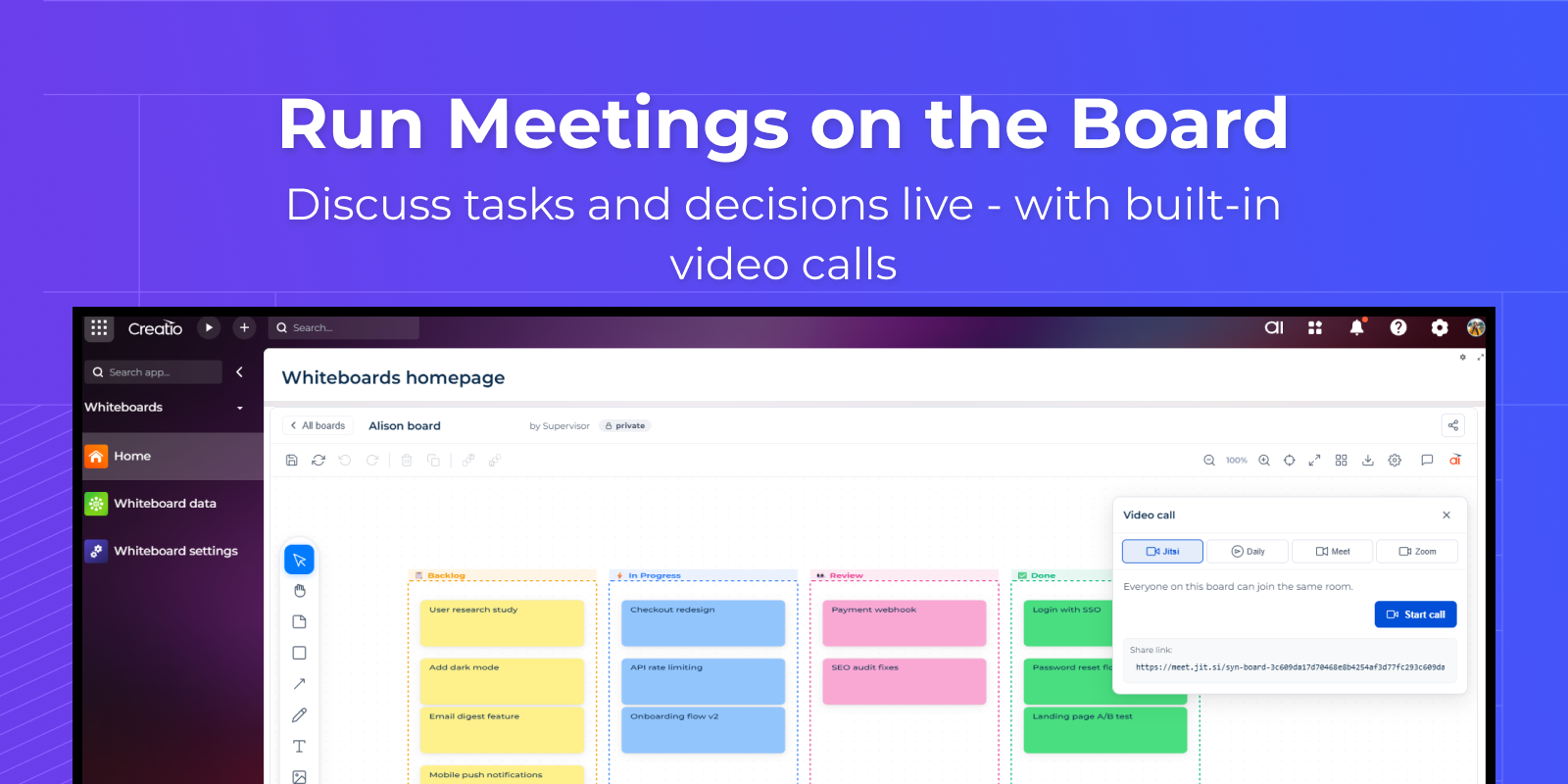
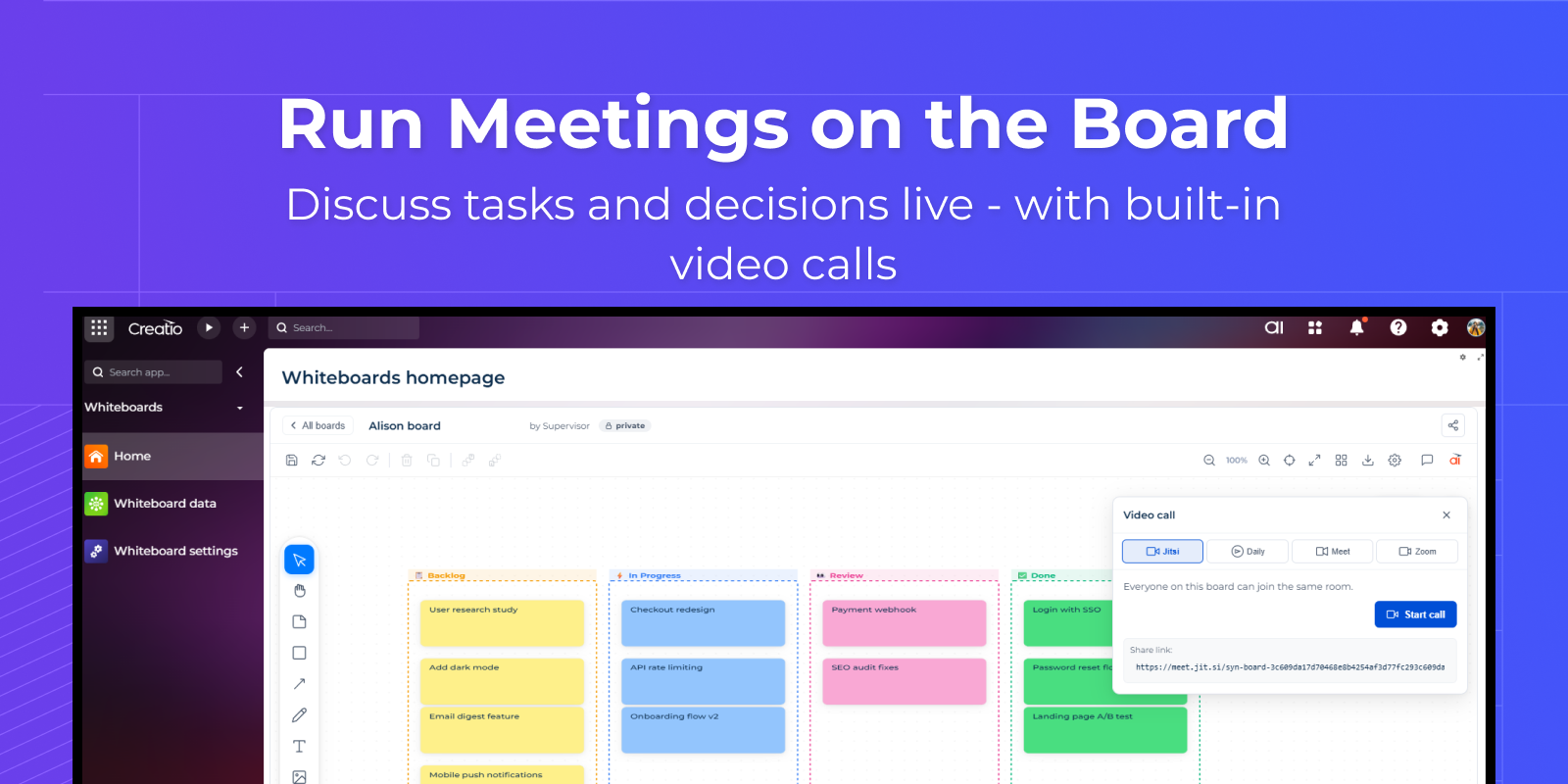
Run Meetings on the Board
Discuss tasks and decisions directly within the workspace
— keep everything in one place
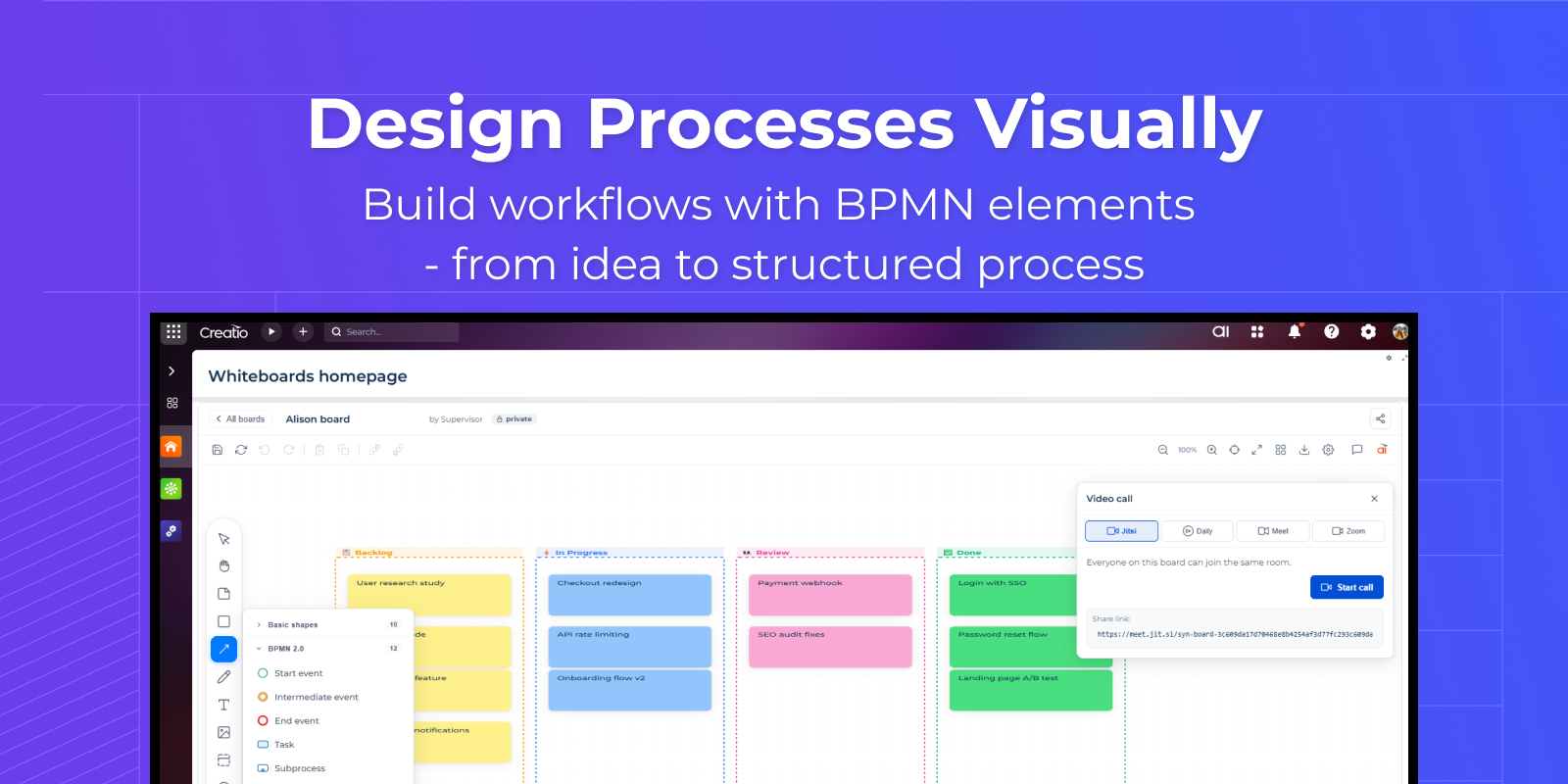
Design Processes Visually
Create workflows and processes using visual elements
— bring structure to your operations
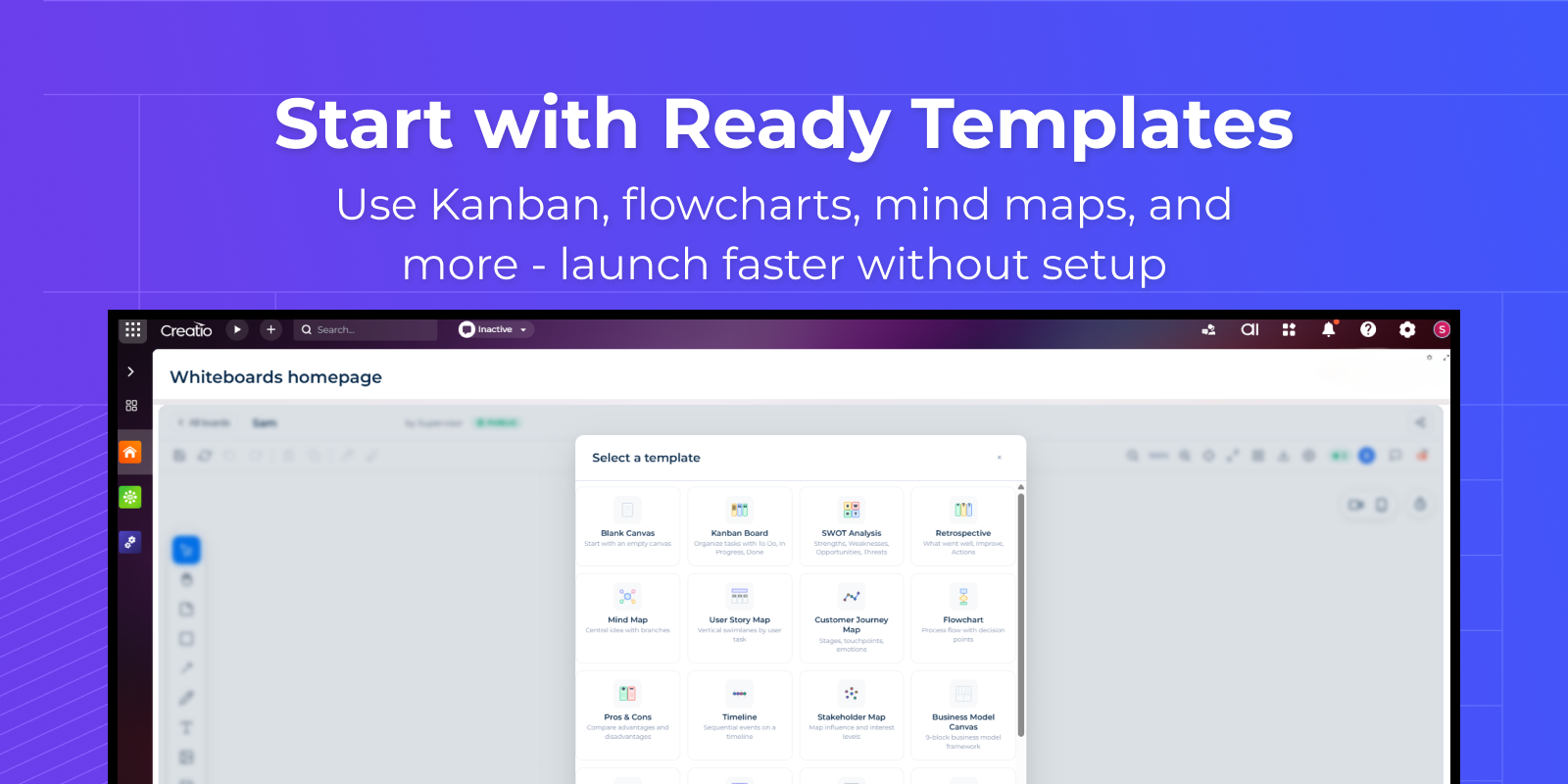
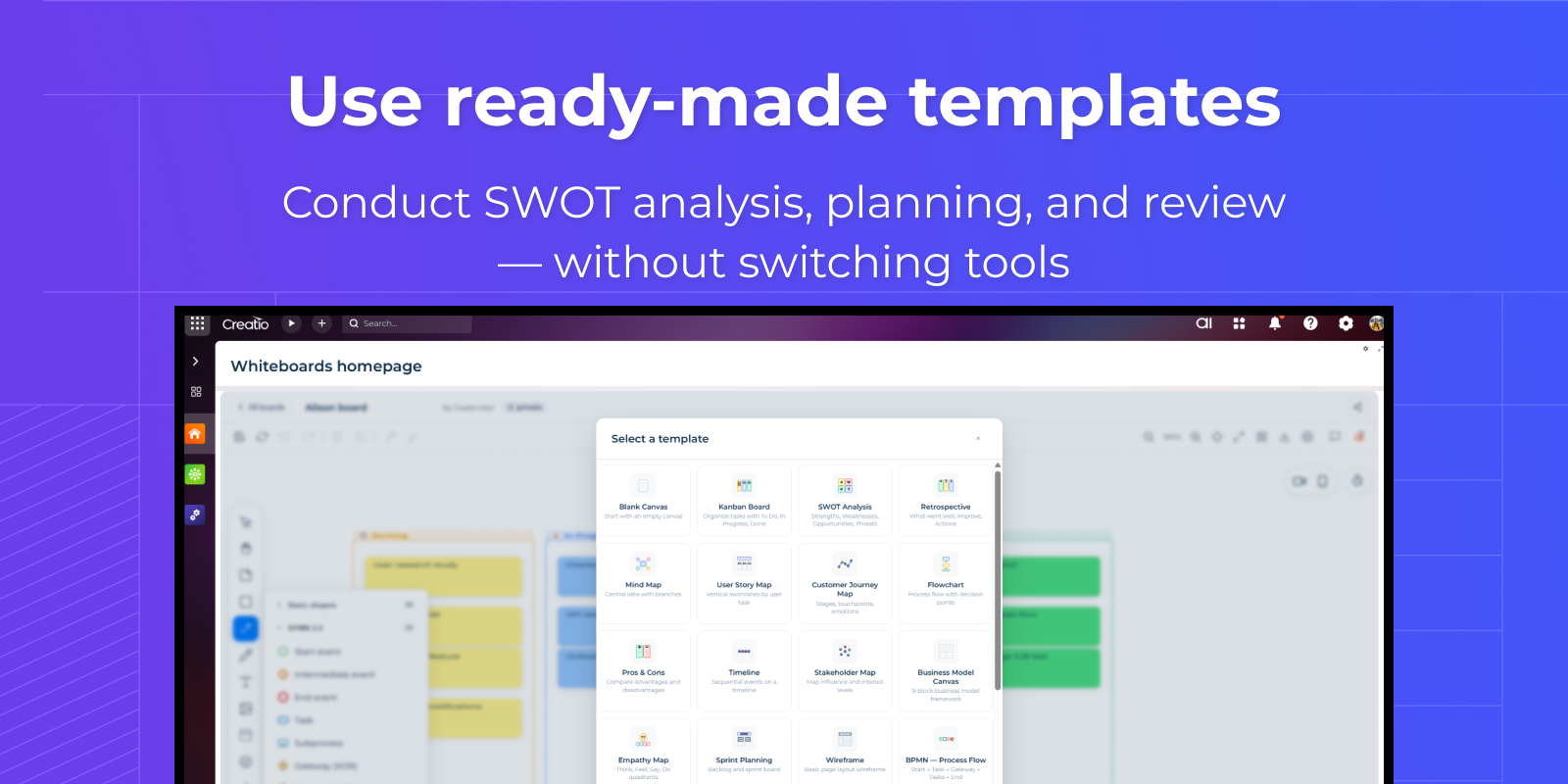
Start with Ready Templates
Use pre-built layouts like Kanban or mind maps
— get started faster
Pricing
Monthly
Annual
Standard
$
500.00 / month
billed annually
Description (Formatted)
- Unlimited users
- Unlimited boards
- All features included
Terms and Conditions
By installing this product you agree to terms and conditions outlined in the license agreement.
Support
Support is available for this application
Support is provided by the developer within the “Basic”, “Business” and “Premium“ packages. Detailed information about the support packages and the support terms can be found on the Creatio website.
Installation
Resources
Data sharing
- By installing or downloading the App, you confirm that you agree with sharing your account data (name, email, phone, company and country) with the App Developer as their End User.
- The App Developer will process your data under their privacy policy.
Versions
Versions history
Manual app installation
- Open the needed app → the Packages tab - download the Markeplace app files.
- Click in the top right → Application Hub
- Click New application. This opens a window.
- Select Install from file and click Select in the window that opens.
- Click Select file on the page of the Marketplace App Installation Wizard and specify the app file path.
To use collaboration features, an additional subscription to MS Azure SignalR is required.